5 min de lectura
Account, Integrations & BillingData and security
Security settings help you protect the workspace, while data settings help you control exports and retention-related actions.
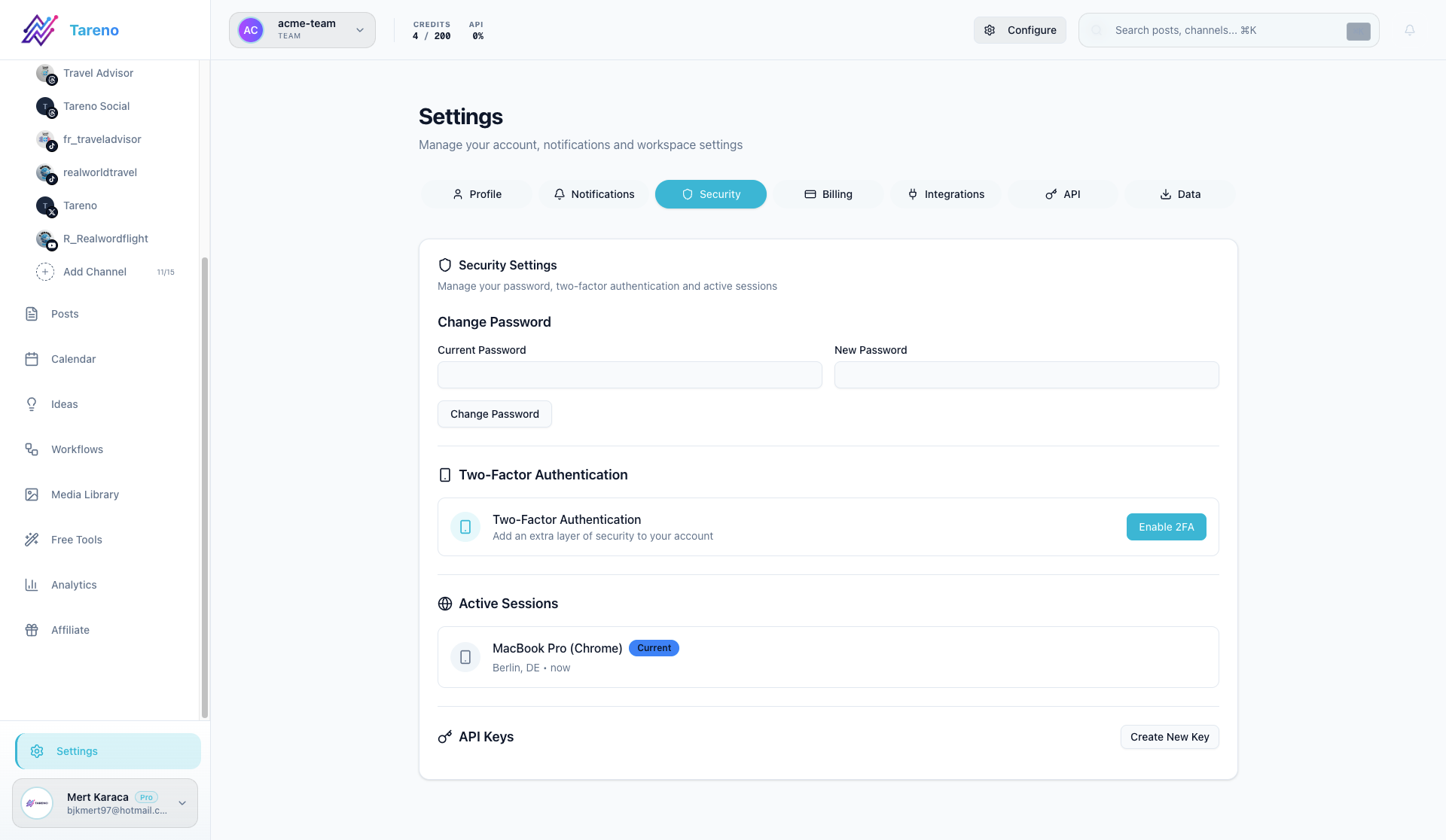
Security settings
Use the security area for account protection tasks such as password updates and two-factor setup.
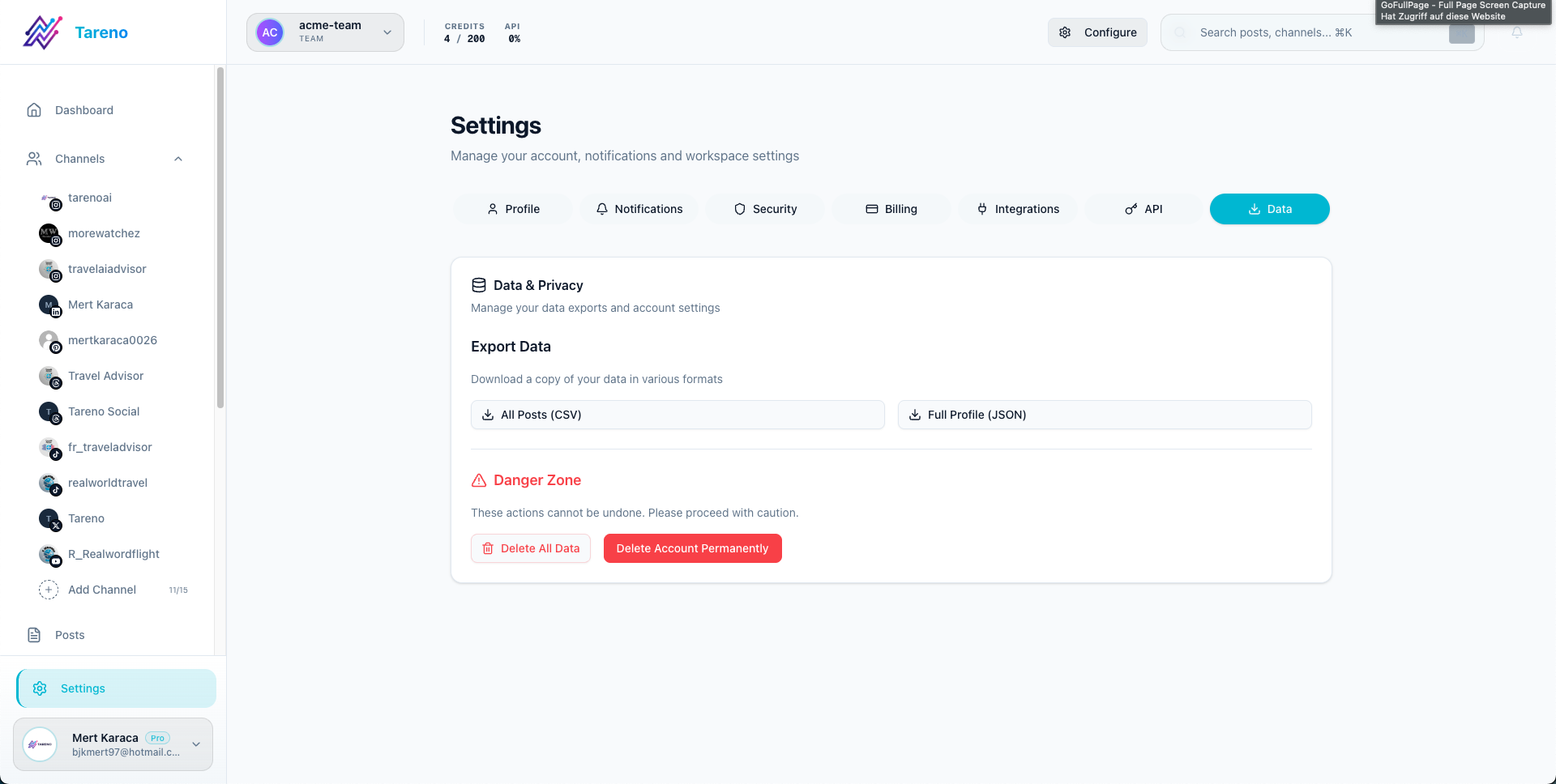
Data settings
Use the data area when you need exports or administrative data actions.
Recommended checks
- Review security settings before inviting a larger team.
- Turn on additional protection wherever your workflow requires it.
- Use exports carefully and only when there is a real operational need.
¿Te resultó útil este artículo?
Tu feedback nos ayuda a mejorar nuestra documentación.
Última actualización
March 8, 2026