5 min di lettura
Analytics & InsightsCreate and share reports
Reports let you package analytics into a stakeholder-friendly format with branding, templates, and scheduled delivery.
Screenshot note: report-specific screenshots are still pending in the shared Tareno screenshot library. This guide currently uses the closest available analytics screens from the same source set.
Before you start
- Make sure your plan includes access to reports.
- Confirm that your channels already have analytics data.
- Prepare any logo, brand colors, or recipient list you want to use.
Build a report
- Open Dashboard -> Analytics -> Reports.
- Choose the reporting period and detail level.
- Select or create a template.
- Add branding details such as colors, logo text, and subtitle.
- Generate a preview and confirm the output.
- Share it manually or create a recurring delivery schedule.
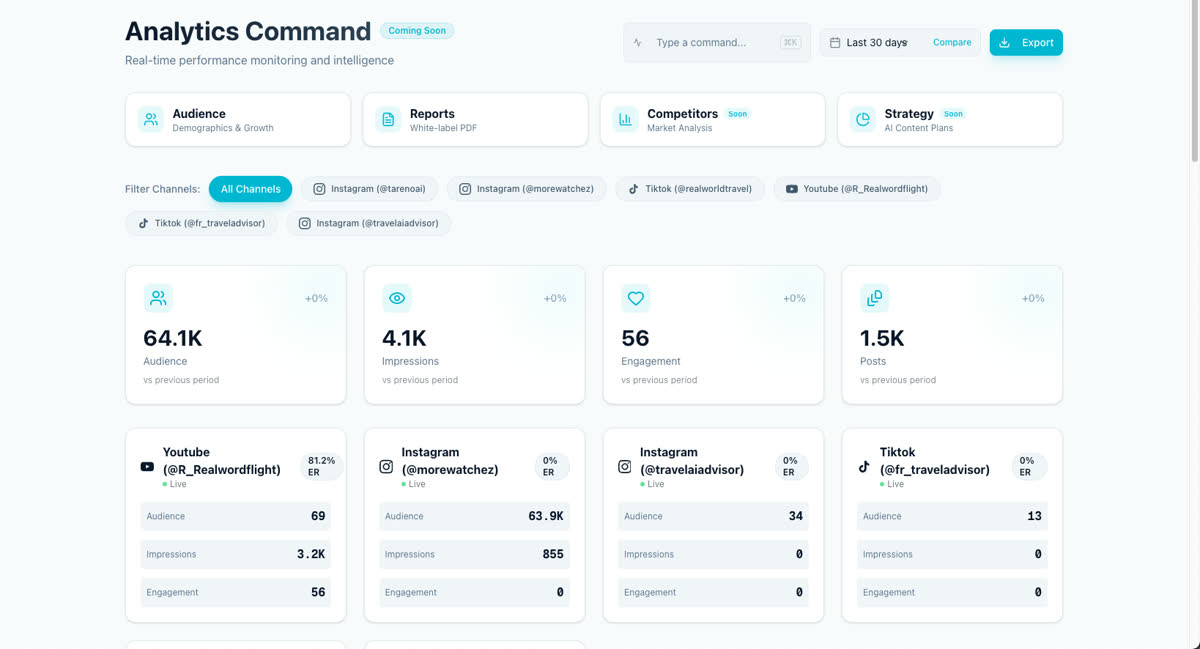
Use the report workflow effectively
- Keep one template for executive summaries.
- Keep another template for deeper client or team reviews.
- Reuse scheduled delivery for recurring weekly or monthly updates.
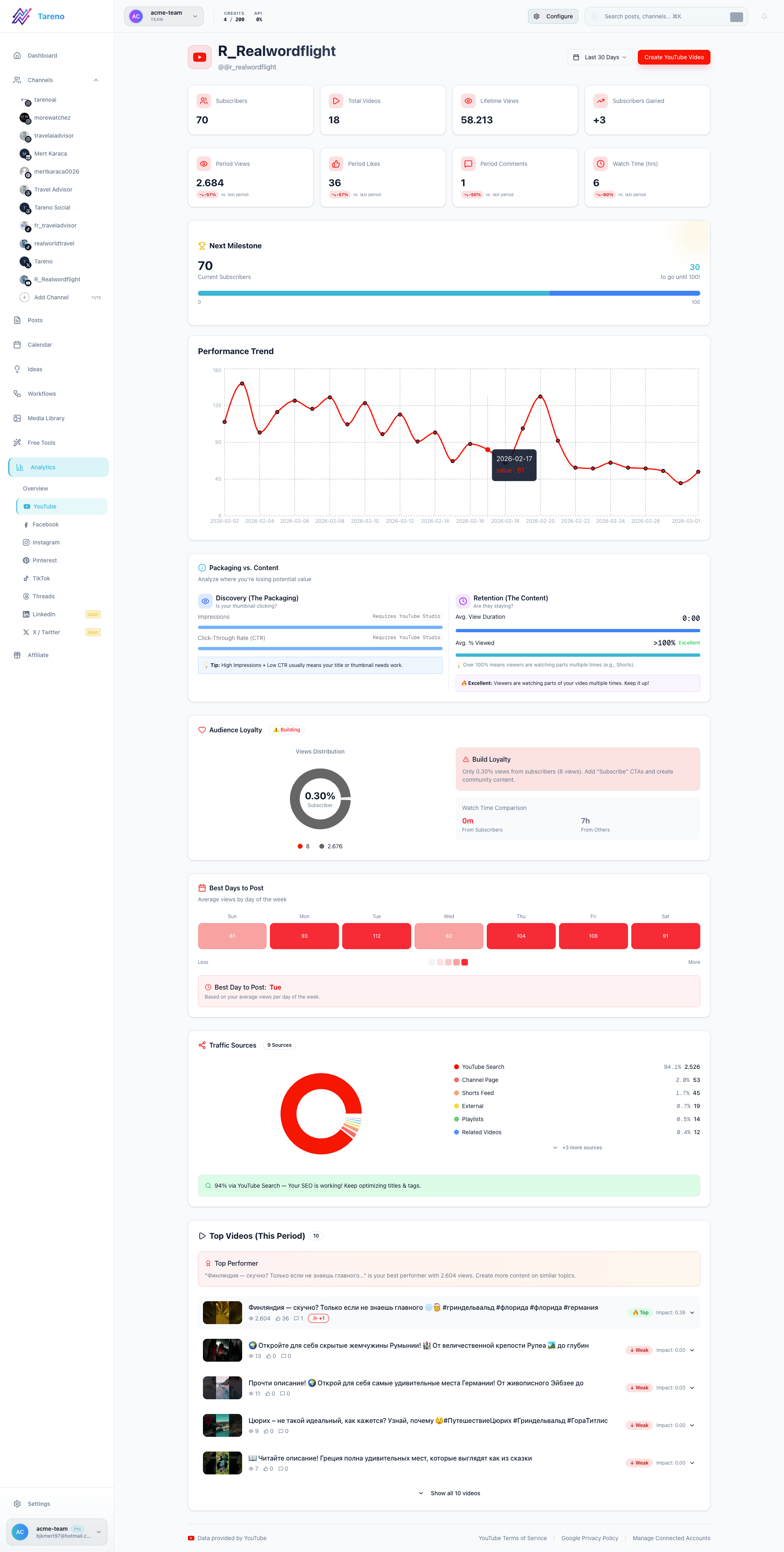
What to do next
If you need branded assets before sharing reports, continue with Set up your brand kit.
Questo articolo è stato utile?
Il tuo feedback ci aiuta a migliorare la documentazione.
Ultimo aggiornamento
March 8, 2026