5 min de leitura
Getting StartedInviting team members and collaboration
Tareno works best when channels, content, and responsibilities are organized in one shared workspace.
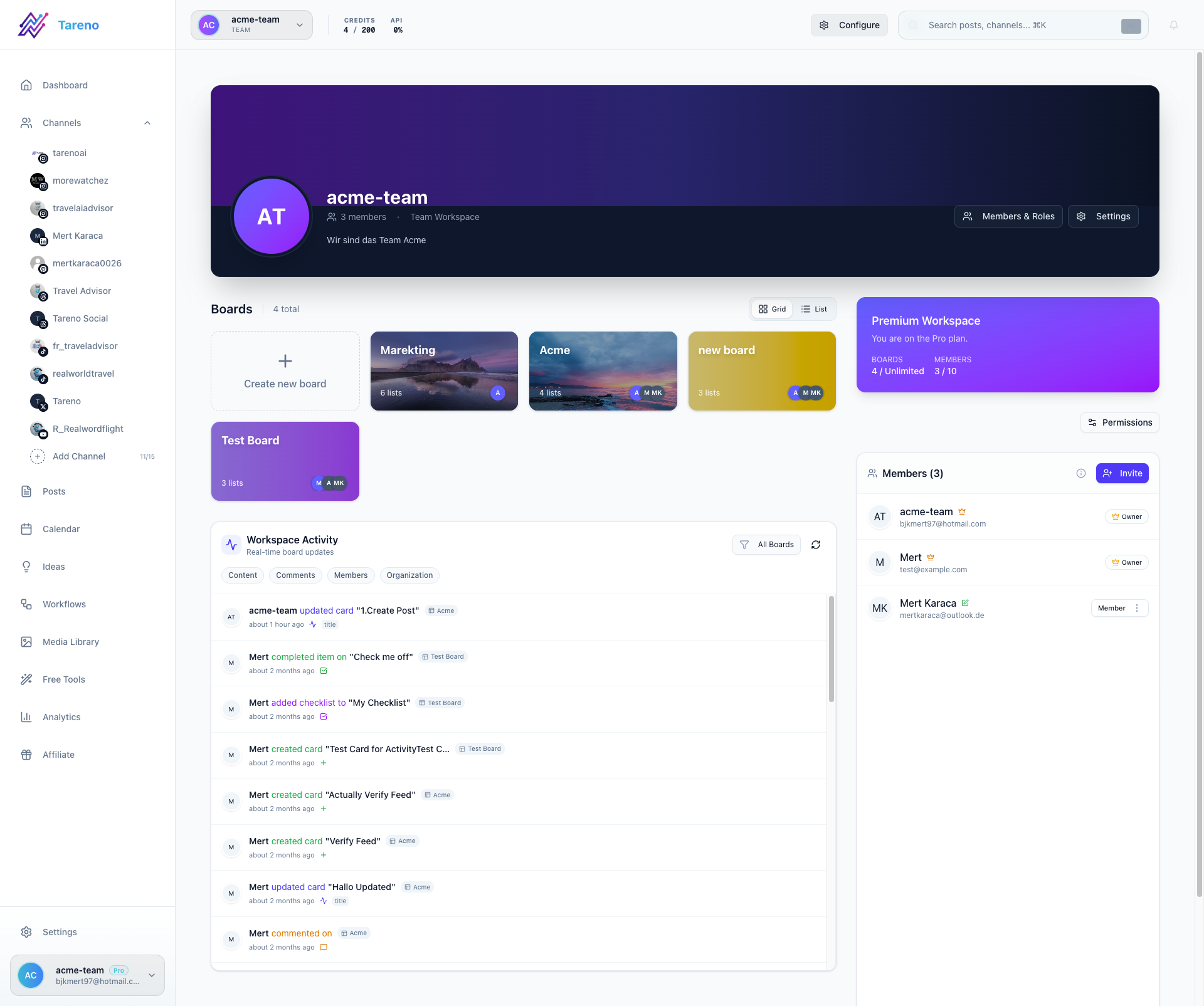
Invite a teammate
- Open Dashboard -> Team.
- Click Invite User.
- Enter the teammate's email address.
- Choose the right permission level.
- Send the invite and confirm the person appears in your team list.
Common role setup
- Owner for workspace administration.
- Admin for channel and workflow management.
- Editor for day-to-day publishing work.
- Viewer for read-only access.
Collaboration tips
- Keep account owners limited to the people who manage billing and security.
- Use editors for day-to-day content operations.
- Review workspace permissions when a client or freelancer joins or leaves.
What to do next
Once your team is in place, move into publishing, ideas, and reporting workflows.
Este artigo foi útil?
O teu feedback ajuda-nos a melhorar a nossa documentação.
Última atualização
March 8, 2026