5 min de lecture
Getting StartedSetting up your profile and workspace
A clean profile setup makes the rest of your workspace easier to manage, especially when multiple teammates are involved.
What to review first
- Your display name and team-facing identity.
- Notification preferences for publishing, failures, and mentions.
- Workspace habits that keep collaboration predictable.
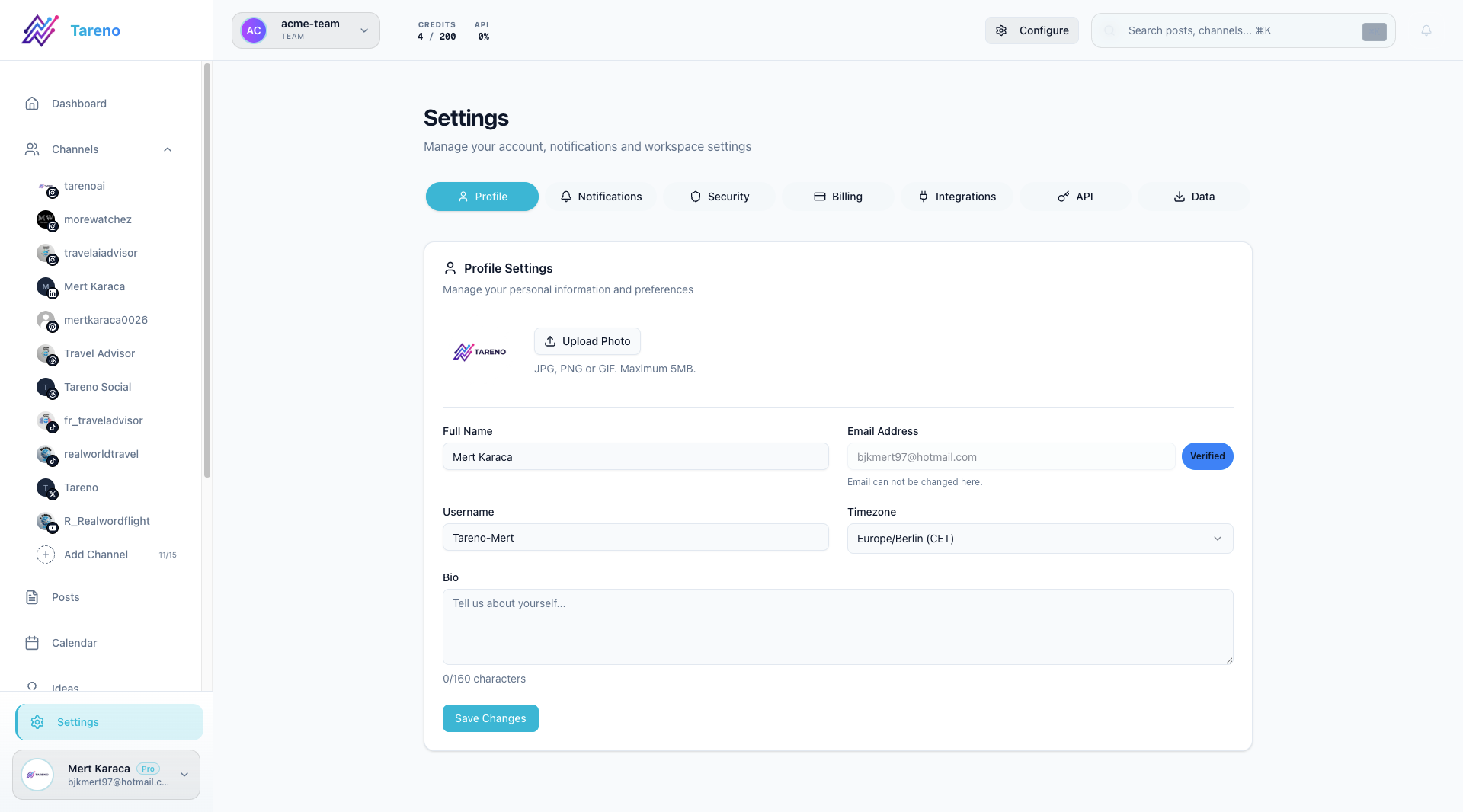
Update your profile
- Open Settings -> Profile.
- Review your display name and any personal details shown to teammates.
- Save changes before moving on to the next settings area.
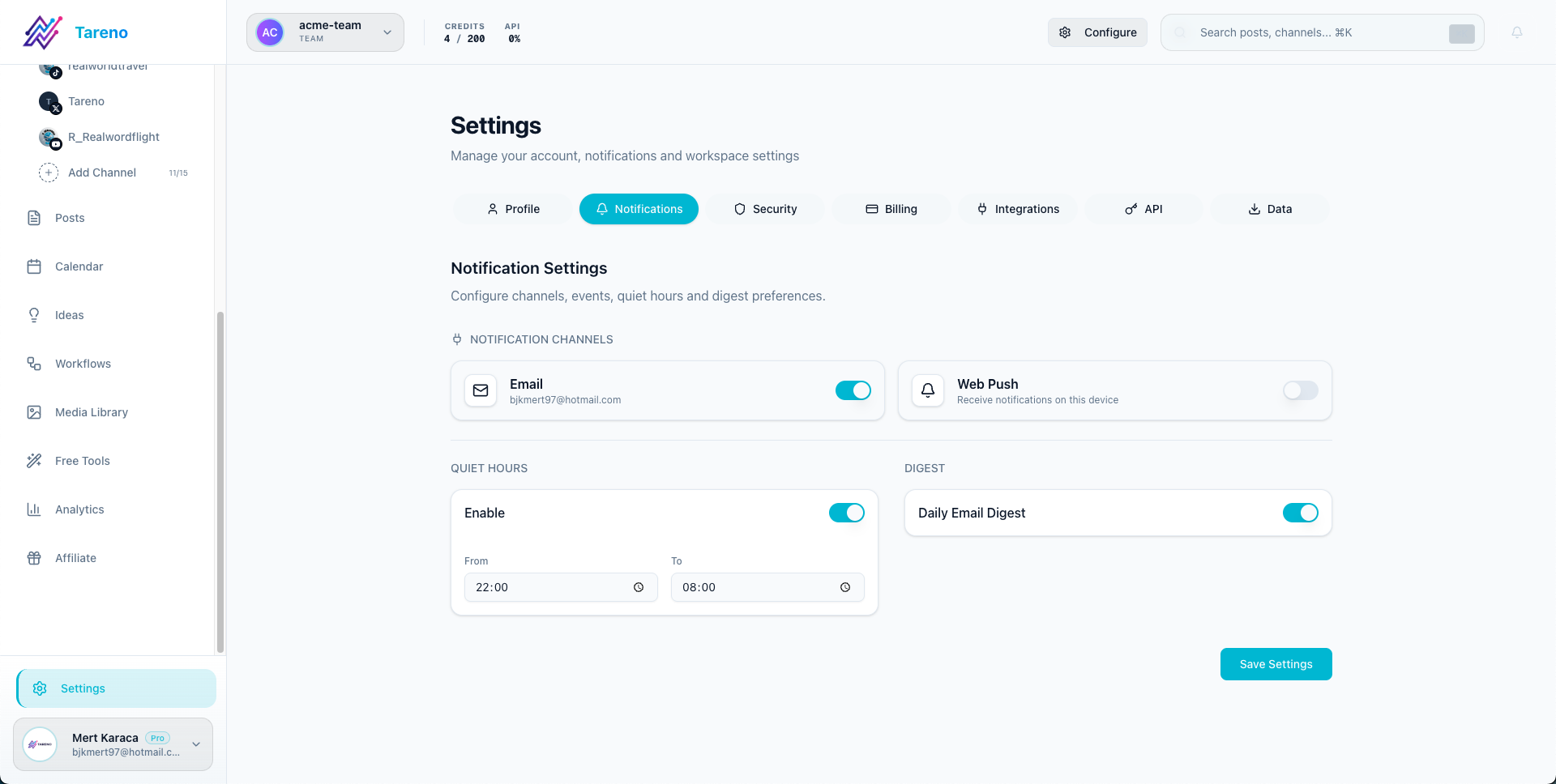
Tune notifications
- Open Settings -> Notifications.
- Decide which alerts you want by email or in-app.
- Keep failure and important publishing alerts enabled so you do not miss operational issues.
What to do next
If you are inviting teammates, continue with Inviting team members and collaboration.
Cet article vous a-t-il été utile ?
Votre feedback nous aide à améliorer notre documentation.
Dernière mise à jour
March 8, 2026