5 мин чтения
Account, Integrations & BillingConnect Tareno to Zapier
Use this guide to connect Tareno to Zapier during the private beta.
Before you start
- Use a Trial, Pro, or Business Tareno account.
- Connect the social accounts you want to publish to.
- Create a dedicated API key with read and publish scopes.
- Open the private Zapier invite link from Settings -> Integrations and accept the invite.
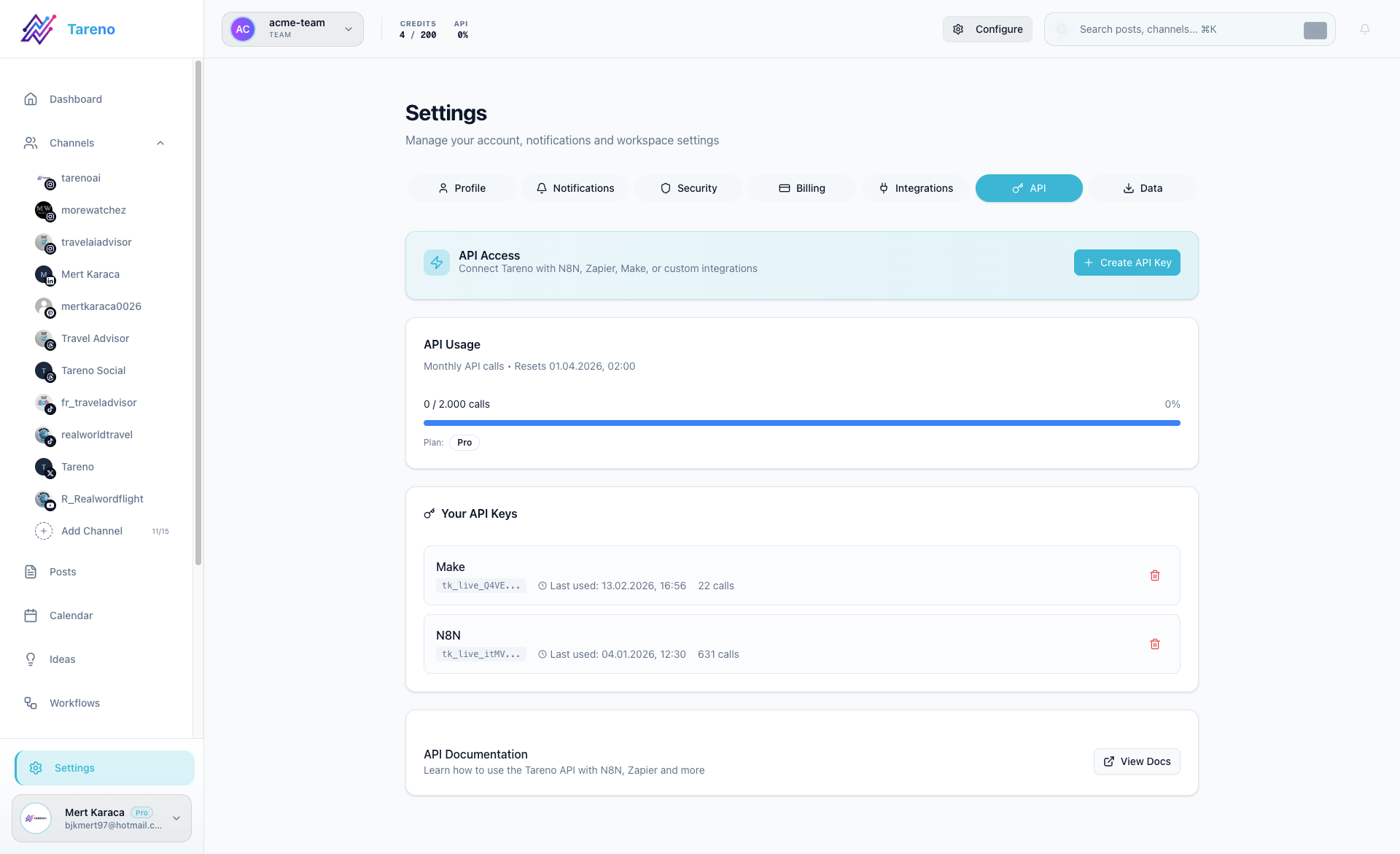
Connect Tareno to Zapier
- In Zapier, create or open a Zap and select Tareno.
- Choose Create Draft Post, Publish Post, Schedule Post, or the Post Published trigger.
- Click Sign in and paste the dedicated Tareno API key.
- Select a connected account and configure the post fields.
- Test the step before turning on the Zap.
Available actions
- Create Draft Post saves a draft for later review.
- Publish Post publishes immediately.
- Schedule Post requires a timestamp and IANA timezone such as Europe/Berlin.
Instant trigger
Post Published subscribes to an instant REST Hook. You can optionally filter by connected account or platform. Tareno sends only publication-relevant post data; API keys and internal metadata are never included.
Limits and key lifecycle
Trial includes 100 Automation API calls, Pro includes 2,000 per month, and Business is unlimited. Free and Starter do not include Automation API access. Outgoing Post Published notifications do not consume this quota. Revoking or expiring the API key pauses its Zapier subscriptions.
What to do next
For the complete field reference and troubleshooting notes, continue with the technical Zapier documentation.
Была ли эта статья полезной?
Ваш отзыв помогает нам улучшать документацию.
Последнее обновление
March 8, 2026