Target Channel
Use Tareno for
Threads
Use Threads for conversational, text-forward publishing that complements Instagram and keeps campaign narratives moving between bigger visual posts.
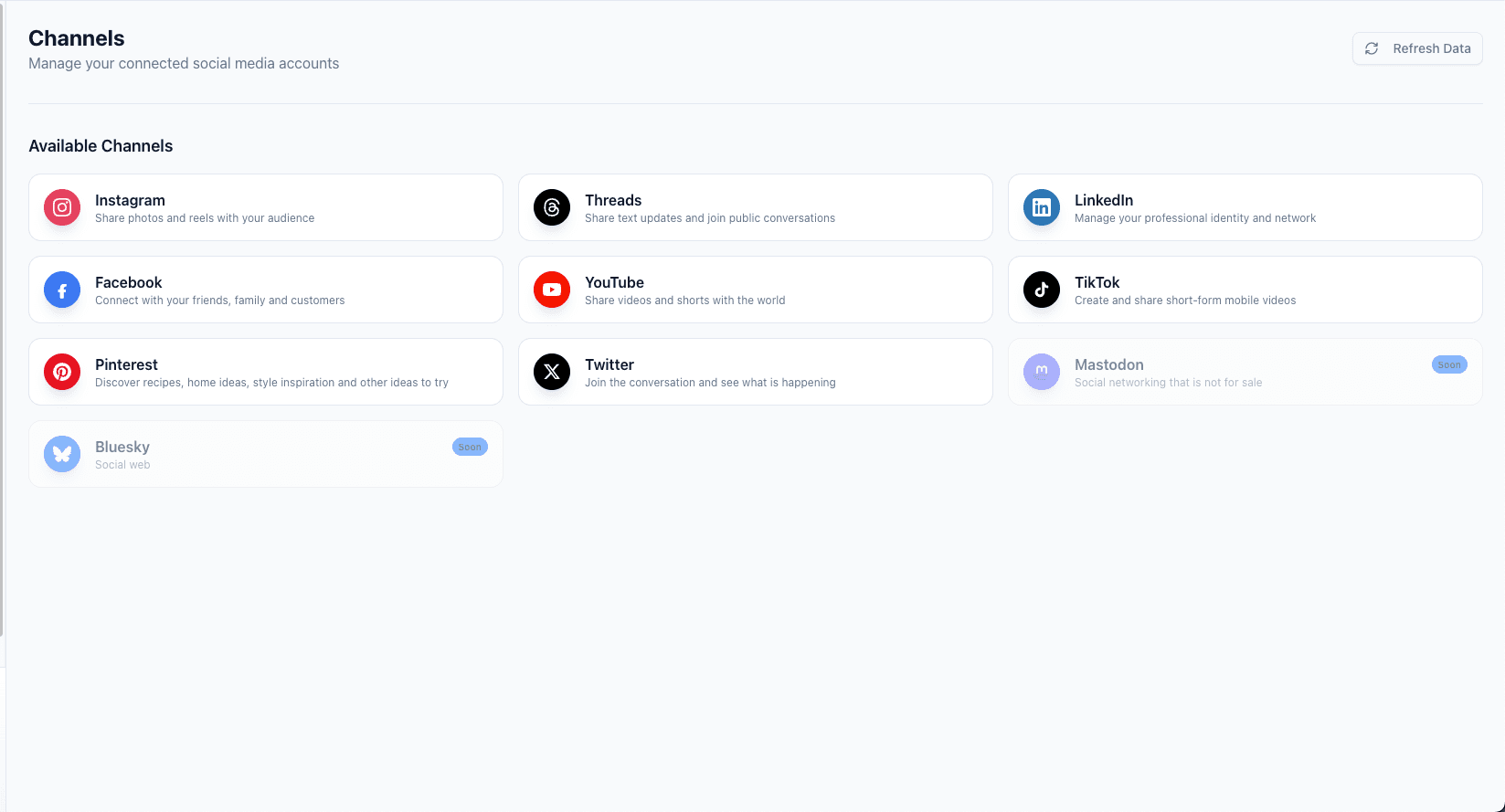
Full Threads Support
Text postsImage posts
Endless Possibilities
One tool to manage Threads
Publish without compromise. Threads hooks directly into Tareno's core unified system.
Capabilities
- Schedule Threads posts without breaking out into a separate mobile-first workflow.
- Keep Meta-adjacent publishing coordinated with Instagram campaigns and launch sequences.
- Use Threads for supporting commentary, follow-up context, or behind-the-scenes distribution.
- Manage Threads timing from the same queue and calendar as your core channels.
Workflow Examples
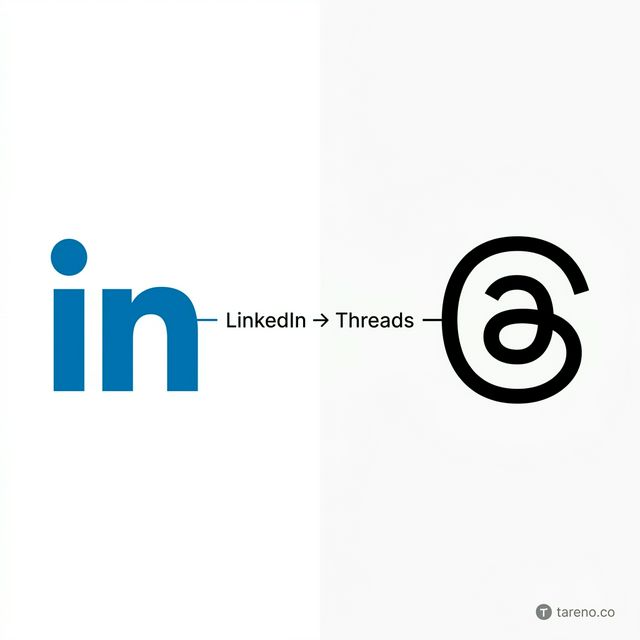
- LinkedIn Post -> Threads with a more conversational caption.
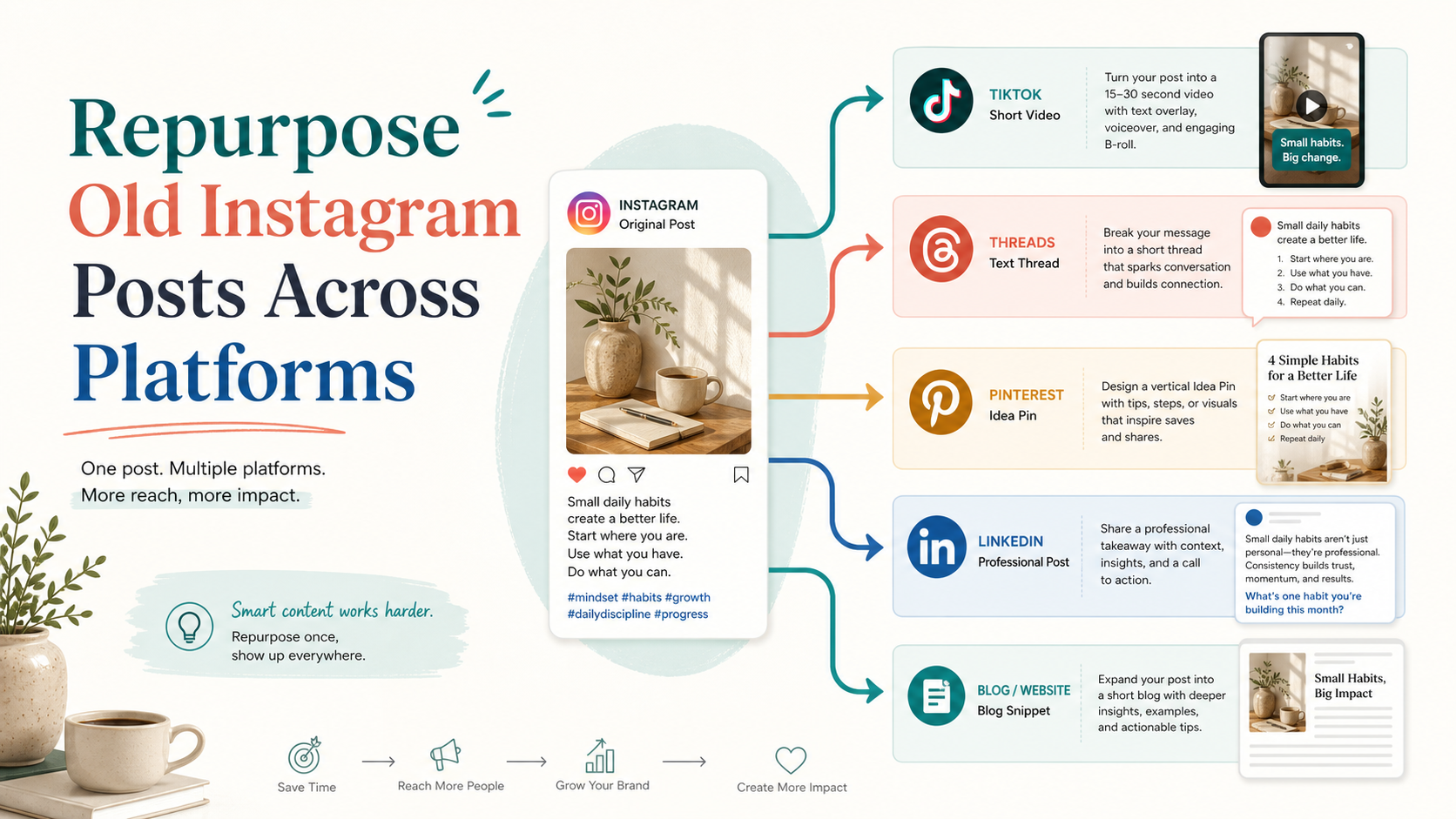
- Instagram launch post -> Threads follow-up with supporting context.
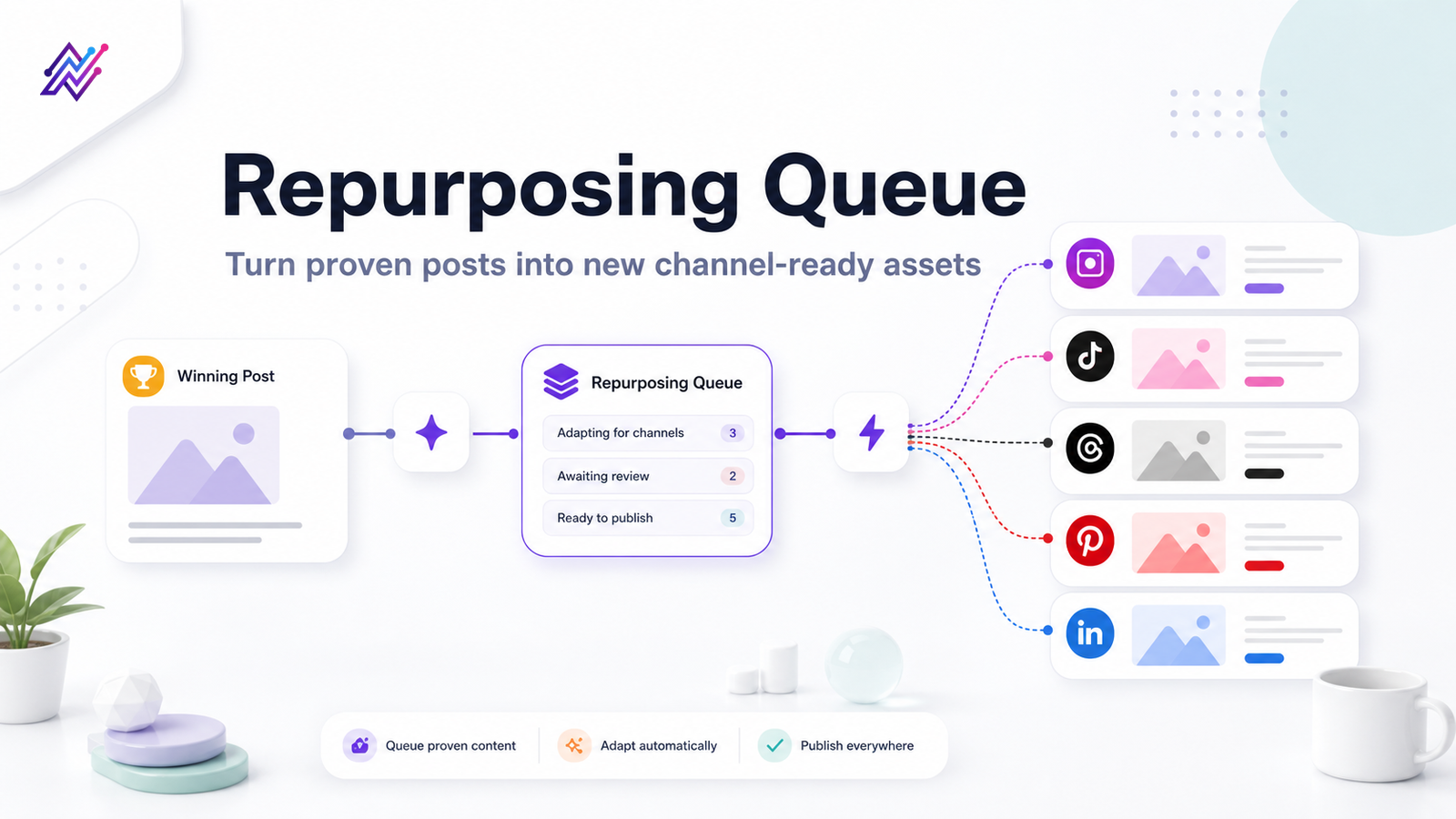
- Evergreen queue -> short commentary-style repost slots.
Formats
Tareno supports out-of-the-box planning, scheduling, and queueing for the following core Threads formats:
Text postsImage postsVideo postsConversation updates
Best For
Commentary, community conversation, launch follow-ups, and lighter brand voice moments.
Free Threads Tools
Not ready for a full planner yet? Use these individual tools to help you create better Threads content faster.
Related channels
Networks that often work well with Threads
Ready to start?
Put Threads into the rest of your publishing system.
Connect the account, line it up in the calendar, and use workflows only where they actually make sense for this network.