
Many small teams think their content problem is a hiring problem.
They say:
We need another social media manager.
We need a content assistant.
We need an editor.
We need someone to handle reporting.
Sometimes that is true.
But often the real problem is that the workflow is unclear.
Ideas are scattered. Drafts have no owner. Approvals happen too late. Reports do not create tasks. Old winners are forgotten. AI drafts are created but not reviewed. The calendar is full of dates but not decisions.
Hiring more people into a broken workflow can make the problem worse.
Before you hire, build a lightweight content operations system.
This guide shows how small teams can create content ops without becoming slow, corporate, or over-processed.
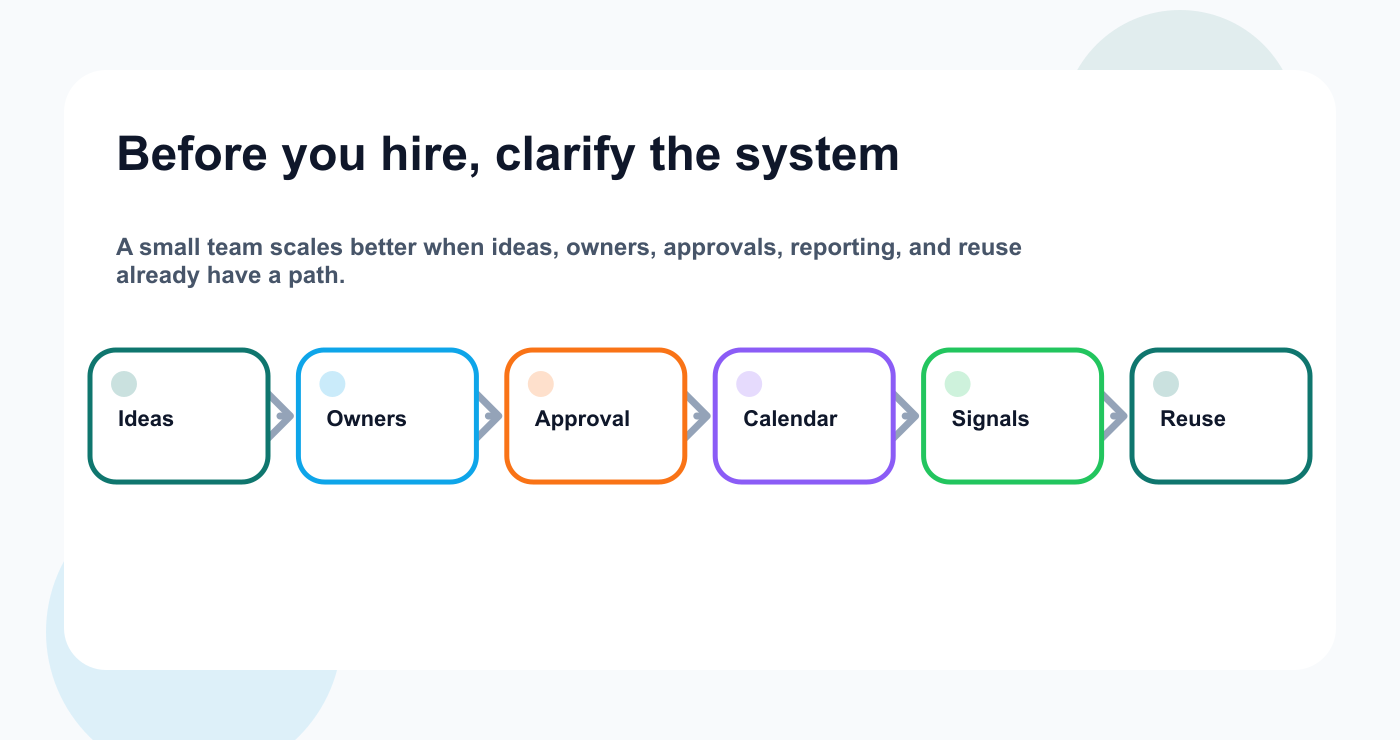
The lightweight system should be clear before another person joins the workflow.
TL;DR
A lightweight content ops system needs:
one idea backlog
clear content stages
one owner per item
basic approval rules
calendar connected to status
weekly planning rhythm
simple reporting-to-task process
repurposing queue
safe automation
monthly workflow review
The key rule:
Small teams do not need more process. They need fewer unclear handoffs.
Content ops should reduce confusion, not create paperwork.
What is content ops?
Content ops means the operating system behind content production. For small teams, that system should connect planning, approval, scheduling, analytics, repurposing, and workflow automation without adding unnecessary ceremony.
It covers:
idea capture
prioritization
drafting
design/assets
review
approval
scheduling
publishing
analytics
reporting
repurposing
automation
For small teams, content ops should be lightweight.
You do not need enterprise governance.
You need enough structure that content moves without constant reminders.
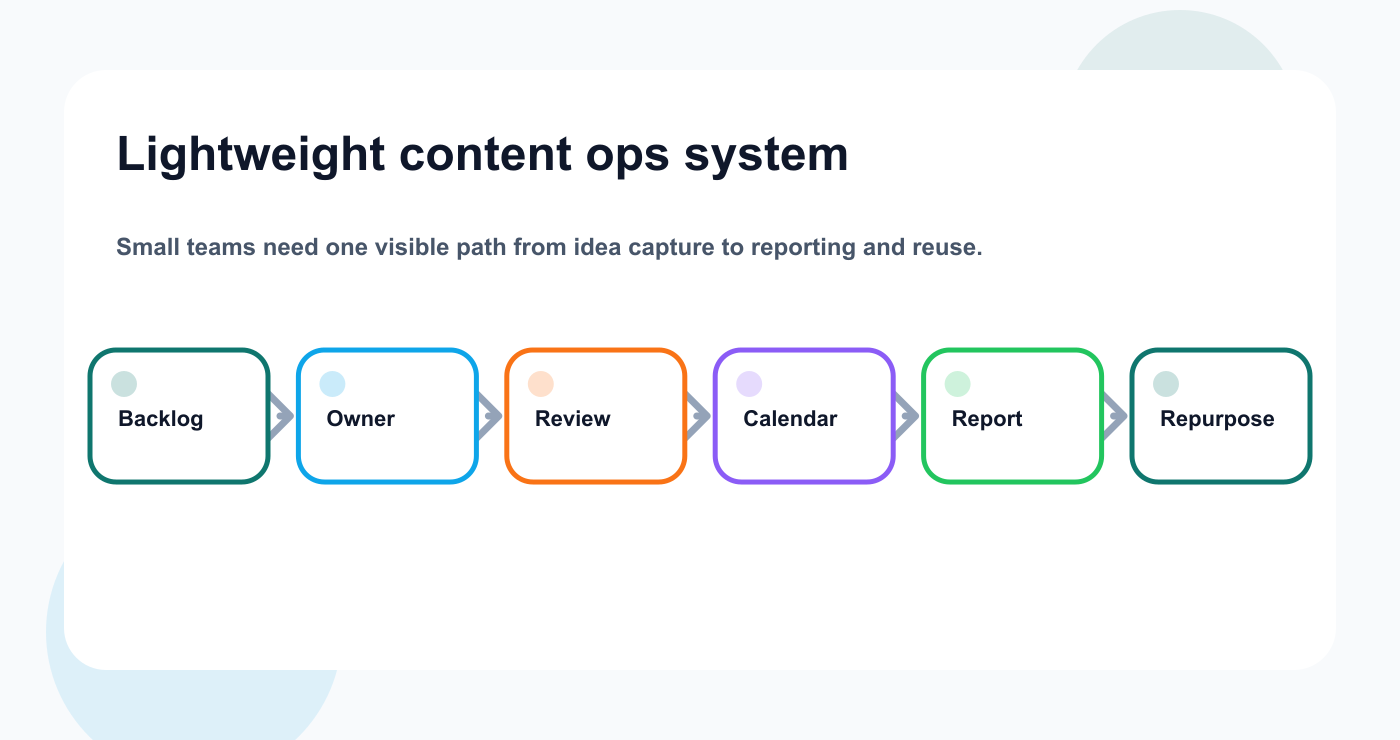
The small-team content ops system works when every idea has a visible next step.
Why small teams need content ops
Small teams often have fewer people, but more context switching.
One person may manage:
strategy
captions
design feedback
scheduling
comments
reporting
repurposing
campaigns
analytics
tool setup
Without structure, everything becomes urgent.
Content ops helps by making the next action visible.
Build the lightweight system
Use the next ten checks as a small-team operating system, not a heavy process manual.
Step 1: Build one idea backlog
Ideas should not live across voice notes, Slack, Notion, Google Docs, screenshots, and memory.
Create one backlog.
Every idea should include:
title
source
audience
platform suggestion
format suggestion
business goal
priority
owner if selected
Sources:
customer questions
support tickets
comments
competitor topics
sales objections
product updates
old top posts
founder notes
blog sections
reports
The backlog is not the calendar.
The backlog is where ideas wait before selection.
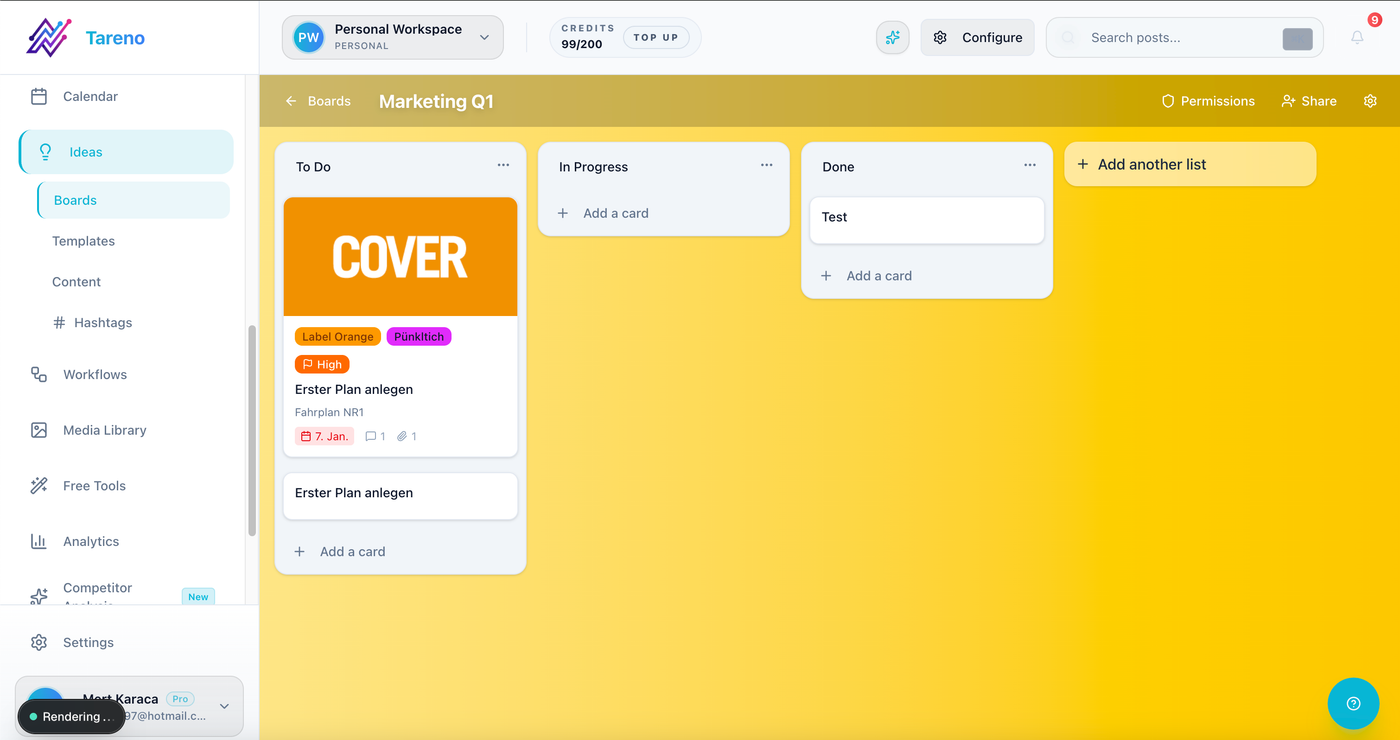
A single idea backlog keeps content requests from scattering across tools.
Step 2: Use simple stages
Small teams should keep stages simple.
Recommended stages:
Idea
Selected
Draft
Review
Approved
Scheduled
Published
Analyze
Repurpose
Archive
That is enough for most teams.
Avoid 25 status labels.
Too many statuses become harder to maintain than the work itself.
Step 3: Assign one owner
Every content item needs one owner.
The owner moves the item forward.
They do not need to do every task.
They need to know the next action.
Owner responsibilities:
update status
collect missing info
request review
follow up on blockers
confirm approval
make sure the post reaches the calendar
set measurement date
A content item without an owner will eventually get stuck.
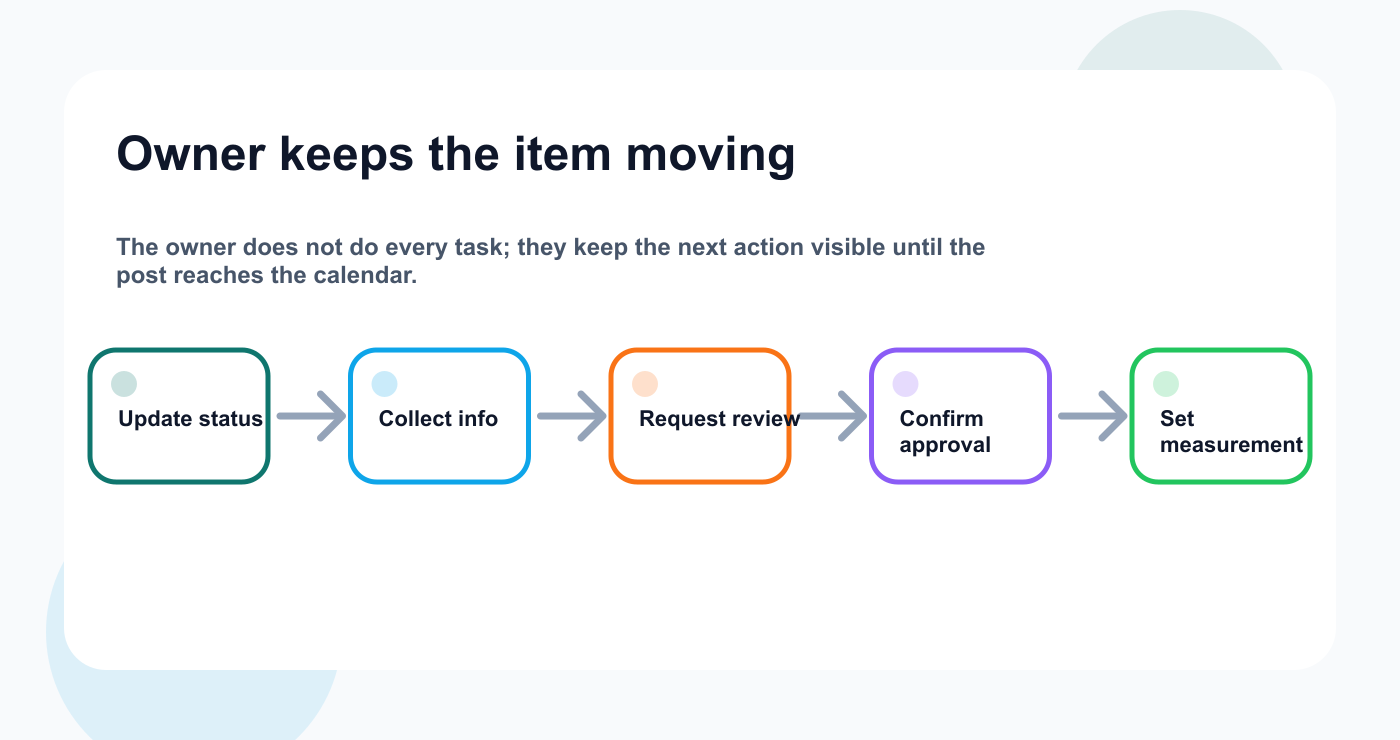
One owner keeps a content item from getting stuck between specialists.
Step 4: Define approval rules
Small teams still need approval workflows.
Use risk levels.
Low-risk
Evergreen tips, simple educational posts, community questions.
Approval:
owner review
Medium-risk
Product education, campaign posts, customer examples.
Approval:
internal review
High-risk
Pricing, competitor claims, launch claims, sponsor content, legal-sensitive content.
Approval:
final approver before scheduling
This prevents over-approving simple posts while protecting important ones.
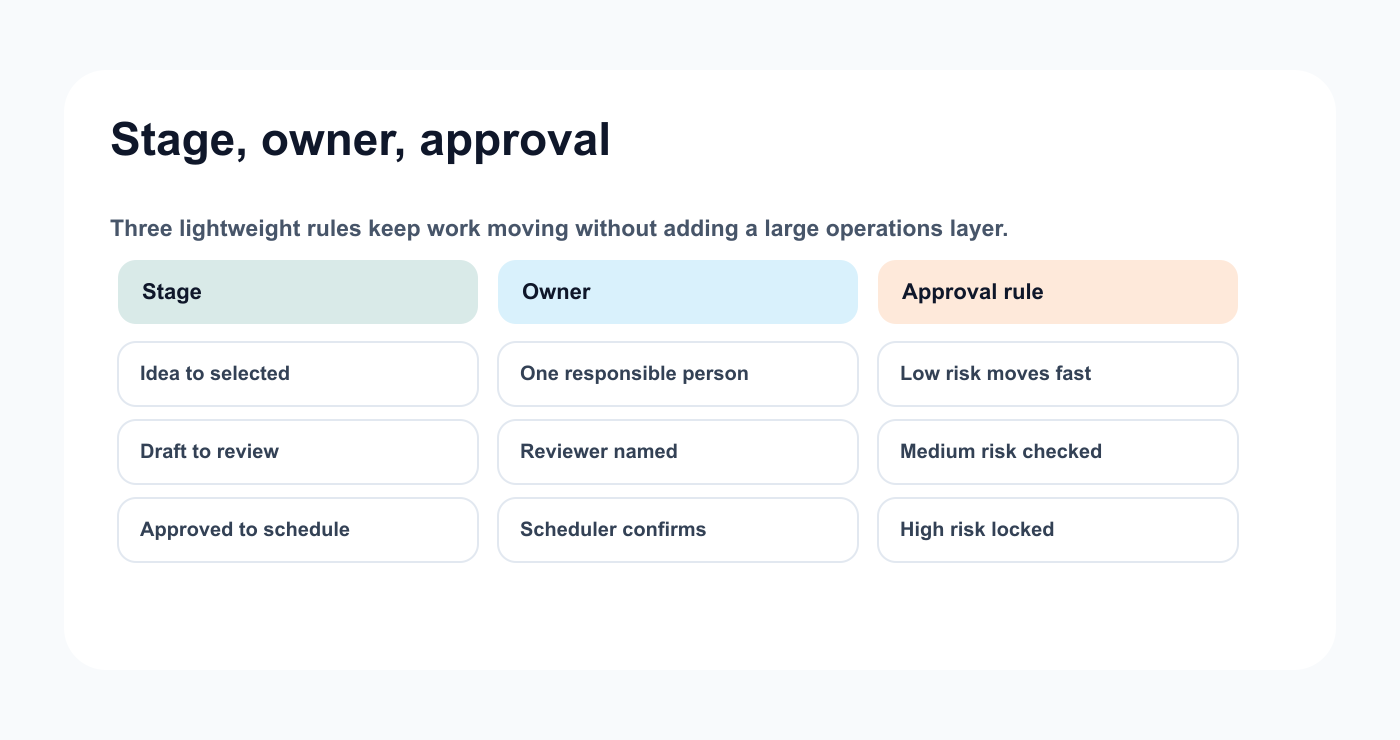
Risk-based approval protects important posts without slowing every update.
Step 5: Connect calendar to status
A calendar should show publish timing.
It should not hide workflow readiness.
For each calendar item, show:
platform
owner
status
approval state
asset status
CTA
publish date
measurement date
A post with a date but no approval should not be treated as ready; connect calendar work to post scheduling only after readiness is clear.
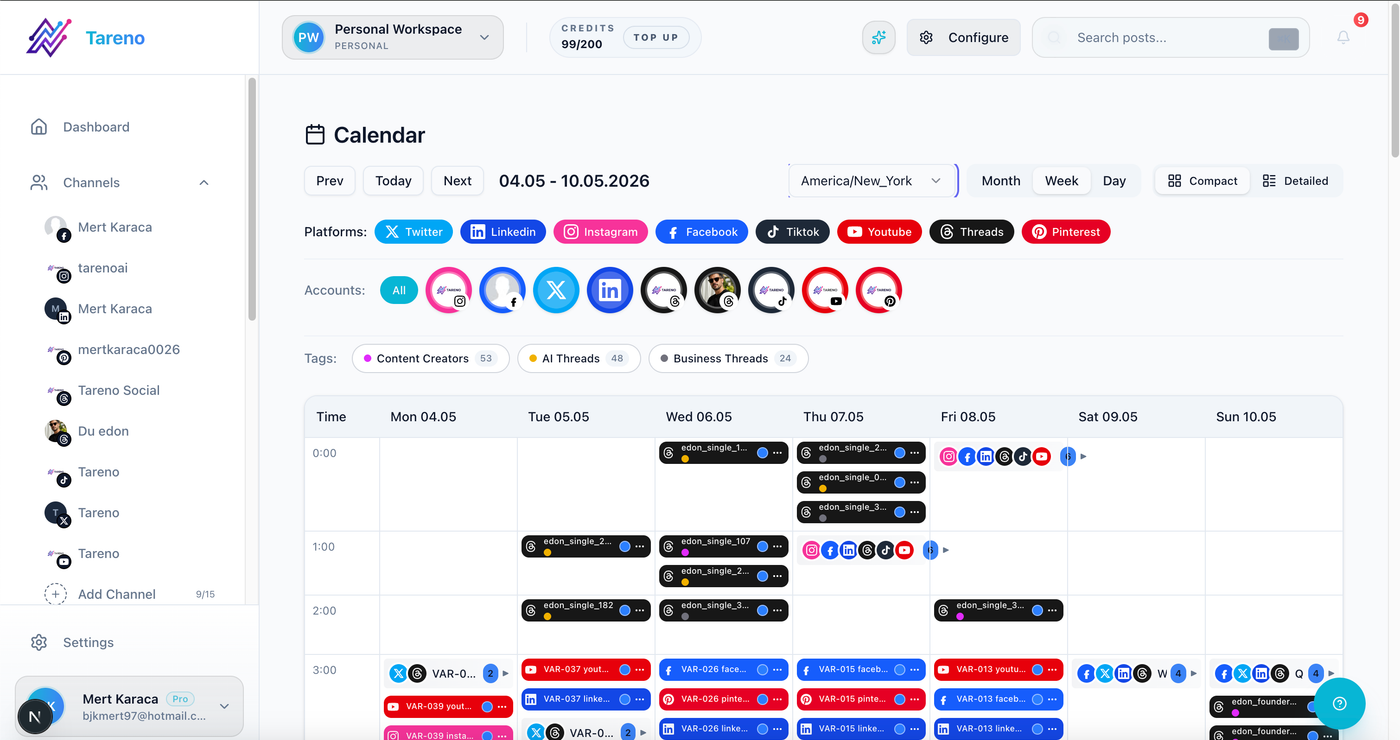
The calendar should show readiness, not only dates.
Step 6: Create a weekly planning rhythm
Use one weekly planning meeting.
Agenda:
Review last week’s posts.
Choose ideas from backlog.
Assign owners.
Check approval blockers.
Schedule approved content.
Add measurement tasks.
Add repurposing items.
Keep it short.
The goal is to make decisions, not discuss every idea.
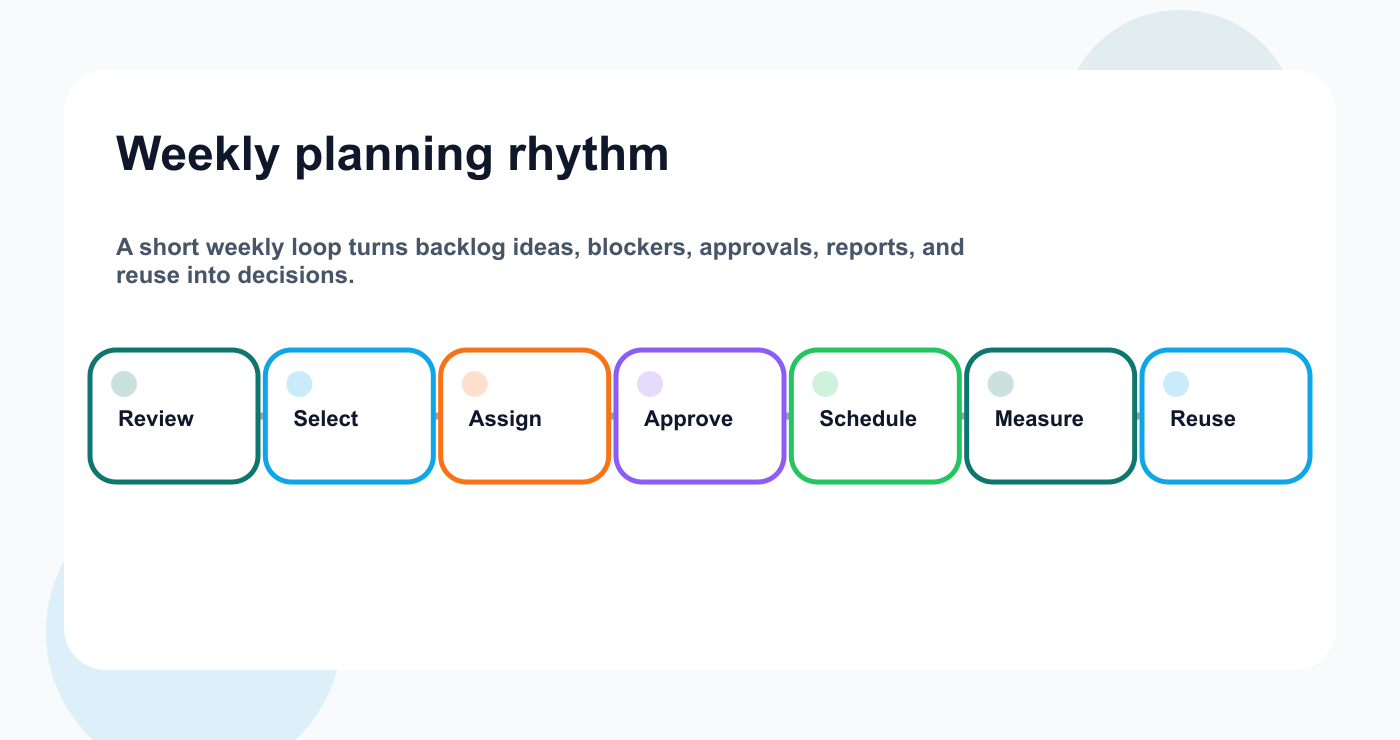
The weekly rhythm keeps the system lightweight and decision-focused.
Step 7: Make reporting create tasks
Small teams cannot afford reporting theater.
Every report should create actions. The best analytics reports turn signals into next-week tasks.
Examples:
SignalTaskHigh savesTurn into carousel or checklistHigh clicksExpand into blog sectionHigh commentsCreate FAQ postStrong watch timeReuse hook structureApproval delaysAdjust review deadline
Reports should produce:
repeat task
repurpose task
improve task
test task
workflow fix
If reporting creates no task, simplify the report.
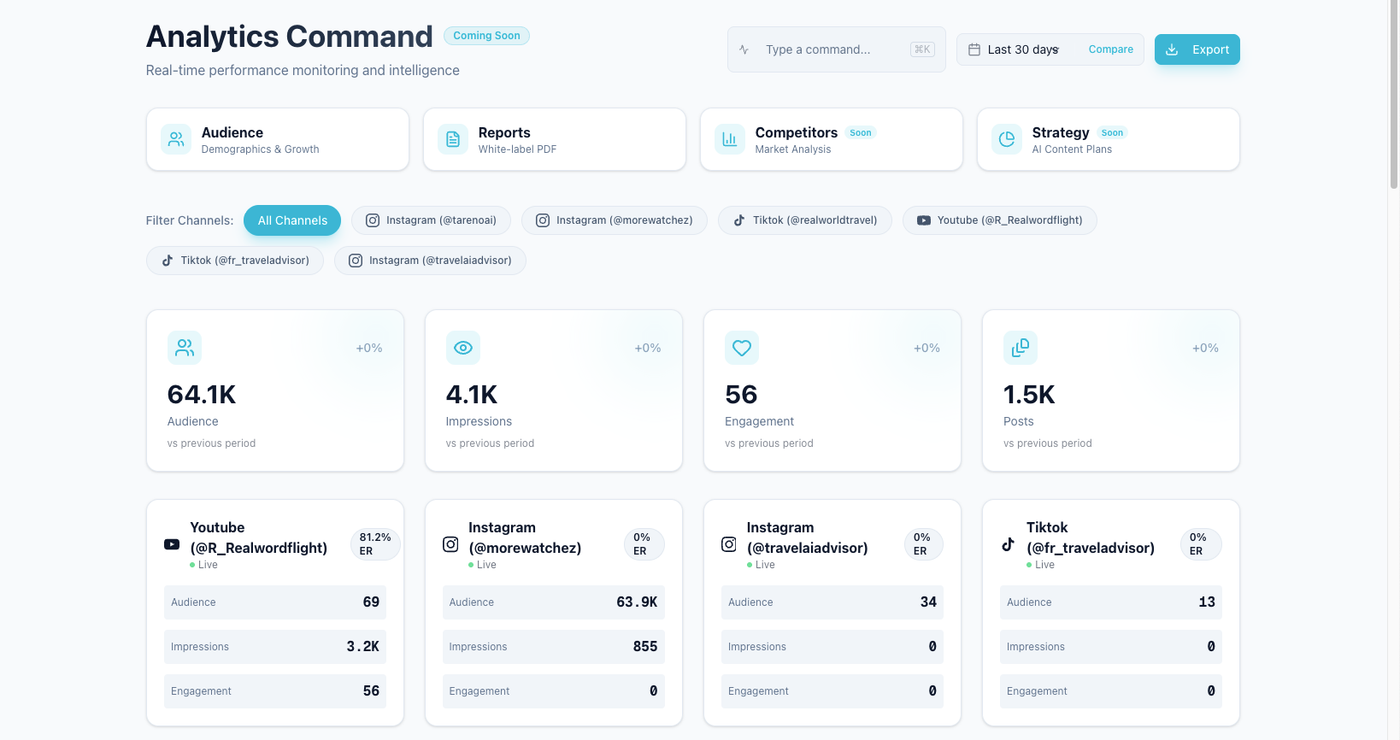
Reports should point to repeat, repurpose, improve, test, or workflow-fix tasks.
Step 8: Build a repurposing queue
Small teams need leverage.
A repurposing queue helps turn one good post into multiple useful assets.
Queue fields:
source post
performance signal
target platform
new format
owner
approval needed
scheduled date
second-wave measurement
Examples:
LinkedIn post -> carousel
carousel -> Pinterest pin
TikTok script -> YouTube Short
customer question -> FAQ post
blog section -> Threads post
Repurposing reduces the pressure to create from zero every day.
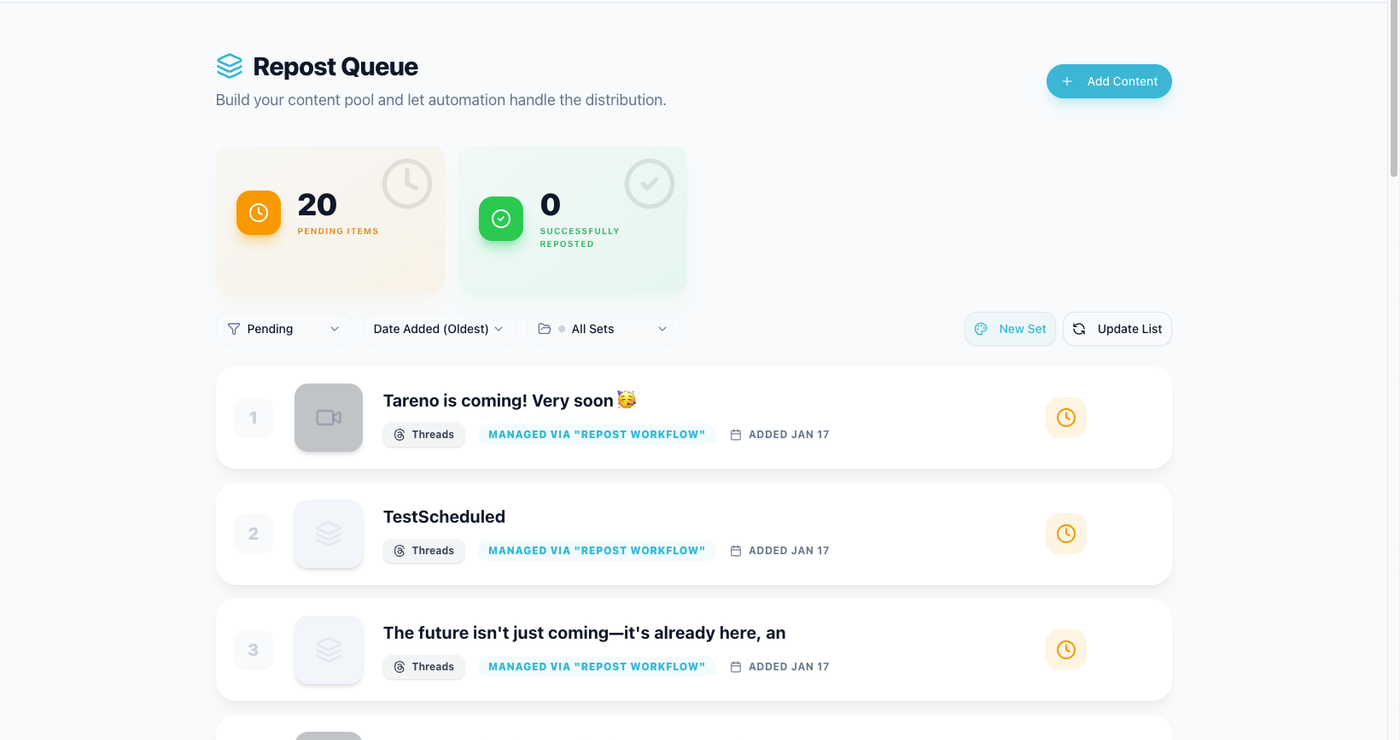
A repurposing queue helps small teams reuse posts that already proved their value.
Step 9: Use AI with review
AI can help small teams move faster.
Use AI for:
caption drafts
hooks
hashtags
platform rewrites
carousel outlines
content ideas
repurposing suggestions
report summaries
But AI should not bypass review.
AI output should be checked for:
accuracy
voice
claims
CTA
platform fit
repetition
brand alignment
AI works best when the workflow gives it context.
Step 10: Automate handoffs
Do not start with complex automation.
Start with handoffs.
Good first automations:
new idea -> create board item
draft ready -> notify reviewer
approved -> notify scheduler
published -> create measurement task
high performer -> create repurposing task
report completed -> create next-week tasks
Make, n8n, and API workflows are useful when content connects to other systems.
But every automation needs an owner.
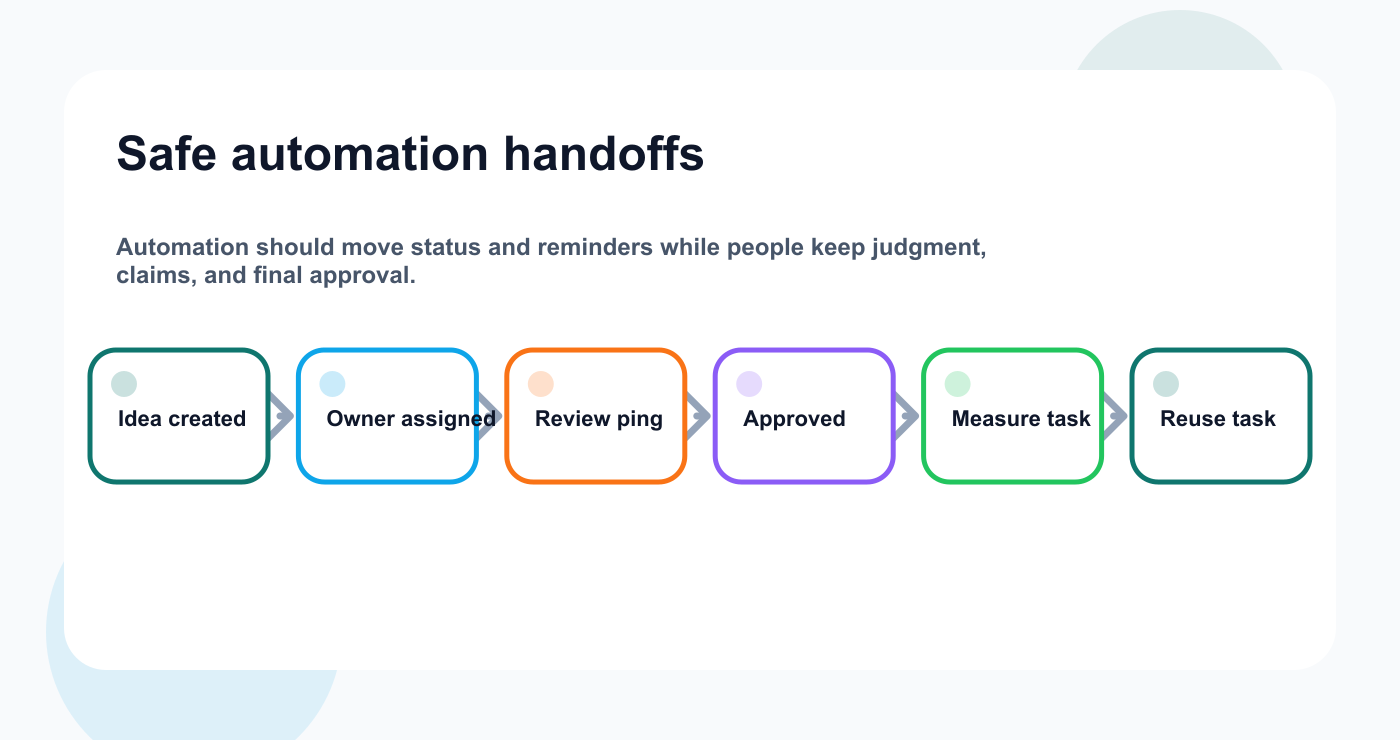
The safest first automations are handoffs, reminders, and measurement tasks.
Lightweight content ops template
Copy this.
## Small Team Content Ops System

Backlog:
All ideas go into one backlog.

Stages:
Idea -> Selected -> Draft -> Review -> Approved -> Scheduled -> Published -> Analyze -> Repurpose -> Archive

Owner rule:
Every selected content item has one owner.

Approval rule:
Low-risk = owner review.
Medium-risk = internal review.
High-risk = final approval before scheduling.

Calendar rule:
Only approved content is final scheduled content.

Reporting rule:
Every report creates at least one task.

Repurposing rule:
Top-performing evergreen posts enter the repurposing queue.

Automation rule:
Automate handoffs, not judgment.
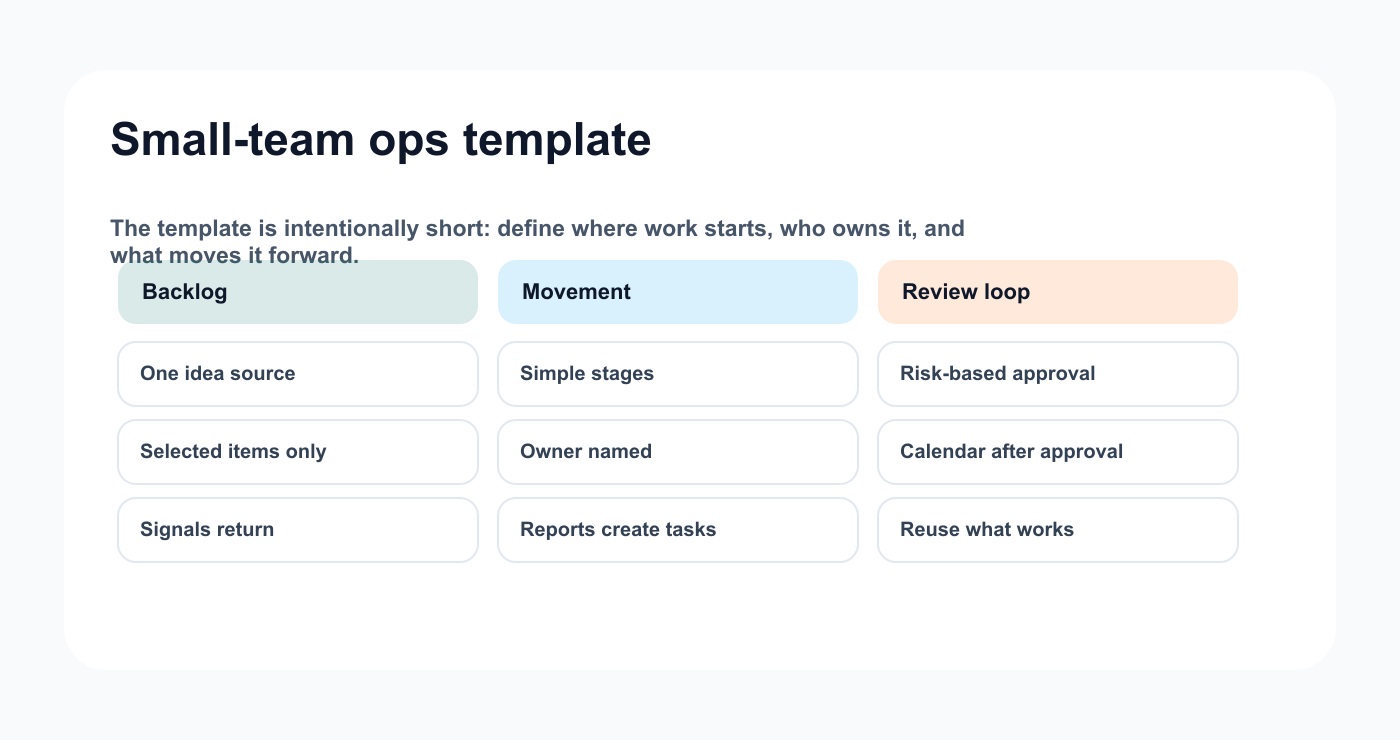
The template stays useful because it keeps the operating rules short.
How Tareno fits small team content ops
Tareno is useful when small teams want workflow structure without building a messy tool stack.
Relevant Tareno components include:
content boards
content calendar
approval workflows
workflow builder
repurposing queue
analytics
AI captions and hashtags
team workspaces
roles and permissions
activity visibility
Make integration
n8n integration
API access
The goal is not to make small teams more complicated.
The goal is to reduce manual coordination.
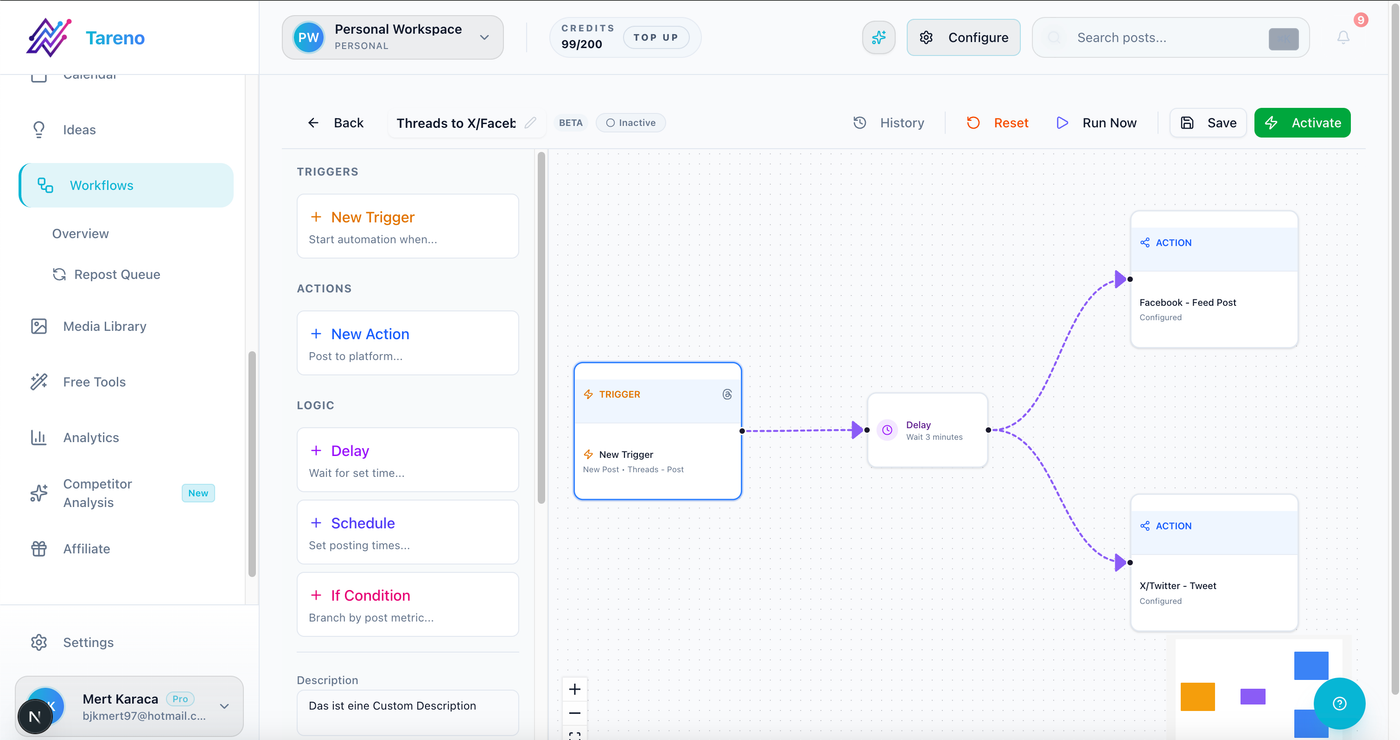
Workflow automation connects boards, approvals, scheduling, reporting, and reuse.
Common mistakes
Mistake 1: Hiring before fixing workflow
More people can create more handoffs.
Mistake 2: No single backlog
Scattered ideas create scattered execution.
Mistake 3: Too many statuses
Keep the workflow simple.
Mistake 4: No owner
Every selected item needs a responsible person.
Mistake 5: Reports do not create tasks
Reports should change the calendar.
Mistake 6: No repurposing system
Small teams need to reuse what works.
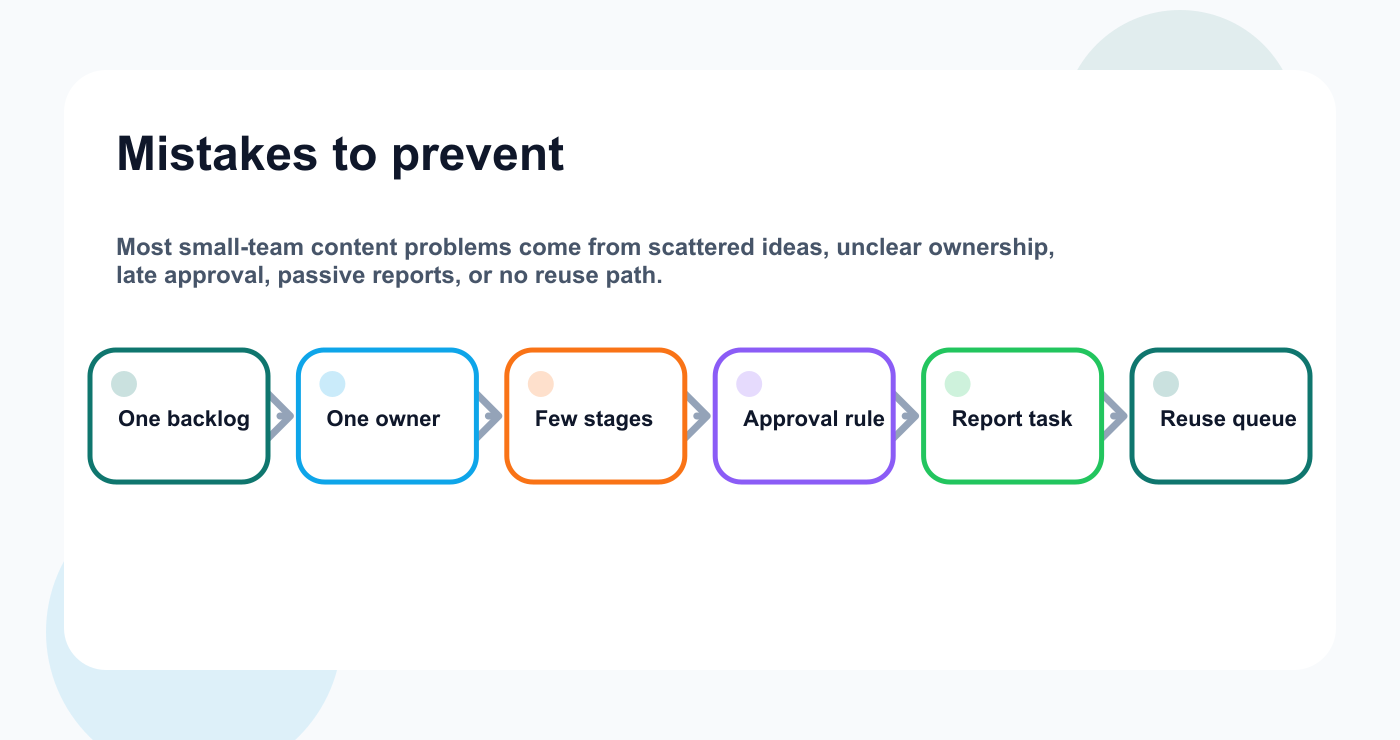
Common mistakes become easier to prevent when each one has a workflow rule.
Related Tareno resources
Keep the workflow moving
Feature Workflow Builder Automate handoffs after the small-team workflow is clear. See builder -> Workflow Repurposing Workflow Turn proven posts into reusable follow-up content. Build reuse -> Tool Instagram Caption Generator Draft platform-ready captions once the idea is selected. Open tool -> Alternative Buffer Alternative Compare queues with workflow-first content operations. Compare ->
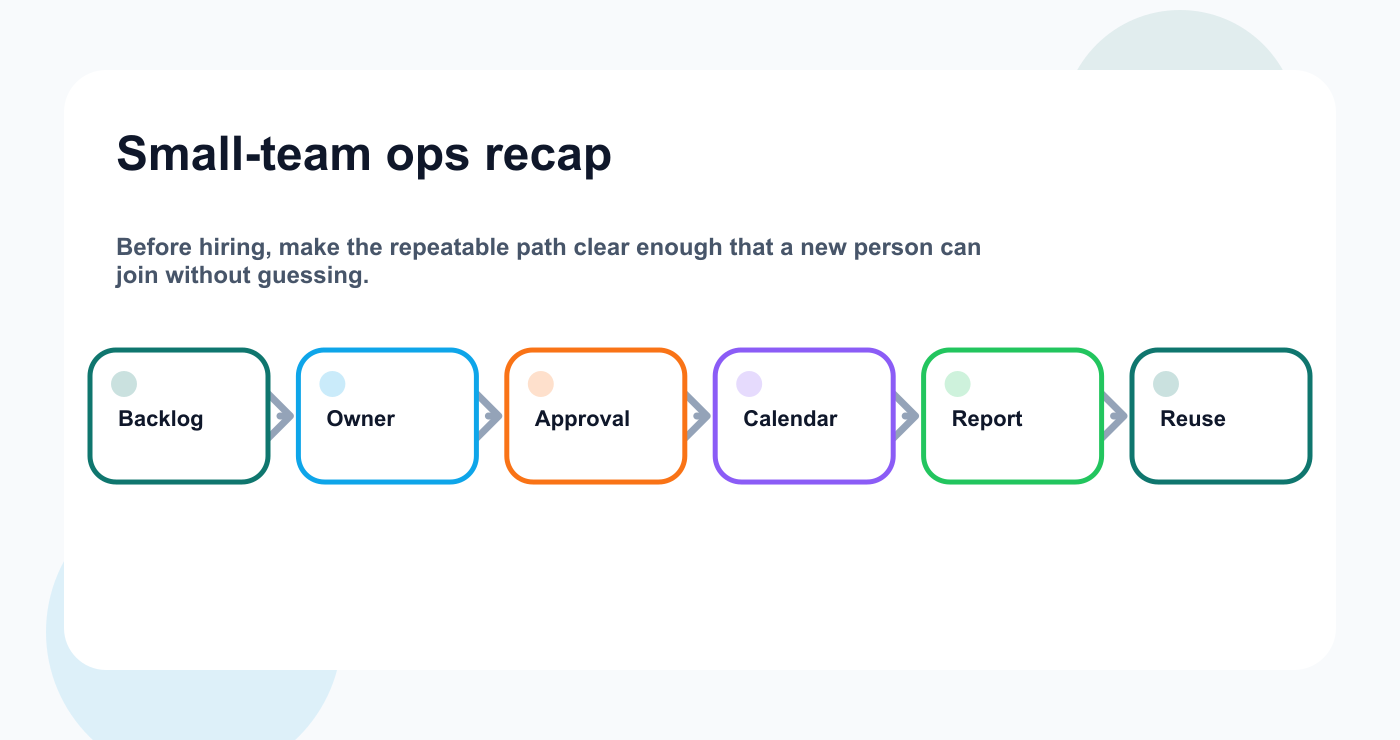
The same lightweight loop answers most small-team content ops questions.
FAQ
What is content ops for small teams?
It is a lightweight system for managing ideas, drafts, approvals, scheduling, reporting, repurposing, and automation without unnecessary complexity.
Do small teams need approval workflows?
Yes, but they can be simple. Use risk levels instead of approving every post the same way.
How can small teams publish more consistently?
Use one idea backlog, simple statuses, one owner per item, weekly planning, and a calendar connected to approval state.
Should small teams use AI for content?
Yes, AI can help with drafts and repurposing, but human review should check accuracy, voice, and claims.
What should small teams automate first?
Automate handoffs like review notifications, approved-to-scheduling updates, measurement tasks, and repurposing tasks.
When should a small team hire more people?
Hire when the workflow is clear and there is still too much work. Do not hire just to compensate for unclear operations.
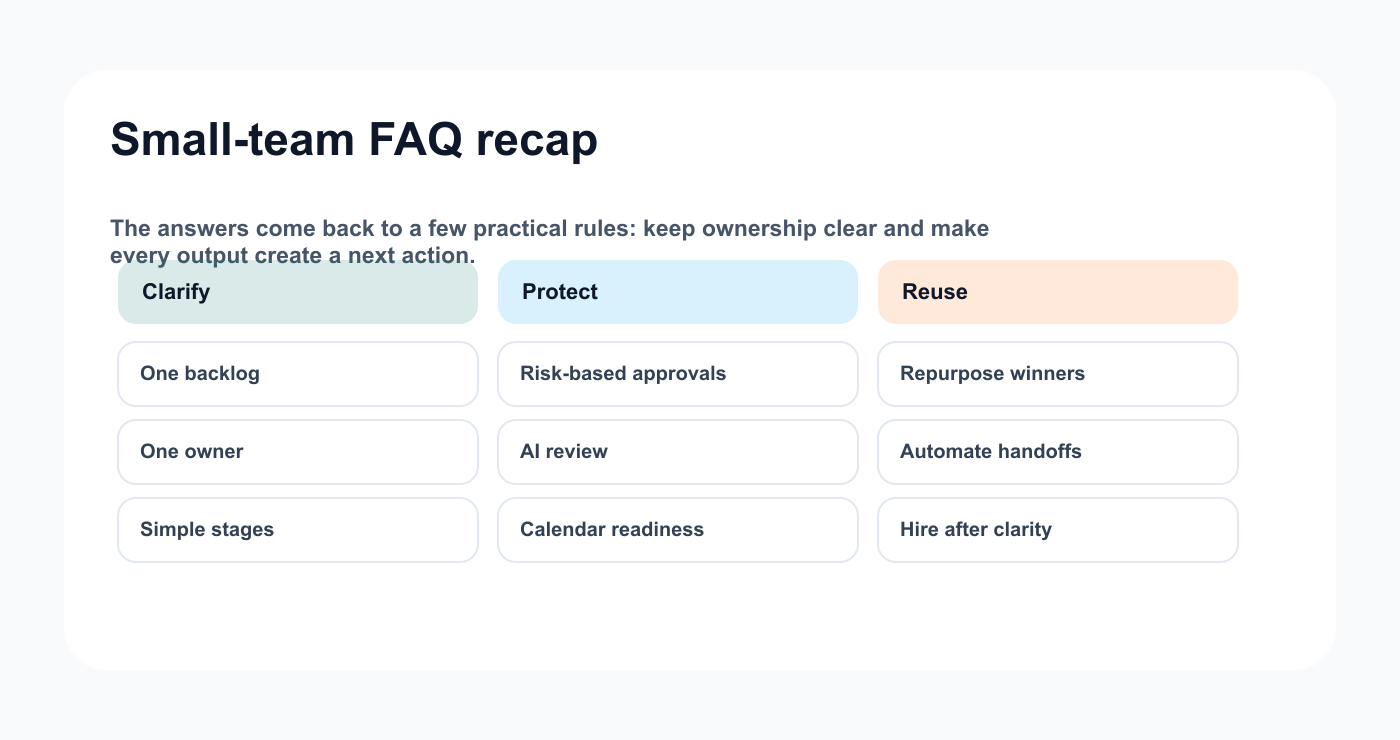
The FAQ answers all point back to ownership, approval, reuse, and safe automation.
Final thoughts
Small teams do not need enterprise content operations.
They need clarity.
One backlog.
Simple stages.
One owner.
Basic approval rules.
A calendar connected to status.
Reports that create tasks.
A repurposing queue.
A few safe automations.
That is enough to make content move.
Primary CTA: Explore Tareno features to see how boards, calendar, approvals, analytics, repurposing queues, workflow builder, Make, n8n, API, roles, and activity visibility support small team content operations.\n


