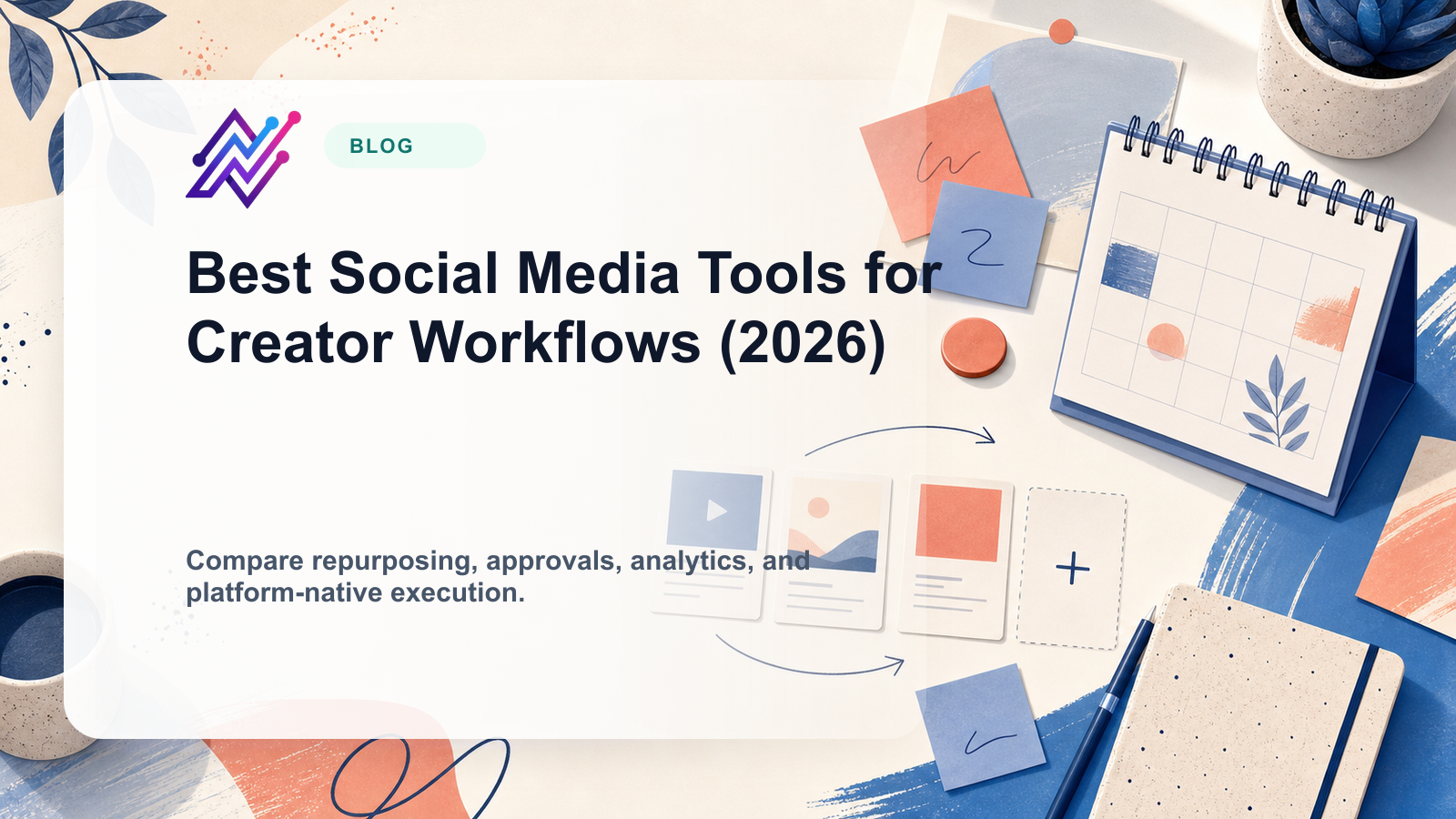
Creators do not all need the same social media management tool.
A creator posting once a day does not need the same workflow as a creator managing five platforms, repurposing old posts, working with sponsors, planning Pinterest content, and using AI to speed up captions.
That is why most “best social media tools for creators” lists are too generic. They rank tools as if every creator has the same problem.
They do not.
Some creators need simple scheduling. Some need visual planning. Some need AI captions. Some need repurposing. Some need analytics. Some need approval workflows because they work with brands or assistants. Some need automation because one idea needs to become content across TikTok, Instagram, Threads, Pinterest, LinkedIn, and YouTube Shorts.
This guide compares the best social media management tools for creators by workflow type, not by hype.
TL;DR: best creator tools by workflow type
Before diving into full reviews, use this quick map to align your main bottleneck with the right tool category.
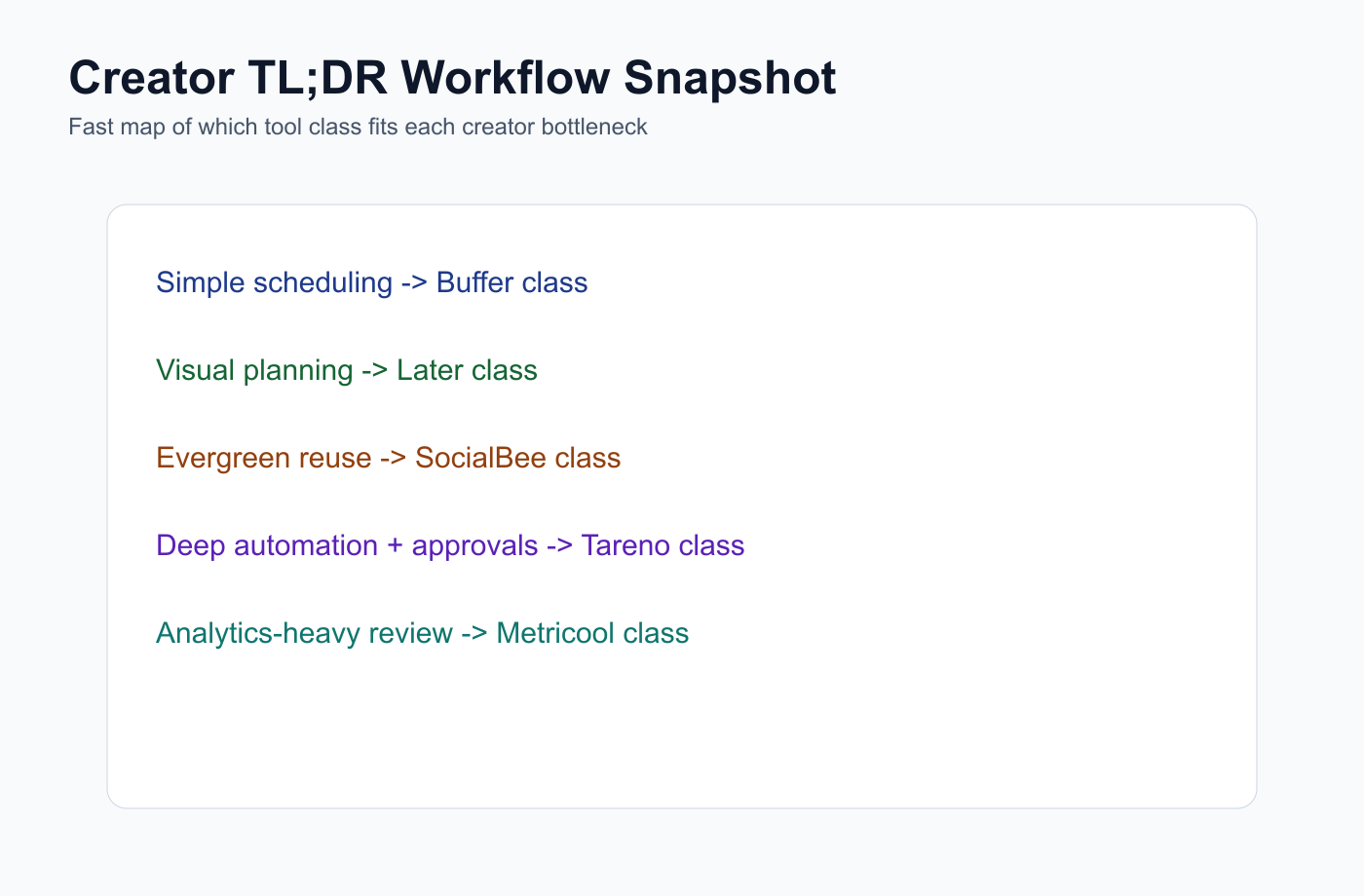
This snapshot turns the TL;DR table into a quick workflow-based routing map.
Creator workflowBest fitWhyWorkflow automation and repurposingTarenoRepurposing queue, workflow builder, boards, AI captions, approvals, Make, n8n, APISimple schedulingBufferClean queue, easy publishing, low learning curveVisual planning and Link in BioLaterSocial Sets, visual planner, creator-friendly calendar, Link in BioEvergreen content categoriesSocialBeeRecurring libraries, categories, re-queueingAnalytics and competitor trackingMetricoolPerformance reporting, competitor profiles, brand dashboardsApproval collaborationPlanableUseful when creators work with brands, sponsors, editors, or assistantsBroad suiteHootsuitePublishing, inbox, AI tools, analytics, listeningInbox and moderationAgorapulseUseful for creators with high comment/message volumePremium care and reportingSprout SocialBetter for larger creator businesses or teamsAgency-style schedulingSocialPilotUseful when creator teams manage many accounts or clients
Short version: If you only need simple scheduling, choose a scheduler. If you need visual planning, choose a visual planner. If you need repurposing, workflow automation, AI support, approvals, Make, n8n, and API workflows, choose a workflow-first platform like Tareno.
What creators actually need from social media tools
Most creators perform better when ideas are captured in a reusable board before they become platform-specific drafts.
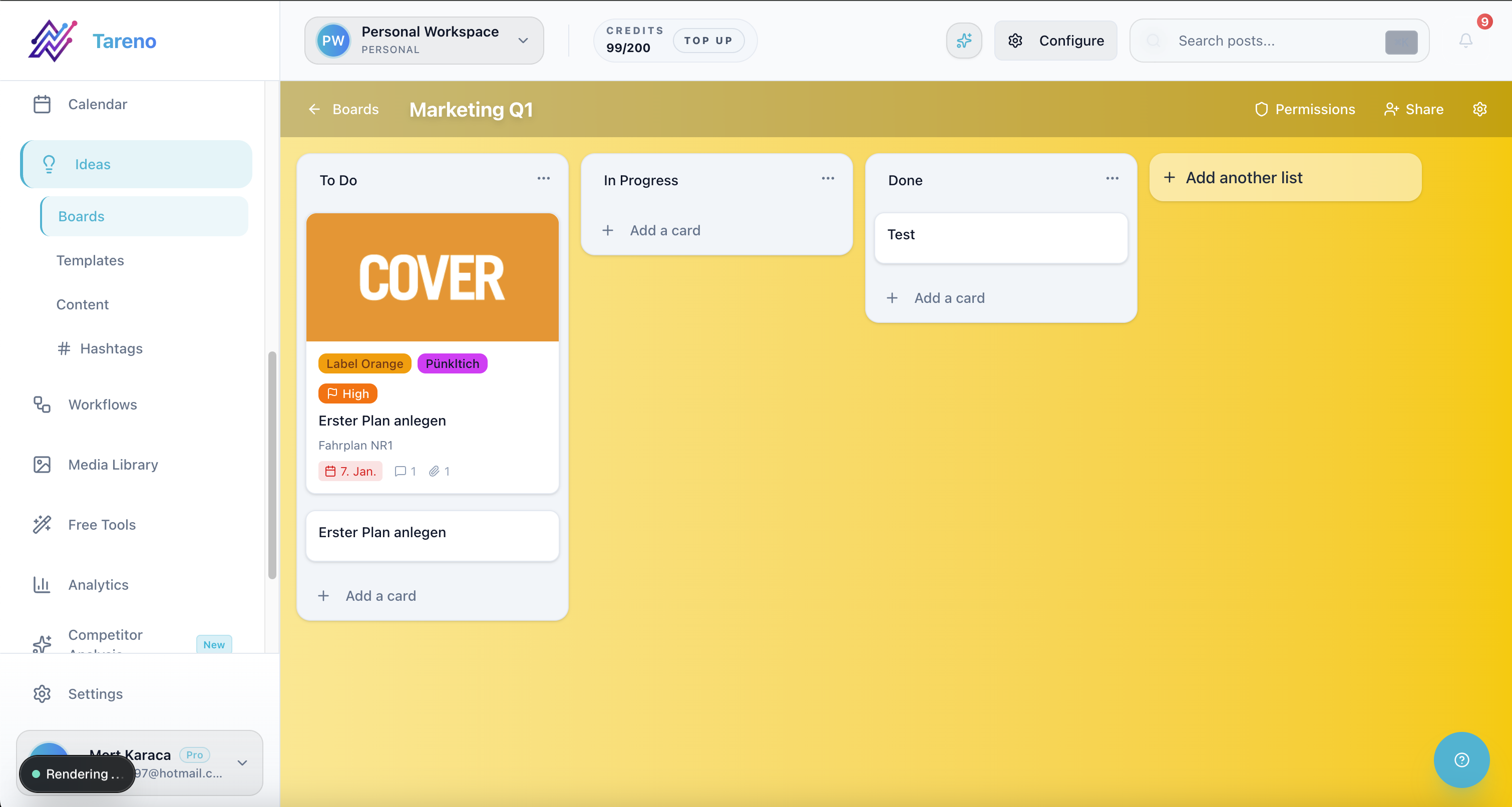
Structured idea boards reduce random posting and make weekly creator planning predictable.
Creators need tools that reduce friction without taking away their voice.
The wrong tool creates more admin. The right tool helps a creator capture ideas, draft captions faster, plan content visually, schedule consistently, repurpose strong posts, adapt content by platform, track what works, avoid forgetting old winners, collaborate with assistants or editors, approve sponsored content, connect automations, and stay consistent without burning out.
The creator workflow is different from a traditional brand workflow. Creators often move fast. They need speed, but not generic output. They need consistency, but not robotic posting. They need AI, but not AI that removes personality. They need automation, but not automation that publishes unreviewed content everywhere.
The CREATOR framework
Use the CREATOR framework to evaluate each tool on workflow fit, not just feature count or influencer hype.
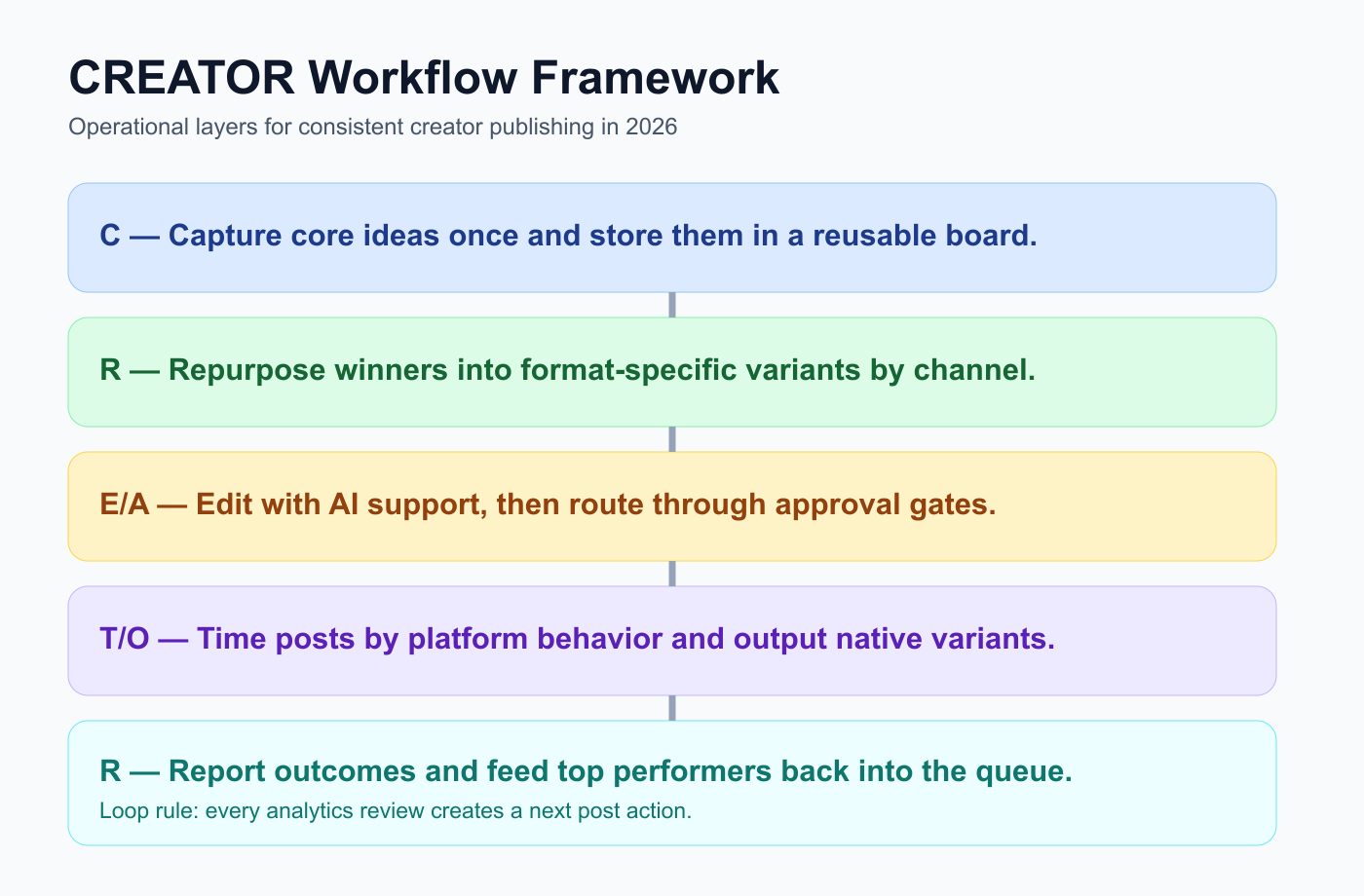
The CREATOR framework keeps idea capture, repurposing, approvals, and reporting in one operating loop.
Use the CREATOR framework to choose a creator tool.
C — Content capture
R — Repurposing
E — Editing and AI support
A — Approval and brand deals
T — Timing and scheduling
O — Output by platform
R — Reporting and repeatability
This framework keeps the tool decision practical.
C — Content capture
Creators need a place to capture ideas before they disappear.
Ideas can come from comments, DMs, competitor posts, customer questions, personal stories, old content, analytics, trends, search queries, blog sections, and newsletter topics.
A good creator tool should help turn ideas into content. A weak system lets ideas sit in notes apps, screenshots, and scattered reminders. If the creator cannot quickly move an idea into a workflow, the idea often disappears.
For simple creators, a notes app may be enough. For creators publishing across multiple platforms, a board or workflow system becomes more useful.
R — Repurposing
Repurposing works when top-performing posts are routed into a dedicated queue instead of being rediscovered manually.
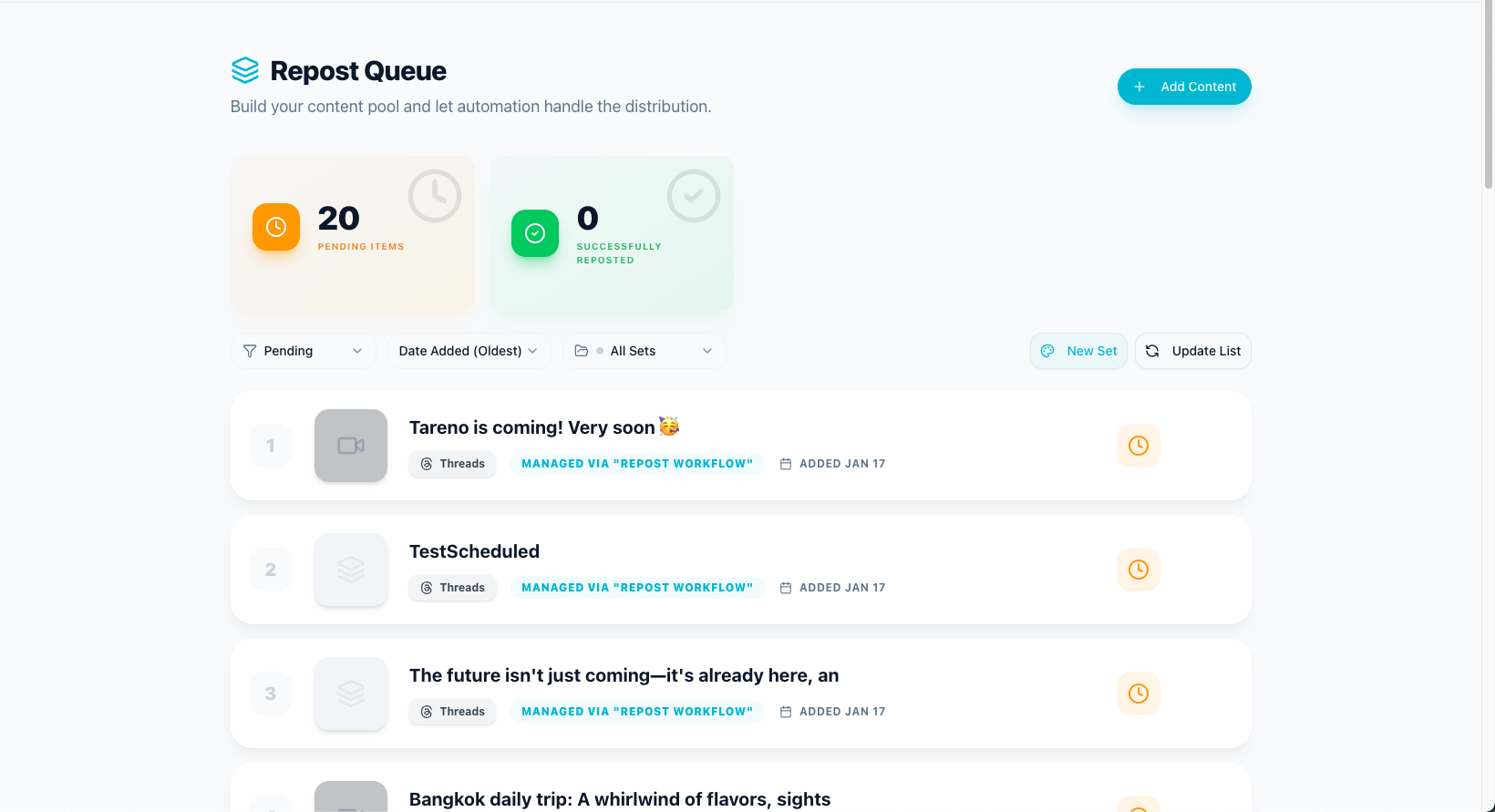
A repurposing queue turns one successful idea into multiple channel-native follow-up posts.
Repurposing is one of the biggest leverage points for creators.
A single good idea can become a TikTok video, Instagram Reel, Instagram carousel, Threads post, LinkedIn post, Pinterest pin, YouTube Short, newsletter snippet, blog section, and follow-up post.
The key is not to copy-paste the same caption everywhere. The key is to adapt the idea.
A creator who repurposes well can publish more consistently without constantly inventing new ideas. That is why a repurposing queue is valuable.
It helps the creator know which posts performed well, which posts should be reused, which platform comes next, what needs to change, when to publish, whether a brand/sponsor approval is needed, and whether the idea should be reused again.
A scheduling tool helps you publish. A repurposing workflow helps you multiply good ideas.
E — Editing and AI support
AI is useful for creators when it supports the creator’s voice.
Good AI use cases include caption drafts, hook ideas, hashtag suggestions, platform-specific rewrites, carousel outlines, TikTok script drafts, LinkedIn rewrites, Pinterest title ideas, YouTube Shorts descriptions, and content idea expansion.
But creators should not publish raw AI content without editing.
Generic AI content can damage trust. The creator’s point of view is the asset. AI should speed up the draft. The creator should keep the taste.
A — Approval and brand deals
Creators working with sponsors usually need explicit review states before posts can move into scheduling.
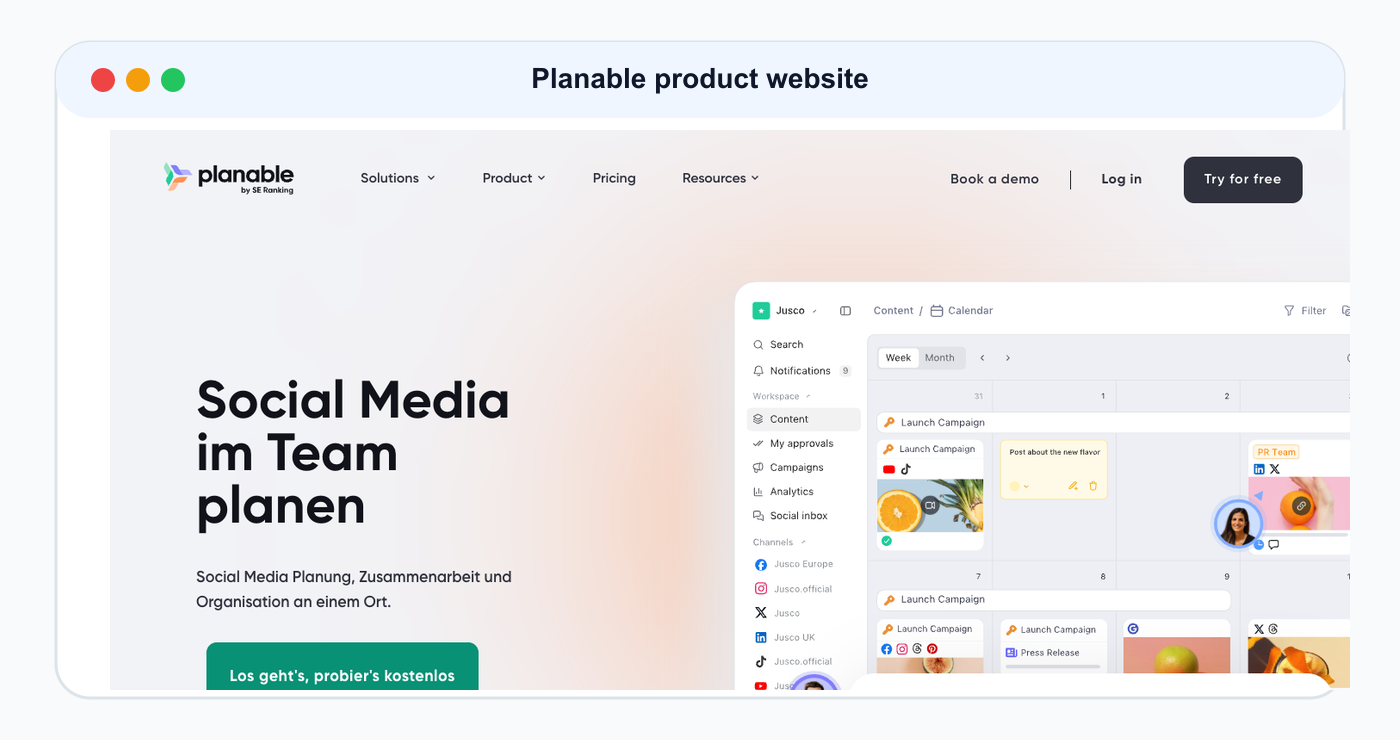
Planable is included as a product/website reference for this ranked tool comparison.
Many creators eventually work with sponsors, agencies, editors, assistants, brand partners, UGC clients, and collaborators.
That makes approvals important.
A creator approval workflow may include a draft post, sponsor review, caption approval, legal claim check, link check, usage-rights check, final creator approval, and scheduled publish.
Approval workflows are not only for large teams. They matter any time someone else can affect what gets published under your name.
For creators, approval protects personal brand trust.
T — Timing and scheduling
Scheduling is not only about picking times; it is about balancing cadence, format variation, and workload capacity.
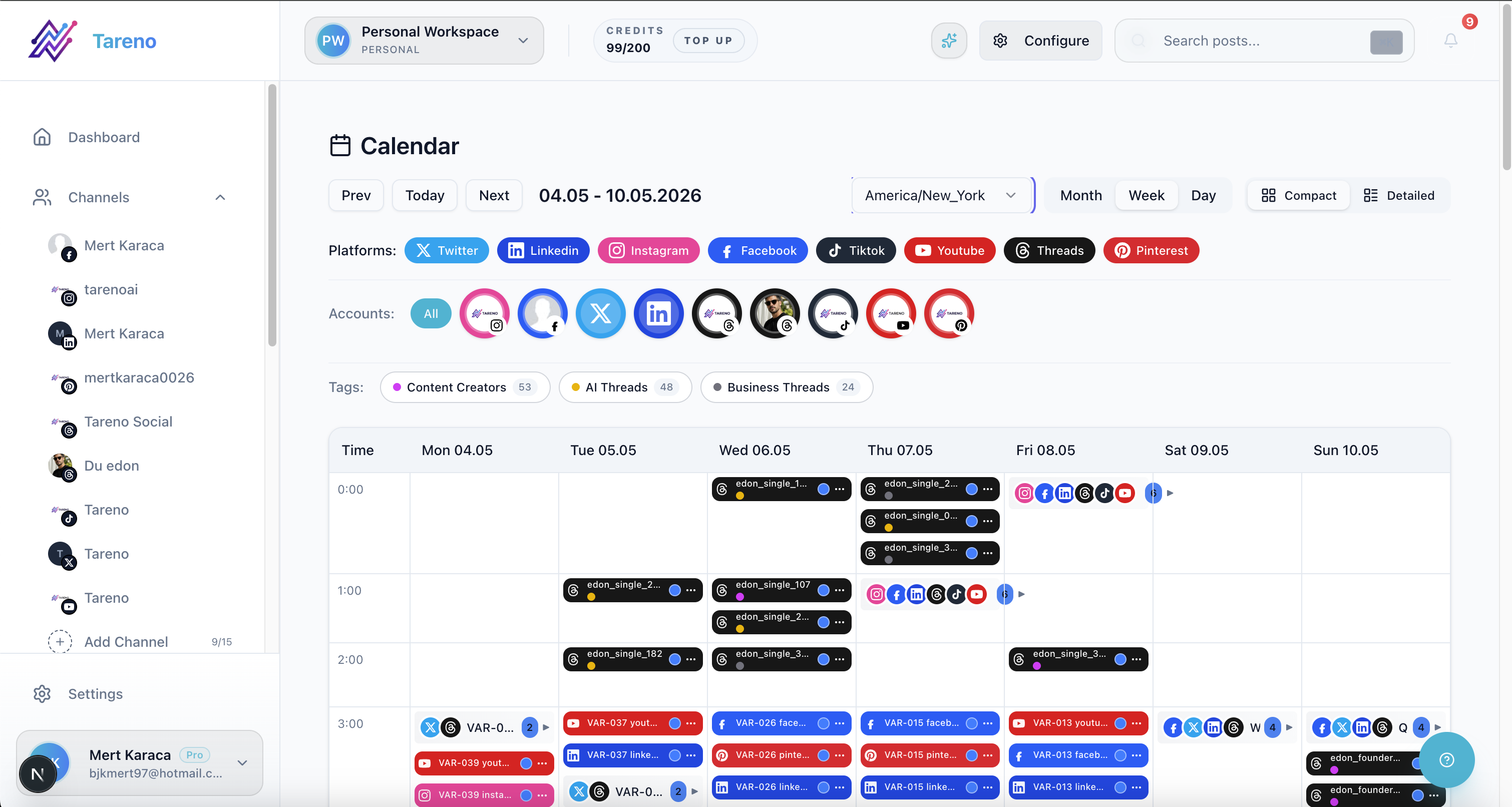
Timing decisions improve when creators can view cadence and spacing in one calendar system.
Scheduling still matters.
Creators need consistency. A scheduler helps plan posts in advance, avoid last-minute posting, publish across time zones, maintain platform cadence, reduce daily admin, and batch content.
But timing is only one part of the workflow.
If the content is weak, scheduling will not fix it. If the caption is generic, scheduling will not fix it. If the creator never repurposes strong posts, scheduling will not fix that either.
Scheduling is useful, but it is not the whole creator system.
O — Output by platform
Output quality rises when each platform version is edited in context before publishing.
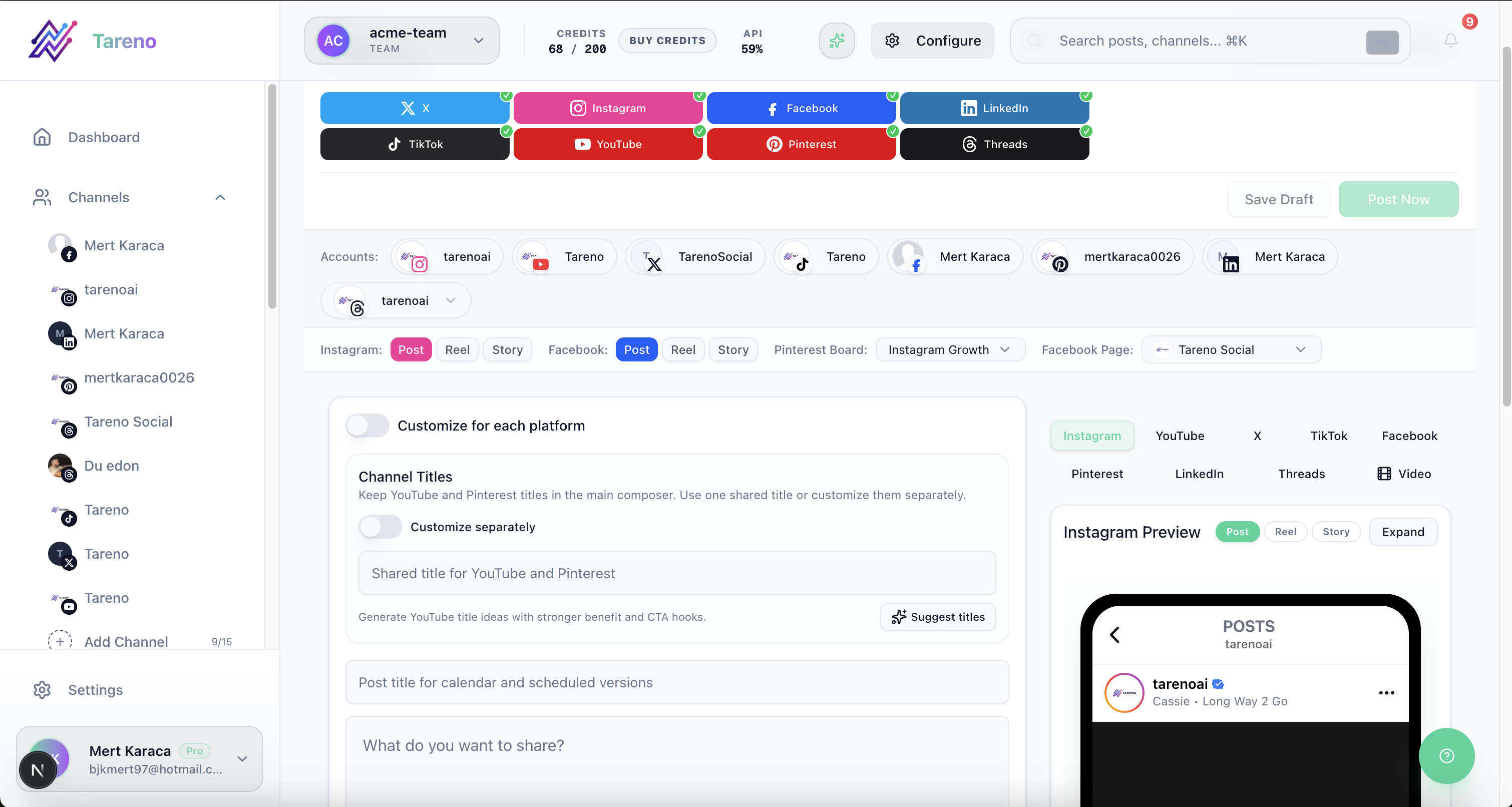
Platform output quality improves when one idea is adapted intentionally instead of copy-pasted.
Creators often publish the same idea across platforms, but each platform needs a different angle.
TikTok needs a strong hook, short script, clear topic, native pacing, and search-friendly caption.
Instagram needs visual clarity, Reels or carousel format, save-worthy captions, and aesthetic or practical layout.
Threads needs conversational tone, direct opinion, short lessons, and reply-friendly phrasing.
Pinterest needs search-friendly titles, clear visuals, evergreen topics, and useful link destinations.
LinkedIn needs professional angle, clear lessons, business/workflow framing, and specific examples.
A good creator tool should support platform-specific adaptation, not just cross-posting.
R — Reporting and repeatability
Reporting only matters when the insights are translated into the next content action, format test, or repurposing step.
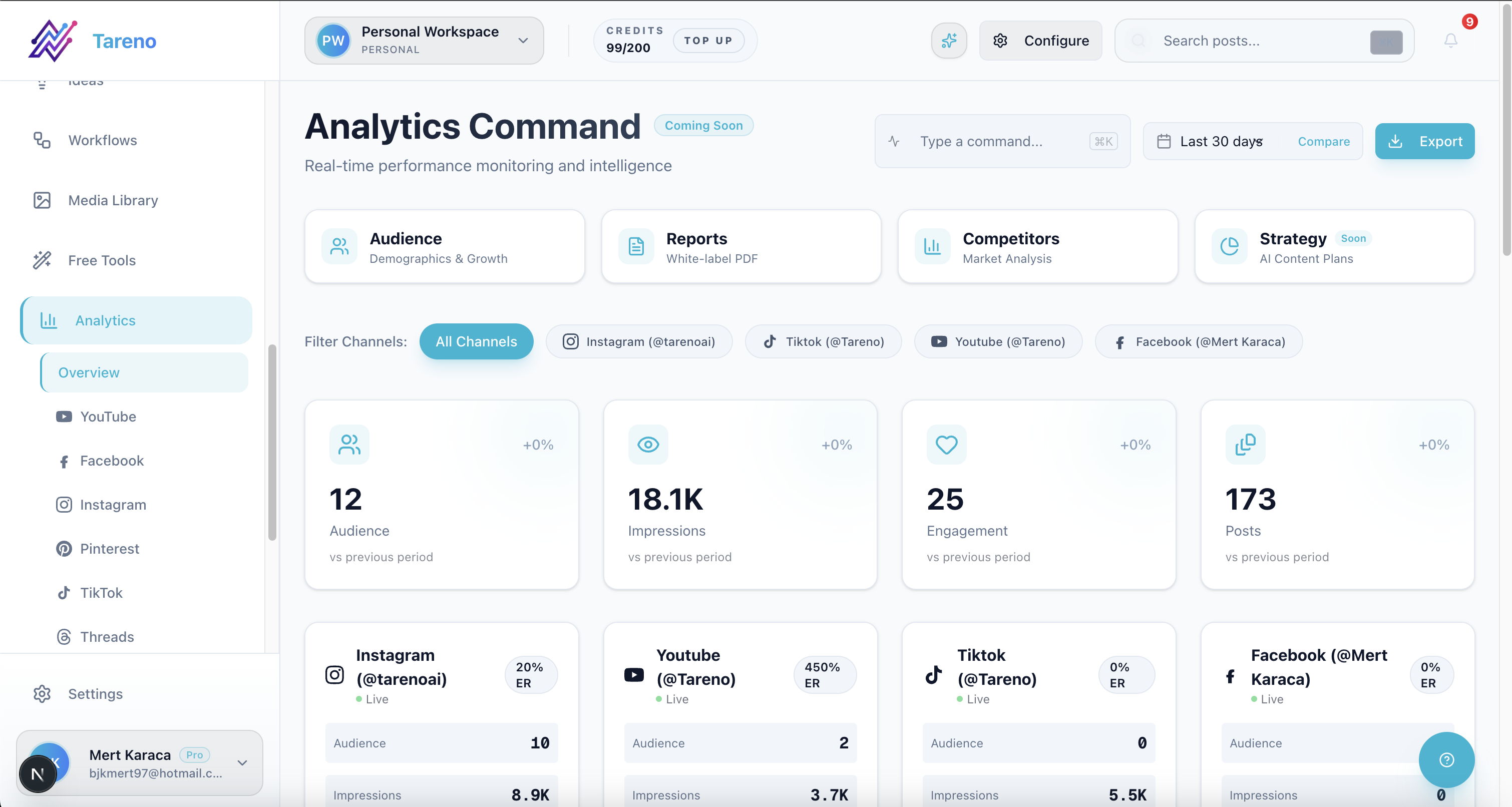
A useful creator workflow turns reporting into a clear next action instead of static monthly snapshots.
Creators should use reporting to decide what to repeat.
Good reporting questions include:
which posts got saves?
which videos had watch time?
which hooks worked?
which topics drove clicks?
which posts brought followers?
which posts created comments?
which content should be repurposed?
which platform version performed best?
Reporting should feed the next workflow.
A creator should not only ask: “What performed well?” They should ask: “What should I do again because it performed well?”
That is how content becomes repeatable.
1. Tareno — best for creator workflow automation and repurposing
Creator teams that publish across multiple channels usually need workflow triggers and reusable actions, not only a posting queue.
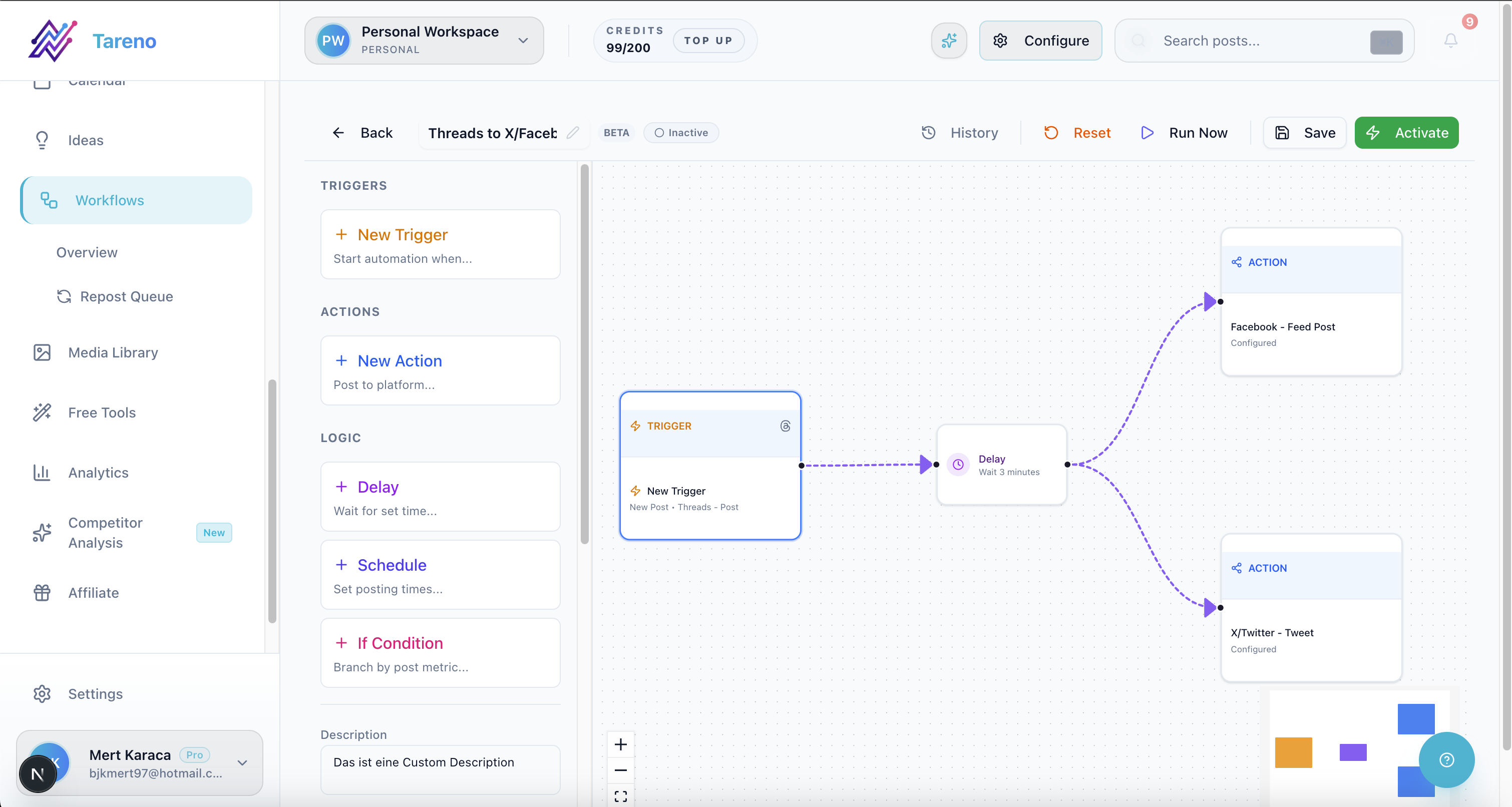
Workflow automation is where creator consistency improves without increasing manual publishing overhead.
Tareno is the best fit for creators who need more than simple scheduling.
It is especially useful for creators who want to build a repeatable content system across platforms.
Tareno is best for creators who need workflow builder, repurposing queue, content boards, AI captions, AI hashtags, approval workflows, team workspaces, roles and permissions, activity visibility, competitor analysis, unified analytics, API access, Make integration, and n8n integration.
Why Tareno fits creator workflows
Tareno helps creators move from “What should I post today?” to “Which ideas are in my workflow, which posts are approved, which content should be repurposed, and what should happen next?”
That is a different level of control.
Best use case
A creator has 100 old Instagram posts, several TikToks, a Threads account, Pinterest boards, and wants to reuse the strongest ideas systematically.
Tareno is stronger here than a simple scheduler because the main job is not only publishing. The main job is repurposing and workflow automation.
2. Buffer — best for simple creator scheduling
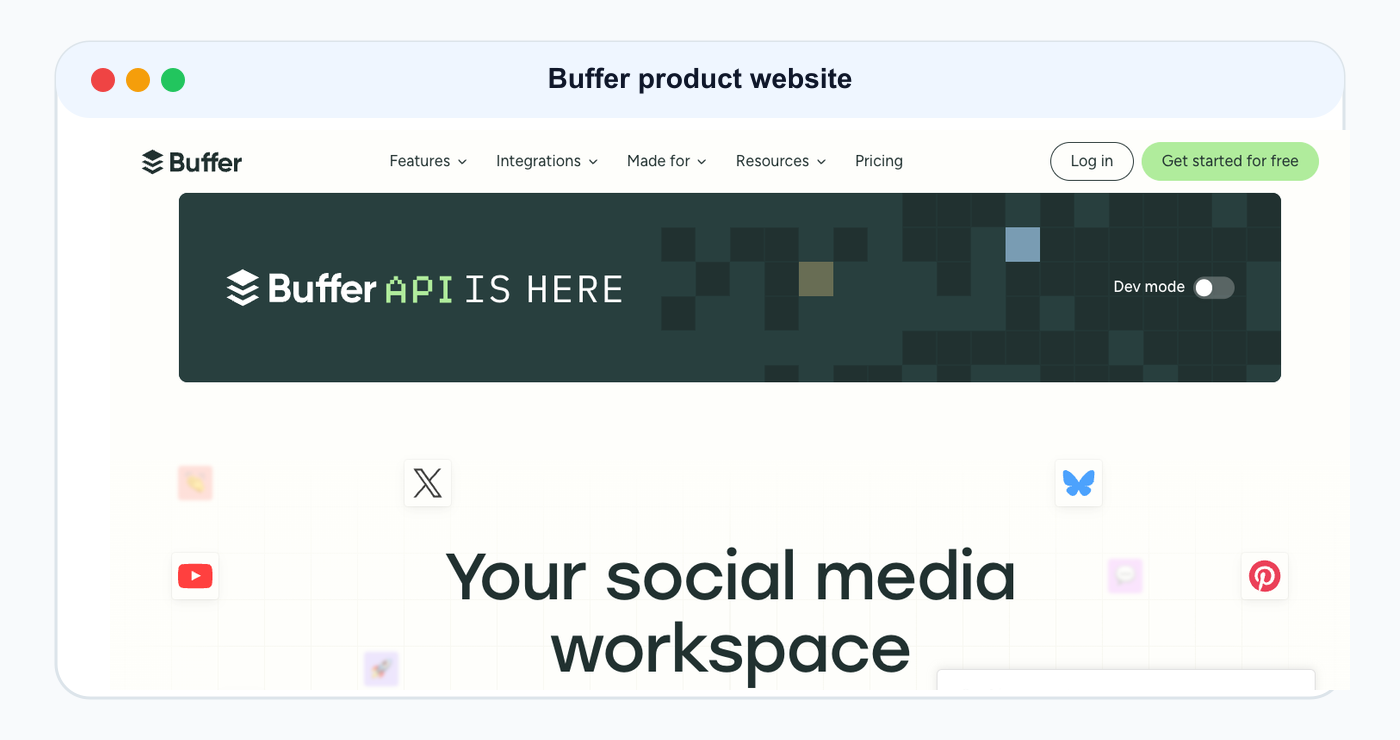
Buffer is included as a product/website reference for this ranked tool comparison.
Buffer is strong for creators who only need a clean way to schedule posts.
Buffer is best for simple scheduling, clean queues, low-friction publishing, lightweight analytics, small creator workflows, and creators who do not need complex automation.
Buffer may not be ideal if the creator needs a repurposing queue, workflow builder, platform-specific reuse system, Make or n8n workflows, board-based content operations, activity visibility, or deeper approval workflows.
Buffer is great for simple publishing. Tareno is stronger for creator workflows that need repurposing and automation.
3. Later — best for visual creator planning
Visual planners are strongest when feed layout and campaign timing are the primary workflow constraints.
Later is frequently shortlisted by creators who prioritize visual planning and profile-grid consistency.
Later is strong for creators who care about visual planning, profile groups, and Link in Bio.
Later is best for visual content calendars, Social Sets, Instagram planning, TikTok planning, Link in Bio, creator-friendly scheduling, and visual profile planning.
Later may not be ideal if the creator needs workflow automation, repurposing queue, Make or n8n workflows, API-connected workflows, activity visibility, or deeper content operations after publishing.
Later helps creators plan visually. Tareno helps creators operate the workflow.
4. SocialBee — best for evergreen creator content
Evergreen-first creators frequently compare SocialBee when recurring category queues are their main workflow need.
SocialBee is often evaluated by creators who prioritize evergreen category-based republishing.
SocialBee is strong for creators who publish recurring evergreen content.
SocialBee is best for content categories, evergreen recycling, recurring content libraries, re-queueing, content sources, and category-based schedules.
SocialBee may not be ideal if the creator needs board-based content workflow, approval-connected repurposing, activity visibility, workflow builder automation, Make or n8n workflows, or platform-specific repurposing queue logic.
SocialBee is useful for categories. Tareno is stronger for workflow-connected repurposing.
5. Metricool — best for creator analytics
Analytics-heavy creators typically review Metricool when reporting depth becomes a dominant selection criterion.
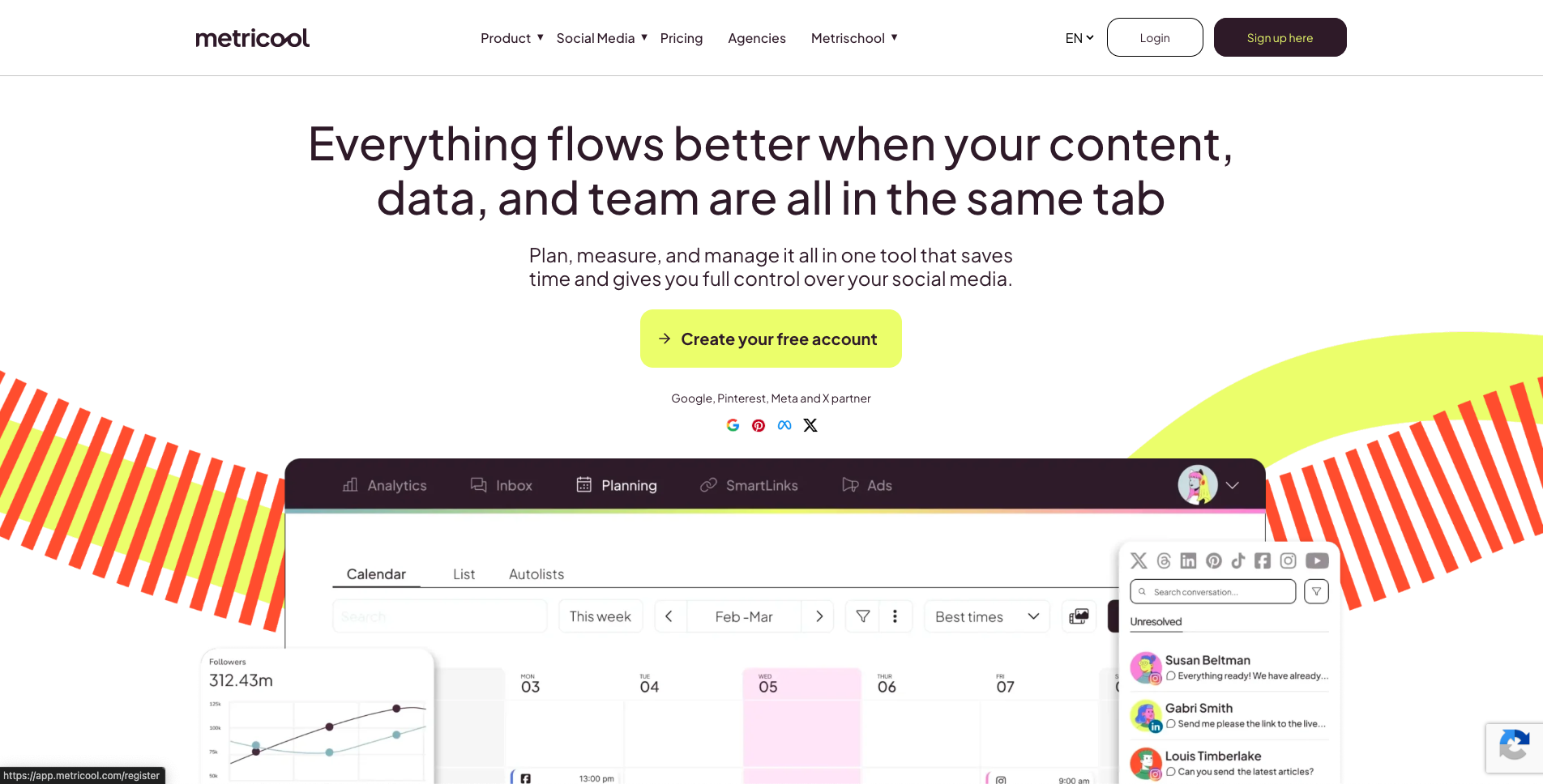
Metricool is a common comparison point when creators focus on analytics and competitor snapshots.
Metricool is useful for creators who need analytics and competitor tracking.
Metricool is best for social analytics, competitor profiles, brand dashboards, reports, analytics history, and data-driven planning.
Metricool may not be ideal if the creator needs repurposing queue, workflow builder, board stages, approval-triggered automations, Make/n8n social workflows, or activity visibility.
Metricool helps creators understand what worked. Tareno helps creators turn what worked into a workflow.
6. Planable — best for creators with sponsors, editors, or collaborators
Planable is useful when creators need review and approval workflows.
Planable is best for sponsor approval, editor review, collaborator feedback, internal notes, stakeholder comments, external review, and content sign-off.
Planable may not be ideal if creators need workflow automation after approval, repurposing queues, Make/n8n integrations, content boards beyond review, or analytics-to-action workflows.
Planable helps content get approved. Tareno helps approved content move into scheduling, repurposing, and automation.
7. Hootsuite — best for creators who need a broad suite
Broad-suite creator stacks commonly include Hootsuite in shortlist comparisons when consolidation is the goal.
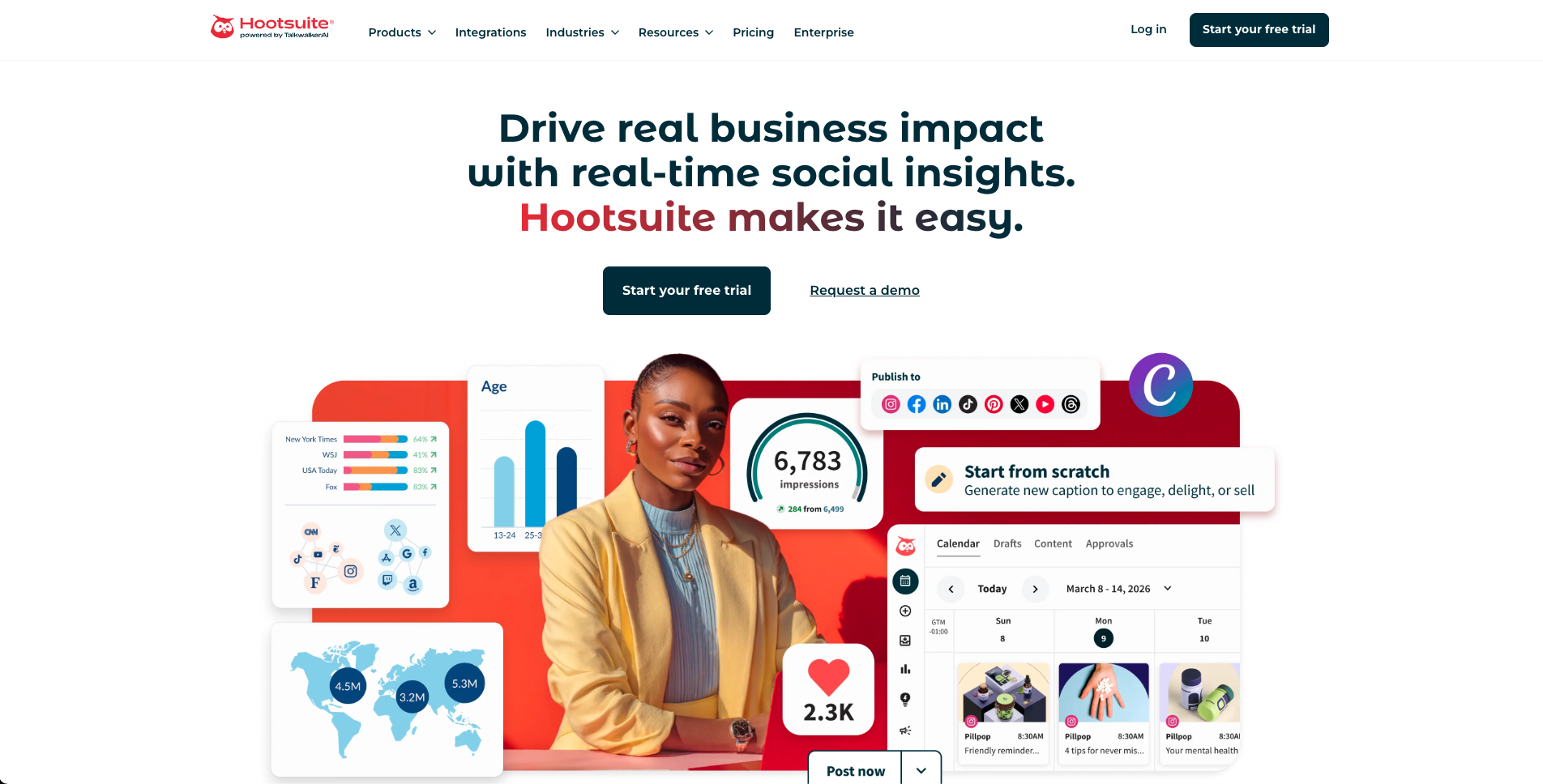
Hootsuite is often compared by creators who need one suite for scheduling, inbox, and reporting basics.
Hootsuite can work for creators who need a broader social media management suite.
Hootsuite is best for publishing, inbox, AI tools, templates, analytics, reports, listening, and broader social management.
Hootsuite may be more than many creators need. It may also be less focused on repurposing queue, creator-specific workflow automation, Make/n8n content operations, board-based creator planning, and lean content reuse.
Creator tool comparison table
The table below is easier to apply when you map your workflow complexity and collaboration load before choosing a vendor.
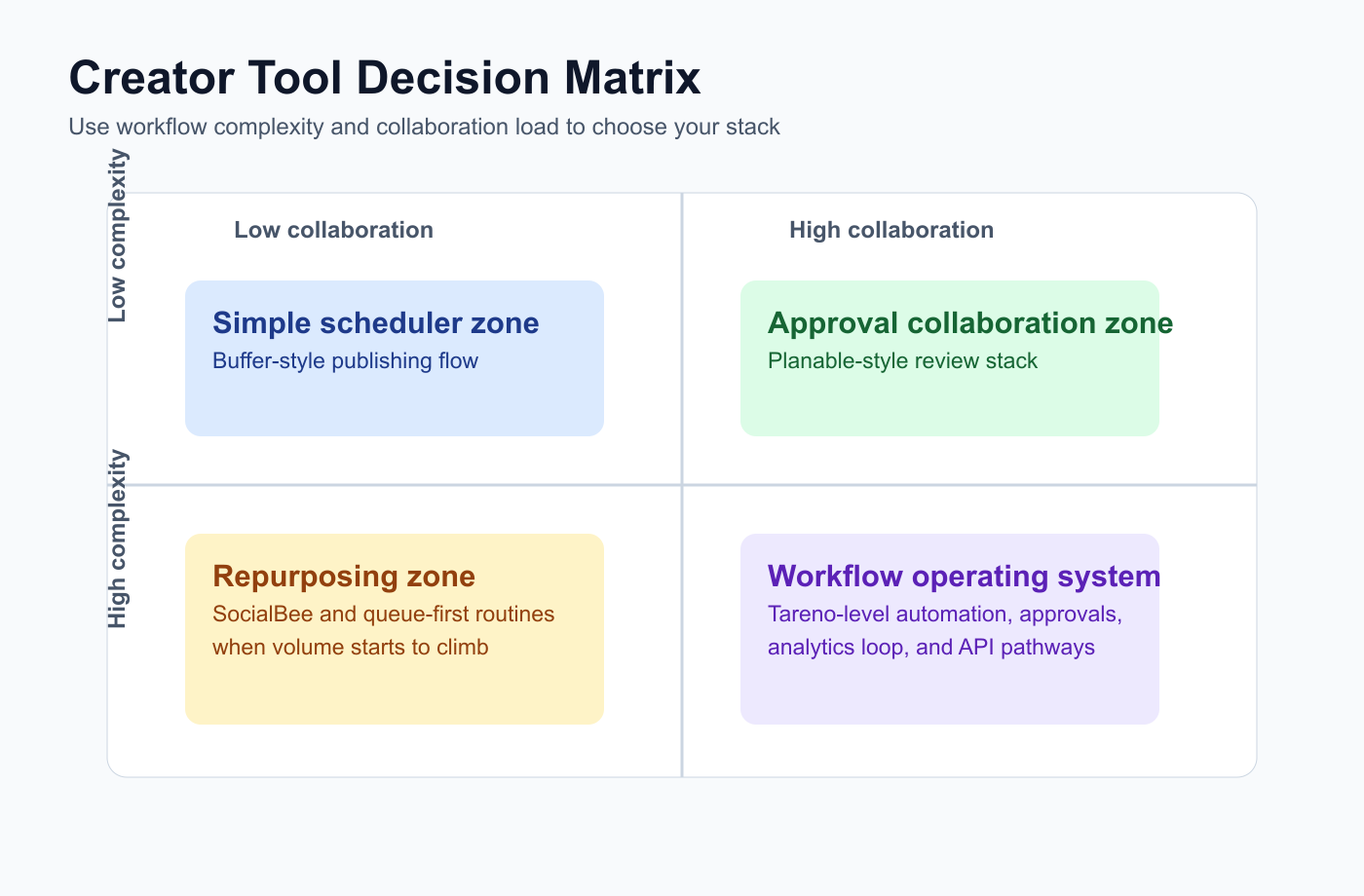
This matrix helps creators pick the right stack by workflow complexity, not by logo popularity.
ToolBest creator use caseMain strengthMain limitationTarenoWorkflow automation and repurposingBoards, AI, repurposing queue, Make/n8n/APIMore than needed for basic schedulingBufferSimple schedulingClean publishing queueLimited workflow depthLaterVisual planningSocial Sets and Link in BioLess workflow automationSocialBeeEvergreen contentContent categories and re-queueingLess workflow operationsMetricoolAnalyticsReporting and competitorsLess repurposing workflowPlanableApprovalsReview and commentsLess post-approval automationHootsuiteBroad suitePublishing, inbox, AI, analyticsCan be heavy for creatorsAgorapulseInbox/moderationComments and assignmentsLess creator repurposing workflowSocialPilotMulti-account schedulingAccount/user scalingMore agency-orientedSendibleClient workflowsDashboards and reportsMore agency-oriented
Creator workflow examples
Creator workflow examples become practical when each platform connection and publishing context is visible in one workspace.
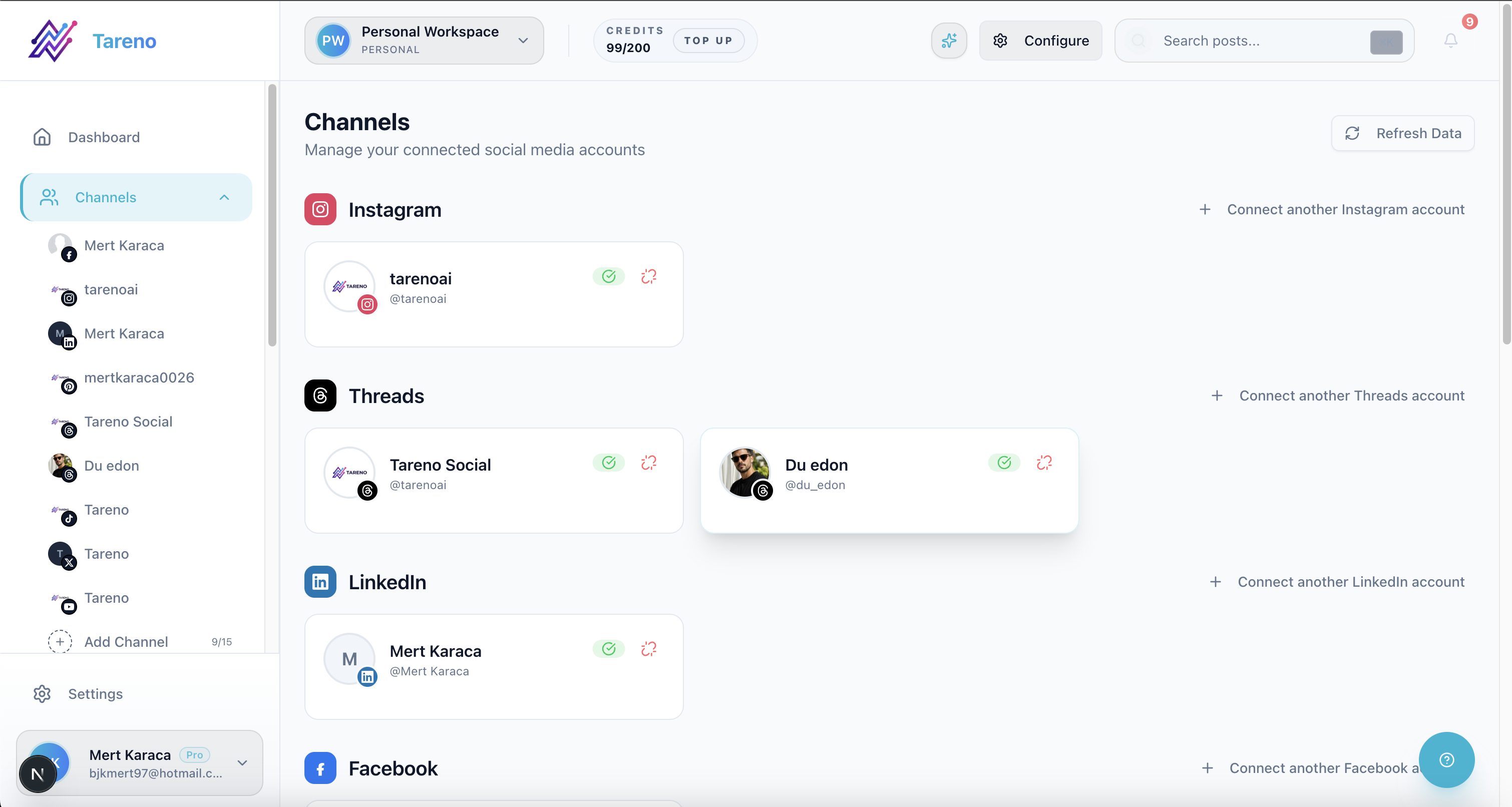
Workflow examples are easier to execute when channel context stays visible in one connected view.
Solo creator
Best setup:
simple idea capture
AI caption help
scheduler
weekly analytics review
repurposing queue
A solo creator may start with Buffer or Later. They may move to Tareno when repurposing and automation become important.
Creator with assistant
Best setup:
board for ideas
assistant drafts captions
creator approves
posts are scheduled
analytics reviewed weekly
winning posts repurposed
Tareno becomes useful because ownership and approvals matter.
Creator with sponsors
Best setup:
sponsor campaign workspace
draft post
internal review
sponsor approval
link and claim check
scheduled publish
performance report
repurposing only if allowed
Planable can help with review. Tareno helps when approval needs to connect to workflow and repurposing.
Multi-platform creator
Best setup:
one source idea
platform-specific rewrites
repurposing queue
scheduled posts
analytics loop
Make/n8n automation for handoffs
This is where Tareno is strongest.
What creators should avoid
Avoiding these operational traps usually delivers more growth than switching tools every quarter.
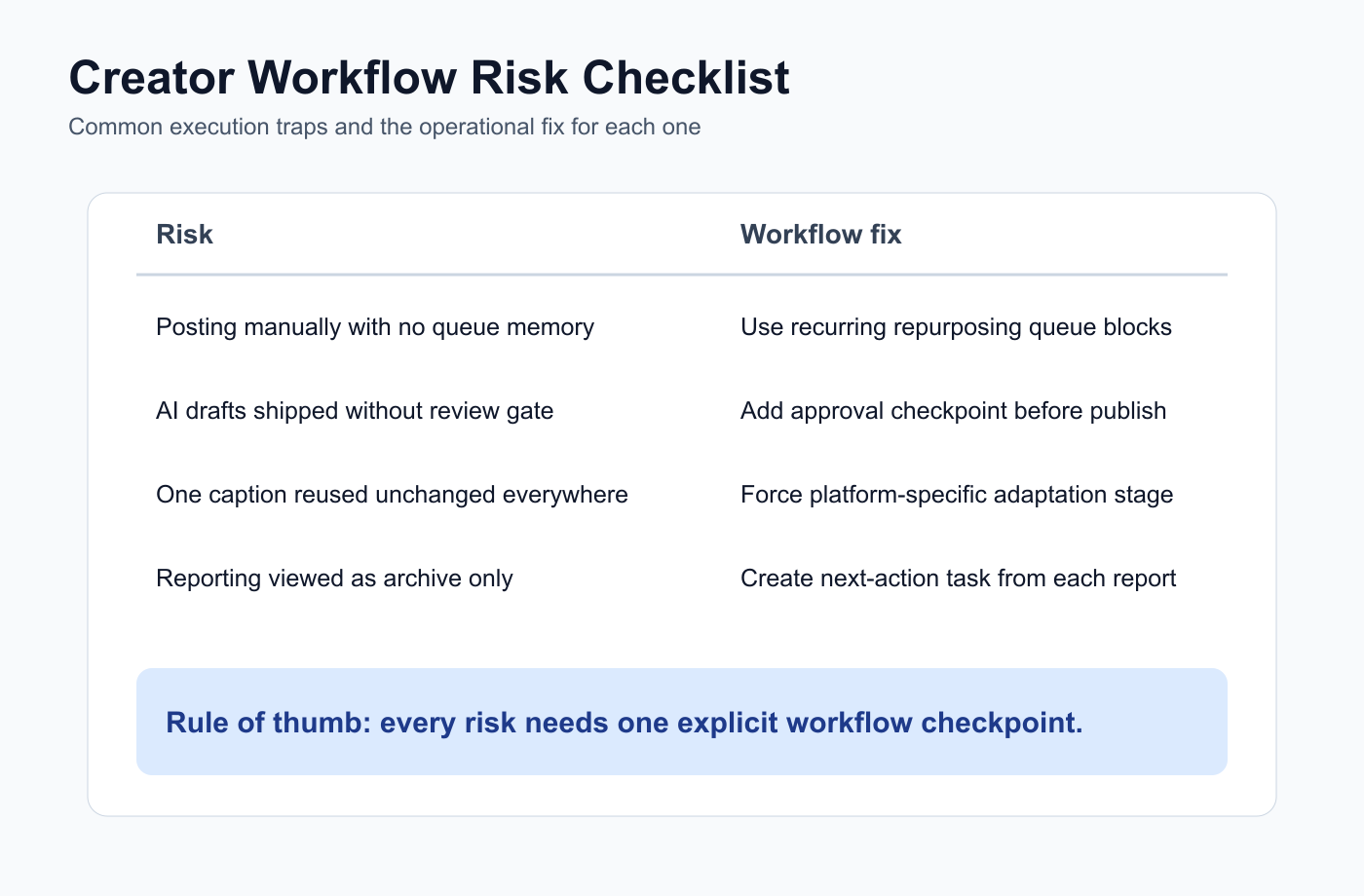
Use this checklist to audit your creator workflow before you add more tools to the stack.
Avoid choosing only by price. A cheap scheduler can cost time if it forces manual repurposing.
Avoid publishing raw AI content. AI drafts need human editing.
Avoid copy-paste cross-posting. Each platform needs a different angle.
Avoid ignoring old content. Your best old posts may be your best future posts.
Avoid tracking analytics without action. Analytics should create next steps.
Avoid overbuilding too early. If you only post twice per week, a simple calendar may be enough. Upgrade the workflow when the workflow is actually the bottleneck.
Pricing note
Before publishing, verify monthly pricing, annual discounts, free plan limits, channel/profile limits, AI feature limits, scheduling limits, team member limits, approval availability, Make/n8n/API availability, and regional pricing differences.
Use monthly pricing as the main comparison where possible. Annual savings can be mentioned, but monthly pricing is clearer for fair comparison.
Related Tareno resources
Keep building the workflow
Product Tareno Features See the planning, scheduling, approval, and workflow features behind this guide. Explore features -> Plans Tareno Pricing Match the workflow depth in this article to the right plan and trial option. View pricing -> Compare Comparison Hub Compare Tareno with common social media management tools by workflow fit. Compare tools -> Workflow Repurposing Queue Turn strong posts into new channel-ready content without losing ownership. See repurposing ->
FAQ
These frequent questions are easier to answer when you map your current bottleneck before selecting a tool category.
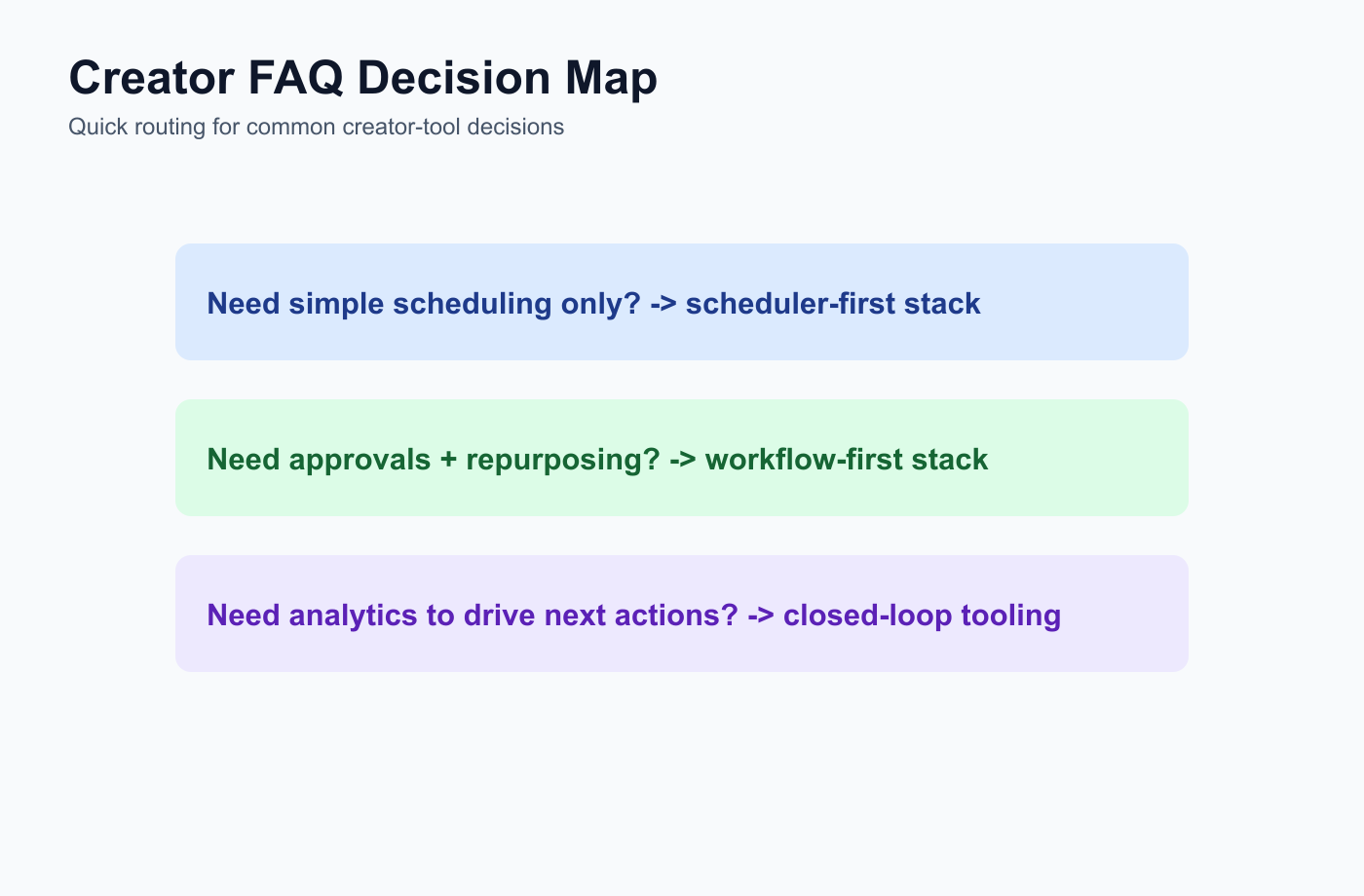
Use this FAQ map to pick your next tool step based on your current workflow bottleneck.
What is the best social media management tool for creators?
The best tool depends on the creator’s workflow. Tareno is strong for repurposing and workflow automation. Buffer is strong for simple scheduling. Later is strong for visual planning. Metricool is strong for analytics. SocialBee is strong for evergreen categories.
What social media tool should creators use for repurposing?
Creators who need repurposing queues, platform-specific rewrites, approvals, workflow automation, Make, n8n, and API workflows should consider a workflow-first system like Tareno.
What is the best social media scheduler for creators?
Buffer is a strong option for simple scheduling. Later is strong for visual planning. Tareno is stronger when scheduling needs to connect with repurposing, approvals, and automation.
What should creators automate?
Creators can automate scheduling, reminders, draft generation, repurposing tasks, reporting summaries, and workflow handoffs. They should keep creative direction, brand voice, and final approval human.
Do creators need approval workflows?
Creators need approval workflows when they work with sponsors, assistants, editors, collaborators, agencies, or brand partners.
What is the best AI social media tool for creators?
The best AI tool depends on workflow. Caption generators help with drafts. Tareno is stronger when AI needs to connect with workflow automation, approvals, repurposing, boards, and analytics.
Final recommendation
Treat the final recommendation as an execution plan with clear pilot steps and validation checkpoints.
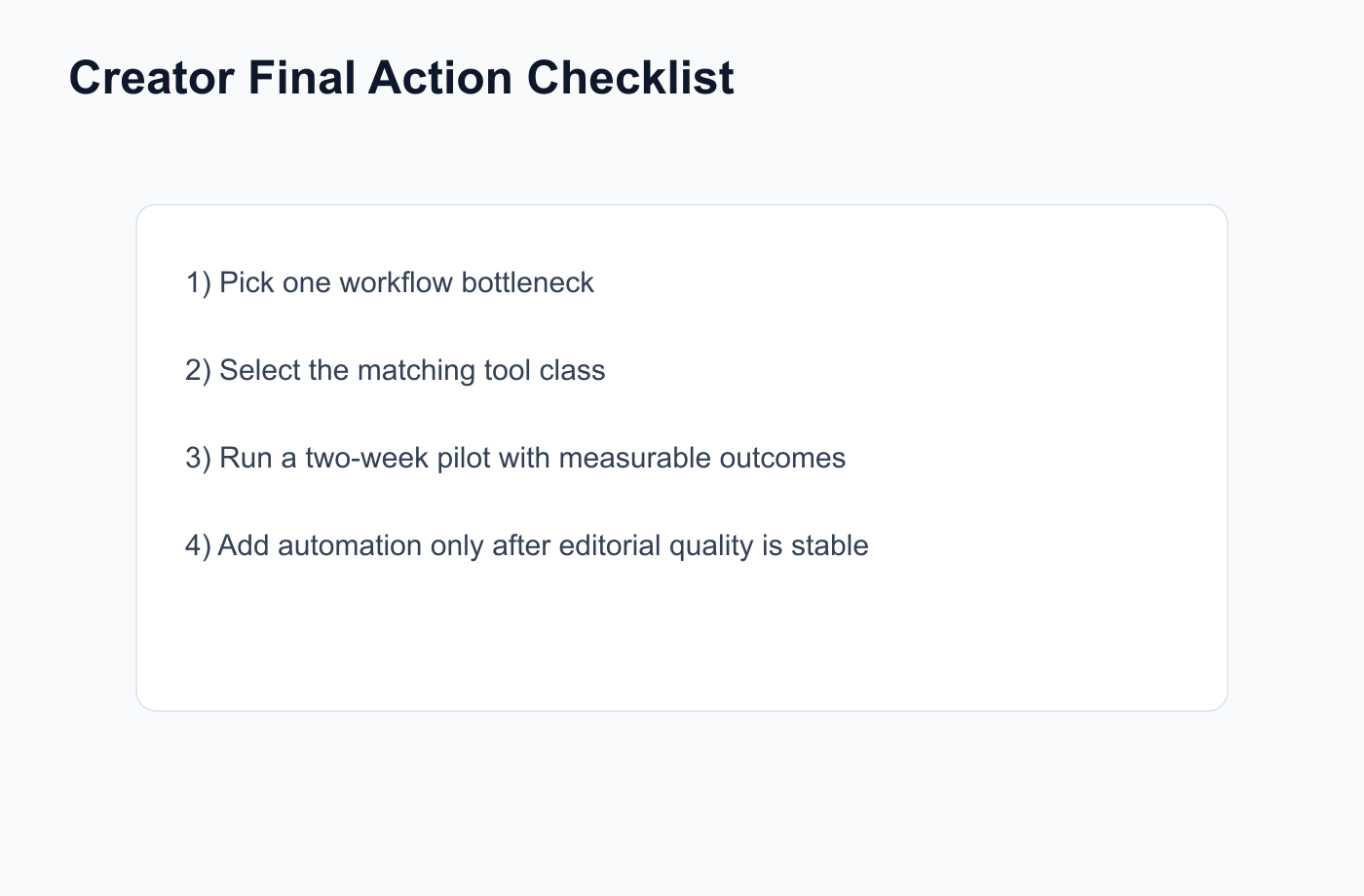
Use this checklist to turn the final recommendation into a practical rollout plan.
The best social media management tool for creators is the one that matches the creator’s workflow stage.
If you only need scheduling, choose a simple scheduler.
If you need visual planning, choose a visual planner.
If you need analytics, choose an analytics tool.
If you need repurposing, AI support, approvals, workflow automation, Make, n8n, API, roles, and activity visibility, choose a workflow-first system like Tareno.
Creators do not need more tools for the sake of tools. They need systems that help them create consistently without losing their voice.
Primary CTA: Explore Tareno for creators to see how workflow builder, repurposing queues, AI captions, boards, approvals, Make, n8n, API, analytics, roles, and activity visibility can work together.
Secondary CTA: Compare Tareno with Buffer, Later, SocialBee, Metricool, Planable, and Hootsuite on the compare hub.