TL;DR
Lean teams do not need more apps; they need clearer system roles.
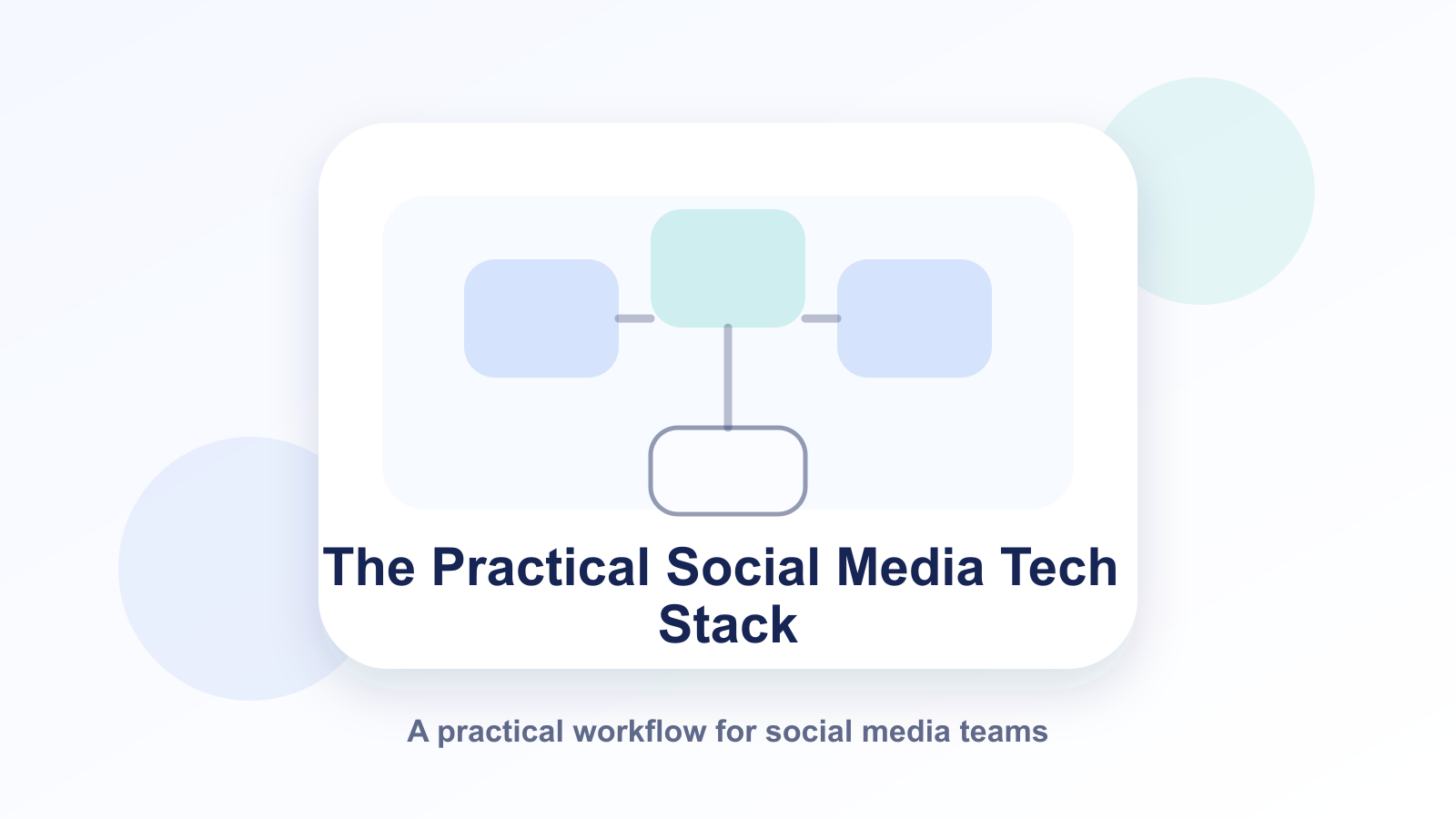
A high-performing stack has four layers: planning, production, distribution, and intelligence.
Tool overlap is the silent budget killer; integration clarity beats feature abundance.
The best stack is the one your team can operate consistently for 90+ days.
Quick Definition
A practical social media tech stack is a deliberately limited set of tools that covers planning, content production, scheduling, collaboration, and performance analysis without creating operational friction. For lean teams, success is defined by reliability and decision speed, not by the number of subscriptions.
Why Most Stacks Break in Small Teams
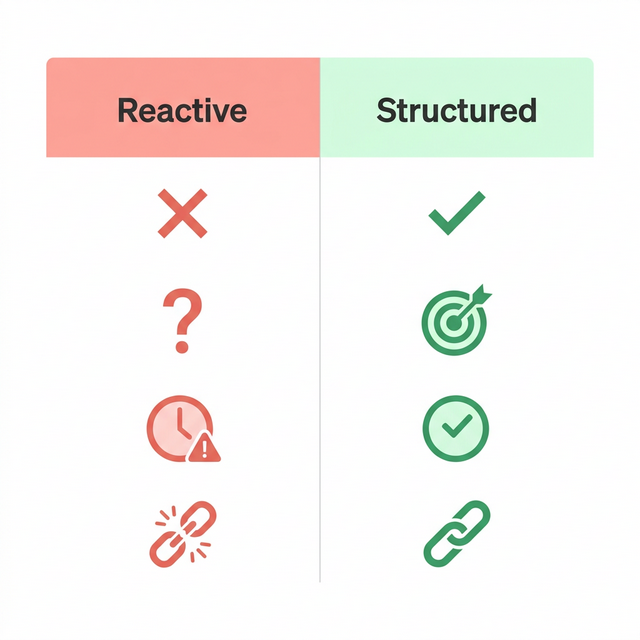
Most teams fail at the stack level for one reason: they buy tools by trend, then run workflows by improvisation. One tool stores ideas, another stores drafts, another schedules posts, and no one knows which one is source of truth.
That fragmentation causes slow approvals, duplicated edits, and inconsistent channel output. It also creates hidden cost because multiple tools solve the same partial problem.
Counterargument: "Specialized tools are always better than all-in-one workflows." Sometimes true for large teams with dedicated operators. For lean teams, specialization often increases handoff complexity faster than quality.
Takeaway: Stack quality is an operations design question, not a feature checklist.
Takeaway: Reliability beats sophistication when team capacity is limited.
The LENS Framework
Use LENS to design and maintain your stack:
L — Layering: assign one primary tool per workflow layer.
E — Elimination: remove overlap and redundant subscriptions.
N — Navigation: define where decisions happen and who owns them.
S — Stability: optimize for consistency across weekly production cycles.
When to use LENS
1–8 person teams managing multiple channels
frequent missed-post cycles
unclear ownership between content and ops
When not to force LENS strictly
high-scale media operations with dedicated role silos
advanced data teams needing custom analytics architecture
Takeaway: LENS keeps stacks small, understandable, and durable.
Takeaway: Fewer tools with clearer roles usually outperform bigger stacks.
Core Stack Architecture (Lean Team Default)
Layer 1: Planning
Primary outcomes: calendar clarity, campaign mapping, priority control.
The following visual builds on that example with a different angle, so the section has a clear explanation between the two images.
Layer 2: Production
Primary outcomes: reusable templates, review loops, version control.
Layer 3: Distribution
Primary outcomes: queue stability, multi-channel adaptation, time-zone reliability.
Layer 4: Intelligence
Primary outcomes: weekly insights, content diagnostics, decision-ready reporting.
Rule: each layer has one primary owner and one primary source of truth.
Takeaway: Clear layer ownership prevents workflow drift.
Takeaway: If two tools own the same layer, one should probably be removed.
Tool Evaluation Rule (3 Categories × 3 Criteria)
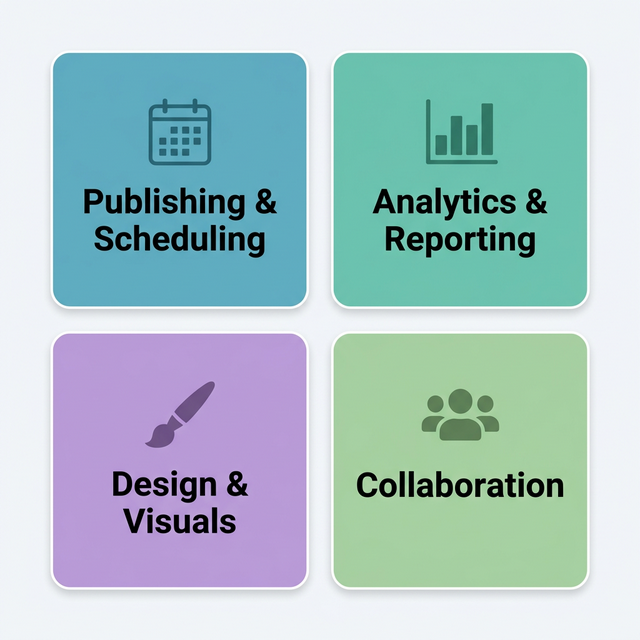
Category 1: Workflow Fit
supports Draft -> Review -> Scheduled clearly
reduces handoff friction
handles recurring weekly cycles
Category 2: Team Control
approval status visibility
permission and role clarity
auditability of changes
Category 3: Output Reliability
Publishing Queue consistency
multi-platform scheduling stability
actionable reporting quality
Takeaway: A tool is valuable only if it improves system reliability.
30-Day Stack Reset Plan
Week 1: Audit
list all active tools and real usage frequency
map overlaps and abandoned features
identify where posts get blocked most often
Week 2: Consolidate
choose one primary platform per layer
migrate templates and core workflows
define owner per layer and escalation route
Week 3: Operate
run full weekly cycle in the new setup
log handoff delays and scheduling errors
refine approval checkpoints
Week 4: Optimize
remove low-value tools
standardize recurring content types
create monthly stack review ritual
Takeaway: Stack resets fail when teams skip ownership design.
Takeaway: The first goal is operational stability, then performance lift.
Typical Failure Patterns
buying tools before workflow definition
no source-of-truth rule
cross-tool duplication of drafts and assets
unclear approval responsibilities
no monthly pruning of unused tools
Counterargument: "Experimenting with many tools is good for innovation." It can be, but innovation without governance becomes chaos. Use short test windows and explicit go/no-go decisions.
Takeaway: Experimentation should be bounded by decision rules.
Takeaway: Tool sprawl is usually a management issue, not a software issue.
Free Tools (Quick Links)
Stack Audit Worksheet — map tools, overlaps, and ownership in one sheet.
Workflow Layer Mapper — assign one source of truth per stack layer.
Approval SLA Template — define review deadlines and escalation rules.
Monthly Tool Pruning Checklist — remove redundant subscriptions systematically.
FAQ
How many tools should a lean team use?
As few as possible while fully covering planning, production, distribution, and intelligence.
Should we use an all-in-one platform only?
Use what gives reliable output. Hybrid setups can work if ownership and handoffs stay clear.
What is the first KPI for stack health?
Start with missed-post rate and review-cycle duration.
How often should the stack be reviewed?
Monthly is a strong default for lean operations.
Is cost the main optimization factor?
Cost matters, but reliability and decision speed usually create bigger business impact.
Advanced Deep Dive: Stack Governance for Teams That Scale
A stack that works at three people may fail at eight if governance is missing. The most common growth mistake is adding tools before defining decision rights. Every additional tool introduces two hidden costs: coordination overhead and interpretation risk.
To keep performance stable, define three ownership layers:
System Owner: decides which tool owns each layer
Workflow Owner: ensures weekly operation runs without blockages
Quality Owner: protects content standards and review consistency
Without these roles, teams confuse activity with progress. They produce more artifacts but publish less reliably.
Stack Redundancy Audit (Quarterly)
Run a quarterly redundancy audit with four questions:
Which tool is our primary source of truth for this layer?
Are we paying for duplicate features used less than monthly?
Where does handoff time exceed value created?
Which workflow step is still manual but should be templated?
If a tool cannot defend its role with measurable workflow value, remove or downgrade it.
Decision Boundaries: Build vs Buy vs Integrate
Lean teams should avoid absolutist tool decisions. Use a boundary matrix:
Build (light custom): when workflow is unique and stable
Buy (SaaS): when speed and reliability matter more than customization
Integrate: when teams already operate two strong systems and need flow continuity
A practical rule: if customization need is rare and support burden is high, buy. If the process is strategic and repeated weekly, consider lightweight internal templates or automations.
Reliability Metrics Beyond Vanity Dashboards
Many teams track reach and likes while their system is operationally unstable. Add reliability metrics:
missed-post rate
review-cycle duration
approval bottleneck frequency
asset rework ratio
cross-channel adaptation latency
These metrics show whether the stack is helping the team produce quality consistently. If they improve, outcome metrics usually follow.
Incident Playbook for Stack Failures
When your stack breaks (API issues, scheduling gaps, permission errors), use a clear response playbook:
Freeze non-critical changes
Move to fallback publishing queue
Assign one incident owner
Log affected assets and channels
Publish recovery summary and root cause
This prevents panic mode and protects brand consistency during tool disruptions.
Cost Architecture: Budget Without Blind Spots
A lean stack should be evaluated by total operating cost, not subscription price alone. Include:
tool fees
n- setup and migration timeonboarding/training effort
coordination overhead across tools
rework cost caused by unclear ownership
A cheaper tool can become expensive if it creates manual patchwork every week. A premium tool can be cost-effective if it removes repeated friction and protects delivery reliability.
Change Management for Stack Transitions
When replacing tools, avoid full-switch shock. Use phased migration:
run parallel for one cycle
validate critical workflows
transfer templates and permissions
cut over by layer, not all at once
audit after 14 days
This limits risk and keeps publishing stable.
The All-in-One Solution: Replacing the Fragmented Stack
Maintaining multiple tools for ideation, scheduling, and analytics can become expensive and overwhelming for a lean team. Constantly tab-switching between your notes app, a spreadsheet, and your native platforms is inefficient.
A unified approach with a centralized platform like Tareno drastically reduces this friction:
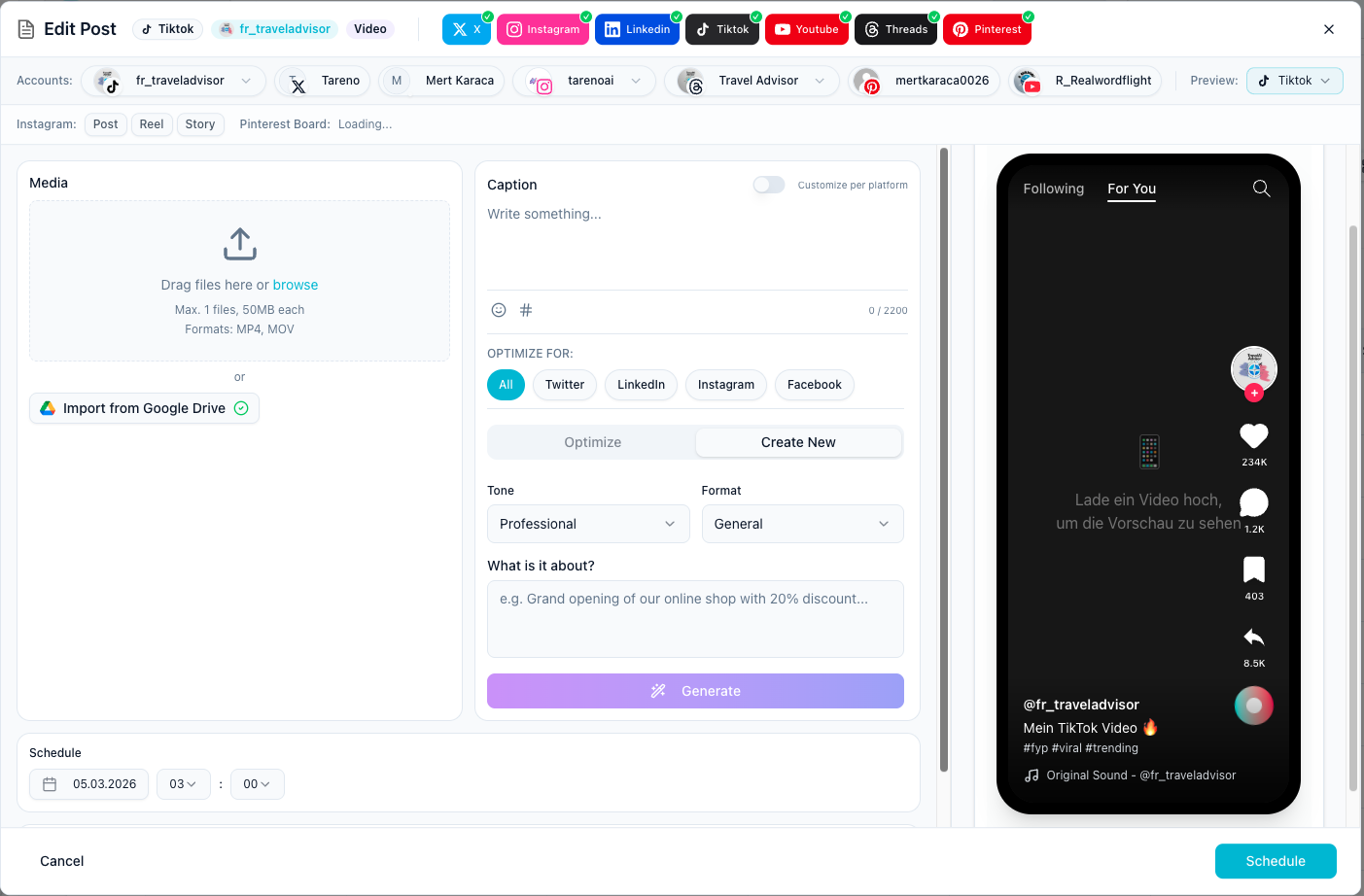
By bringing idea generation, content drafting, and automated cross-posting into a single calendar view, lean teams can execute their entire strategy without the typical "tech stack bloat." This saves hours of administration work and allows you to focus purely on content quality.
Conclusion
A practical stack is not built by collecting apps. It is built by designing a system your team can run without friction. Lean teams that enforce layer clarity, ownership, and monthly pruning gain compounding output quality while controlling complexity.
Key Takeaways
Keep the stack intentionally small and role-driven.
Use LENS to remove overlap and improve execution speed.
Prioritize scheduling reliability and approval clarity.
Review and prune monthly to prevent stack drift.