5 min read
Account, Integrations & BillingConnect Tareno to n8n
Use this guide when you want the fastest end-user path for connecting Tareno to n8n.
What you need first
- A Tareno account
- At least one connected social account in Tareno
- A valid API key
- Access to your n8n instance
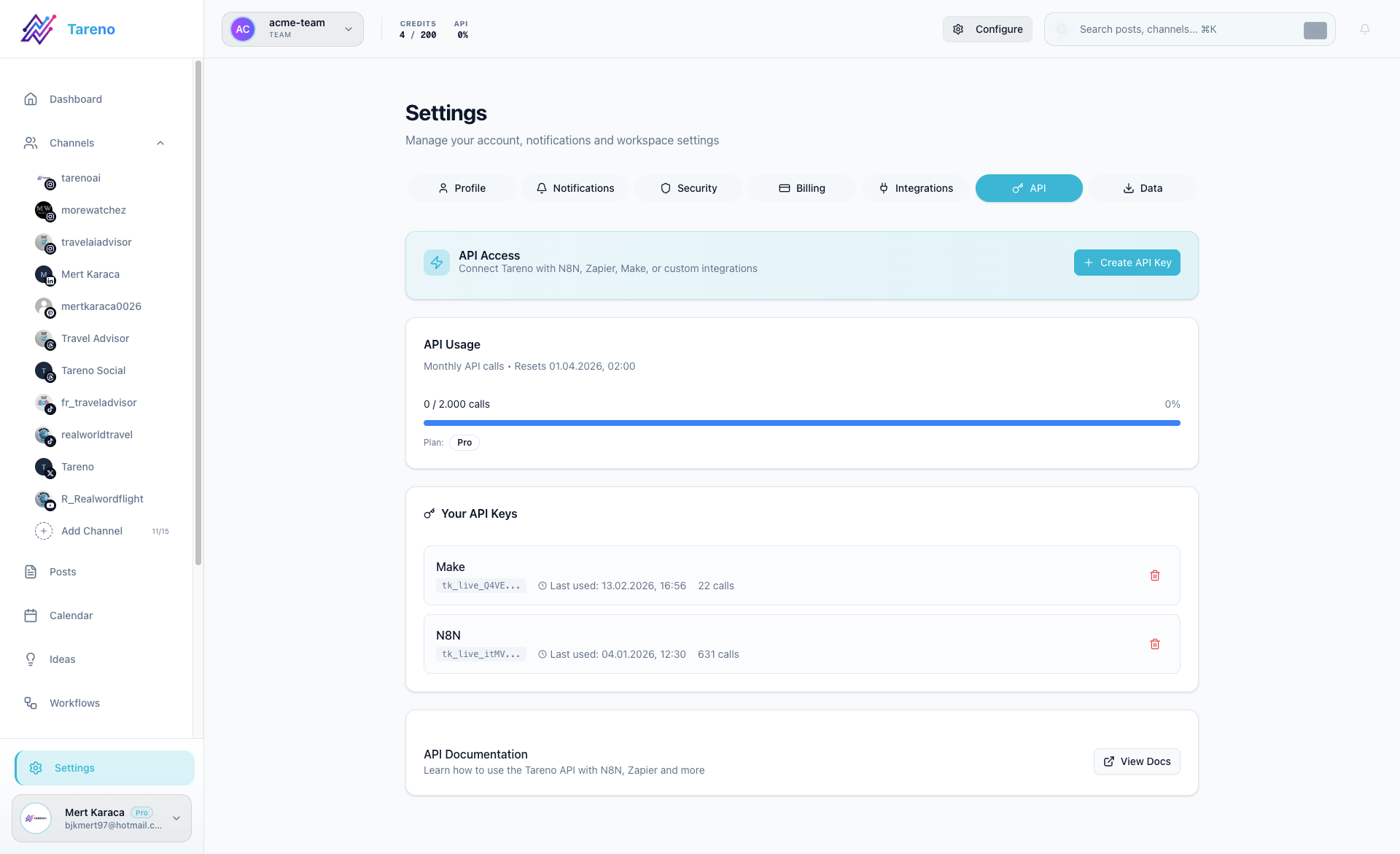
Connect Tareno to n8n
- Create an API key in Settings -> API.
- In n8n, install the Tareno node or use the supported Tareno integration flow for your workspace.
- Add Tareno credentials in n8n using the API key.
- Use Get Accounts first so you can select the right connected channel IDs.
- Build the workflow that publishes, schedules, or reads account data.
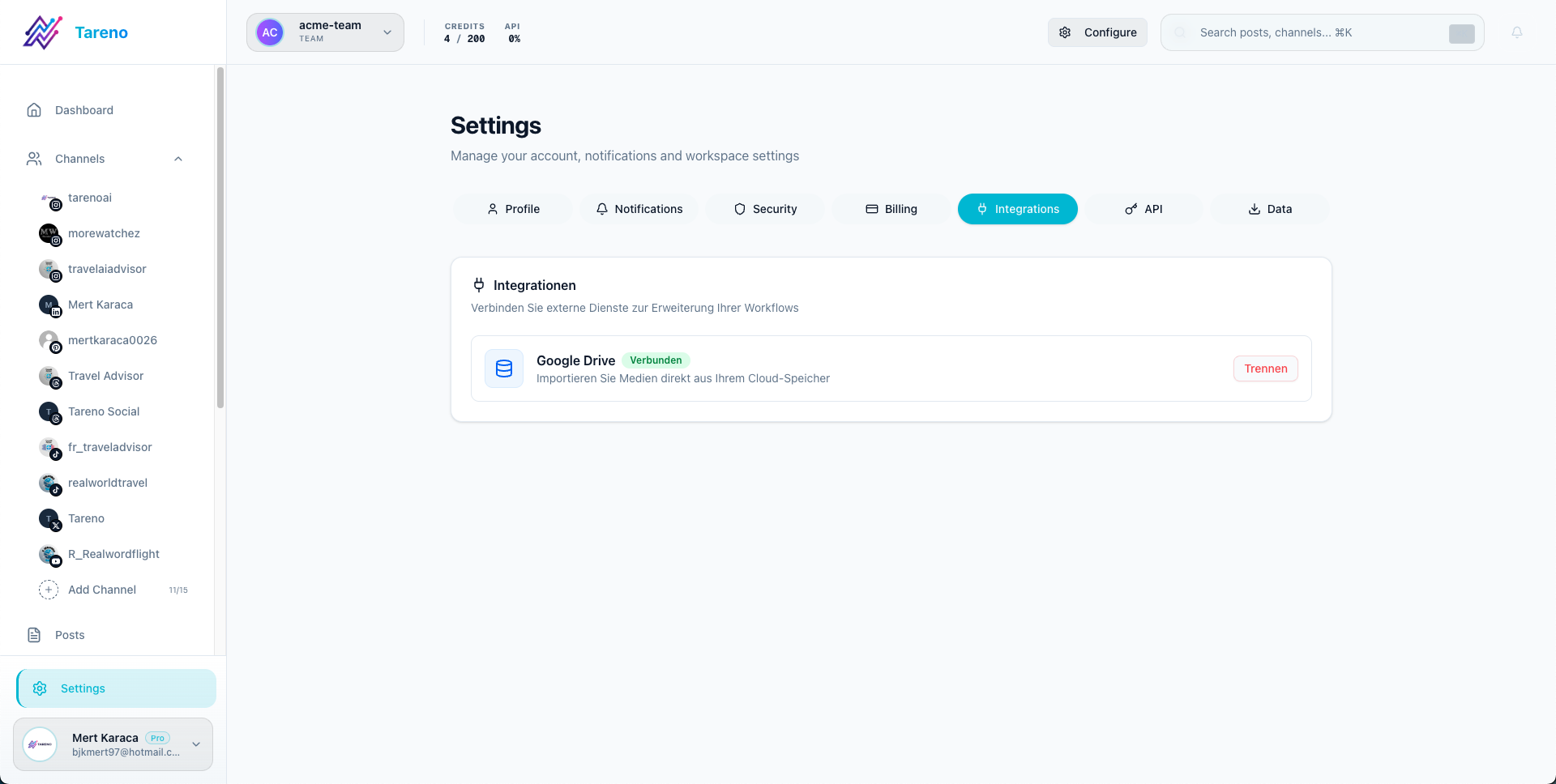
Where to manage integrations in Tareno
Use the integrations settings area when you want a quick view of the tools connected to your workspace.
Recommended first automation
Start with a simple scheduled post or account lookup before building larger multi-step workflows.
What to do next
For parameters, request examples, and node-specific details, open the technical n8n documentation.
Was this article helpful?
Your feedback helps us improve our documentation.
Last Updated
March 8, 2026