The best social media management tool for an agency depends on the agency’s workflow.
That sounds obvious, but most tool lists ignore it.
They rank tools as if every agency has the same problem.
They do not.
One agency needs client approvals.
Another needs reporting.
Another needs inbox management.
Another needs visual planning.
Another needs account/user scaling.
Another needs workflow automation.
Another needs repurposing because the team creates too much content from scratch.
That means there is no single “best” tool for every agency.
There is a best tool for each workflow type.
This guide compares the best social media management tools for agencies in 2026 by the job they are best at: workflow automation, approvals, client dashboards, scheduling, reporting, inbox, social care, visual planning, evergreen content, and repurposing.
TL;DR: best agency tools by workflow type
Use this quick map first to align your current agency bottleneck with the right tool class before evaluating details.
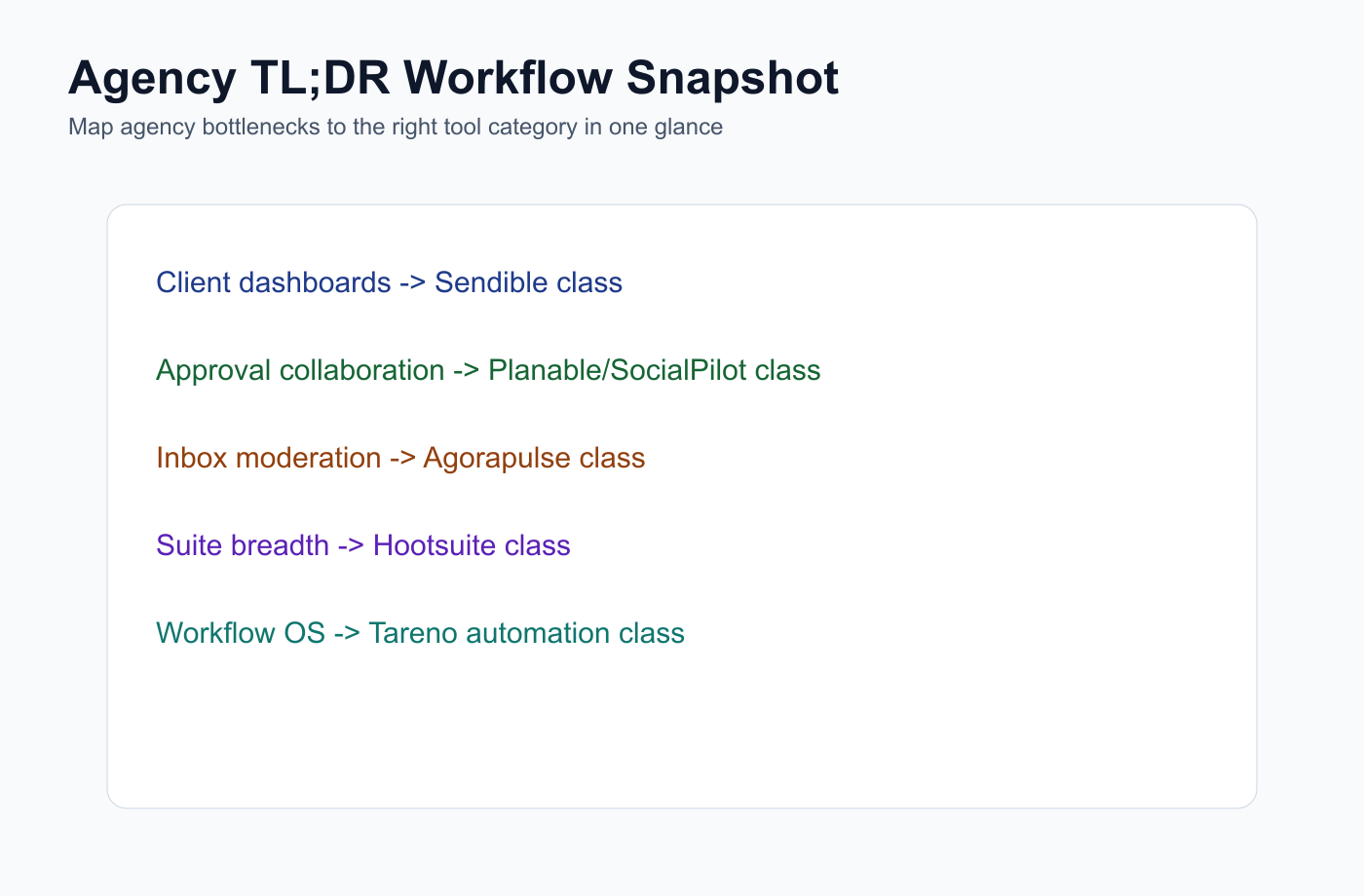
This summary map helps agencies route tool selection by workflow bottleneck in one glance.
Agency workflowBest fitWhyWorkflow automation and repurposingTarenoBoards, approvals, repurposing queue, workflow builder, roles, activity visibility, Make, n8n, APIClient dashboardsSendibleAgency client workflows, dashboards, approvals, reports, white labelAgency scheduling and client approvalsSocialPilotAccount/user scaling, client approvals, white-label reportsDedicated approval collaborationPlanableComments, internal notes, external review, approval workflowsAnalytics and competitor reportsMetricoolBrand dashboards, competitor profiles, PDF/PPT reports, Looker StudioInbox and moderationAgorapulseSocial inbox, ad comments, saved replies, moderation rules, assignmentsPremium social careSprout SocialSmart Inbox, reviews, customer context, enterprise reportingBroad social suiteHootsuitePublishing, inbox, AI, listening, reports, enterprise workflowsVisual planningLaterSocial Sets, visual calendar, Link in Bio, creator/client profile planningEvergreen content categoriesSocialBeeContent categories, re-queueing, recurring librariesSimple schedulingBufferClean queues and easy publishing
Short version: If an agency only needs scheduling, choose a scheduler. If it needs approvals, choose an approval tool. If it needs reporting, choose an analytics tool. If it needs workflow automation, repurposing, boards, roles, activity visibility, Make, n8n, and API workflows, choose a workflow-first platform like Tareno.
How agencies should choose a social media management tool
A practical selection process starts by mapping your current bottleneck, then choosing the narrowest tool category that removes it.
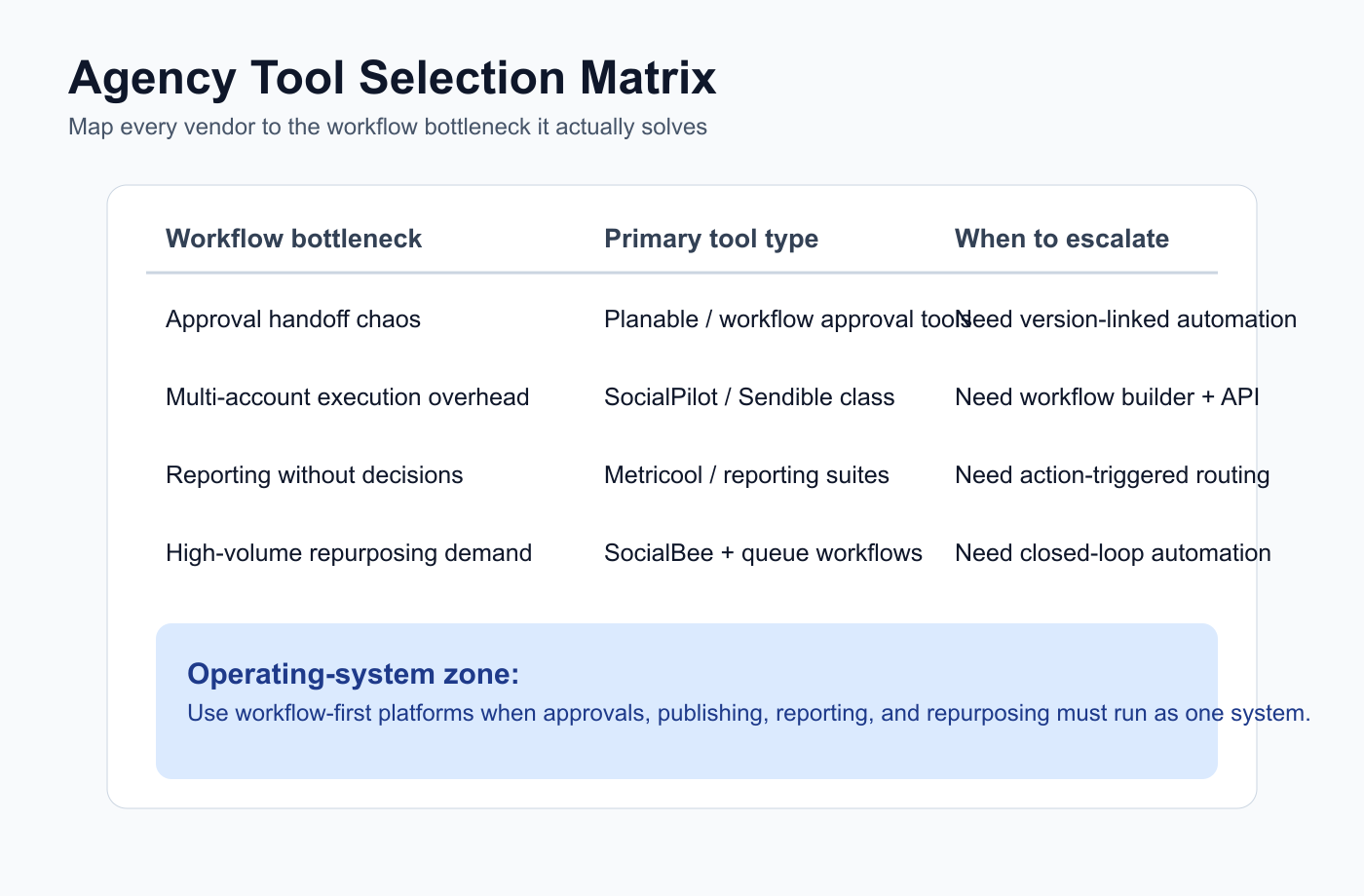
Start with the bottleneck: approval chaos, reporting gaps, scaling pressure, or repurposing throughput.
An agency should not start with a feature checklist.
It should start with workflow bottlenecks.
Ask:
Where does work get stuck?
Is it planning?
Is it client approval?
Is it scheduling?
Is it reporting?
Is it inbox?
Is it repurposing?
Is it team ownership?
Is it activity visibility?
Is it automation?
Is it client communication?
Is it pricing or account capacity?
A tool is only “best” if it solves the bottleneck.
A broad suite can still be wrong if the agency needs a specific workflow.
A cheap scheduler can still be expensive if it creates manual work.
A reporting tool can still be incomplete if reports do not create action.
This is why agency tools should be compared by workflow type.
The AGENCY framework
AGENCY is a process lens for evaluating whether a vendor supports agency execution and client collaboration at scale.
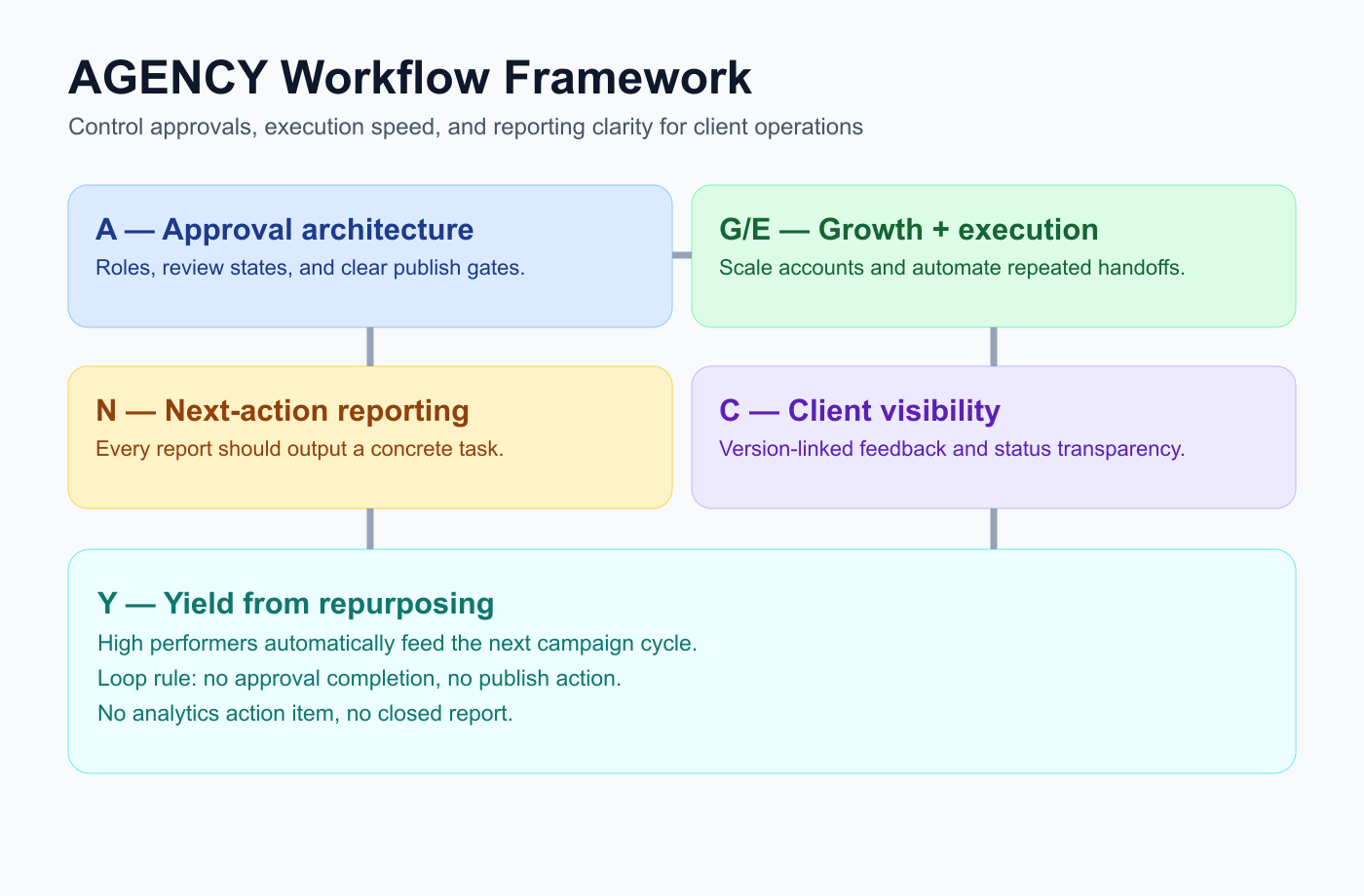
The AGENCY framework keeps client operations measurable from approval to performance feedback.
Use the AGENCY framework to choose the right system.
A — Approval needs
G — Growth and account capacity
E — Execution workflow
N — Next-action reporting
C — Client visibility
Y — Yield from repurposing
This framework helps agencies avoid buying a tool for the wrong reason.
A — Approval needs
Approval-heavy agencies need a clear draft lane where ownership and review status are visible at all times.
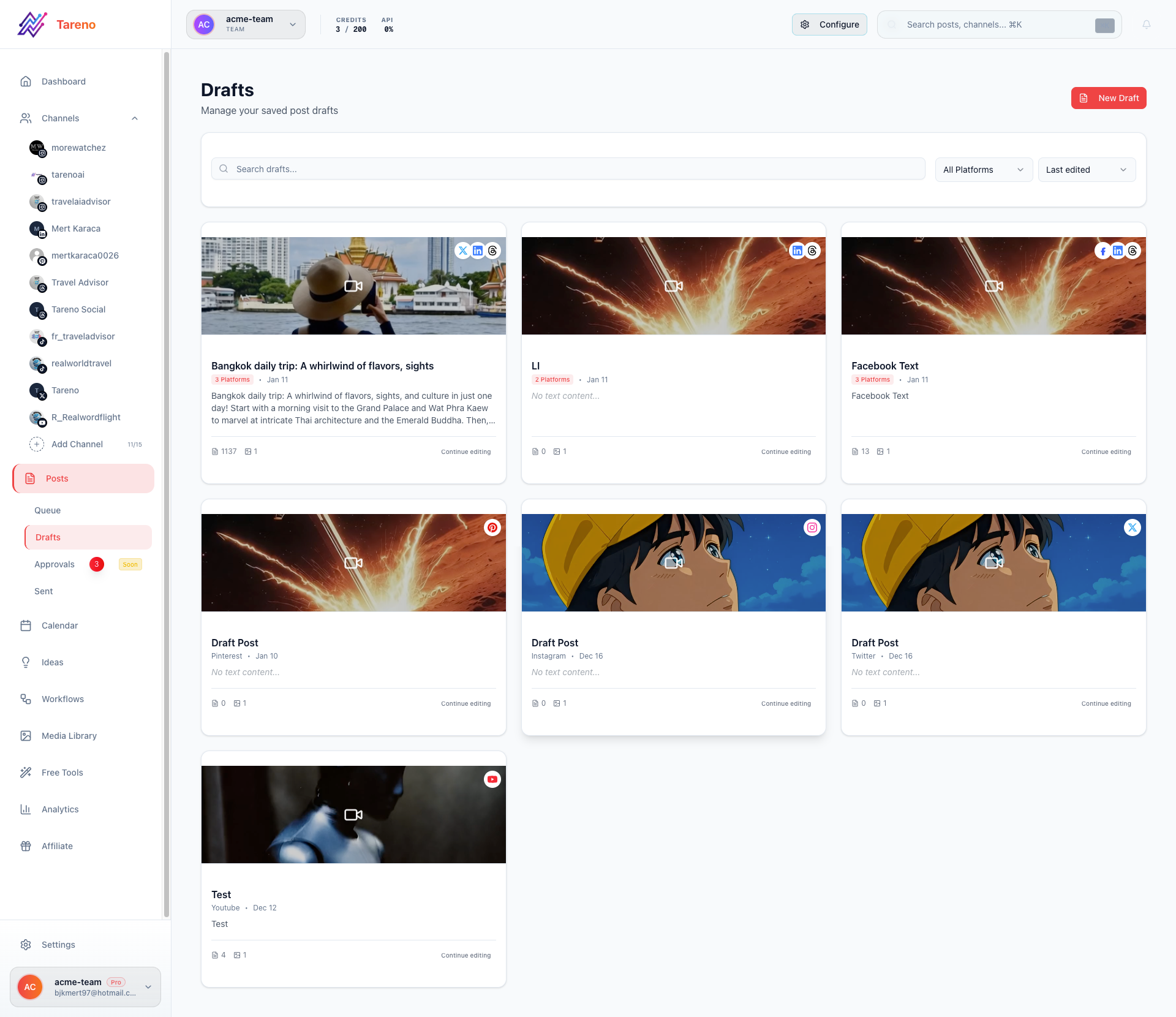
Approval queues reduce missed revisions by making each review state explicit before publish.
Agencies need approvals because client content carries risk.
Approval workflows should answer:
who reviews internally?
who sends to the client?
which version is approved?
what happens if changes are requested?
can content be scheduled before approval?
does repurposed content need approval?
is there a record of the decision?
If approval is the main pain, tools like Planable, Sendible, SocialPilot, or Tareno may be relevant depending on depth.
Dedicated approval tools are strong for comments and review.
Workflow-first tools are stronger when approval needs to trigger scheduling, repurposing, reporting, or automation.
G — Growth and account capacity
Agencies manage multiple clients and channels.
That means pricing and limits matter.
Important questions:
how many social profiles are included?
how many users are included?
can clients review without paid seats?
are workspaces included?
are approvals included?
are reports included?
are white-label reports included?
what happens when the agency adds another client?
is pricing per user, per profile, per brand, per workspace, or per channel?
A tool that is cheap for one brand may become expensive across 20 clients.
Before publishing pricing comparisons, always verify current screenshots and monthly plan costs.
E — Execution workflow
Execution reliability comes from explicit workflow stages that define handoffs between strategist, editor, and approver.
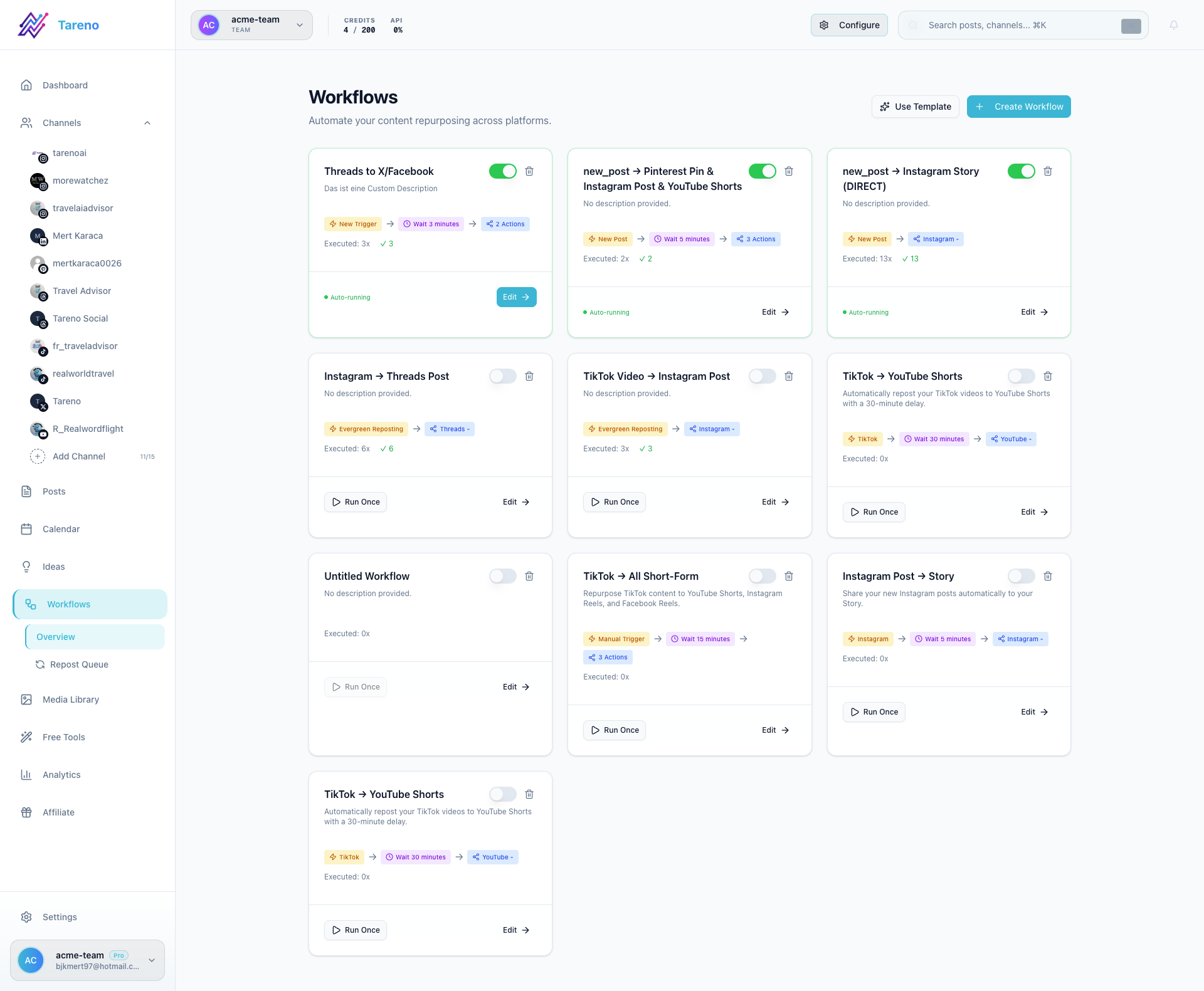
Execution workflows prevent handoff ambiguity when multiple agency roles touch the same content.
Execution is where agencies lose margin.
A strong agency workflow includes:
client brief
content idea
draft
design
internal review
client approval
scheduling
publishing
engagement
reporting
repurposing
next-month recommendations
If the tool only solves scheduling, the agency still does manual work everywhere else.
Execution workflow matters because agencies need predictable production.
Boards, roles, approvals, workspaces, and activity visibility help reduce confusion.
N — Next-action reporting
Reports should not only show performance.
They should create next actions.
Agency reporting should answer:
what worked?
why did it work?
what should we repeat?
what should we stop?
what should we repurpose?
what should the client approve next?
what should go into next month’s calendar?
what competitor pattern should we respond to?
If reporting does not create actions, it is just a recap.
The best agency systems connect reports to content workflows.
C — Client visibility
Client visibility depends on shared ownership and status clarity more than on visual report formatting.
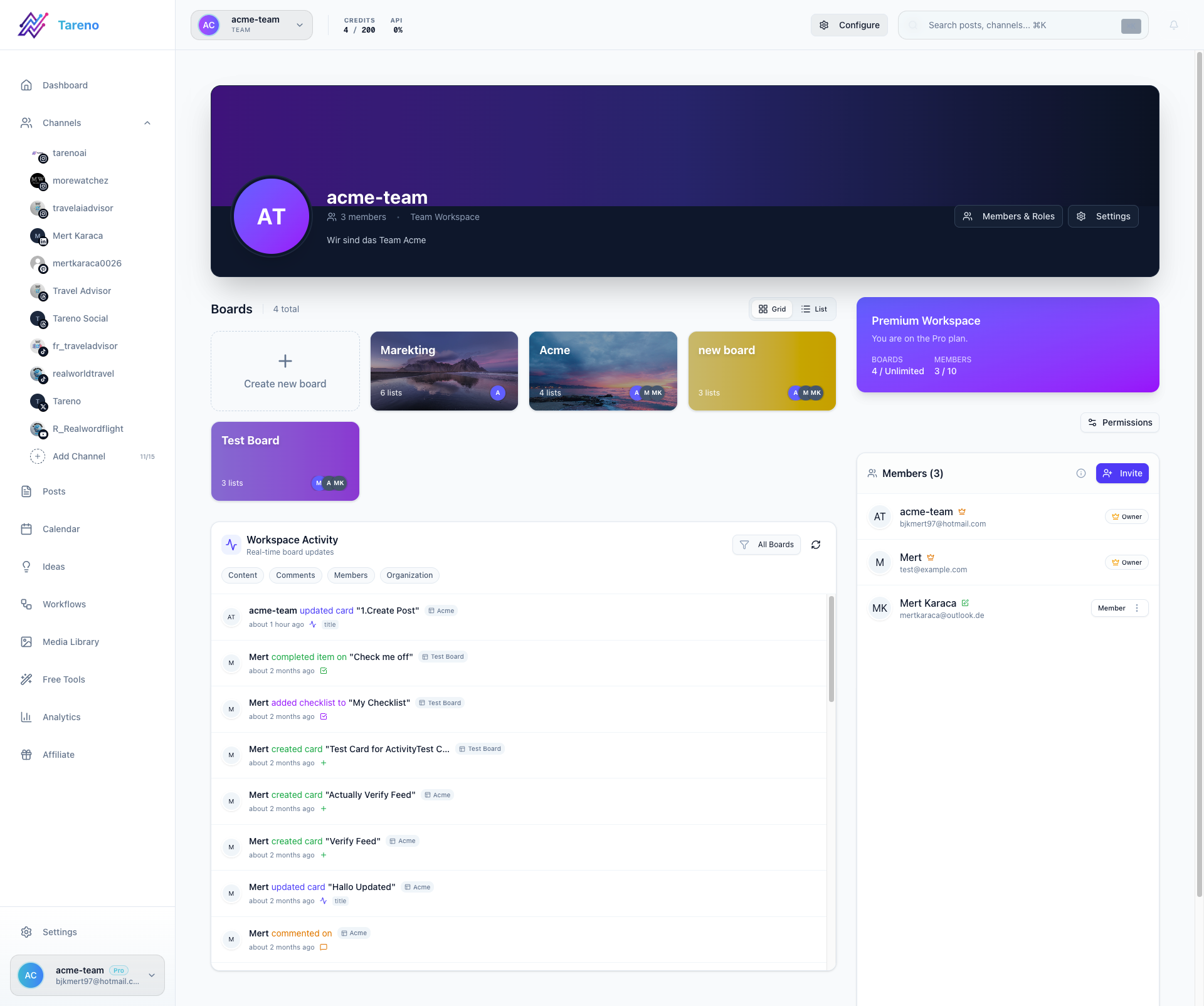
Client visibility improves when ownership, status, and revision context are shared in one workspace.
Client visibility means clients can understand what is happening without slowing down the team.
This can include:
client dashboards
review links
approval status
comments
content calendar
published reports
white-label views
workspace separation
activity history
Some agencies need deep client portals.
Others only need structured approval links.
The right tool depends on how client-facing the workflow is.
Y — Yield from repurposing
Repurposing yield is highest when high-performing posts automatically enter a tracked workflow queue.
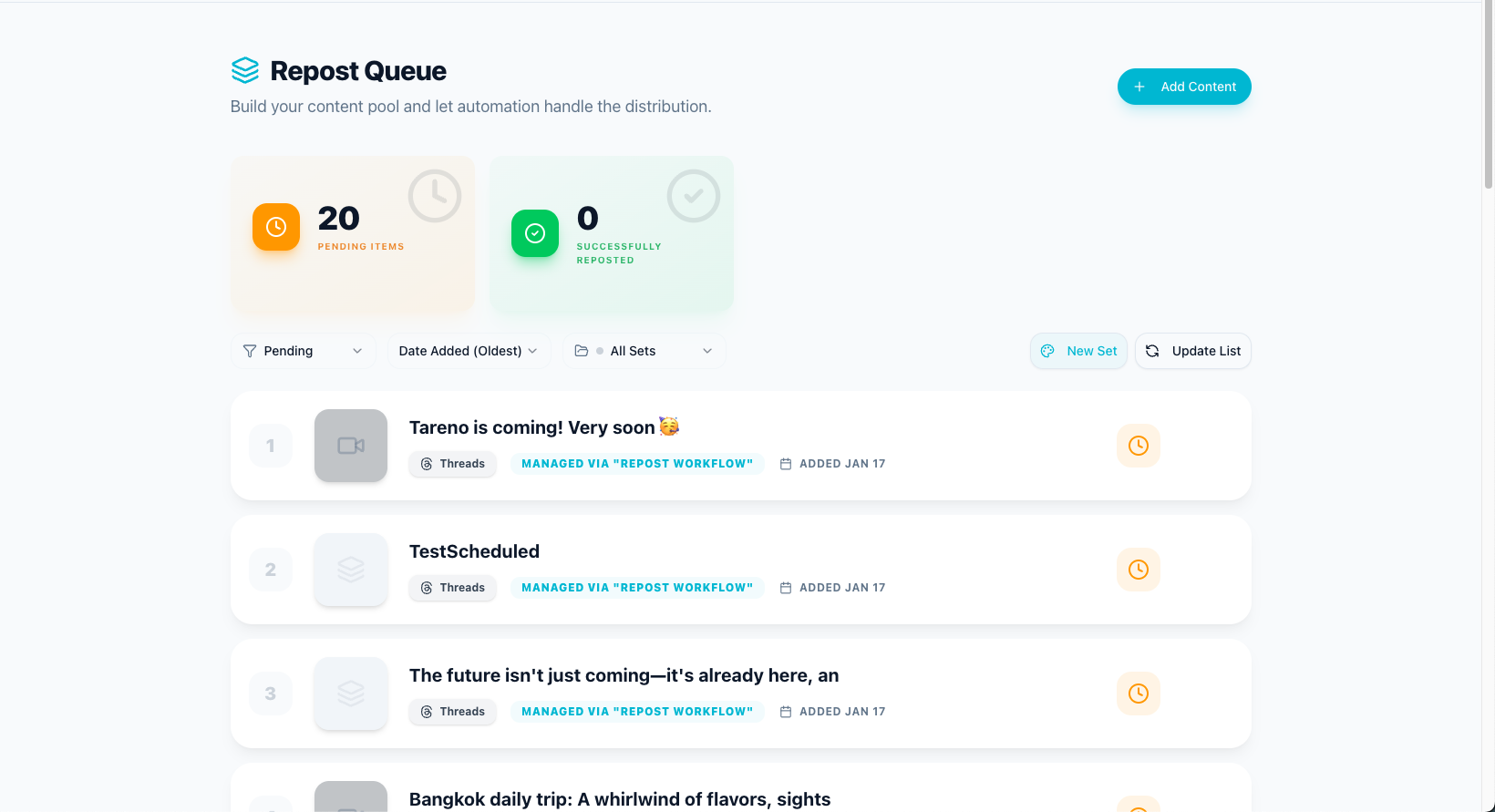
Yield improves when winners are routed into a formal repurposing queue instead of ad hoc reuse.
Repurposing improves agency output.
If a client approves one strong content idea, the agency should consider how that idea can be adapted across platforms.
A single approved post can become:
Instagram Reel
TikTok short
LinkedIn post
Threads post
Pinterest pin
YouTube Short
carousel
blog section
email snippet
follow-up post
Repurposing increases yield from strategy and approval work.
If an agency always starts from zero, it is likely leaving margin on the table.
1. Tareno — best for workflow automation and repurposing
Agencies with multi-client pipelines need visible workflow states and automation rules to avoid hidden approval delays.
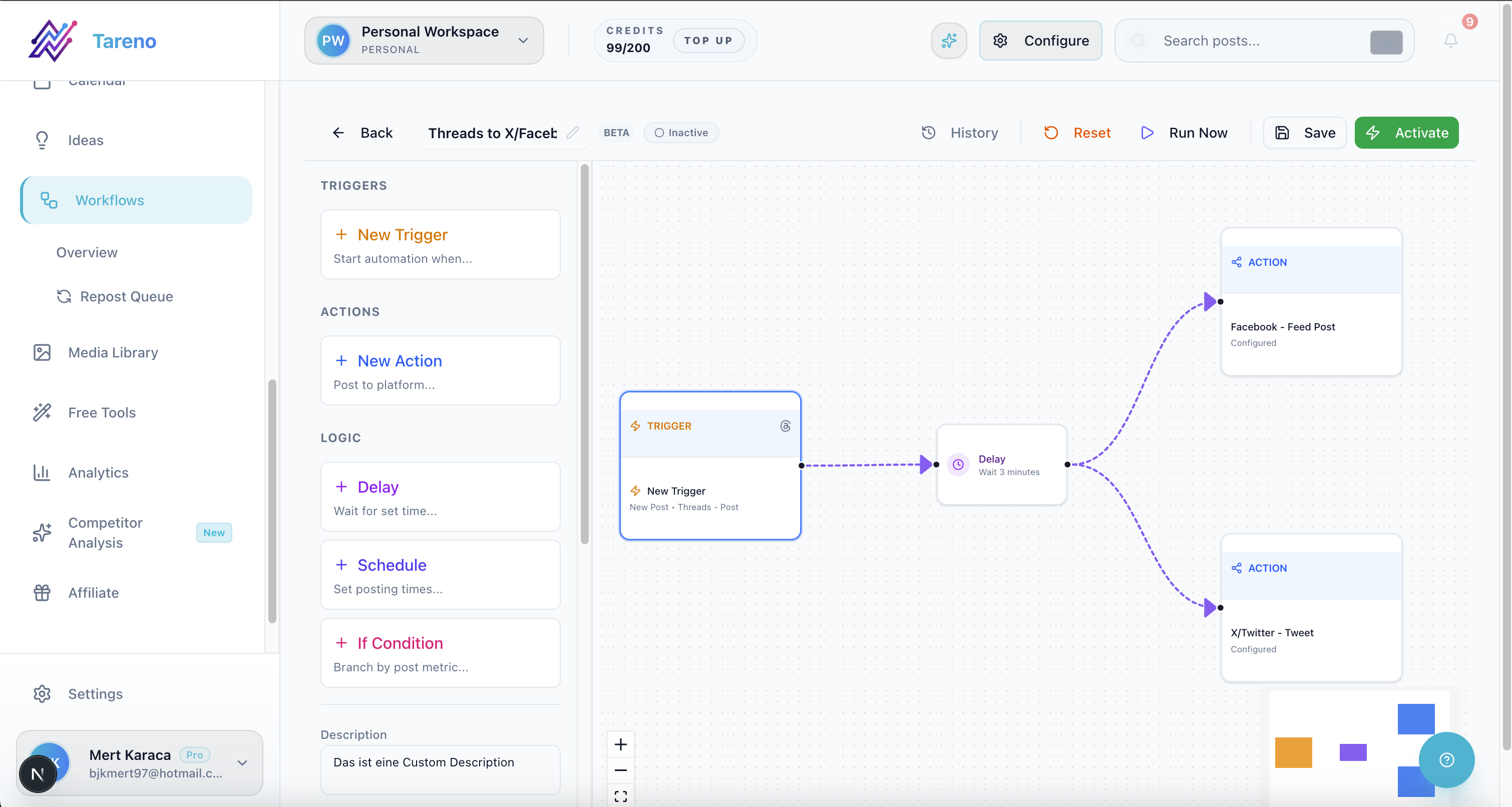
Workflow-first systems help agencies coordinate approvals, publishing actions, and repurposing loops in one place.
Tareno is the best fit for agencies that need a workflow-first system.
It is especially relevant when the agency needs:
boards
client/team workspaces
approval workflows
workflow automation
repurposing queue
roles and permissions
activity visibility
competitor analysis
analytics
white-label reports
AI captions and hashtags
API access
Make integration
n8n integration
Tareno is strongest when the agency’s problem is not just scheduling, but operating the content workflow.
Best agency use case
Choose Tareno if your agency needs to manage content from idea to approval, publishing, repurposing, reporting, and automation.
Where Tareno wins
Tareno wins when the agency needs:
approval-triggered workflows
repurposing after publishing
board-based production
visibility into who changed what
Make or n8n automations
API-connected operations
one system for planning and execution
Not ideal for
Tareno may be more than needed if the agency only wants a simple scheduler or a pure client dashboard tool.
2. Sendible — best for agency client dashboards
Dashboard-heavy agency teams often shortlist Sendible when client-facing reporting is the first priority.
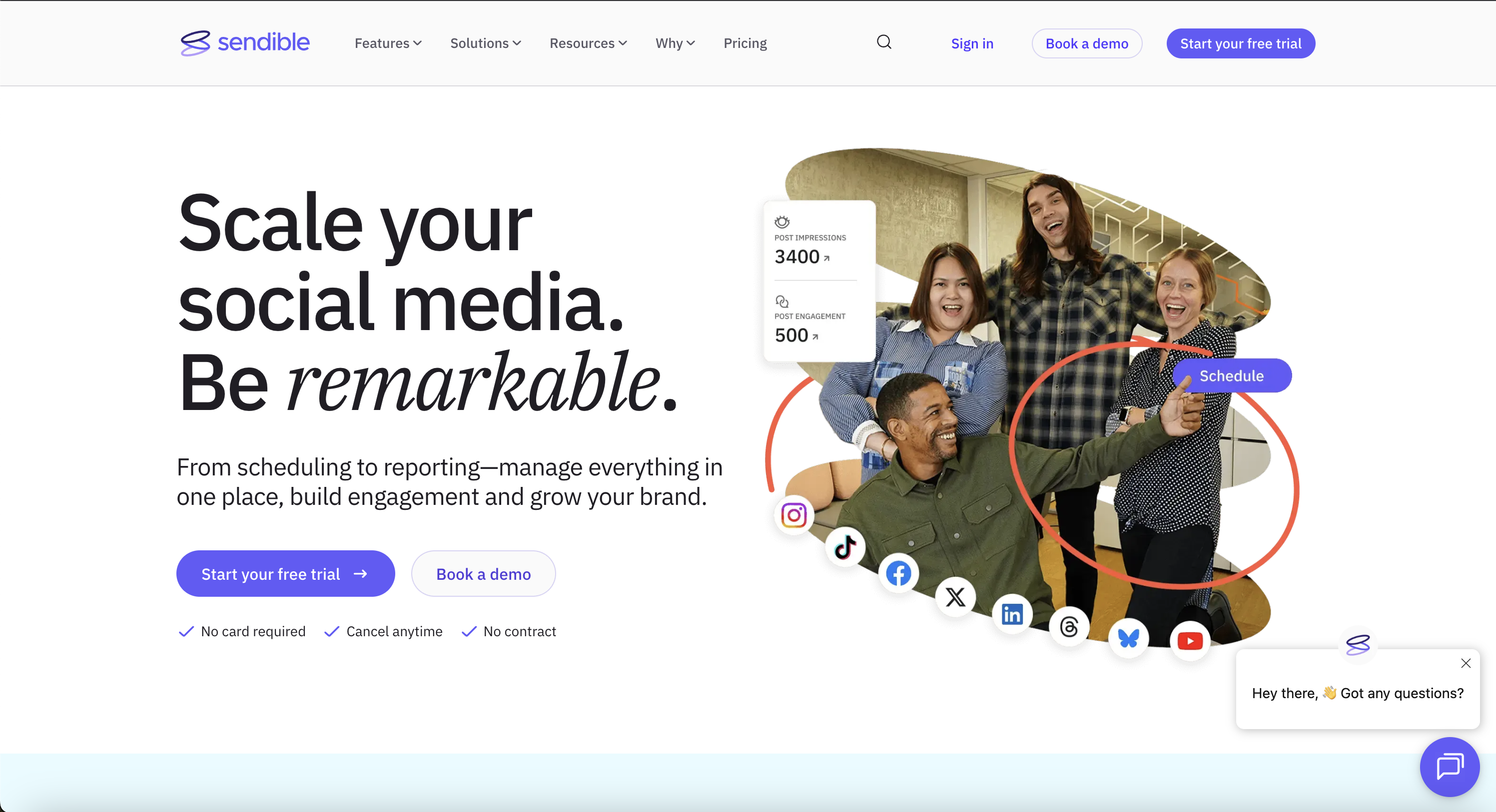
Sendible is commonly evaluated by agencies focused on client dashboards and report delivery workflows.
Sendible is a strong agency social media platform when client dashboards and classic agency workflows are the main need.
Best for
Sendible is best for agencies that need:
client dashboards
client profile connection workflows
approval workflows
reporting
permissions
social inbox
engagement monitoring
white-label workflows
Where Sendible wins
Sendible is strong when agencies want a traditional client-management social media platform.
It is especially useful when clients need dashboard access and the agency needs structured account management.
Where Sendible may not be enough
Sendible may be less ideal if the agency needs:
deeper workflow automation
repurposing queues
board-based production
activity visibility
Make or n8n workflow logic
approval-triggered repurposing
3. SocialPilot — best for agency scheduling and client approvals
Scheduling-and-approval agency teams commonly benchmark SocialPilot before expanding to deeper workflow automation.
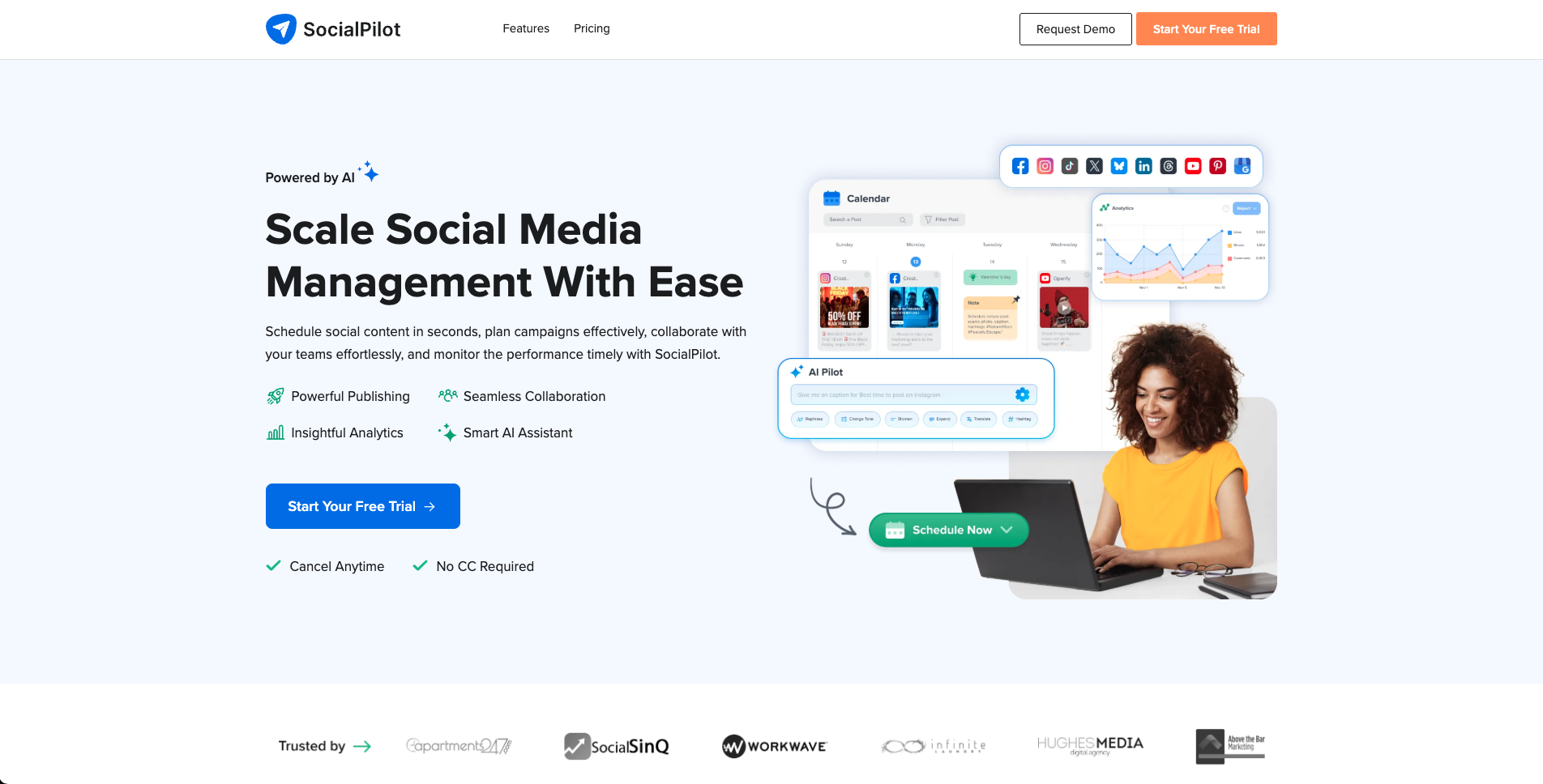
SocialPilot is a frequent benchmark for agencies combining scheduling scale with approval workflows.
SocialPilot is a strong option for agencies that need predictable account/user scaling, client approvals, and white-label reports.
Best for
SocialPilot is best for agencies that need:
multiple social accounts
multiple users
client approval
manager approval
white-label reports
bulk scheduling
advanced analytics
predictable agency pricing
Where SocialPilot wins
SocialPilot is strong when an agency needs scheduling capacity and approval workflows without buying a broader enterprise suite.
Where SocialPilot may not be enough
SocialPilot may be less ideal if the agency needs:
repurposing queues
workflow builder
Make/n8n automations
board-based production
activity visibility
deeper content operations
4. Planable — best for dedicated approval collaboration
Approval-first teams often evaluate Planable as a dedicated layer before deciding on broader automation depth.
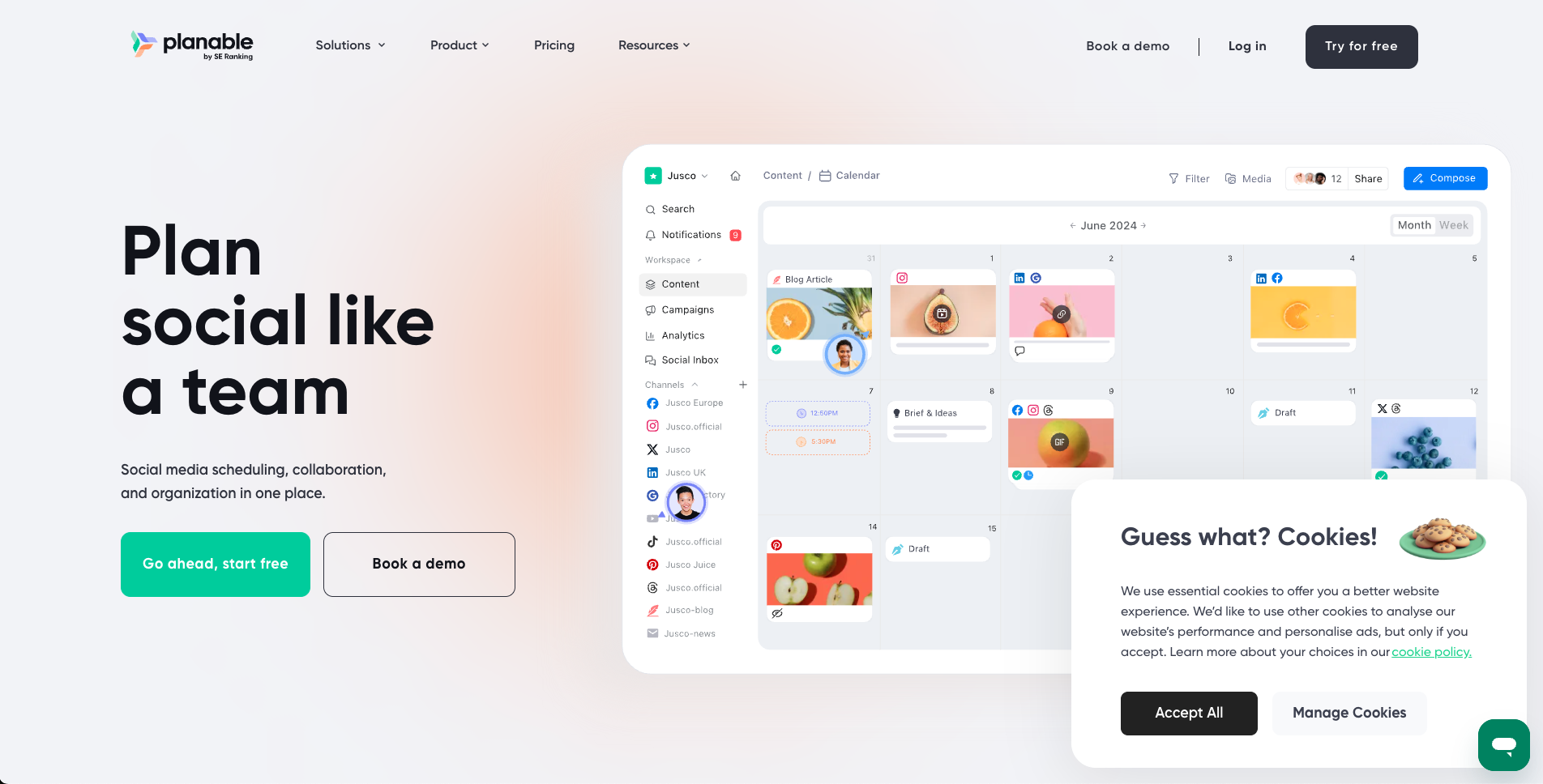
Planable is a standard comparison point for teams prioritizing client review and approval collaboration.
Planable is best when the agency’s main bottleneck is review and approval.
Best for
Planable is best for:
client comments
stakeholder review
internal notes
approval workflows
external review
content collaboration
multi-step approval needs
Where Planable wins
Planable is strong when the agency needs to reduce approval chaos.
If feedback currently happens in screenshots, Slack, email, or scattered comments, Planable can help centralize it.
Where Planable may not be enough
Planable may be less ideal if approvals need to connect to:
workflow automation
repurposing queues
analytics actions
Make/n8n workflows
board-based operations
activity visibility after approval
5. Metricool — best for analytics and competitor reports
Reporting-focused teams frequently benchmark Metricool when analytics depth is their primary buying criterion.
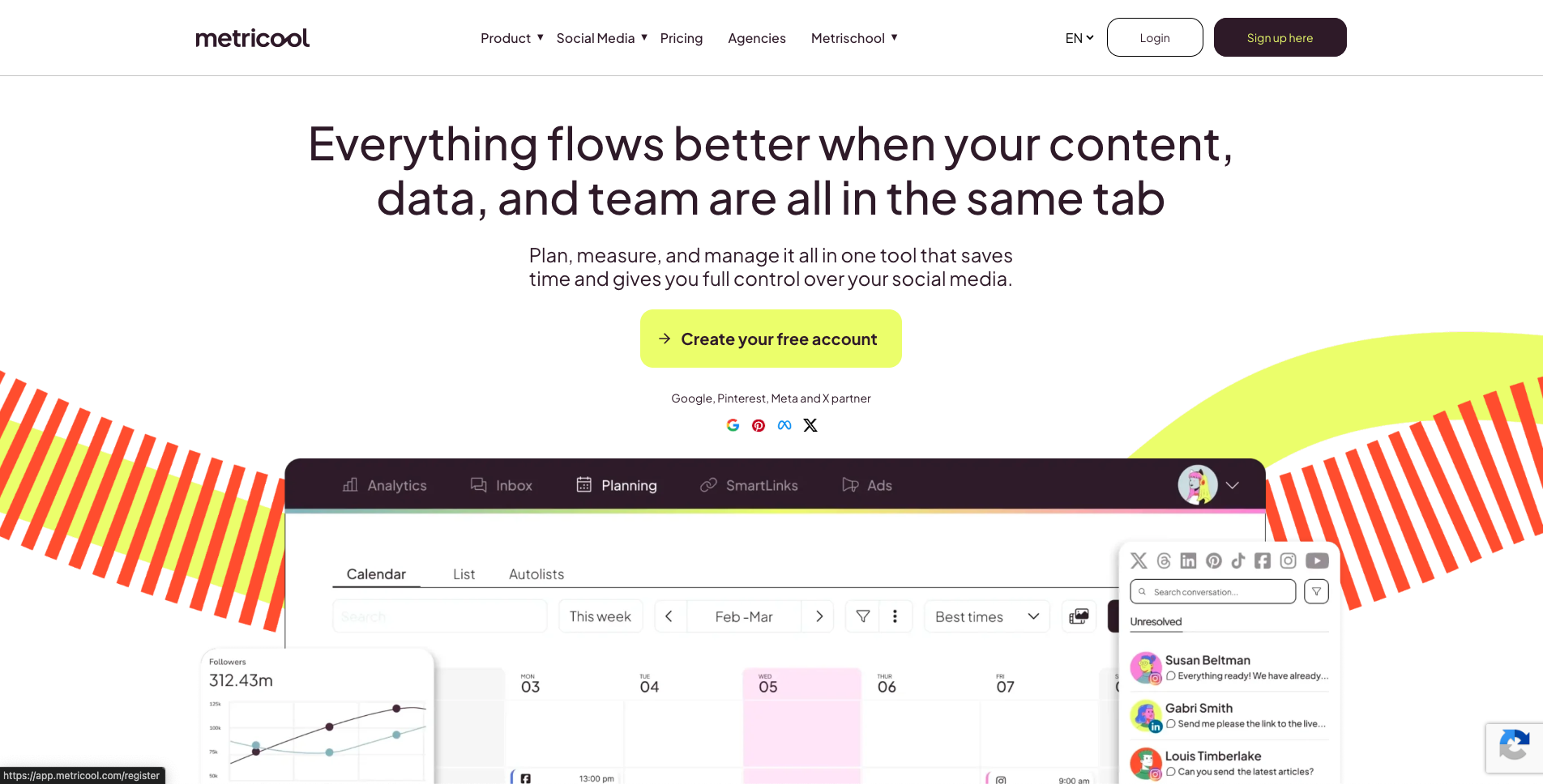
Metricool is often compared by agencies that prioritize report depth and competitor snapshots.
Metricool is strong for agencies that need analytics, brand dashboards, reports, and competitor tracking.
Best for
Metricool is best for:
analytics reporting
competitor profiles
brand-based management
PDF/PPT reports
Looker Studio on higher plans
API/Make/MCP on higher plans
client reporting workflows
Where Metricool wins
Metricool is strong when the agency’s main output is reporting and analysis.
It can help agencies show performance, track competitors, and create client-ready reports.
Where Metricool may not be enough
Metricool may be less ideal if the agency needs:
content workflow automation
repurposing queues
board-based production
approval-triggered workflows
activity visibility
execution workflows after reporting
Metricool shows what happened.
A workflow-first tool helps the agency act on what happened.
6. Agorapulse — best for inbox and moderation
Inbox-heavy agencies often compare Agorapulse when moderation volume starts consuming planning capacity.
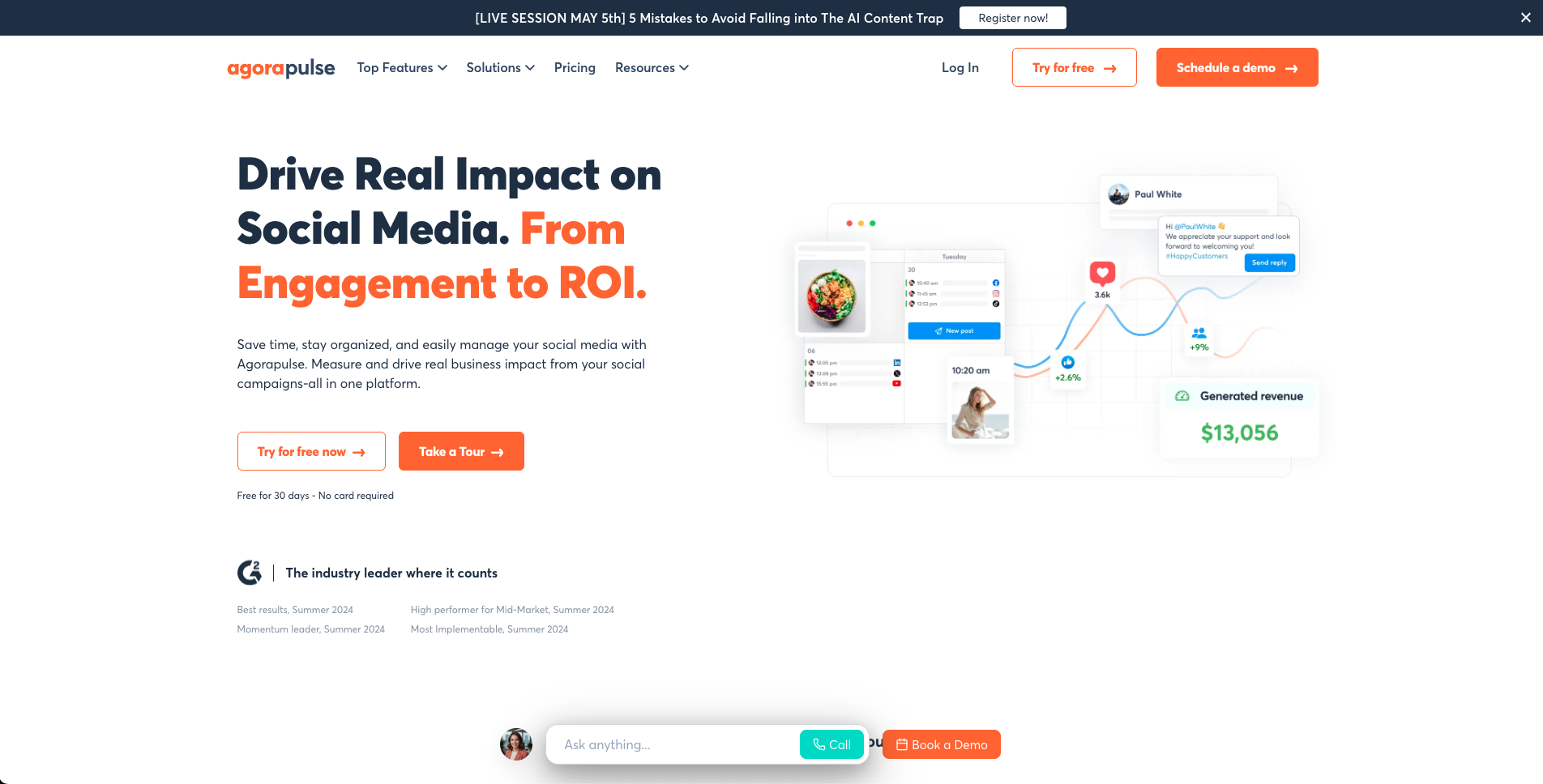
Agorapulse is commonly shortlisted when inbox moderation throughput is a top agency concern.
Agorapulse is a strong option for agencies that manage social inboxes, comments, ad comments, moderation, and ROI reporting.
Best for
Agorapulse is best for agencies that need:
social inbox
comments and messages
ad comment monitoring
labels
saved replies
moderation rules
inbox assignments
team performance reports
ROI reports
competitor benchmarking on higher plans
Where Agorapulse wins
Agorapulse is strong when the agency’s work includes community management and engagement operations.
Where Agorapulse may not be enough
Agorapulse may be less ideal if the agency needs:
repurposing workflows
board-based content production
approval-triggered automation
Make or n8n workflows
activity visibility around content movement
7. Sprout Social — best for premium social care
Sprout Social is best for agencies or larger teams that need premium care workflows, Smart Inbox, reviews, customer context, and enterprise reporting.
Best for
Sprout Social is best for:
Smart Inbox
social customer care
review management
customer context
helpdesk integrations
productivity reports
care reports
social listening
enterprise workflows
Where Sprout Social wins
Sprout is strong when social media is connected to customer care, support, reputation, and enterprise engagement.
Where Sprout Social may not be enough
Sprout may be less ideal if the agency needs:
lean content workflow automation
repurposing queues
board-based production
Make/n8n workflows
creator/team content operations
lower operational complexity
8. Hootsuite — best for broad social suite needs
Broad suite evaluations typically include Hootsuite when teams want one vendor across publishing, inbox, and listening.
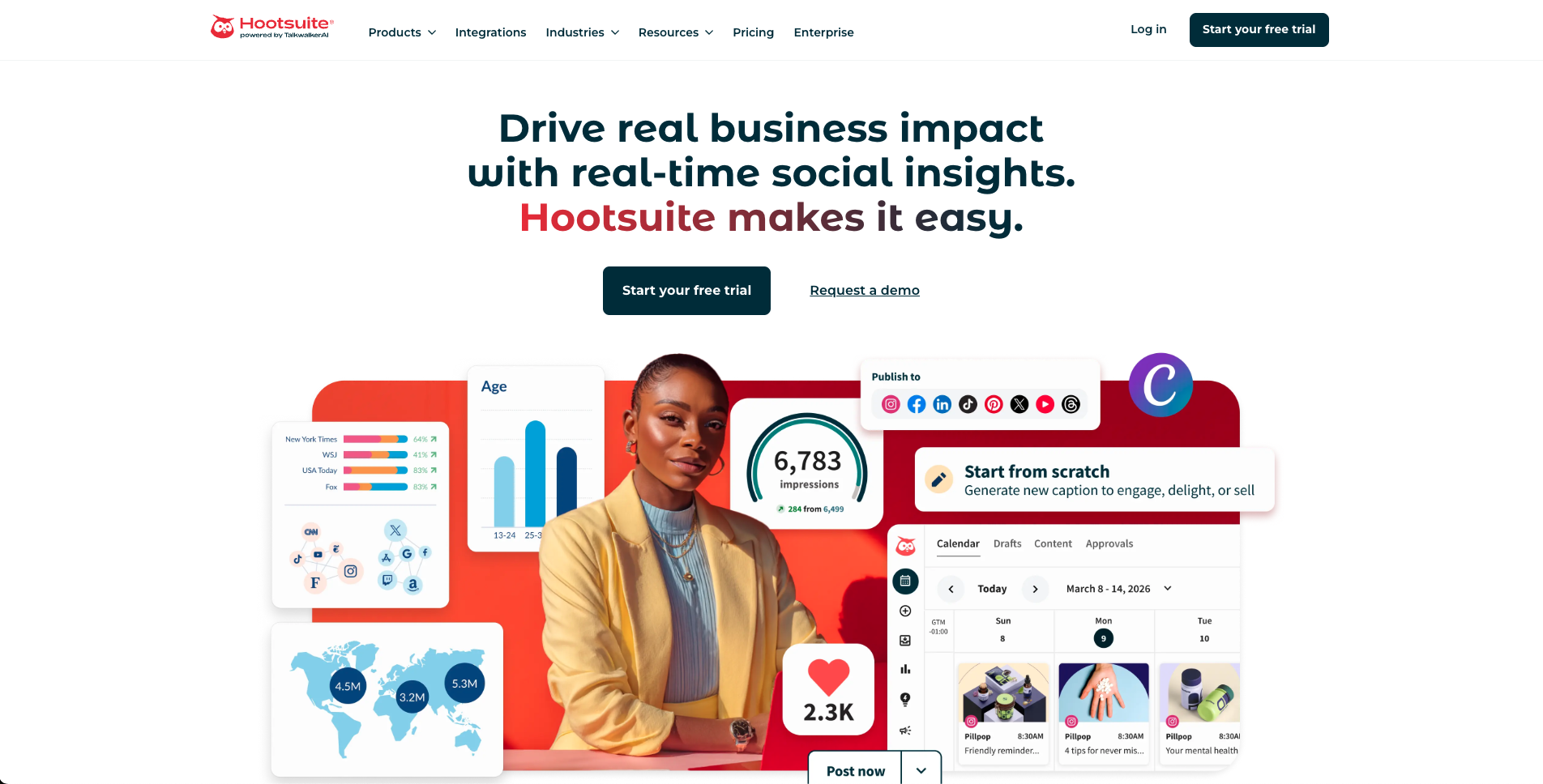
Hootsuite is often used as a baseline for broad suite comparisons in enterprise-leaning agency stacks.
Hootsuite is best for agencies that want a broad social media management suite.
Best for
Hootsuite is best for:
publishing
inbox
AI tools
templates
analytics
reports
listening
competitor benchmarking
bulk scheduling
enterprise support
SSO and governance on higher plans
Where Hootsuite wins
Hootsuite is strong when the agency needs a mature, broad platform rather than a narrow workflow tool.
Where Hootsuite may not be enough
Hootsuite may be less ideal if the agency needs:
lean workflow automation
repurposing queues
board-based operations
Make/n8n workflows
activity visibility around content movement
9. Later — best for visual planning
Visual-first agencies frequently compare Later when channel aesthetics and publishing cadence are tightly coupled.

Later is often tested by agencies that prioritize visual planning and profile-level calendar control.
Later is best for agencies that manage visual-first brands, creator workflows, Social Sets, and Link in Bio.
Best for
Later is best for:
visual content planning
Social Sets
Instagram planning
TikTok planning
Link in Bio
creator-style workflows
profile-group planning
visual campaigns
Where Later wins
Later is strong when the client’s social media workflow is visual and creator-led.
Where Later may not be enough
Later may be less ideal if the agency needs:
deeper workflow automation
repurposing queues
board-based operations
Make/n8n workflows
detailed activity visibility
10. SocialBee — best for evergreen content categories
SocialBee is best for agencies that manage evergreen content libraries and category-based schedules.
Best for
SocialBee is best for:
content categories
evergreen recycling
re-queueing
content sources
RSS imports
recurring libraries
category-based publishing
Where SocialBee wins
SocialBee is strong when the agency’s client content can be organized into reusable categories.
Where SocialBee may not be enough
SocialBee may be less ideal if the agency needs:
workflow automation
client approval connected to repurposing
board-based production
Make/n8n workflows
activity visibility
11. Buffer — best for simple agency scheduling
Simple scheduling-first agencies frequently benchmark Buffer before moving to deeper workflow tooling.
Buffer remains a baseline option for agencies that only need lightweight scheduling workflows.
Buffer can work for agencies with very simple scheduling needs.
Best for
Buffer is best for:
simple publishing
clean queues
easy scheduling
low learning curve
lightweight approvals on Team
small client setups
Where Buffer wins
Buffer is simple and easy to use.
That can be a strength for small agencies or consultants.
Where Buffer may not be enough
Buffer may be less ideal if the agency needs:
client dashboards
advanced reporting
repurposing queues
workflow automation
board-based production
Make/n8n workflows
detailed activity visibility
Agency comparison table
Use the comparison table together with reporting screens to evaluate whether each tool can drive next-action decisions.
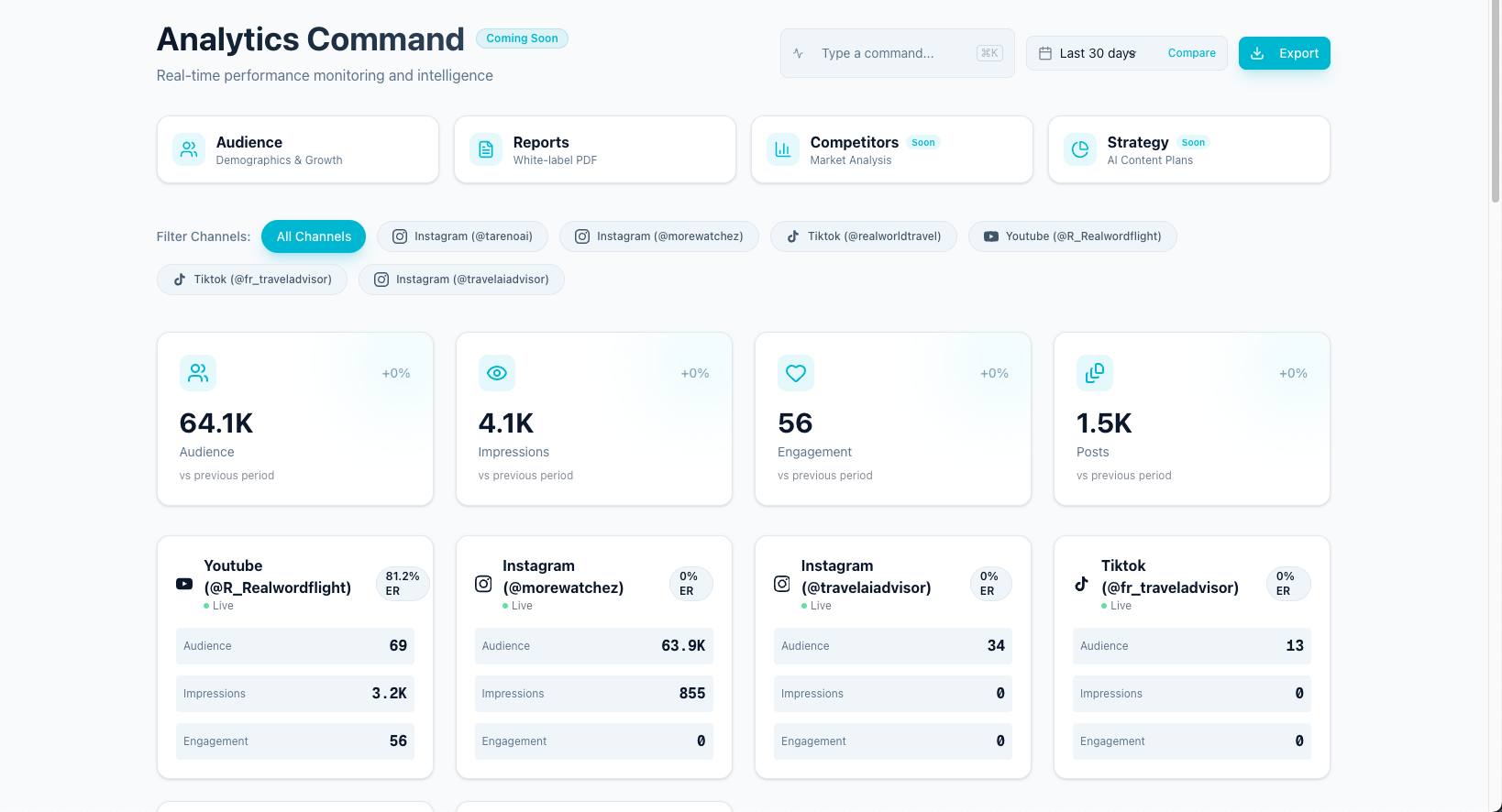
The comparison table becomes actionable when paired with the reporting view that drives next decisions.
ToolBest agency workflowMain strengthMain limitationTarenoWorkflow automation and repurposingBoards, approvals, workflow builder, repurposing, roles, Make/n8n/APIMore than needed for simple schedulingSendibleClient dashboardsClient workflows and white label reportsLess workflow-first repurposingSocialPilotAgency schedulingAccount/user scaling and approvalsLess deep content operationsPlanableApproval collaborationReview, comments, stakeholder approvalLess post-approval automationMetricoolReporting and analyticsCompetitors, dashboards, PDF/PPT reportsLess workflow executionAgorapulseInbox and moderationSocial inbox, ad comments, ROI reportsLess repurposing workflowSprout SocialPremium social careSmart Inbox and enterprise reportingCan be too much for lean content teamsHootsuiteBroad suitePublishing, inbox, listening, reportsCan be heavy for workflow-first agenciesLaterVisual planningSocial Sets and visual calendarLess workflow automationSocialBeeEvergreen categoriesRecurring content librariesLess agency workflow operationsBufferSimple schedulingEasy queue publishingLimited workflow depth
What agencies should avoid
Most selection mistakes happen when agencies skip this risk audit and optimize for feature count alone.
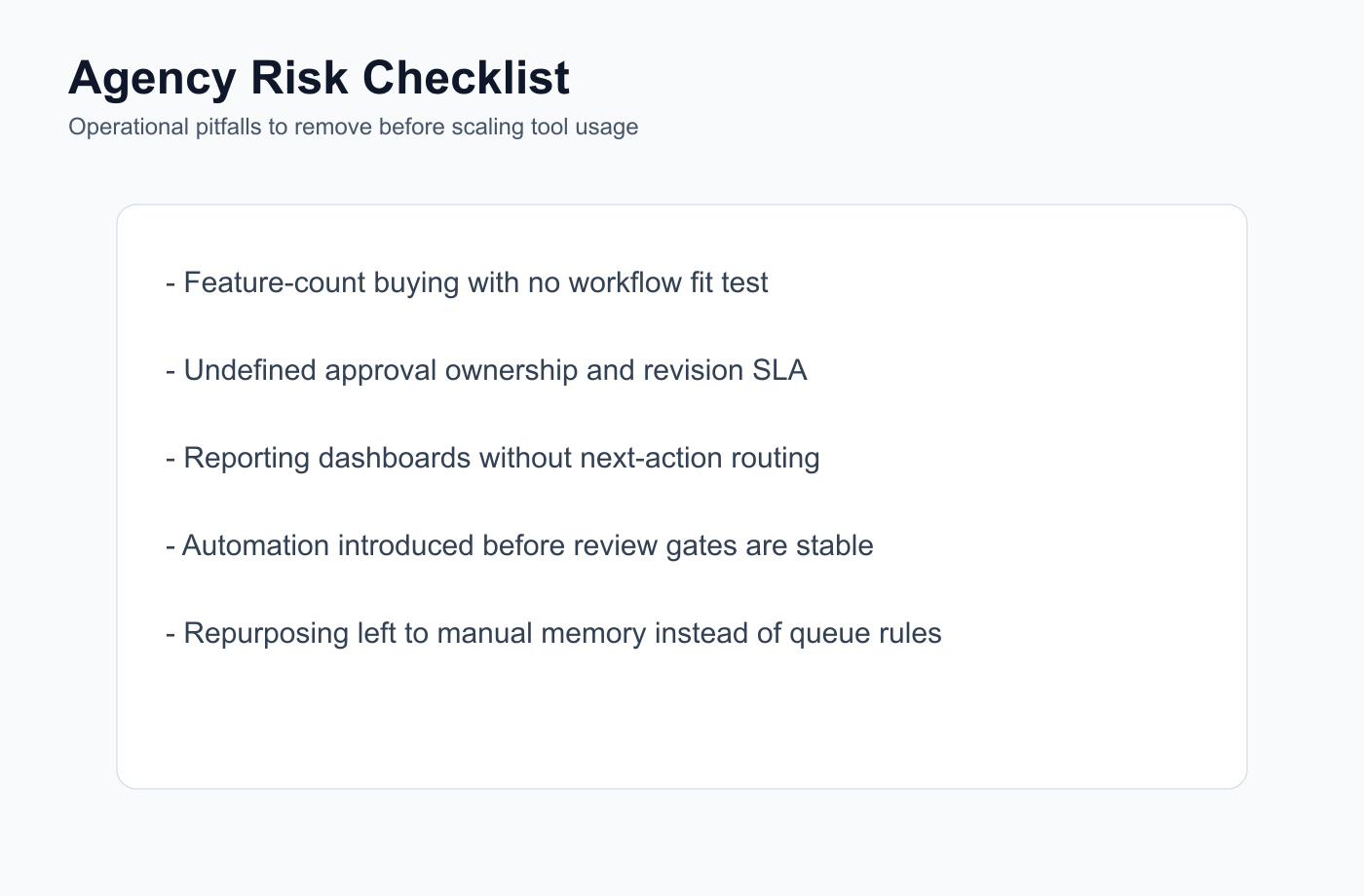
Use this checklist to remove workflow risks before making a long-term platform commitment.
Avoid choosing by feature count
More features do not automatically mean better workflow fit.
Avoid choosing only by price
A cheaper tool can cost more if it creates manual work.
Avoid unclear approval workflows
Client approval should be tied to specific versions and publish gates.
Avoid reporting without action
Reports should create tasks, repurposing actions, and next-month decisions.
Avoid creating from scratch every month
Repurpose approved and high-performing content.
Avoid automation without review
Automation should not bypass client or internal approval.
Pricing note for agency tool comparisons
A realistic pricing decision includes license cost plus the operational effort required to keep client delivery on time.
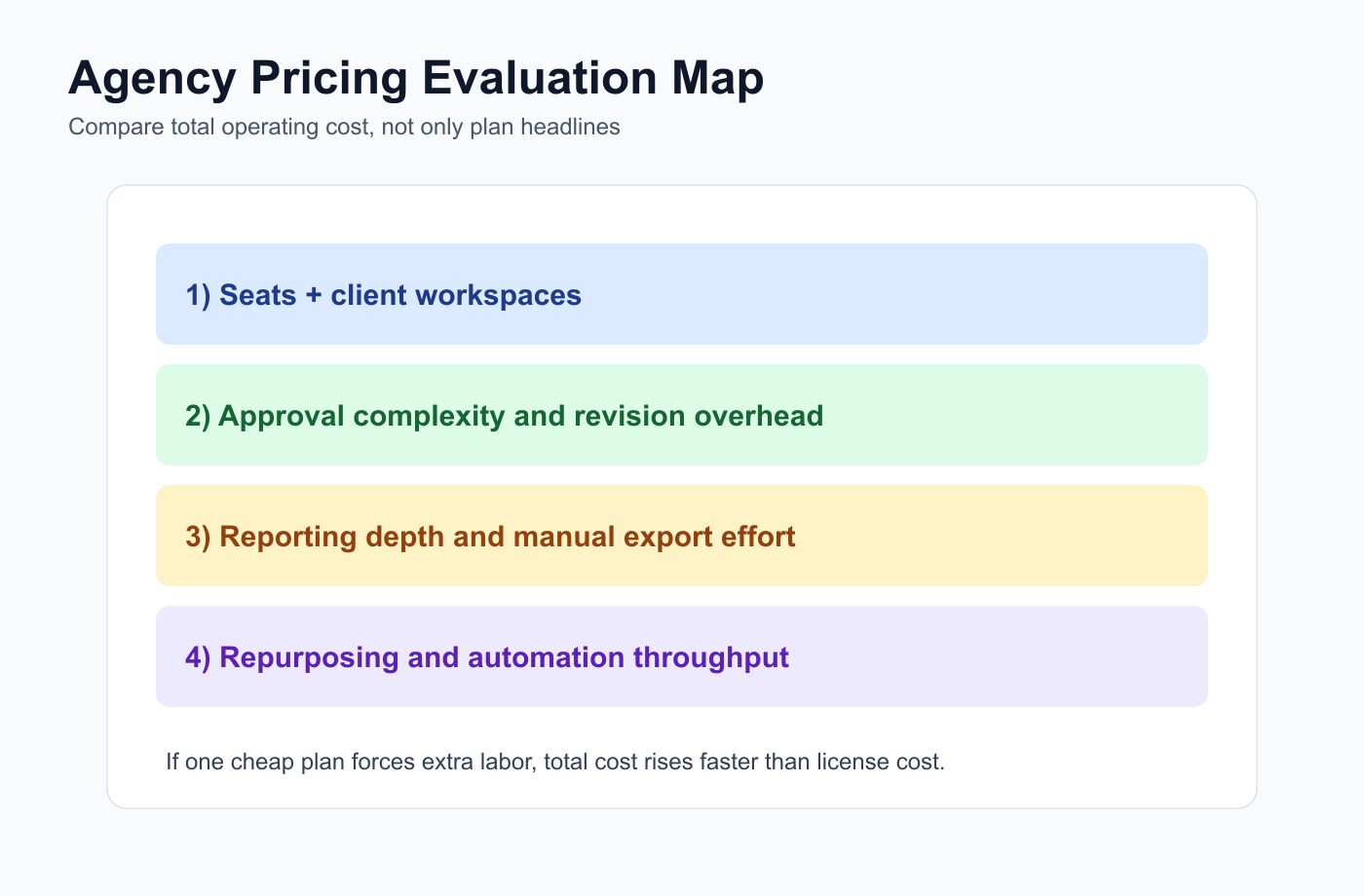
Price decisions should include seat cost, revision labor, reporting overhead, and workflow throughput.
Pricing changes often.
Before publishing this article, verify:
monthly pricing
annual discount differences
users included
social profiles included
client approval availability
client dashboard availability
white-label report availability
API availability
Make/n8n availability
regional pricing differences
trial requirements
Use monthly pricing as the main comparison where possible.
Annual discounts can be mentioned, but monthly prices are usually clearer for fair comparison.
Related Tareno resources
The related links below are most useful when they are used as a step-by-step evaluation route instead of random reading.
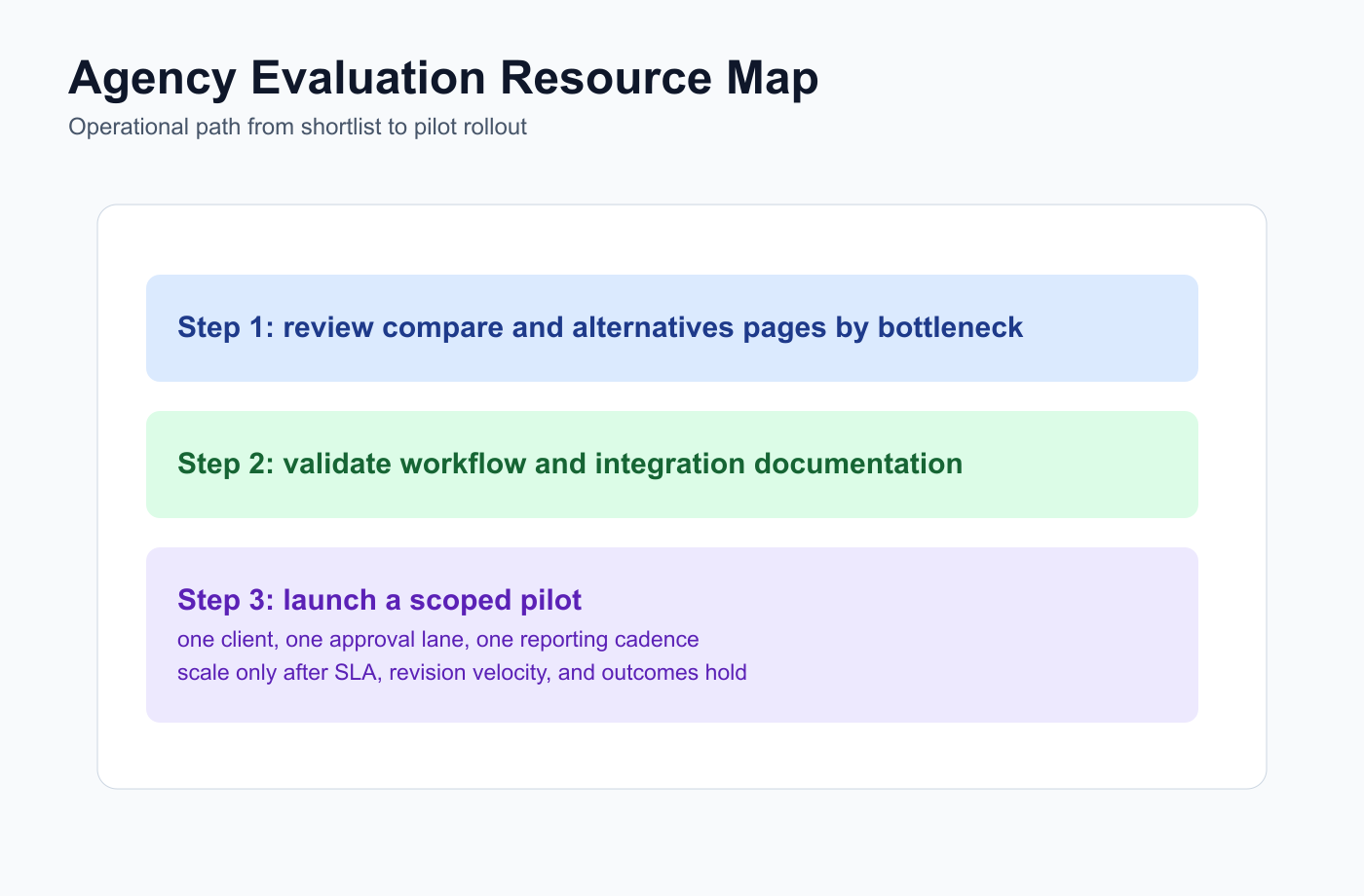
Follow this path to move from shortlist research to a workflow-ready agency pilot.
Use Tareno Features, Tareno Pricing and Compare Hub to place this recommendation in the broader Tareno stack. For vendor context, compare it with Agency Solution, Sendible Alternative, SocialPilot Alternative, Planable Alternative and Metricool Alternative.
FAQ
These FAQ answers become clearer when agencies map each question to the bottleneck they need to remove first.
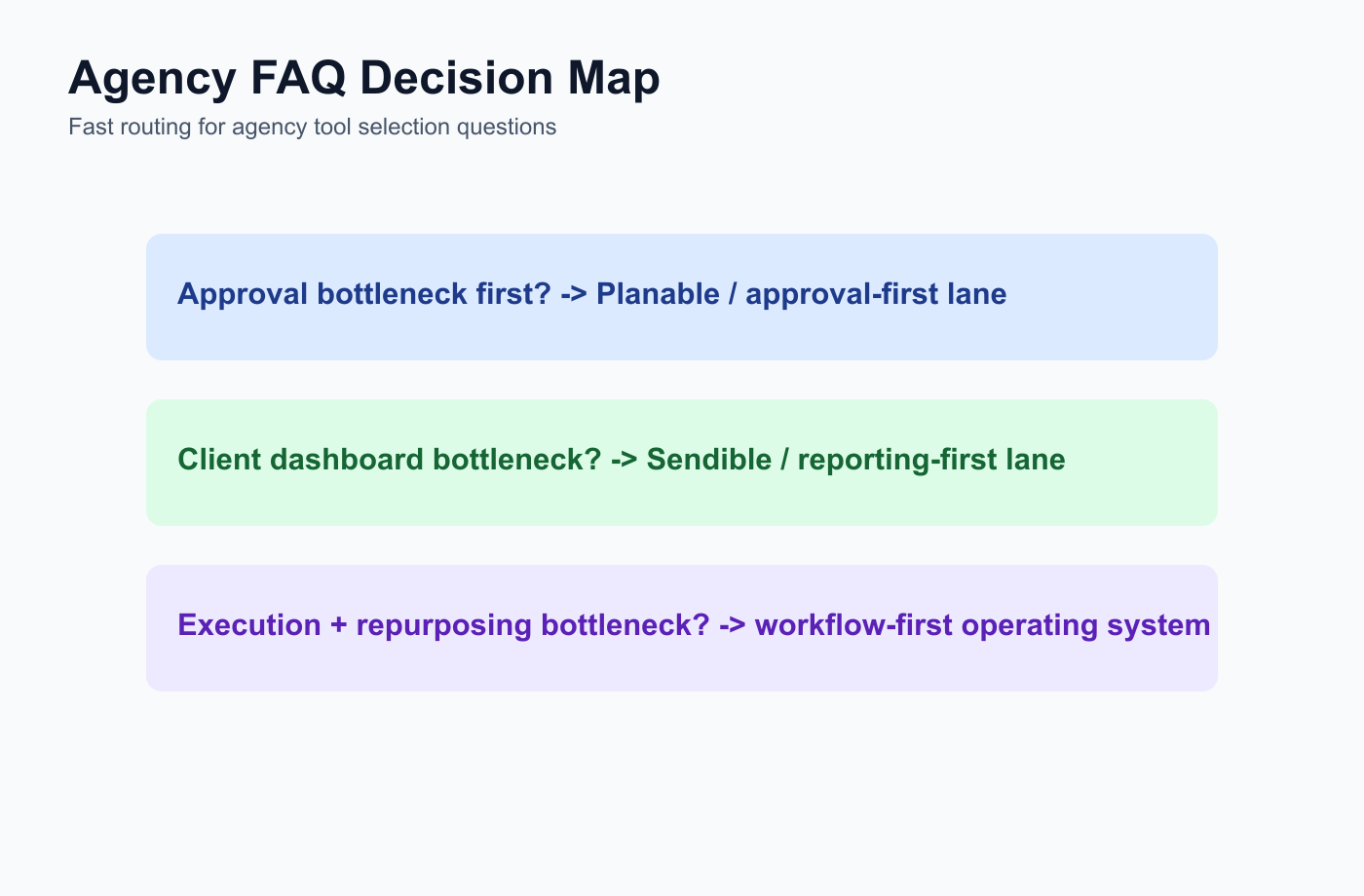
Use this FAQ map to route agency selection based on the current operational bottleneck.
What is the best social media management tool for agencies?
The best tool depends on the agency workflow. Tareno is strong for workflow automation and repurposing. Sendible is strong for client dashboards. SocialPilot is strong for scheduling and client approvals. Metricool is strong for reporting. Planable is strong for approvals.
What should agencies look for in social media management software?
Agencies should look for approvals, client visibility, reporting, scheduling, roles, workspaces, activity visibility, repurposing, automation, and pricing that scales across clients and social profiles.
Which tool is best for agency approvals?
Planable is strong for dedicated approval collaboration. SocialPilot and Sendible are strong for client approval workflows. Tareno is strong when approvals need to connect with boards, automation, repurposing, roles, and activity visibility.
Which tool is best for agency reporting?
Metricool is strong for analytics and competitor reports. Agorapulse is strong for inbox and ROI reporting. Tareno is strong when reporting needs to create workflow actions and repurposing tasks.
Which tool is best for agency workflow automation?
Tareno is a strong fit for agency workflow automation because it supports boards, approvals, repurposing queues, workflow builder, roles, activity visibility, Make, n8n, and API workflows.
Which tool is best for client dashboards?
Sendible is strong for agency client dashboards and client workflow visibility.
Which tool is best for repurposing client content?
Tareno is a strong fit when agencies want to reuse approved or high-performing client content through repurposing queues, approvals, automation, and analytics.
Final recommendation
The final recommendation is most useful when converted into explicit rollout tasks, owners, and review checkpoints.
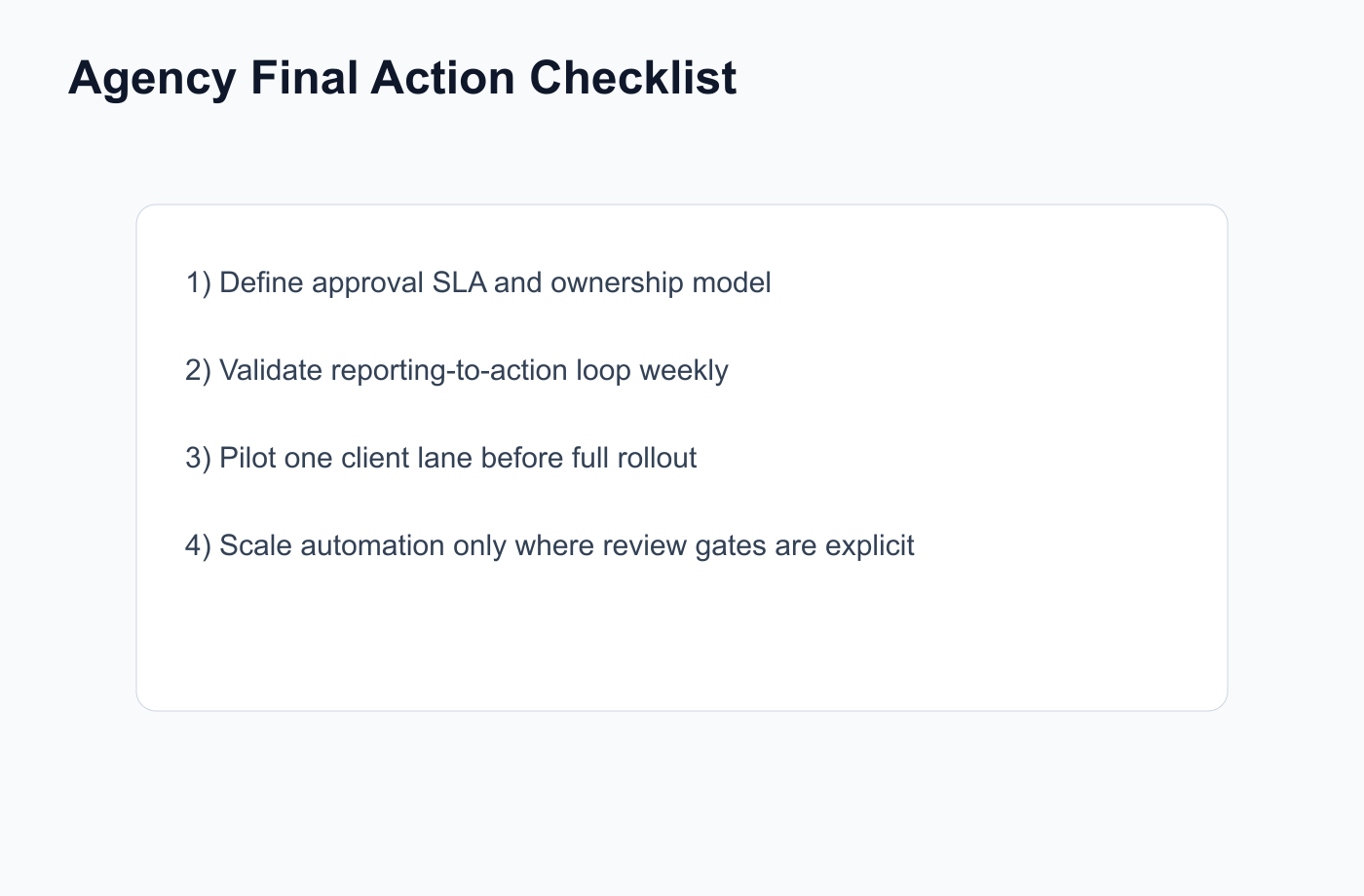
Use this checklist to convert the final recommendation into a measurable pilot rollout.
The best social media management tool for agencies is the one that matches the agency’s workflow.
Do not choose a tool only because it appears on every list.
Choose based on the bottleneck.
If the bottleneck is client dashboards, consider Sendible.
If the bottleneck is client approval and scheduling, consider SocialPilot.
If the bottleneck is review collaboration, consider Planable.
If the bottleneck is analytics and competitor reports, consider Metricool.
If the bottleneck is inbox and moderation, consider Agorapulse.
If the bottleneck is broad suite coverage, consider Hootsuite.
If the bottleneck is workflow automation, repurposing, approvals, boards, roles, activity visibility, Make, n8n, and API workflows, consider Tareno.
Primary CTA: Explore Tareno for agencies to see how workflow builder, repurposing queues, boards, approvals, Make, n8n, API, analytics, roles, and activity visibility can work together.
Secondary CTA: Compare Tareno with Sendible, SocialPilot, Planable, Metricool, Agorapulse, Sprout Social, Hootsuite, Later, SocialBee, and Buffer on the compare hub.