
An AI social media agent should do more than write captions.
A useful agent should be able to:
inspect connected accounts
understand platform requirements
read recent performance
identify content opportunities
create platform-specific drafts
upload media
request scheduling
wait for approval
publish through a controlled system
review results
create repurposing tasks
That is a much larger system than a text-generation prompt.
The model is only one component.
You also need:
account access
permissions
structured tools
validation
workflow state
approvals
scheduling
analytics
logging
error handling
duplicate prevention
memory
The Tareno API can provide the social media execution layer behind the agent.
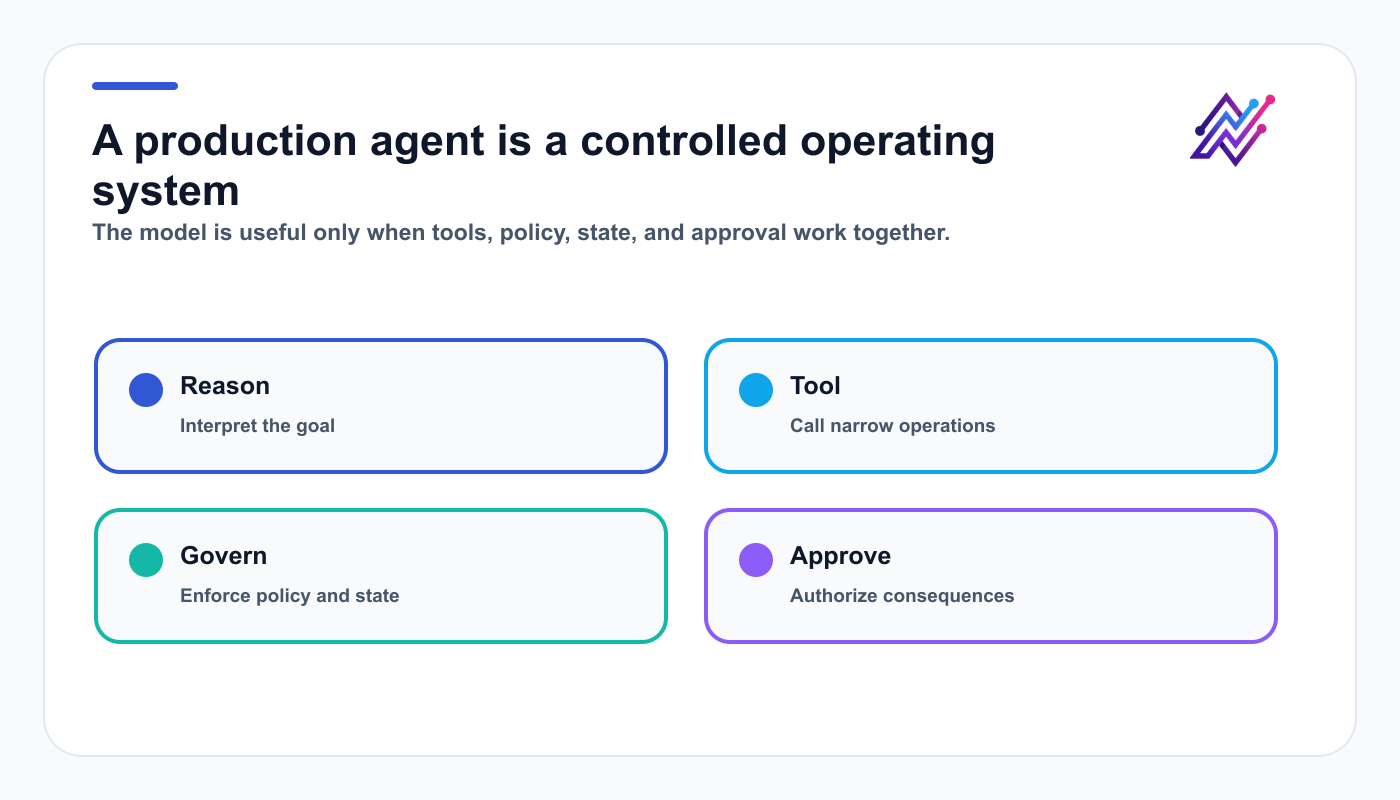
A reliable agent combines model judgment with enforceable system controls.
The agent reasons and prepares work. Tareno handles accounts, drafts, media, approval state, scheduling, analytics, and repurposing.
This guide explains the architecture, data model, safety controls, agent loop, request patterns, and workflow design needed to build a real AI social media agent rather than a demo that posts one caption.
TL;DR
A practical AI social media agent architecture looks like this:
Receive a user goal.
Load the user's workspace, accounts, permissions, and strategy.
Decide which Tareno API operations are needed.
Run read-only operations first.
Create drafts before scheduling.
Validate platform-specific requirements.
Convert consequential actions into approval requests.
Publish only after approval.
Store action, draft, and post IDs.
Retrieve analytics later.
Update agent memory and repurposing tasks.
The key principle is:
The model can propose and prepare. The system should authorize and execute.
Do not give the model direct, unrestricted control over public accounts.
What makes an AI social media agent different from a chatbot?
A chatbot answers questions.
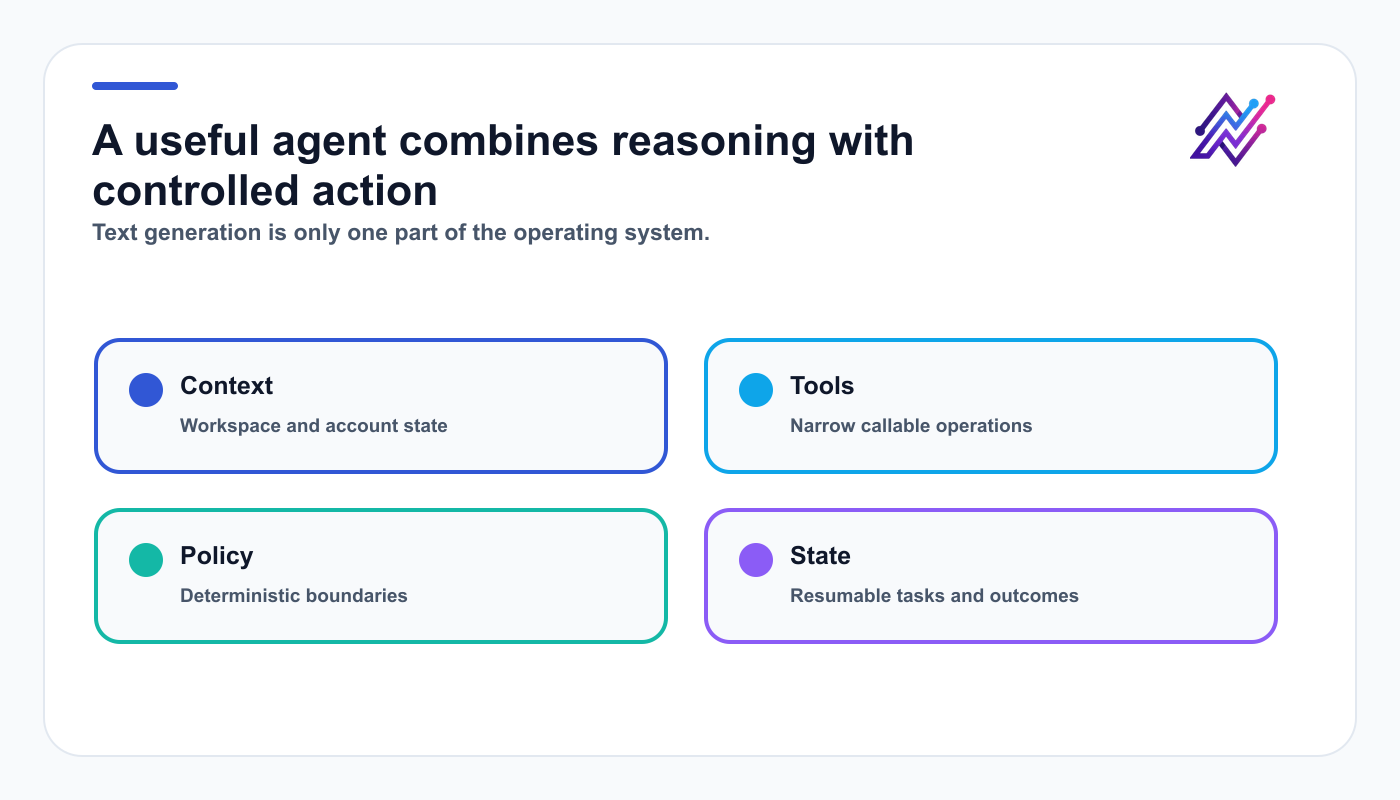
An agent needs scoped tools, explicit state, and policy—not only a stronger prompt.
An agent can take actions.
For social media, the difference matters.
A chatbot can say:
Here are five LinkedIn post ideas.
An agent can:
inspect the user's recent LinkedIn analytics
identify the strongest topic
create a new draft
attach approved media
request scheduling
wait for approval
track whether the action succeeded
retrieve performance later
The second system needs tool access and state.
That is where the API becomes essential.
The reference architecture
A robust architecture has several layers.
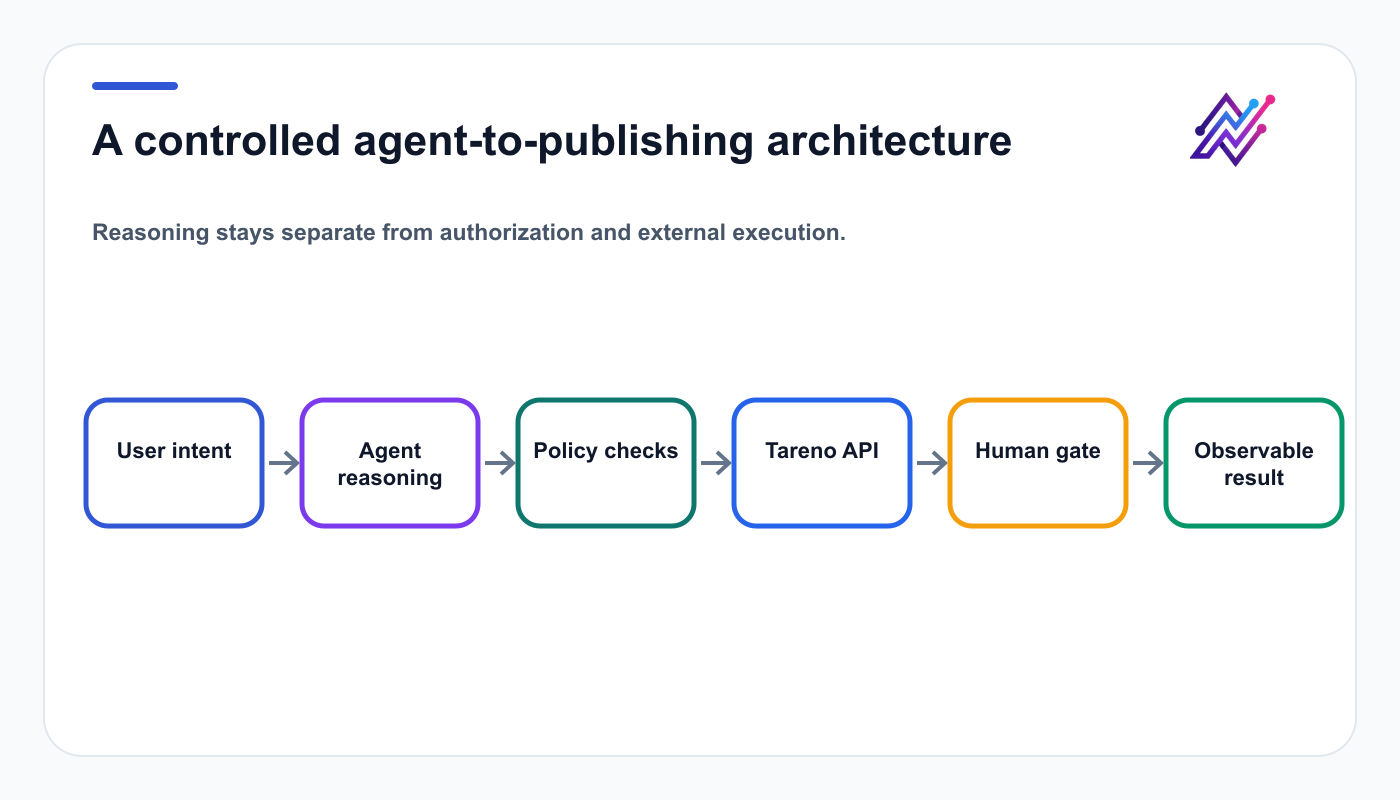
The model proposes steps; policy and approval layers authorize the external consequences.
User interface
  ↓
Agent runtime
  ↓
Planner and policy layer
  ↓
Tareno API client
  ↓
Drafts, accounts, media, approvals, scheduling, analytics
  ↓
Tareno publishing infrastructure
  ↓
Connected social networks
User interface
Possible interfaces:
chat
dashboard
mobile app
internal tool
Slack bot
CRM assistant
creator portal
agency workspace
Agent runtime
The agent runtime manages:
model calls
tool selection
context
memory
retries
task planning
Planner and policy layer
This layer decides:
which actions are allowed
which require approval
which accounts are in scope
which claims need review
which language needs native review
which actions should be blocked
Tareno API client
The client wraps Tareno operations into functions the agent can call.
Tareno
Tareno handles the social-specific execution layer.
The minimum viable agent
Do not begin with a fully autonomous agent.
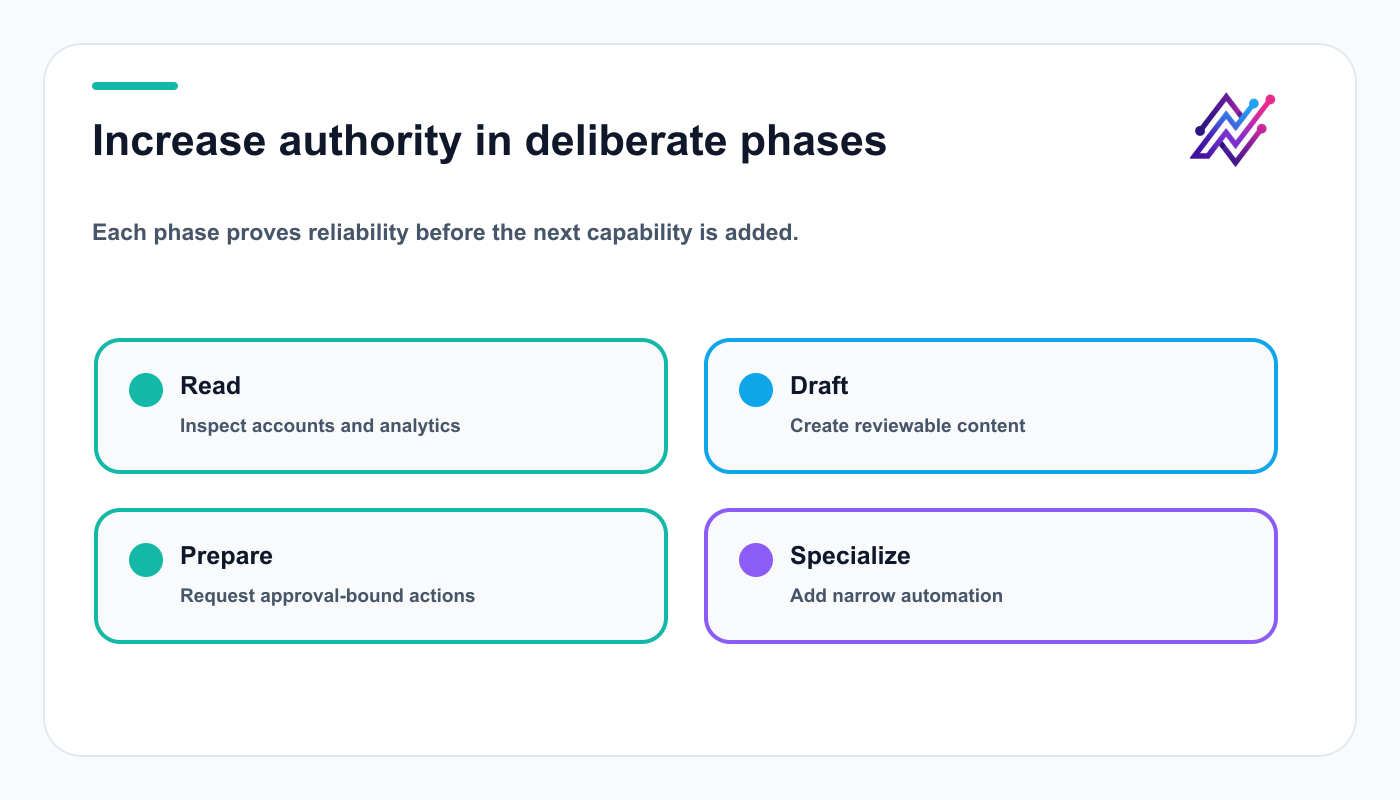
A phased rollout makes failures observable before the agent can cause external consequences.
Build in phases.
Phase 1: read-only assistant
Capabilities:
list workspaces
list accounts
inspect platform requirements
read analytics
list pending actions
This phase creates value without external changes.
Phase 2: draft assistant
Add:
create draft
update draft
attach media
add internal notes
create repurposing ideas
This phase remains relatively safe.
Phase 3: approval-first operator
Add:
prepare scheduled post
request publishing
edit scheduled item
check action status
Every consequential action requires approval.
Phase 4: specialized automation
Add:
multilingual campaigns
Get Viral Now workflows
agency routing
campaign postmortems
evergreen queues
CRM-driven content
A phased rollout reduces risk.
Secure the agent foundation
Authentication
Use a dedicated API credential for the agent.
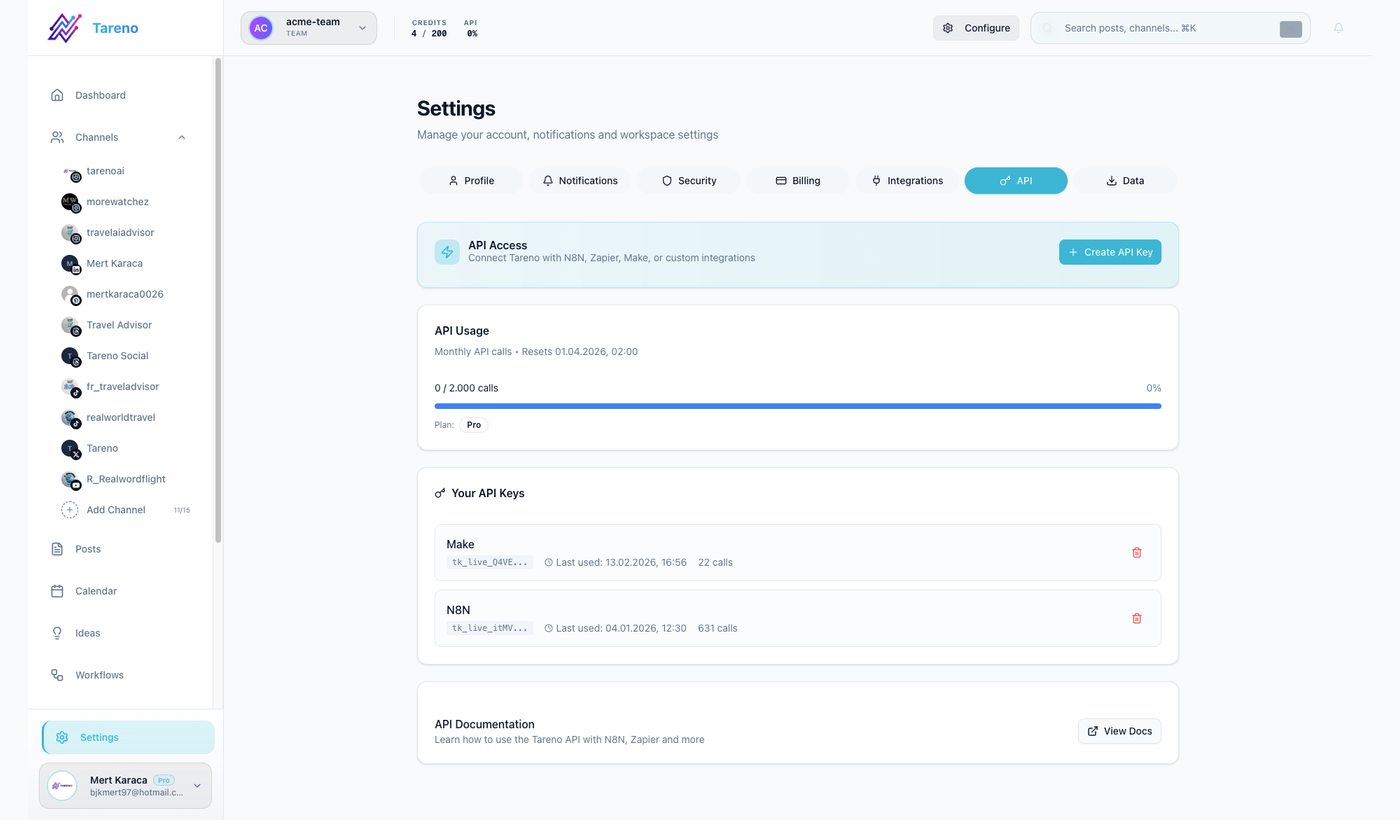
A dedicated credential makes the agent connection easier to scope, rotate, and revoke.
Do not reuse a personal credential casually.
Recommended controls:
minimum scopes
separate staging and production
separate agency-client credentials where needed
rotation
revocation
audit owner
secure storage
no secrets inside prompts
A representative API client might use:
Authorization: Bearer TARENO_API_KEY
Content-Type: application/json
The final authentication format must be verified before publication.
Store the key in:
environment variables
a secret manager
encrypted infrastructure credentials
a managed connection system
Never place it in normal conversation history.
Scope design
Use least privilege.
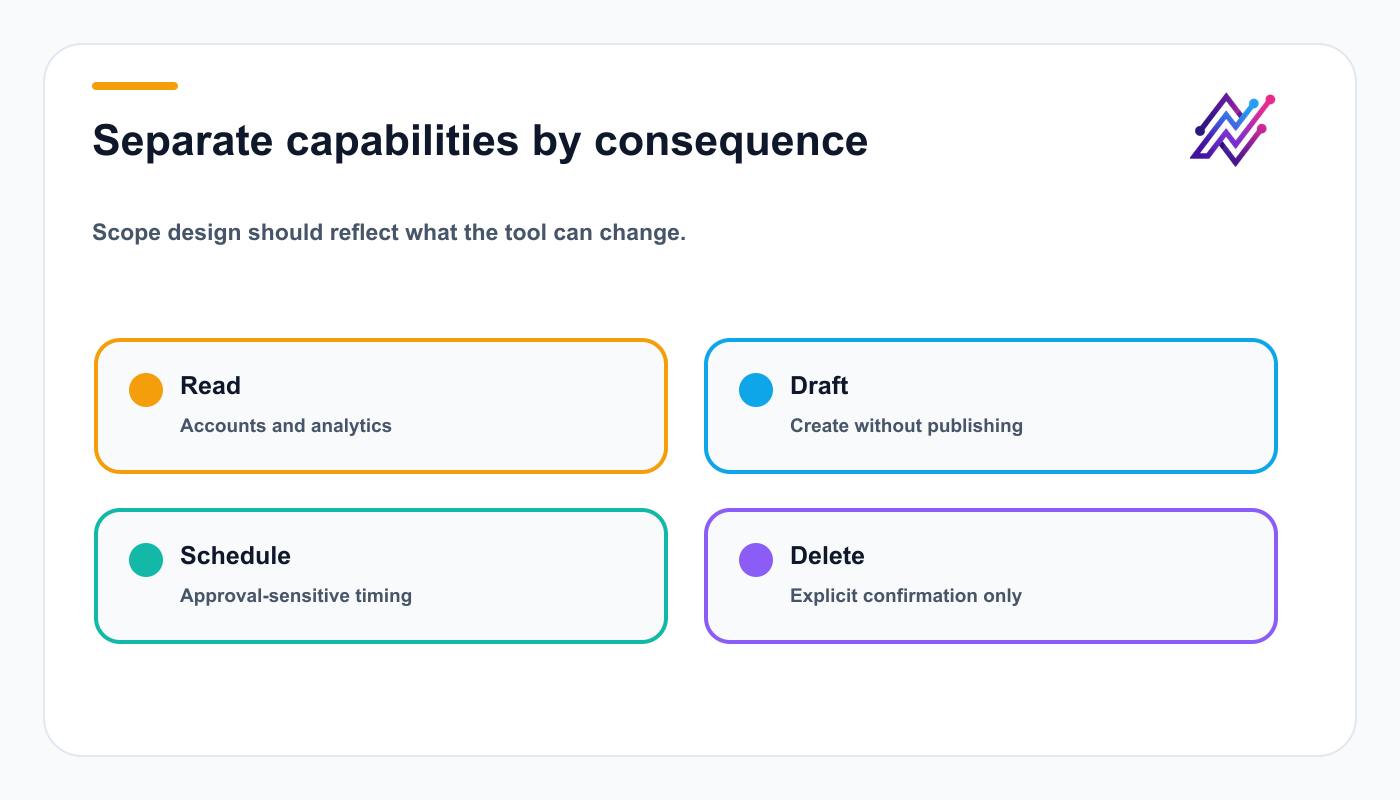
Consequence-based scopes make the smallest useful permission set easier to define.
Possible conceptual scopes:
workspaces:read
accounts:read
requirements:read
drafts:read
drafts:write
media:write
analytics:read
actions:read
publishing:request
scheduled:edit
content:delete
Research needs read scopes; drafting needs draft write access; publishing remains approval-sensitive; deletion stays separate.
Wrap API endpoints as agent tools
Do not expose raw HTTP requests directly to the model unless you have a strong reason.
Wrap them as narrow functions.
Example:
interface CreateDraftInput {
  workspaceId: string;
  accountId: string;
  platform: string;
  caption: string;
  mediaUrls?: string[];
  internalNote?: string;
}

async function createDraft(input: CreateDraftInput) {
  return tareno.post('/drafts', input);
}
A narrow function is easier to:
validate
describe
log
test
authorize
retry
expose to an agent
Avoid one generic function called:
execute_social_action
That makes policy and debugging harder.
Recommended agent tool set
Group tools by purpose and consequence so the agent can choose a narrow operation with a predictable result.
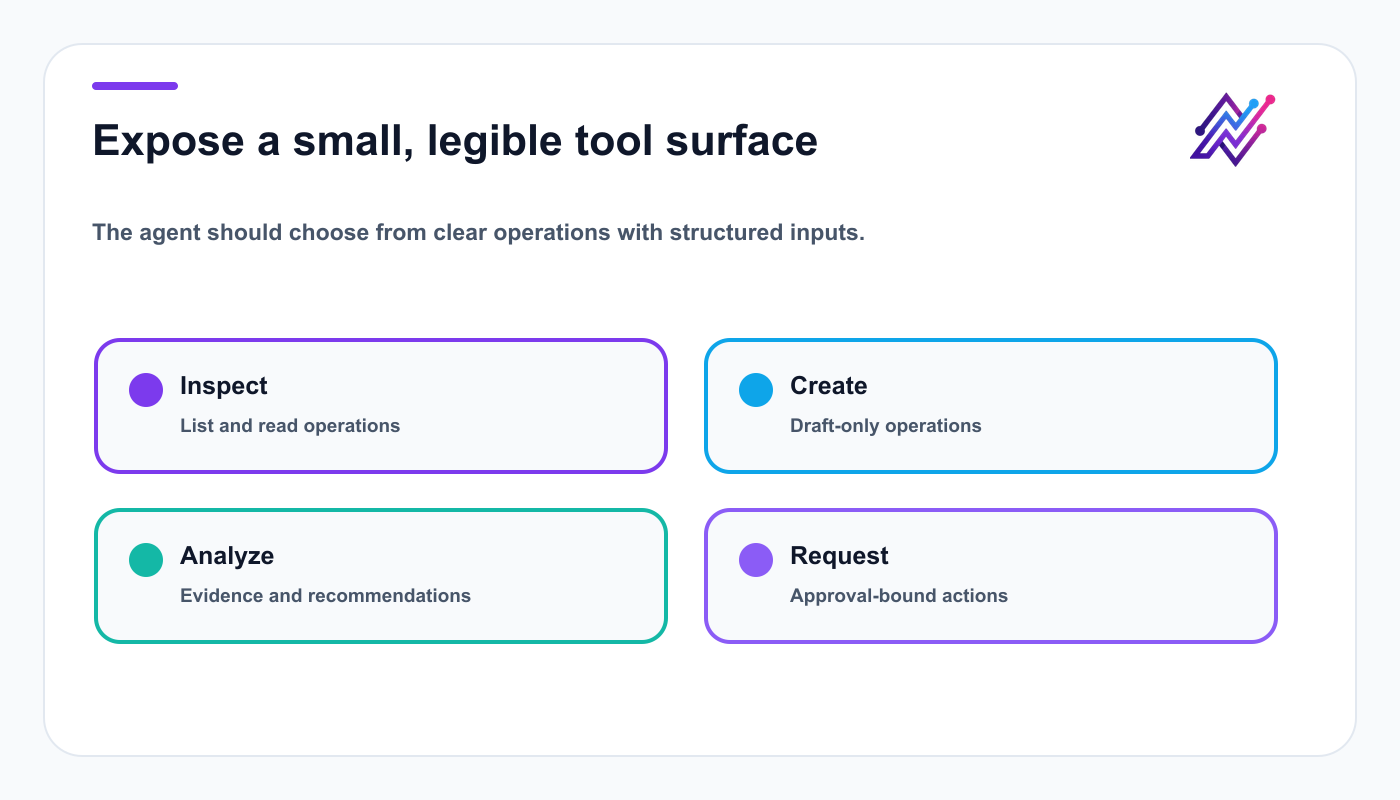
A narrow tool surface is easier to test, audit, and explain than raw endpoint access.
Read tools
list_workspaceslist_accountsget_platform_requirementsget_analyticslist_pending_actionsget_action_status
Draft tools
create_draftupdate_draftattach_mediacreate_repuposing_taskadd_internal_note
Publishing tools
prepare_schedulerequest_publish_nowedit_scheduled_postrequest_delete
Strategy tools
get_top_postscompare_platformsget_content_gapsget_campaign_results
The actual API surface may differ.
The design principle is to separate actions by risk and purpose.
Control state and external actions
The agent loop
A typical agent loop looks like this:
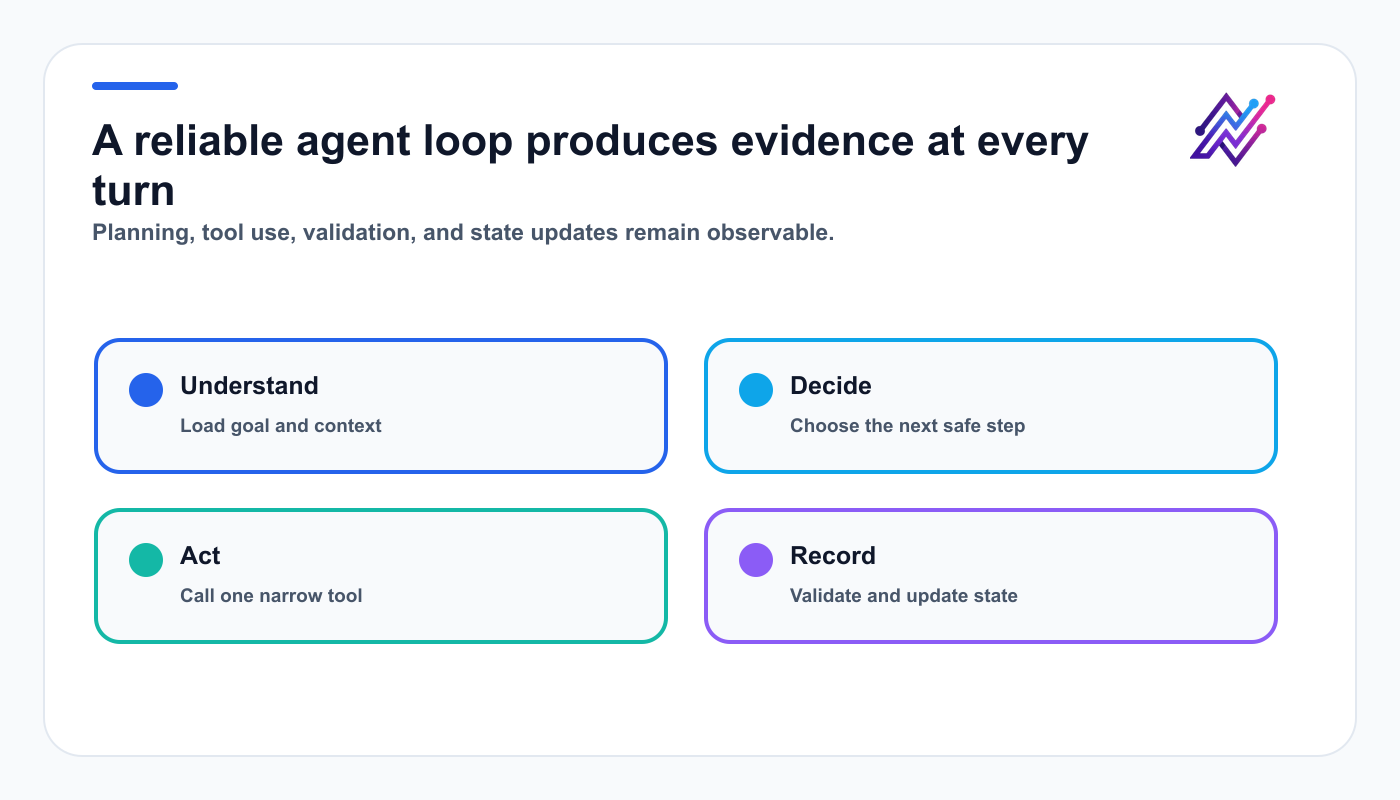
Observable steps make the agent easier to debug and safer to resume.
understand the user goal
load relevant context
create a plan
choose a read tool
inspect the result
choose another tool
create a draft or action proposal
request approval if needed
wait for the result
continue after approval
Example request:
Review my last 30 days and prepare next week's content.
Possible plan:
list connected accounts
get analytics
identify strongest topic
inspect pending drafts
create five new drafts
present the plan
wait for approval
prepare scheduling
This is a true agent workflow.
Use structured state
The agent should not rely only on conversation memory.
Store structured task state.
Example:
{
  "taskId": "task_123",
  "workspaceId": "workspace_main",
  "goal": "prepare next week's content",
  "status": "awaiting_approval",
  "draftIds": ["draft_1", "draft_2"],
  "actionIds": ["action_9"],
  "selectedAccounts": ["linkedin_1", "bluesky_1"],
  "timezone": "Europe/Berlin"
}
This allows the agent to resume safely.
It also improves debugging.
Model the approval state explicitly
Do not represent approval as a vague message.
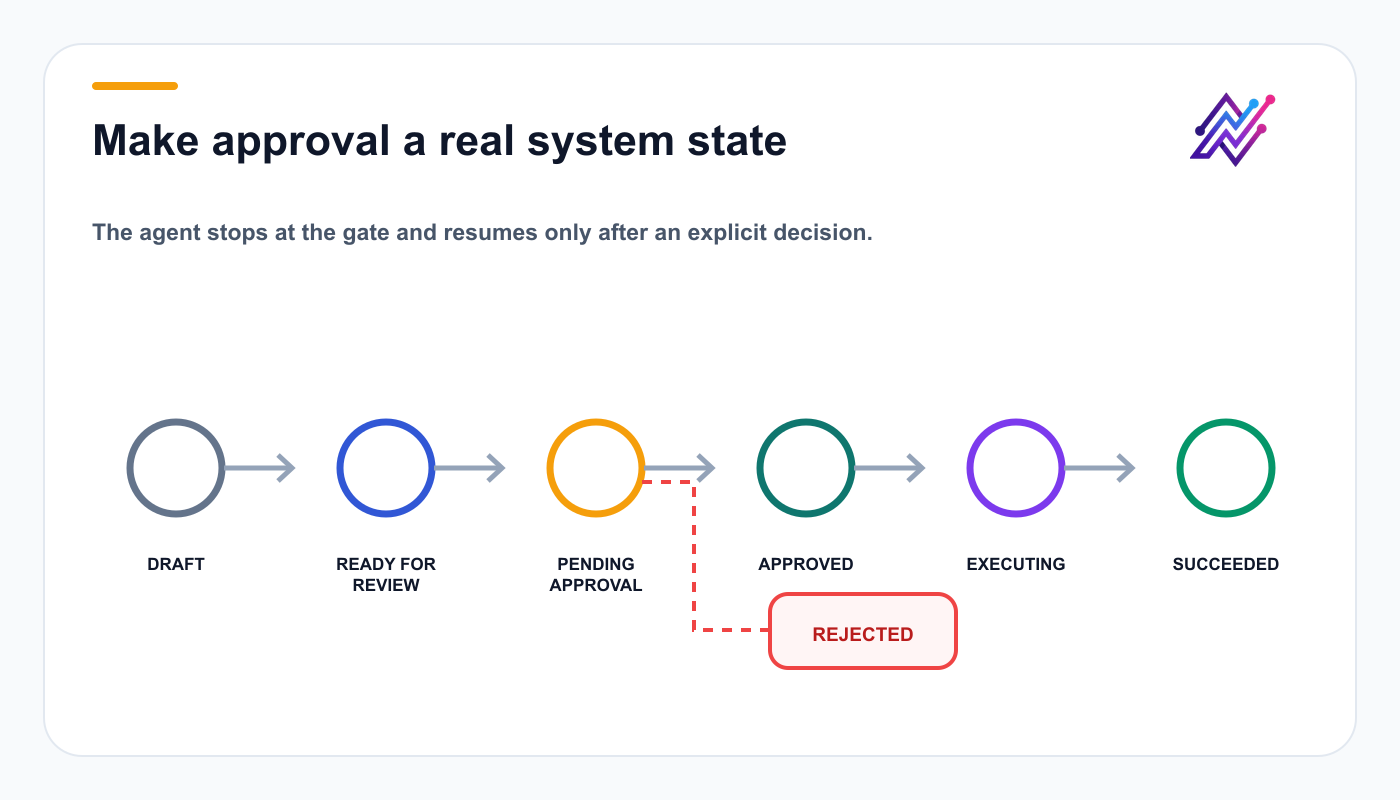
Explicit states prevent the agent from treating silence, retries, or ambiguous messages as approval.
Use states.
Example:
DRAFT
READY_FOR_REVIEW
PENDING_APPROVAL
APPROVED
REJECTED
EXECUTING
SUCCEEDED
FAILED
EXPIRED
The agent should know what each state means.
Example rule:
If action = PENDING_APPROVAL,
stop execution and ask the user to review it in Tareno.
Do not let the model infer that silence means approval.
Run useful social workflows
Read-only workflow example
User request:
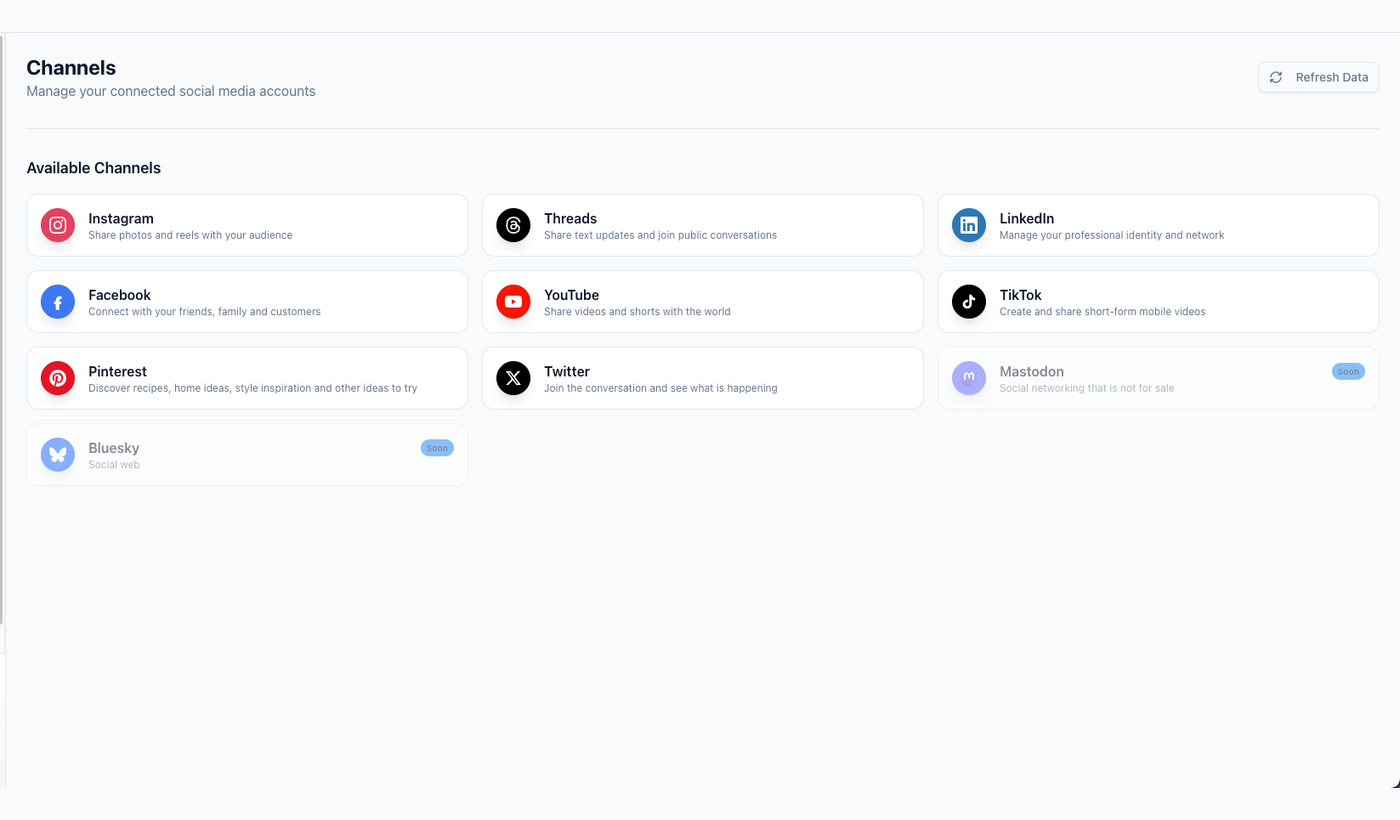
Account inspection should establish workspace and channel context before the agent creates anything.
Audit my social media setup.
Agent plan:
list workspaces
list accounts
get account status
get platform requirements
summarize blockers
Output:
WorkspacePlatformAccountStatusRecommendationMainLinkedInCompanyConnectedReadyMainBlueskyBrandConnectedAdd alt-text processClient AMastodonClientExpiredReconnect token
No write action is needed.
Draft creation workflow example
User request:
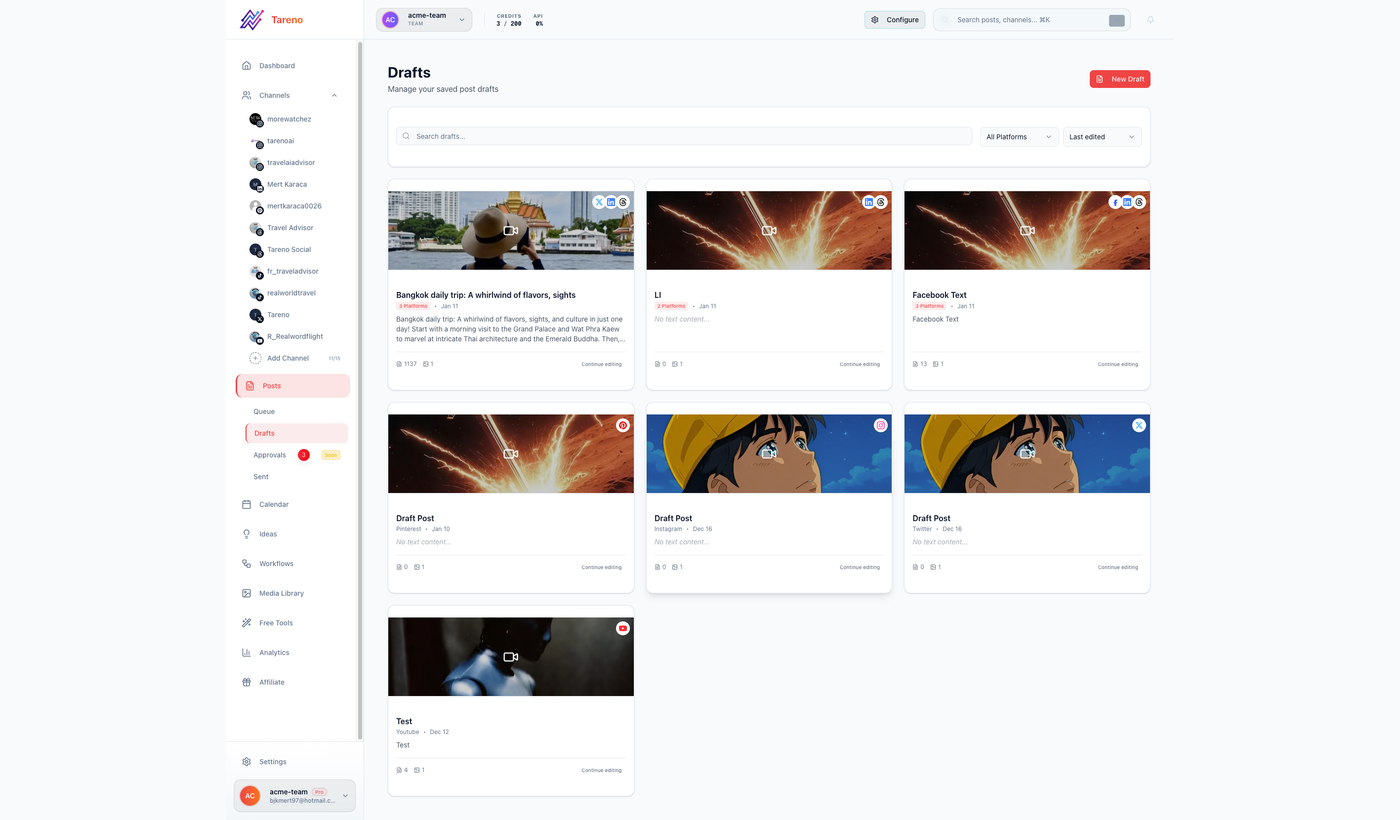
Draft creation gives editors a visible checkpoint without granting publishing authority.
Create native posts for LinkedIn, Bluesky, Mastodon, and Threads from this product update.
Agent steps:
load connected accounts
load platform requirements
load approved release notes
generate four platform versions
validate claims
call
create_draftfour timesreturn draft IDs
The user reviews the drafts in Tareno.
No scheduling occurs yet.
Approval-first scheduling example
User request:
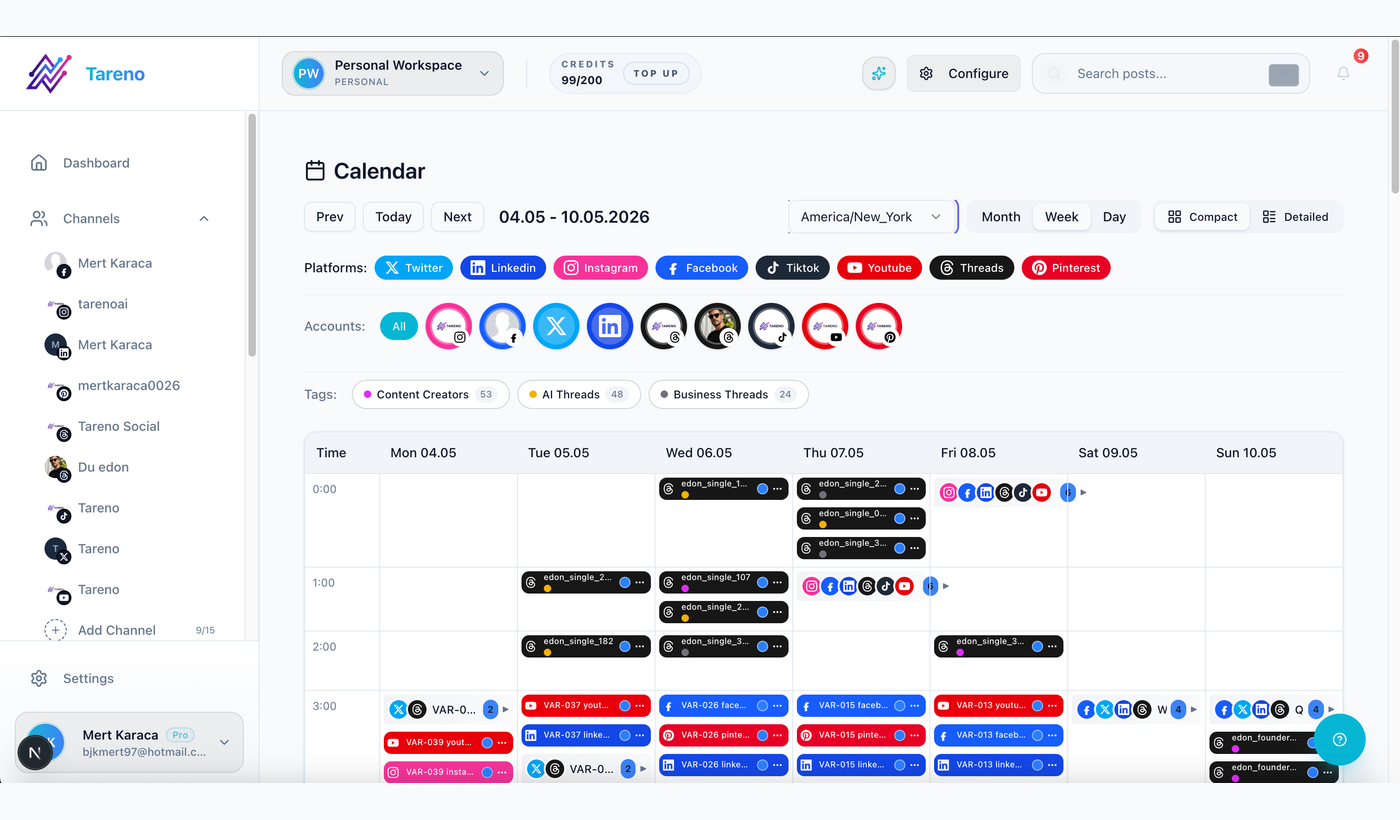
The calendar makes account, timing, channel balance, and approval consequences inspectable.
Schedule the approved drafts for next week.
Agent steps:
list approved drafts
confirm accounts
confirm timezone
detect scheduling conflicts
create scheduling proposals
call the approval-sensitive Tareno action
return action IDs
stop until approval
After approval:
retrieve action status
confirm success
store scheduled post IDs
create analytics follow-up tasks
This creates a clear consequence boundary.
Analytics-led agent example
User request:
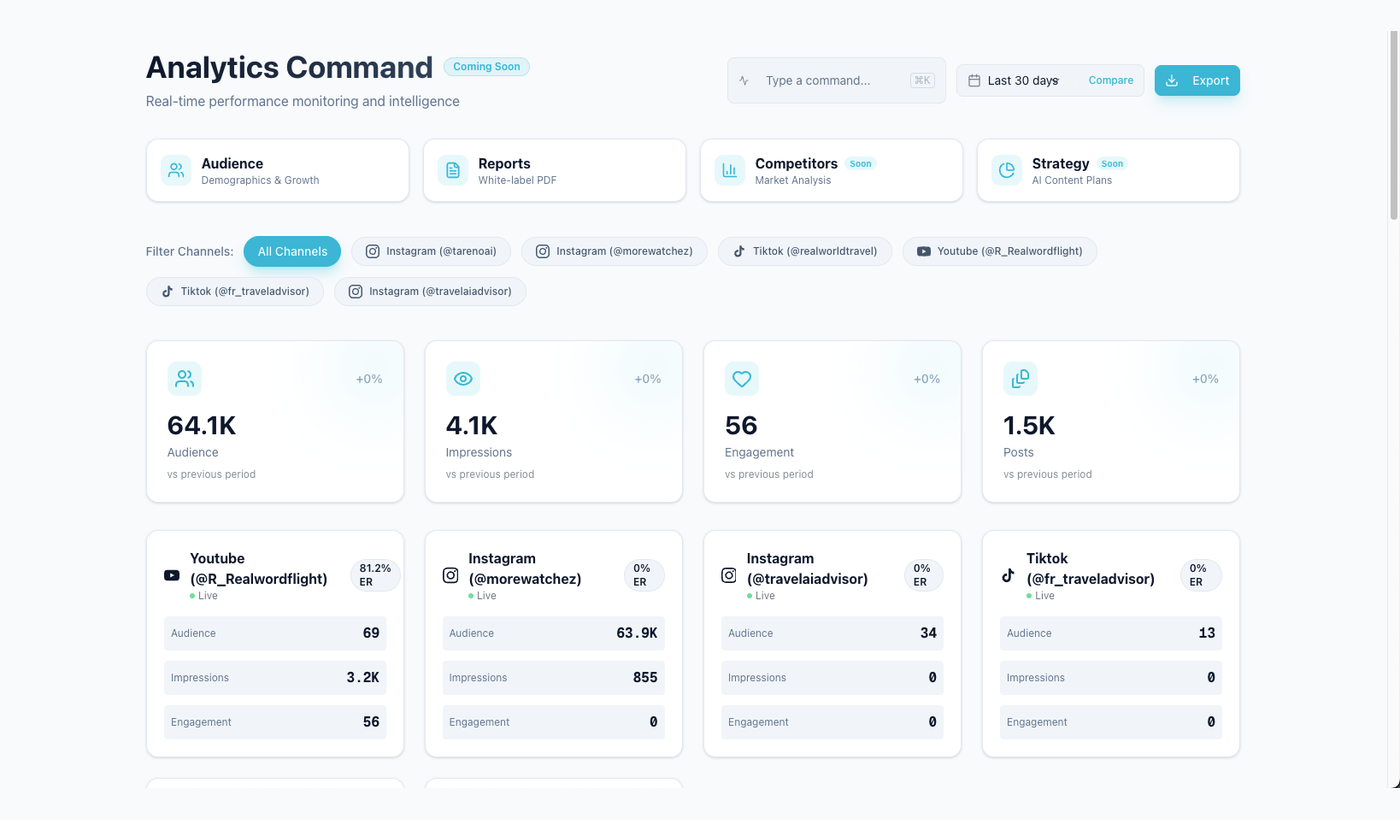
Recommendations become operationally useful when the agent shows the performance signal behind them.
Tell me what to post more often.
The agent should not guess.
It should:
retrieve recent analytics
group by topic
group by format
compare with account baseline
identify meaningful signals
explain uncertainty
recommend actions
Meaningful signals may include:
saves
shares
comments
clicks
watch time
completion
conversions
qualified replies
The output should include evidence.
Repurposing agent example
User request:
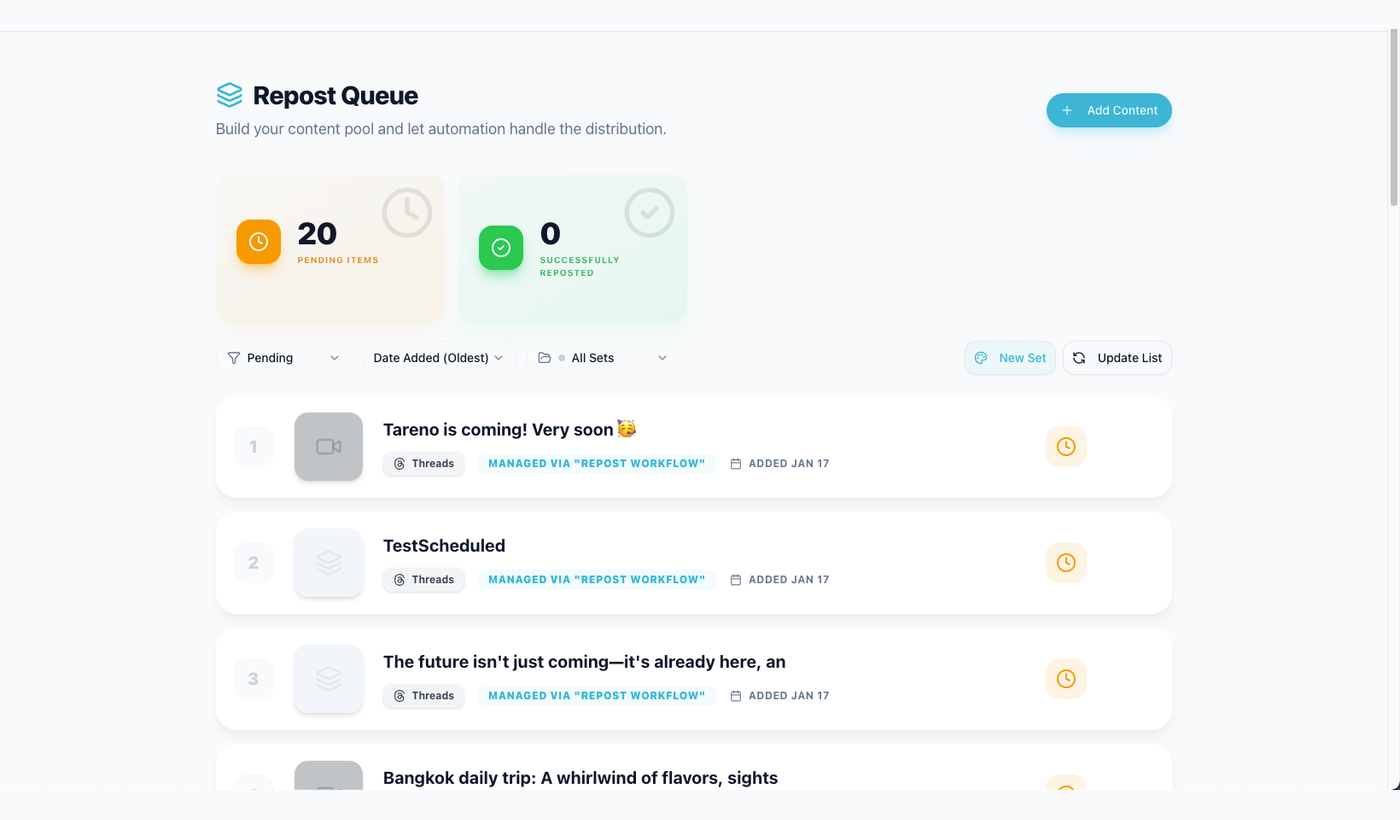
A repurposing agent should create reviewable new angles with a visible source relationship.
Repurpose my strongest content.
Agent workflow:
get top posts
score evergreen value
check freshness risk
choose target platforms
generate new angles
create Tareno drafts
link drafts to source posts
add measurement dates
Possible score fields:
performance
evergreen value
audience relevance
business relevance
platform flexibility
freshness risk
This prevents the agent from recycling everything blindly.
Get Viral Now agent example
User request:
Use this YouTube video to create an original short-form script.
Agent workflow:
validate URL
request transcript analysis
inspect hook and structure
load the user's audience and brand voice
create several original angles
select or present options
save the chosen script as a draft
create platform variants
route to approval
The source should be used for research, not copying.
Multilingual agent example
User request:
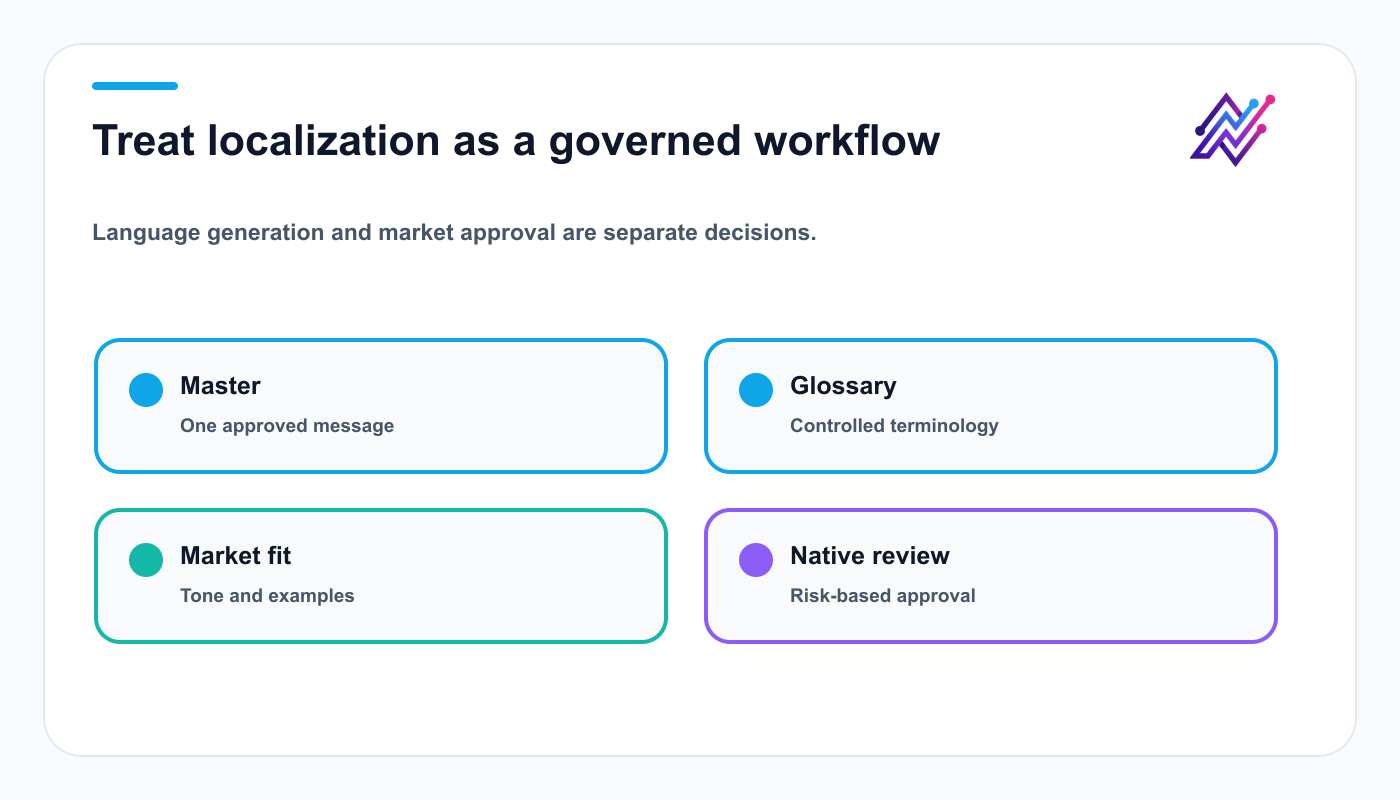
Separate drafts and approval states preserve accountability across languages.
Create this campaign in nine languages.
The agent needs more than a translation step.
It should load:
master message
market matrix
glossary
tone guide
CTA rules
native-review requirements
Supported Tareno workflow languages include:
English
German
French
Spanish
Portuguese
Russian
Italian
Japanese
Arabic
The agent should create separate drafts and approval states.
Japanese and Arabic may require additional visual review.
Bluesky and Mastodon agent example
User request:
Adapt this LinkedIn post for Bluesky and Mastodon.
The agent should not copy the caption.
For Bluesky:
concise
self-contained
less corporate
thread only if useful
For Mastodon:
more context
community-aware tone
content warning check
hashtags where relevant
The two drafts should remain separate.
Harden, integrate, and test the system
Add policy checks before API calls
The model should not be the only policy layer.
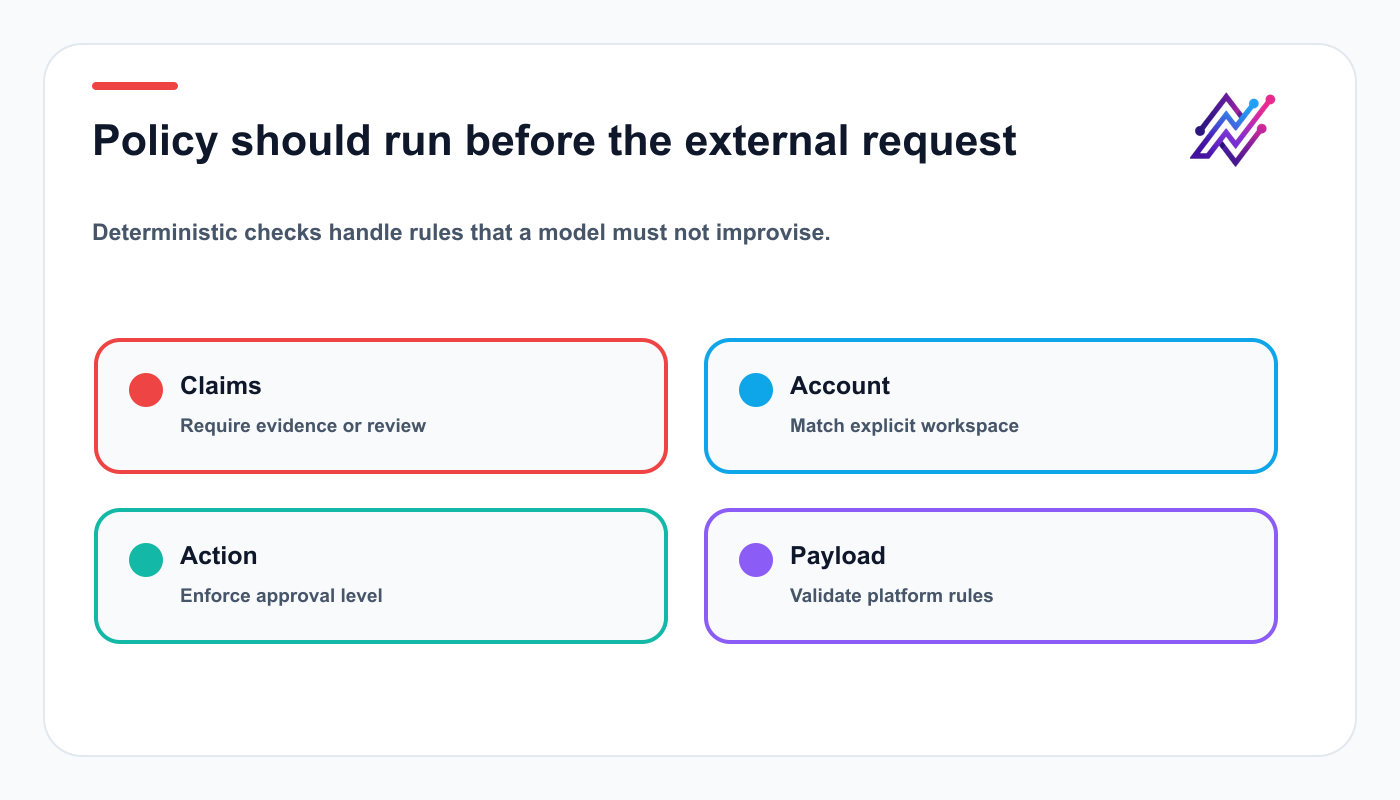
Backend checks turn safety expectations into enforceable system behavior.
Create deterministic checks.
Examples:
If content contains pricing,
require product or finance review.

If content contains a customer result,
require consent and customer success review.

If language = Japanese or Arabic
and campaign risk = high,
require native review.

If action = delete,
require explicit confirmation.
These checks should run before the Tareno API call.
Validate platform requirements
Before creating or scheduling content, validate:
account connection
post type
caption limit
media type
media size
required fields
alt text
content warning
timezone
link format
Do not make the agent memorize every platform rule.
Load the requirements dynamically where possible.
Prevent duplicates
Agents may retry.
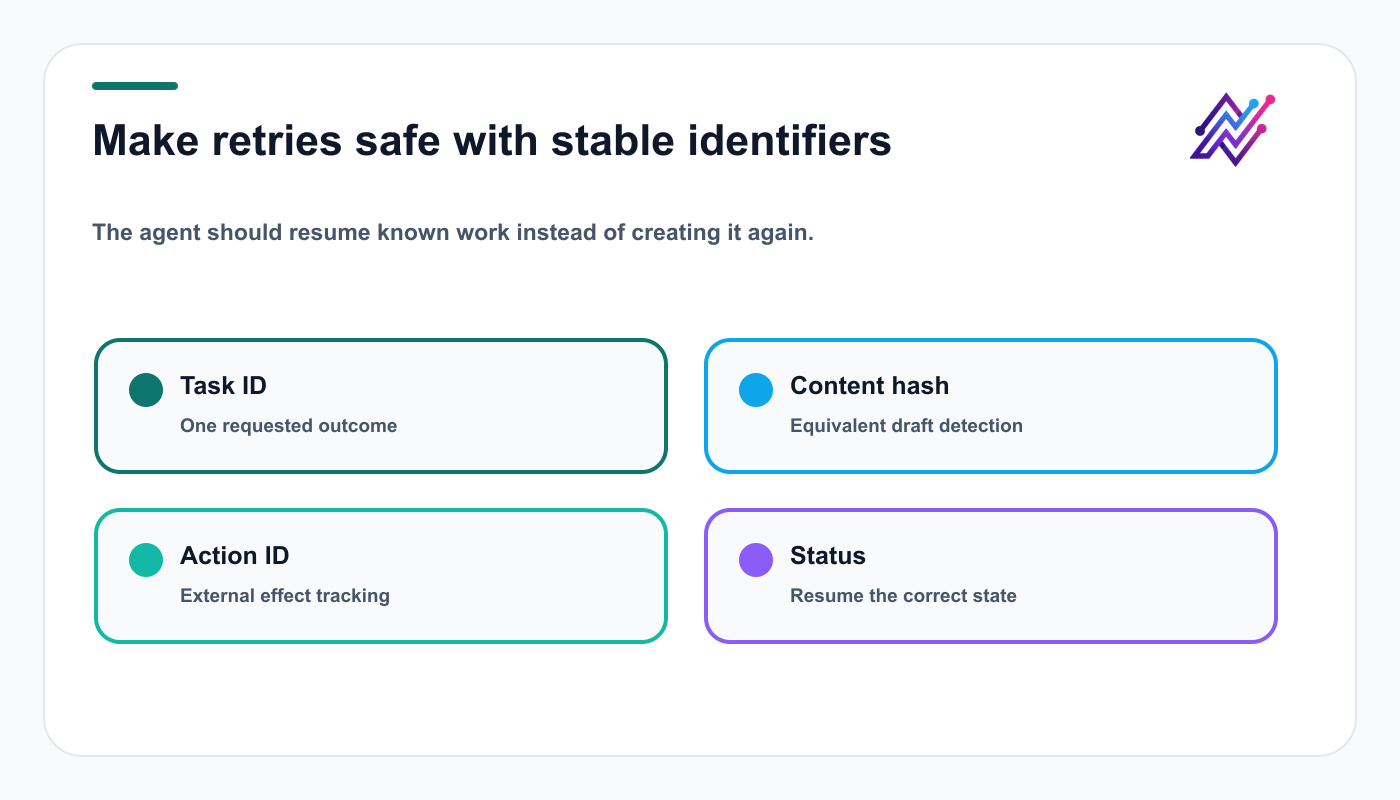
Stable identifiers prevent network retries and repeated prompts from multiplying posts.
Networks may time out.
Users may repeat a request.
Use idempotency.
Track:
task ID
source ID
draft ID
action ID
post ID
content hash
platform
account
language
Composite key:
sourceId_platform_account_language_version
Before creating a new draft or action:
search existing records
check action status
compare content hash
reuse or update where appropriate
Handle errors explicitly
Classify errors.
Validation error
Examples:
missing caption
unsupported media
invalid account
Action:
return to the agent with a fixable message
Authentication error
Action:
stop and request credential repair
Rate limit
Action:
wait and retry with backoff
Approval required
Action:
return action ID and stop
Permanent publishing failure
Action:
create incident and notify owner
Do not let the agent retry every failure indefinitely.
Logging and observability
Log:
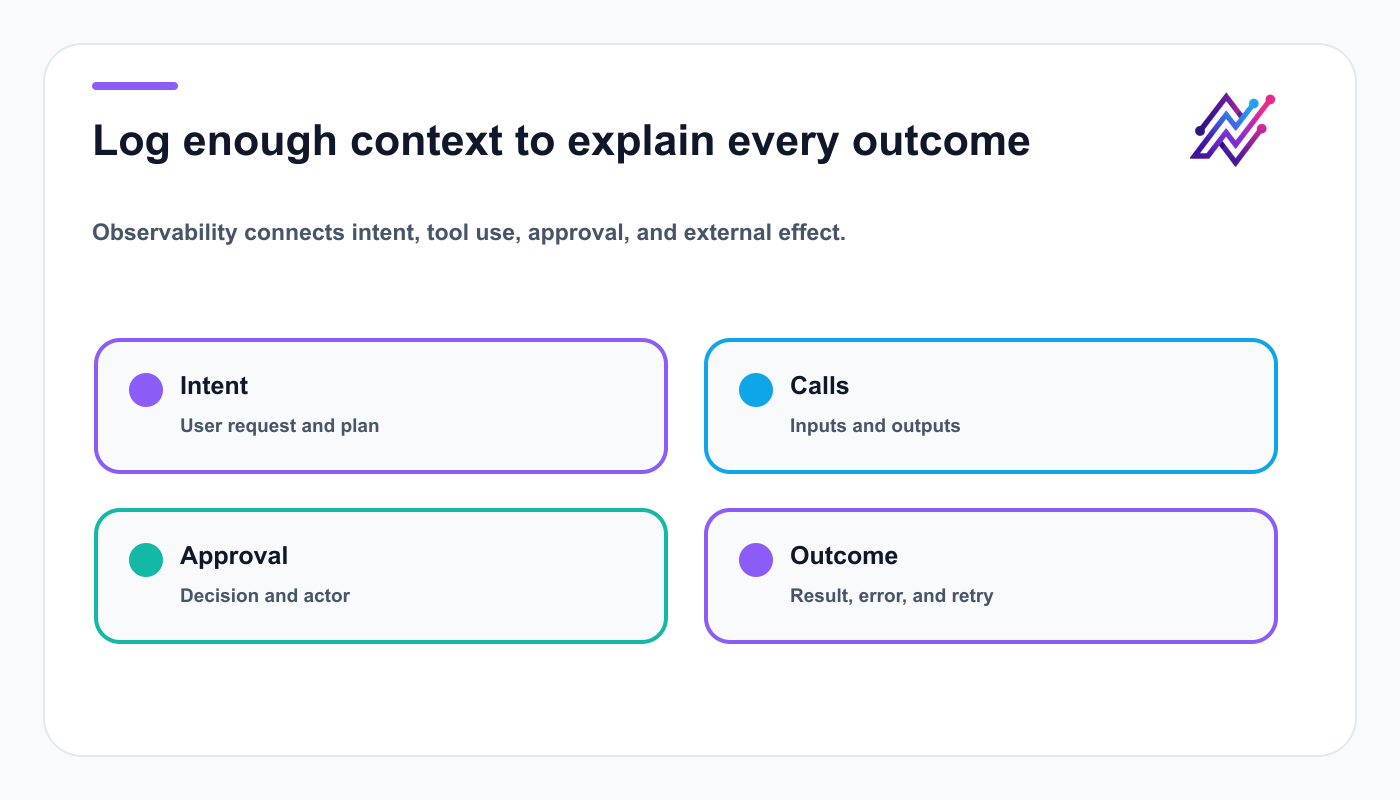
A useful audit trail explains what the agent tried, what changed, and why.
user request
generated plan
tool calls
inputs
outputs
action IDs
approval state
external effect
errors
retries
final result
Avoid logging secrets.
For agencies, include:
client
workspace
account
operator
approver
This is essential for debugging cross-client workflows.
Memory design
An agent needs useful memory, not unlimited memory.
Store:
brand voice
approved terminology
banned phrases
account preferences
preferred platforms
timezone
approval policy
campaign history
content pillars
performance insights
rejected drafts
successful hooks
Do not store sensitive credentials in model memory.
Memory should improve decisions without weakening security.
Human-in-the-loop UX
A good approval screen should show:
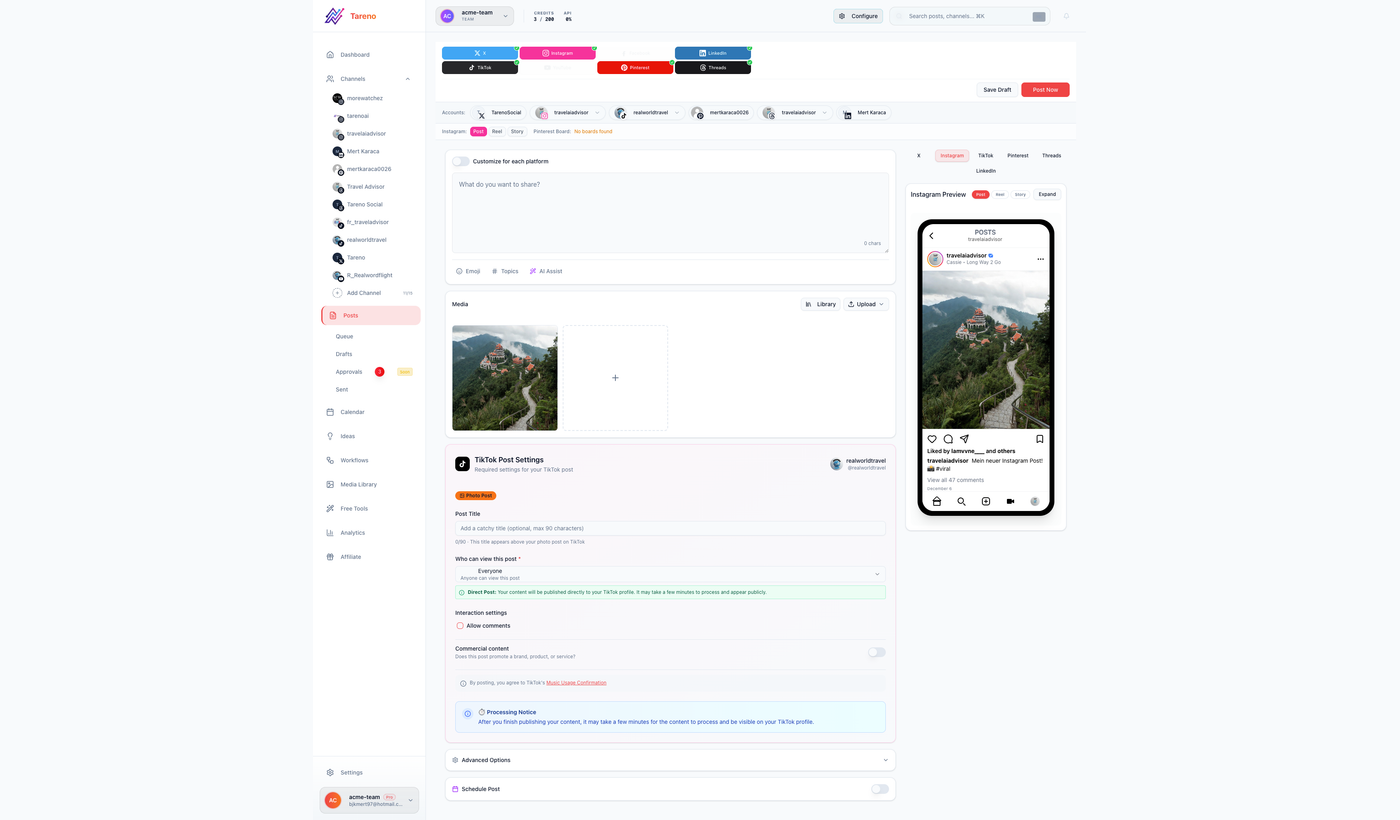
Reviewers need the final content, target account, media, timing, and consequence in one place.
action type
workspace
account
platform
final caption
media
publish time
timezone
source
generated rationale
claims or risk flags
approve
reject
edit
The approver should understand the consequence immediately.
Do not hide critical fields behind multiple screens.
Example TypeScript agent tool wrapper
async function prepareApprovedSchedule(input: {
  workspaceId: string;
  accountId: string;
  draftId: string;
  scheduledAt: string;
  timezone: string;
}) {
  validateWorkspace(input.workspaceId);
  validateAccount(input.accountId);
  validateTimezone(input.timezone);

  const draft = await getDraft(input.draftId);

  if (draft.status !== 'APPROVED') {
    throw new Error('Draft must be approved before scheduling.');
  }

  return tareno.post('/actions/schedule', input);
}
The wrapper enforces policy before the external request.
Example agent system policy
The system policy should state what the agent may do, what it must validate, and exactly when it must stop.
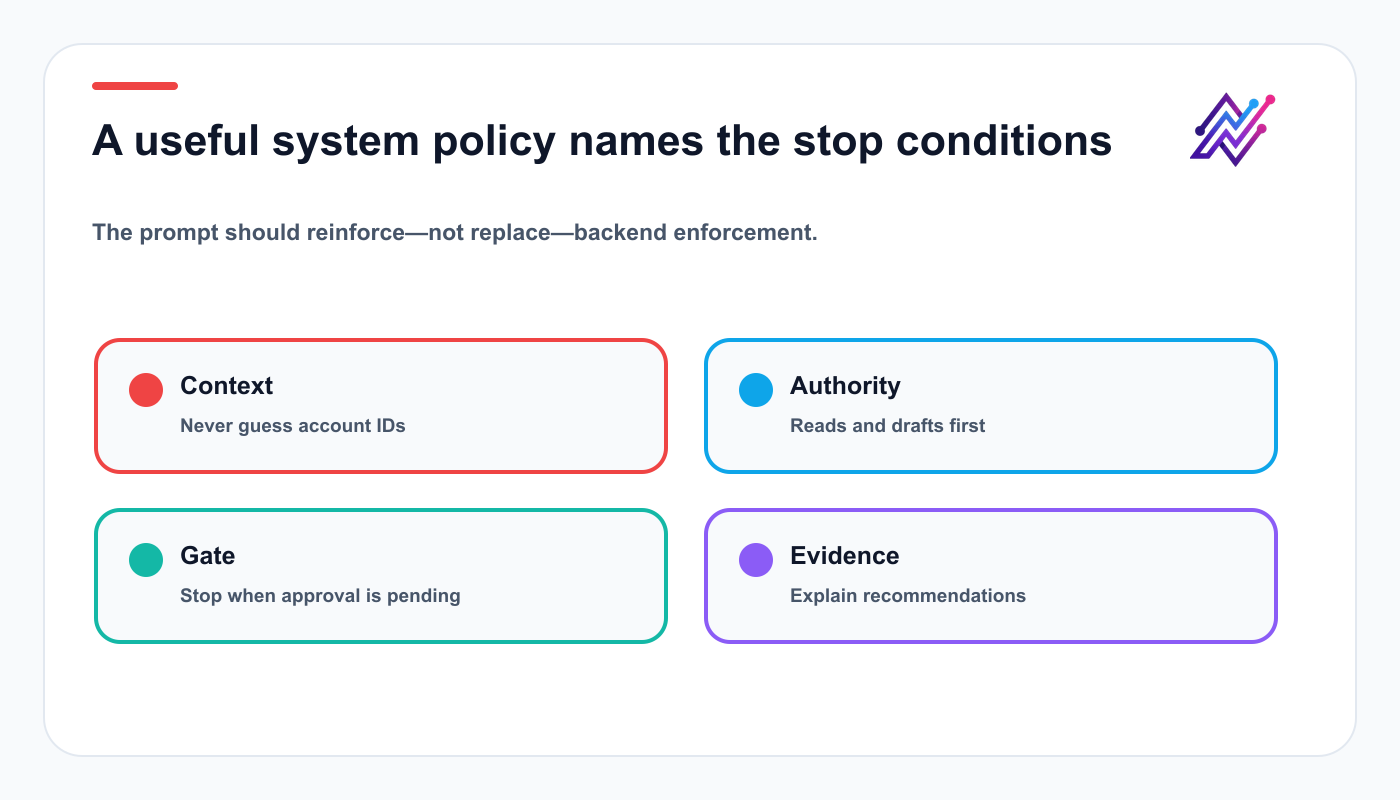
Clear stop conditions keep the agent predictable when a task reaches a consequence boundary.
You are a social media operations agent.

Rules:
1. Read-only actions may run directly.
2. Draft creation may run directly.
3. Scheduling, publishing, editing scheduled content, and deletion require Tareno approval.
4. Never guess an account ID.
5. Always load platform requirements before a new post type.
6. Never place secrets in messages.
7. Stop when an action is pending approval.
8. Do not claim guaranteed virality.
9. Do not copy source transcripts.
10. Use analytics as evidence for recommendations.
A system prompt helps, but it does not replace backend policy checks.
API vs MCP for an AI agent
Use the API when:
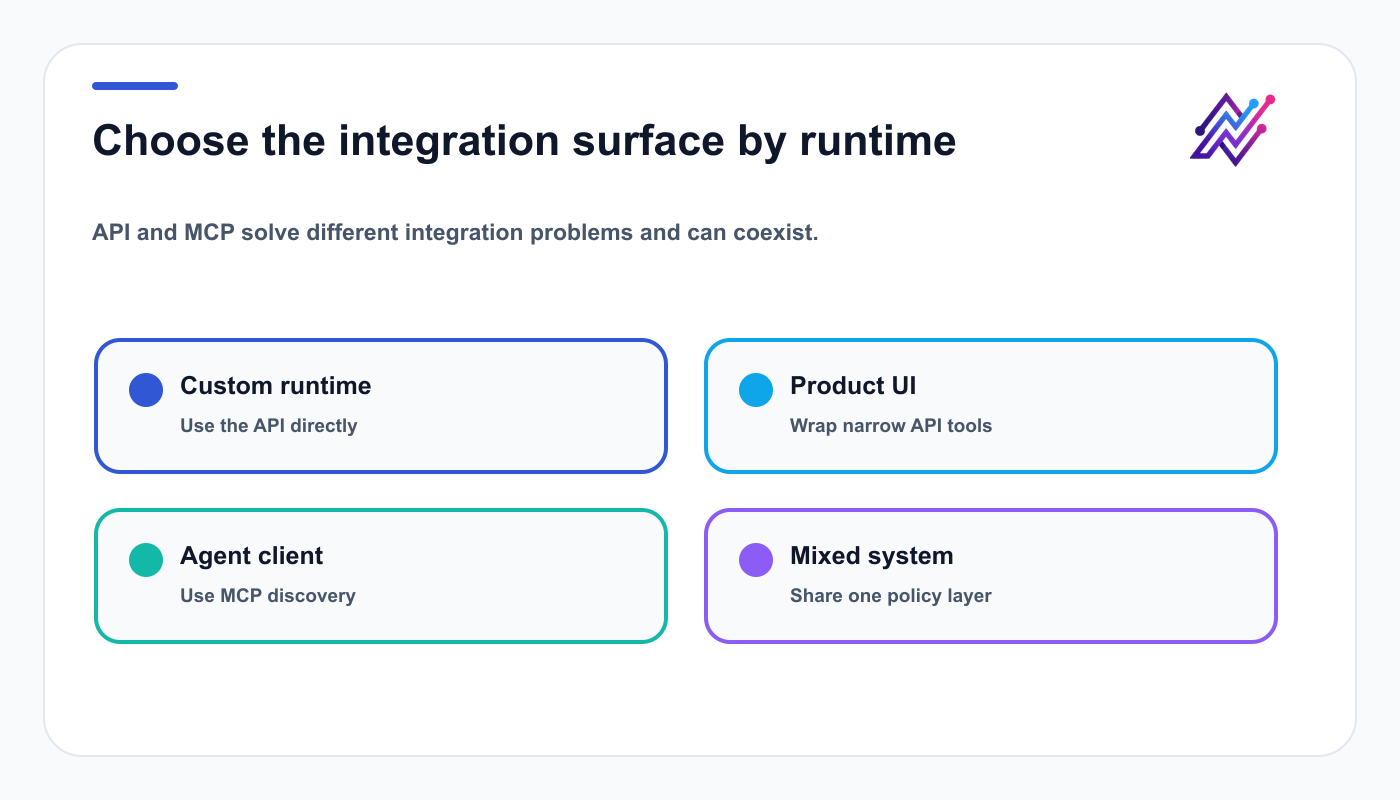
Use the API for custom runtimes and MCP for compatible agent clients.
building your own runtime
controlling every request
designing a custom UI
adding custom policy
embedding Tareno into a product
implementing your own tool wrappers
Use MCP when:
connecting an existing MCP-compatible agent
using Codex, OpenClaw, Hermes Agent, or another client
relying on automatic tool discovery
reducing custom integration work
The two approaches can coexist.
Your custom agent may use the API.
External agents may use MCP.
API vs n8n
Use the API when:
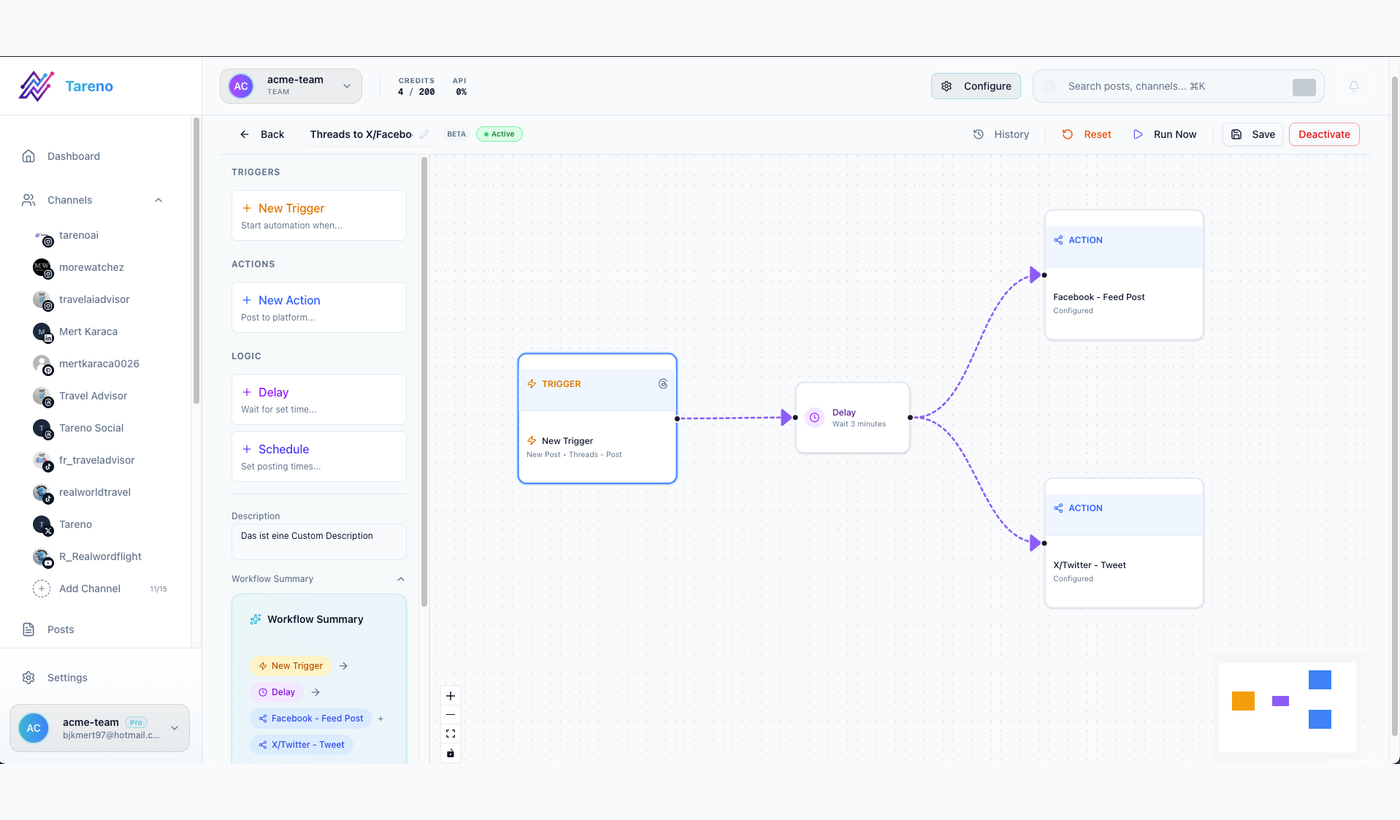
Use code for product behavior and a workflow layer for repeatable operational triggers and handoffs.
you are writing application code
you need custom product behavior
you need low-level control
you are building a reusable service
Use n8n when:
the workflow is operational
self-hosted orchestration matters
non-core systems need synchronization
background triggers are important
An agent can call your backend, which then calls Tareno.
n8n can handle surrounding workflows.
API vs Make or Zapier
Use the API for product development.
Use no-code connectors for surrounding app events while the API handles product-specific behavior.
Use Make or Zapier for app-to-app automation.
Example:
custom AI agent inside your SaaS → API
new Airtable row creates a Tareno draft → Make or Zapier
Do not build custom code when a simple automation is enough.
Do not force a no-code tool to behave like an application backend.
Security checklist
Review credentials, scope, workspace isolation, and auditing as one connected security system.
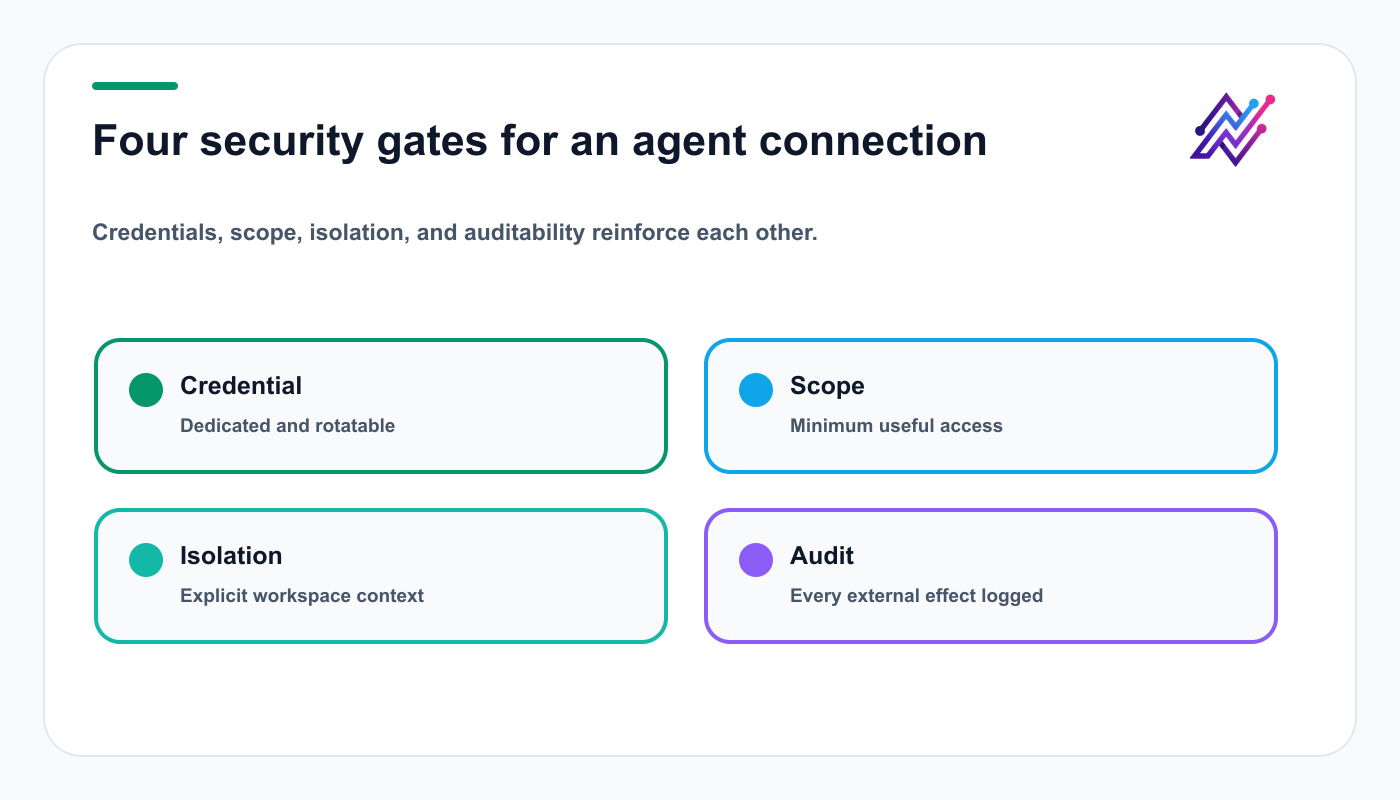
Security is a layered system, not a single permission toggle.
- [ ] Dedicated API credential
- [ ] Minimum scopes
- [ ] Secrets stored securely
- [ ] Separate staging and production
- [ ] Explicit workspace and account IDs
- [ ] Read-only rollout first
- [ ] Draft-first rollout second
- [ ] Publishing behind approval
- [ ] Deletion behind explicit approval
- [ ] Platform validation
- [ ] Idempotency
- [ ] Error classification
- [ ] Audit logs
- [ ] Credential rotation
- [ ] Agency-client isolation
Testing strategy
Test in layers.
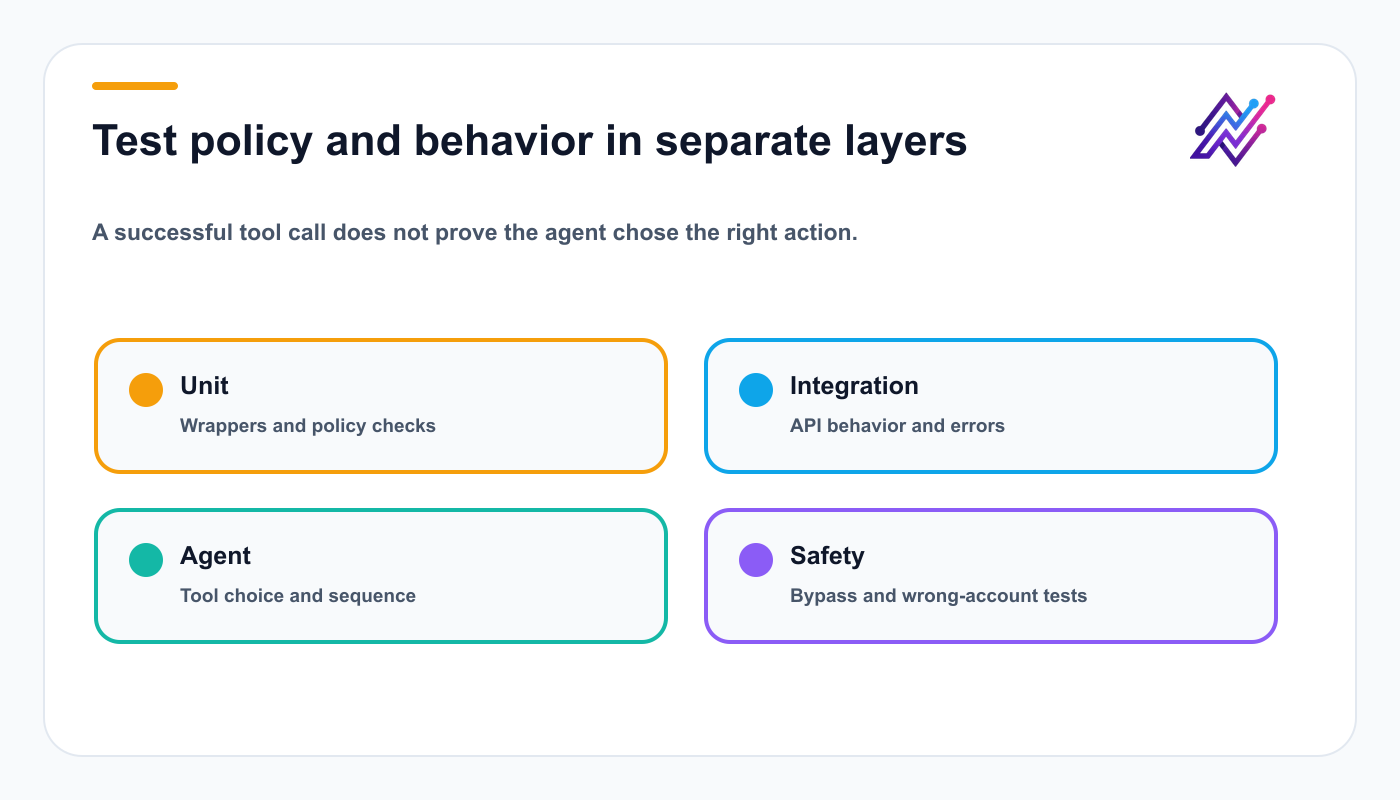
Layered tests isolate whether a failure came from code, integration, reasoning, or policy.
Unit tests
Test tool wrappers and policy checks.
Integration tests
Test Tareno API calls against staging or test data.
Agent tests
Test whether the model chooses the correct tool.
Safety tests
Try prompts that attempt to:
bypass approval
choose another workspace
delete content
publish immediately
reveal credentials
invent account IDs
Regression tests
Save known tasks and expected tool sequences.
An agent that worked yesterday can change behavior after model or prompt updates.
Metrics for the agent itself
Track more than content performance.
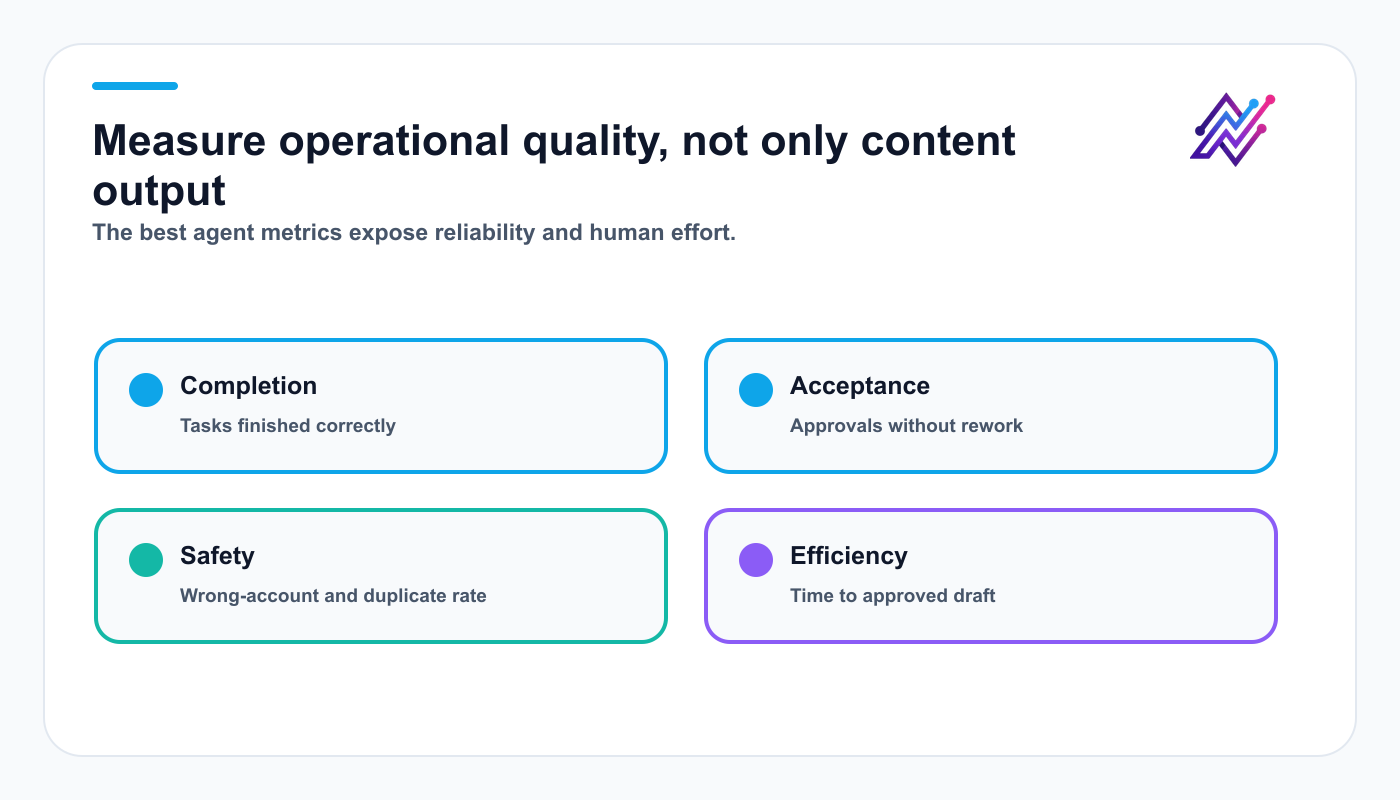
Operational metrics show whether the agent is trustworthy enough to receive more authority.
Agent metrics:
task completion rate
tool-call success rate
approval acceptance rate
rejection rate
wrong-account rate
duplicate-action rate
average human edit distance
average time to approved draft
failed publish rate
repurposing adoption rate
These metrics show whether the agent is operationally useful.
Twenty agent use cases
Treat the list as a backlog and begin with the lowest-risk use case that produces a measurable result.
account audit
disconnected-account alert
weekly content plan
platform-native drafts
multilingual campaign
Bluesky adaptation
Mastodon adaptation
product release campaign
Get Viral Now script
customer proof draft
sponsored content workflow
approval review
schedule conflict audit
analytics summary
content gap analysis
top-post repurposing
evergreen queue creation
campaign postmortem
failed-action triage
agency workspace review
The framework below turns this option set into a deliberate starting decision.
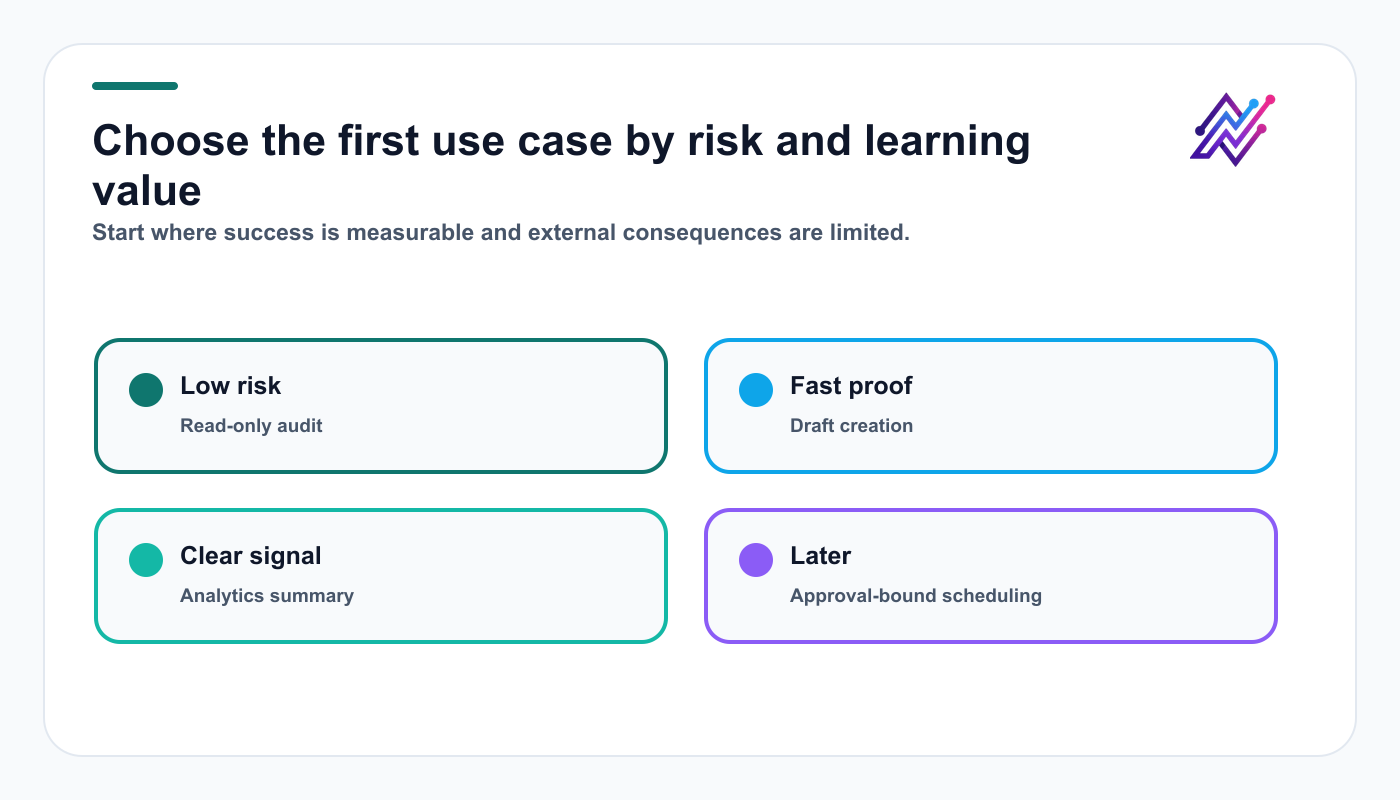
The best first use case is low-risk, easy to measure, and useful enough to earn the next capability.
Common mistakes
Most agent failures begin when a team maximizes autonomy before building state, policy, and evidence.
Mistake 1: Building the model before the policy layer
The agent needs clear boundaries.
Mistake 2: Giving raw API access
Use narrow wrappers.
Mistake 3: No structured state
Conversation memory is not enough.
Mistake 4: No approval states
Model them explicitly.
Mistake 5: No idempotency
Agents retry.
Mistake 6: Direct publishing first
Begin with reads and drafts.
Mistake 7: No platform validation
Load requirements dynamically.
Mistake 8: No analytics loop
The agent should learn from results.
Mistake 9: One agent for every client
Use workspace isolation and explicit scope.
Mistake 10: Measuring only content output
Measure operational quality too.
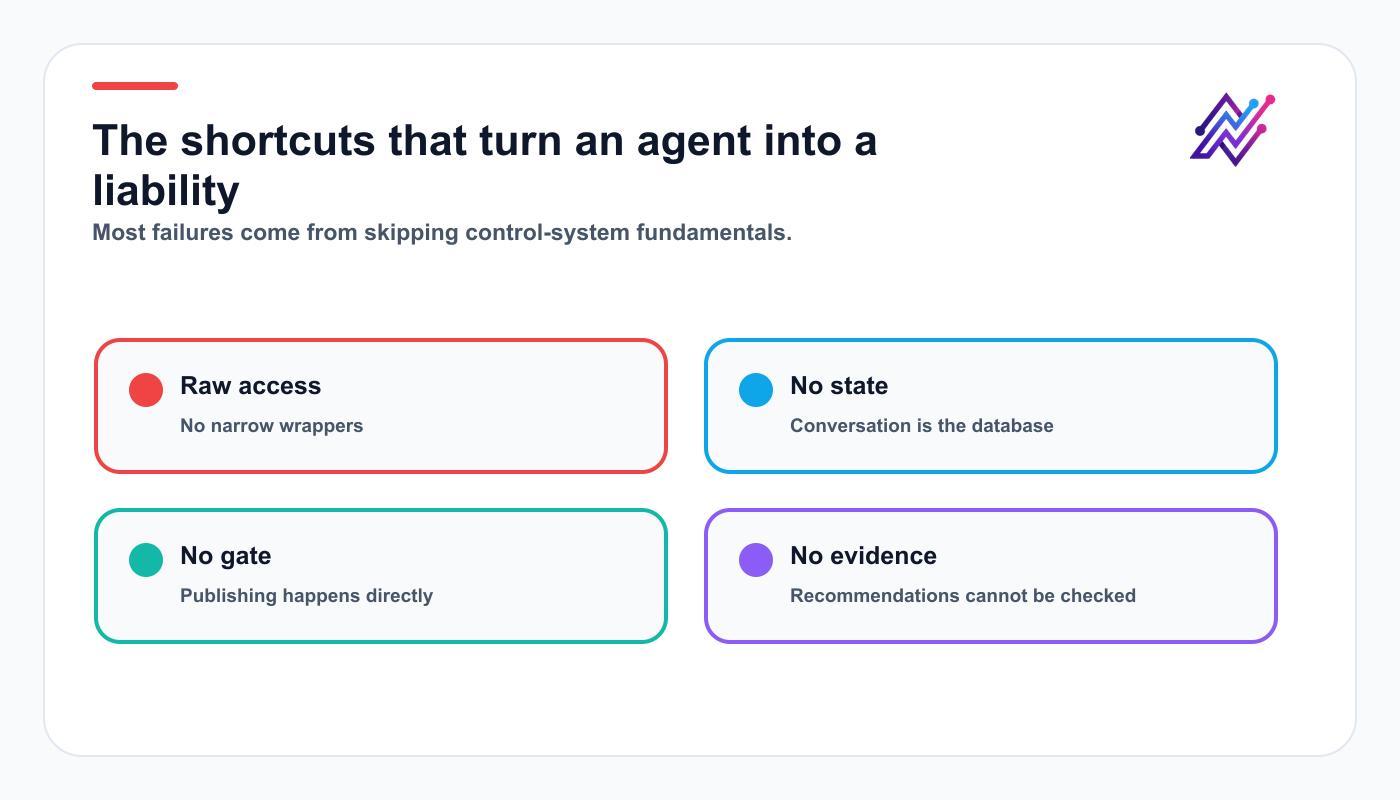
Reliable agents are built around control, state, and evidence—not maximum autonomy.
Related Tareno resources
Continue building this workflow
Workflow builderExplore resource →n8n integrationExplore resource →Make integrationExplore resource →Analytics reportsExplore resource →
FAQ
What is an AI social media agent?
It is a stateful system that reasons about goals and uses controlled tools to inspect accounts, create drafts, prepare actions, and analyze results.
Can I build one with the Tareno API?
Yes. Wrap the required API operations as narrow agent tools and enforce workspace, scope, validation, and approval rules outside the model.
Should the agent publish automatically?
Not by default. Begin with reads and drafts; keep scheduling, publishing, editing, and deletion behind explicit approval.
Final thoughts
A production AI social media agent is a controlled system: the model reasons, narrow tools expose capabilities, policy validates requests, state preserves continuity, and a person approves consequential actions.
Start with account audits and analytics, add drafts after reads are reliable, and expand authority only when metrics show safe, useful behavior.


