
AI agents can inspect accounts, analyze performance, create platform-native drafts, localize campaigns, and prepare schedules. The opportunity is speed; the risk is giving a probabilistic system authority over public, destructive, or sensitive actions without enough context.
Approval-first automation keeps research and preparation fast, then introduces friction at the moment of consequence. Tareno can keep connected accounts, workspaces, approvals, scheduling, and analytics and reporting in one controlled path so the exact external action remains visible and attributable.
This guide explains the operating model, nine practical workflows, production controls, rollout sequence, and measurement loop.
TL;DR
Approval-first AI social media automation follows one simple rule:
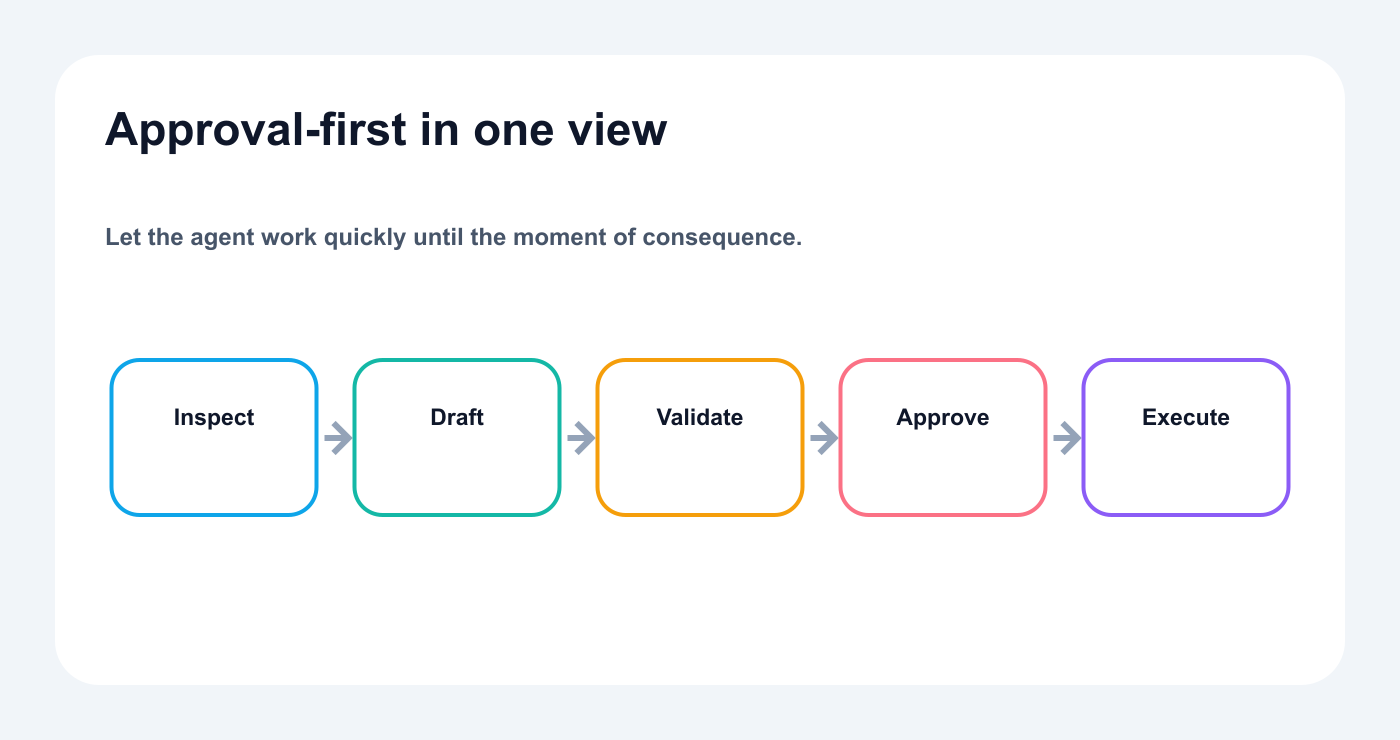
Automate preparation aggressively and slow down at consequential execution.
Automate preparation more aggressively than execution.
A practical workflow looks like this:
Define the goal.
Let the AI inspect relevant context.
Create drafts or recommendations.
Validate account, platform, media, claims, and timing.
Route sensitive content to the correct reviewer.
Display the exact external action.
Require approval.
Publish through Tareno.
Measure the result.
Create the next repurposing or improvement task.
This model creates speed without hiding accountability.
What is approval-first automation?
Approval-first automation is a workflow where AI or deterministic systems can prepare work, but consequential external actions remain reviewable before execution.
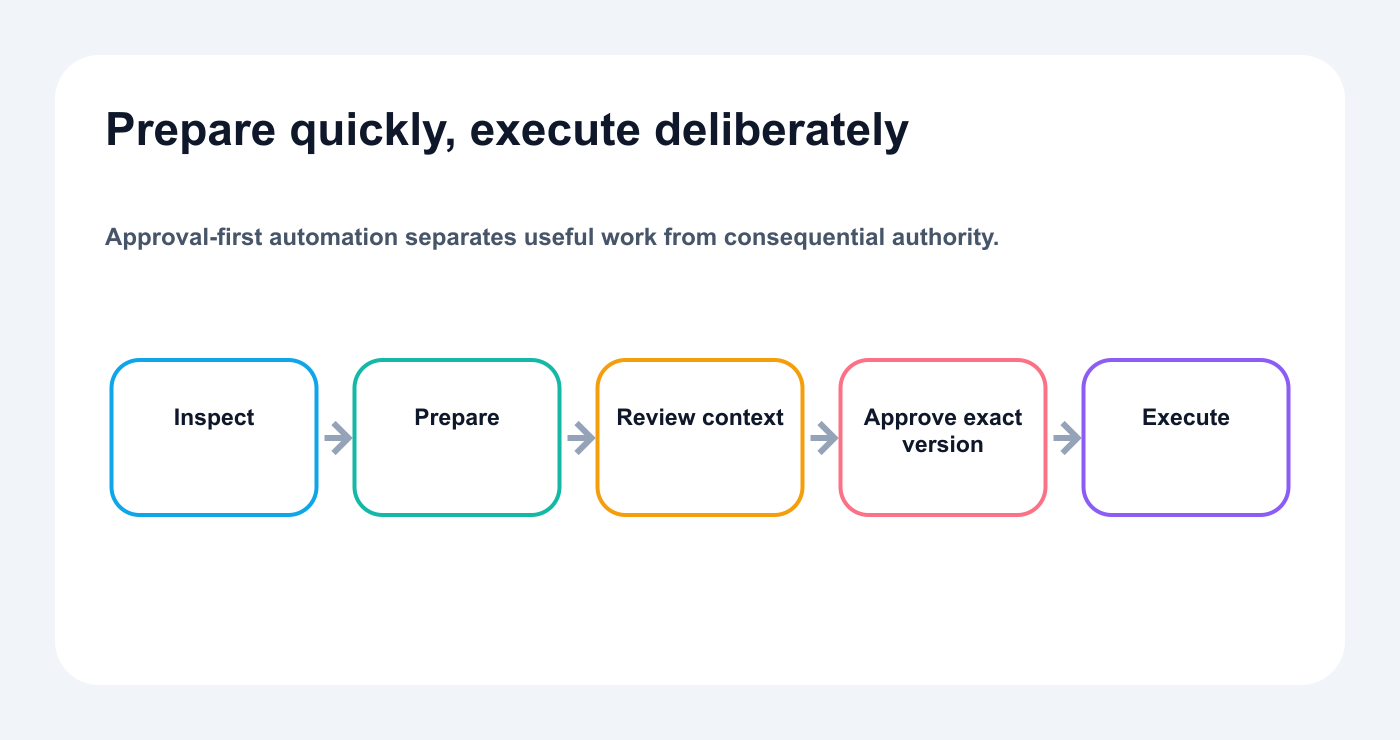
The system automates preparation while consequential execution remains reviewable.
For social media, the external actions include:
scheduling a post
publishing immediately
editing scheduled content
deleting content
changing account connections
publishing to a client workspace
publishing sponsored or regulated content
The system can still automate a large amount of work before that point.
It can:
audit accounts
read analytics
classify performance
create ideas
draft captions
generate scripts
adapt content by platform
localize campaigns
import media
create calendar plans
identify repurposing candidates
prepare the final schedule
The approval step appears when the action affects the outside world.
Why approval-first beats full autonomy
Fully autonomous publishing sounds efficient.
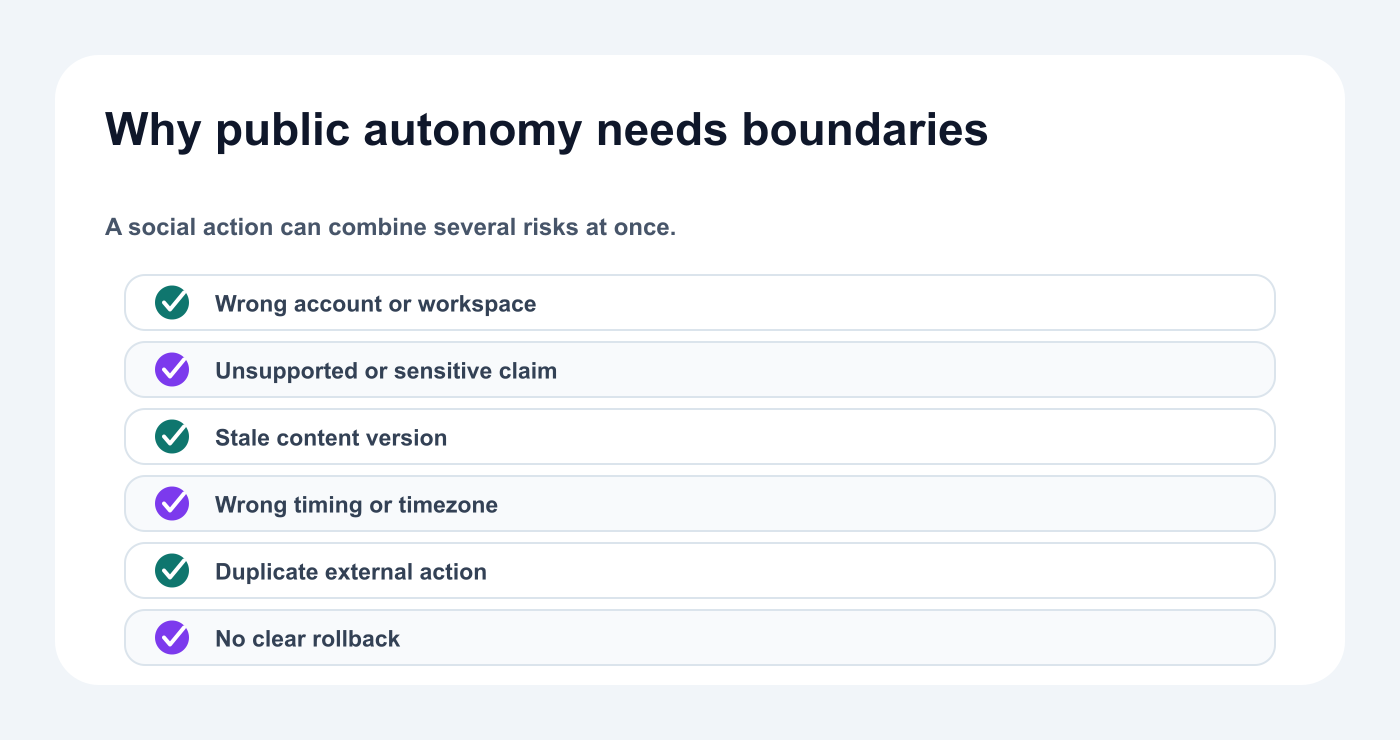
Public actions combine account, claim, timing, version, and reputational risk.
The problem is that social media contains context that is difficult to encode completely.
An agent may not know:
a campaign was paused five minutes ago
a product feature was delayed
a customer withdrew permission
a client changed direction in a private call
a joke is inappropriate for a specific market
an old screenshot is no longer accurate
an offer expired
a social account belongs to another workspace
a crisis requires silence
Even a technically correct action can be strategically wrong.
The safest default is not zero automation.
It is selective autonomy.
Allow more autonomy for reversible and internal work.
Require review for public, destructive, sensitive, or expensive actions.
The autonomy ladder
Use four levels.
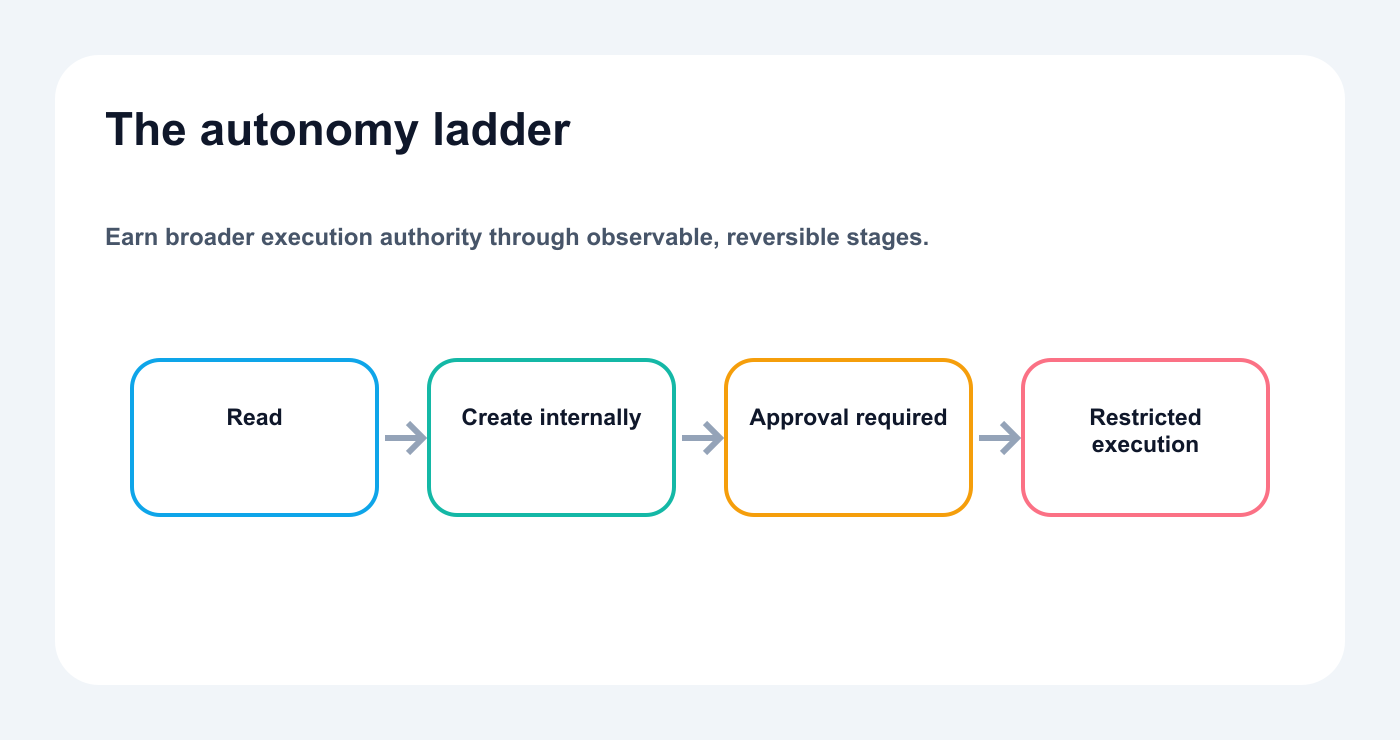
Increase autonomy only after the lower-risk level is observable and reliable.
Level 1: Read-only assistance
The agent can:
list accounts
read analytics
inspect drafts
review platform requirements
identify blockers
summarize reports
Risk is low because no external change occurs.
Level 2: Internal creation
The agent can:
create drafts
add internal notes
create strategy items
generate repurposing ideas
prepare media instructions
build a proposed calendar
Risk remains manageable because the work is internal.
Level 3: Approval-required execution
The agent can prepare:
schedules
platform posts
campaign launches
scheduled edits
multilingual batches
The exact action is shown to a reviewer before execution.
Level 4: Restricted autonomous execution
A narrow, low-risk action may run automatically when the rules are explicit.
Example:
repost an approved evergreen post from a verified queue
create a delayed analytics task
send an internal notification
Level 4 should be narrow, observable, and reversible where possible.
The approval-first architecture
A clean architecture looks like this:
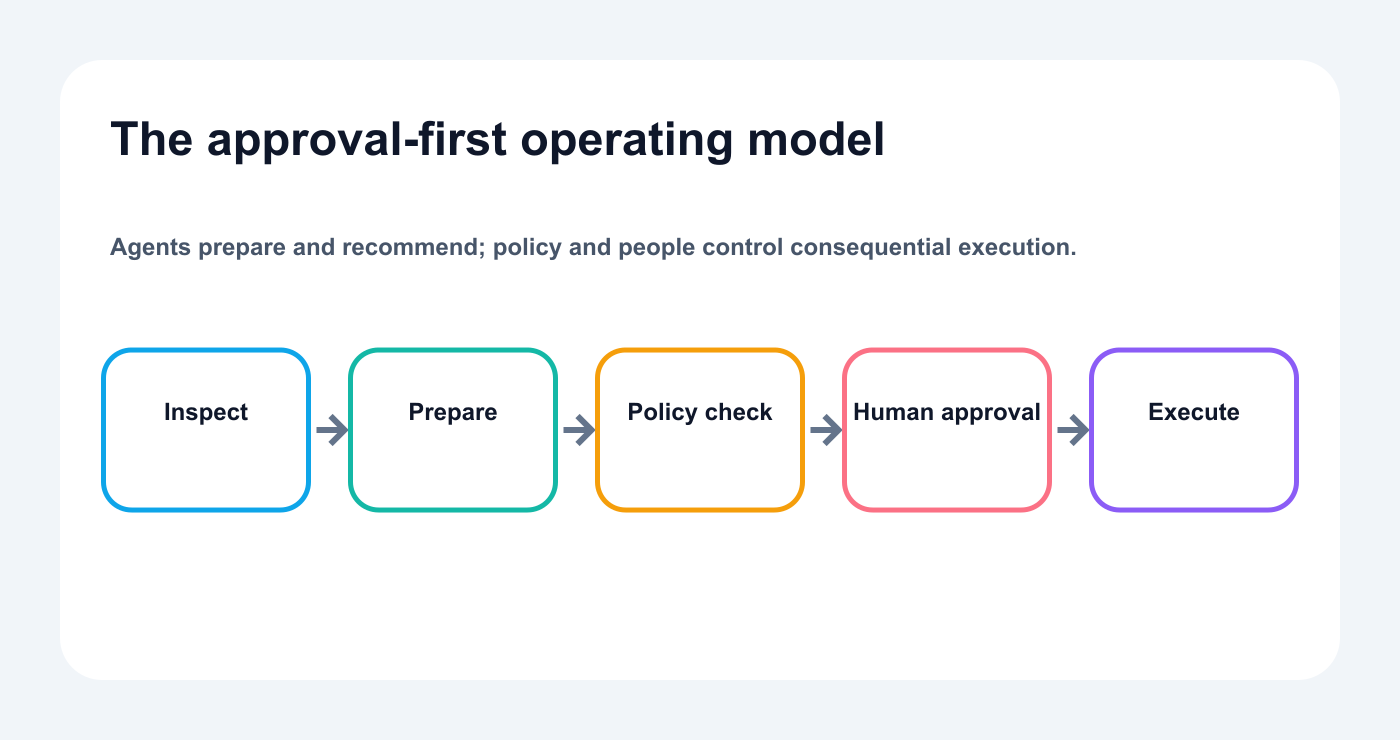
Agents prepare and recommend; policy and people control consequential execution.
User goal
  ↓
AI agent or automation
  ↓
Context and tool selection
  ↓
Draft or action proposal
  ↓
Policy validation
  ↓
Human approval
  ↓
Tareno publishing queue
  ↓
Social platform
  ↓
Analytics
  ↓
Next action
Each layer has a job.
AI agent
understands the request
analyzes context
creates options
chooses tools
explains recommendations
Policy layer
checks account
checks workspace
checks risk
checks required reviewers
checks claims
checks media
checks timezone
Tareno approval
displays the final action
records the reviewer
records the version
allows approve or reject
preserves activity visibility
Publishing layer
sends the approved content
handles platform requirements
stores the result
returns status
What should run without approval?
Read-only actions usually do not need approval.
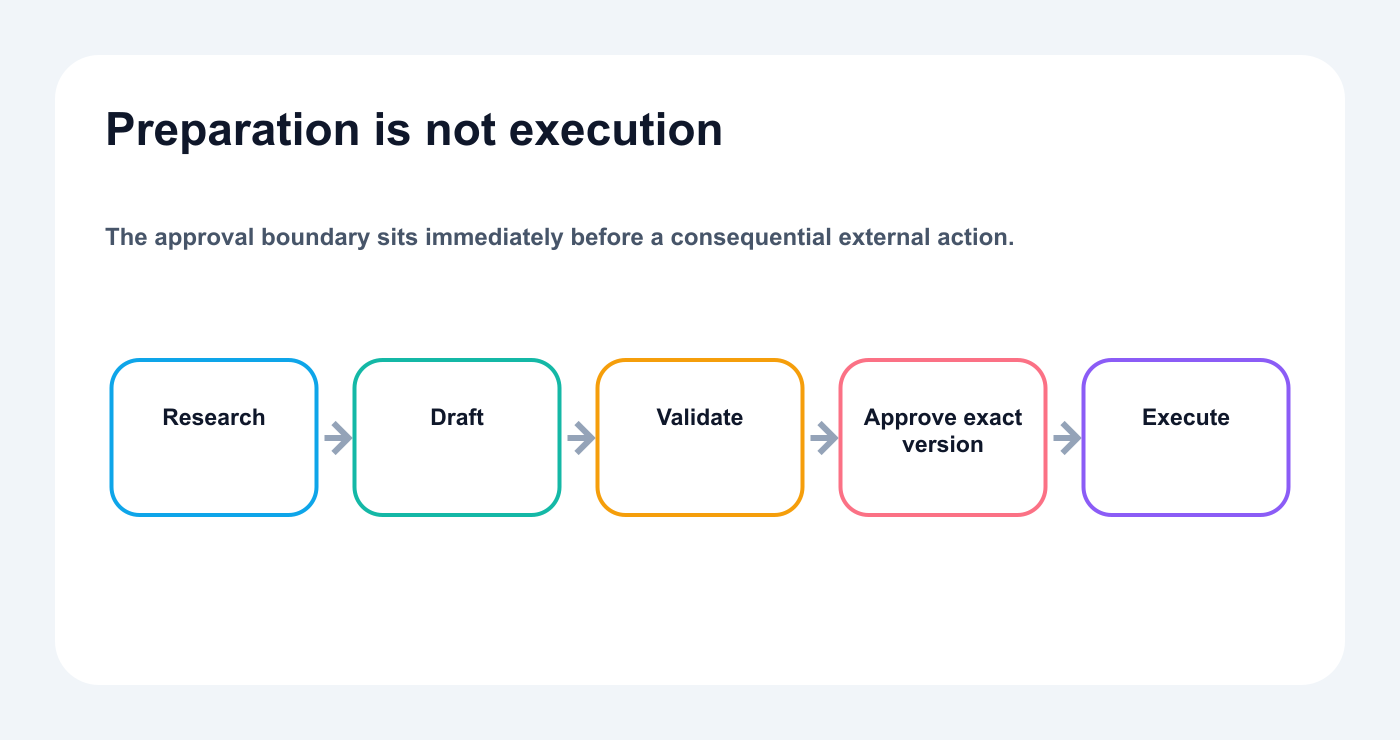
Research and drafting can move quickly; public or destructive actions cross an approval gate.
Examples:
list accounts
inspect account status
retrieve analytics
compare platforms
retrieve post history
identify top posts
list pending approvals
load publishing requirements
Draft creation can also run directly in many teams.
Examples:
create a draft
create three variations
create a multilingual first version
generate a video script
add an item to a strategy board
propose a calendar
The result remains reviewable.
What should require approval?
A practical default policy:
ActionApprovalCreate draftUsually noUpdate internal noteNoImport approved mediaOptional validationSchedule postYesPublish immediatelyYesEdit scheduled contentYesDelete contentYesChange account connectionYesPublish client contentYesPublish sponsored contentYesPublish pricing claimYes
The exact policy can vary.
The important point is that the policy is explicit.
Risk-based approval
Not every post needs the same path.
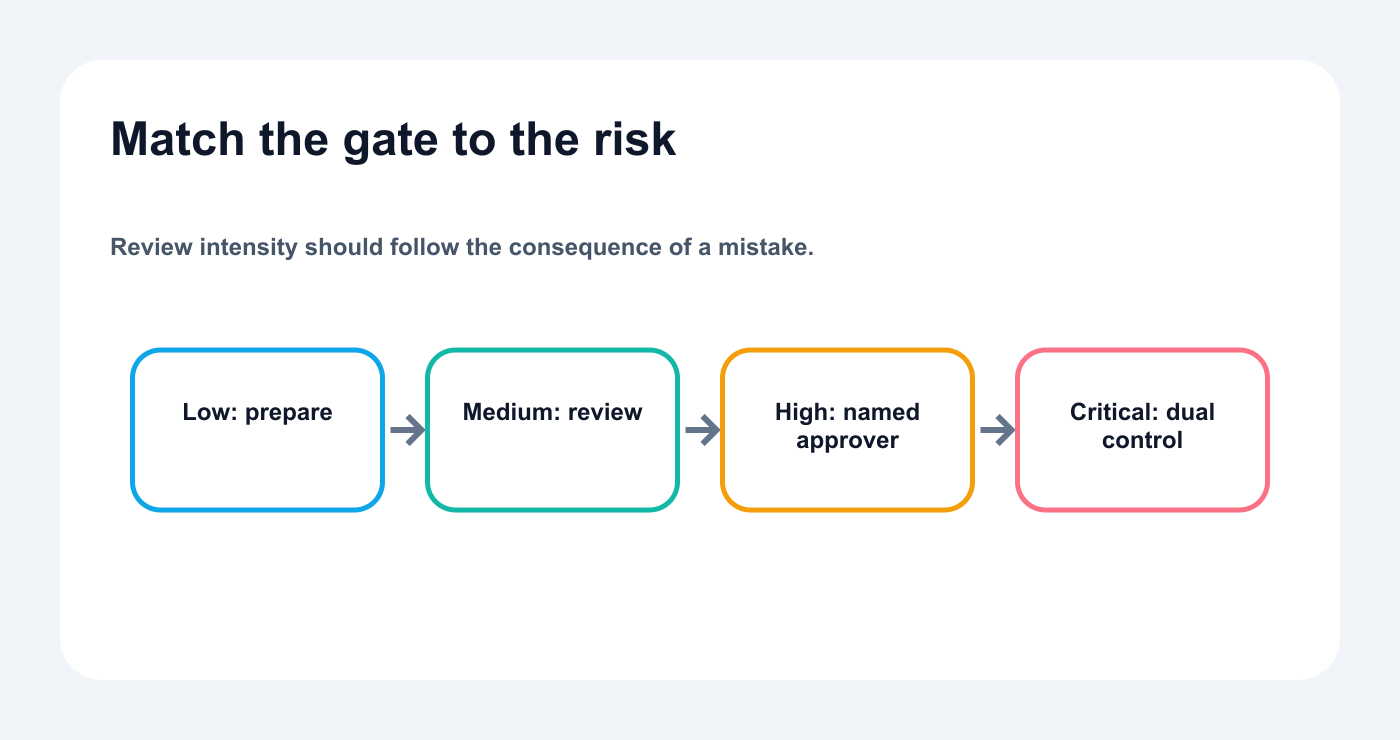
Review intensity should follow the consequence of a mistake.
Low risk
Examples:
evergreen tip
simple educational post
community question
approved quote
Review:
owner check
Medium risk
Examples:
product education
campaign post
repurposed winner
customer example
multilingual adaptation
Review:
internal reviewer
High risk
Examples:
pricing
competitor comparison
customer result
legal-sensitive topic
sponsored content
major launch
deletion
crisis communication
Review:
specialist or final approver
Tareno can route content by workspace, role, content type, or risk field.
The minimum information an approval screen should show
An approval request should not say only:
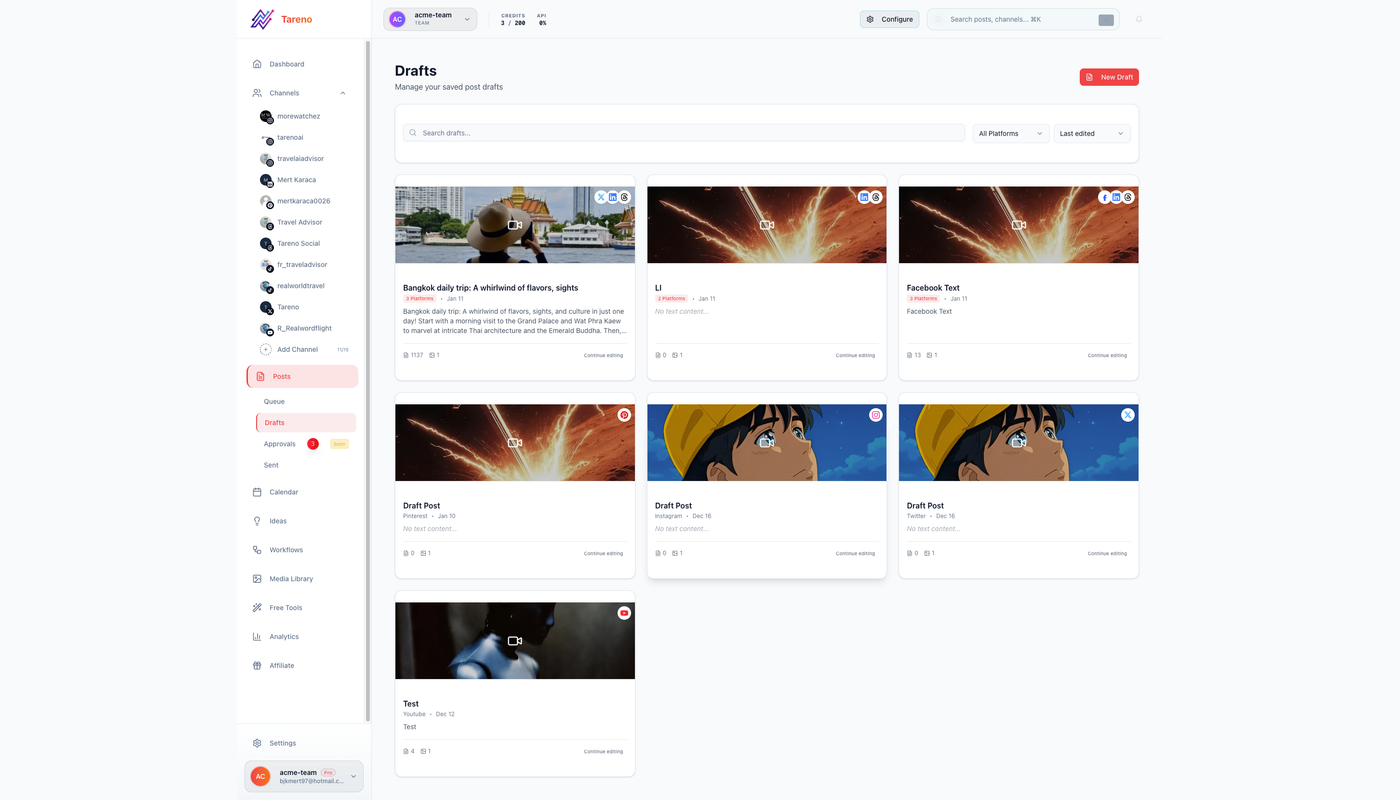
Approvers need the exact version, destination, owner, and timing—not an abstract request.
Approve this post?
It should show:
workspace
account
platform
caption
media
CTA
link
date
time
timezone
campaign
requester
risk level
previous version
action type
For edits, show the difference.
For deletion, show the exact target.
For multilingual content, show the language and market.
Approval quality depends on visibility.
Nine approval-first workflows
Workflow 1: AI drafts, human schedules
Prompt:
Create platform-native drafts for LinkedIn, Bluesky, Mastodon, Threads, and X from this core idea. Save drafts only.
The agent can work quickly.
The editor reviews:
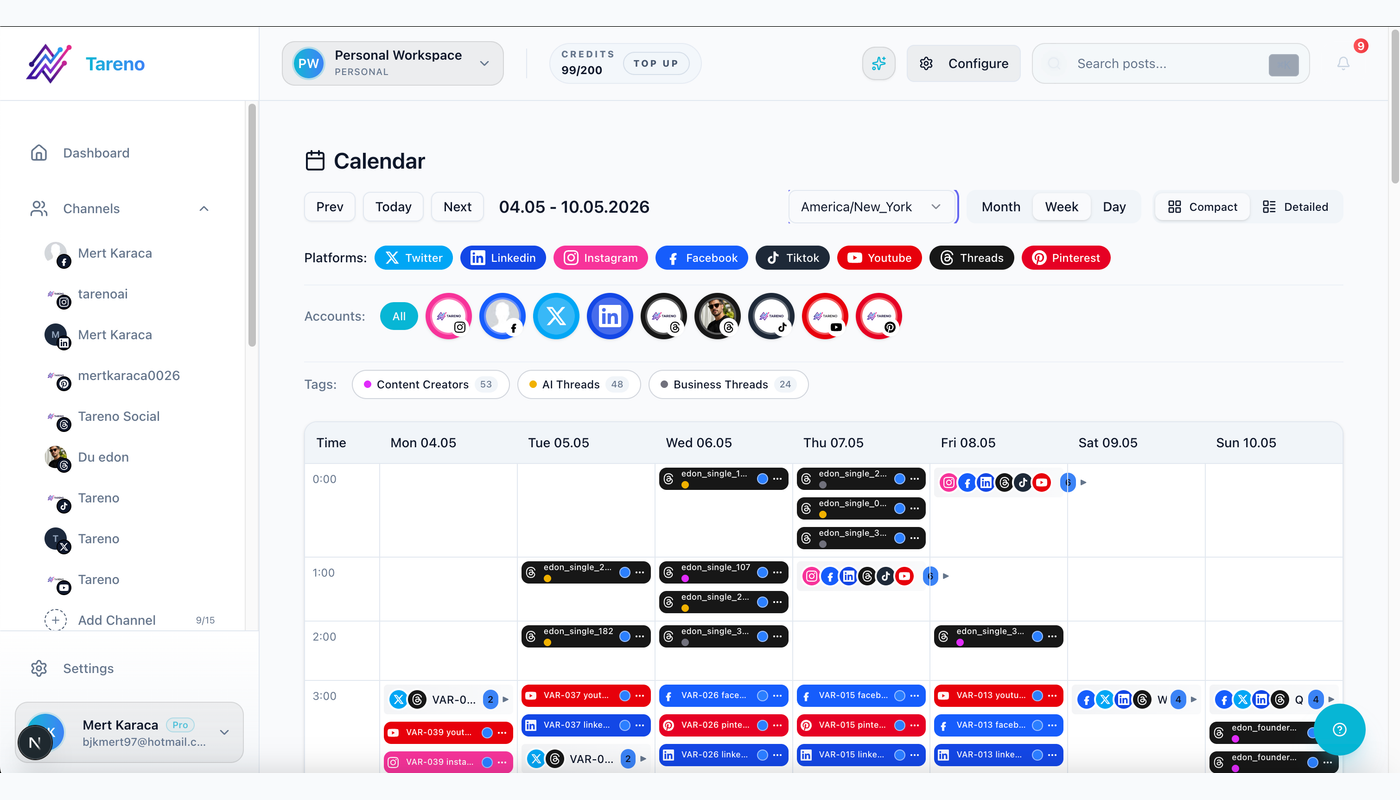
Human-reviewed drafts enter a visible multi-platform calendar.
hook
voice
claims
CTA
platform fit
Then:
Prepare the approved versions for next week and request approval.
This is the simplest approval-first workflow.
Workflow 2: analytics to content plan
Prompt:
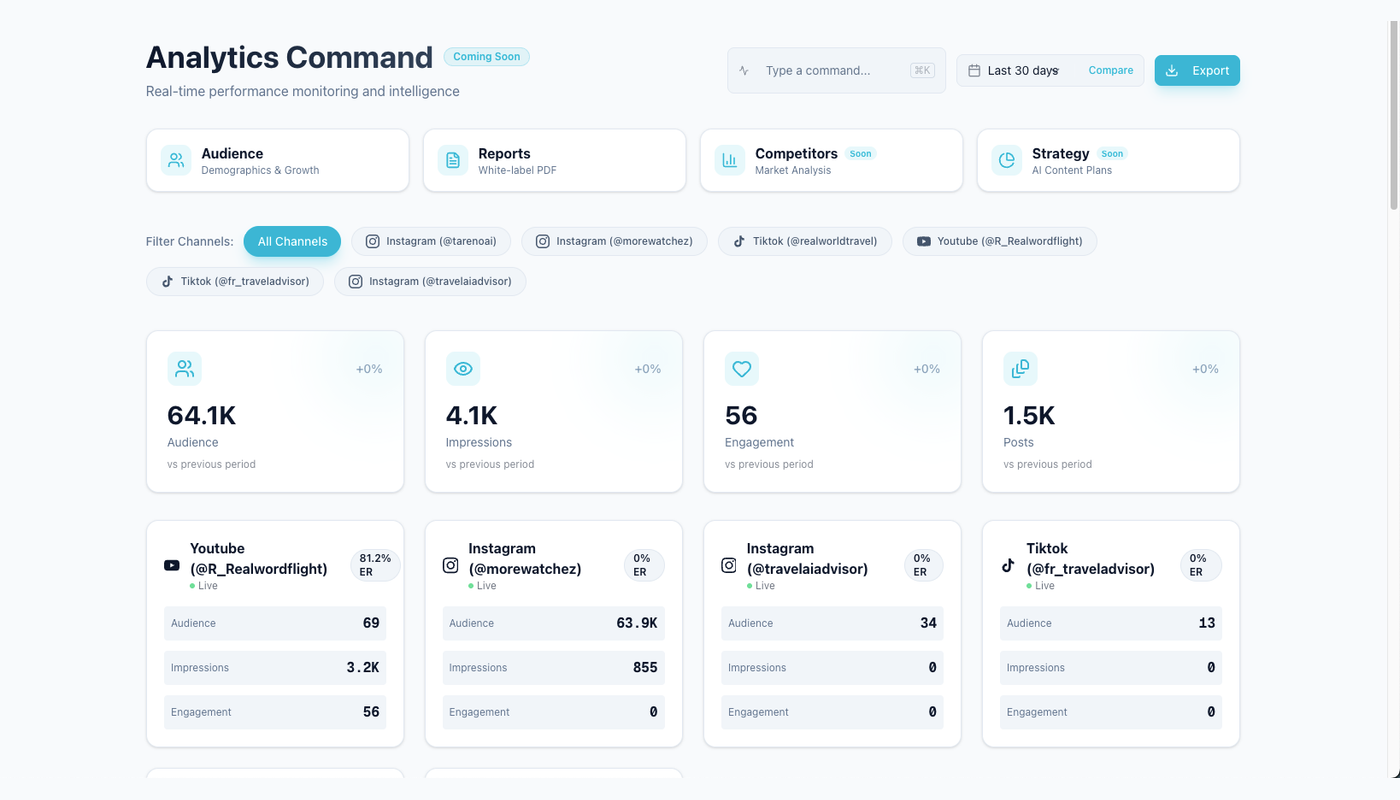
Analytics become useful when signals produce owned content decisions.
Review the last 30 days and identify the strongest topic, strongest format, weakest CTA, and one underused content pillar.
Then:
Build a five-post plan. Do not create drafts until the plan is approved.
This creates two approval layers:
strategy approval
publishing approval
The team can stop weak ideas before production.
Workflow 3: Get Viral Now to approved script
Flow:
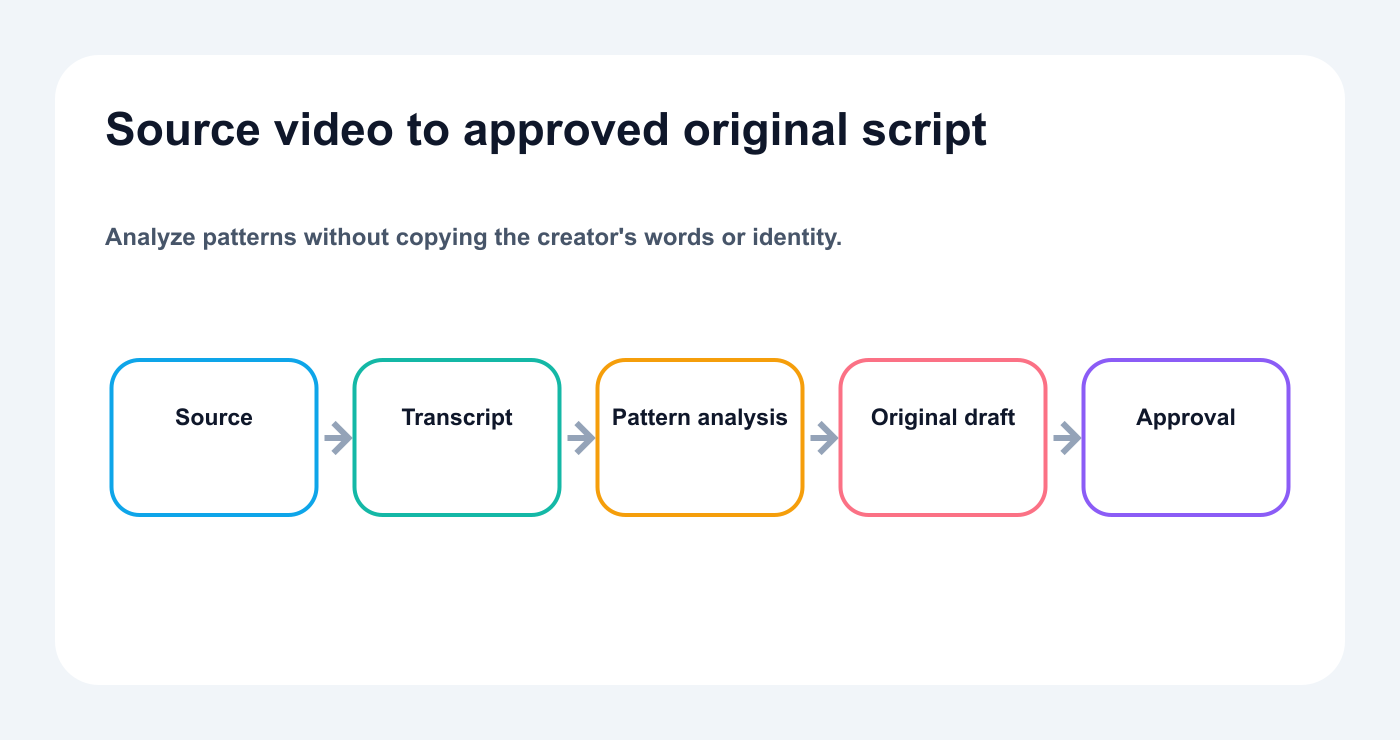
Analysis and drafting stay fast while the final script remains reviewable.
YouTube URL
  ↓
Transcript analysis
  ↓
Hook and structure breakdown
  ↓
Original script options
  ↓
Human script review
  ↓
Platform versions
  ↓
Tareno draft
  ↓
Approval
The source video becomes research.
The final script remains original.
Claims, product details, and CTA are reviewed before publishing.
Workflow 4: multilingual campaign
Flow:
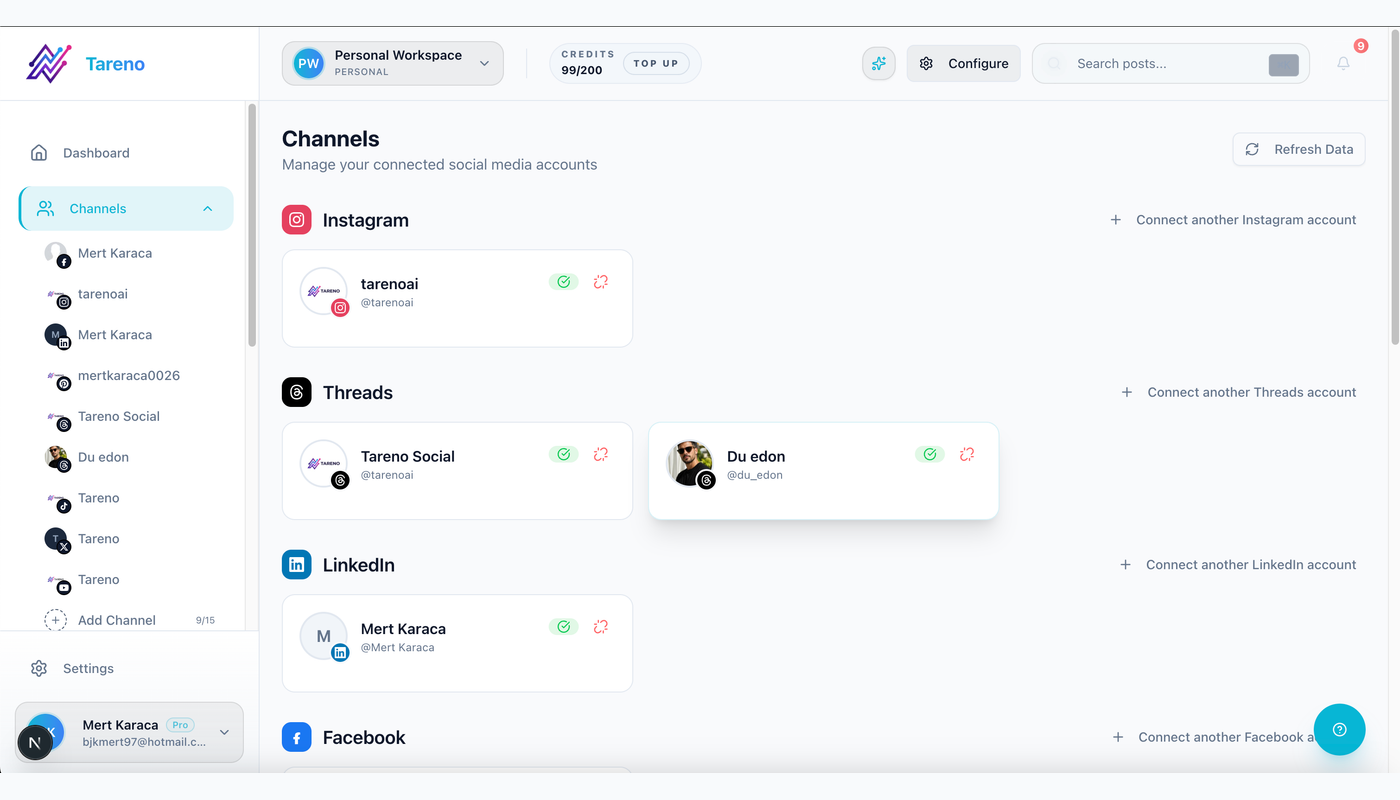
Each language and market version keeps an explicit channel destination.
Approved master message
  ↓
AI localization
  ↓
Automated terminology check
  ↓
Native review where needed
  ↓
Tareno approval by language
  ↓
Local scheduling
Languages:
English
German
French
Spanish
Portuguese
Russian
Italian
Japanese
Arabic
High-value Japanese and Arabic campaigns should receive additional language and visual review.
The approval should apply to the final localized version, not only the master.
Workflow 5: Bluesky and Mastodon expansion
Prompt:
Adapt this approved LinkedIn post into a Bluesky version and a Mastodon version. Explain the changes. Save drafts only.
Reuse the idea while adapting voice, context, and format for each network.
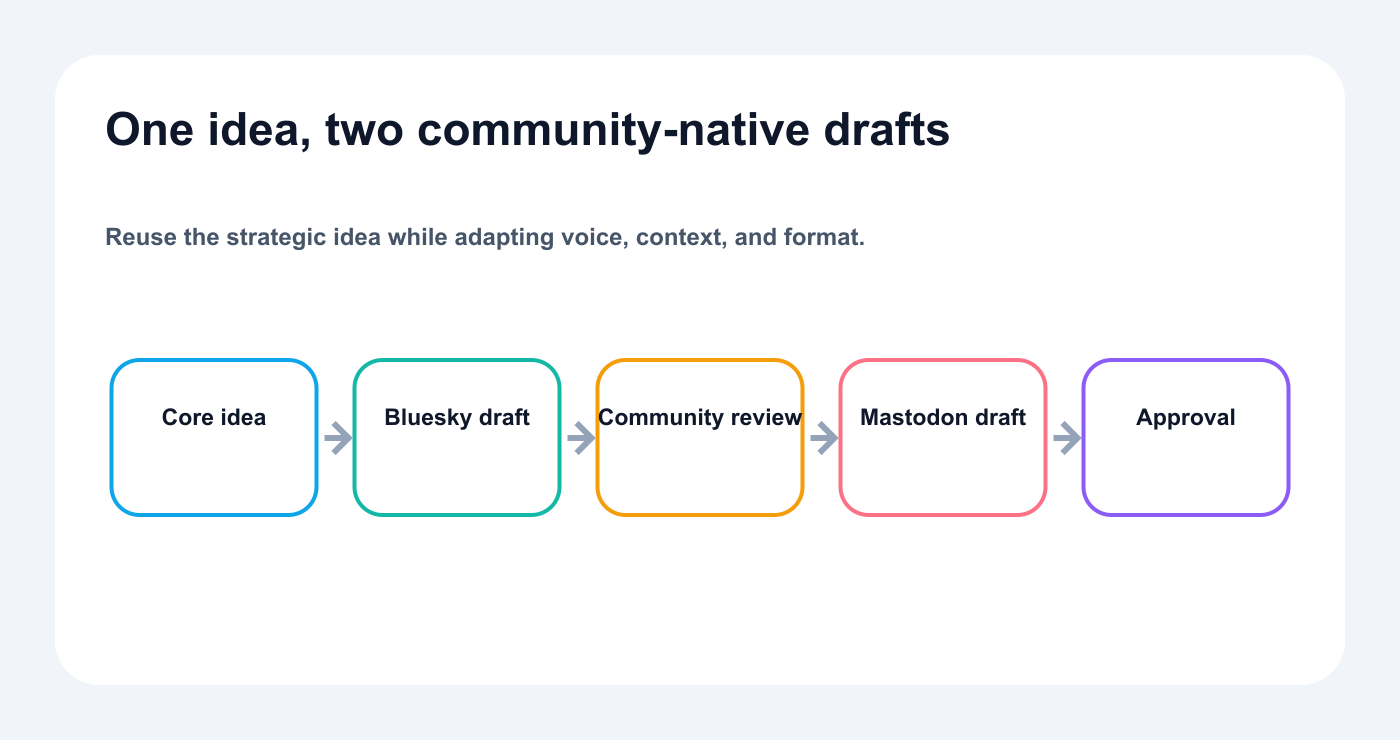
The reviewer checks:
platform tone
context
hashtags
content warning where relevant
alt text
promotional intensity
The two networks share a source idea but not an identical caption.
Workflow 6: client content
Agency flow:
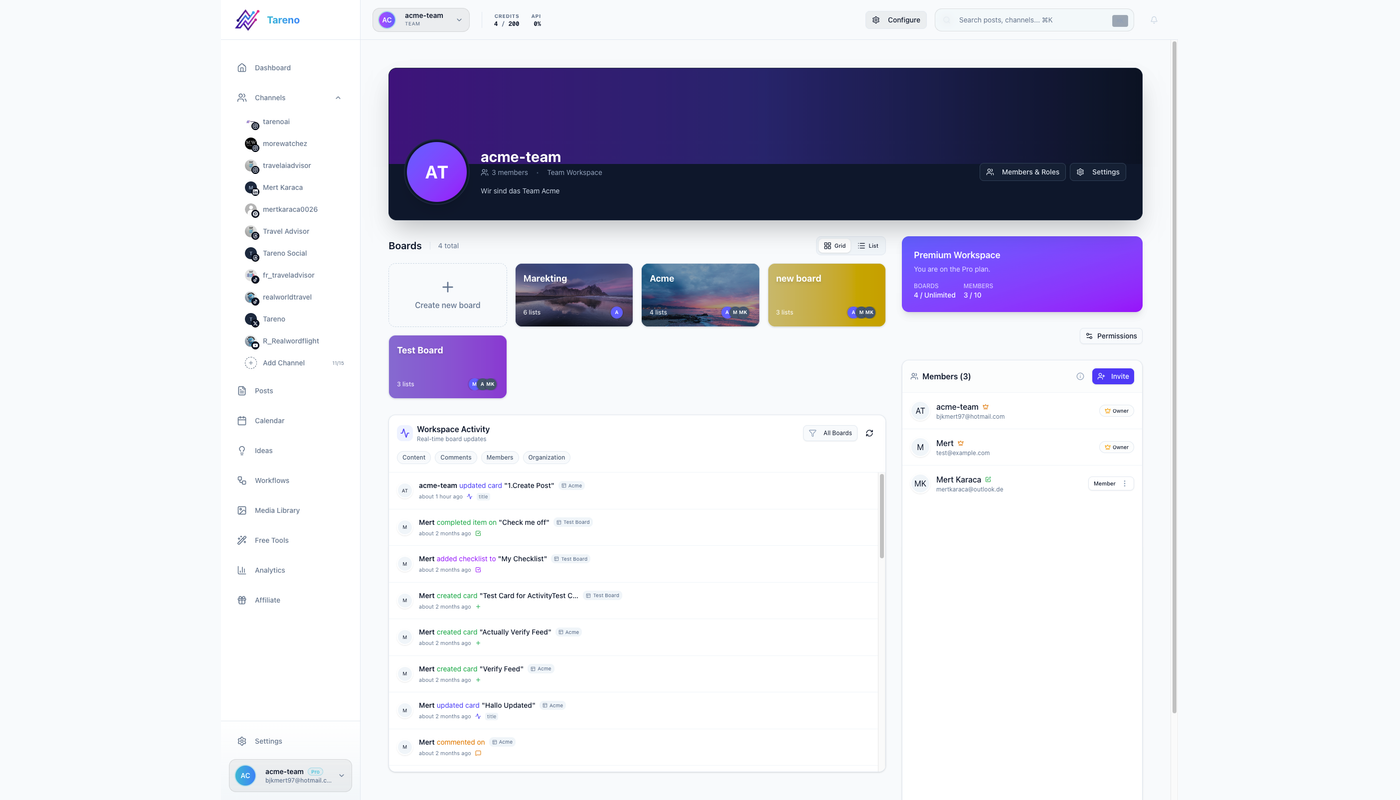
Scoped workspaces keep client accounts, reviewers, and approvals separated.
Brief
  ↓
AI draft
  ↓
Internal review
  ↓
Client review
  ↓
Changes
  ↓
Final client approval
  ↓
Tareno schedule
The client approval should apply to:
final caption
final asset
platform
CTA
link
date where relevant
If the final version changes materially, re-approval may be required.
Workflow 7: product launch
The AI can use:
approved release notes
product screenshots
positioning
claims
audience
CTA
It can create:
LinkedIn announcement
founder post
Bluesky post
Mastodon post
demo script
FAQ
launch thread
Product review should verify:
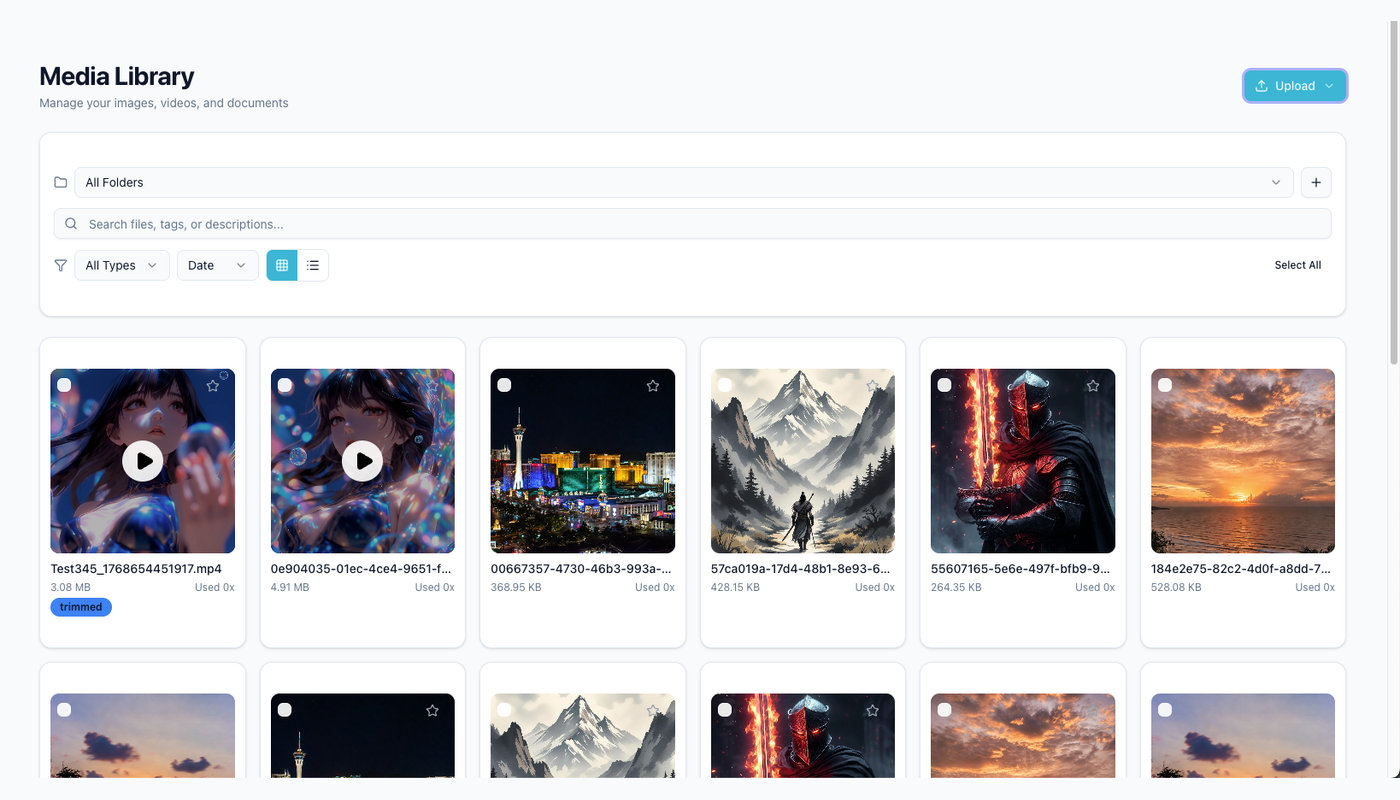
Launch assets stay reviewable when media and captions share one controlled workflow.
feature availability
screenshots
limitations
pricing references
technical claims
Marketing review should verify:
positioning
CTA
brand voice
timing
Workflow 8: evergreen reposting
An evergreen queue can automate more aggressively when the content has already been approved.
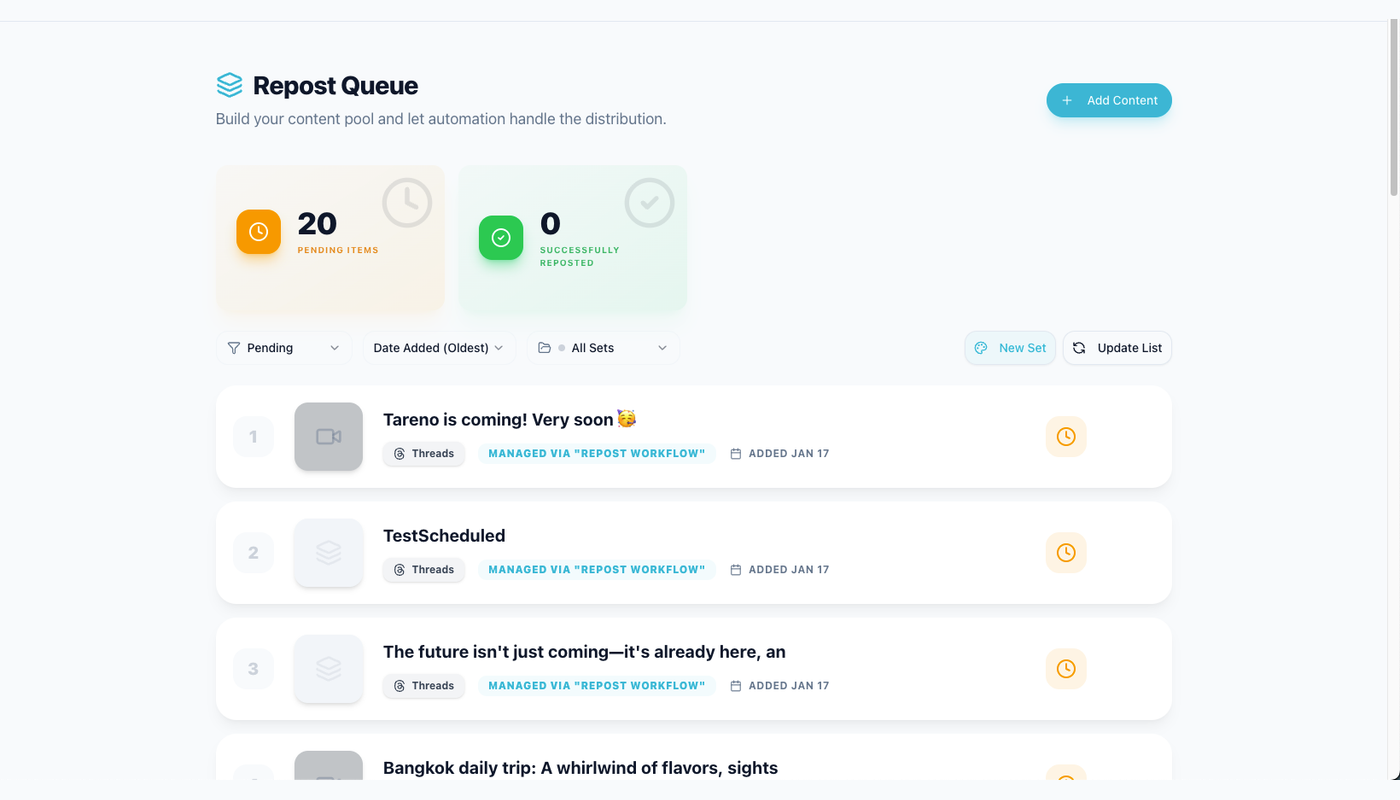
Evergreen candidates return through a visible queue before scheduling.
Checks:
still accurate
no expired offer
no outdated screenshot
no recent duplicate
correct target account
acceptable frequency
platform adaptation
A safe evergreen rule:
Reuse only content that is approved, current, and outside the duplicate window.
High-risk posts should leave the autonomous queue.
Workflow 9: analytics to repurposing
Flow:
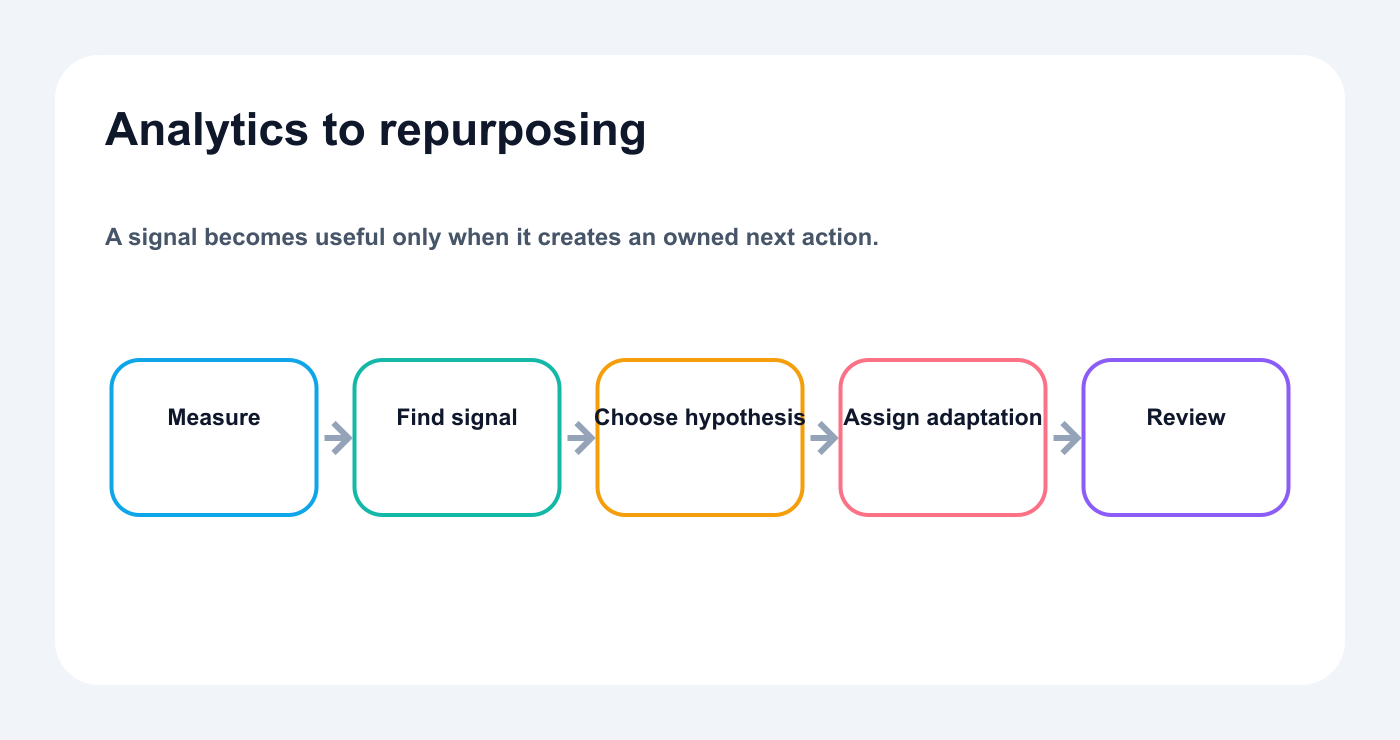
A measured signal becomes a specific adaptation, owner, and review task.
Published post
  ↓
Wait measurement window
  ↓
Read analytics
  ↓
Compare with baseline
  ↓
Create repurposing task
  ↓
Draft
  ↓
Review
Possible signals:
high saves → checklist or carousel
high replies → FAQ or follow-up
high clicks → blog or landing-page content
high watch time → video series
strong conversion → campaign follow-up
The agent can recommend.
The team decides whether the insight is worth producing.
Connect agents and automation tools
Approval-first MCP workflows
MCP lets compatible AI clients discover Tareno tools. The documented remote setup currently covers Codex, Claude Code, and Cursor over Streamable HTTP with a scoped Bearer key; a saved configuration still needs a successful tool-list check before production use.
Choose the orchestration layer that matches the workflow while Tareno owns social execution.
The agent may be able to:
list accounts
read analytics
create drafts
prepare schedules
inspect pending actions
create repurposing items
A good MCP setup exposes the smallest useful tool surface.
Example profiles:
Research agent
Allow:
accounts
analytics
requirements
strategy
Draft agent
Add:
drafts
media import
repurposing tasks
Publishing assistant
Add:
schedule preparation
action status
Keep deletion restricted.
Approval-first API agents
A custom agent using the Tareno API should not call the publishing endpoint directly from free-form model output.
Use a policy layer.
Example:
Model proposes action
  ↓
Schema validation
  ↓
Workspace check
  ↓
Account check
  ↓
Risk classification
  ↓
Create pending action
  ↓
Human approval
The model should never invent IDs.
Resolve IDs from trusted tools or stored context.
Store:
agent request ID
draft ID
action ID
approver
final post ID
result
This creates traceability.
Approval-first n8n workflows
n8n is useful for deterministic control.
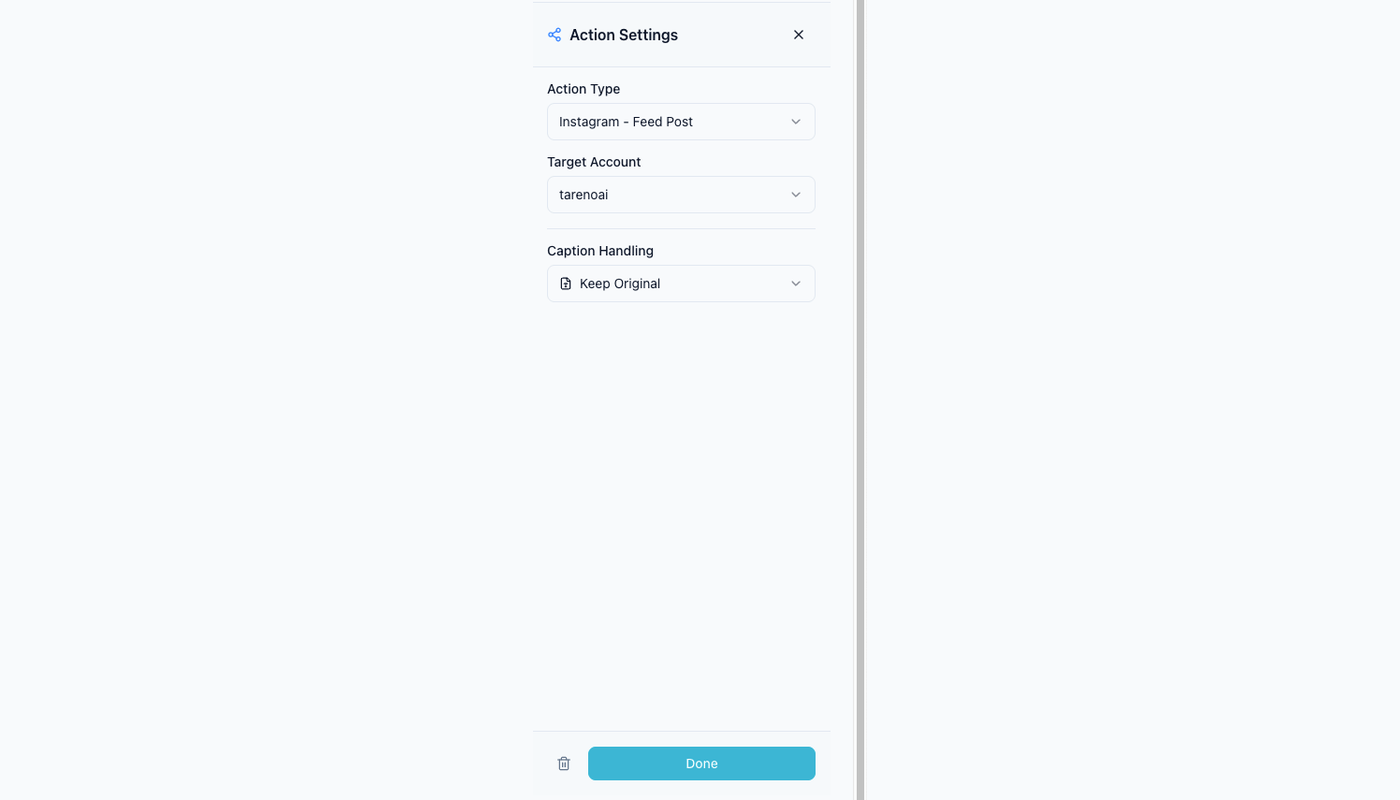
Explicit action settings make external handoffs easier to test and audit.
Example:
New Notion item
  ↓
AI creates drafts
  ↓
If claim detected -> product review
  ↓
Create Tareno draft
  ↓
Wait for approval
  ↓
Schedule
n8n can enforce rules that should not depend on model judgment.
Examples:
pricing claim always needs review
Japanese launch always needs native review
client workspace always needs client approval
deletion always needs administrator approval
Approval-first Make scenarios
Make is useful when teams want a visual scenario.
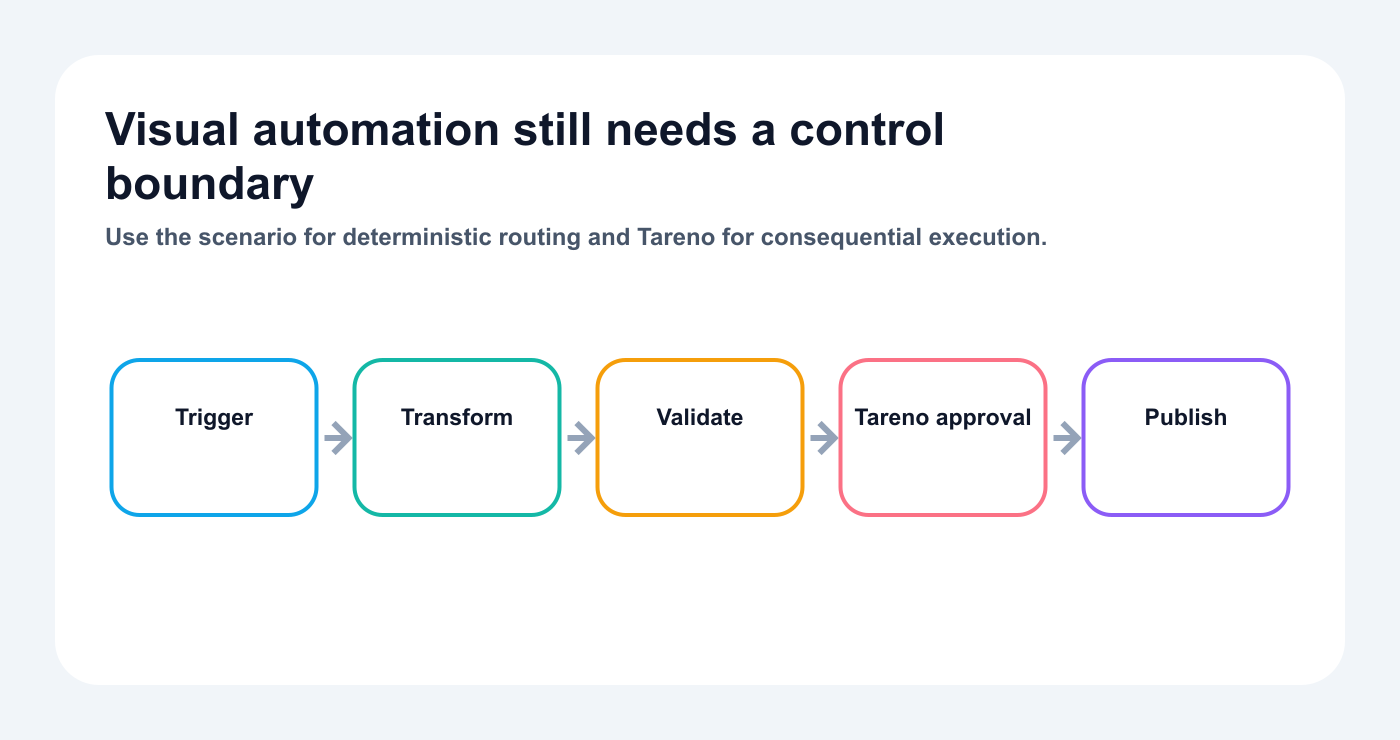
Visual automation scenarios should still hand consequential social actions to explicit approval.
Use routers:
Draft
  ↓
Router by risk
  ├─ Low risk -> owner review
  ├─ Medium risk -> marketing review
  └─ High risk -> specialist review
The visual design makes the approval logic easier to explain and maintain.
Approval-first Zapier workflows
Zapier works well for simple flows.
Example:
Approved Airtable record
  ↓
Create Tareno draft
  ↓
Notify reviewer
  ↓
Reviewer approves in Tareno
  ↓
Scheduled through Tareno
Avoid making a complex risk engine inside a long Zap if another tool is easier to maintain.
Choose the orchestration layer by intent, determinism, visibility, and maintenance burden.
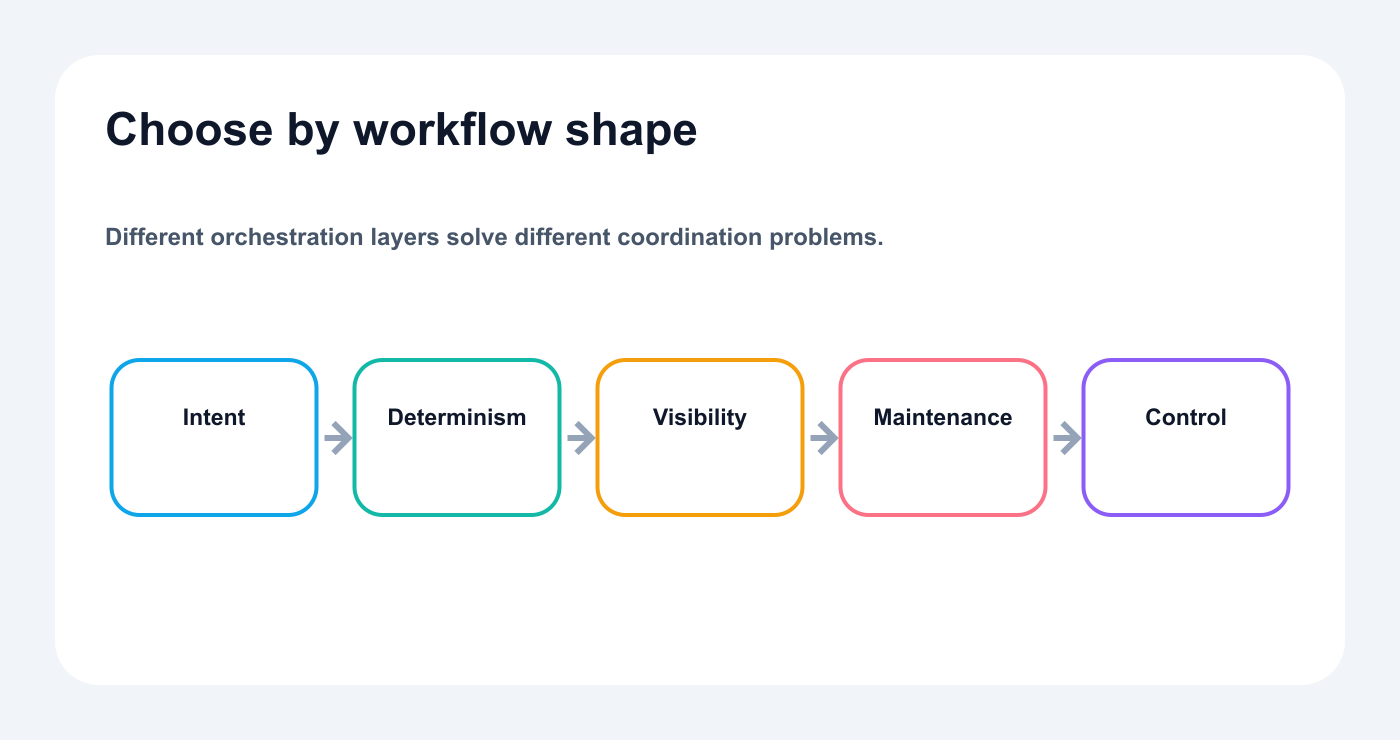
Choose tools by intent, determinism, visibility, and maintenance—not novelty.
Approval-first ChatGPT workflows
ChatGPT can support conversational planning through an API-backed integration, but Tareno's current Bearer-authenticated remote MCP configuration does not cover ChatGPT; that client needs the later OAuth 2.1 app or connector flow.
Prompt:
Review my recent analytics, create next week’s plan, save platform-native drafts, and prepare the approved versions for scheduling. Do not publish without confirmation.
The system should still enforce approval independently of the prompt.
The user instruction is helpful.
The platform rule is stronger.
Approval-first Codex workflows
Codex is useful when social content comes from technical work.
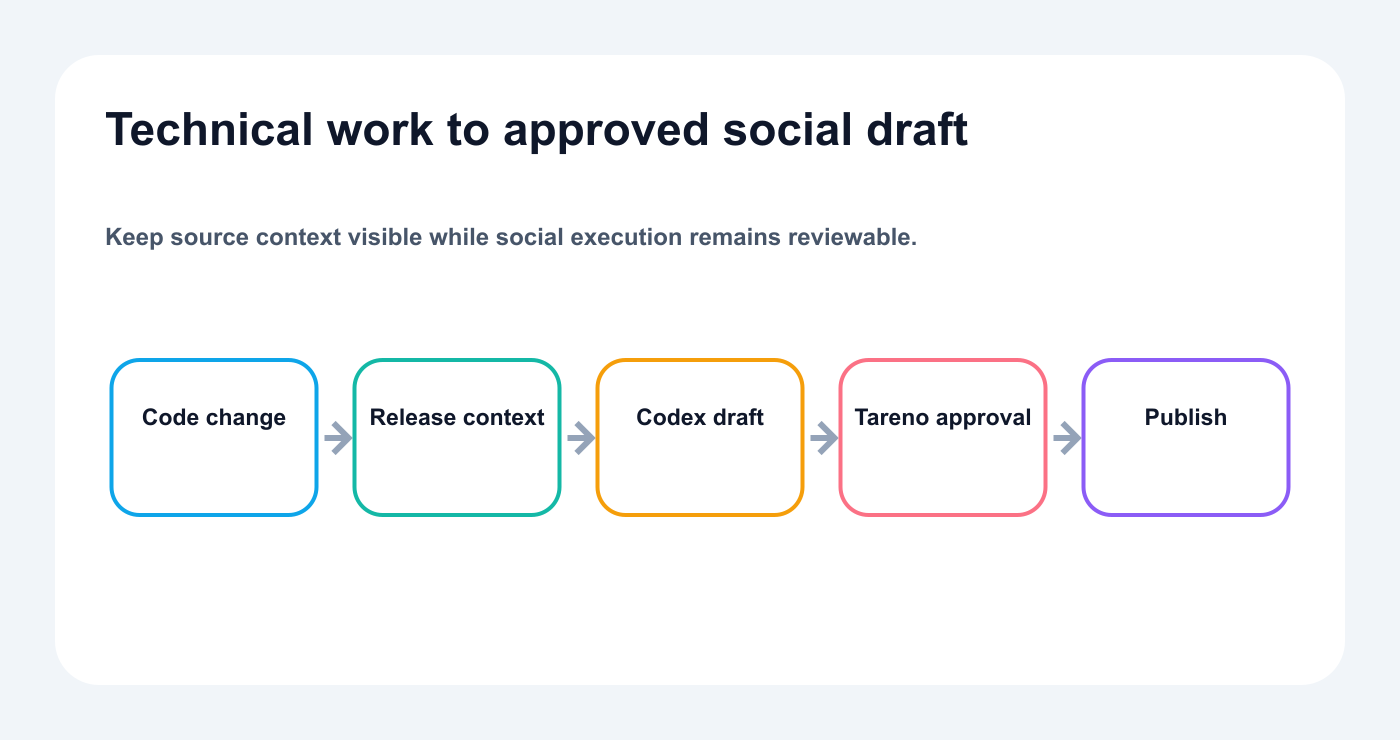
Codex can turn technical work into drafts while Tareno preserves review and social execution controls.
Example:
Read the release notes, create product-launch drafts through Tareno, and route any technical claim to product review.
Codex can understand repository or release context.
Tareno can manage the public action.
Approval-first OpenClaw and Hermes workflows
OpenClaw and Hermes Agent can operate as persistent or configurable agents when their deployed MCP client, transport, and authentication are verified against the live Tareno endpoint.
They can:
inspect workspaces
analyze content
create drafts
propose schedules
check pending actions
Use tool filtering.
Begin with reads and drafts.
Add scheduling preparation later.
Keep destructive actions restricted.
Production controls
Roles and permissions
A good approval system needs roles.
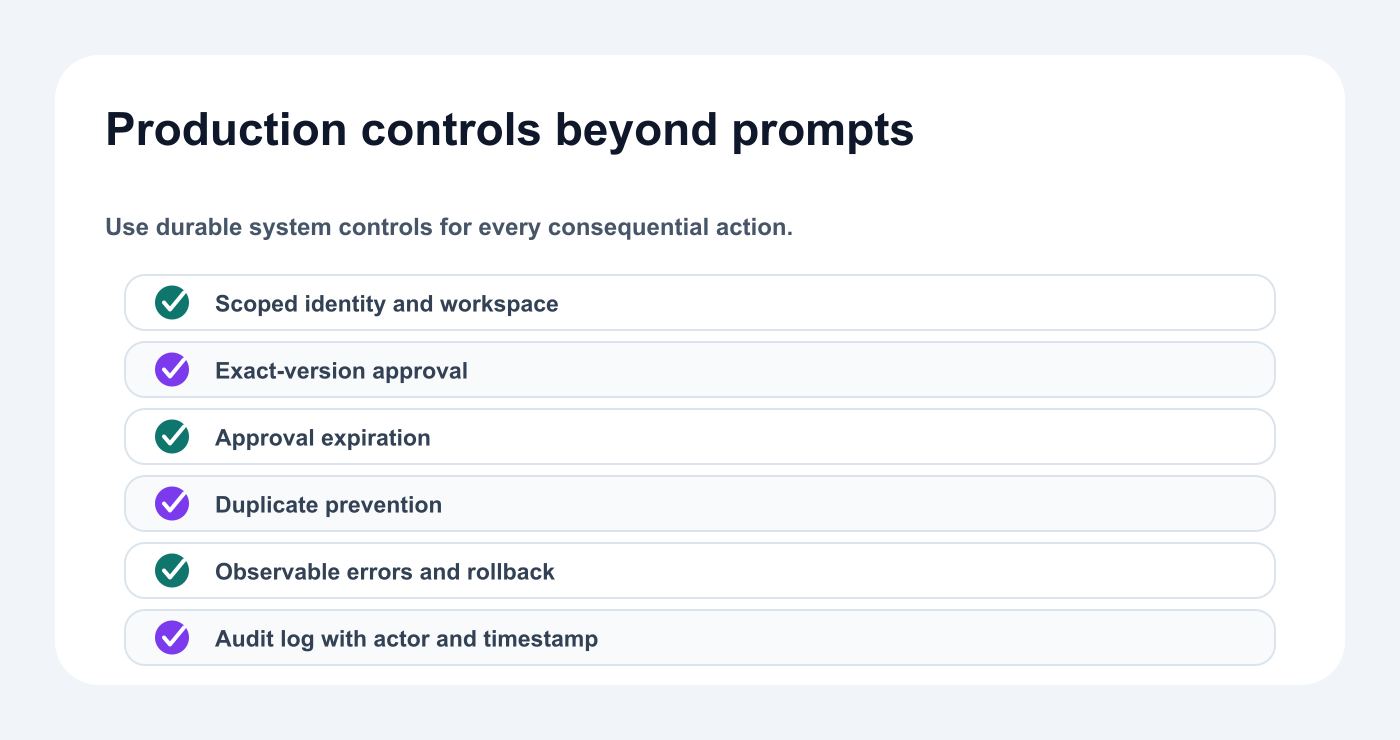
Durable controls bind identity, exact versions, expiration, duplicate prevention, and auditability.
Possible roles:
creator
writer
designer
social media manager
reviewer
client approver
product reviewer
administrator
Example permissions:
RoleDraftReviewApprovePublishDeleteWriterYesNoNoNoNoManagerYesYesLow riskYes after approvalNoClientViewCommentClient contentNoNoAdminYesYesYesYesYes
Do not give every user the same access.
Version-specific approval
Approval should apply to the exact version.
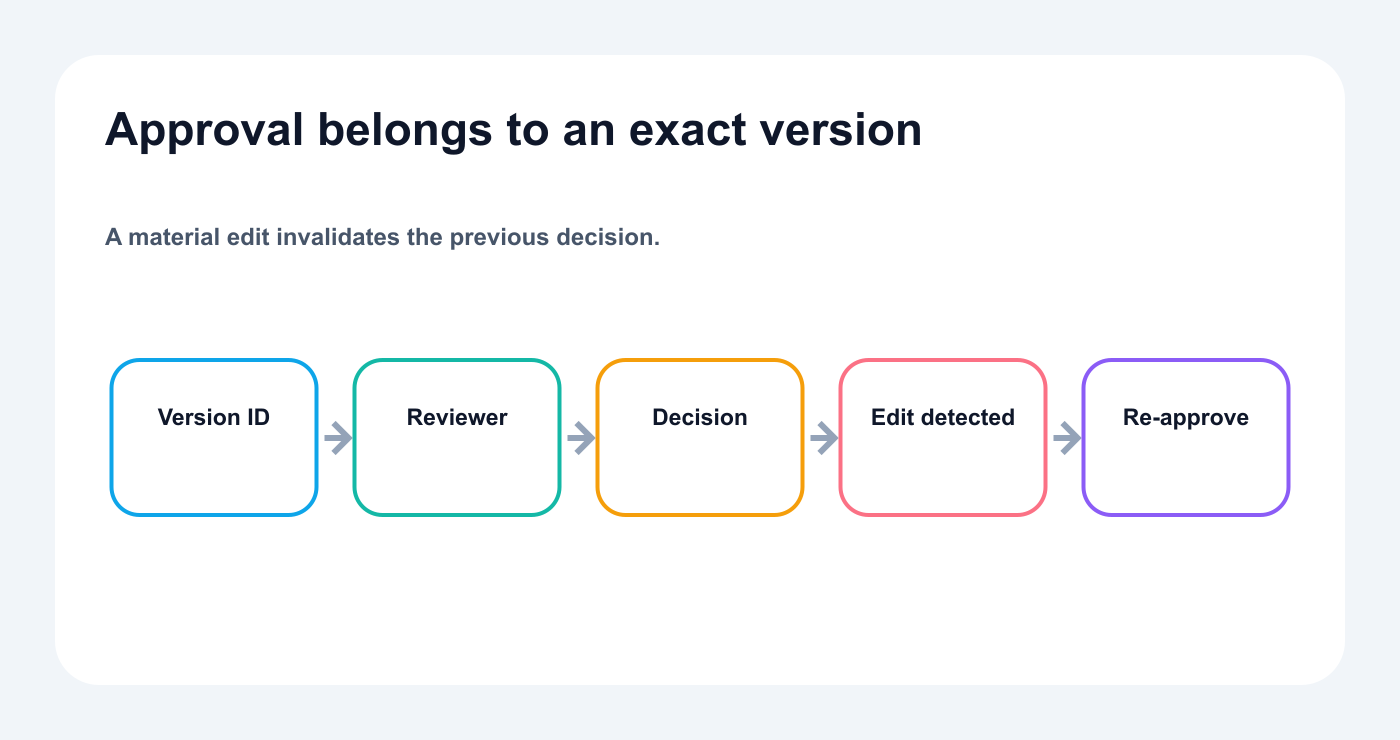
Any material edit creates a new version that needs a new approval decision.
Track:
caption version
asset version
CTA
link
platform
publish time
approver
approval timestamp
If a material change occurs after approval, invalidate the prior decision and require approval of the new exact version.
Material changes include:
new claim
new asset
changed CTA
changed link
changed disclosure
changed product positioning
changed account
Expiring approvals
Some approvals should expire.
Examples:
launch post after release date changes
pricing post after offer expires
event post after schedule changes
crisis communication after situation changes
customer result after permission changes
Expiration prevents old approval from being reused blindly.
Store:
approved at
valid until
conditions
reason for expiration
Duplicate prevention
AI agents can repeat actions.
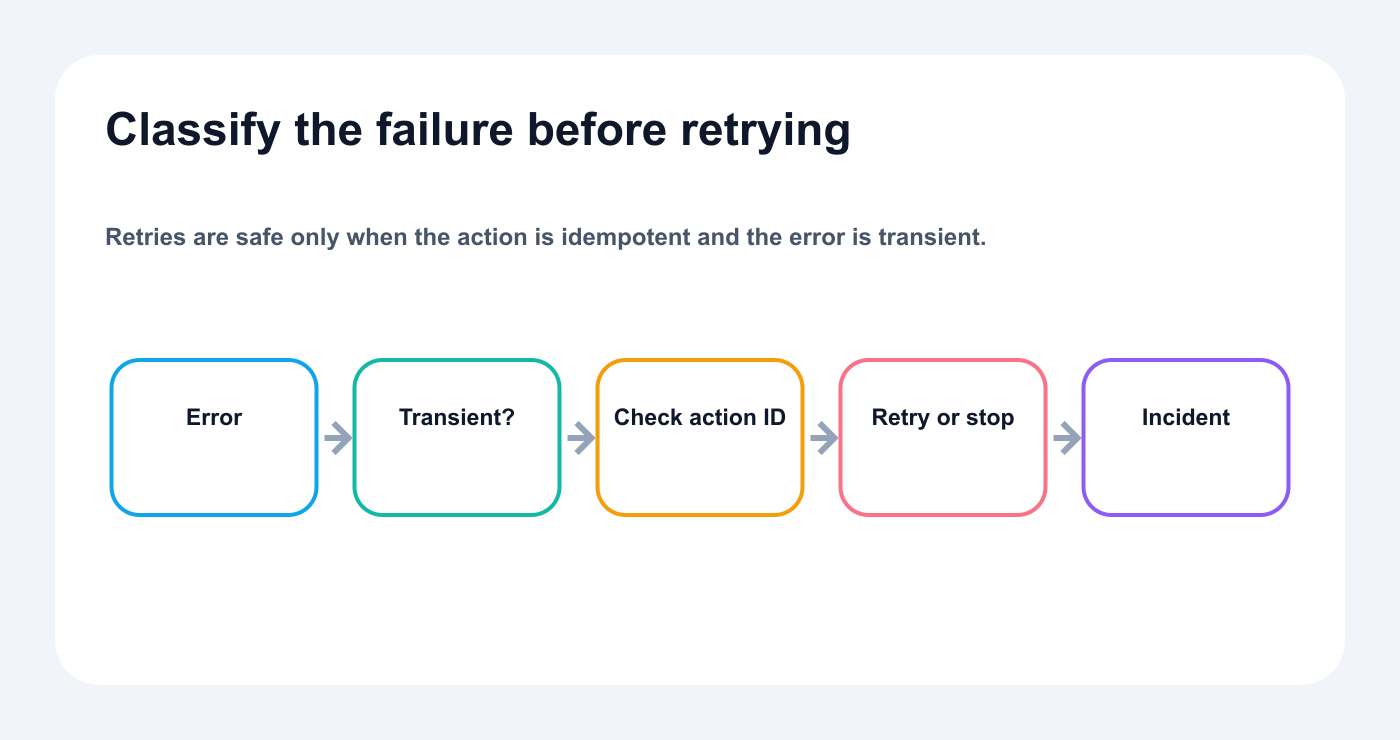
Retry transient failures carefully; stop permanent or duplicate-risk actions and create an incident.
Use:
source ID
content hash
workspace ID
account ID
platform
language
action ID
idempotency key
Composite key:
sourceId_workspace_account_platform_language
Before creating or scheduling:
search for an existing item
check status
compare content hash
update or stop
create only when necessary
Duplicate prevention is part of safe automation.
Error handling
Handle:
disconnected account
invalid media
missing platform field
expired approval
wrong scope
rate limit
timeout
duplicate action
failed publish
analytics unavailable
Recommended paths:
Validation error -> return to owner
Approval expired -> request new approval
Retryable error -> wait and retry
Authentication error -> alert administrator
Permanent failure -> create incident
Do not retry every error indefinitely.
Monitoring and auditability
Track:
Monitor workflow reliability and content outcomes as separate measures.
who requested the action
which agent or workflow created it
which tools were used
which version was approved
who approved it
when it executed
whether it succeeded
resulting post ID
failure reason
This matters for agencies, larger teams, and high-risk accounts.
It also makes debugging easier.
Success metrics
Approval-first automation should improve more than publishing volume.
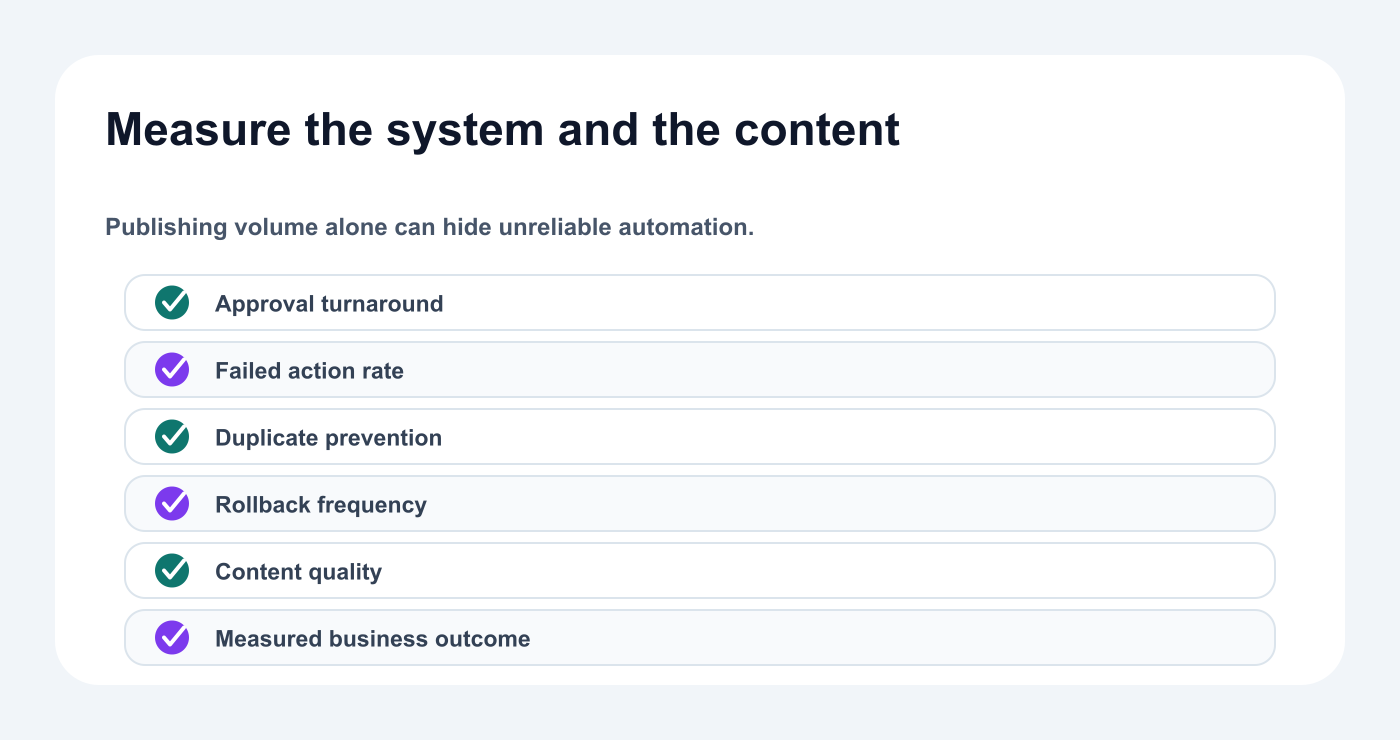
Measure workflow reliability and content outcomes separately.
Measure:
draft production time
review time
approval time
scheduled-post accuracy
failed publish rate
wrong-account incidents
duplicate-post rate
repurposing output
percentage of reports that create tasks
content performance
team time saved
A useful system produces more reliable output, not only more output.
Rollout and measurement
Rollout plan
Week 1: read-only
account audits
analytics
pending-action review
Week 2: draft creation
captions
scripts
platform versions
multilingual first drafts
Week 3: review routing
risk fields
reviewer roles
claim checks
native review
Week 4: scheduling preparation
pending actions
final approval
calendar checks
Month 2: analytics loop
measurement tasks
repurposing
evergreen queue
Month 3: narrow autonomy
low-risk recurring actions
strict duplicate prevention
monitoring
rollback procedures
This staged approach is safer than turning on everything at once.
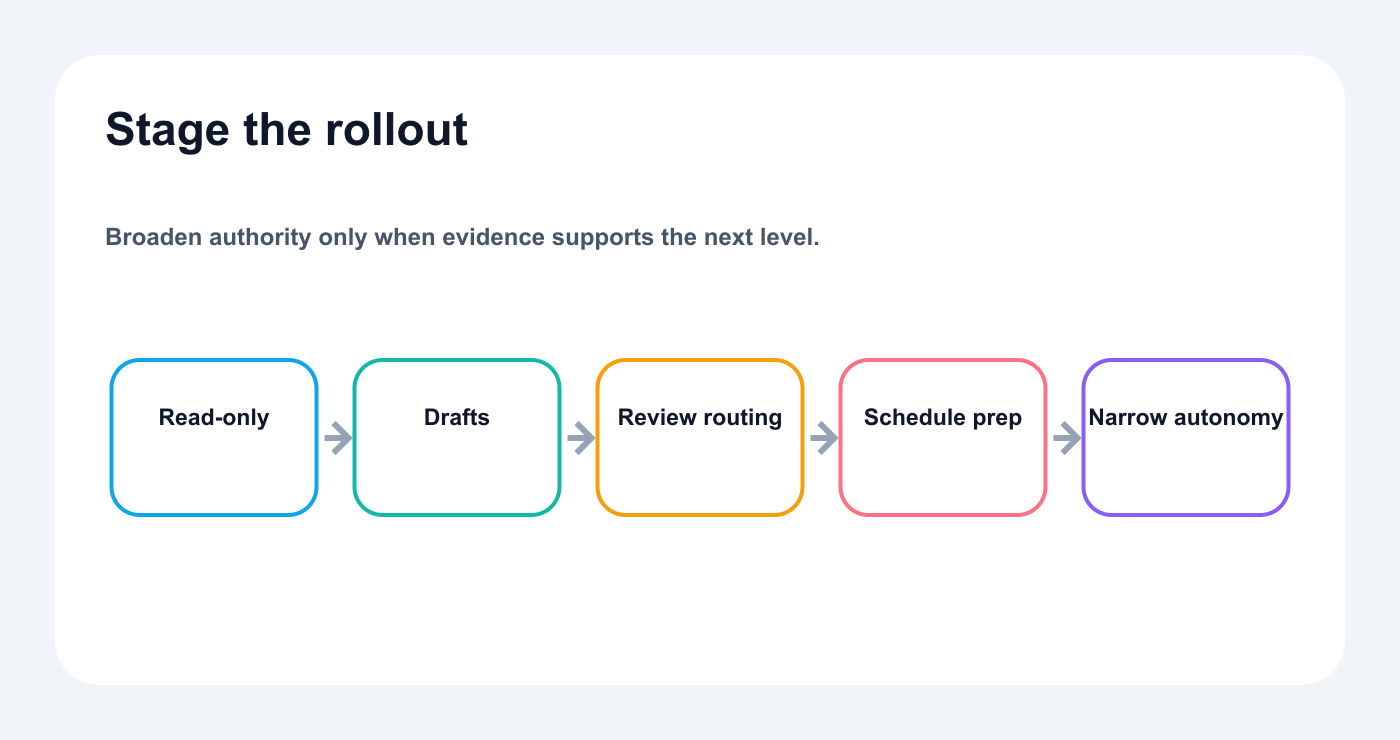
Expand capability in stages, with evidence and rollback at every step.
Security checklist
Before launch, verify identity, scope, exact-version approval, expiration, duplicate prevention, rollback, and audit logging.
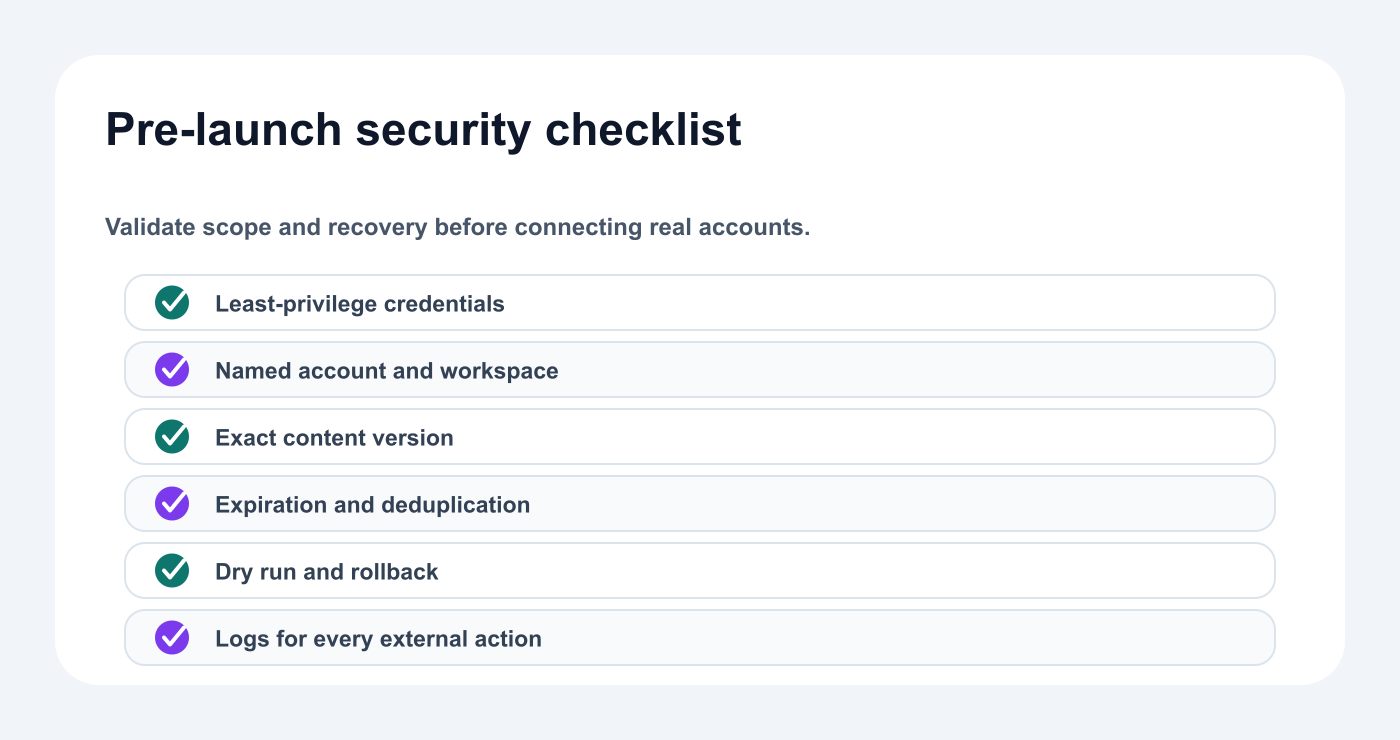
Verify scope, identity, exact versions, expiration, deduplication, and rollback before launch.
- [ ] Use dedicated credentials
- [ ] Use minimum scopes
- [ ] Separate staging and production
- [ ] Separate client workspaces
- [ ] Use explicit account IDs
- [ ] Filter agent tools
- [ ] Keep publishing behind approval
- [ ] Keep deletion behind approval
- [ ] Validate media and links
- [ ] Prevent duplicate actions
- [ ] Store action IDs
- [ ] Review audit history
- [ ] Rotate credentials
- [ ] Test rollback procedures
Common mistakes
Mistake 1: Calling full autonomy the goal
The goal is useful automation with controlled consequences.
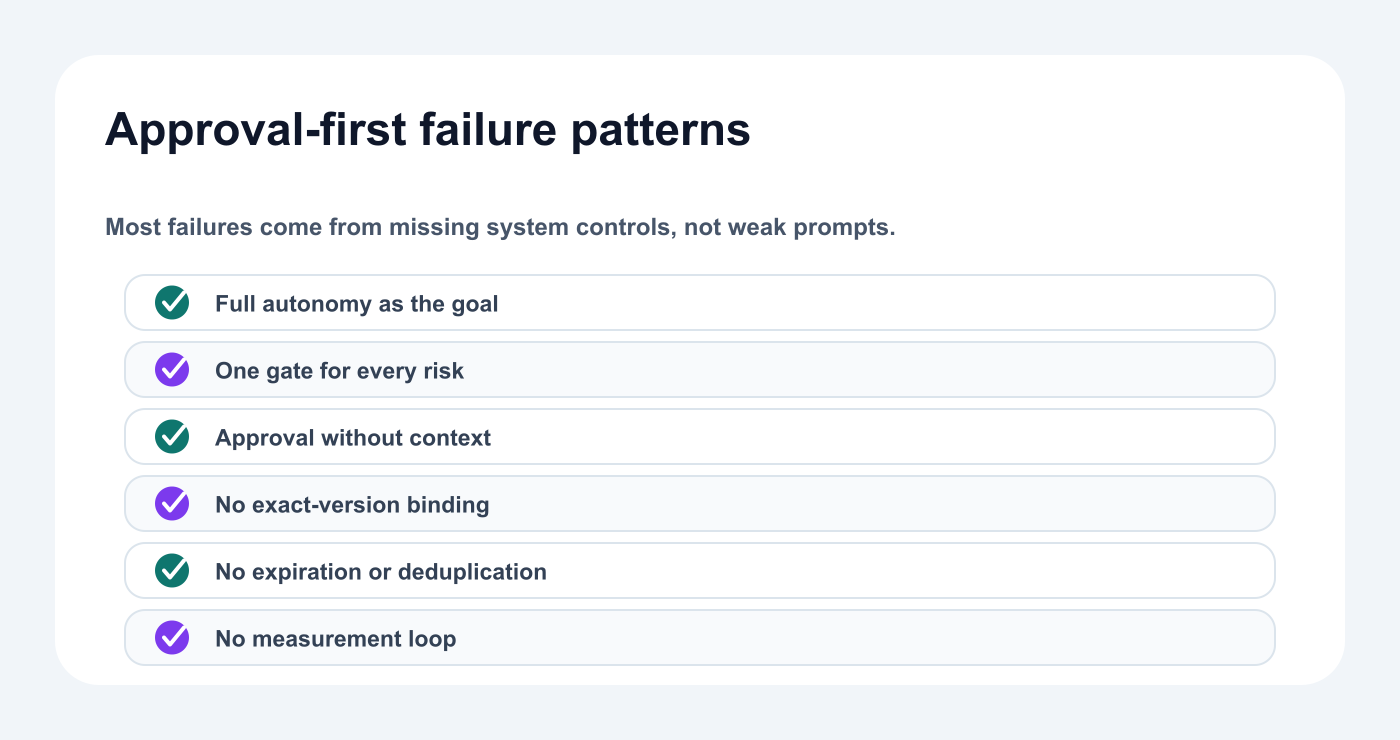
Avoid full-autonomy goals, context-free approvals, stale versions, duplicates, and missing measurement.
Mistake 2: One approval path for everything
Use risk-based review.
Mistake 3: Approval without context
Show the complete action.
Mistake 4: Prompts as the only safety control
Enforce rules in the system.
Mistake 5: No version tracking
Approval should apply to the final version.
Mistake 6: No expiration
Time-sensitive approvals can become stale.
Mistake 7: No duplicate prevention
Agents and workflows can repeat calls.
Mistake 8: No measurement loop
Automation should learn from results.
Twenty approval-first prompts
Good prompts define the goal, scope, expected output, and stopping point; system controls still govern execution.
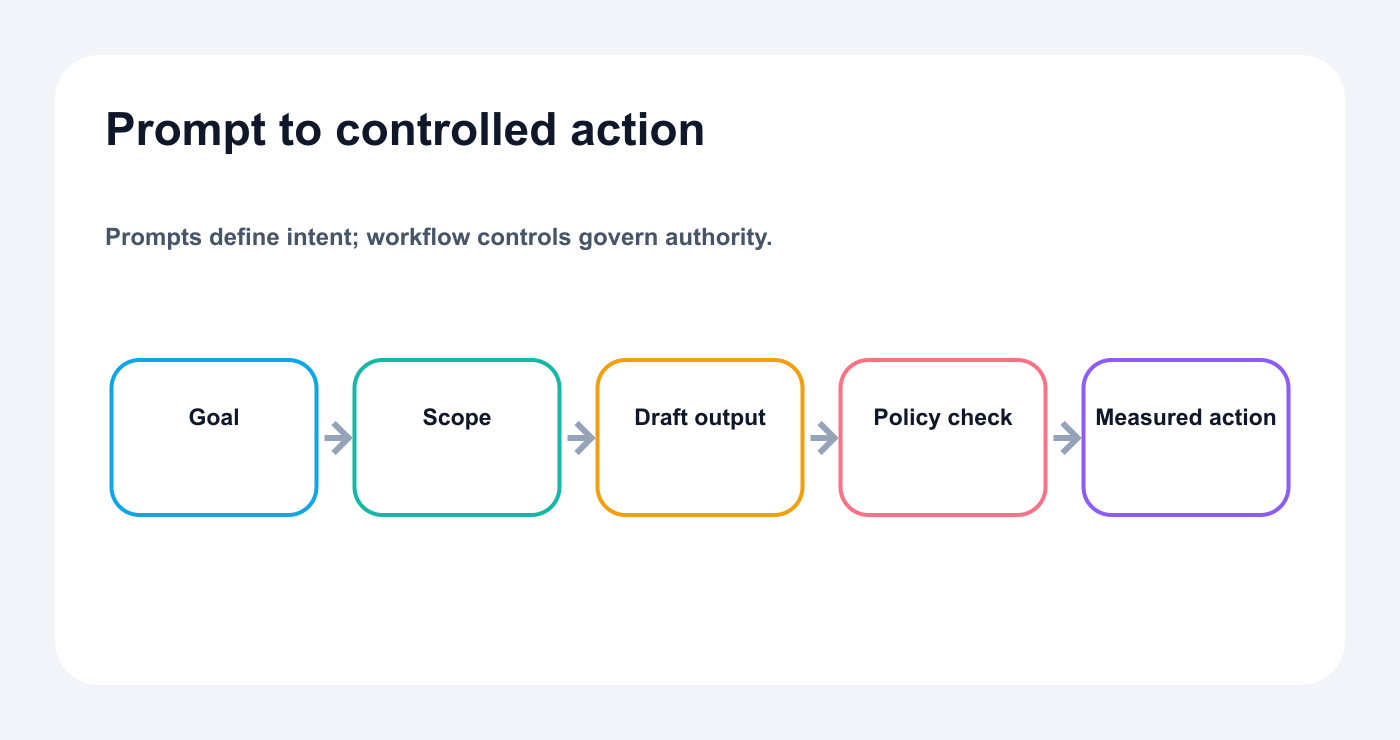
A useful prompt defines scope and output; system controls govern execution.
“List my accounts. Do not change anything.”
“Review analytics and explain the strongest signal.”
“Create drafts only.”
“Adapt this idea for five platforms.”
“List every claim in these drafts.”
“Flag content that needs specialist review.”
“Show the final account and timezone.”
“Prepare the schedule but do not publish.”
“Create a pending approval request.”
“Show all expired approvals.”
“Compare the approved and current versions.”
“Find duplicate scheduled posts.”
“Localize this campaign and flag native-review languages.”
“Analyze this YouTube URL without copying wording.”
“Create repurposing ideas from top posts.”
“Add accurate evergreen posts to a queue.”
“Explain every failed action.”
“Audit next week’s calendar.”
“Create a campaign postmortem.”
“Recommend one workflow improvement.”
How Tareno should own the category
The weak category is:
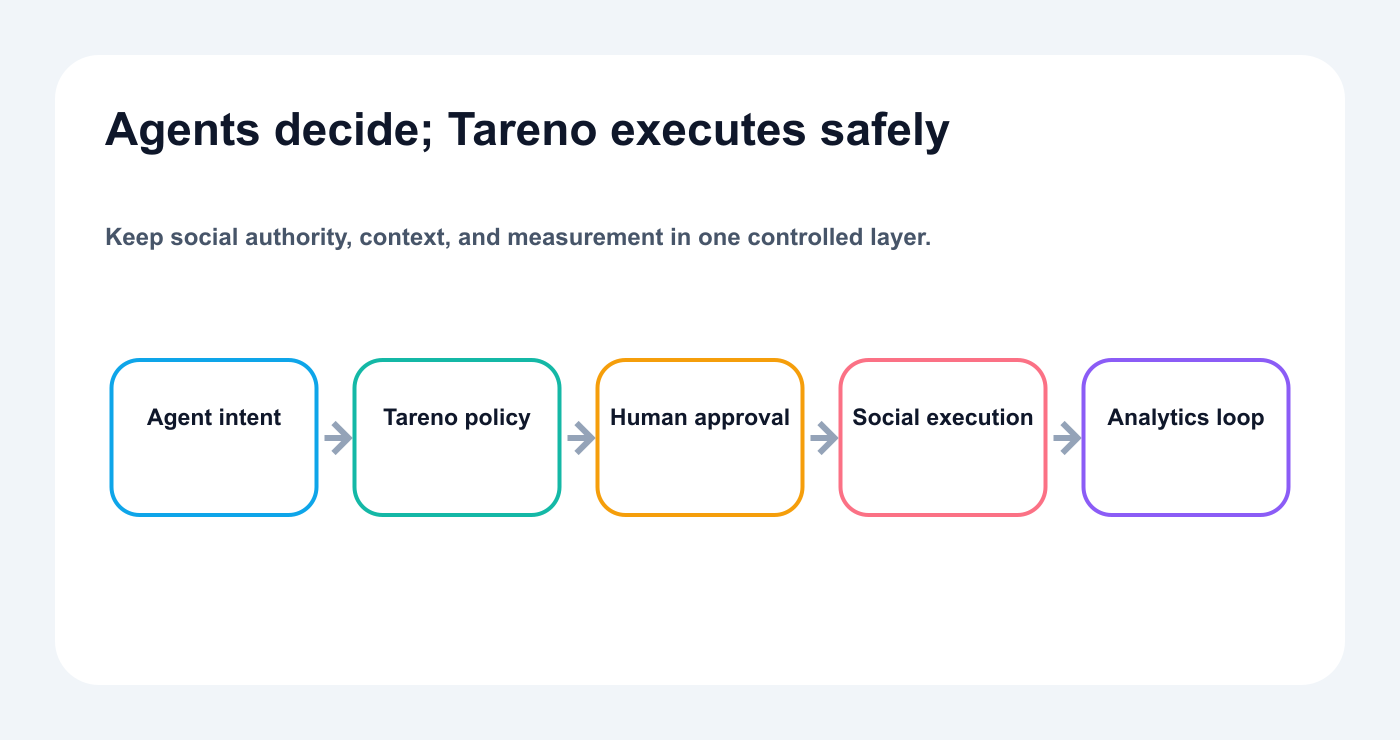
Agents decide and prepare; Tareno owns accounts, approvals, publishing, and measurement.
AI social media scheduler.
The stronger category is:
Approval-first social media infrastructure for AI agents and automation workflows.
Tareno brings together:
connected accounts
platform requirements
drafts
media
workspaces
roles
approvals
scheduling
publishing
analytics
reports
repurposing
workflow automation
MCP
API
n8n
Make
Zapier
Codex
OpenClaw
Hermes Agent
The category promise is not unrestricted autonomy.
It is controlled leverage.
Related Tareno resources
Keep building the workflow
Approval workflowExplore resource →Workflow builderExplore resource →n8n guideExplore resource →Browse alternativesExplore resource →
FAQ
What is approval-first AI social media automation?
It is a workflow where AI can analyze, draft, adapt, and prepare social content, while consequential external actions remain subject to review.
Why not allow fully autonomous publishing?
Social media contains changing context, sensitive claims, multiple accounts, and public consequences. Approval reduces avoidable risk.
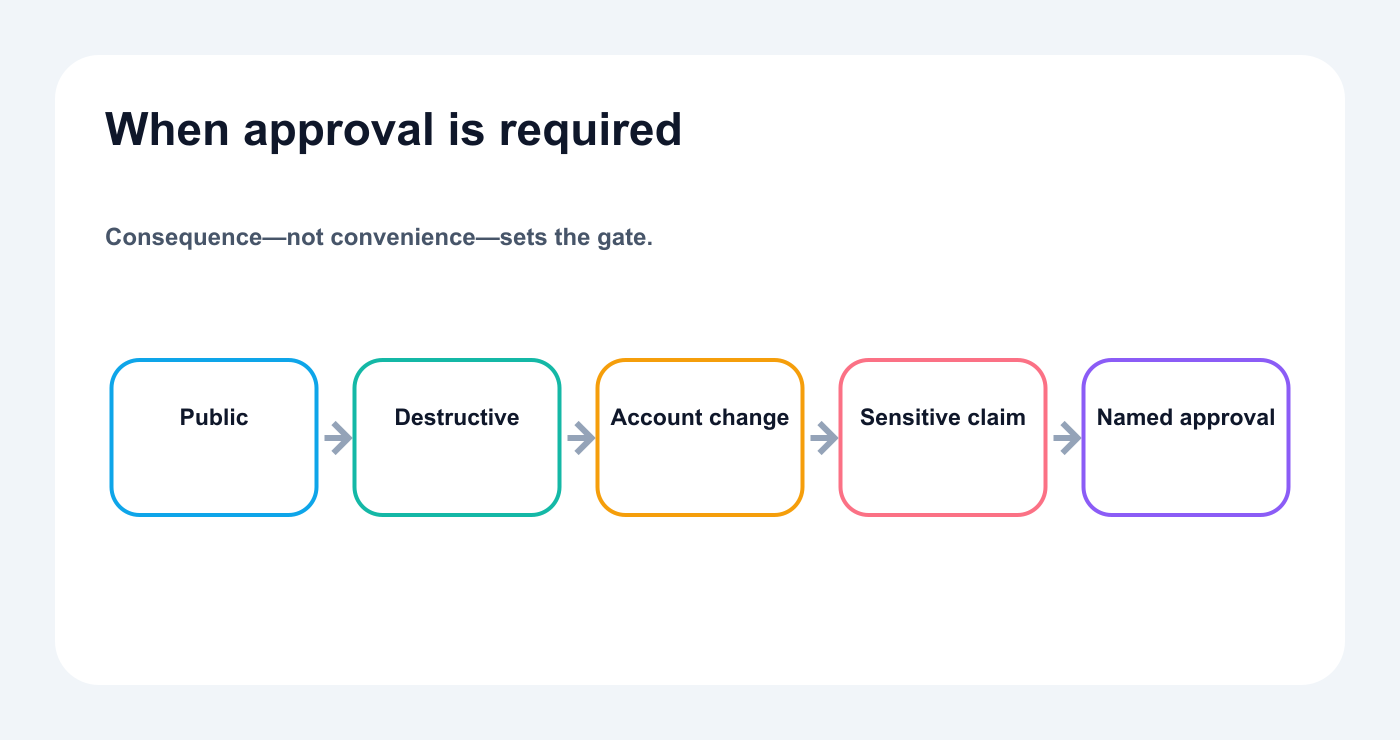
Public, destructive, account-changing, client, sponsored, and sensitive actions need approval.
Which actions can run automatically?
Read-only analysis, draft creation, internal notes, and some low-risk recurring tasks can often run directly.
Which actions should require approval?
Scheduling, immediate publishing, edits, deletion, account changes, client content, sponsored content, and sensitive claims should usually require approval.
Can AI agents use Tareno?
Yes. Codex, Claude Code, and Cursor have documented remote MCP configurations. Other clients and API-backed integrations can prepare work when their connection is verified, while Tareno keeps consequential actions behind server-enforced approval.
Can n8n, Make, and Zapier use approval-first workflows?
n8n and Make can use their documented integrations; Zapier is currently beta. Keep draft preparation separate from the final approved scheduling or publishing action.
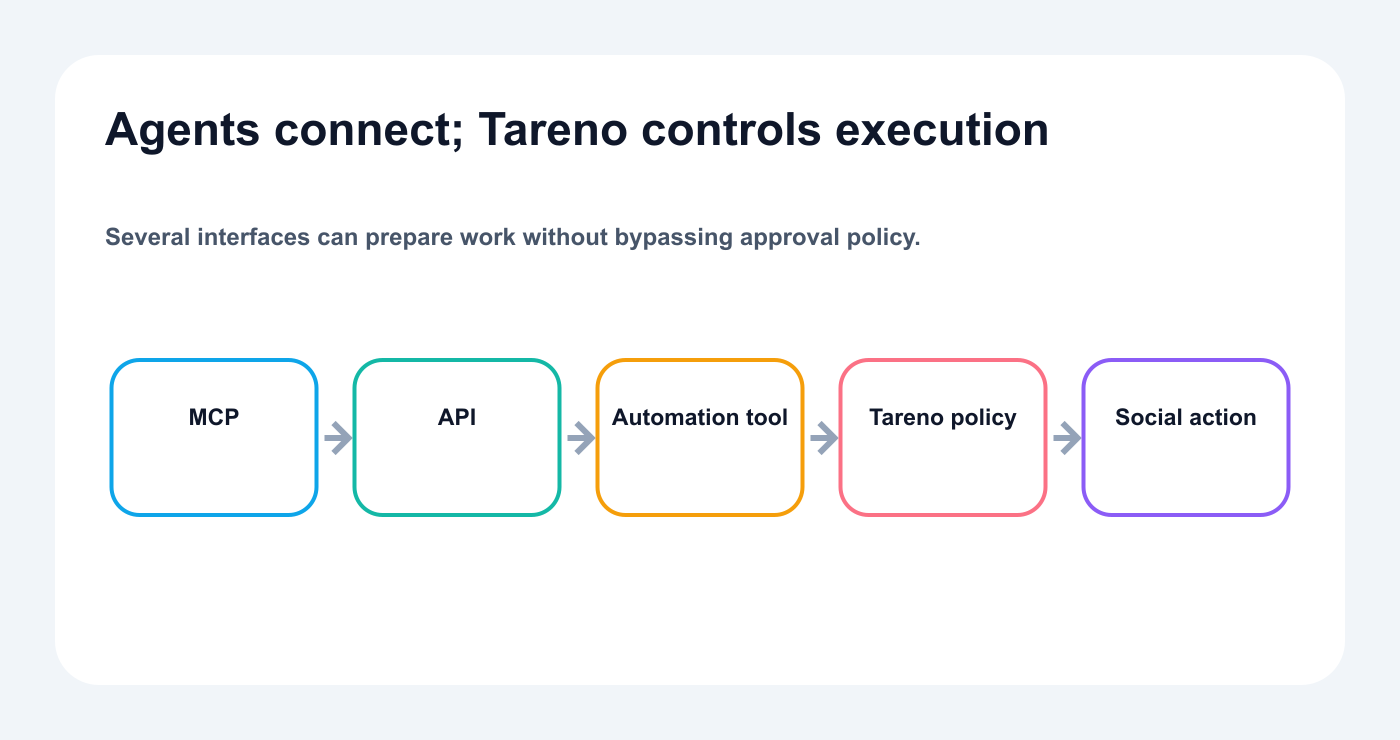
Agents can prepare through several interfaces while Tareno keeps social actions controlled.
Can multilingual content use separate approvals?
Yes. Each language and market version should be approved independently where appropriate.
Can Bluesky and Mastodon be included?
Yes through core MCP when the provider supports it. The External API's current platform list is narrower.
Can Get Viral Now fit this model?
Yes. Transcript analysis and script generation can happen before human review, with final platform versions moving through approval.
Does approval remove the value of automation?
No. Most time is spent on research, drafting, adaptation, coordination, and analysis. Those stages can still be heavily automated.
Final thoughts
The best AI social media system is not the one that publishes fastest without asking. It automates research, drafting, adaptation, coordination, and analysis while preserving a clear decision point for consequential actions.
Start with read-only context and draft creation. Add risk-based approvals, exact-version controls, scheduling, and measurement only after each stage is reliable. That gives agents room to work while people retain control.


