
Codex can interpret a social media goal, inspect connected context, and choose a sequence of tools. Tareno supplies the structured execution layer behind those choices: accounts, platform requirements, drafts, media, approvals, publishing state, analytics, and repurposing. MCP connects the two without reducing the workflow to fragile browser clicks.
TL;DR
With Tareno MCP, Codex can work with structured social media tools instead of relying on browser clicks or fragile copy-paste routines.
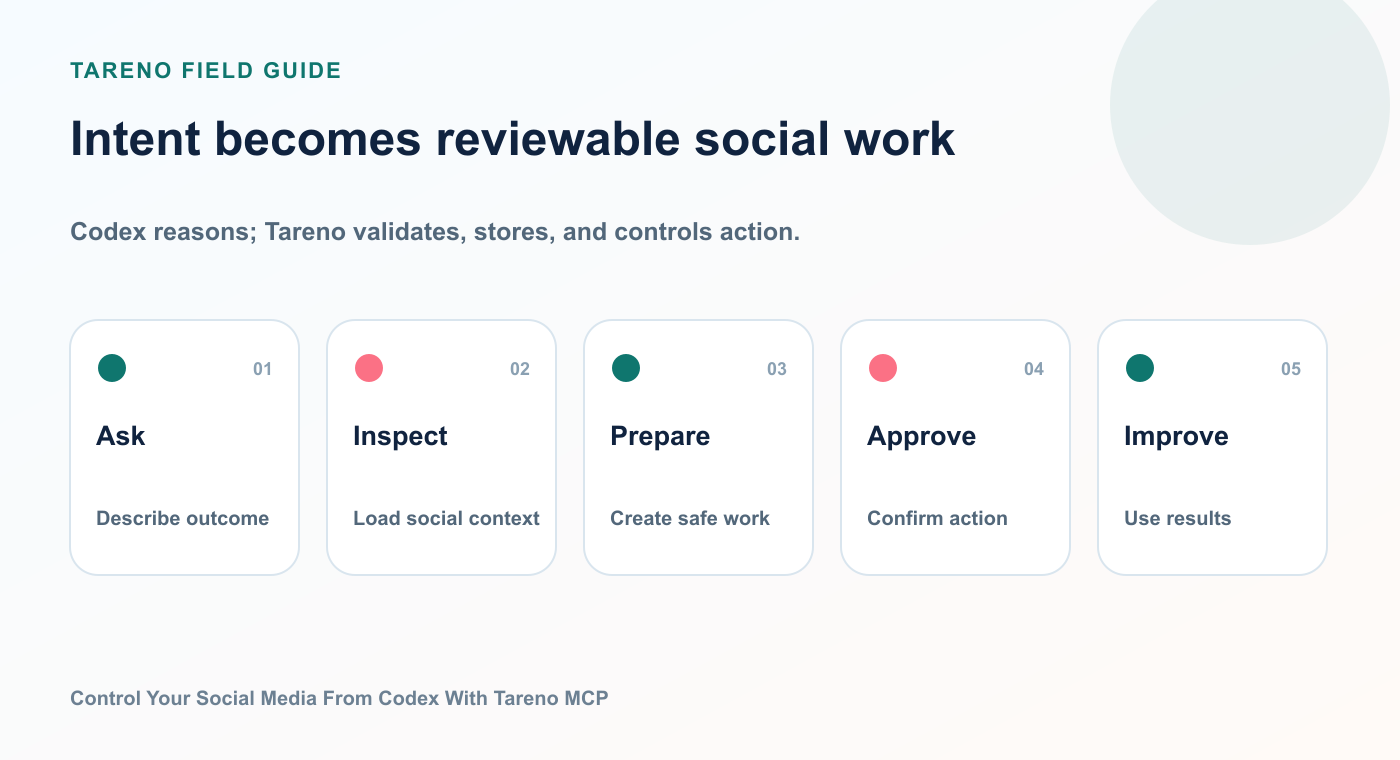
The useful boundary is not between AI and people; it is between preparation and external consequence.
A practical workflow looks like this:
Install the Tareno plugin in Codex or add the remote MCP server manually.
Connect your Tareno API key securely.
Let Codex discover the available tools.
Ask for a concrete social media task in natural language.
Let Tareno validate accounts, platform requirements, permissions, and scopes.
Review consequential actions in the Tareno dashboard.
Approve, reject, or adjust the proposed action.
Publish through the normal Tareno queue.
Return to Codex for analytics, interpretation, and repurposing.
The most important rule is simple:
Let the agent think, but keep external publishing under explicit control.
That is what makes the setup useful for serious creators, agencies, and teams rather than only for demos.
What MCP changes for social media automation
The Model Context Protocol connects Codex to structured third-party tools and context through local or remote servers.
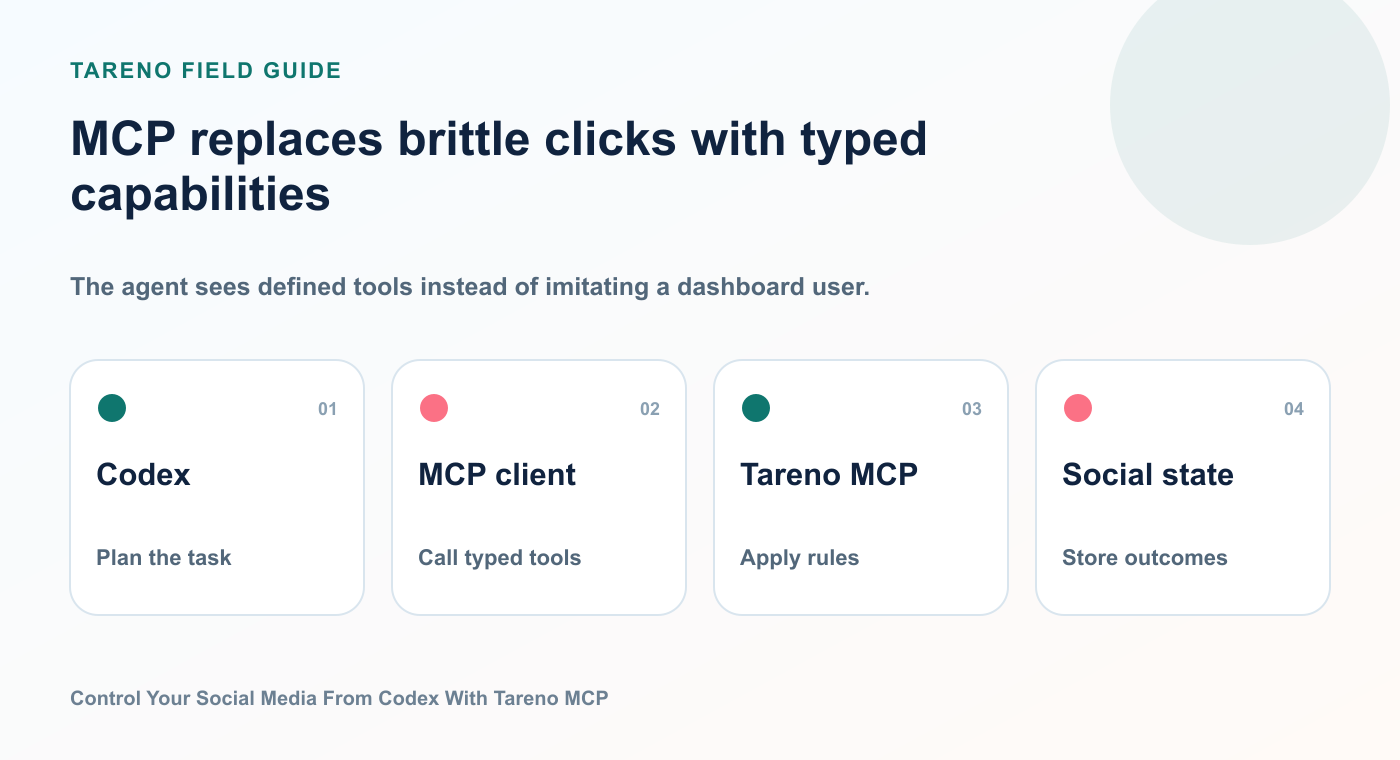
Structured tools are easier to validate, permission, observe, and recover than browser-click sequences.
In practice, MCP gives an AI client a structured description of what a connected service can do.
Instead of telling an agent to “go to a website and click the schedule button,” an MCP server can expose a typed tool such as:
list_accountscreate_draftsschedule_postsget_platform_analyticsupload_media_from_url
That distinction is important.
Browser automation tries to imitate a user.
MCP gives the model a real tool interface.
This makes the interaction more reliable, inspectable, and easier to constrain.
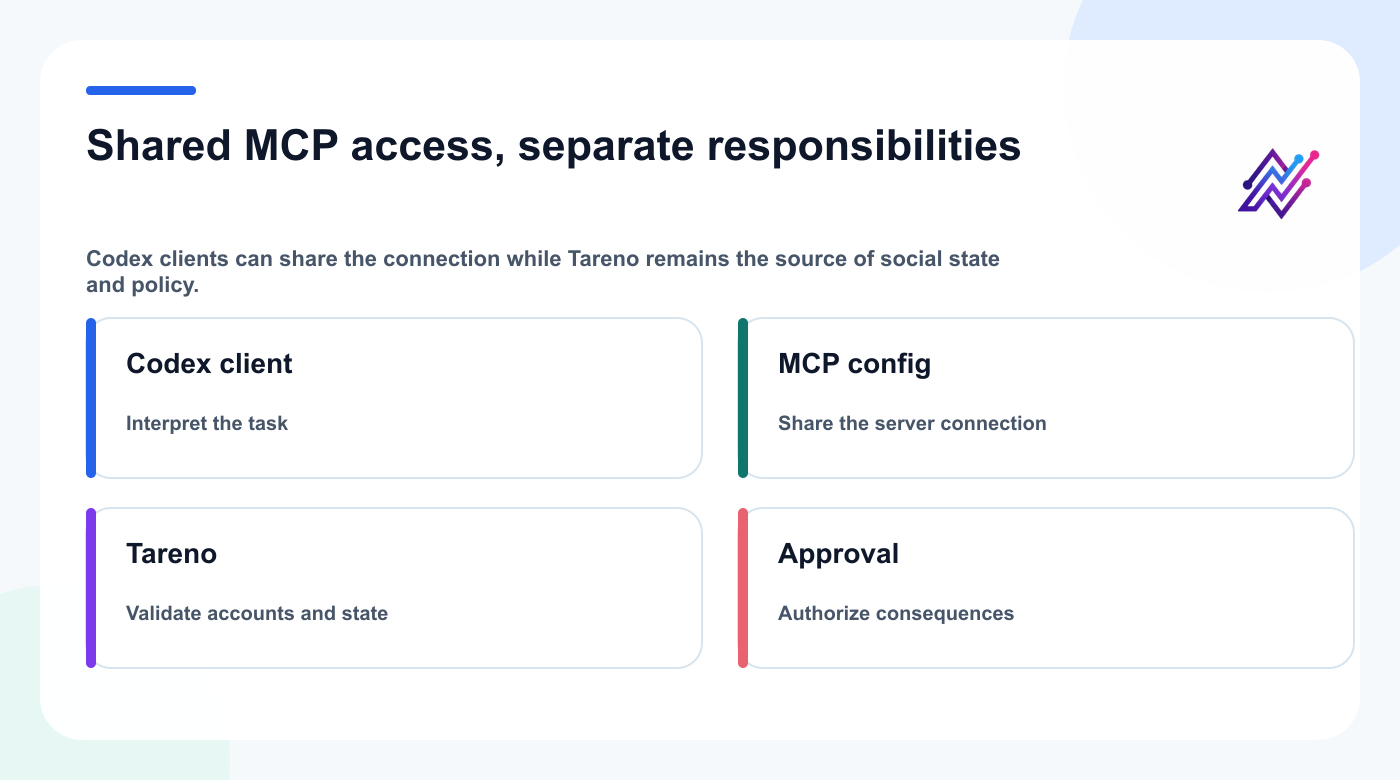
The client can change; Tareno remains responsible for social context, validation, and approval state.
Tareno currently exposes a remote MCP endpoint and a structured tool set for social media operations. The available actions cover workspaces, connected accounts, platform requirements, drafts, scheduling, media, analytics, strategy, and action status.
The architecture is straightforward:
Codex
  ↓
Tareno plugin or MCP client configuration
  ↓
Tareno remote MCP server
  ↓
Authentication, scopes, account ownership, platform validation
  ↓
Draft or approval request
  ↓
Tareno dashboard
  ↓
Publishing queue
The agent does not need your social platform passwords.
It works through Tareno.
Tareno remains responsible for the connected accounts, permissions, publishing logic, and approval state.
How a Tareno Codex plugin packages the connection
A packaged Tareno plugin can provide the easiest discovery path inside Codex when it is available in the user's plugin directory.
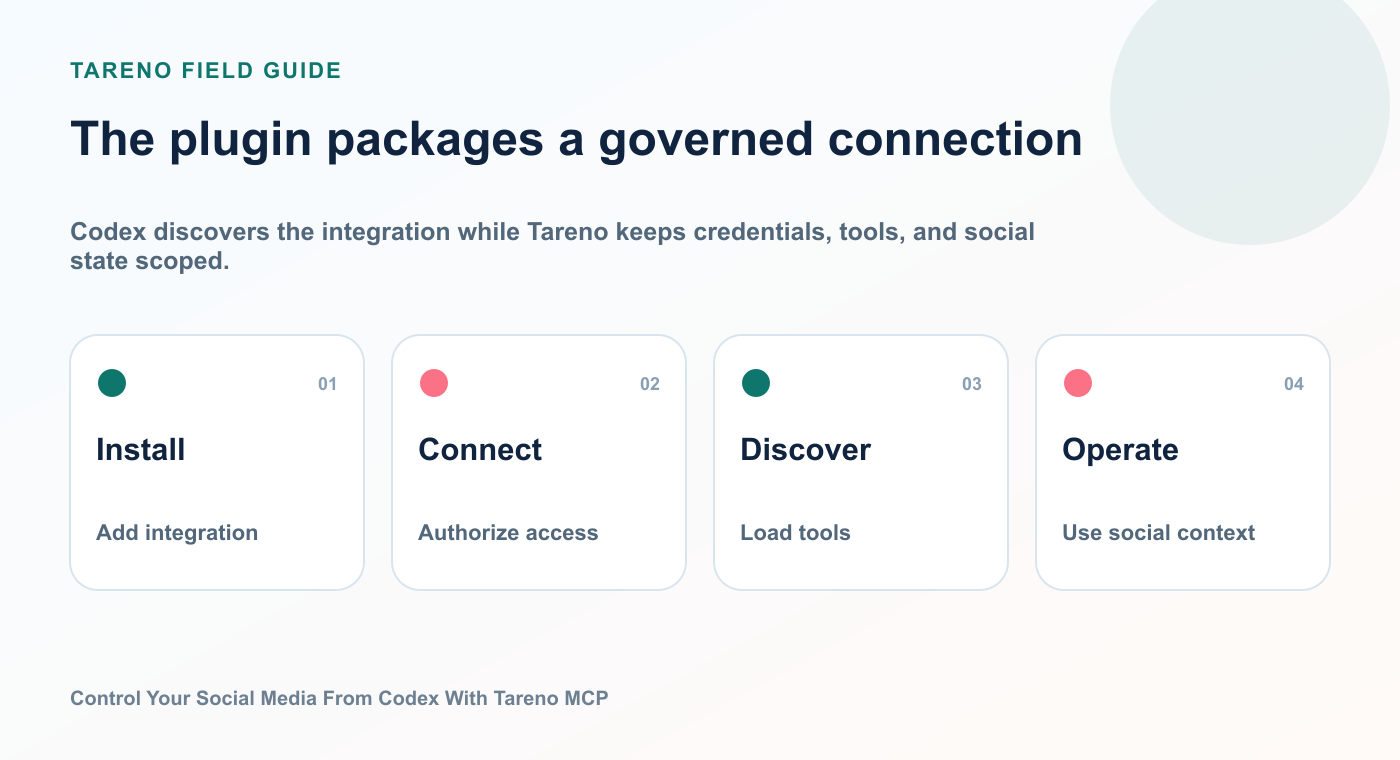
Codex discovers the integration while Tareno keeps credentials, tools, and social state scoped.
A Codex plugin can bundle reusable skills, connectors, and MCP servers into one installable package. Users can browse and manage plugins in supported ChatGPT and Codex surfaces; availability can still depend on workspace policy and the published plugin directory.
For Tareno, the plugin should make three things easier:
Discovery
Users do not need to search for a configuration guide before they understand that Codex can control Tareno.Setup
The plugin can package instructions and connection details around the MCP integration.Usage
The plugin can include ready-to-use skills, example prompts, and guidance about approval-sensitive actions.
The underlying product value is still the MCP server.
The plugin is the distribution and onboarding layer.
That means the article should not position the plugin as a magical replacement for Tareno. It should explain that the plugin helps Codex discover and use Tareno’s real tools.
Manual MCP setup in Codex
A plugin is the simplest discovery path; manual MCP configuration remains valuable for direct setup and troubleshooting.
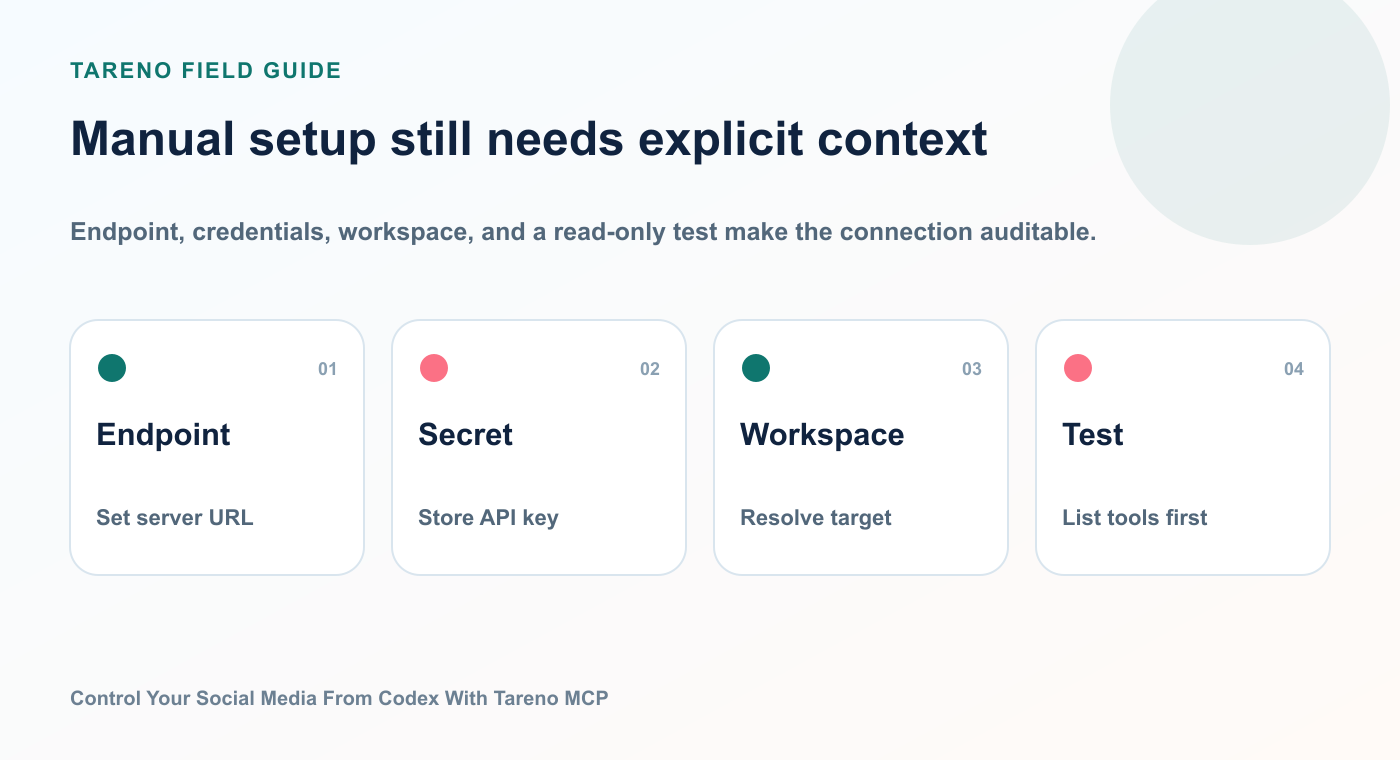
Endpoint, credentials, workspace, and a read-only test make the connection auditable.
A typical Codex CLI setup uses an environment variable for the Tareno API key and the remote HTTPS endpoint.
export TARENO_API_KEY="tk_live_your_key_here"

codex mcp add tareno \
  --url https://tareno.co/api/mcp \
  --bearer-token-env-var TARENO_API_KEY
Then verify the saved connection:
codex mcp get tareno
The important security detail is that the key should not be pasted repeatedly into prompts.
Store it as an environment variable or in an appropriate secret store.
After the connection is registered, ask Codex to list the available Tareno tools.
Example:
List the Tareno tools you can access and group them into accounts, drafts, publishing, media, analytics, and approvals. Do not execute any action.
A successful connection should return structured tool names rather than a vague statement that the website is reachable.
What Codex can do through Tareno
The useful question is not “Can Codex post to social media?”
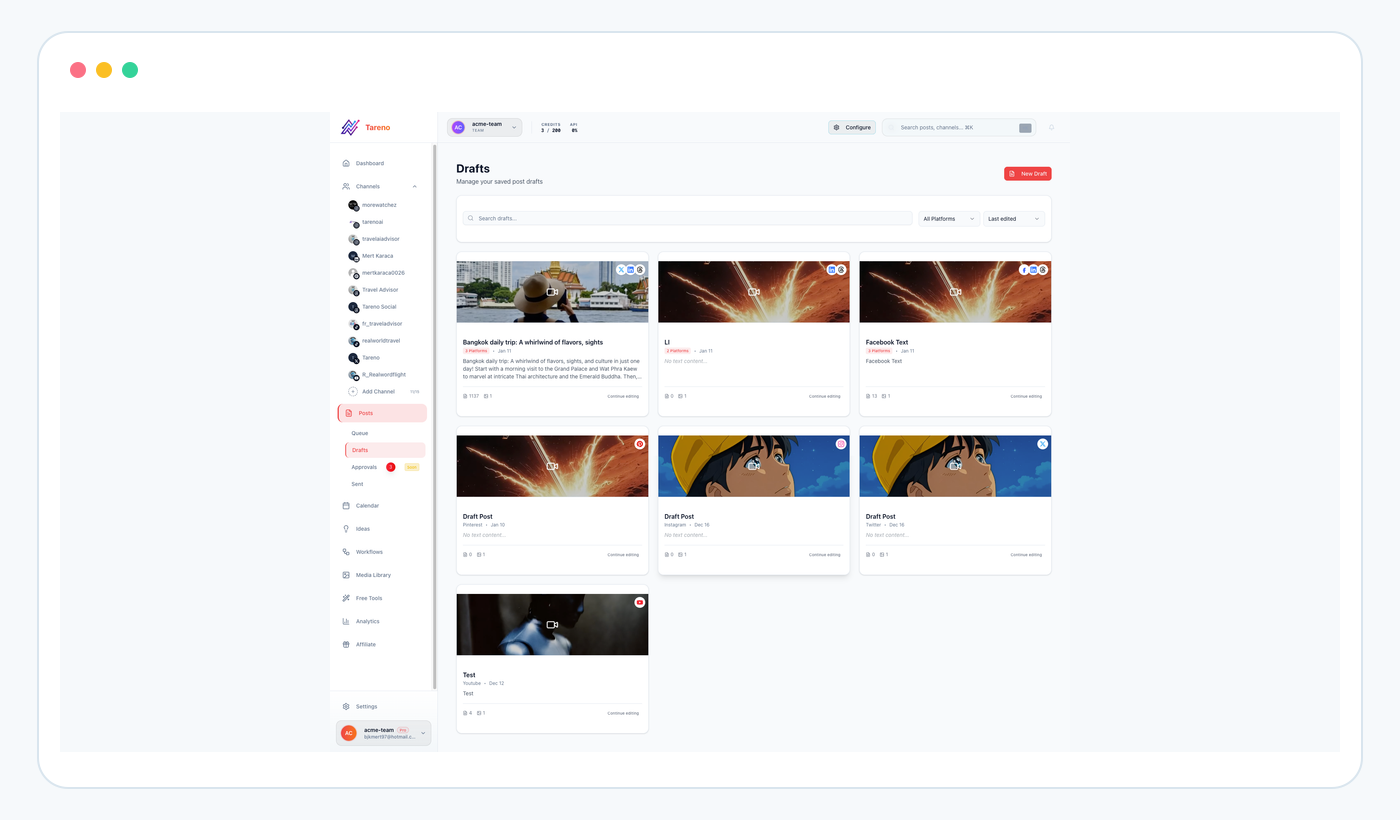
Draft creation is reversible, visible, and a strong first write capability for an agent connection.
The useful question is:
Which parts of the social media operating loop can Codex handle through Tareno?
The answer covers much more than publishing.
1. Inspect connected workspaces and accounts
You can ask:
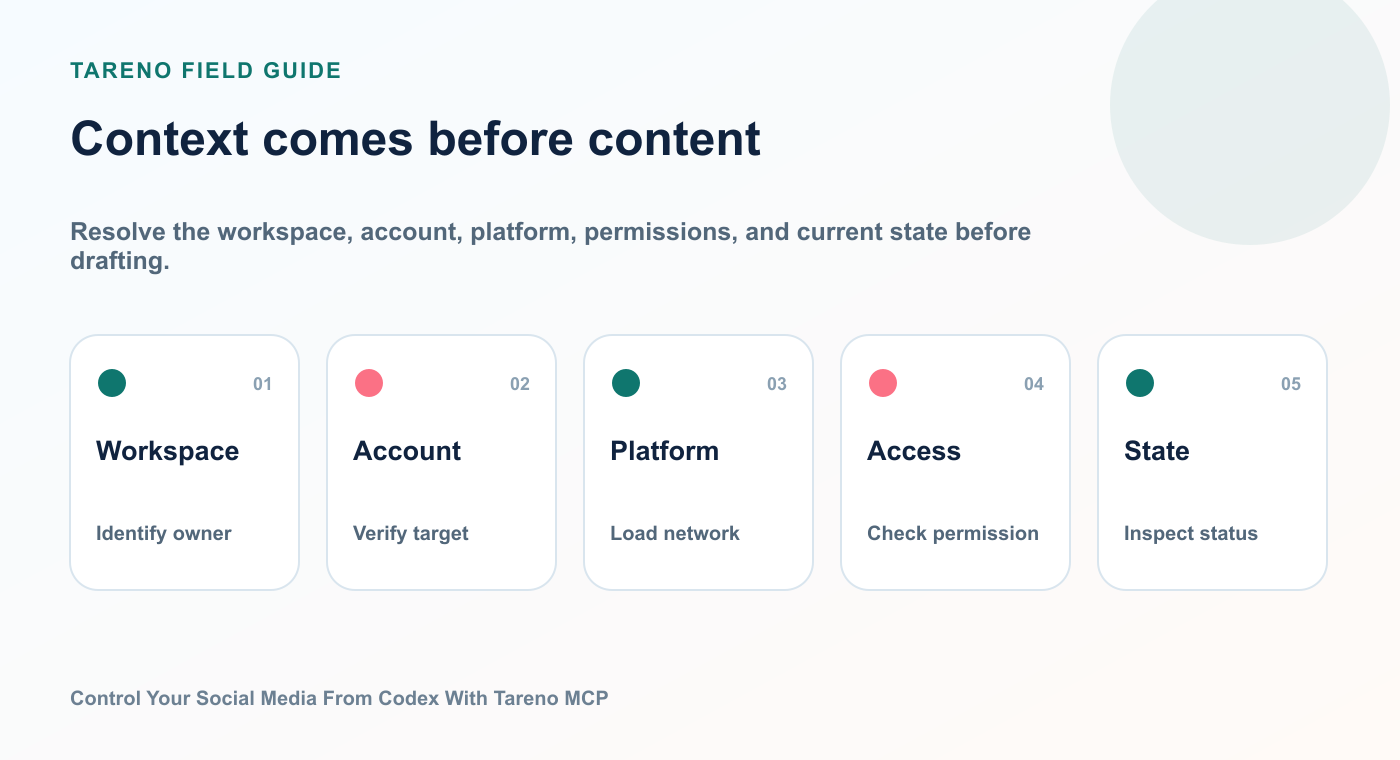
Resolve the workspace, account, platform, permissions, and current state before drafting.
List my connected social accounts, grouped by workspace and platform. Flag accounts that appear disconnected or unavailable.
This is useful before building a campaign.
The agent can understand what accounts exist before proposing a distribution plan.
2. Load platform requirements
Different platforms require different fields, media formats, account options, and publishing settings.
You can ask:
Check the publishing requirements for my Instagram, TikTok, Pinterest, LinkedIn, Bluesky, and Mastodon accounts before drafting anything.
This reduces the risk of generating a post that cannot be published in the intended format.
3. Create drafts
You can ask Codex to prepare content without scheduling or publishing.
Example:
Create five draft posts about our product launch. Make each version native to its platform. Use a concise version for Bluesky, a more conversational version for Threads, and a professional version for LinkedIn. Save them as drafts only.
Draft creation is one of the safest agent workflows because it creates reviewable work without producing an external effect.
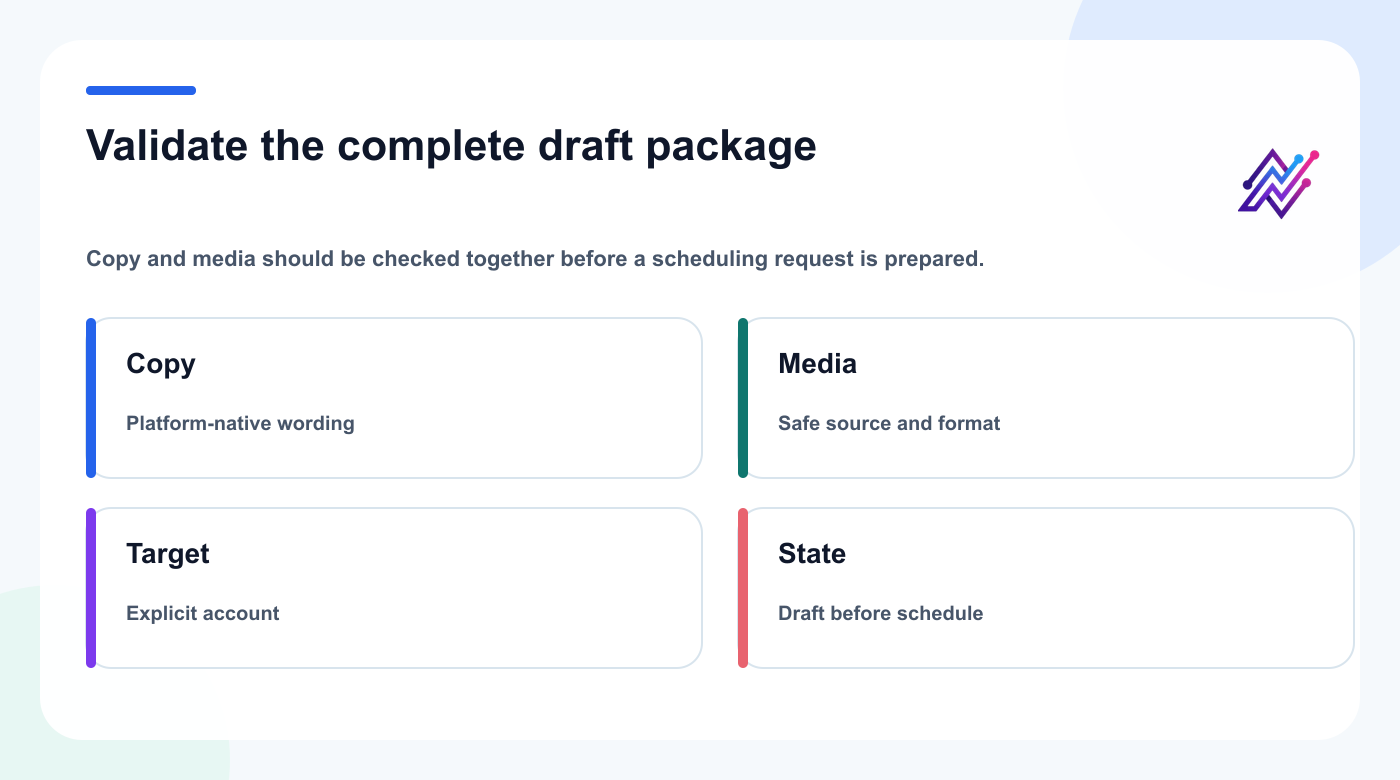
A draft is ready for review only when its copy, media, target account, and workflow state agree.
4. Upload media
Where supported, Codex can ask Tareno to import media from a public HTTPS URL.
Example:
Import the campaign image from this URL, attach it to the LinkedIn and Bluesky drafts, and show me the result before scheduling.
Tareno can perform server-side checks around media type, redirects, file size, and private-network protection.
5. Prepare scheduled posts
You can ask:
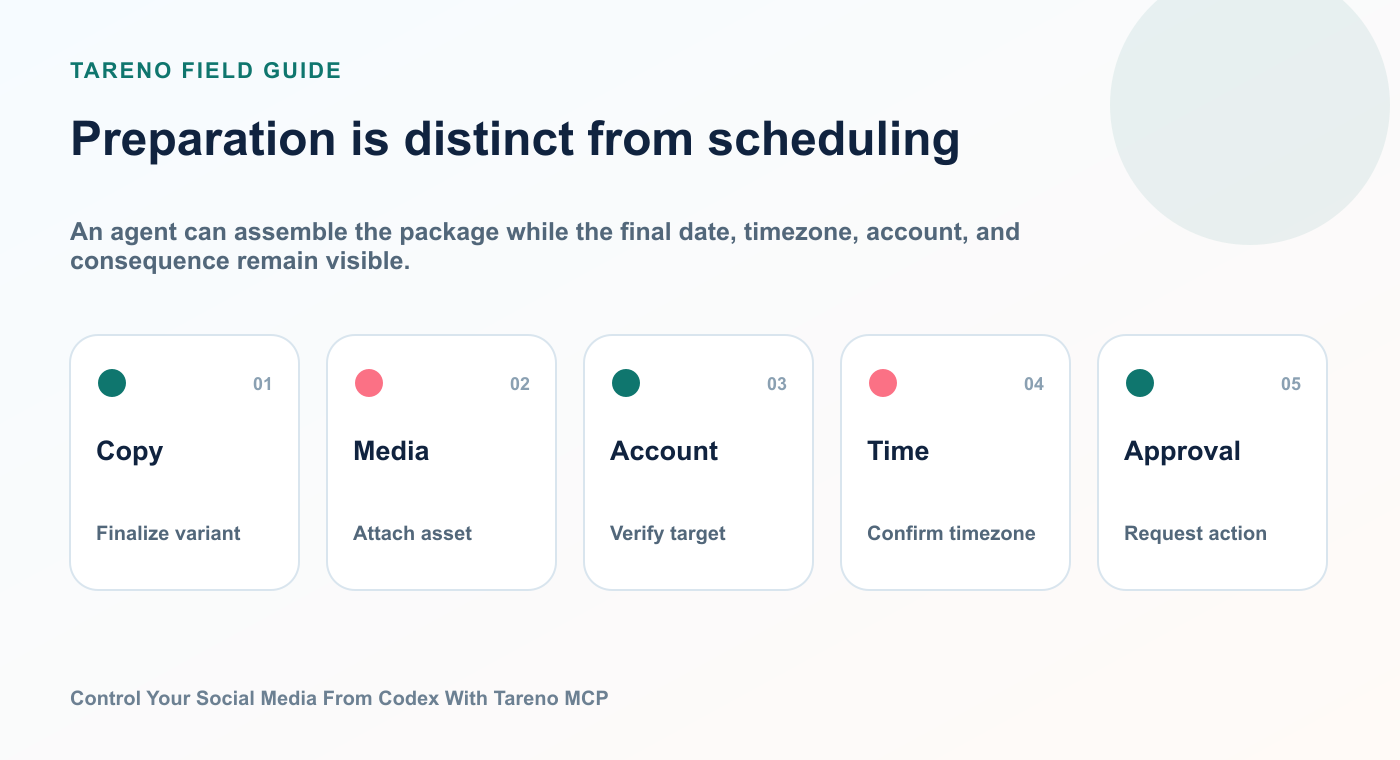
An agent can assemble the package while the final date, timezone, account, and consequence remain visible.
Prepare these three approved captions for Monday, Wednesday, and Friday at 9:00 AM Europe/Berlin. Use the correct account for each platform. Do not publish or finalize the schedule until I approve it in Tareno.
The agent can prepare the action.
The dashboard remains the decision point.
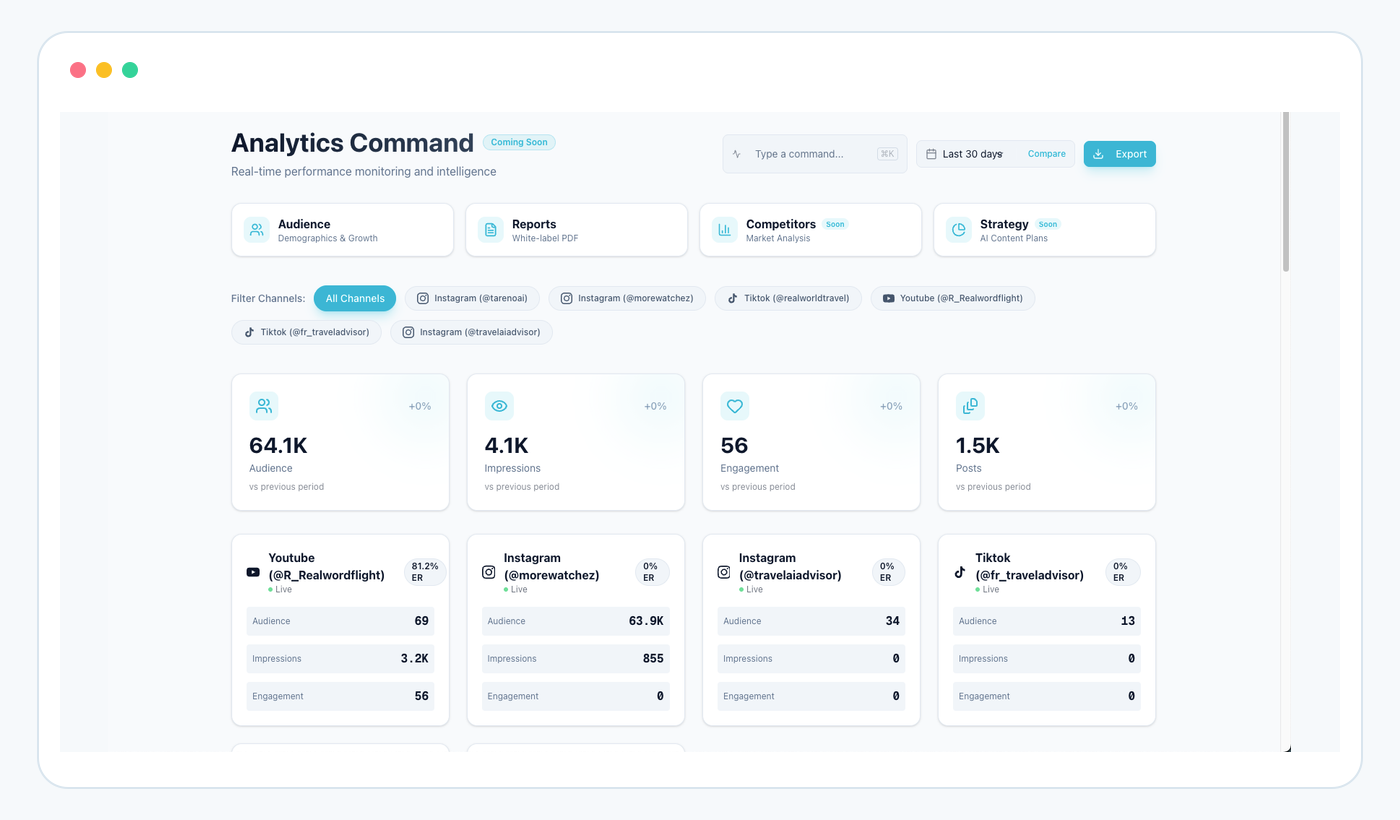
6. Read analytics
You can ask:
Compare the last 30 days across all connected platforms. Identify the strongest topic, the strongest format, and the weakest CTA.
This is where agentic control becomes more valuable than a one-way scheduler.
The agent can read the performance signal and turn it into a recommendation.
7. Generate repurposing ideas
You can ask:
Find my top five posts from the last month. For each one, propose one short-form video angle, one text-post angle, and one Pinterest angle. Save the strongest ideas as drafts.
This closes the loop between analytics and future production.
8. Track approval status
You can ask:
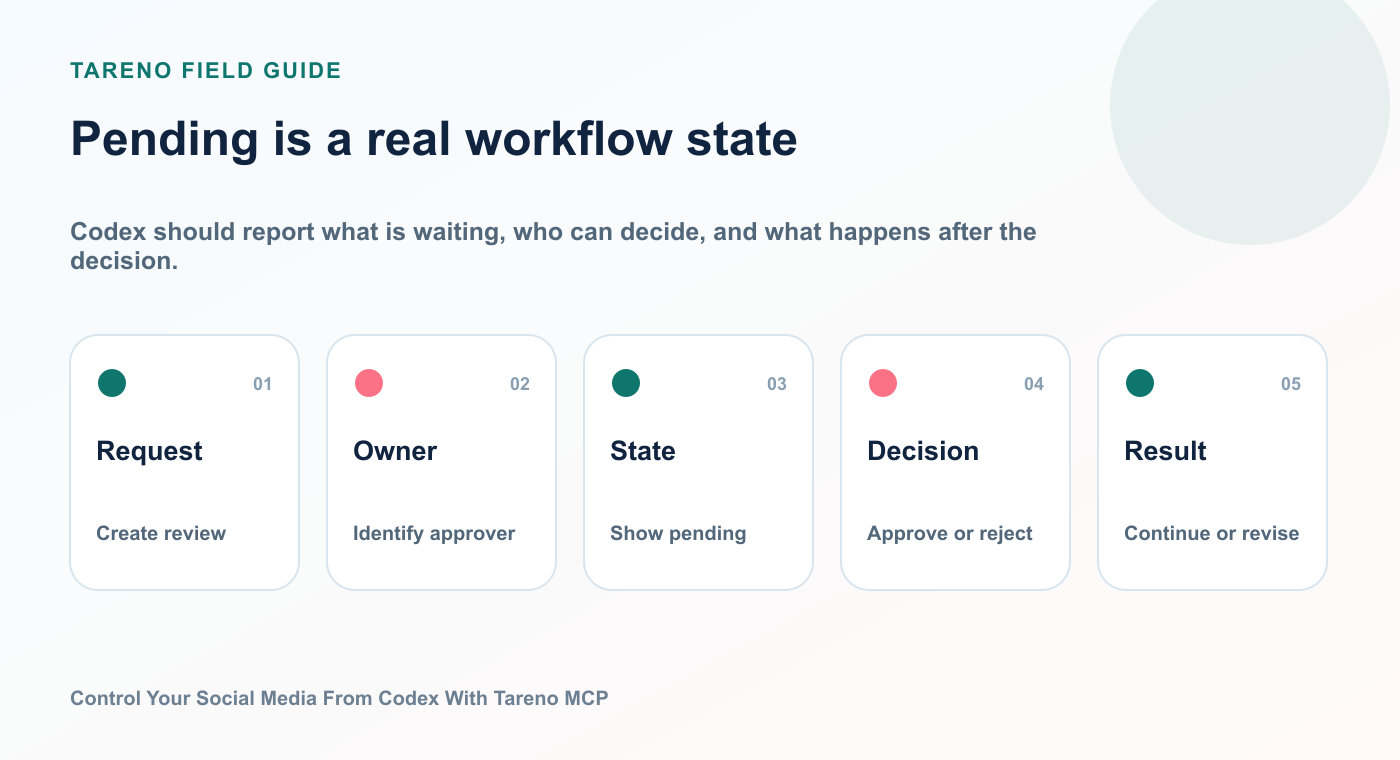
Codex should report what is waiting, who can decide, and what happens after the decision.
Show me all pending Tareno actions, explain what each one will change, and identify anything that has expired or failed.
This is especially valuable for agencies and teams managing multiple accounts.
Why Tareno uses approval gates
Giving an AI agent access to a social publishing system creates real power.
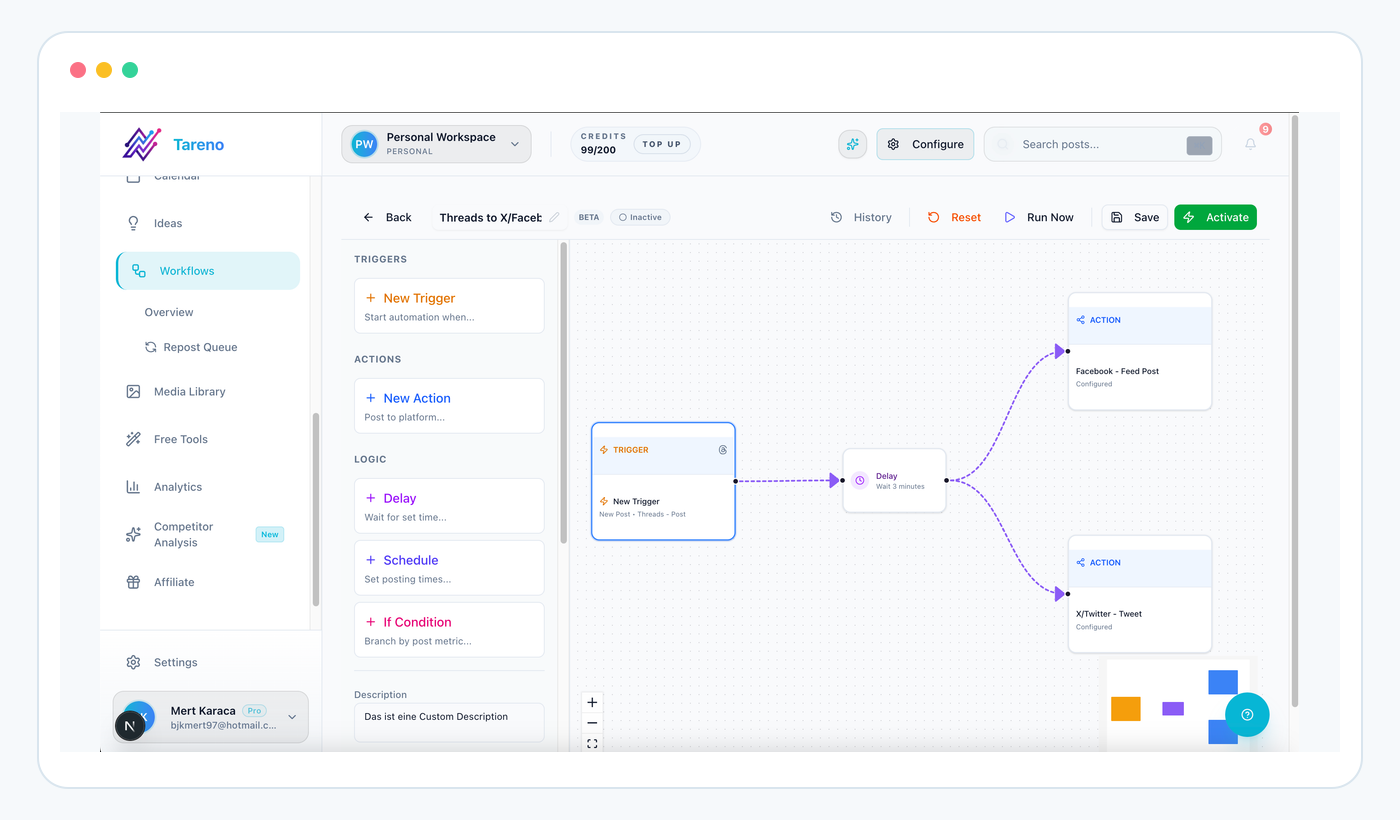
A workflow can automate preparation while holding public or high-risk actions for an explicit decision.
It also creates real consequences.
A bad draft is inconvenient.
A bad external action can damage a brand, publish to the wrong account, expose sensitive information, or delete something that should remain live.
That is why consequential actions should not be treated the same as read-only actions.
A sensible control model looks like this:
Action typeExampleRecommended behaviorReadList accountsRun directlyReadGet analyticsRun directlyLow-risk writeCreate draftUsually run directlyConsequential writeSchedule postRequire approvalConsequential writePublish immediatelyRequire approvalConsequential writeEdit scheduled postRequire approvalDestructive writeDelete postRequire approval
Tareno’s approval-first model separates agent reasoning from external execution.
This gives the user time to confirm:
target account
platform
caption
media
scheduled time
timezone
campaign context
deletion or edit scope
The approval step is not a weakness.
It is the feature that makes agentic publishing usable in real operations.
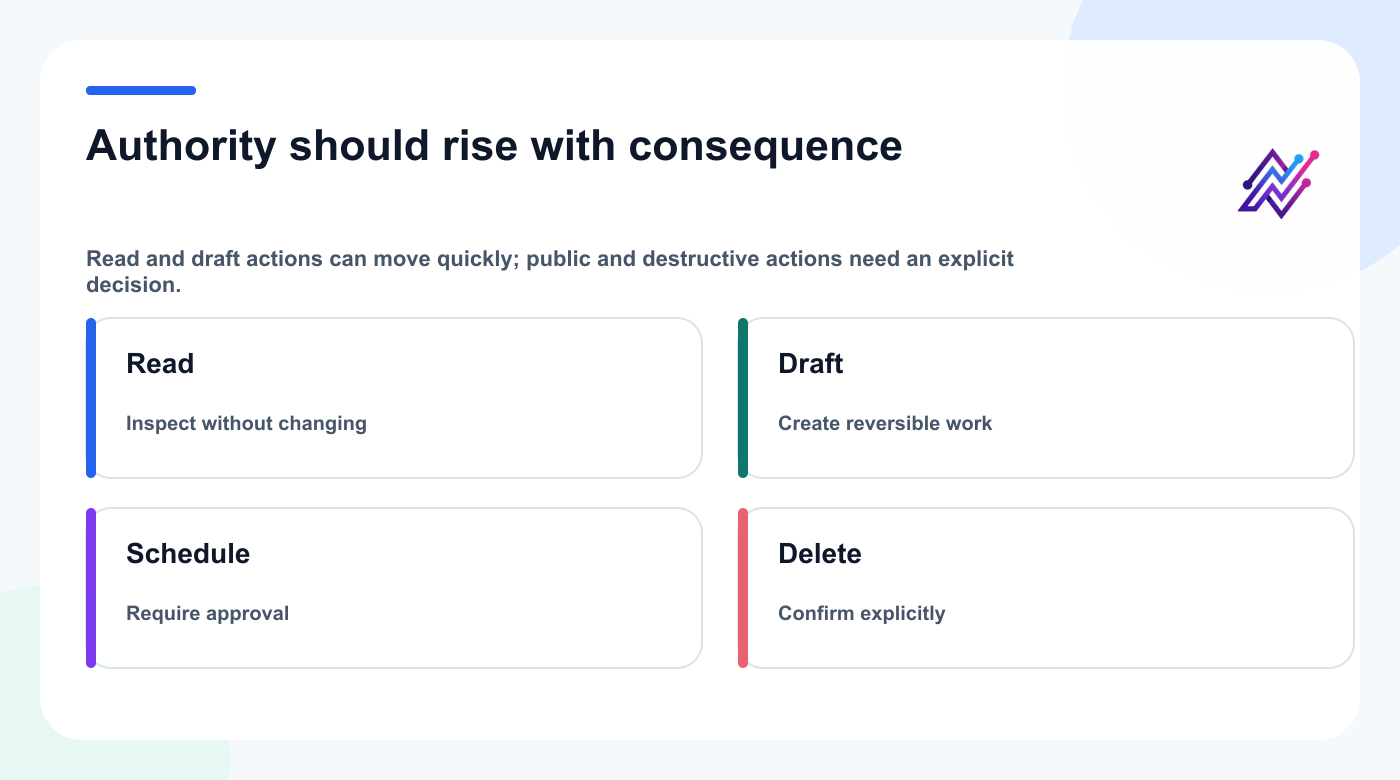
Approval policy should follow consequence, not the model's confidence in its own recommendation.
Ten prompts to use with Codex and Tareno
A strong integration article should not stop at setup.
Users need prompts they can immediately test.
Prompt 1: Account audit
List all connected Tareno accounts by workspace. Flag missing platforms, disconnected accounts, and duplicate connections. Do not change anything.
Prompt 2: Draft-only launch campaign
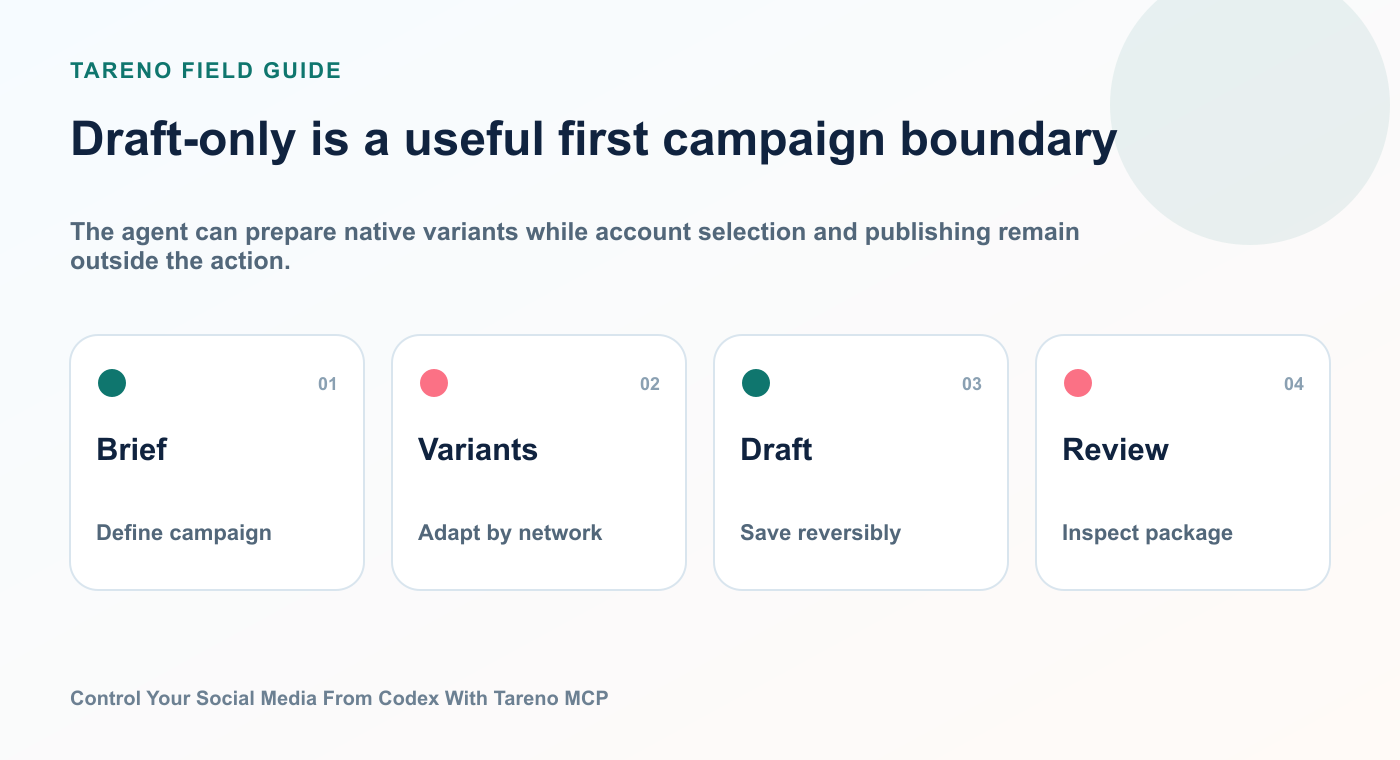
Create platform-native drafts for LinkedIn, Instagram, Bluesky, Mastodon, Threads, and X for our new product launch. Use the same core message but adapt tone and length. Save drafts only.
The agent can prepare native variants while account selection and publishing remain outside the action.
Prompt 3: Approval-first scheduling
Prepare the approved launch posts for next Tuesday at 10:00 AM Europe/Berlin. Show me the complete account, caption, media, and time plan before I approve it in Tareno.
Prompt 4: Analytics review
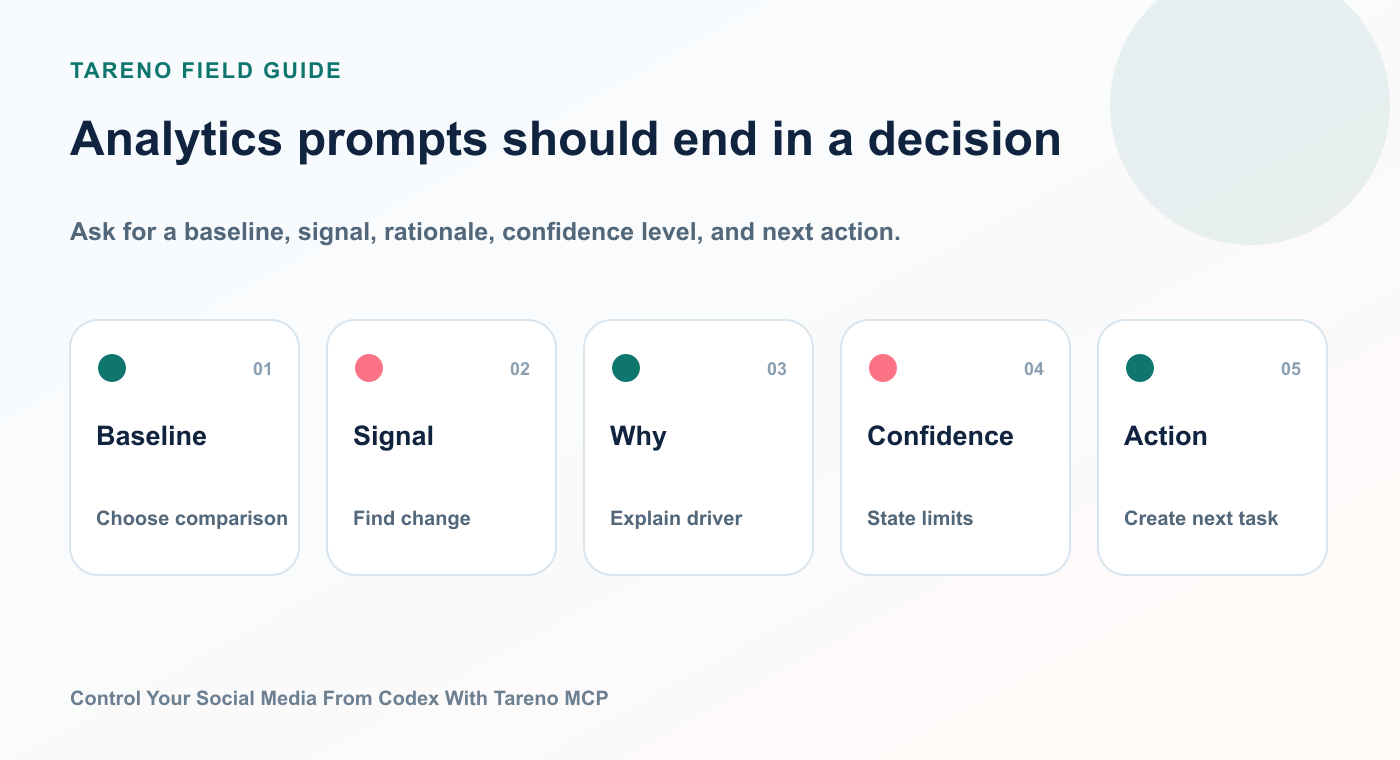
Review the last 30 days of Tareno analytics. Identify the three strongest posts by meaningful engagement, not reach alone. Explain the likely reason each worked.
Ask for a baseline, signal, rationale, confidence level, and next action.
Prompt 5: Repurposing loop
Take the best-performing post from the last month and create five new angles for other platforms. Save the best three as drafts.
Prompt 6: Multilingual campaign
Create localized versions of this campaign in English, German, French, Spanish, Portuguese, Russian, Italian, Japanese, and Arabic. Keep the CTA intent consistent, but do not translate idioms literally. Save drafts only.
Prompt 7: Open-network distribution
Create adapted versions for Bluesky and Mastodon from this LinkedIn draft. Keep the key insight, remove corporate language, and make each version feel native to the network.
Prompt 8: Content gap analysis
Review my recent content strategy and identify three topics I have not covered enough. Support each recommendation with analytics or account-level evidence.
Prompt 9: Media preparation
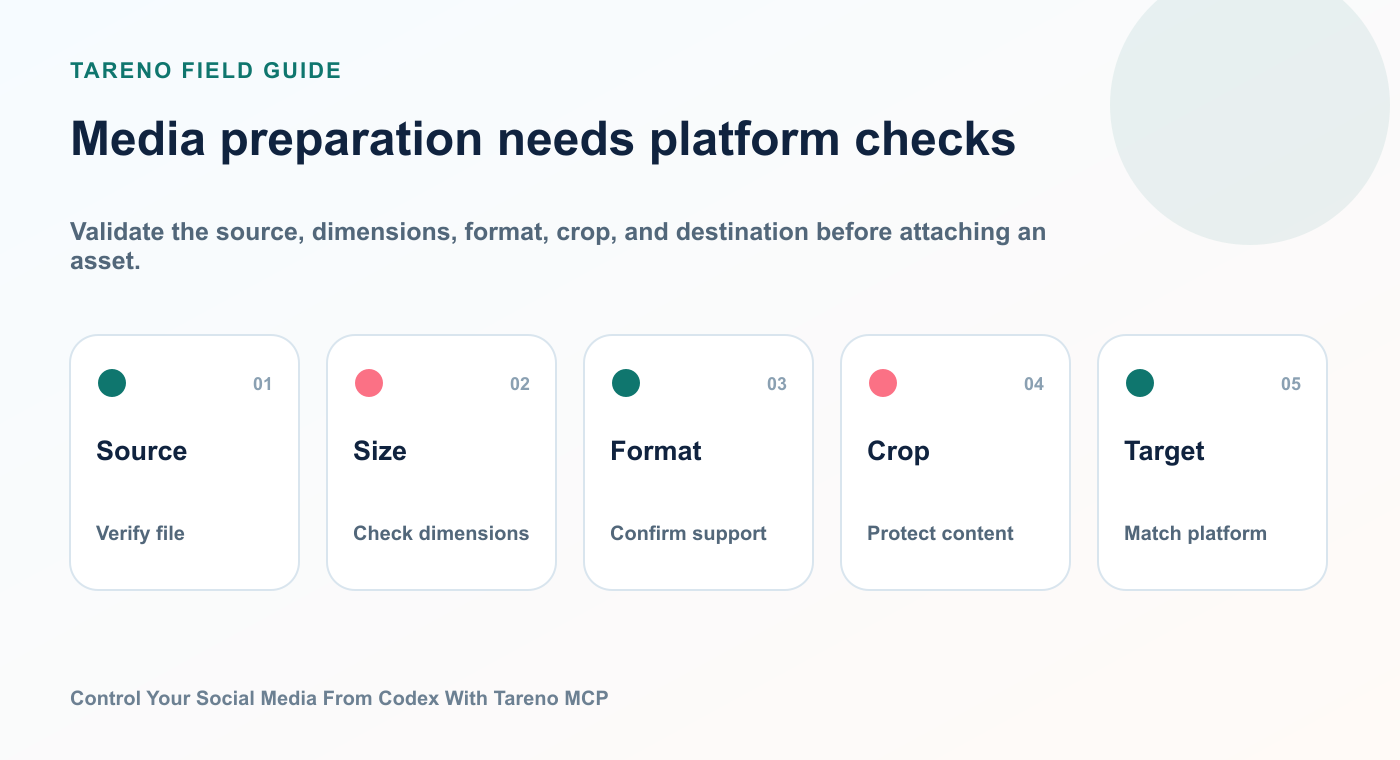
Import the campaign image from this HTTPS URL, verify that it is available in Tareno, and attach it to the relevant drafts. Do not schedule anything.
Validate the source, dimensions, format, crop, and destination before attaching an asset.
Prompt 10: Pending action review
List all pending, failed, rejected, expired, and successful Tareno actions from the last seven days. Explain what needs my attention.
These prompts are effective because they specify:
the outcome
the scope
the evidence source
the desired output
the approval boundary
A complete example: from analytics to approved publishing
Here is a practical end-to-end workflow.
The second wave begins with measured evidence, not a request to create more content at random.
Step 1: Ask for performance analysis
Show me the top-performing posts from the last 14 days and explain which hooks, topics, and formats performed above my normal baseline.
Step 2: Ask for repurposing options
For the strongest post, create three new angles: one LinkedIn post, one short-form video script, and one Bluesky post.
Step 3: Save as drafts
Save all three as Tareno drafts. Do not schedule them.
Step 4: Review manually
Review:
claim accuracy
brand voice
platform fit
CTA
timing
media needs
Step 5: Request scheduling preparation
Prepare the approved LinkedIn and Bluesky drafts for next week. Keep the video script as a draft.
Step 6: Approve in Tareno
Tareno creates the pending action.
The user reviews the final account and timing.
Only after approval does the item enter the publishing queue.
Step 7: Measure the second wave
Seven days after publication, compare the repurposed versions with the source post. Explain what transferred successfully and what did not.
This is a real content operating loop.
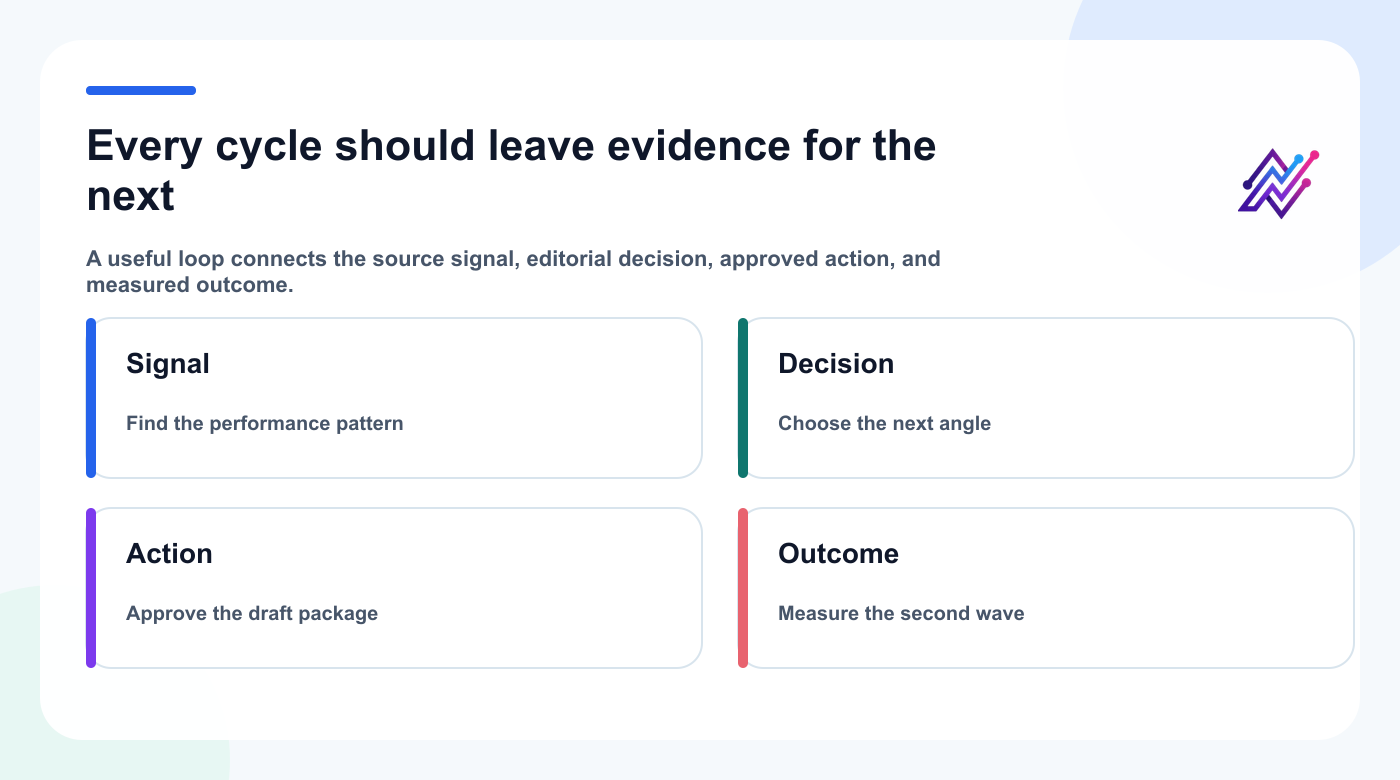
The next task should begin with the evidence and decisions left by the previous publishing cycle.
It uses AI for interpretation and production, Tareno for execution, and approval for control.
Multilingual social media from Codex
Tareno supports controlled multilingual workflows across English, German, French, Spanish, Portuguese, Russian, Italian, Japanese, and Arabic.
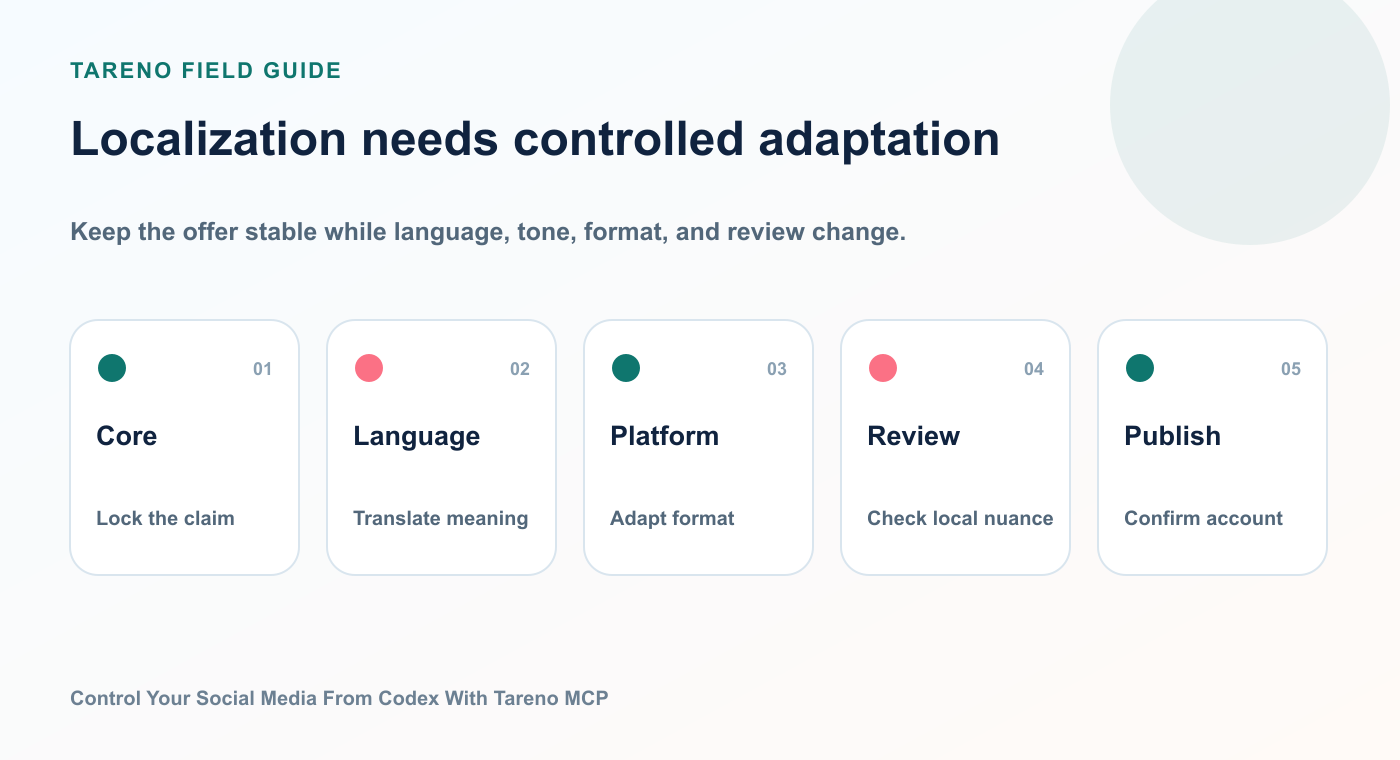
Translation is one step; native tone, format constraints, cultural review, and account selection complete the workflow.
The important use case is not basic translation.
It is controlled localization.
A better prompt looks like this:
Localize this campaign for Germany, France, Spain, Brazil, Italy, Japan, and Arabic-speaking markets. Keep the offer and CTA consistent. Adapt sentence structure, formality, and examples for each language. Flag anything that requires a native reviewer.
This is stronger than:
Translate this caption into nine languages.
The agent should preserve the business intent while changing the expression.
For Japanese and Arabic, the review workflow should pay special attention to:
formality
punctuation
line length
directionality
typography
local CTA conventions
cultural assumptions
brand-name handling
platform-specific character limits
A practical operating rule is:
AI can create the first localized draft. A human should approve high-value campaigns before publishing.
Tareno’s draft and approval structure makes that workflow possible.
When Codex MCP is the right choice
Use Codex plus Tareno MCP when the task requires:
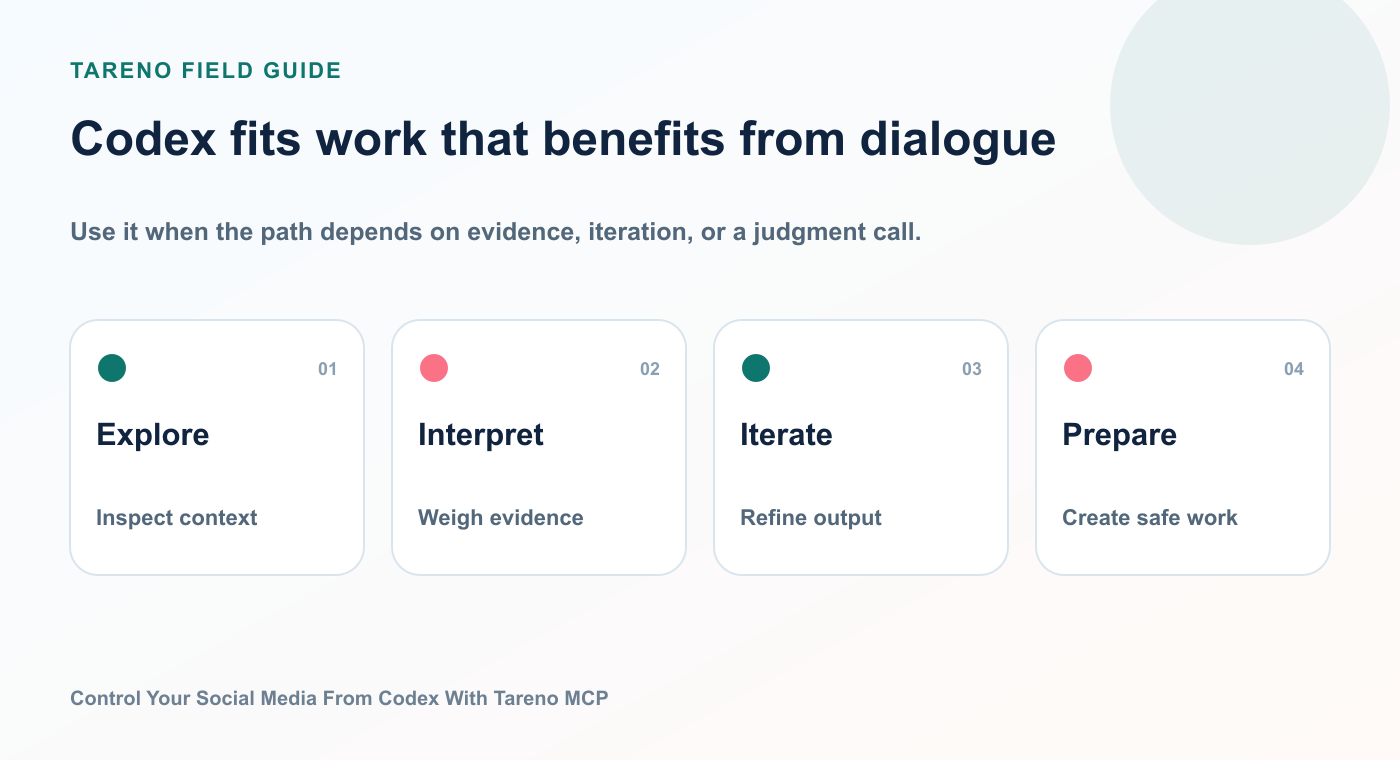
Use it when the path depends on evidence, iteration, or a judgment call.
natural-language control
flexible reasoning
ad hoc analysis
account inspection
analytics interpretation
draft generation
multi-step planning
interactive repurposing
a human approval moment
Examples:
“Analyze last month and propose next week.”
“Adapt this campaign for six platforms.”
“Find my best post and create variants.”
“Show me what is pending approval.”
“Prepare the schedule, but do not publish.”
MCP is especially strong when the exact steps are not known in advance.
The agent can choose tools based on the request.
When to use n8n, Make, Zapier, or Tareno workflows instead
Codex MCP is not the best solution for every automation.
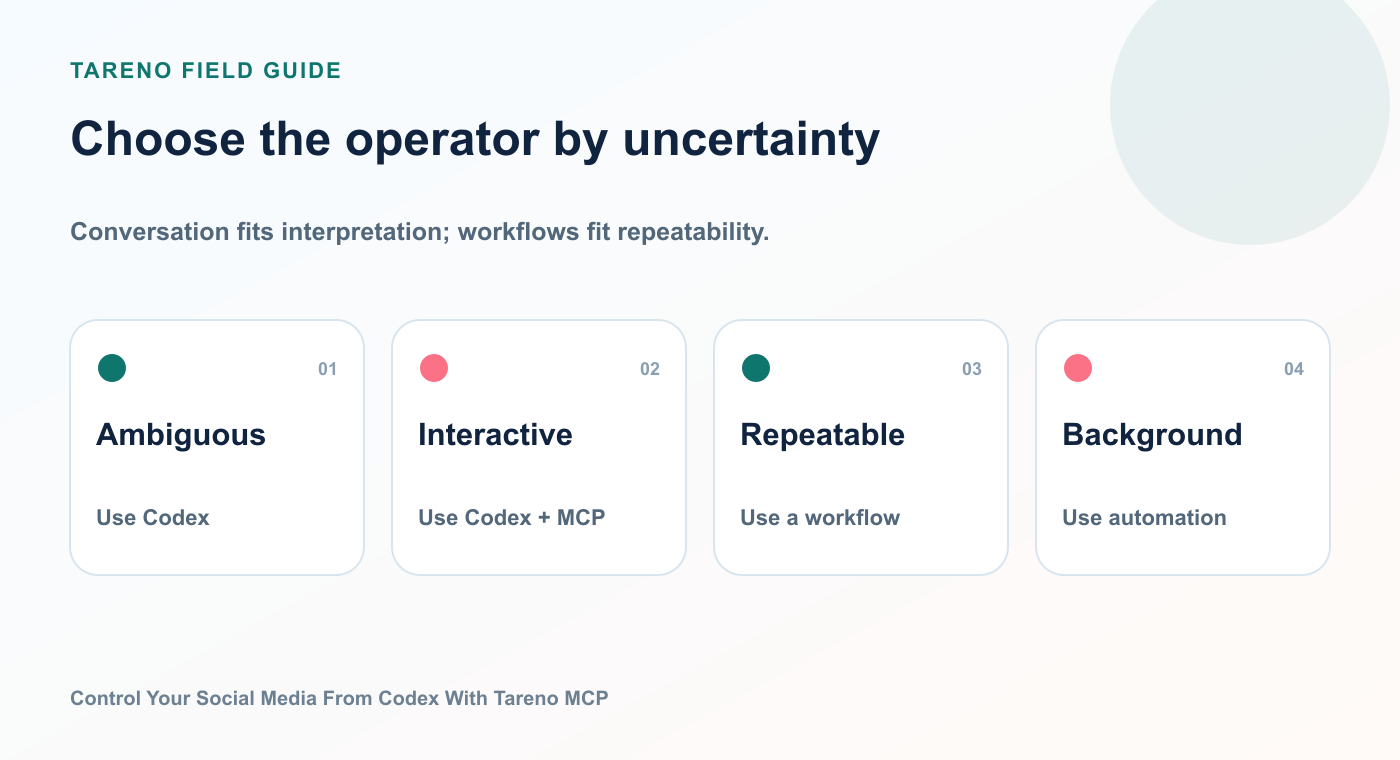
Use Codex when the task needs judgment; use deterministic automation when triggers and responses are known in advance.
Use a deterministic workflow when the same event should always produce the same action.
Examples:
New RSS item → create draft
New Shopify product → prepare campaign post
New spreadsheet row → schedule a post
Approved content item → send Slack notification
Published post → create measurement task
A useful decision rule:
NeedBest starting pointInteractive natural-language controlCodex + Tareno MCPComplex self-hosted workflown8n + TarenoVisual scenario across many appsMake + TarenoSimple app-to-app triggerZapier + TarenoNative recurring social workflowTareno Workflow BuilderCustom product integrationTareno API
These systems are not mutually exclusive
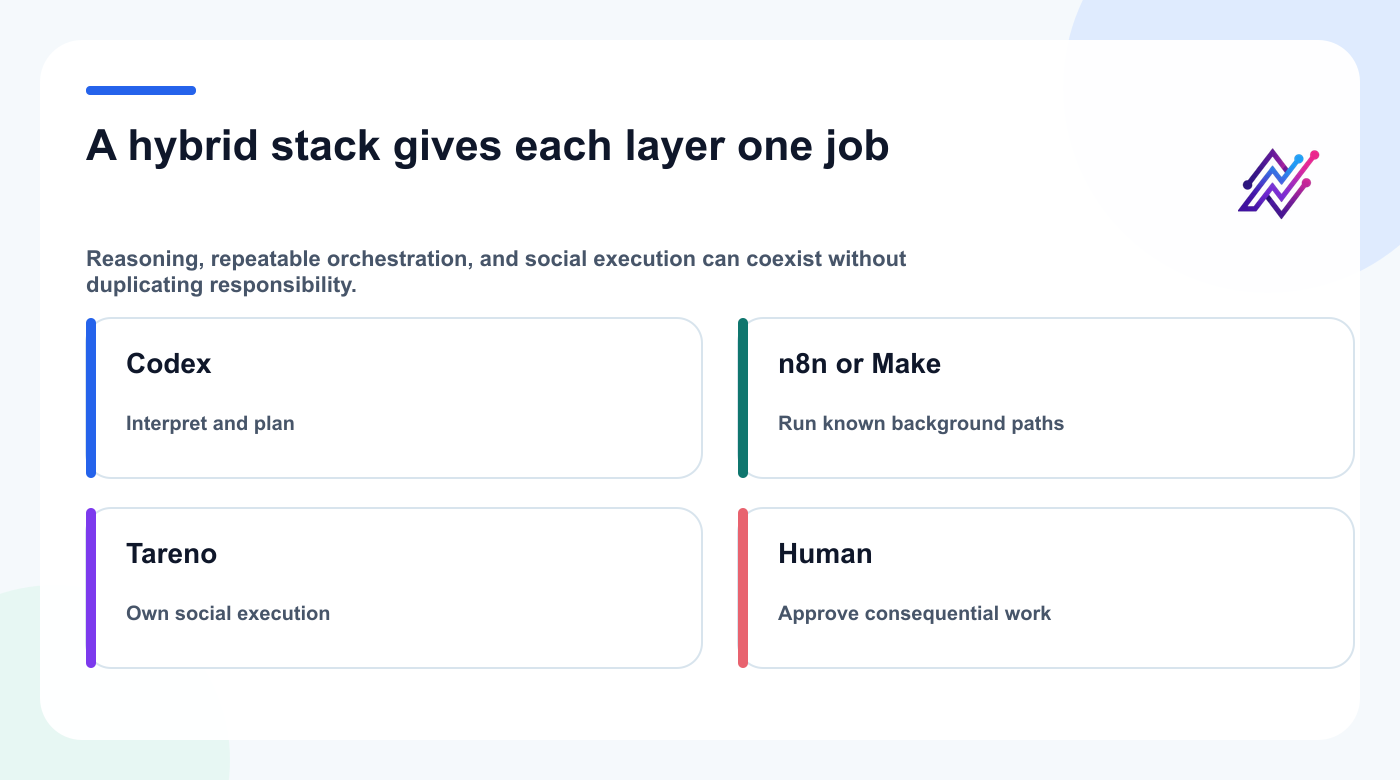
The best operator is the one matched to the uncertainty and consequence of that layer.
A mature setup may use Codex for planning and analysis, n8n or Make for deterministic background processes, and Tareno for approvals, publishing, and analytics.
Troubleshooting
Codex cannot see the Tareno tools
Check:
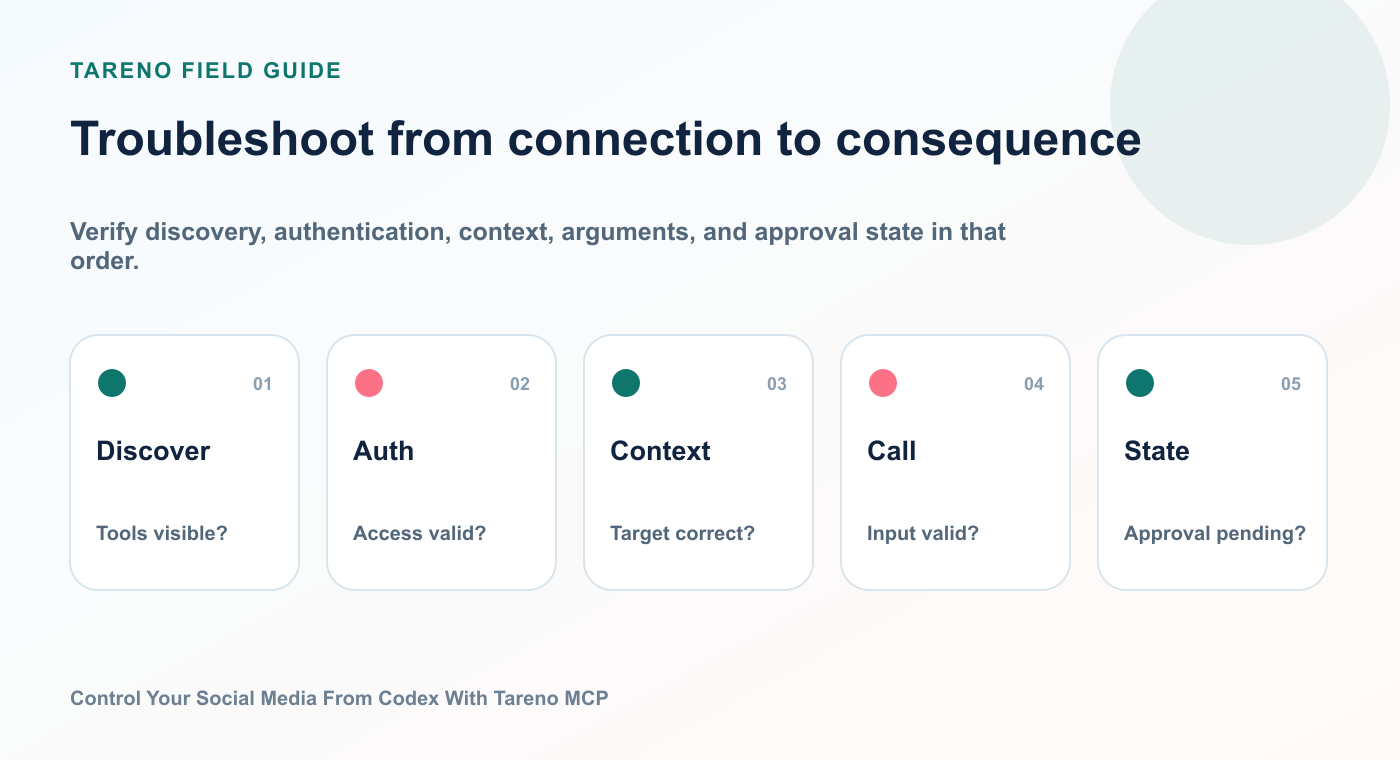
Verify discovery, authentication, context, arguments, and approval state in that order.
the plugin is installed and enabled
a new Codex session was started
the MCP connection is configured
the API key environment variable exists
the remote URL is correct
the API key has the required scope
the Tareno route returns an authentication challenge rather than a normal HTML page
Codex can list tools but cannot schedule
Possible causes:
the key does not have the correct scope
the plan does not include API access
the target account is not connected
platform-specific requirements are missing
the action is waiting for dashboard approval
the monthly call limit has been reached
The wrong account is selected
Ask Codex to list accounts first.
Use account names and IDs explicitly in the prompt.
For agencies, include the workspace name.
A post remains pending
Check the Tareno action status.
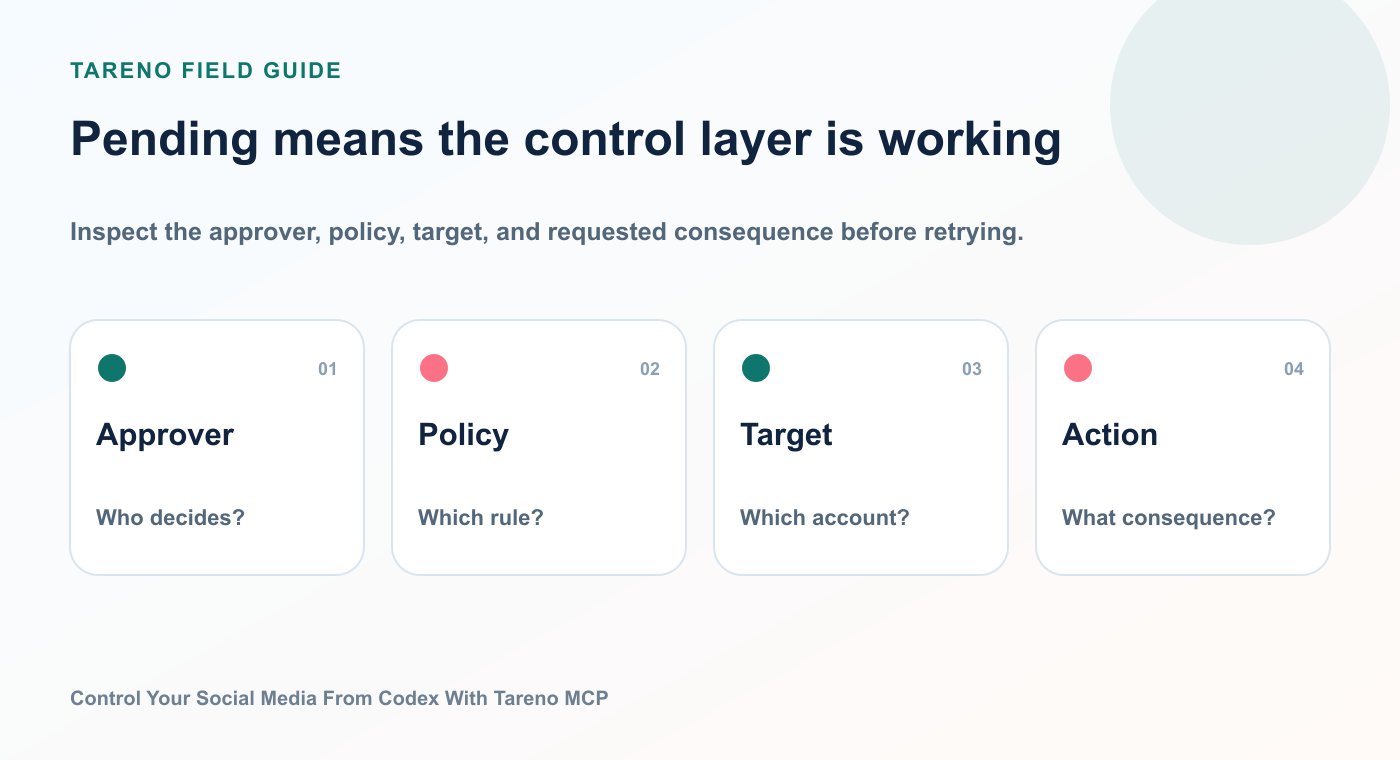
Inspect the approver, policy, target, and requested consequence before retrying.
The action may be:
waiting for approval
executing
succeeded
failed
rejected
expired
The agent generated a strong draft but weak platform adaptation
Give the agent stricter instructions.
For example:
Keep the core insight, but do not shorten mechanically. Rewrite the opening, pacing, CTA, and structure for the target platform.
Security checklist
Before using any AI agent with publishing tools:
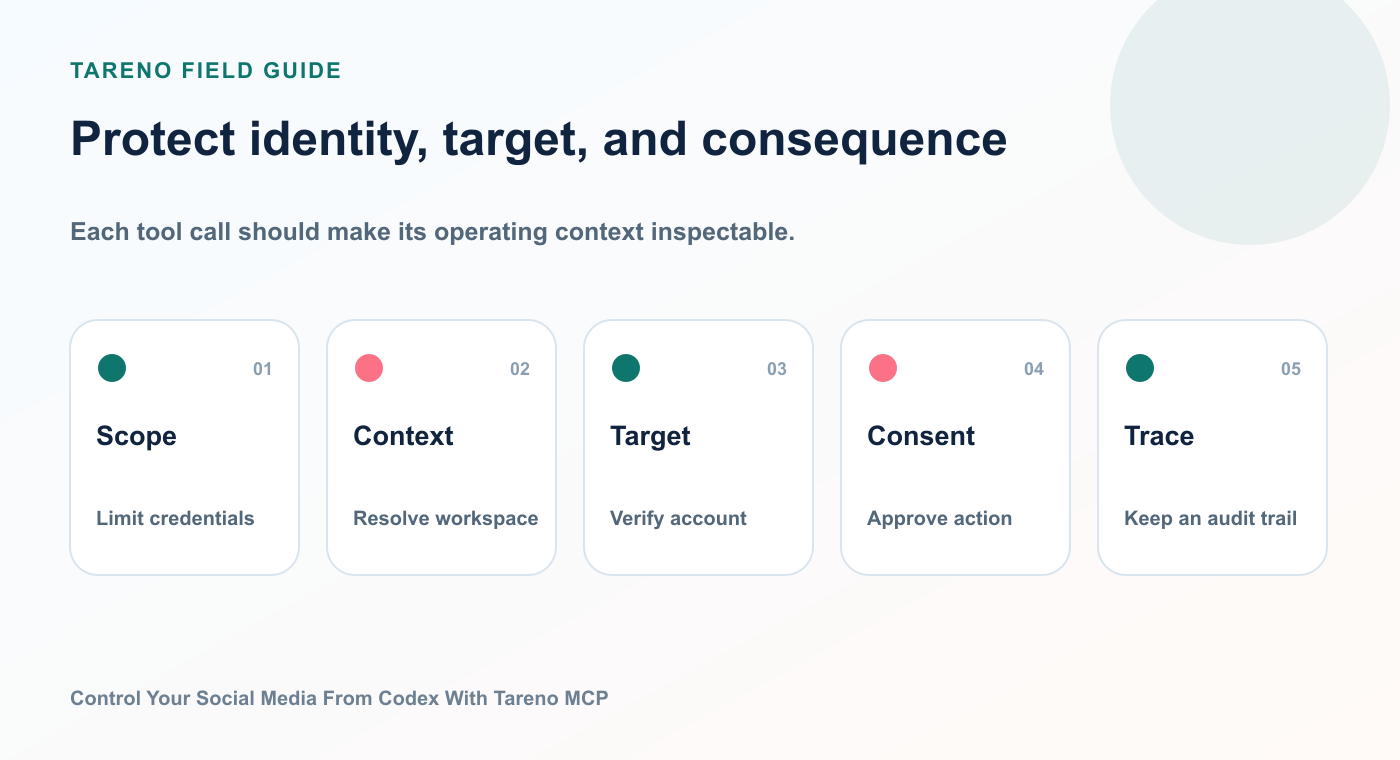
A safe tool call carries enough context to validate authority, destination, risk, and recovery.
- [ ] Use a dedicated API key
- [ ] Store the key as a secret or environment variable
- [ ] Use the minimum required scopes
- [ ] Revoke unused keys
- [ ] Review connected workspaces and accounts
- [ ] Keep consequential actions behind approval
- [ ] Review media URLs before import
- [ ] Check pending actions regularly
- [ ] Never place secrets inside normal prompts
- [ ] Test with drafts before enabling scheduling workflows
The safest rollout is gradual:
Read-only analytics
Account inspection
Draft creation
Media upload
Approval-first scheduling
Broader workflows
Do not begin with immediate autonomous publishing.
How Tareno is positioned in this stack
The strongest positioning is not:
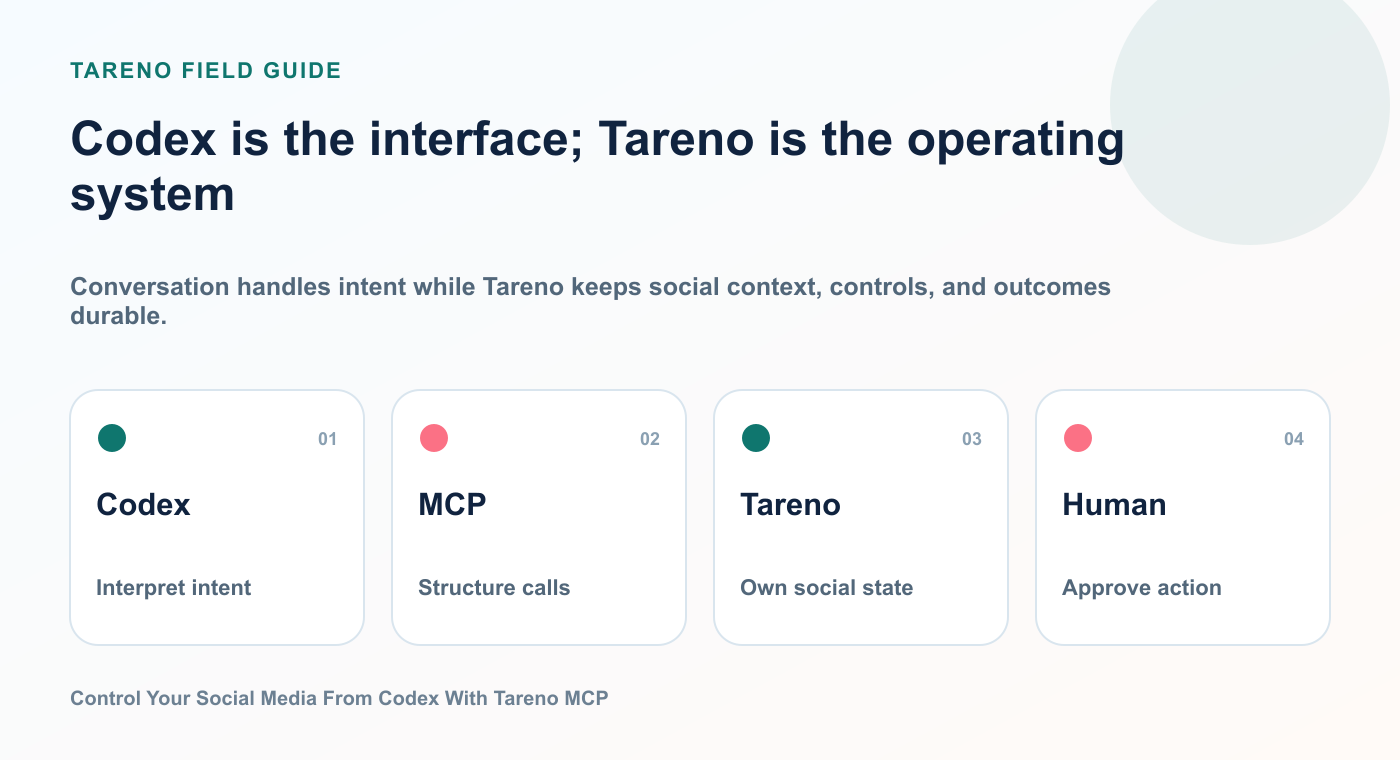
Conversation handles intent while Tareno keeps social context, controls, and outcomes durable.
Tareno is another social media scheduler with AI.
The stronger positioning is:
Tareno is the approval-first social media operating layer that AI agents can control.
Codex provides reasoning.
MCP provides the tool interface.
Tareno provides:
connected social accounts
platform-aware publishing
structured drafts
media handling
approvals
scheduling
analytics
repurposing
audit visibility
workflow automation
This is a more defensible category than simple scheduling.
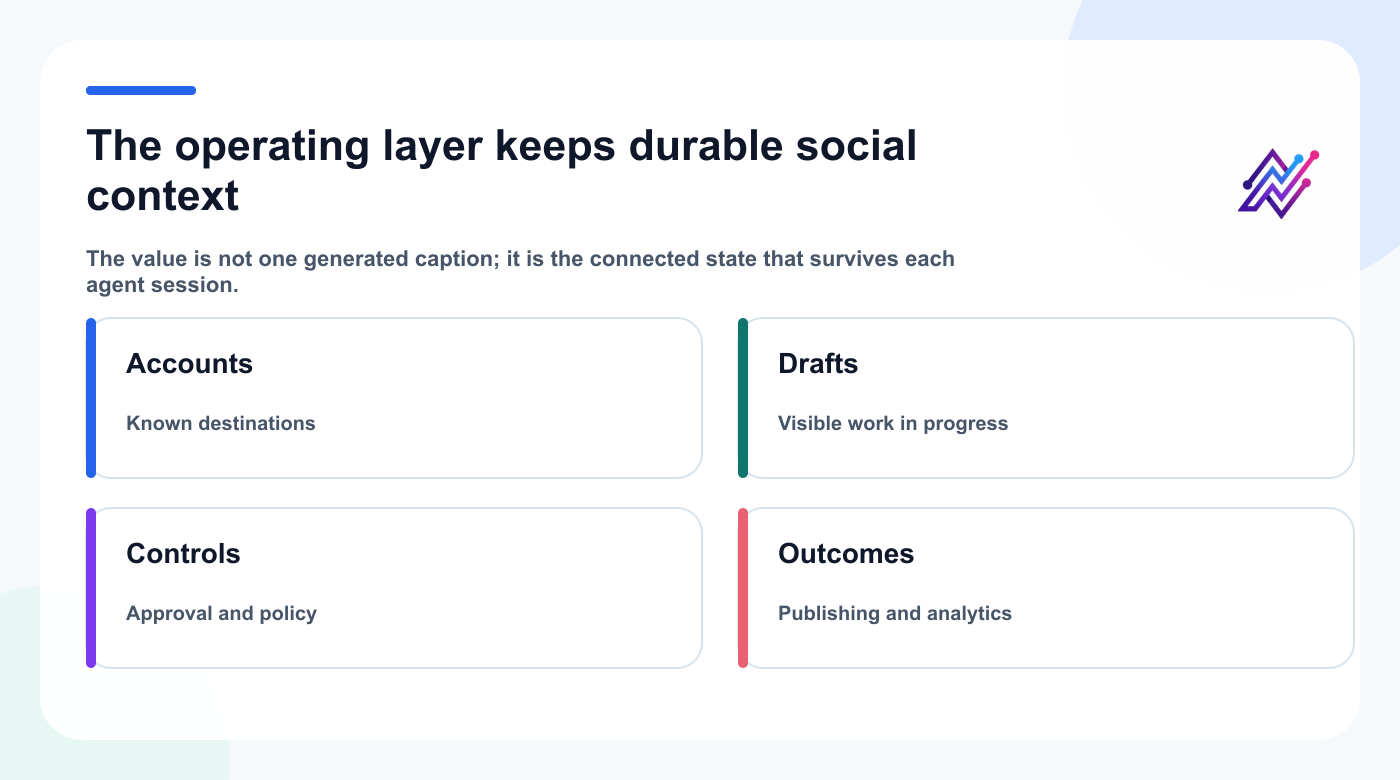
Durable accounts, drafts, controls, and outcomes make agent-assisted social work operational.
It also gives creators and teams a practical answer to a growing question:
How can I let AI manage more of my social media without giving up control?
Keep building the workflow
Approval workflowsMake the consequence visible before it goes public.Workflow builderAutomate known triggers and repeatable paths.Analytics reportsReturn evidence to the next Codex task.Creator workflowsPlan, review, publish, and repurpose in one loop.
FAQ
Can Codex publish to social media through Tareno?
Codex can call Tareno tools through MCP. Consequential actions such as scheduling, publishing, editing scheduled posts, or deletion should remain subject to Tareno’s approval workflow.
Do I need to write code?
No. Use a Tareno plugin when available; otherwise configure the remote MCP endpoint in Codex CLI with an API key stored in an environment variable.
What can Codex do besides publishing?
Codex can inspect accounts, load platform requirements, create drafts, upload media, read analytics, suggest repurposing ideas, and check action status.
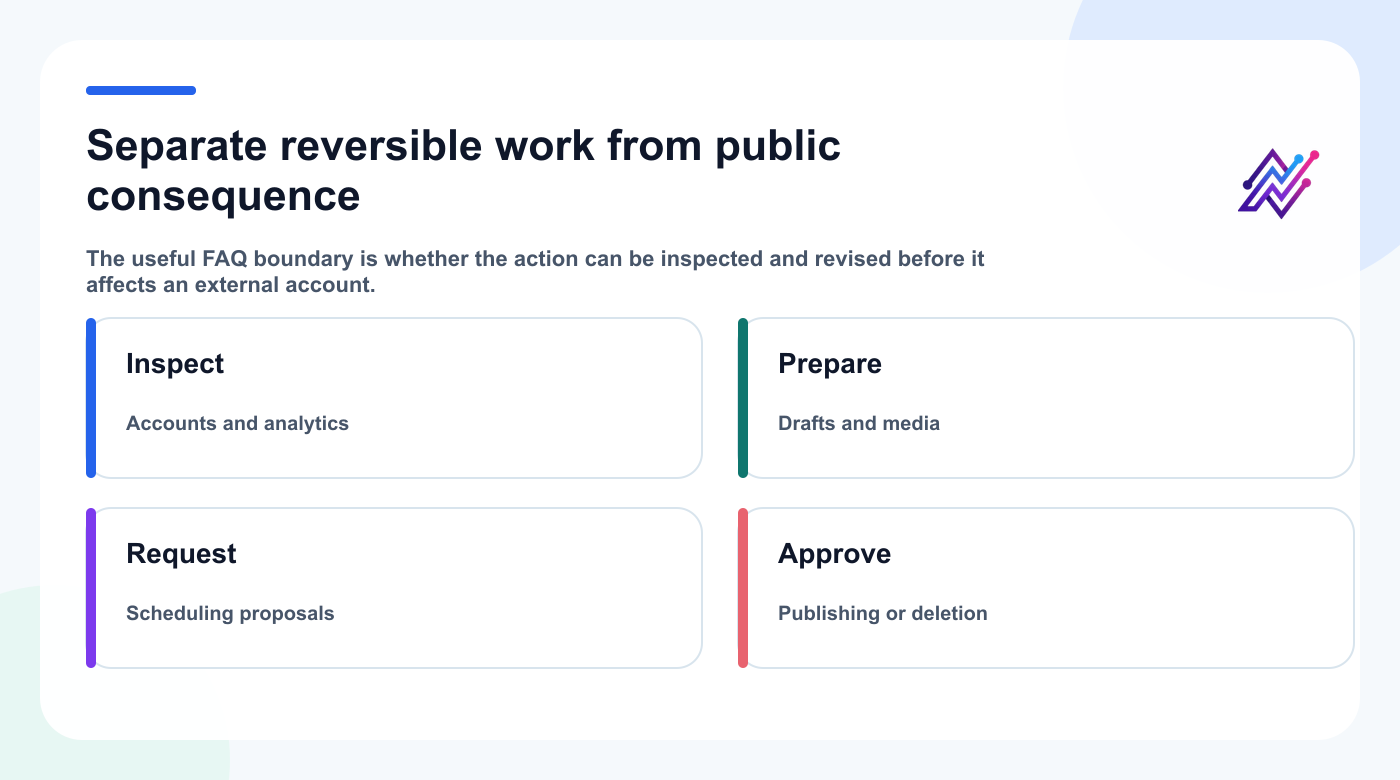
Inspection and preparation are reversible; public scheduling and deletion deserve explicit approval.
Is the Tareno Codex plugin the same as the MCP server?
No. The plugin is the discovery and onboarding package. The MCP server exposes the actual structured Tareno tools.
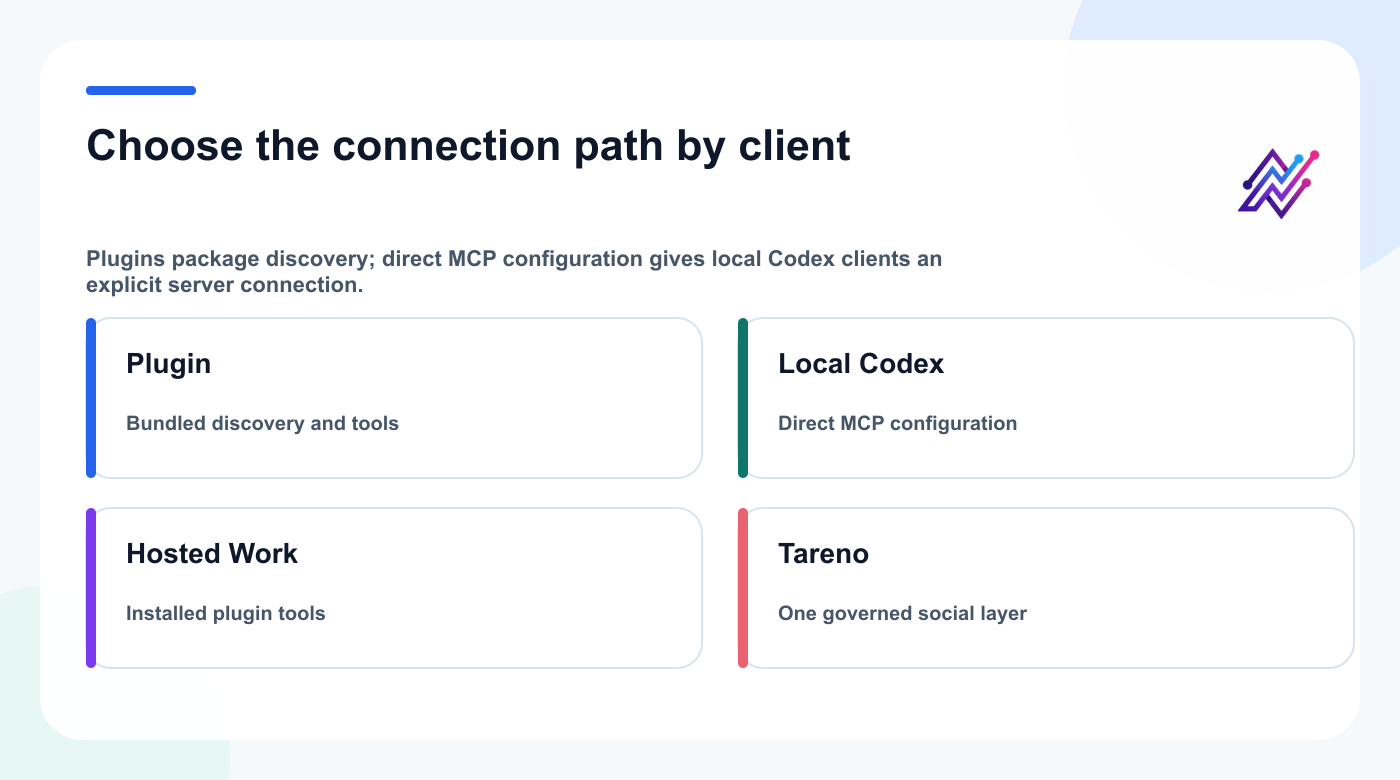
The onboarding path changes by client, but Tareno remains the governed social execution layer.
Can I use this with ChatGPT too?
This guide covers Codex. ChatGPT uses its own app and connector flow, so do not assume the API-key configuration shown here transfers unchanged.
Is fully autonomous publishing recommended?
Not for most teams. Draft generation, analysis, and preparation can be automated more aggressively. External publishing should keep a clear approval boundary.
Can Codex create posts in multiple languages?
Yes. It can prepare localized drafts across Tareno-supported languages. High-value campaigns should still receive human review, especially where tone and cultural context matter.
Should I use Codex MCP or n8n?
Use Codex MCP for interactive, flexible, natural-language tasks. Use n8n for deterministic or long-running workflows that should execute consistently in the background.
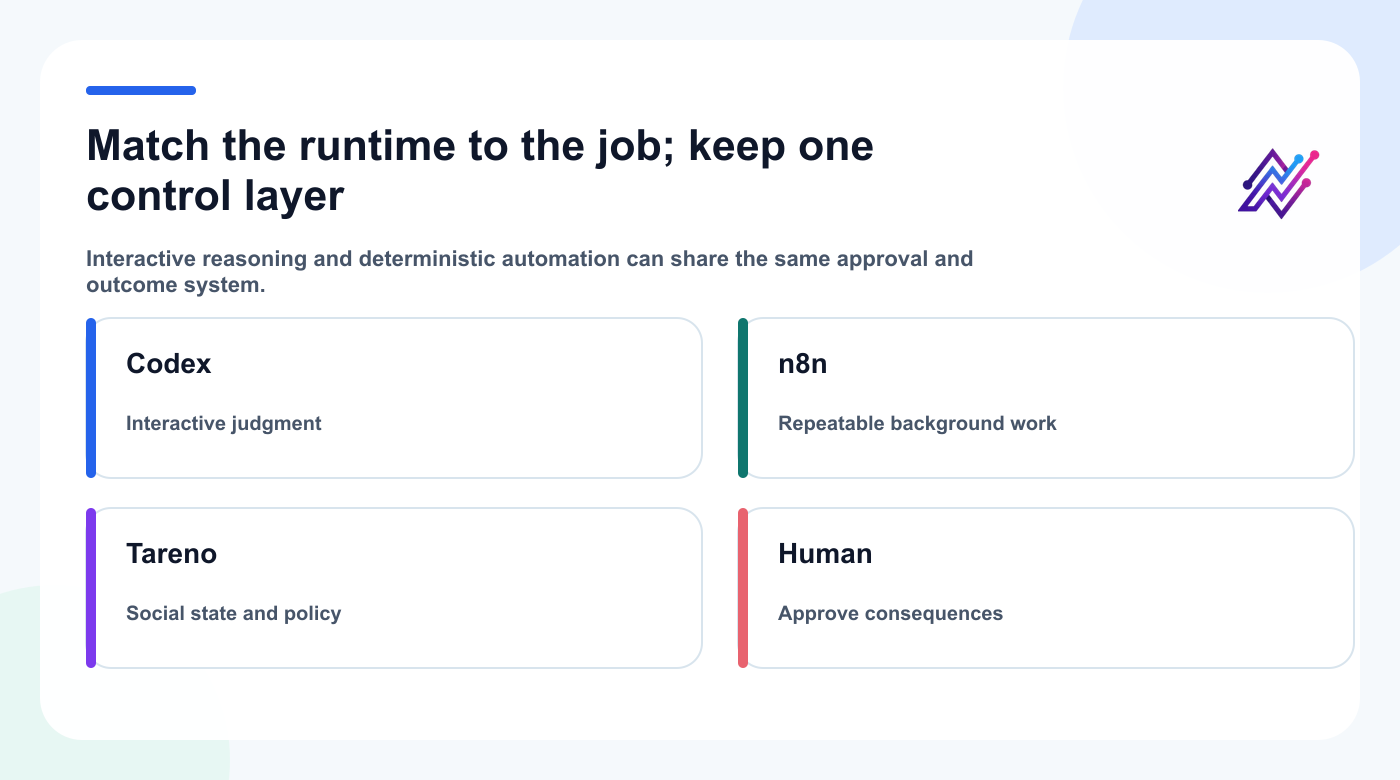
Choose the runtime by uncertainty while keeping social state and consequential actions in one governed layer.
Can agencies use this across clients?
Yes. Agencies should use separate workspaces, explicit account selection, scoped keys, and approval roles to prevent cross-client mistakes.
Final thoughts
The most valuable AI social media workflow is not “let the agent post everything.”
It is:
Let the agent understand the goal, inspect the system, prepare the work, and ask for approval at the moment that matters.
Codex makes the interface conversational.
MCP makes the connection structured.
Tareno makes the social media action operational and reviewable.
That combination can turn social media management from a collection of manual clicks into an agent-assisted workflow without surrendering control.


