
Zapier is strongest when a predictable event in one app should create a predictable, reviewable action in another.
Tareno turns those external events into social drafts, scheduled posts, approval requests, and follow-up work inside the same operating system.
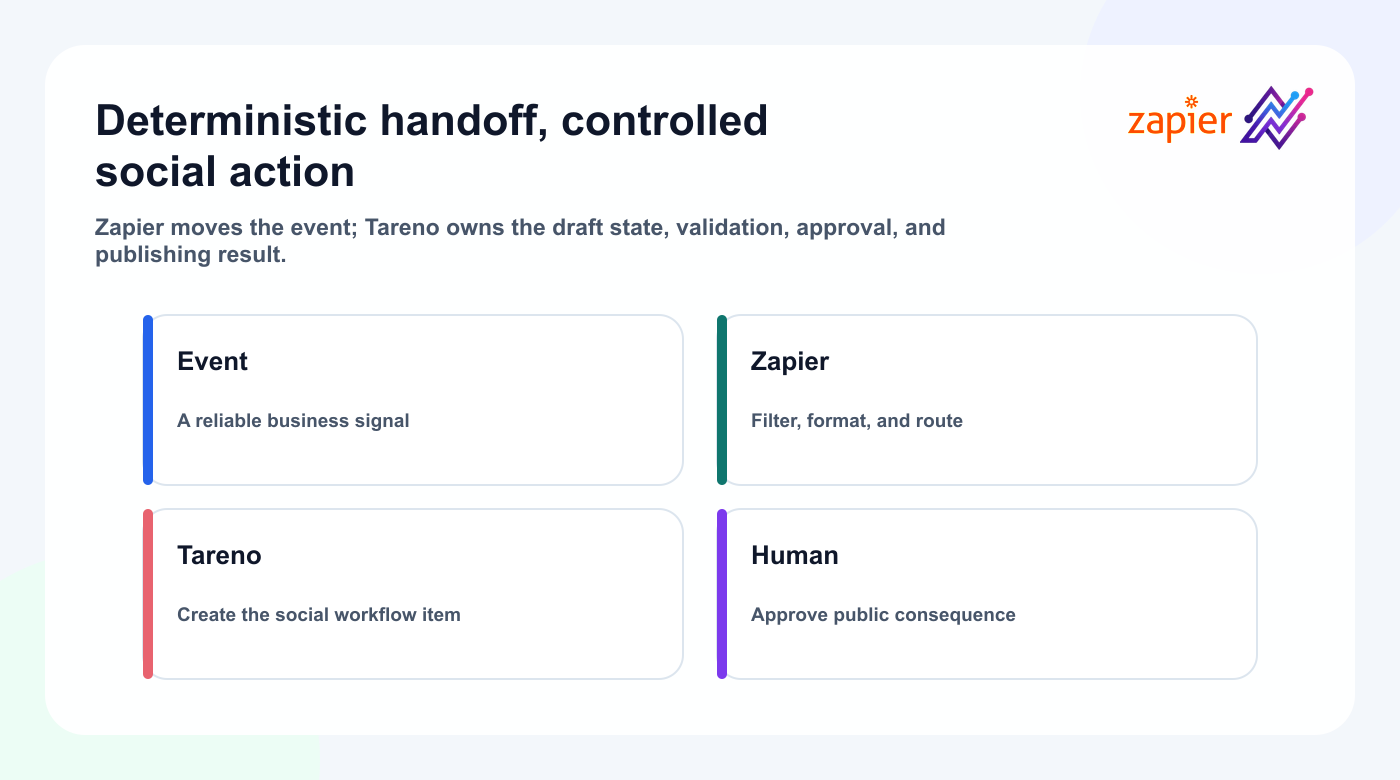
The useful boundary is simple: Zapier moves and formats information; Tareno validates the target and content state; people approve the actions that carry public risk.
This guide shows how to connect the integration, map reliable Zaps, add AI safely, prevent duplicates, and choose between Zapier, Tareno Workflow Builder, n8n, Make, and agent-driven MCP workflows.
TL;DR
A strong Zapier and Tareno workflow looks like this:
- Choose one clear business event.
- Use that event as the Zap trigger.
- Clean, filter, or enrich the incoming data.
- Create a Tareno draft or workflow item.
- Assign the correct workspace, account, platform, and owner.
- Add approval when the content is sensitive or client-facing.
- Schedule only after the final version is ready.
- Publish through Tareno.
- Trigger reporting, notification, or repurposing work afterward.
- Review the automation regularly.
The key rule is:
Use Zapier for predictable triggers and Tareno for controlled social execution.
This creates reliable automation without turning every event into an immediate public post.
What the Tareno Zapier integration should do
The beta integration currently offers draft, publish, schedule, and instant Post Published actions; verify fields and availability in the live catalog.
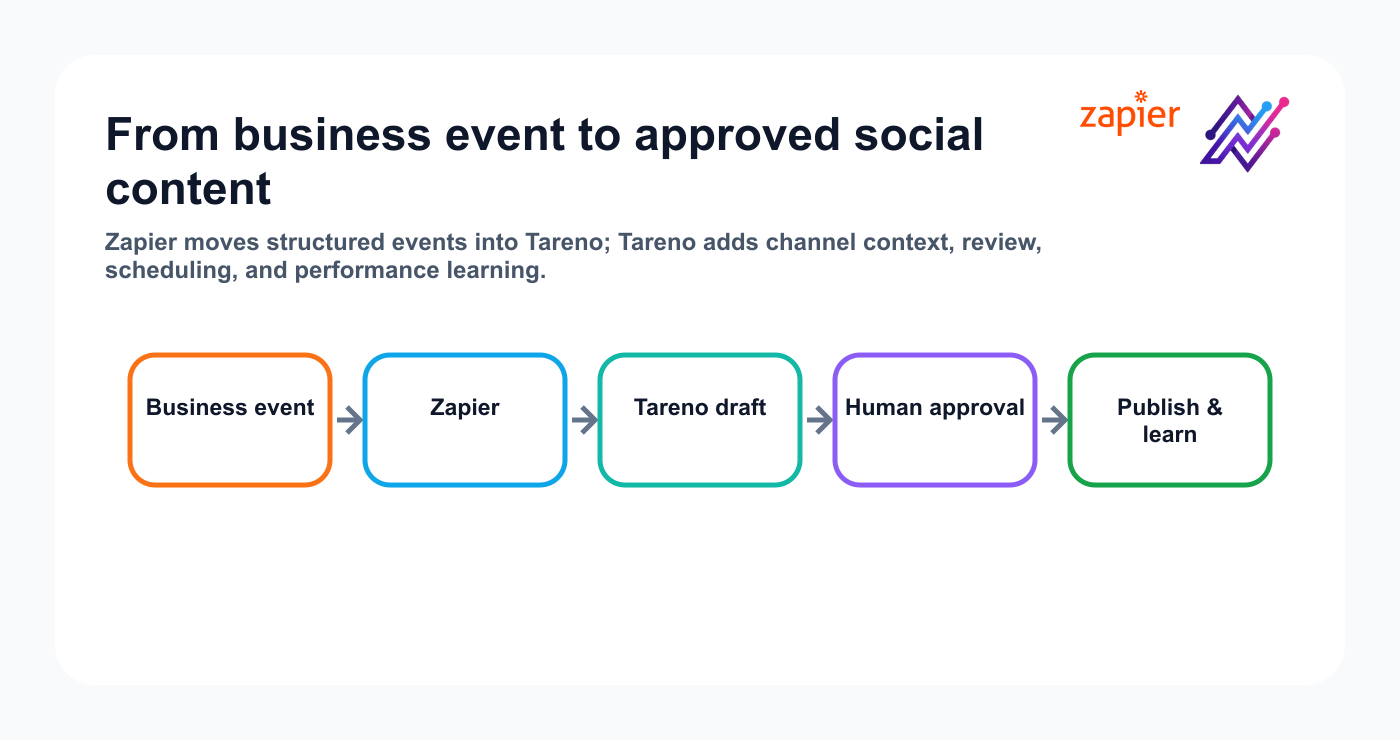
Use Create Draft Post for safe setup and editorial handoffs. Enable Publish Post or Schedule Post only after the exact Tareno account, caption, media URL, format, platform-specific fields, date, timezone, and approval policy have passed realistic tests.
The Post Published REST-hook trigger can filter by account or platform and route a confirmed publication into notifications, dated measurement tasks, reporting records, or owned repurposing work.
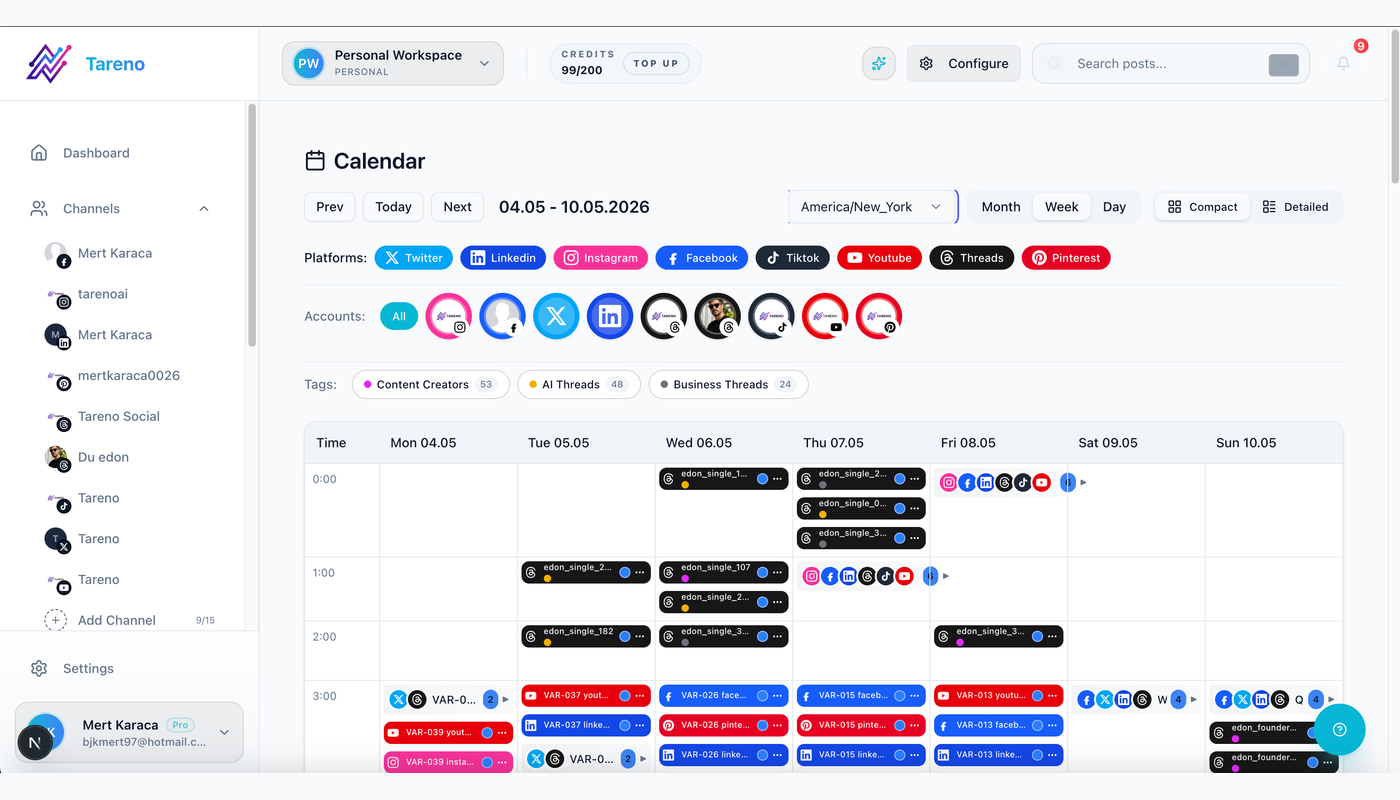
Why not publish every Zap automatically?
It is tempting to build:
New item appears → publish immediately.
That is often the wrong first workflow.
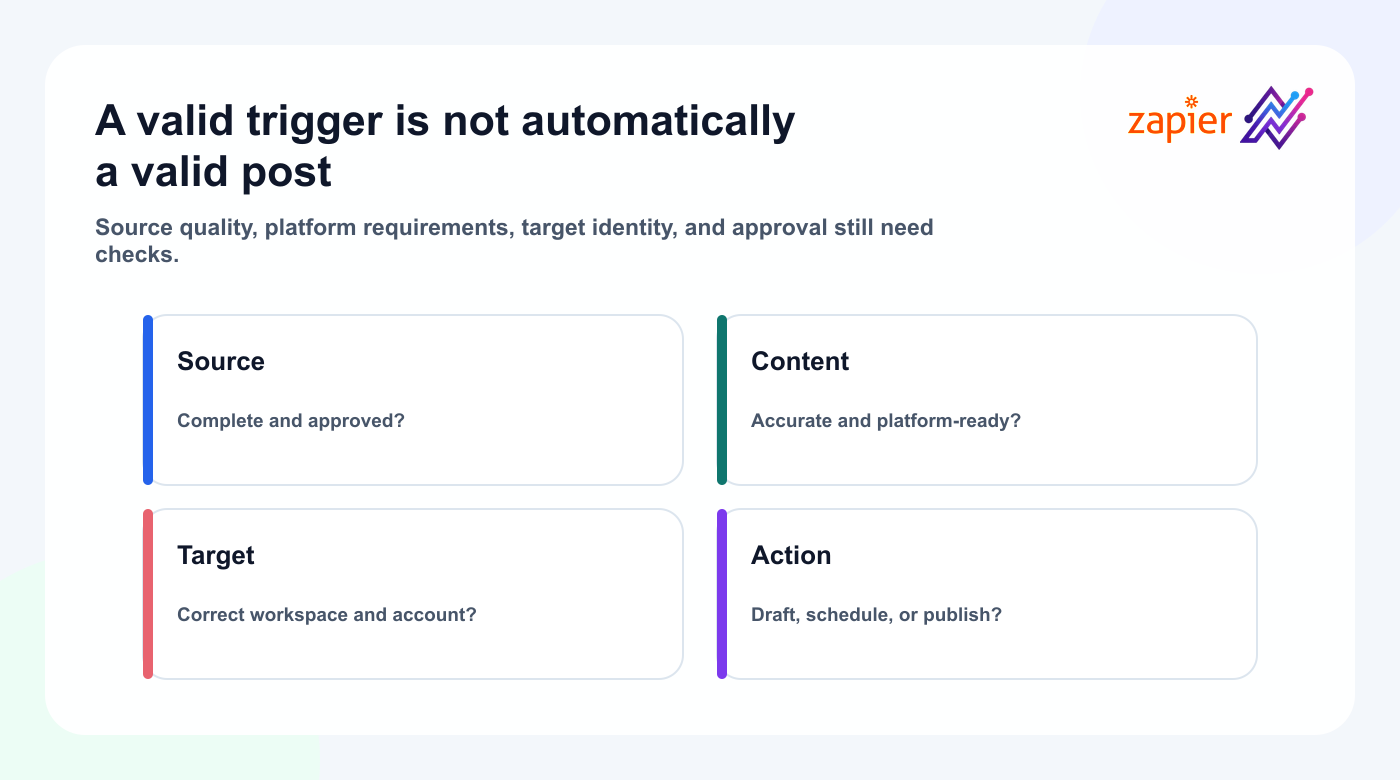
Source data may be incomplete.
A title may be too long.
A product description may contain internal language.
An AI step may generate an unsupported claim.
The wrong account may be selected.
A client may not have approved the post.
A timezone may be wrong.
The media may not fit the platform.
The better default is:
New item appears → create Tareno draft → review → approve → schedule.
Immediate publishing can still be useful for highly controlled workflows.
Examples:
- system status updates
- pre-approved recurring content
- automated event reminders
- narrow internal accounts
- content generated from a fully validated source
But the default should be draft-first.
Set up the Tareno app in Zapier
Follow the current Zapier integration guide and connect with a dedicated Tareno API key.
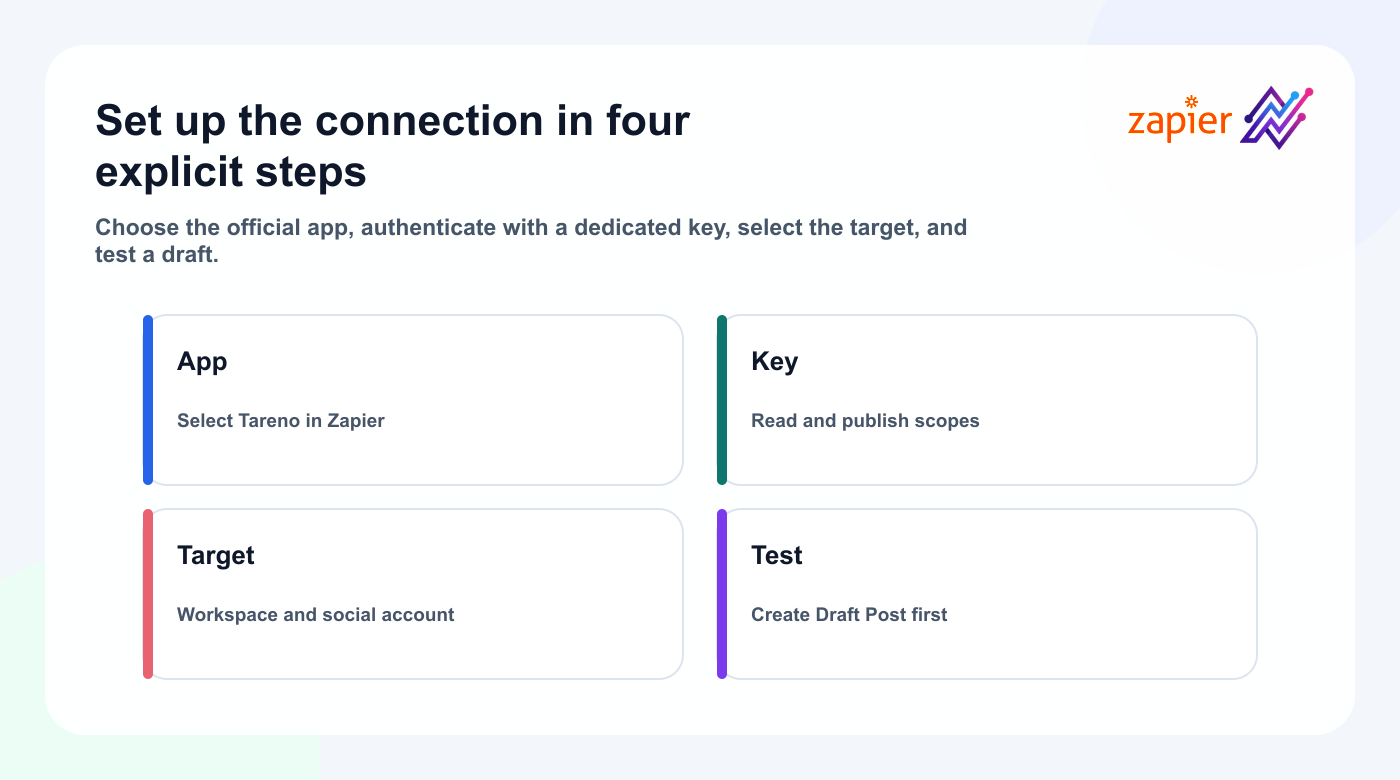
Step 1: Find the Tareno app
Search for Tareno in Zapier’s app directory or inside the Zap editor.
Confirm:
- official Tareno branding
- public app status
- supported triggers
- supported actions
- authentication requirements
- help documentation
Step 2: Connect your Tareno account
Create a dedicated Tareno API key with read and publish scopes, then use that key to connect the Tareno app in Zapier.
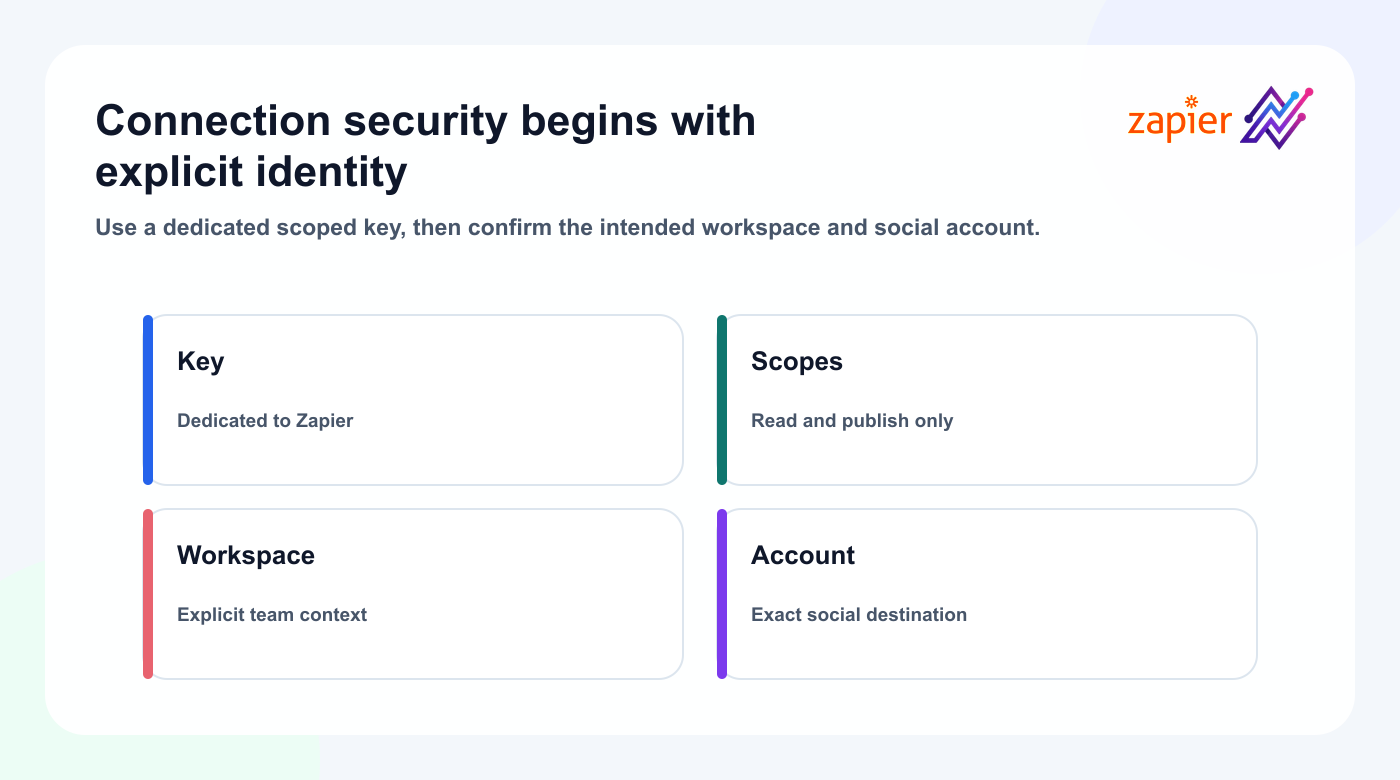
The final flow should avoid asking users to paste social network passwords.
Tareno remains responsible for the connected social accounts.
Zapier only connects to Tareno.
Step 3: Choose a workspace
For agencies or teams, select the correct workspace.
Use explicit workspace names.
Do not rely on the first item returned in a list.
Step 4: Choose an account or platform
Map:
- workspace
- connected social account
- platform
- post type
- owner
- campaign
- approval state
Step 5: Test with a draft
The first test should create a draft, not publish a live post.
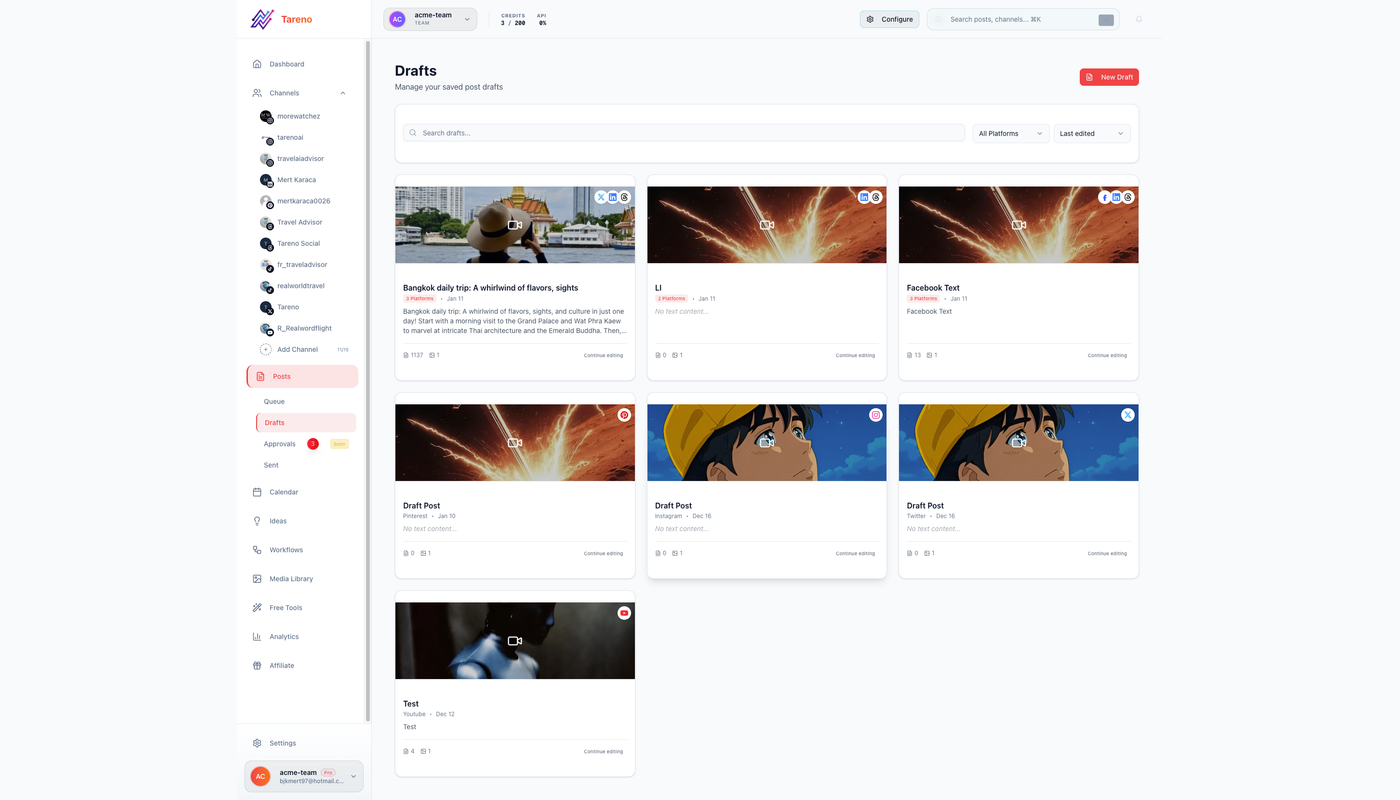
Open Tareno and verify:
- correct workspace
- correct account
- correct caption
- correct media
- correct notes
- correct owner
- correct source URL
Only after the draft works should you add scheduling.
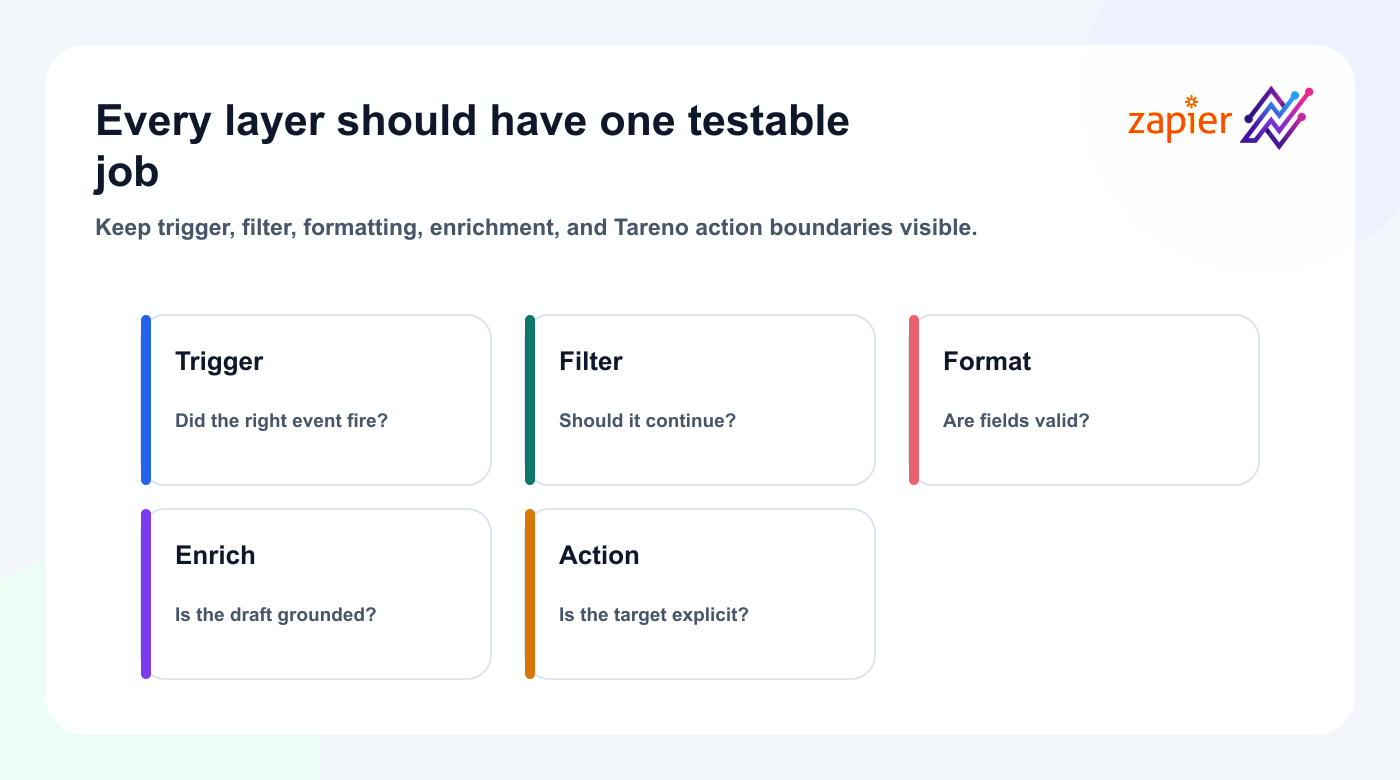
The anatomy of a good Tareno Zap
A reliable Zap usually has more than two steps.
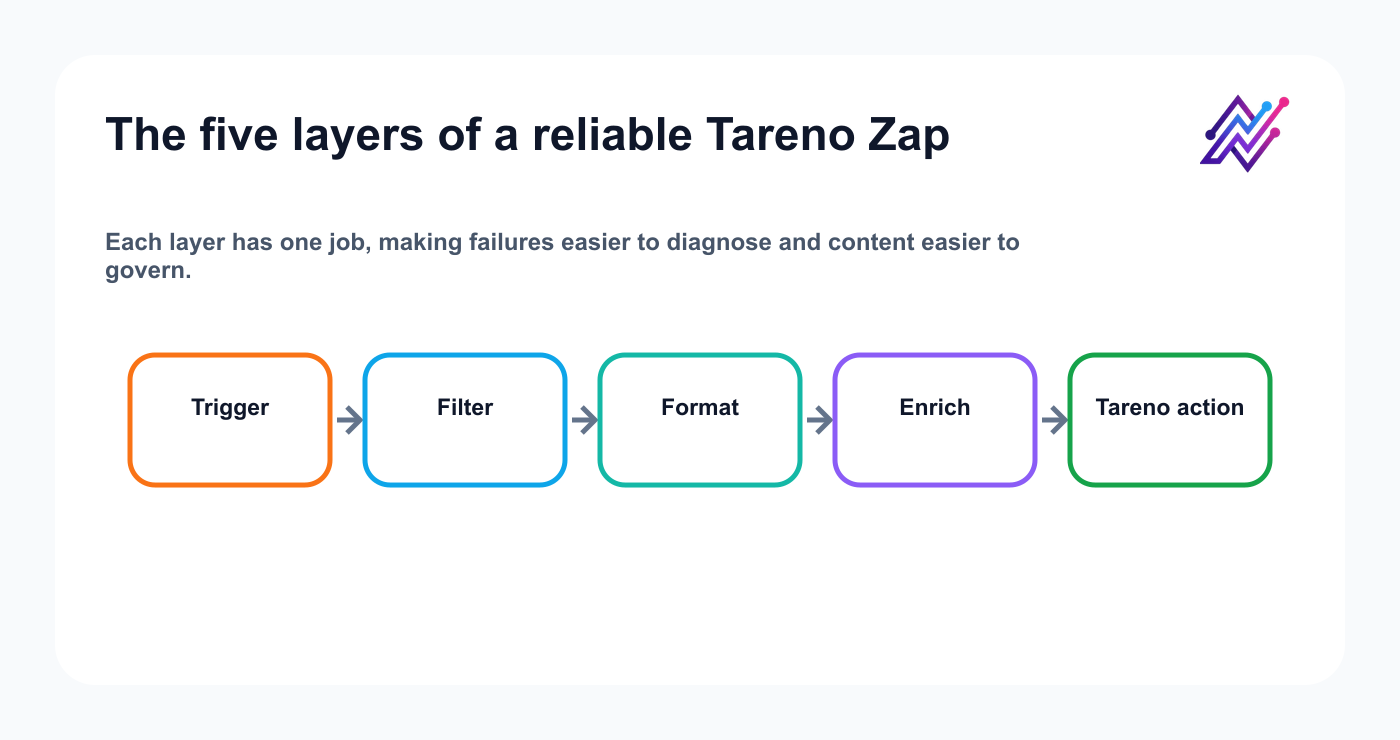
A useful structure is:
Trigger
  ↓
Filter
  ↓
Formatter or cleanup
  ↓
Optional AI enrichment
  ↓
Tareno draft
  ↓
Notification or approval handoff
Trigger
The event that starts the workflow.
Examples:
- new RSS item
- new Airtable record
- new Notion database item
- new Google Sheets row
- new form response
- new Shopify product
- new HubSpot deal stage
- new YouTube video
- new Webflow CMS item
Filter
The filter prevents irrelevant items from continuing.
Examples:
- only items marked Approved
- only products with an image
- only blog posts in a specific category
- only videos longer than five minutes
- only testimonials with permission
- only campaign rows with a publish date
Formatter
Use formatting steps to clean:
- titles
- URLs
- dates
- timezones
- line breaks
- hashtags
- names
- campaign IDs
- platform labels
AI enrichment
An AI step can create:
- a draft caption
- hook options
- a summary
- platform adaptations
- hashtags
- a CTA
- a short script
Human review should check the output.
Tareno action
The Tareno step creates the workflow item.
Draft-first is the safest default.
Build twelve practical Zapier workflows
Workflow 1: New blog post to multi-platform drafts
Trigger:
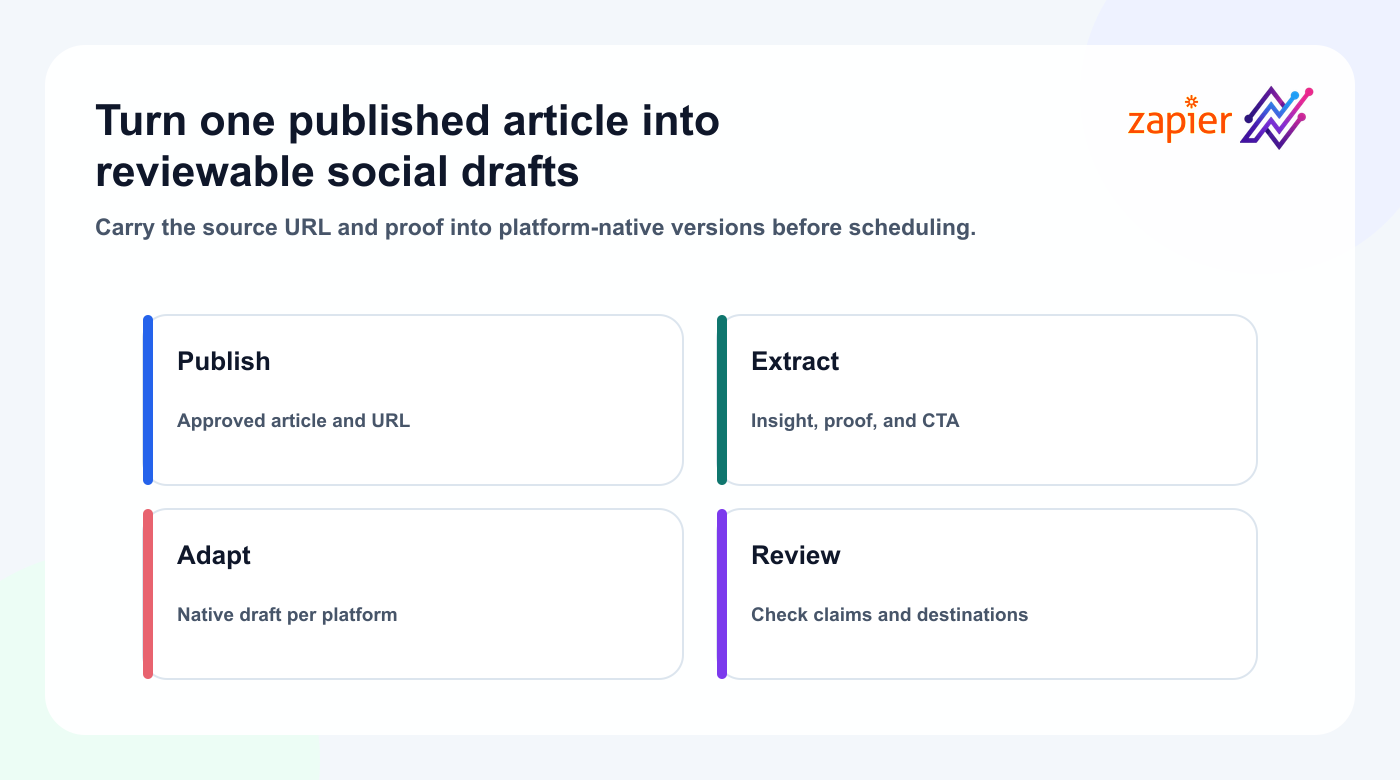
New RSS item or CMS post published.
Workflow:
- Read the title, summary, URL, category, and hero image.
- Filter out internal or low-priority posts.
- Summarize the article.
- Create platform-specific captions.
- Create Tareno drafts.
- Assign the content owner.
- Add the source URL.
- Route product claims to review.
Recommended outputs:
- LinkedIn educational post
- Threads opinion
- Bluesky concise version
- Mastodon contextual version
- Pinterest pin description
- Facebook summary
Do not use the exact same caption everywhere.
A strong AI instruction is:
Preserve the core idea, but rewrite the hook, structure, tone, and CTA for each platform. Do not mechanically shorten the same caption.
Tareno then stores the versions in one campaign or board workflow.
Workflow 2: New YouTube video to social drafts
Trigger:
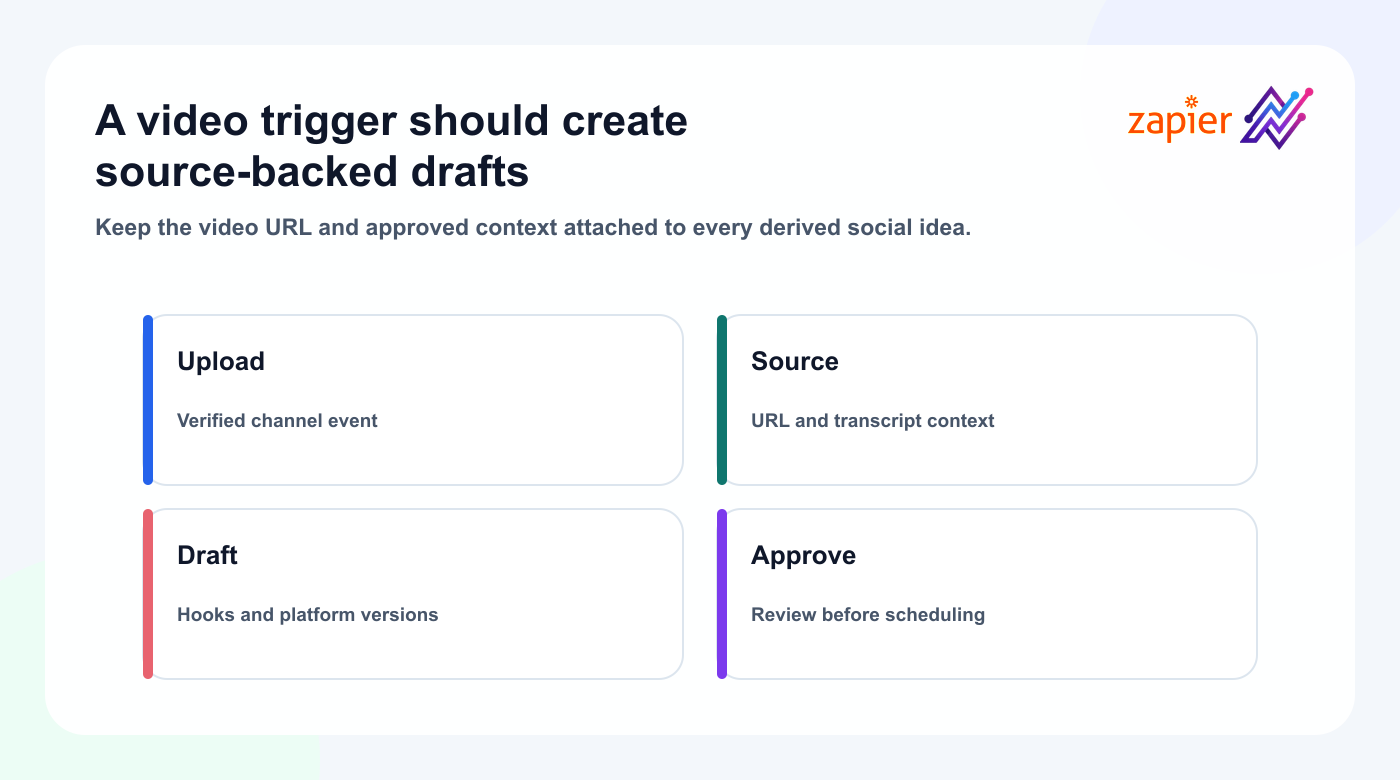
New video published on a selected YouTube channel.
Workflow:
- Capture the video URL.
- Filter by channel, playlist, topic, or minimum duration.
- Send the video URL and approved source details into a Tareno draft workflow.
- Analyze the transcript.
- Generate original script angles.
- Save selected outputs as drafts.
- Add the source video to internal notes.
- Route drafts to review.
Possible outputs:
- TikTok script
- Instagram Reel script
- YouTube Short script
- LinkedIn post
- Bluesky thread
- Mastodon post
- carousel outline
The source should be used as research.
The generated content should use original wording, examples, and perspective.
Keep the source URL attached to every derived draft so reviewers can verify the hook, context, and claim.
Workflow 3: Approved Airtable record to Tareno draft
Many teams use Airtable as a content database.
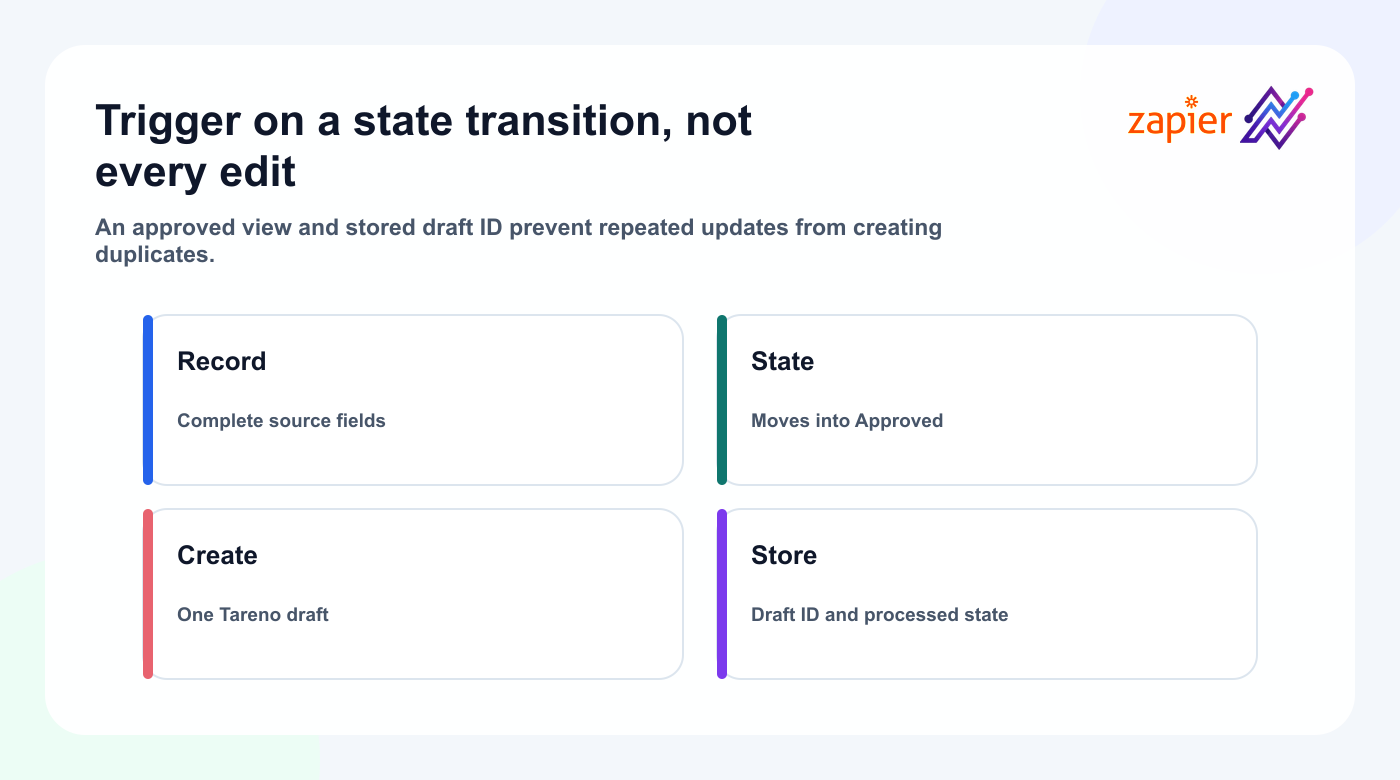
Trigger:
Record enters the Approved view.
Fields:
- title
- caption
- platform
- asset URL
- CTA
- link
- campaign
- publish date
- owner
- approval status
Workflow:
- Trigger when the status becomes Approved.
- Check that platform and caption exist.
- Verify the asset URL.
- Create the Tareno draft.
- Attach campaign metadata.
- Notify the social media manager.
This works well when Airtable remains the planning database and Tareno becomes the publishing layer.
Do not create duplicate drafts every time the record changes.
Use a Tareno draft ID or a processed-status field to prevent duplication.
Workflow 4: Notion content idea to Tareno request
Trigger:
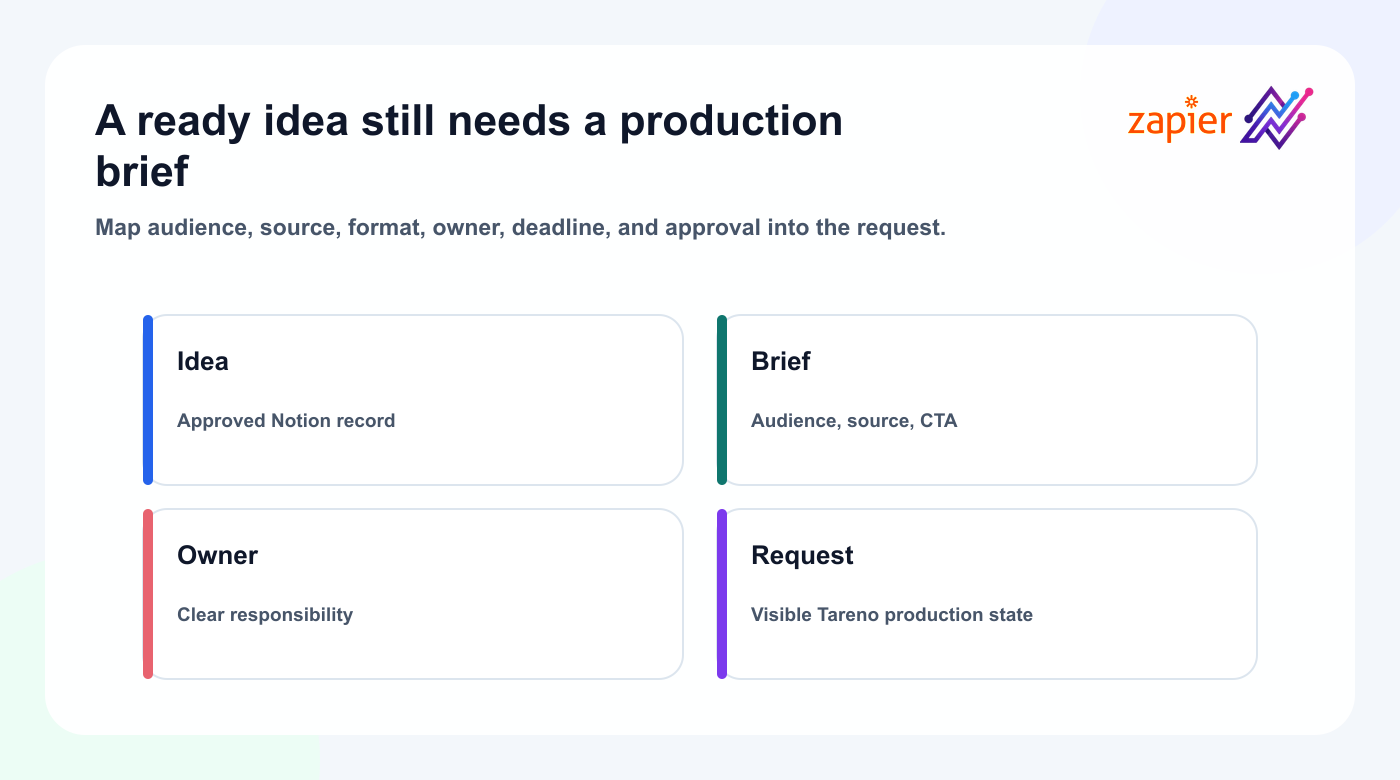
New Notion database item marked Ready for Production.
Workflow:
- Retrieve the idea, audience, source, format, and CTA.
- Create a Tareno content request or board item.
- Assign the owner.
- Add the source page URL.
- Set the initial status to Selected or Draft.
- Notify the assigned creator.
This keeps Notion as the idea source while Tareno manages production, review, scheduling, analytics, and repurposing.
The workflow is strongest when responsibilities are clear:
- Notion: knowledge and research
- Zapier: handoff
- Tareno: social content operations
Workflow 5: New testimonial to social proof draft
Trigger sources may include:
- Typeform
- Google Forms
- HubSpot
- Intercom
- support software
- testimonial collection tools
- CRM notes
Workflow:
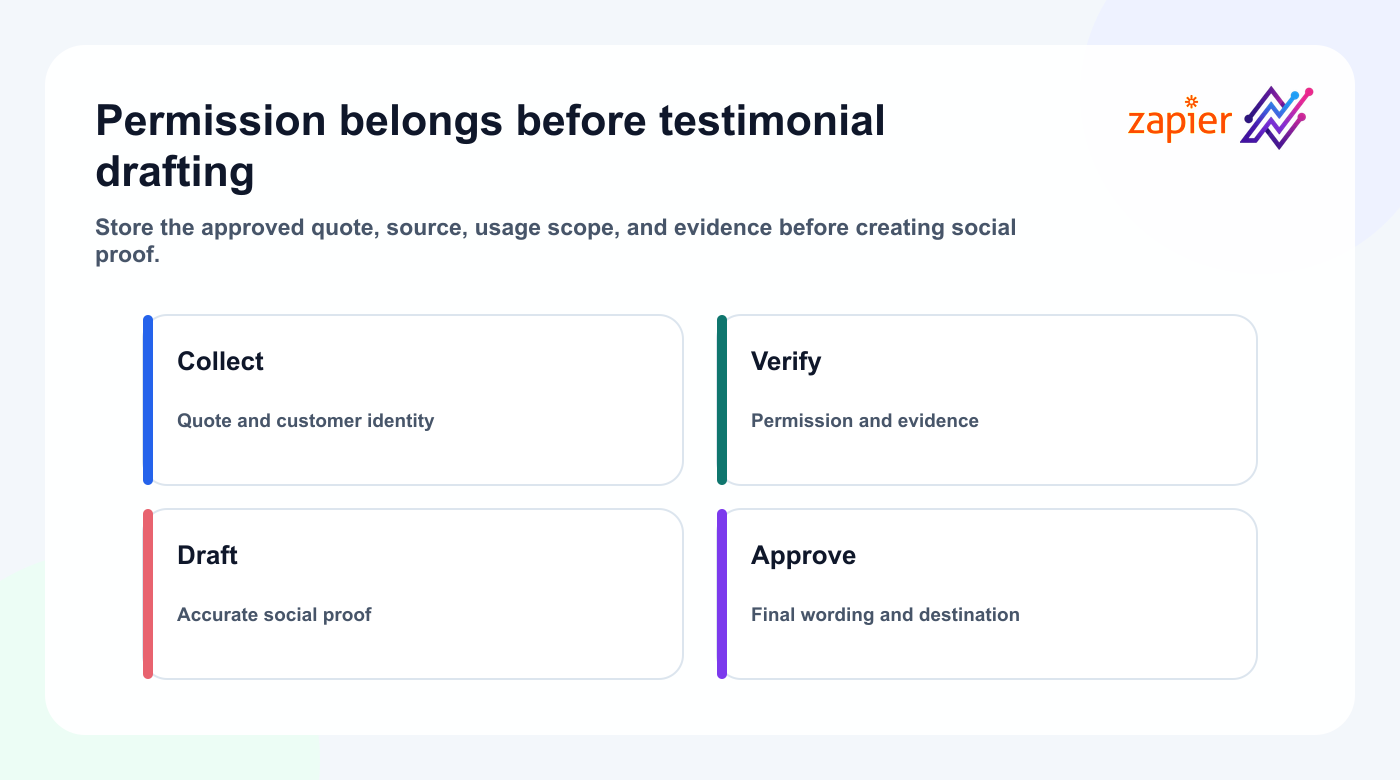
- New testimonial arrives.
- Filter for permission to use.
- Remove private information.
- Create several social proof angles.
- Create a Tareno draft.
- Route the final wording to customer or legal review if required.
- Add the approved asset.
- Schedule through Tareno.
Quality rules:
- do not invent results
- do not alter the meaning
- record usage permission
- avoid exposing personal information
- keep the source link internally
- route sensitive claims to review
This is a good example of why immediate publishing is usually inappropriate.
Workflow 6: Shopify product launch to campaign drafts
Trigger:
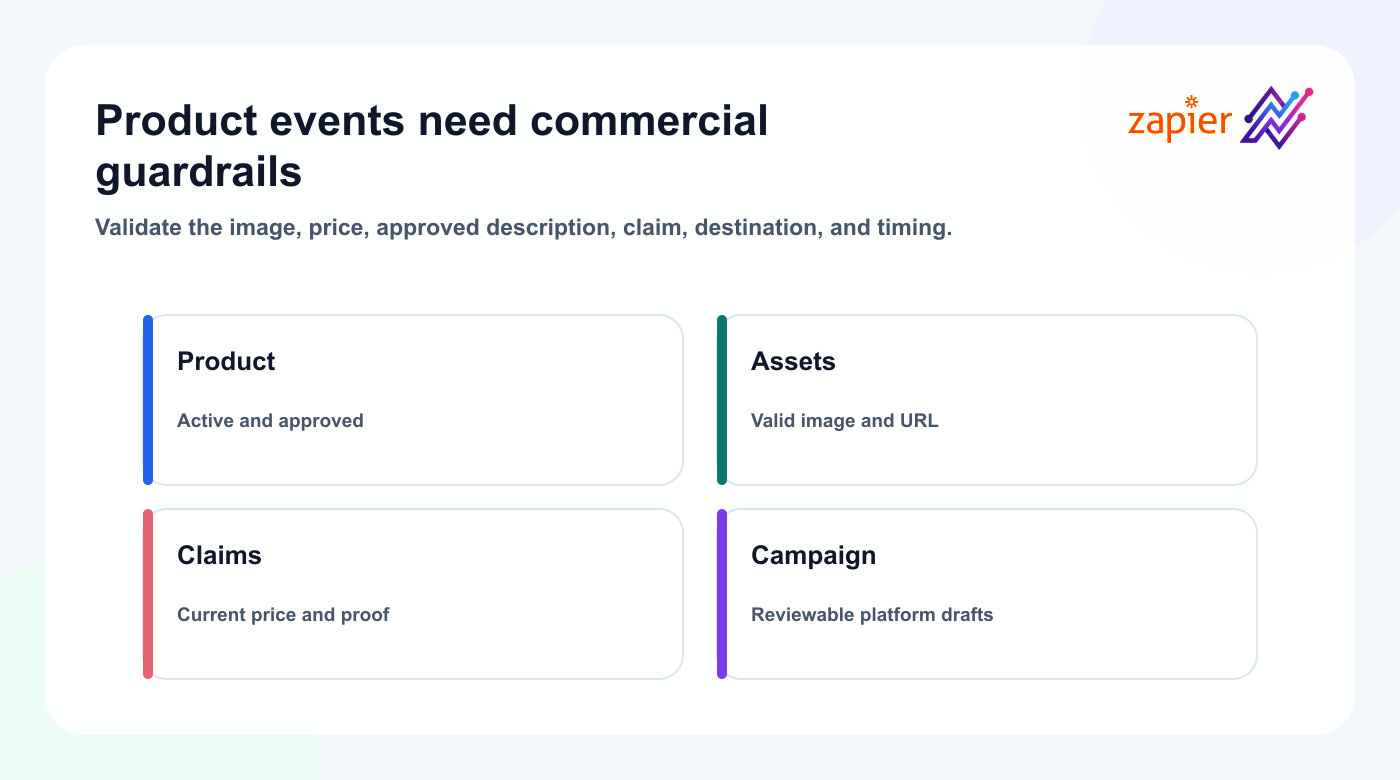
New product becomes active.
Workflow:
- Capture product name, description, URL, price, and image.
- Filter out products missing an image or approved description.
- Create launch angles.
- Create platform-specific Tareno drafts.
- Add campaign labels.
- Route pricing claims to review.
- Schedule after approval.
Potential drafts:
- product introduction
- use-case post
- founder story
- feature breakdown
- FAQ post
- customer problem post
- Pinterest product pin
Do not rely on a raw product description as a social caption.
Product database language is usually too technical or transactional.
Use it as input, then rewrite for the target platform.
Workflow 7: CRM milestone to customer story request
Trigger:
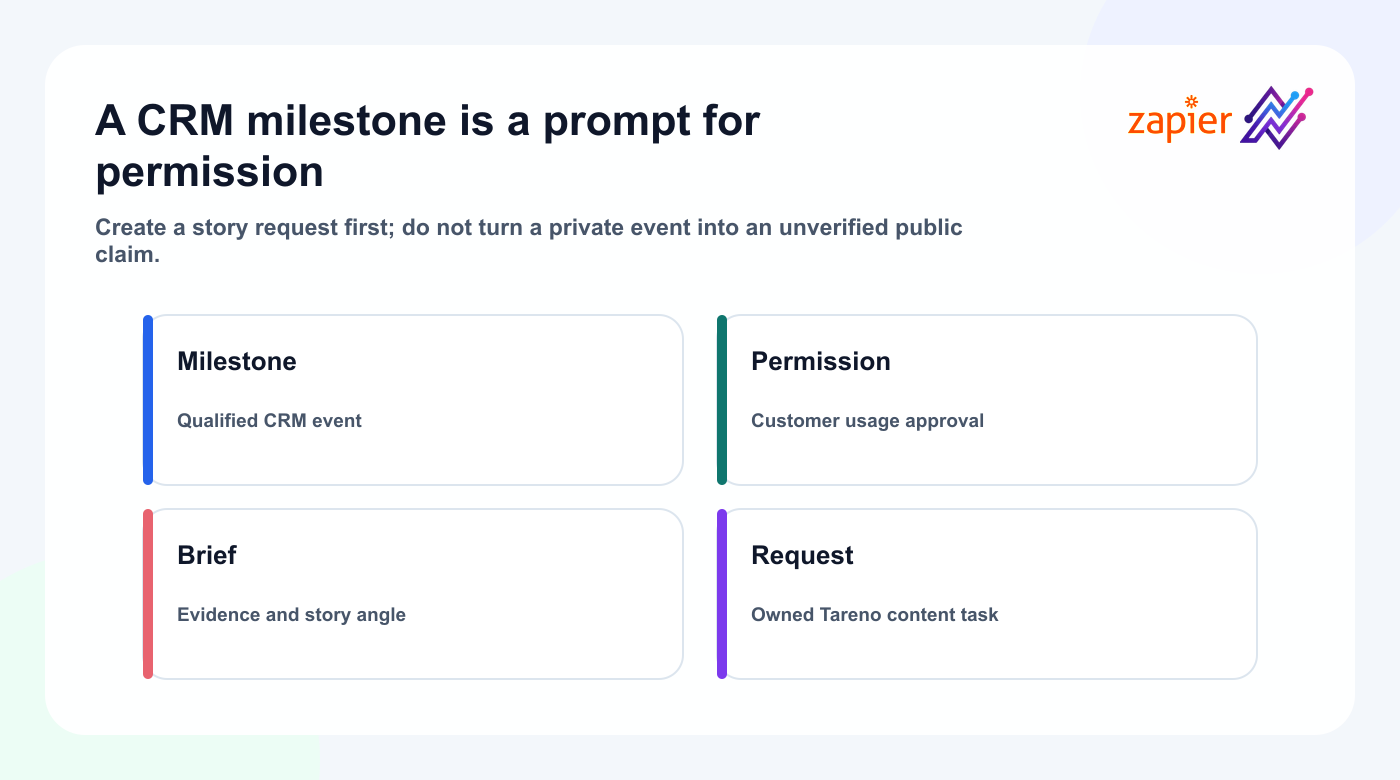
Deal stage changes, onboarding completes, renewal occurs, or a customer milestone is recorded.
Workflow:
- Capture the event.
- Check customer permission.
- Create a content request in Tareno.
- Assign the account manager or marketer.
- Add an interview checklist.
- Create a draft only after evidence is collected.
Possible outputs:
- customer story
- implementation lesson
- social proof quote
- behind-the-scenes post
- onboarding insight
- case study teaser
The CRM event should create a task, not an unverified public claim.
Workflow 8: Event registration or webinar to promotion drafts
Trigger:
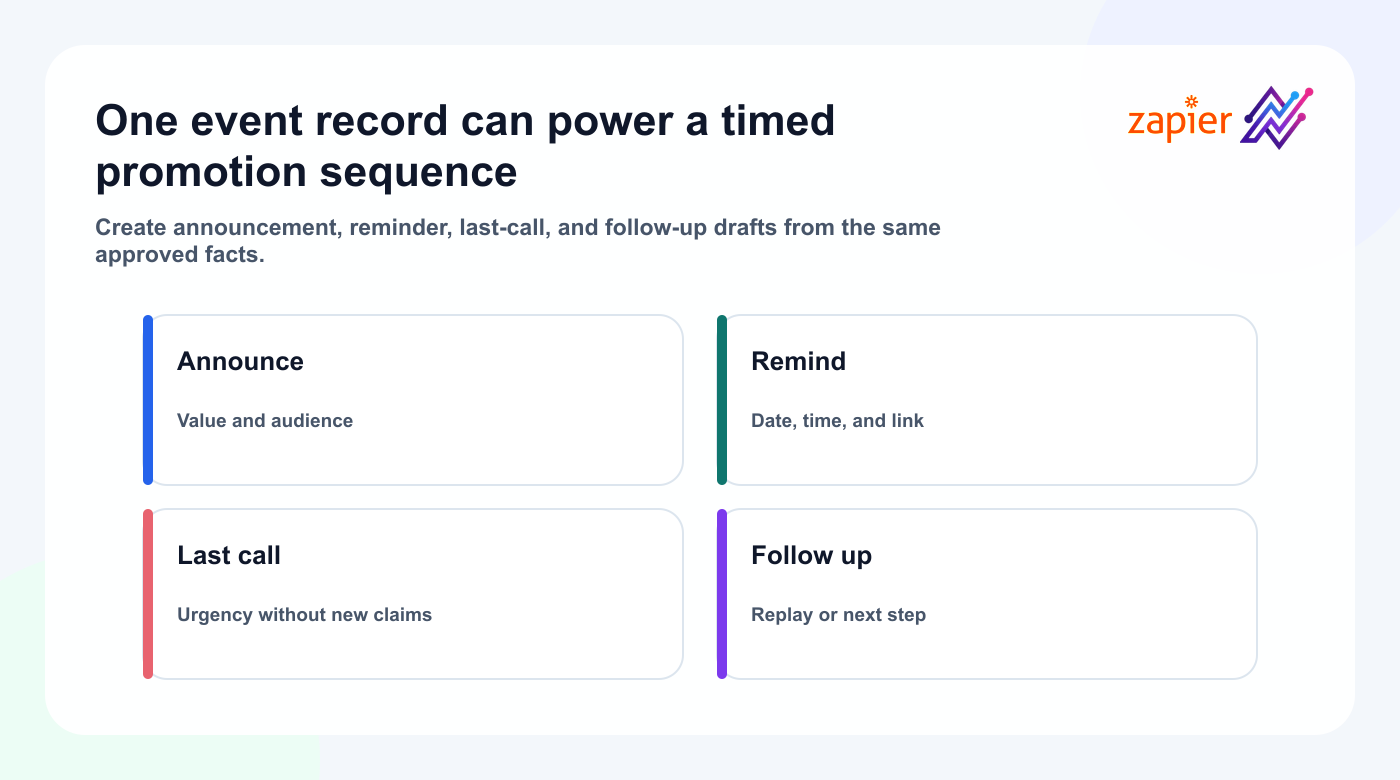
New event, webinar, or campaign record.
Workflow:
- Capture title, date, speaker, link, and audience.
- Generate announcement drafts.
- Generate reminder drafts.
- Generate last-call draft.
- Create a post-event recap task.
- Save all items to Tareno.
- Route speaker claims and dates to review.
A campaign can include:
- launch announcement
- speaker introduction
- educational teaser
- 7-day reminder
- 24-hour reminder
- live reminder
- replay post
- key takeaway carousel
Zapier can create the sequence.
Tareno can manage the calendar and approvals.
Workflow 9: Published post to reporting task
The automation loop should continue after publishing.
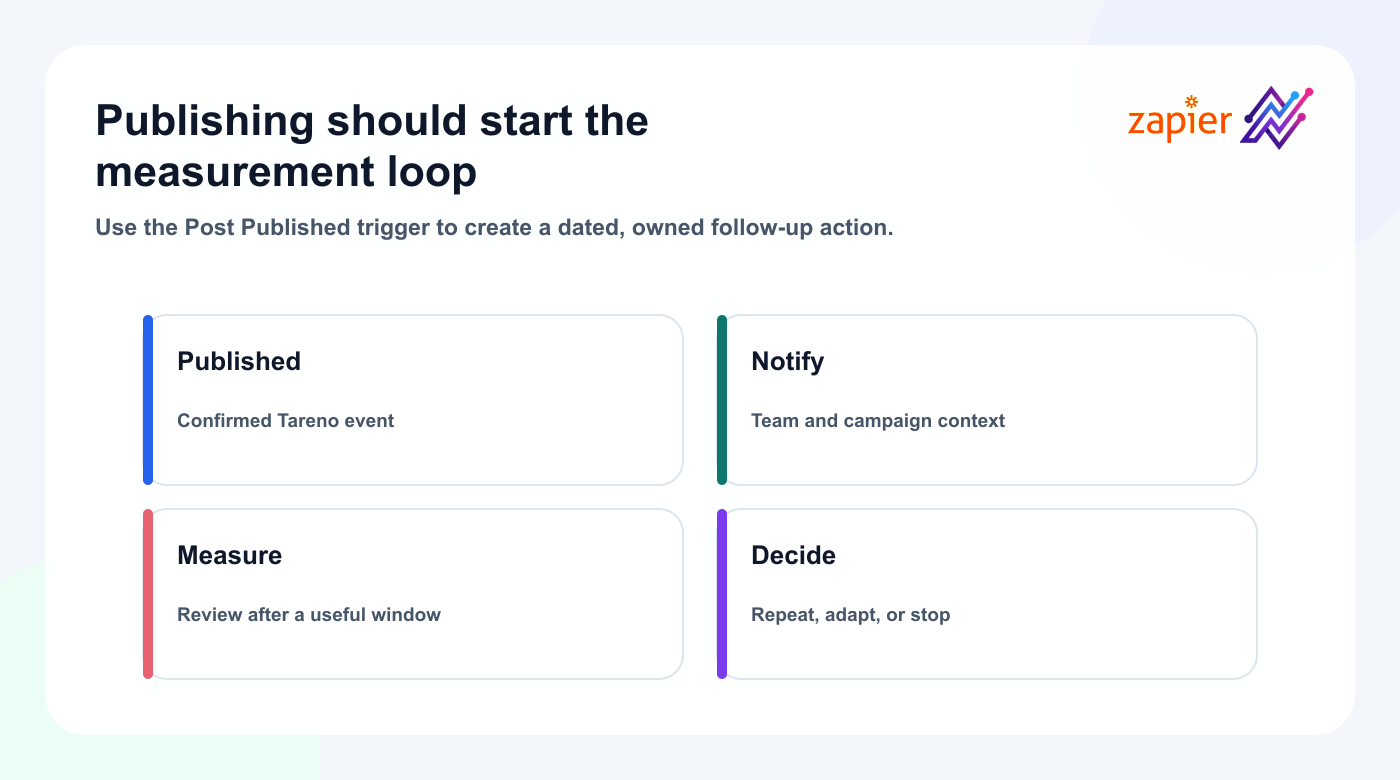
Trigger:
Tareno post published.
Possible follow-up actions:
- create a task in Asana
- add a measurement date to Airtable
- notify Slack
- append the live URL to a CRM record
- create a report reminder
- add a row to Google Sheets
- update a campaign dashboard
Example:
- Tareno confirms publication.
- Zapier creates a seven-day analytics task.
- The task includes the live URL and campaign.
- The owner reviews performance later.
- Winning content enters the repurposing queue.
This prevents posts from disappearing after publication.
Workflow 10: High-performing post to repurposing queue
Trigger:
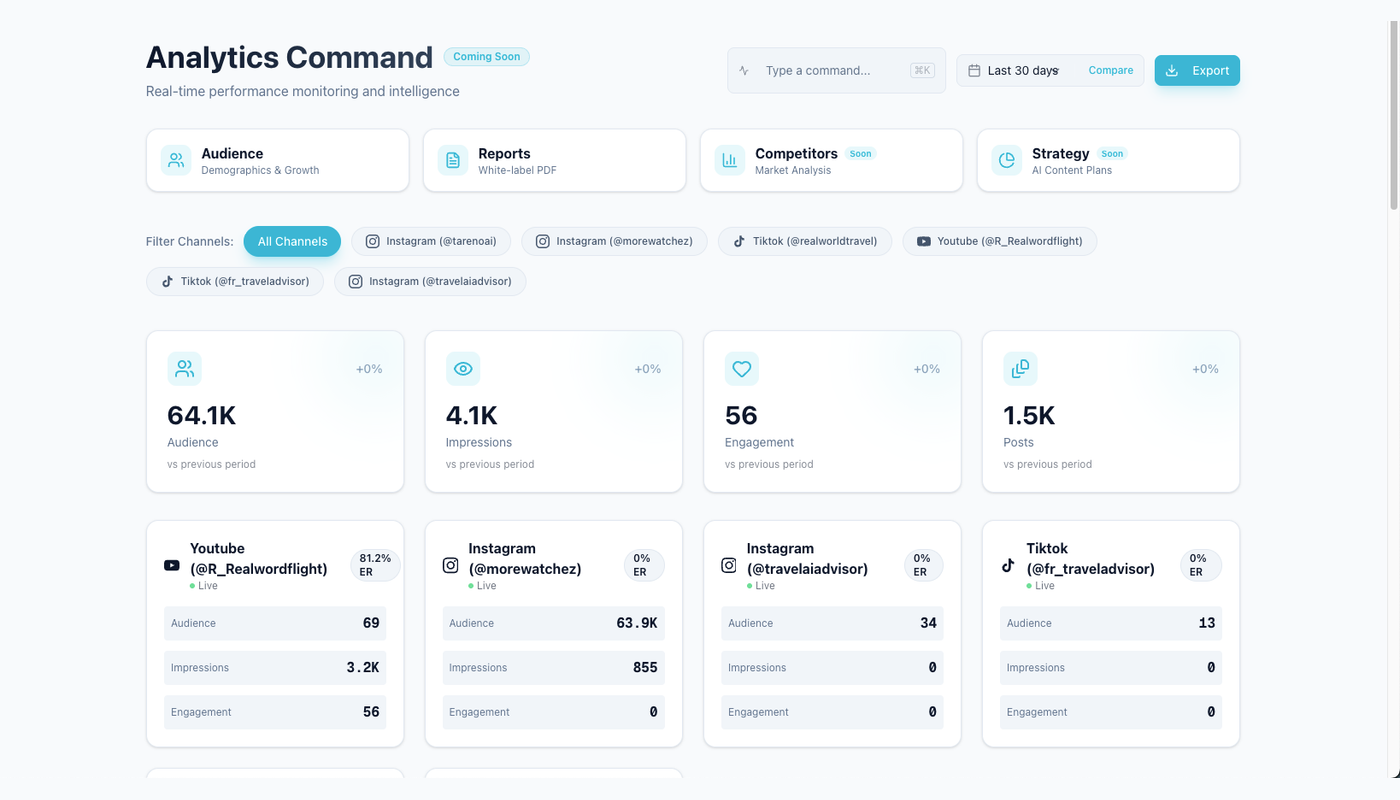
A reporting condition or manual signal identifies a strong post.
Possible criteria:
- saves above baseline
- shares above baseline
- clicks above baseline
- strong watch time
- strong completion rate
- meaningful comments
- conversion signal
Workflow:
- Detect or select the post.
- Create a Tareno repurposing item.
- Store the source post and signal.
- Suggest a target platform and format.
- Assign an owner.
- Set approval requirements.
- Measure the second version later.
Example:
Source:
LinkedIn post about approval gates

Signal:
High saves and qualified comments

Next format:
Instagram carousel

Owner:
Content lead

Approval:
Marketing review
This connects reporting to production through a visible repurposing queue instead of silently reposting the original.
Workflow 11: Form submission to content request
Trigger:
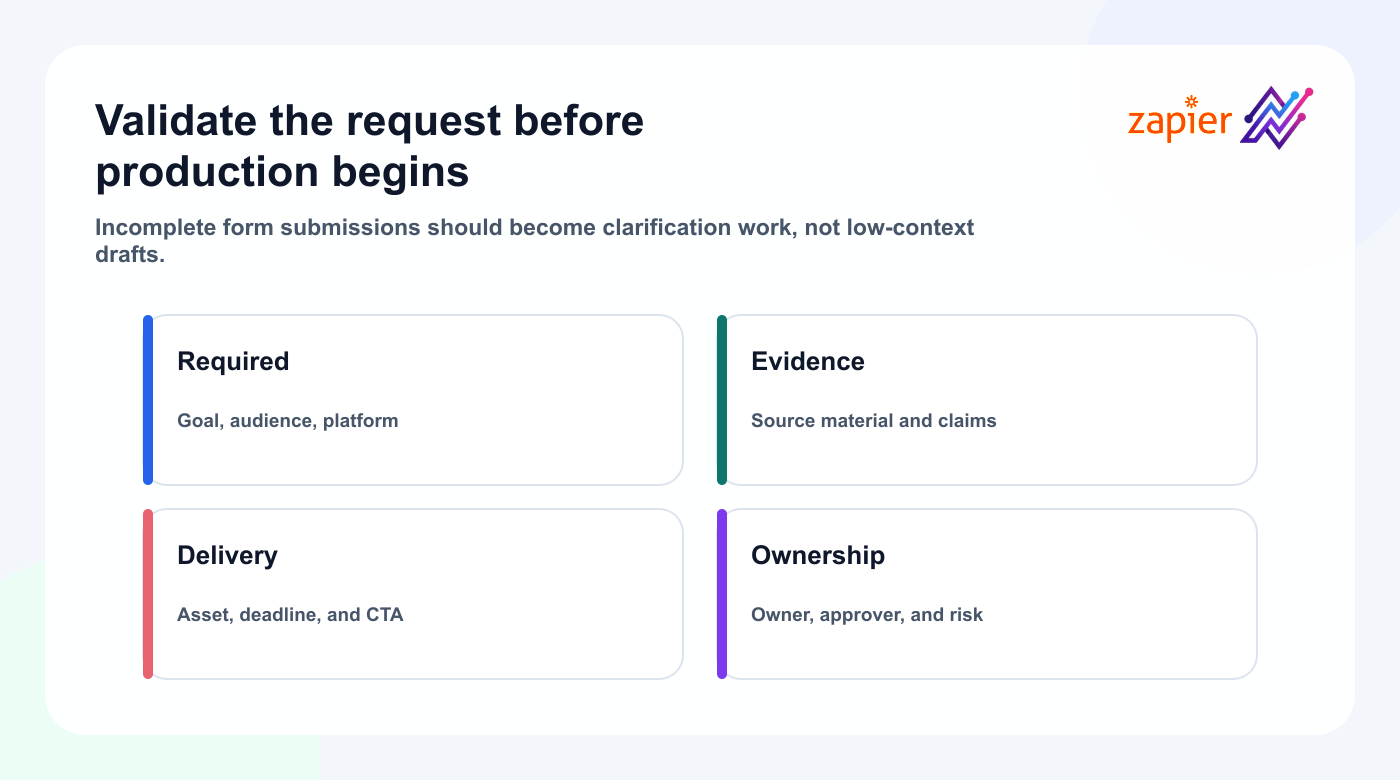
New submission from a content request form.
Form fields:
- requester
- goal
- audience
- platform
- deadline
- core message
- CTA
- source material
- asset requirement
- risk level
- approver
Workflow:
- Validate required fields.
- Reject incomplete requests or route them for clarification.
- Create a Tareno board item.
- Assign the owner.
- Add the requester and source URL.
- Set the initial review path.
This is useful for larger teams where sales, support, product, founders, and clients request social content.
Workflow 12: Multilingual campaign generation
Trigger:
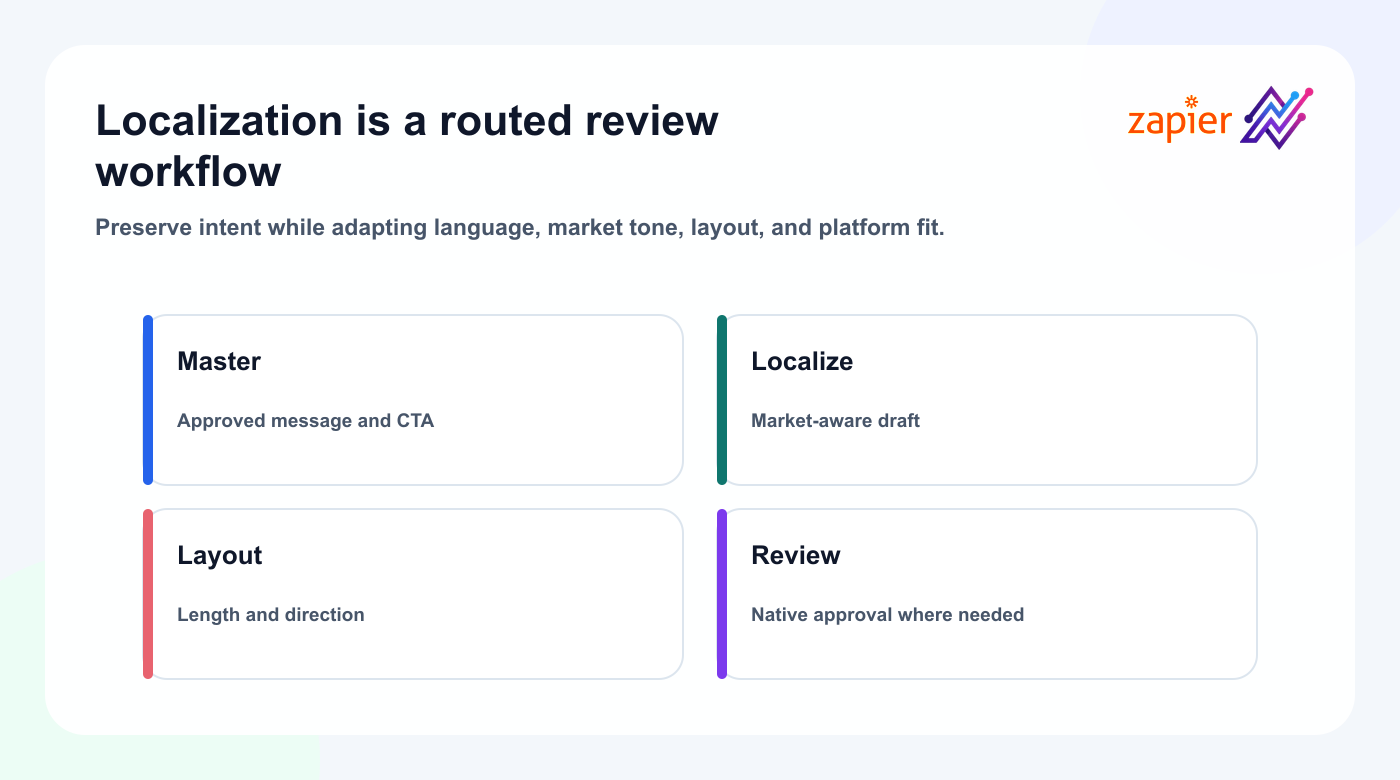
Campaign record marked Ready for Localization.
Workflow:
- Retrieve the approved master message.
- Create localized drafts in English, German, French, Spanish, Portuguese, Russian, Italian, Japanese, and Arabic.
- Preserve the CTA intent.
- Flag versions needing native review.
- Create Tareno drafts by language and account.
- Route each version through the correct reviewer.
Do not treat localization as literal translation.
Review:
- tone
- formality
- idioms
- CTA
- punctuation
- directionality
- line length
- platform fit
- cultural assumptions
For Japanese and Arabic, visual assets may need layout changes.
Build a production-safe workflow
Add AI to a Zapier–Tareno workflow
AI works best between the trigger and Tareno.
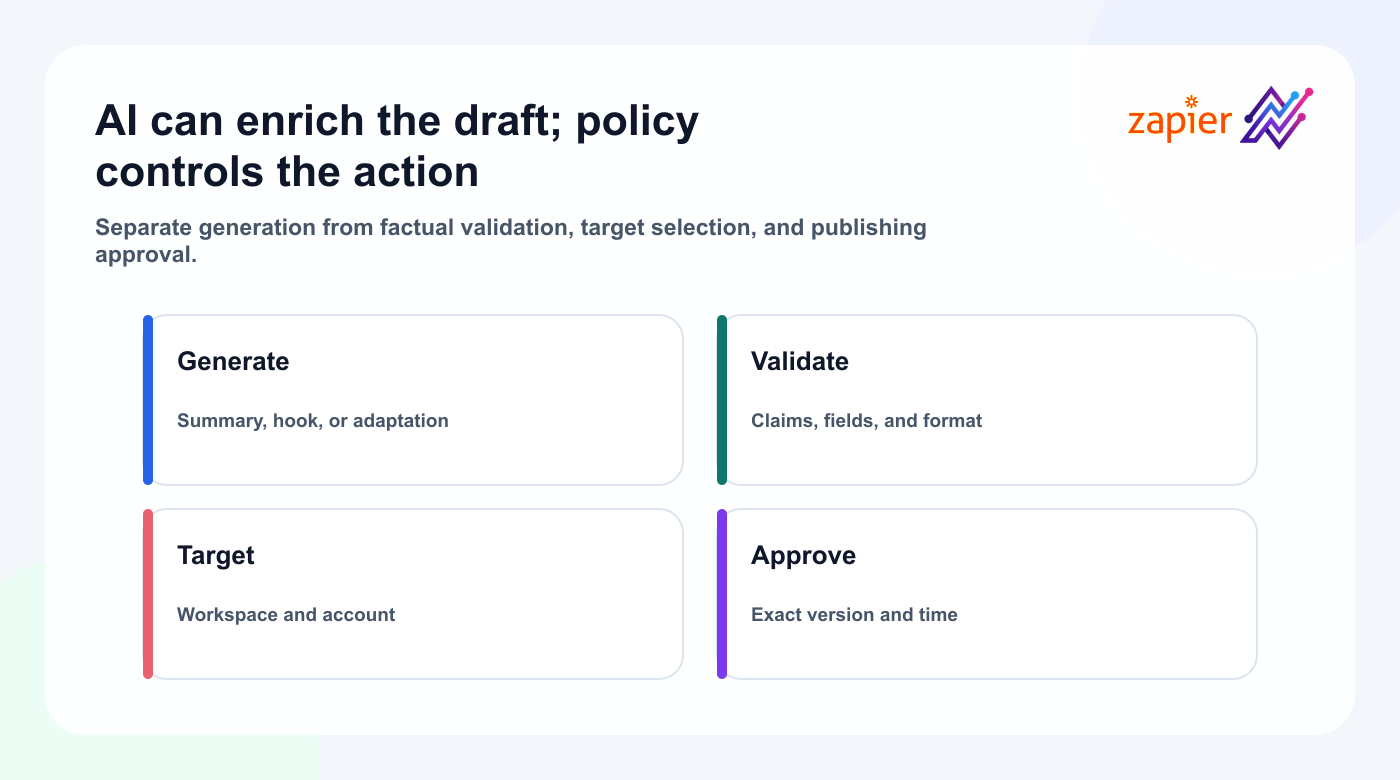
Examples:
- summarize a blog post
- generate a draft
- classify the target audience
- create platform versions
- extract a hook
- rewrite a testimonial
- create a short-form script
- translate and localize content
- identify claim risk
- suggest a CTA
A safe sequence is:
Source event
  ↓
AI draft or analysis
  ↓
Validation and formatting
  ↓
Tareno draft
  ↓
Human review
  ↓
Approval
  ↓
Scheduling
Do not rely on the AI step alone to decide:
- whether a claim is true
- whether a testimonial is approved
- whether a price is current
- whether disclosure is required
- whether a client approved the content
- whether the account is correct
Those checks belong in the workflow.
Field mapping checklist
Before turning on a Zap, map the fields explicitly.
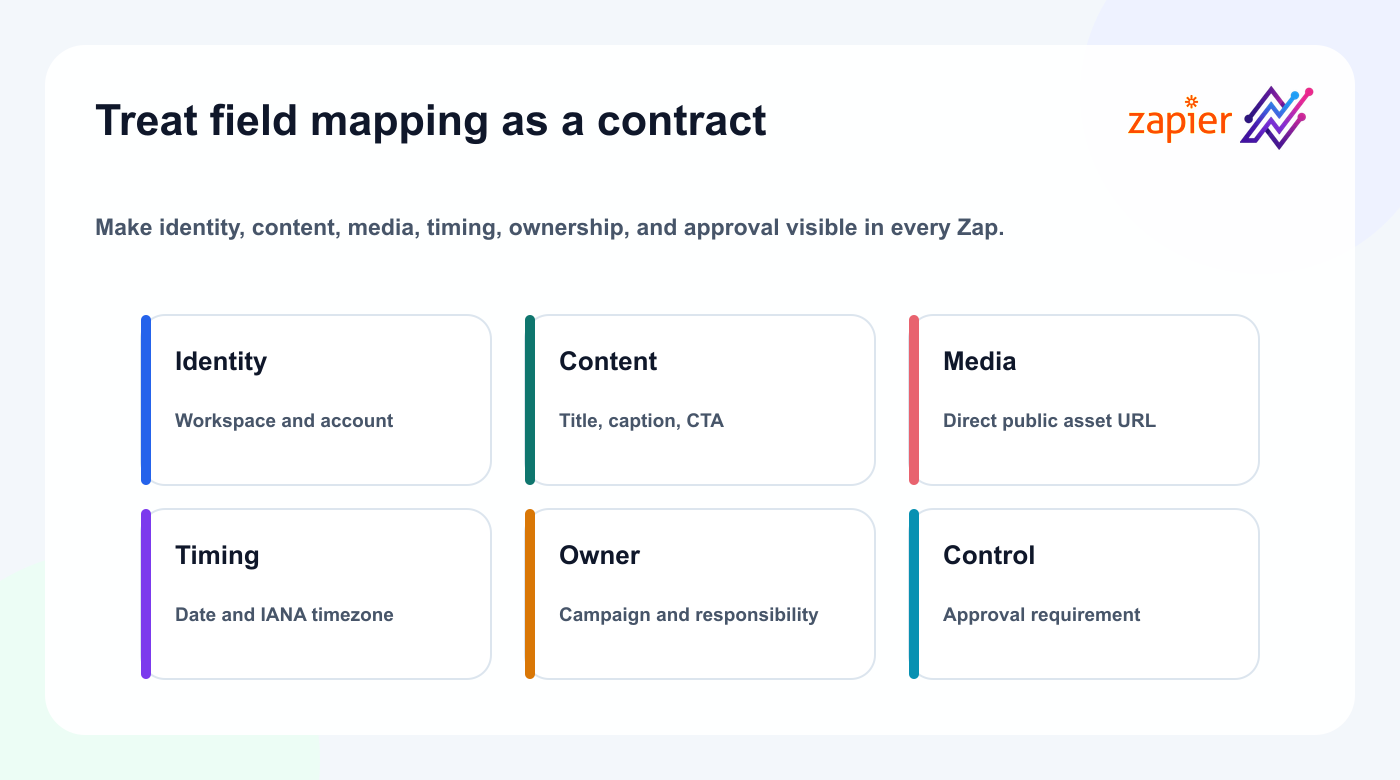
## Tareno Zap Field Mapping

Workspace:
Connected account:
Platform:
Post type:
Caption:
Title:
Media URL:
CTA:
Destination link:
Campaign:
Owner:
Source URL:
Approval requirement:
Scheduled date:
Timezone:
Internal notes:
Repurposing potential:
Avoid hidden defaults.
For agencies, never assume the default workspace or account is correct.
Error handling
A production Zap needs failure logic.
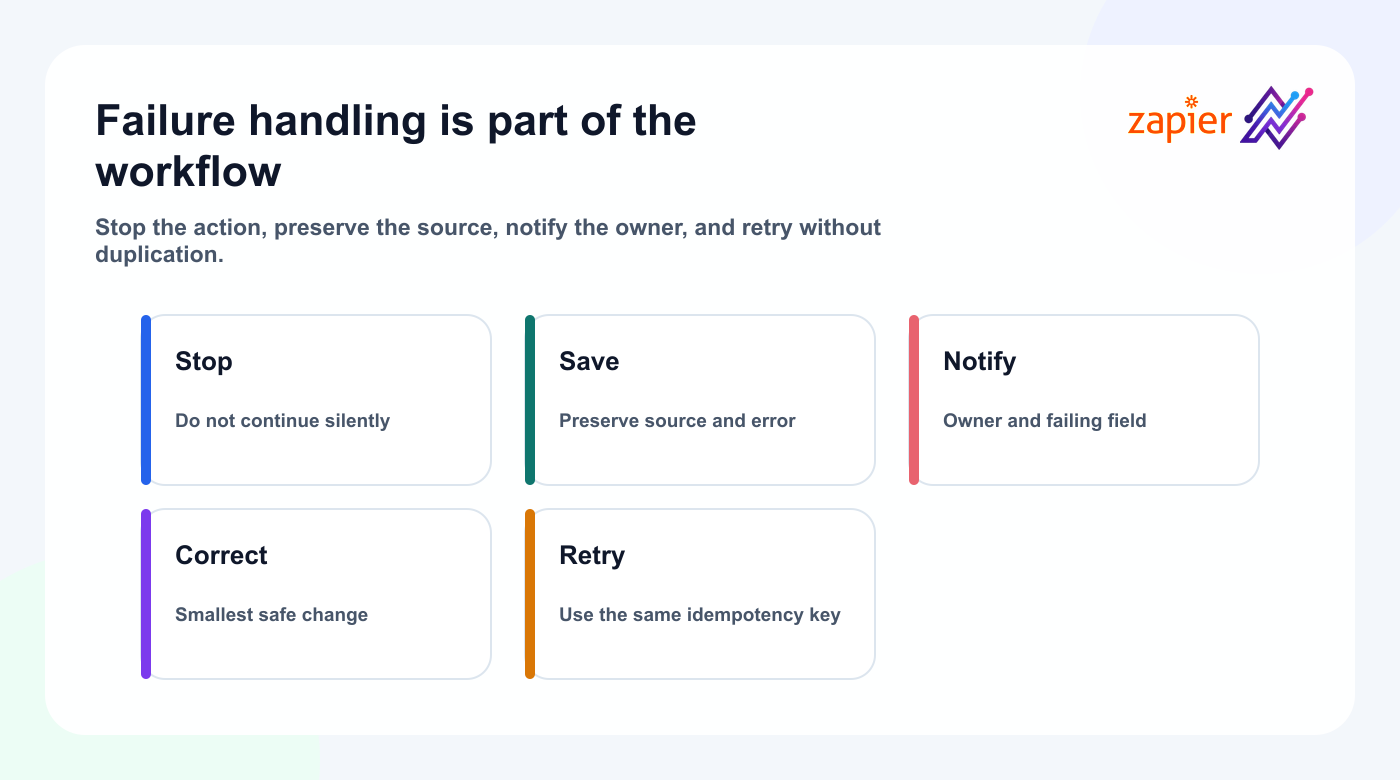
Common failure cases:
- missing caption
- invalid media URL
- disconnected account
- missing platform requirement
- expired authentication
- wrong workspace
- unsupported post type
- invalid date
- missing timezone
- duplicate draft
- API limit reached
- approval still pending
Recommended handling:
- Stop the workflow.
- Save the source data.
- Notify the owner.
- Include the error message.
- Create a retry path.
- Avoid duplicate content.
Do not silently drop failed items.
A failed automation should become visible work.
Prevent duplicate posts
Duplicate prevention is critical.
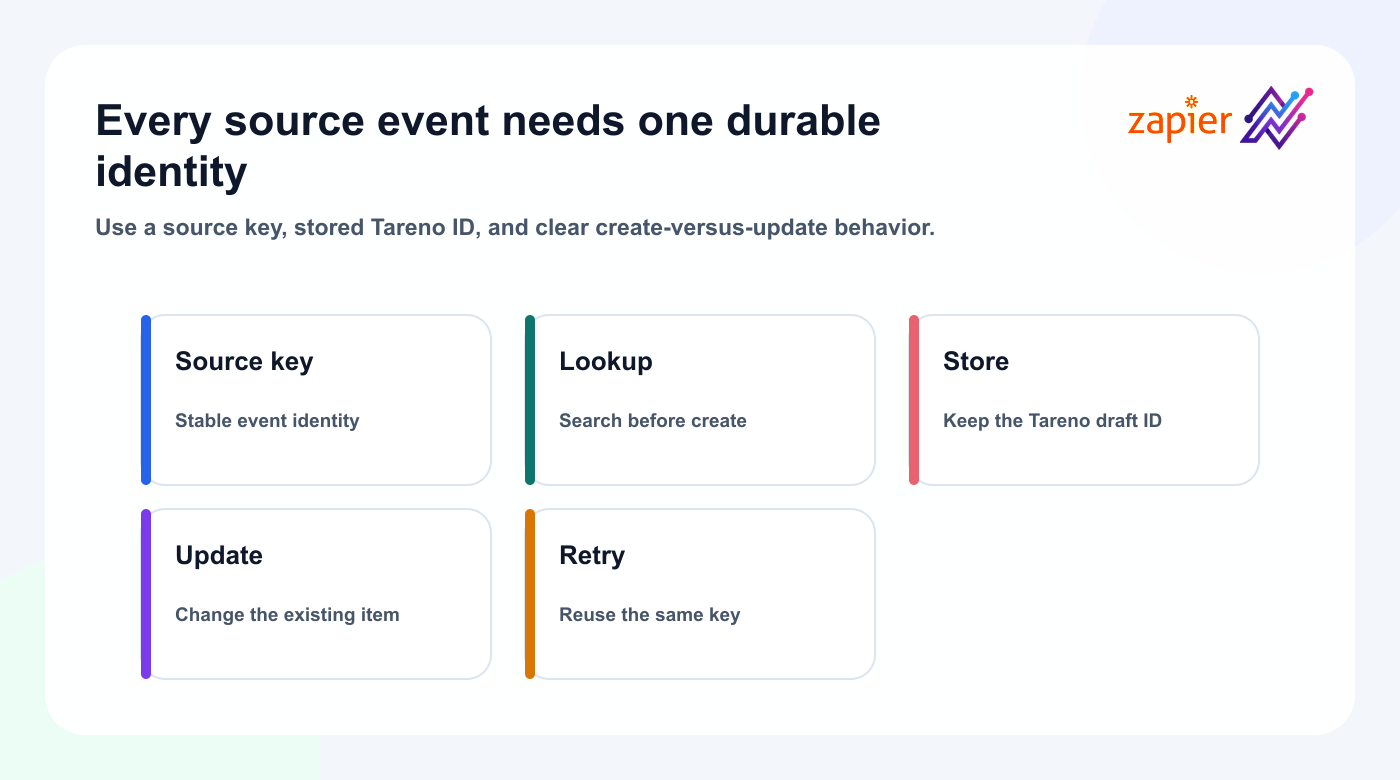
Use one or more of these methods:
- store the Tareno draft ID
- add a Processed status
- use a unique source URL
- use Zapier Storage or another state layer
- search before creating
- create an idempotency key
- separate Create and Update workflows
A common mistake is triggering on every record update.
If the Zap watches a frequently edited row, it may create several drafts.
Use a status transition or dedicated view instead.
Approval-first architecture
Use approval workflows to encode a policy that matches the consequence:
| Content type | Recommended Tareno action |
|---|---|
| Low-risk internal draft | Create draft |
| Evergreen educational post | Create draft, light review |
| Product post | Draft and product review |
| Pricing post | Draft and final approval |
| Client post | Draft and client approval |
| Sponsored post | Draft, disclosure check, sponsor approval |
| AI-generated post | Draft and human review |
| Immediate alert | Publish only from validated source |
The automation should reflect the risk.
Do not use one publishing rule for every workflow.
Choose the right automation layer
Zapier vs Tareno Workflow Builder
Use Zapier when the trigger originates in another app.
Examples:
- CRM
- form
- spreadsheet
- ecommerce store
- project manager
- calendar
- webinar platform
- CMS
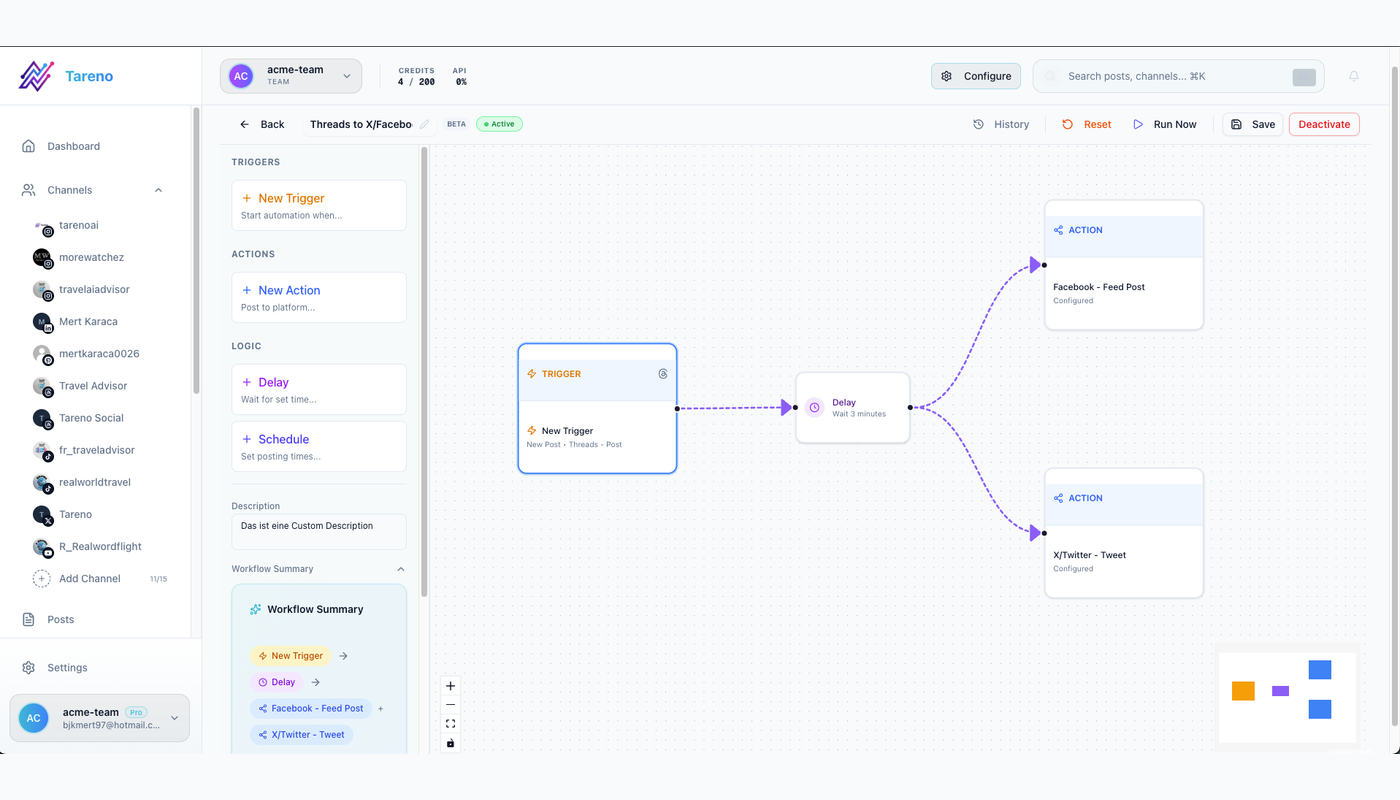
Use Tareno’s workflow builder when the logic is primarily social-media-native.
Examples:
- Instagram post → Threads version after delay
- approved post → schedule on multiple networks
- published post → analytics task
- high-performing post → repurposing queue
- evergreen queue → recurring schedule
- platform-specific caption rewrite
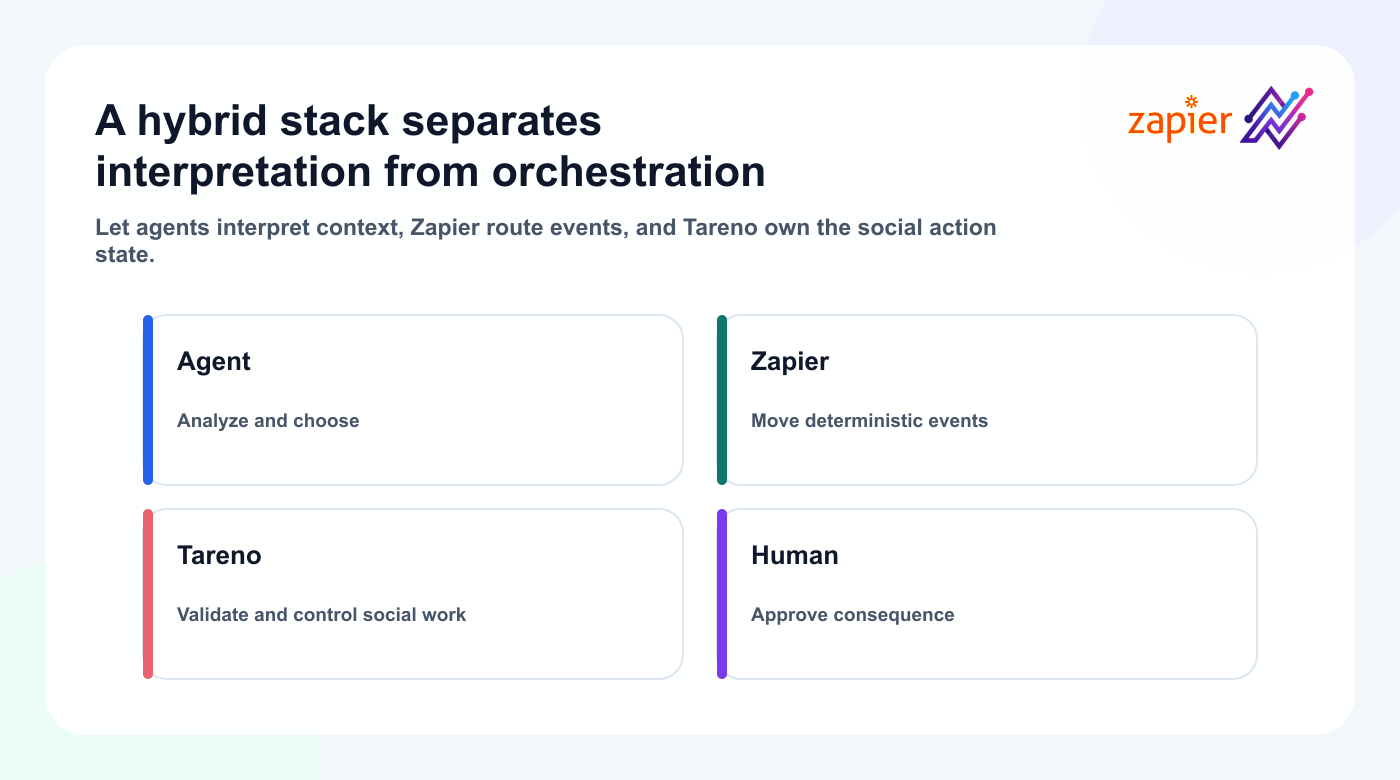
A hybrid architecture is often best.
Zapier brings the event into Tareno.
Tareno manages the social lifecycle.
Zapier vs MCP, OpenClaw, Hermes Agent, and Codex
Zapier is deterministic.
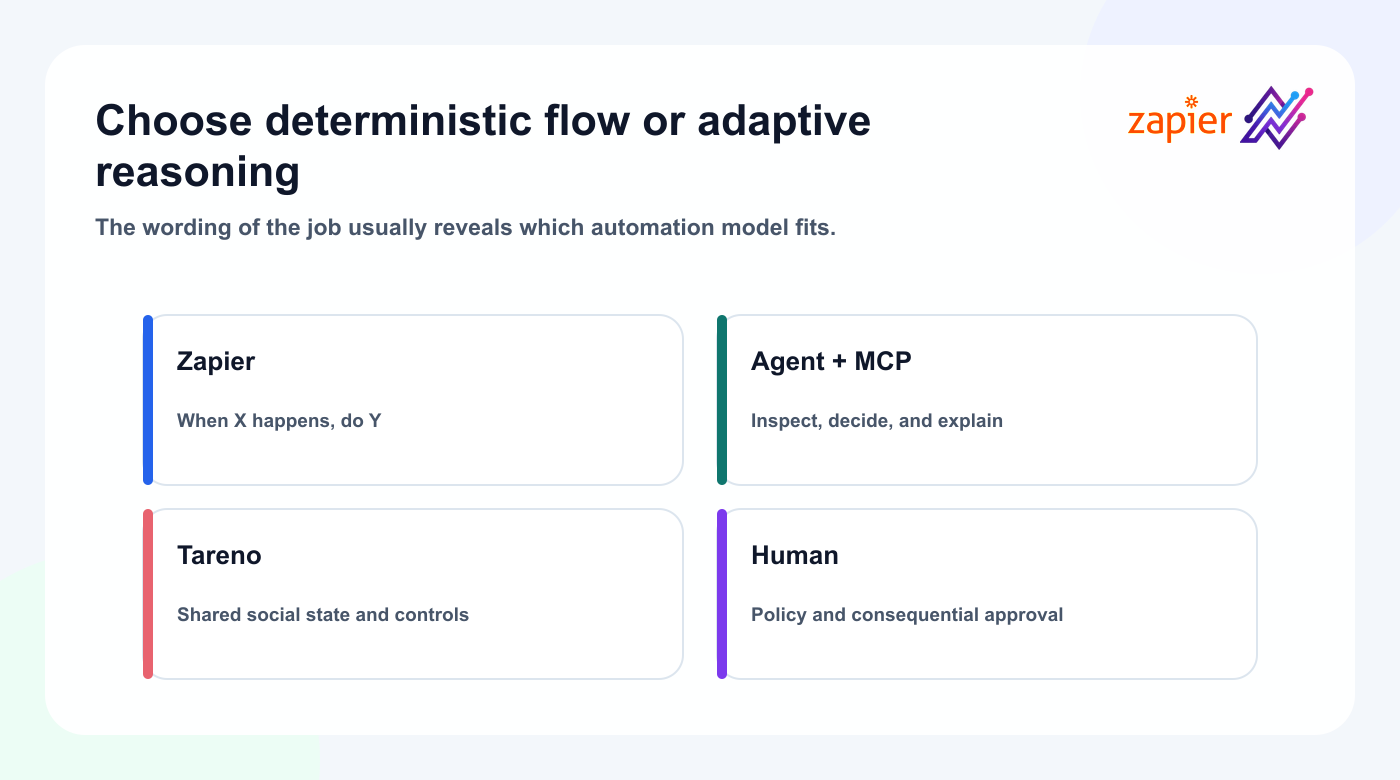
An agent is flexible.
Use Zapier when you can describe the workflow as:
When X happens, do Y.
Use MCP and an agent when the workflow sounds like:
Review the situation, decide what matters, choose the best action, and explain the result.
Decision table:
| Need | Best starting point |
|---|---|
| Simple app-to-app trigger | Zapier + Tareno |
| Flexible natural-language control | MCP + Tareno |
| Developer and repository context | Codex + Tareno |
| Persistent agent environment | OpenClaw + Tareno |
| Open configurable agent runtime | Hermes + Tareno |
| Complex self-hosted workflow | n8n + Tareno |
| Visual advanced scenario | Make + Tareno |
| Social-native recurring logic | Tareno Workflow Builder |
These options can work together.
Zapier vs n8n and Make
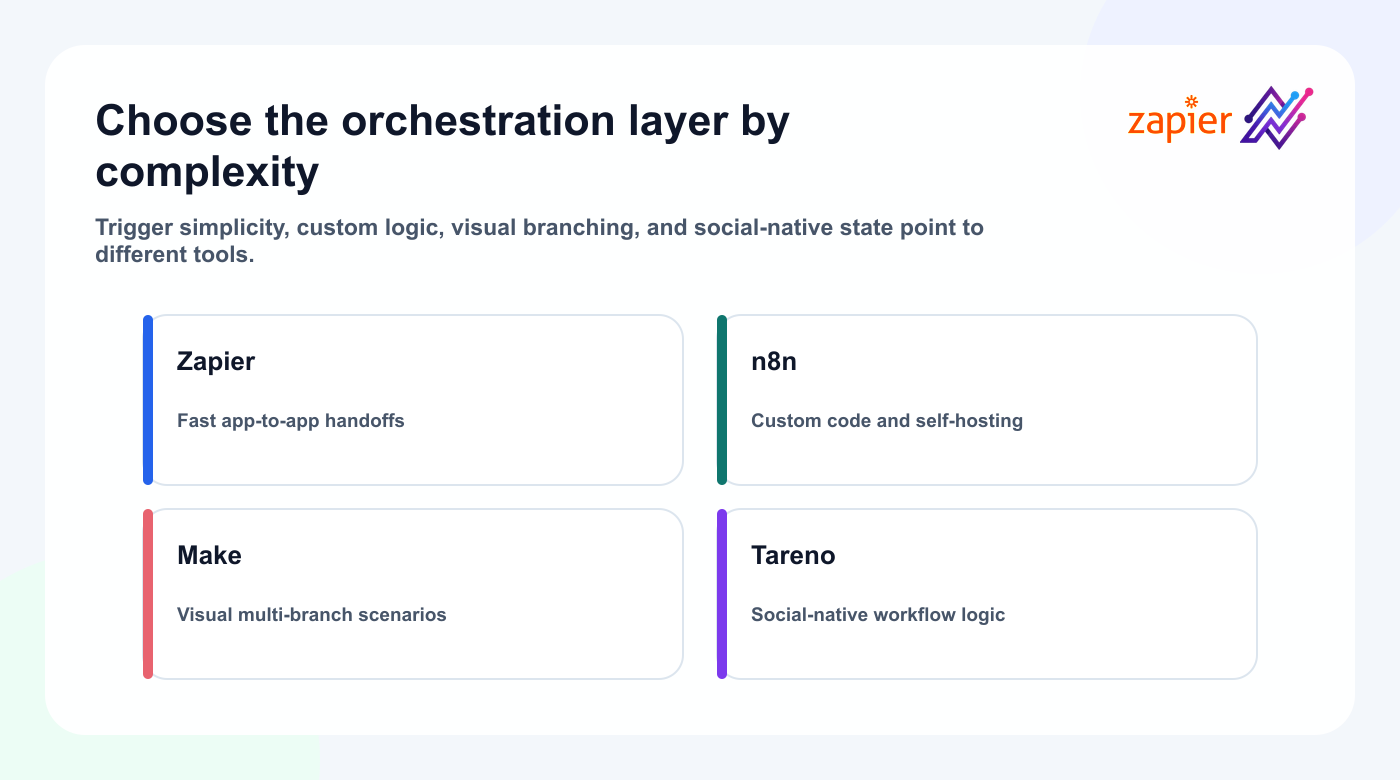
Choose Zapier when:
- the workflow is simple
- the apps are already supported
- non-technical users own the automation
- speed of setup matters
- the trigger-action model is sufficient
Choose n8n when:
- self-hosting matters
- the workflow needs custom code
- branching is complex
- data transformation is advanced
- technical control matters
Choose Make when:
- visual scenario design matters
- the workflow contains many branches
- detailed data mapping is required
- the team prefers a visual automation canvas
Choose Tareno Workflow Builder when:
- the logic is primarily about social publishing
- approvals and platform requirements matter
- recurring social workflows should remain inside the product
The right choice depends on where the workflow begins and where the complexity lives.
Secure and troubleshoot the integration
Security checklist
Protect the connection with a dedicated key, explicit targets, draft-first tests, visible failures, and regular credential review.
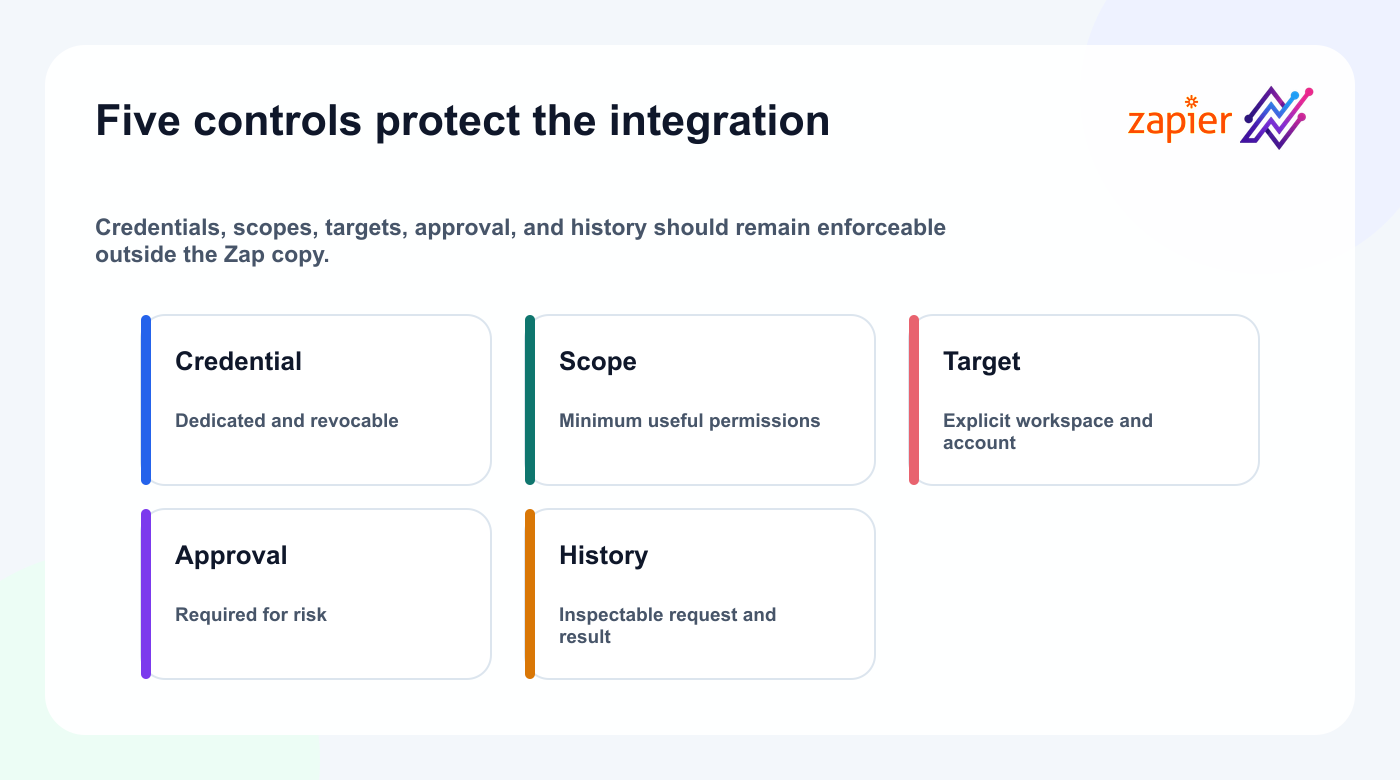
- [ ] Use the official Tareno Zapier app
- [ ] Review connected Tareno workspaces
- [ ] Use the minimum required permissions
- [ ] Test with drafts first
- [ ] Do not store social passwords in Zap steps
- [ ] Keep client workspaces separate
- [ ] Review AI-generated claims
- [ ] Keep sensitive content behind approval
- [ ] Validate public media URLs
- [ ] Reconnect expired authentication promptly
- [ ] Review Zap history for failures
- [ ] Turn off unused Zaps
The integration should reduce manual work without creating invisible risk.
Troubleshooting
Tareno does not appear in Zapier
Check:
- public launch status
- exact app name
- beta invitation status if applicable
- app directory availability
- region or account restrictions
The Tareno connection fails
Check:
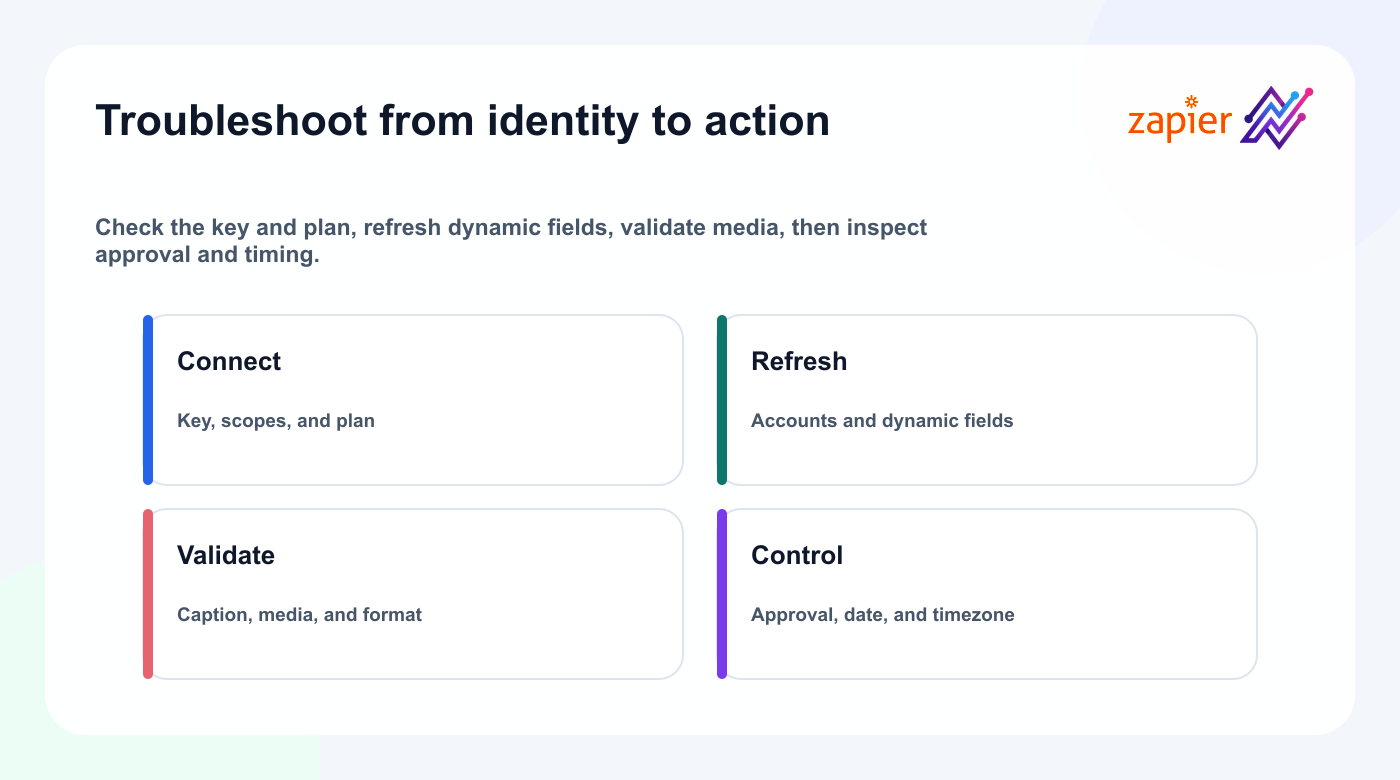
- authentication method
- API key or OAuth session
- Tareno account status
- permissions
- expired credential
- browser pop-up restrictions
The Zap creates a draft in the wrong workspace
Map the workspace explicitly.
For agencies, consider separate Zaps by client.
The caption is empty
Check the source field and AI step output.
Use a fallback or stop the Zap when required data is missing.
The same post appears several times
Add duplicate prevention.
Trigger on a status transition instead of every update.
Scheduling fails
Check:
- connected account
- platform requirement
- date format
- timezone
- media format
- approval state
- post type
The Zap works in testing but fails later
Review Zap history.
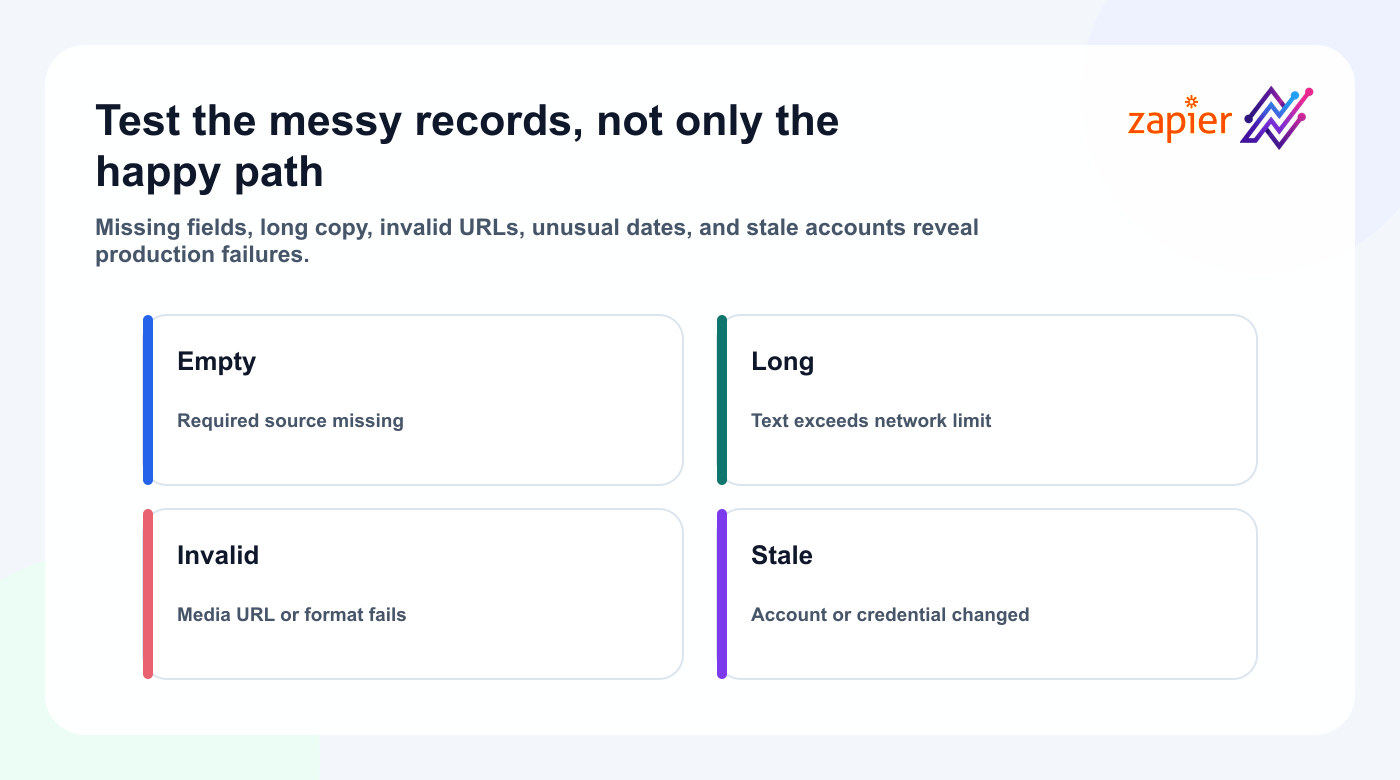
Live records may contain missing fields, longer text, invalid URLs, or different date formats.
Test with several realistic records.
Ideas and positioning
Fifteen practical Zap ideas
Choose ideas with a stable trigger, explicit target, reversible first output, and clear owner.
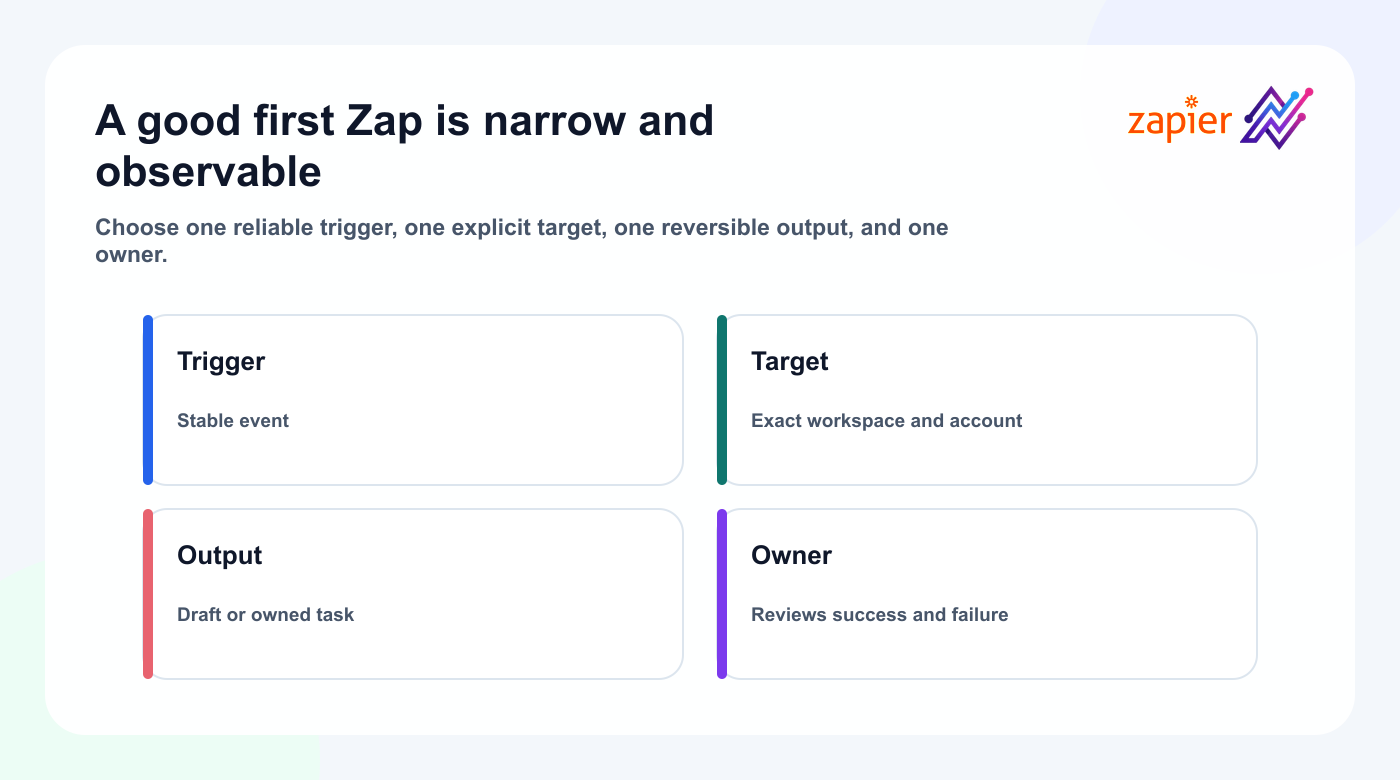
- RSS → Tareno multi-platform drafts
- Notion approved idea → Tareno content request
- Airtable approved record → Tareno draft
- Google Sheets row → scheduled campaign item
- Shopify product → launch drafts
- HubSpot milestone → customer story request
- Typeform testimonial → social proof draft
- YouTube upload → reviewable social drafts
- Webinar created → promotional sequence
- Calendar event → reminder draft
- Webflow article → social distribution drafts
- Slack reaction → content idea request
- Published Tareno post → analytics task
- Approved Tareno post → team notification
- High-performing post → repurposing queue
Each idea should begin as a small draft-first automation.
Expand only after it works reliably.
How Tareno should be positioned for Zapier users
Zapier brings a business event into the system; Tareno turns it into a controlled social content lifecycle.
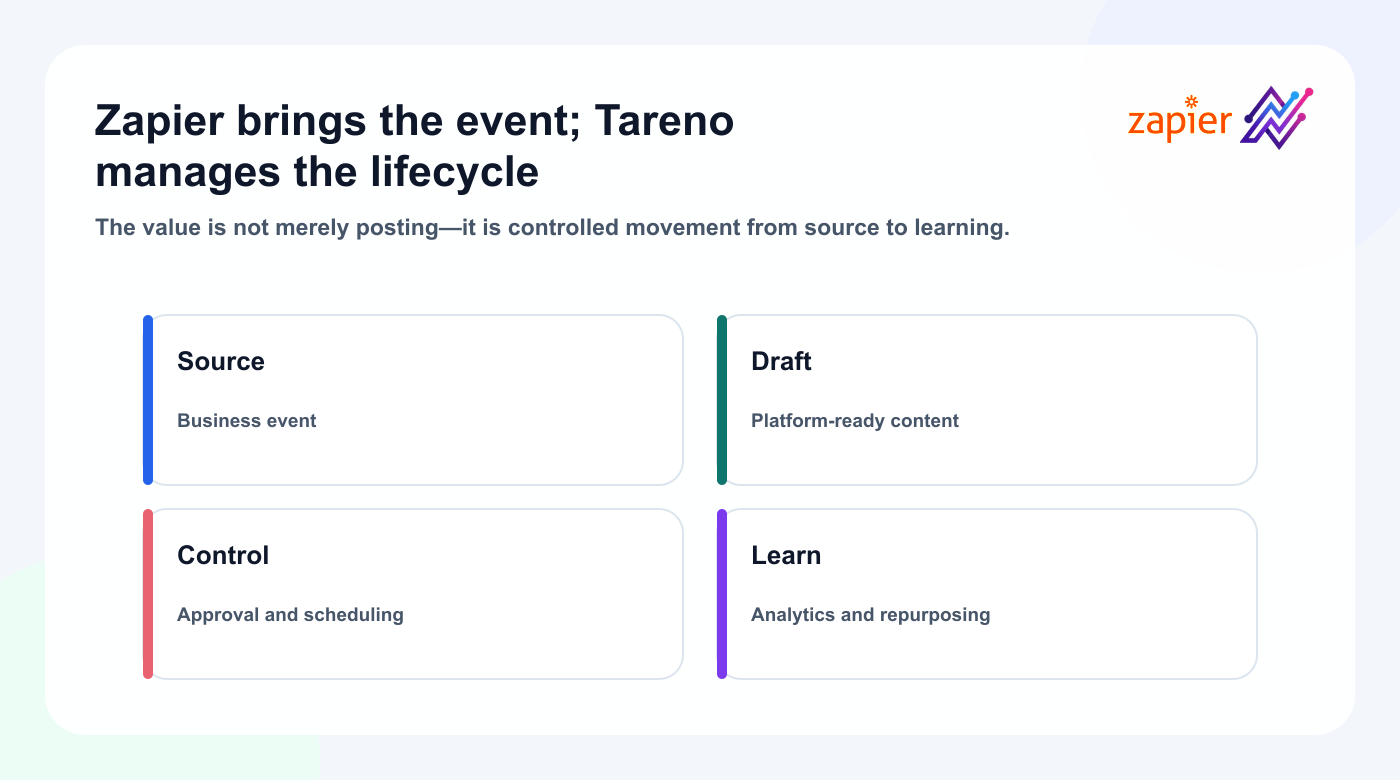
The value is a controlled path from source and draft through approval, publishing, measurement, and repurposing—not an instant-post shortcut.
FAQ
Can Zapier create and schedule Tareno posts?
Yes. The beta catalog supports draft, publish, and schedule actions. Start with drafts while validating the account, media, platform fields, time, and approval boundary.
How does Tareno authenticate in Zapier?
Use a dedicated API key with read and publish scopes, then select the intended social account.
When should I use n8n, Make, or MCP instead?
Use n8n for custom code, Make for visual branching, and MCP for adaptive agent decisions.
Final thoughts
Start draft-first, then connect approved publishing to analytics reports and an owned repurposing workflow.


