Social media automation is becoming more technical.
Best social media tools with Make and n8n integrations: what to compare
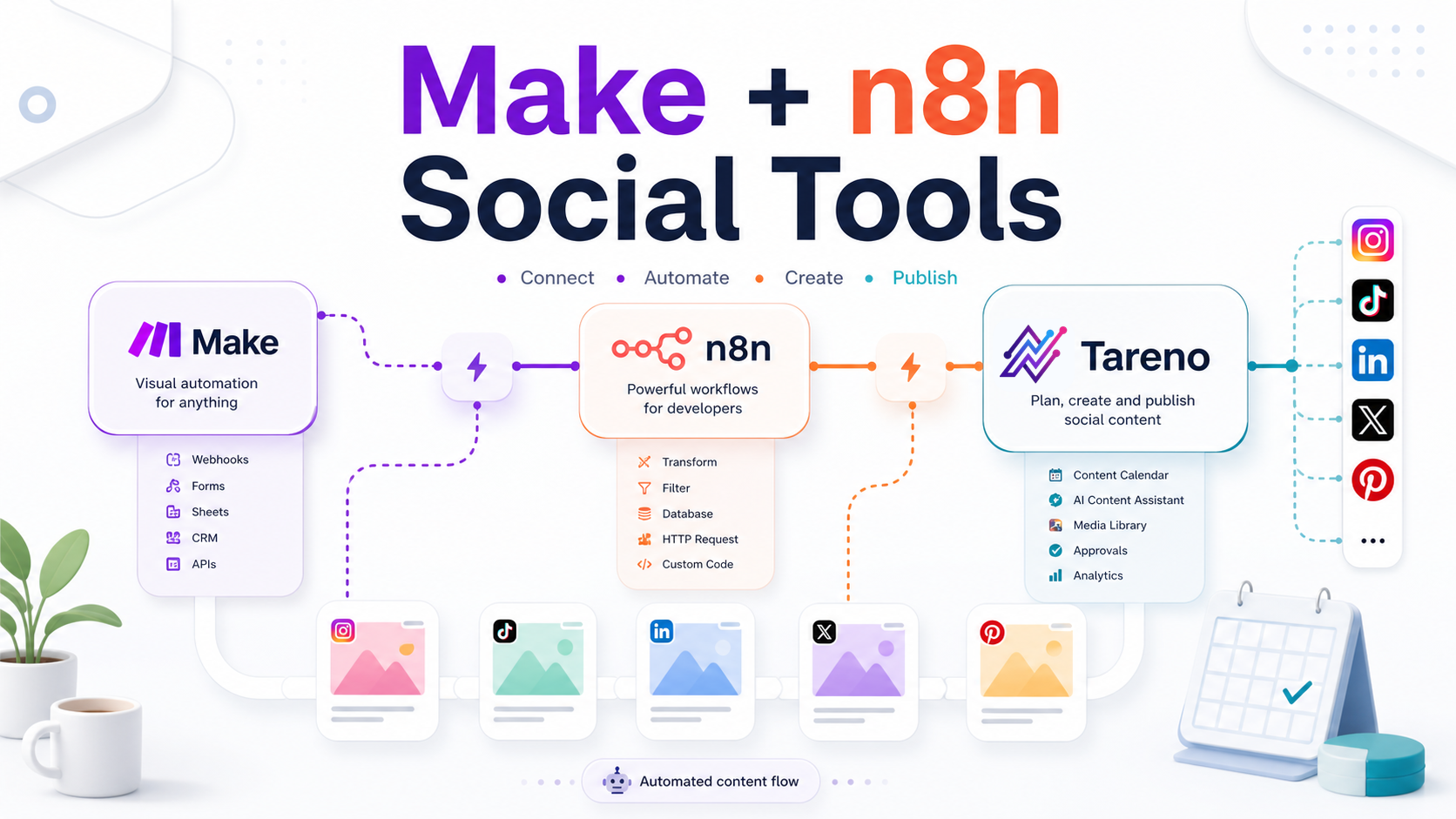
The best social media tools with Make and n8n integrations are not just calendars with a connector. They expose useful workflow events, support approvals before publishing, keep account and post data structured, and make it realistic to connect social work to Airtable, Notion, Slack, Google Sheets, reporting, or internal systems.
Make scenarios: look for clear modules, API-key setup, publish or schedule actions, account lookup, and copy-paste payload examples.
n8n workflows: check whether the tool supports webhooks, API endpoints, stable IDs, status changes, and repeatable trigger logic.
Approval automation: the integration should respect review stages instead of pushing drafts live before sign-off.
Reporting handoff: published post data, analytics, and campaign context should be exportable into client reports or internal dashboards.
Creators, agencies, and teams no longer only want a calendar.
They want social media workflows connected to the rest of their stack.
That means integrations.
A team might want to move approved posts into a tracker, trigger a Make scenario after publishing, create a repurposing task from analytics, notify Slack when content needs review, send post data to a database, update a client report automatically, trigger an n8n workflow when a post is approved, connect social content to CRM, Airtable, Notion, Google Sheets, or internal tools, or use API access for custom workflows.
This is why Make, n8n, API, Zapier, and even MCP-style integrations matter.
But not every social media tool supports real workflow automation.
Some tools have basic app integrations. Some have Zapier. Some have API access. Some expose advanced automation only on higher plans. Some are strong for reporting but not content workflow. Some are built specifically around workflow automation.
This guide compares social media tools with Make, n8n, API, and automation integration needs in 2026.
TL;DR: best tools by integration workflow
Integration needBest fitWhyWorkflow automation with Make, n8n, and APITarenoWorkflow builder, approvals, repurposing, Make, n8n, API, roles, activity visibilityAnalytics API and reporting integrationsMetricoolStrong analytics, API/Make/MCP style workflows on relevant plansSimple scheduling with app ecosystemBufferUseful for lightweight scheduling workflows and app connectionsBroad suite integrationsHootsuiteMature ecosystem, broad social suite, enterprise integrationsEvergreen content automationSocialBeeUseful for category/recycling workflows and connected content sourcesAgency scheduling integrationsSocialPilotUseful for scheduling/reporting workflows and agency operationsCustom no-code workflowsMake/n8nBest when social media must connect to databases, CRMs, trackers, alerts, and reporting systems
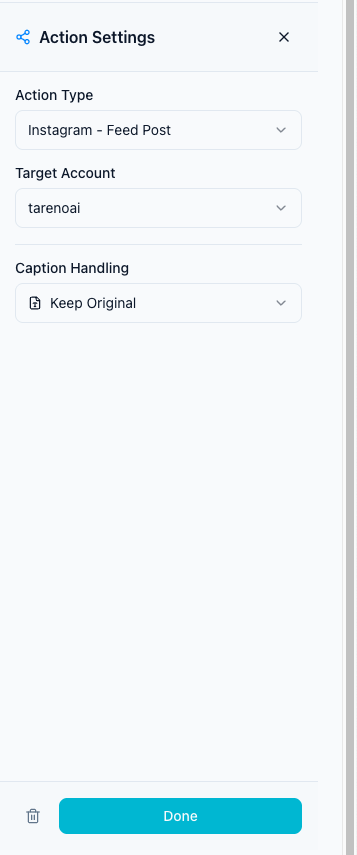
Short version: If you only need basic scheduling, simple integrations may be enough. If you need approval-triggered automation, repurposing queues, analytics-to-action workflows, Make, n8n, and API-connected operations, Tareno is the stronger fit.
What does “Make and n8n integration” mean for social media?
A Make or n8n integration lets social media actions connect to other tools through automation workflows.
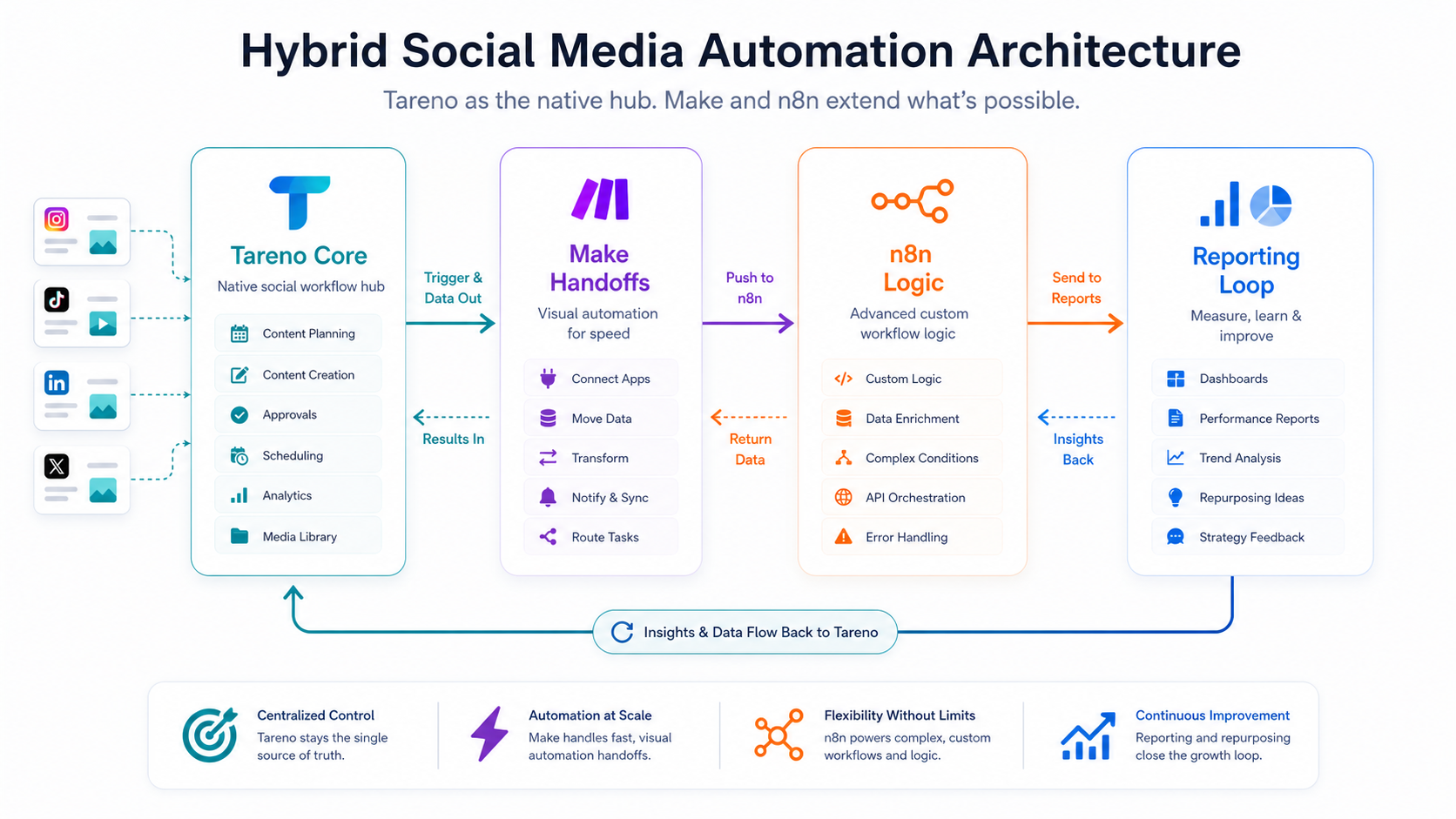
A hybrid architecture keeps Tareno as the workflow hub while Make and n8n extend handoffs and logic.
The next visual adds the practical layer behind this point: real integration readiness starts with clear connection points, not just a logo in an app directory.
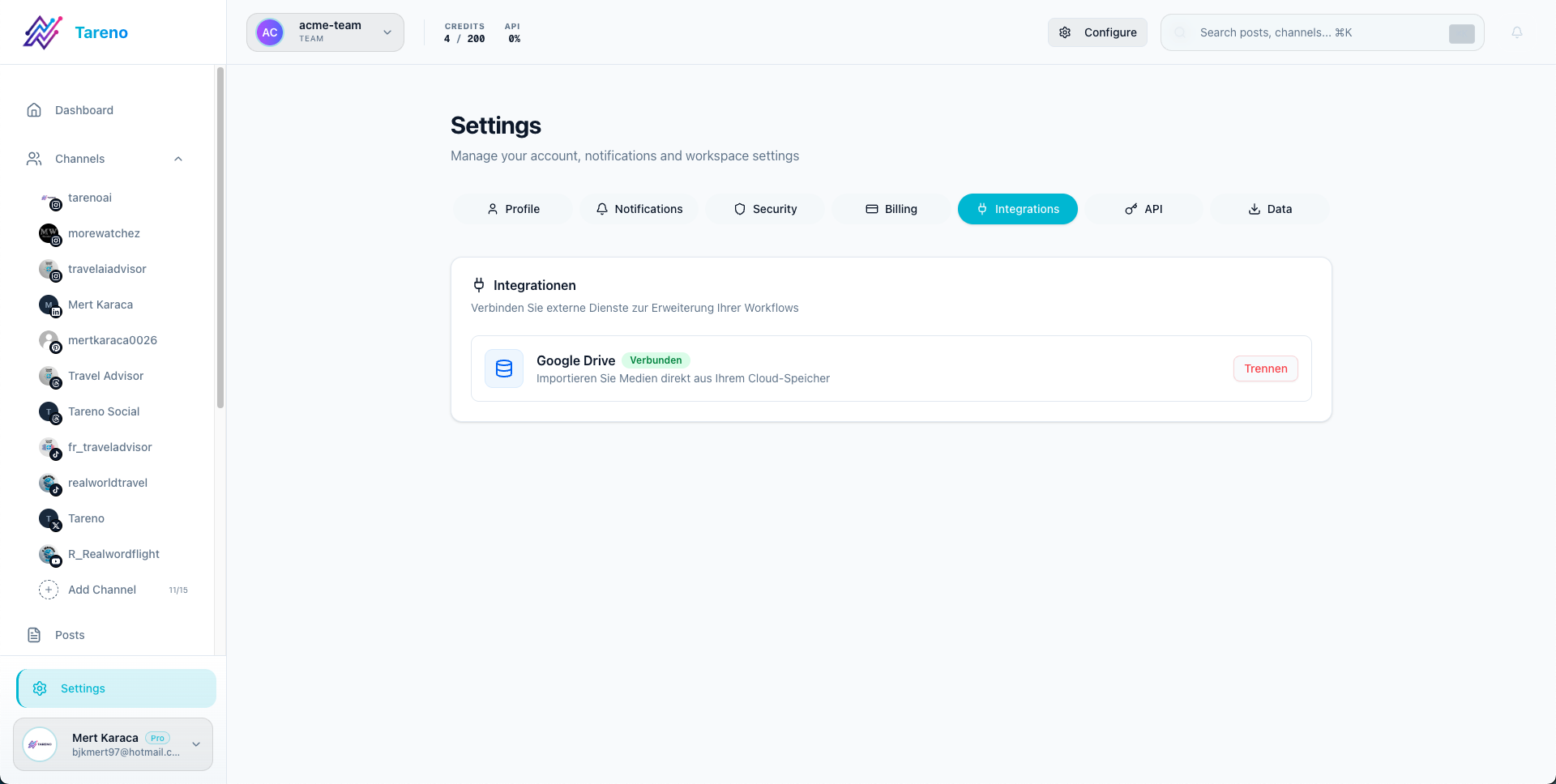
Real integration readiness starts with clear connection points, not just a logo in an app directory.
Instead of manually moving information between systems, you can create scenarios like:
when a post is approved, create a row in Google Sheets
when a post is published, notify a Slack channel
when analytics exceed a benchmark, create a repurposing task
when a client approves a post, move it to scheduling
when a YouTube video is published, create short-form repurposing tasks
when a blog goes live, create platform-specific social drafts
when a post is scheduled, update an Airtable calendar
This is different from a basic scheduler.
Make and n8n are useful when social media needs to connect with operations.
API vs Make vs n8n vs Zapier vs MCP
These terms are related but not identical.
Framework for deciding what needs human review before publishing.
API
An API gives developers programmatic access to data or actions.
Best for custom apps, internal dashboards, advanced workflows, custom reporting, and product integrations.
Make
Make is a visual automation platform.
Best for no-code/low-code workflows, connecting apps, scenario-based automation, and operational handoffs.
n8n
n8n is a workflow automation platform often used by technical teams and self-hosters.
Best for custom workflows, API-heavy automation, self-hosted scenarios, and advanced logic.
Zapier
Zapier is a popular no-code automation tool.
Best for simple app-to-app workflows, triggers, and actions.
MCP
MCP-style integrations are relevant when AI agents need structured access to tools, data, and actions.
Best for AI-assisted workflows, agent-accessible operations, and structured tool use.
A strong social media automation stack may use more than one of these.
The INTEGRATE framework
Use the INTEGRATE framework to evaluate integration-ready social media tools.
I — Integration availability
N — Native workflow events
T — Trigger depth
E — External system fit
G — Governance and approvals
R — Reporting sync
A — API flexibility
T — Team ownership
E — Error handling
This helps you avoid tools that only claim automation but do not support real workflows.
I — Integration availability
First, check what integrations actually exist.
Ask:
Does the tool support Make?
Does it support n8n?
Does it have Zapier?
Does it have API access?
Does it support webhooks?
Are integrations available on all plans or only higher plans?
Are there limits?
Are social profile limits separate from integration limits?
This matters because integration features are often plan-gated.
A tool may technically support an API, but only on expensive plans.
N — Native workflow events
A useful integration needs events.
Examples:
post created
post updated
post approved
post rejected
post scheduled
post published
comment received
analytics updated
post exceeded benchmark
item added to repurposing queue
The deeper the workflow events, the more useful the integration.
If the only event is “new post,” automation is limited.
If the tool can trigger events around approvals, scheduling, publishing, analytics, and repurposing, automation becomes more powerful.
T — Trigger depth
A shallow trigger:
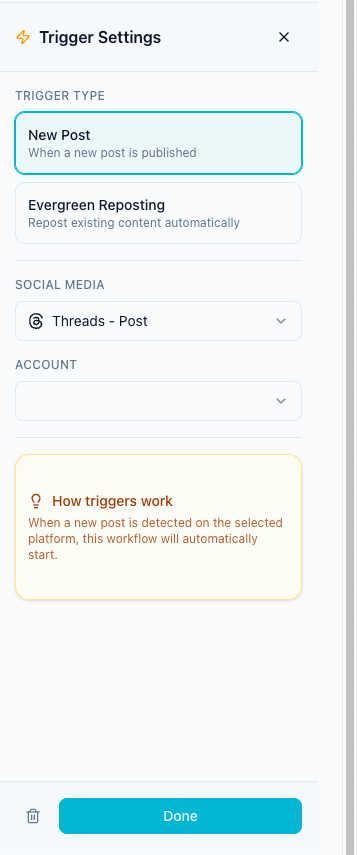
Trigger depth determines whether automations can react to meaningful workflow events.
New post created.
A deeper trigger:
Post status changed from Review to Approved.
An even deeper trigger:
Published post exceeded engagement benchmark and entered Repurposing Queue.
Trigger depth matters because social media workflows are status-based.
Teams need automations based on what happened in the workflow, not just whether a post exists.
E — External system fit
Social media often connects to other systems.
Examples:
Google Sheets
Airtable
Notion
Slack
ClickUp
Trello
HubSpot
CRM tools
reporting dashboards
data warehouses
customer support tools
internal databases
AI agents
content repositories
The integration should support the systems your team actually uses.
The point is not to connect everything.
The point is to remove the most repetitive handoffs.
G — Governance and approvals
Automation should not bypass approvals.
This is important.
A bad automation:
AI writes post → automation publishes immediately.
A safer automation:
AI writes draft → post moves to Review → human approves → automation schedules.
Governance matters for brand voice, pricing claims, competitor claims, legal-sensitive content, sponsor content, client content, customer replies, and repurposed old content.
Make and n8n workflows should support human review, not replace it.
R — Reporting sync
Reporting is one of the best integration use cases.
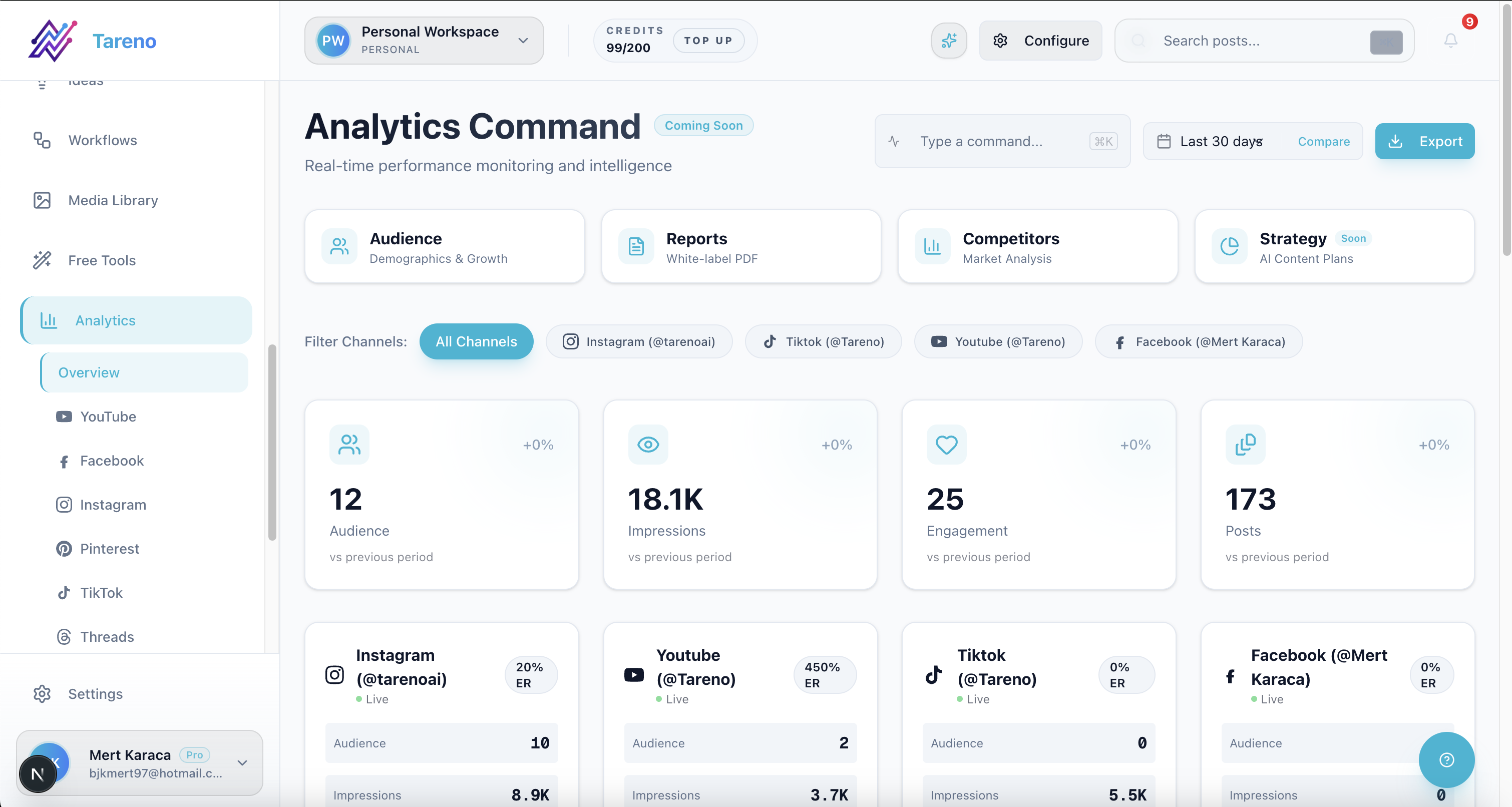
Reporting sync closes the loop between published content, dashboards, and next actions.
A workflow can sync published post URLs, campaign labels, platform performance, repurposing status, client report notes, top-performing posts, analytics benchmarks, owner performance, and content status.
Example:
After a post is published, wait seven days, then create a reporting task and add the result to a dashboard.
This makes reporting more operational.
A — API flexibility
API access matters for teams with custom needs.
Useful API workflows include custom dashboards, internal reporting, automatic content creation, post status syncing, content approval portals, client portals, AI agent workflows, custom repurposing logic, and data exports.
The more technical the team, the more API flexibility matters.
T — Team ownership
Integration workflows need owners.
Someone should own the trigger, automation, approval gate, fallback, error handling, reporting output, and maintenance.
No-code workflows can become messy if nobody owns them.
Automation without ownership creates silent failures.
E — Error handling
Social media integrations can fail.
Reasons include expired tokens, API limits, platform permission changes, missing fields, invalid media formats, profile disconnections, tool downtime, changed pricing/plan limits, failed approvals, and duplicate triggers.
A good workflow should handle errors.
At minimum:
notify owner
log error
prevent duplicate publishing
avoid bypassing approval
allow retry
This is especially important for agencies and teams.
1. Tareno — best for workflow automation with Make, n8n, and API
Tareno is the best fit when integrations need to support social media workflow operations, not just basic scheduling.
Tareno is best for
Choose Tareno if you need:
workflow builder
Make integration
n8n integration
API access
approval workflows
repurposing queue
content boards
team workspaces
roles and permissions
activity visibility
competitor analysis
unified analytics
AI captions and hashtags
Where Tareno wins
Tareno is strongest when automation needs to connect workflow stages.
Examples:
approved post triggers Make scenario
published post triggers reporting workflow
high-performing post enters repurposing queue
repurposing item requires review before scheduling
n8n syncs content data to an internal system
API powers a custom dashboard or agent workflow
This is workflow automation rather than just app integration.
Not ideal for
Tareno may be more than needed if you only need a simple one-step integration like “new post → send notification.”
2. Metricool — best for analytics and reporting integrations
Metricool is useful when integrations focus on analytics and reporting.
Metricool is best for analytics dashboards, competitor tracking, reports, brand management, Looker Studio workflows, API/reporting integrations on relevant plans, and analytics-to-planning workflows.
Metricool is strong when the main automation need is reporting data.
It helps teams understand what happened.
Metricool may be less ideal if you need approval-triggered workflow automation, repurposing queues, board-based content operations, Make/n8n content movement, or activity visibility across content stages.
Metricool helps with analytics.
Tareno helps connect analytics to workflow action.
3. Buffer — best for simple scheduling integrations
Buffer is useful for lightweight scheduling and simple integrations.
Buffer is best for simple publishing, queue scheduling, lightweight automation, creators and small teams, and basic app ecosystem workflows.
Buffer is clean and easy to use.
For simple workflows, that is an advantage.
Buffer may be less ideal if you need deep approval triggers, repurposing queue automation, analytics-to-action workflows, Make/n8n workflows around content stages, roles and activity visibility, or API-connected workflow operations.
Buffer helps publish.
It is less focused on deeper workflow automation.
4. Hootsuite — best for broad suite integrations
Hootsuite is useful when a team wants integrations inside a broad social media management suite.
Hootsuite is best for publishing, inbox, AI tools, analytics, listening, reporting, enterprise workflows, and broad integration ecosystem.
Hootsuite is strong for teams that need mature social management with broad capabilities.
Hootsuite may be less ideal if your main need is lean workflow-first automation, repurposing queues, Make/n8n handoffs, or content movement visibility.
5. SocialBee — best for evergreen automation workflows
SocialBee is useful for recurring content and evergreen category workflows.
SocialBee is best for content categories, evergreen recycling, recurring libraries, content sources, RSS imports, and category-based publishing.
SocialBee can be useful when content automation is built around category queues.
SocialBee may be less ideal if you need Make/n8n workflows around approvals, repurposing queue stages, analytics thresholds, and activity history.
6. SocialPilot — best for agency scheduling integrations
SocialPilot is useful for agencies that need scheduling, approvals, reports, and operational workflows.
SocialPilot is best for agency scheduling, client approvals, manager approvals, white-label reports, bulk scheduling, analytics, and client workflows.
SocialPilot is practical for agencies that need scheduled publishing and client approval workflows.
SocialPilot may be less ideal if the agency needs deeper workflow builder logic, repurposing queues, Make/n8n automation around content stages, or custom API operations.
Integration comparison table
ToolBest integration use caseIntegration strengthMain limitationTarenoWorkflow automationMake, n8n, API, approvals, repurposing, workflow stagesMore than needed for basic triggersMetricoolAnalytics/reportingReporting data, competitors, dashboardsLess content workflow movementBufferSimple schedulingLightweight app workflowsLimited workflow automation depthHootsuiteBroad suiteEnterprise ecosystemCan be heavy for lean workflowsSocialBeeEvergreen workflowsCategory-based automationLess approval/analytics workflow depthSocialPilotAgency schedulingClient approval and reportsLess deep workflow automationMakeNo-code orchestrationVisual scenariosNeeds connected toolsn8nTechnical workflowsFlexible self-hosted/custom logicNeeds setup and ownershipZapierSimple automationEasy app-to-app workflowsLess flexible for complex logicAPICustom systemsMaximum flexibilityRequires development
Example Make workflows for social media
The examples below work best when the social media tool exposes review, approval, publish, analytics, and repurposing events that Make or n8n can listen to.
Make and n8n become useful when social actions are mapped to specific downstream systems.
Approved post to tracker
Trigger:
Post approved
Actions:
add row to campaign tracker
notify publisher
update status
prepare scheduling task
Published post to report
Trigger:
Post published
Actions:
store URL
wait 7 days
request performance review
update reporting sheet
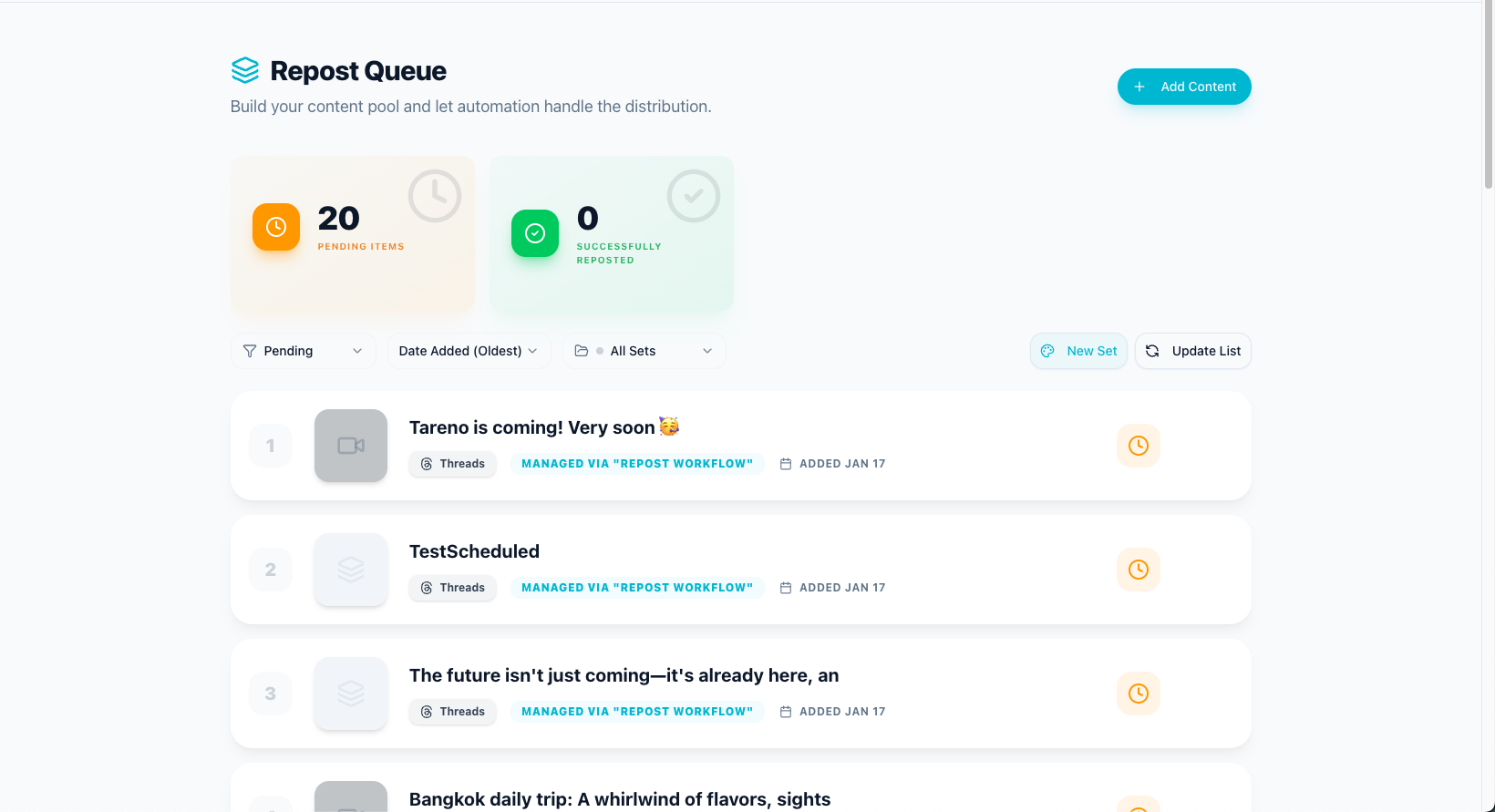
High performer to repurposing queue
A high-performing post should create a next action automatically, otherwise the insight usually dies inside the report.
The most valuable automation is often moving proven content into a structured reuse queue.
Trigger:
Performance exceeds benchmark
Actions:
create repurposing item
assign owner
notify reviewer
add target platforms
Example n8n workflows for social media
Blog to social draft workflow
Trigger:
New blog published
Actions:
extract title and summary
create LinkedIn draft
create Threads draft
create Pinterest title
send drafts to approval
schedule after approval
Competitor signal workflow
Trigger:
Competitor topic added to tracker
Actions:
create content idea
assign strategist
create draft task
route to review
add internal link target
Repurposing measurement workflow
Trigger:
Repurposed post published
Actions:
wait 7 days
pull performance
compare to baseline
mark Reuse Again or Archive
notify owner
Integration mistakes to avoid
Mistake 1: Automating publishing without approval
Do not let automation publish risky content without review.
Mistake 2: Building too many workflows
Start with the handoffs that cost the most time.
Mistake 3: No owner
Every automation needs an owner.
Mistake 4: No error handling
Failed tokens, limits, or missing data should trigger alerts.
Mistake 5: Automating a messy process
Clean the workflow before automating it.
Mistake 6: Choosing tools only by integration count
More integrations do not matter if they do not support the workflow event you need.
What to look for in Make/n8n-ready social media tools
Look for clear triggers, approval events, publish events, analytics events, repurposing events, webhook/API access, Make support, n8n support, Zapier support, role permissions, activity logs, error visibility, documentation, and plan availability.
The best integration tool is the one that supports your workflow, not just your app list.
How Tareno fits into Make/n8n social automation
Tareno is useful when Make, n8n, and API workflows need to connect with social media operations.
Relevant Tareno components include:
workflow builder
Make integration
n8n integration
API access
approval workflows
repurposing queue
content boards
analytics
competitor analysis
team workspaces
roles and permissions
activity visibility
AI captions and hashtags
This matters because social media automation is most valuable when it connects stages.
Tareno is designed for workflows like:
idea → draft → approval → schedule → publish → report → repurpose
Make, n8n, and API access make that workflow more extensible.
Related Tareno resources
Use Tareno Features, Tareno Pricing and Compare Hub to place this recommendation in the broader Tareno stack. For automation-heavy teams, keep Make Integration, n8n Integration and API Docs nearby while you evaluate workflow fit. For vendor context, compare it with Metricool Alternative and Buffer Alternative.
FAQ
What are the best social media tools with Make and n8n integrations?
The best tool depends on the workflow. Tareno is strong for workflow automation with Make, n8n, and API access. Metricool is strong for analytics/reporting integrations. Buffer is useful for simple scheduling workflows.
Why use Make or n8n with social media tools?
Make and n8n help connect social media workflows to external tools like Google Sheets, Airtable, Notion, Slack, CRMs, reporting dashboards, and internal systems.
What social media workflows can be automated?
Common workflows include approved post notifications, published post tracking, reporting updates, repurposing tasks, content draft creation, analytics alerts, and client approval handoffs.
Is API access important for social media automation?
API access is important when teams need custom dashboards, internal tools, AI agent workflows, custom reporting, or deeper automation than no-code tools allow.
Should social media publishing be fully automated?
Usually no. Publishing should include human approval, especially for brand content, pricing claims, competitor comparisons, client posts, or sensitive topics.
What should teams check before choosing an integration-ready social tool?
Check Make/n8n/API availability, plan limits, webhook support, triggers, approval events, analytics access, documentation, and error handling options.
Final thoughts
Social media automation is no longer only about scheduling.
For many teams, the real value is connecting social media to the rest of the operating system.
Make, n8n, API access, and workflow builders matter because they reduce manual handoffs.
But integrations only help when the workflow is clear.
Start with the process. Define approvals. Define triggers. Define owners. Define error handling. Then automate.
The best integration-ready social media tool is not the one with the longest app list.
It is the one that supports the workflow events your team actually needs.
Primary CTA: Explore Tareno Make, n8n, and API workflows to see how approvals, repurposing queues, workflow builder, analytics, roles, and activity visibility can connect to your automation stack.
Secondary CTA: Compare Tareno with Metricool, Buffer, Hootsuite, SocialBee, and SocialPilot on the compare hub.