
The best social media automation tool is not always the tool with the longest feature list.
It is the tool that automates the right part of your workflow.
For one creator, that might mean simple scheduling.
For a small team, it might mean approvals and content calendars.
For an agency, it might mean client reports and inbox management.
For a workflow-heavy team, it might mean automation, repurposing queues, boards, roles, activity visibility, API access, Make, and n8n.
That distinction matters because “social media automation” is often used too loosely.
Some tools automate publishing.
Some automate reporting.
Some automate approval reminders.
Some automate evergreen recycling.
Some automate full content workflows.
This guide compares the best social media automation tools for creators and small teams in 2026 by actual workflow use case, not just by feature count.
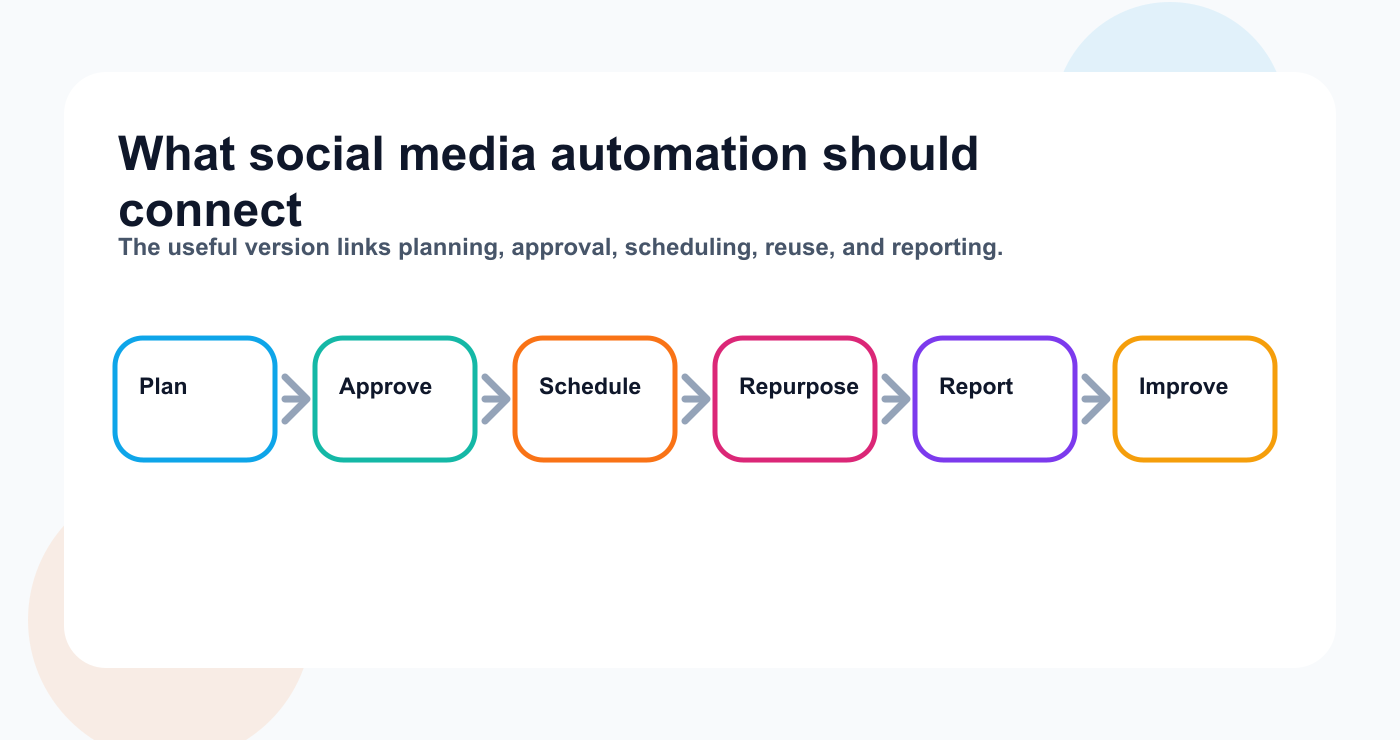
A practical automation workflow map from preparation through reporting.
TL;DR: best social media automation tools by use case
Use caseBest fitWhyworkflow automation and repurposingTarenoWorkflow builder, repurposing queue, boards, approvals, roles, activity visibility, Make, n8n, APISimple schedulingBufferClean publishing queue, easy setup, per-channel pricing Analytics and competitor trackingMetricoolStrong analytics, reports, competitors, brand dashboardsApproval collaborationPlanableComments, review, internal notes, approval workflows Agency scheduling and client approvalsSocialPilotSocial account/user scaling, client approvals, white-label reports Inbox and moderationAgorapulseSocial inbox, ad comments, moderation rules, assignments, ROI reports Premium social careSprout SocialSmart Inbox, customer care, review management, enterprise reporting
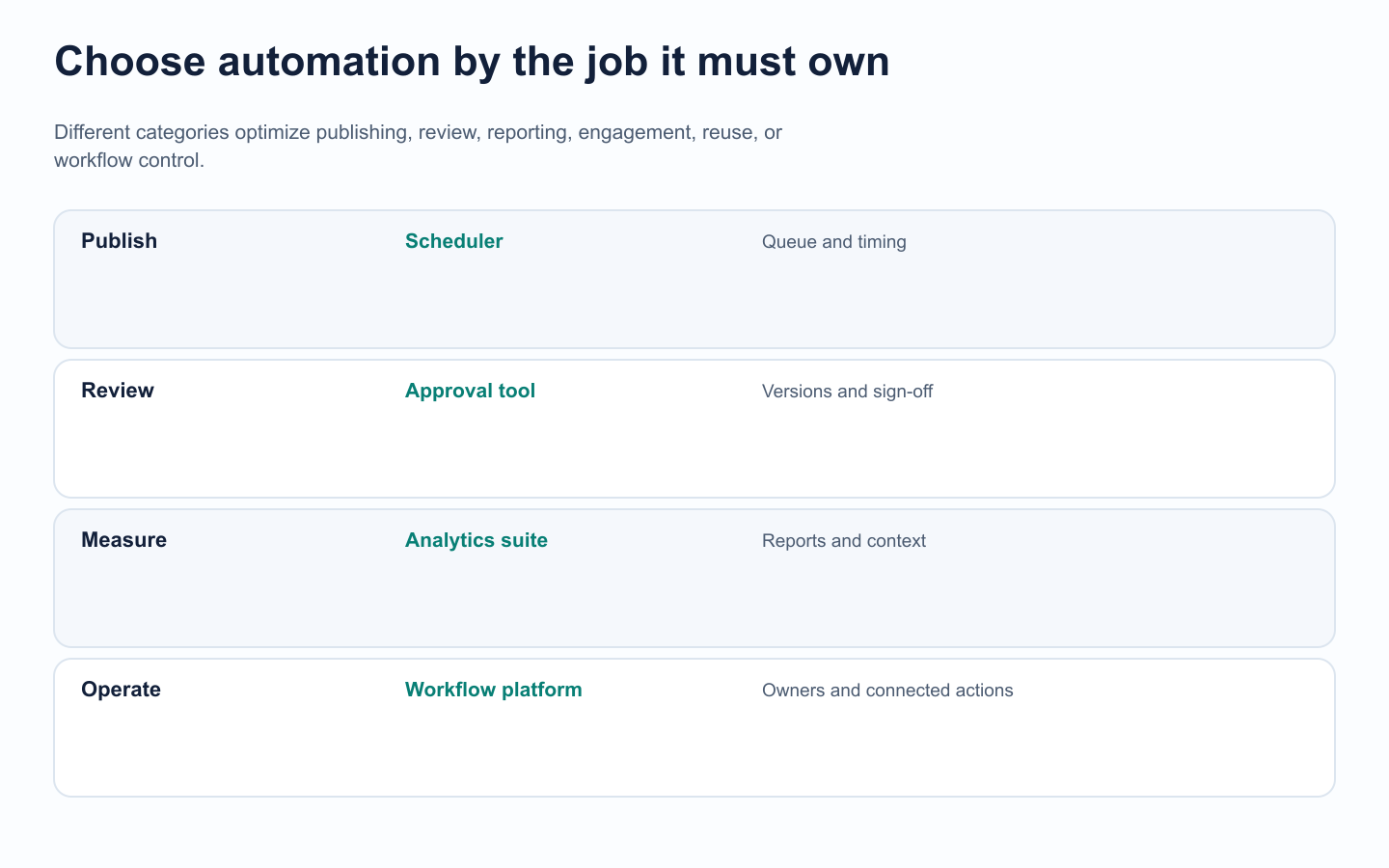
The best-fit category follows the workflow job the system must own.
Short version: If you only need scheduling, choose a scheduler. If you need analytics, choose an analytics tool. If you need approval review, choose an approval tool. If you need workflow automation, repurposing, boards, roles, Make, n8n, and API workflows, choose a workflow-first platform like Tareno.
What counts as social media automation?
Social media automation is any system that reduces manual social media work through rules, queues, triggers, templates, integrations, or repeatable workflows.
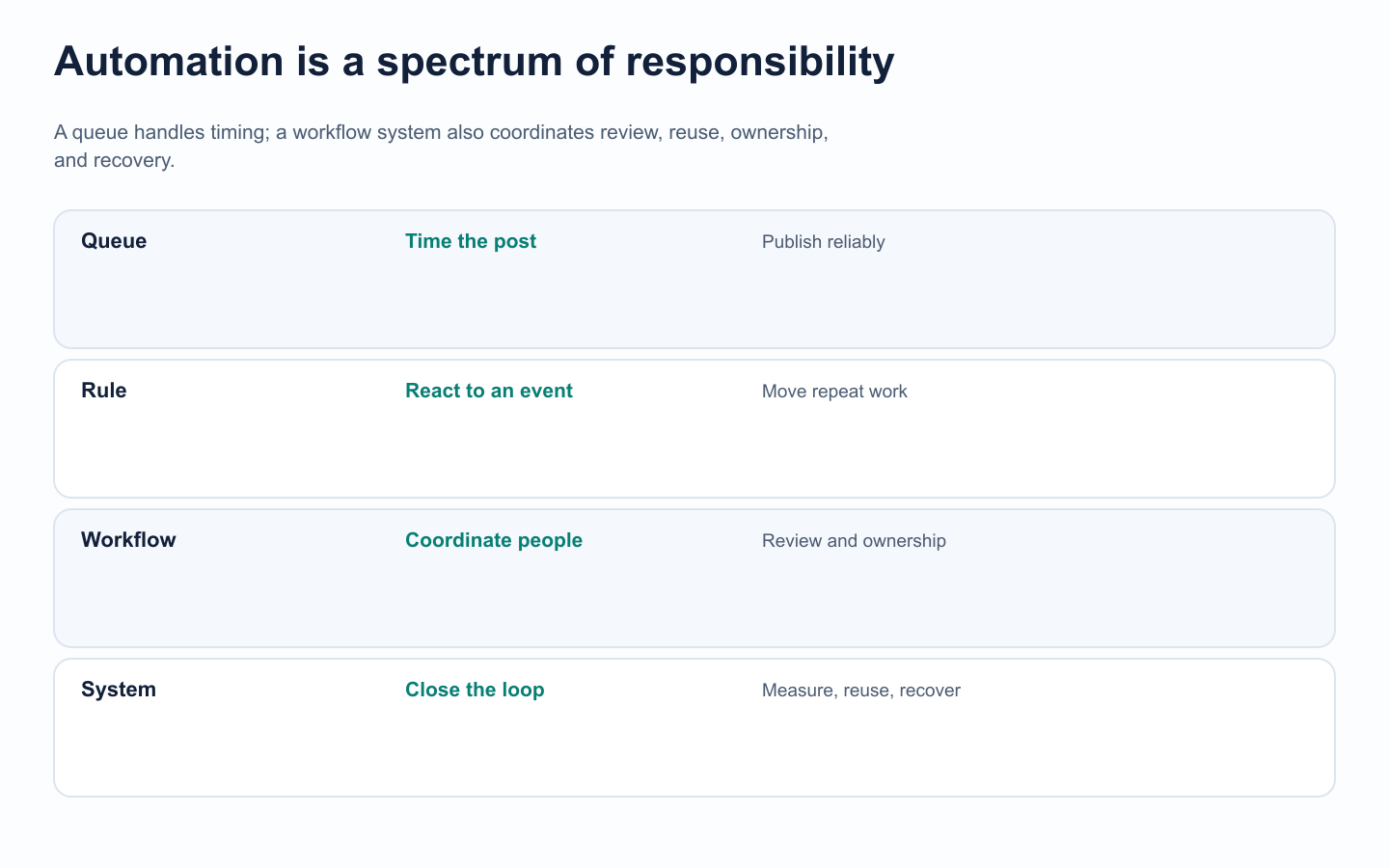
The word automation covers very different levels of operational responsibility.
Common examples include:
scheduling posts in advance
publishing to multiple platforms
generating captions
generating hashtags
moving content through approval stages
sending reviewer notifications
reusing evergreen content
repurposing high-performing posts
exporting reports
tracking competitor performance
routing comments or messages
triggering Make or n8n workflows
syncing social content with external systems
But not all automation has the same value.
A tool that schedules posts is helpful.
A tool that turns approved content into a multi-platform repurposing workflow is solving a much deeper problem.
That is why the best tool depends on your bottleneck.
The AUTOMATE framework for choosing a social media automation tool
Use this framework before choosing.
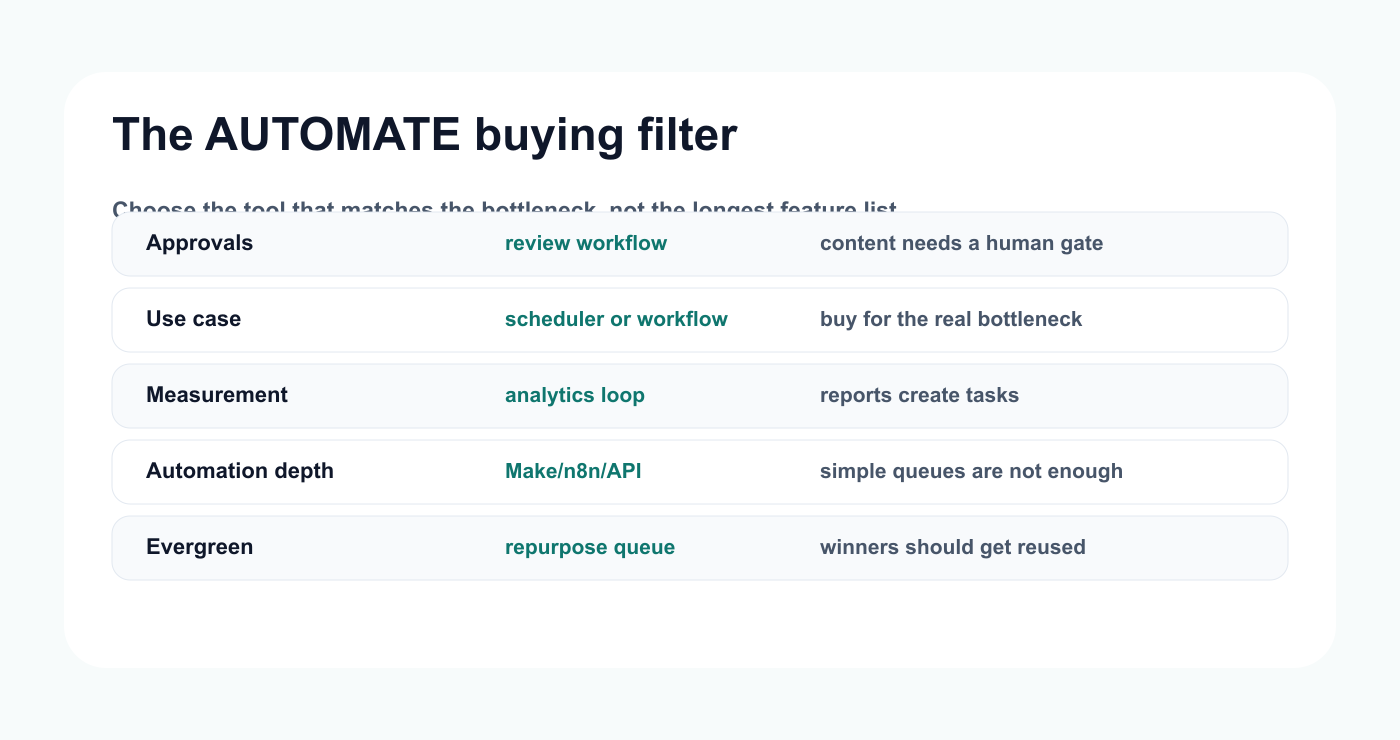
A compact filter for matching automation depth to the team's real workflow problem.
A — Approval needs
Do posts need review before publishing?
If yes, do you need simple approvals, client approvals, multi-step approvals, or board-based approval workflows?
U — Use case
Are you automating scheduling, analytics, approvals, repurposing, inbox, or full workflow operations?
Most bad tool decisions happen because the team buys for the wrong use case.
T — Team structure
Solo creators, small teams, agencies, and enterprise teams need different automation.
A solo creator may need speed.
An agency may need client approval and reports.
A workflow-heavy team may need roles and activity visibility.
O — Output format
Do you publish short videos, carousels, Threads posts, LinkedIn posts, Pinterest pins, YouTube Shorts, or multi-channel campaigns?
The tool should match the output.
M — Measurement
Will performance data feed the next content decision?
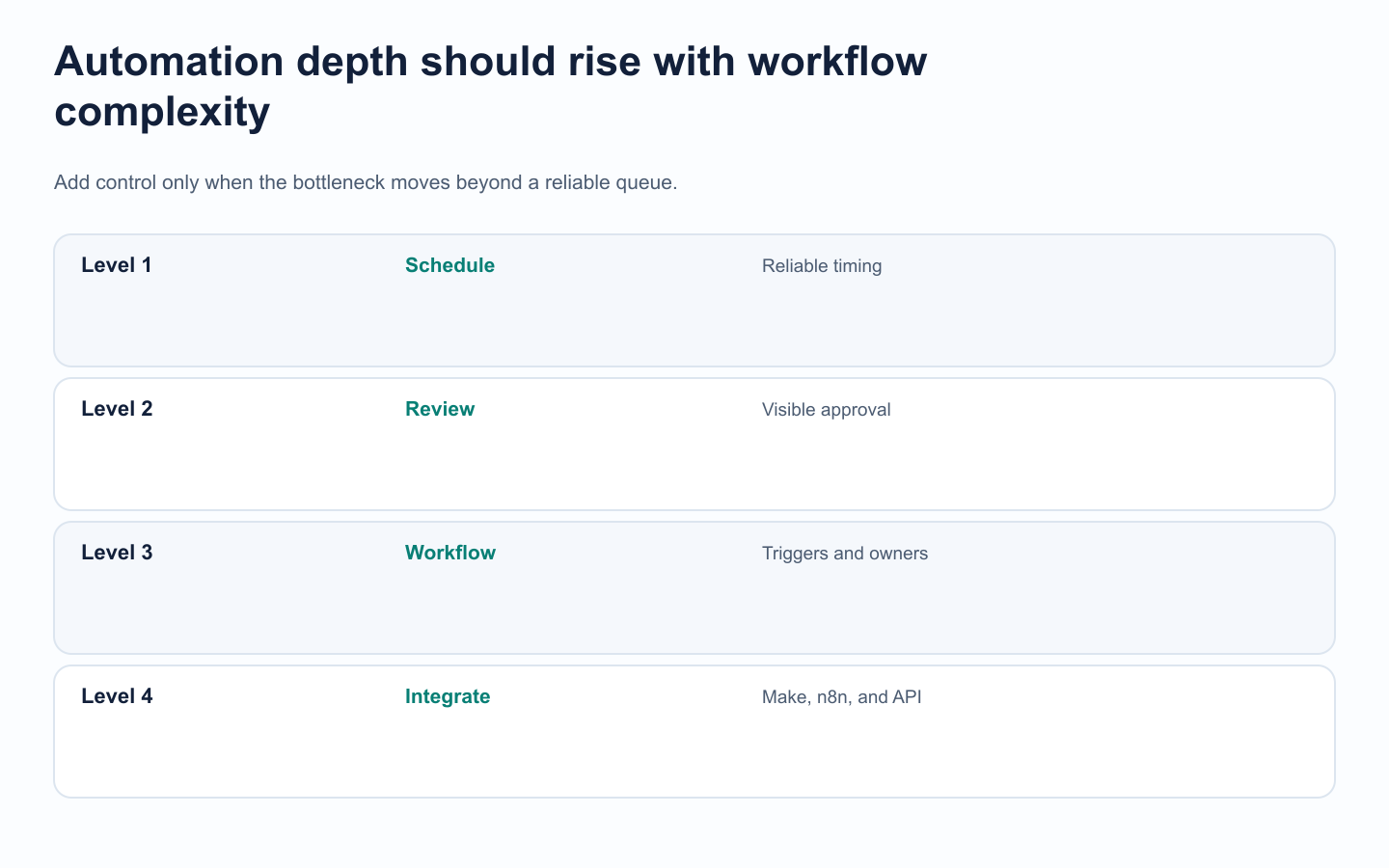
Teams should add workflow depth only when the current bottleneck requires it.
If reports do not lead to action, automation is incomplete; the stronger setup connects analytics reports to the next content task.
A — Automation depth
Do you need simple post scheduling, or do you need triggers, delays, API, Make, and n8n?
T — Trust and quality
Can humans review sensitive content before publishing?
Automation without review can create spammy or risky content.
E — Evergreen and repurposing
Do you reuse winning content systematically?
If not, your team is probably leaving value on the table.
Best social media automation tools in 2026
The right tool depends on whether the bottleneck is scheduling, review, reporting, engagement, reuse, or end-to-end workflow control.
Best overall for workflow automation and repurposing: Tareno
Tareno is best for creators and teams that need workflow automation, not just scheduling.
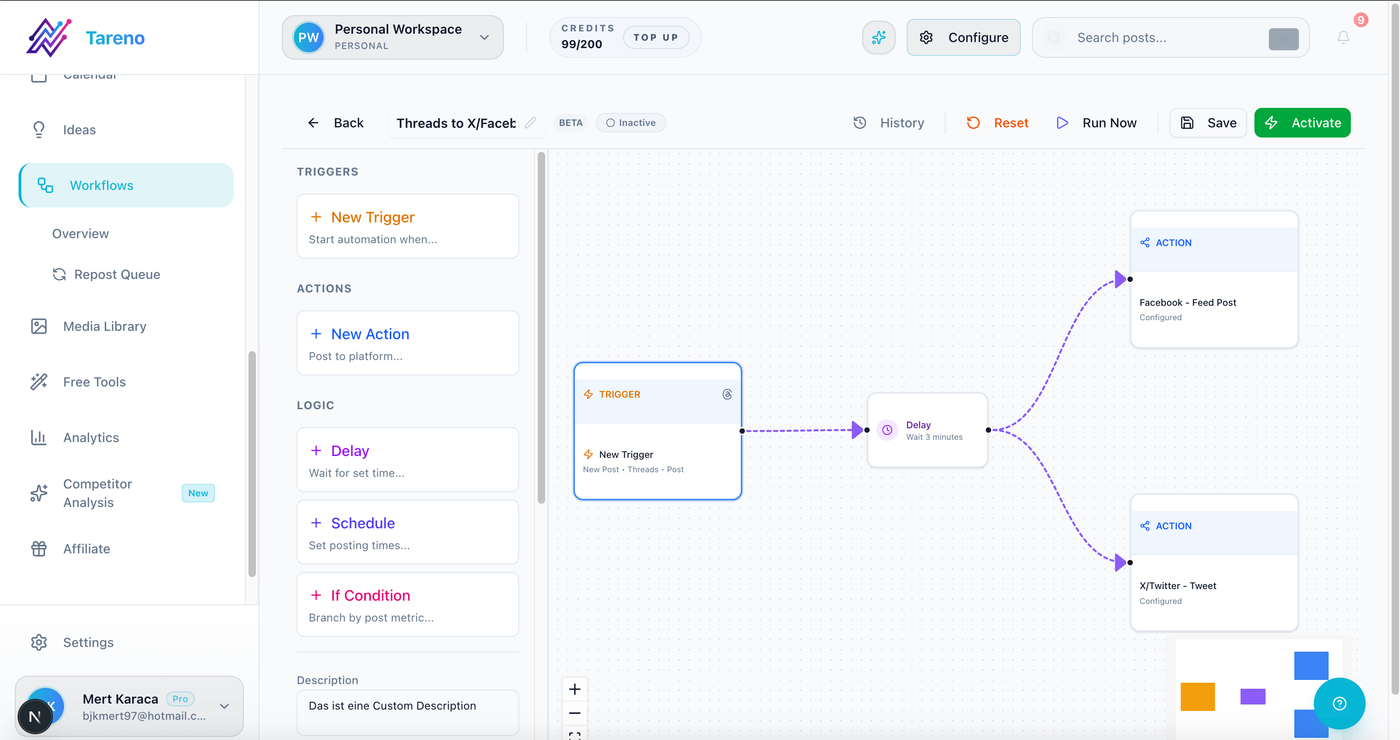
Tareno's workflow view separates end-to-end automation from simple scheduling.
It is the strongest fit if your social workflow includes:
planning
drafts
approvals
publishing
repurposing
analytics
team roles
Make workflows
n8n workflows
API-connected operations
Tareno is especially relevant when the team wants to move beyond the question:
“When should this post go live?”
And start asking:
“How does this content move from idea to approval, publishing, repurposing, and reporting?”
Why Tareno stands out
Tareno’s strongest differentiators are:
Workflow Builder for triggers, delays, and social actions
Repurposing Queue for reusing high-performing content
Content Boards for planning and production stages
Approval Workflows for review before publishing
Team Workspaces for creators, brands, clients, or campaigns
Roles and Permissions for team operations
Activity Visibility to see what changed and who moved content
Competitor Analysis connected to content decisions
Unified Analytics and white-label reports
API Access
Make Integration
n8n Integration
This makes Tareno a better fit for workflow-heavy teams than a simple scheduler.
Best for
Tareno is best for:
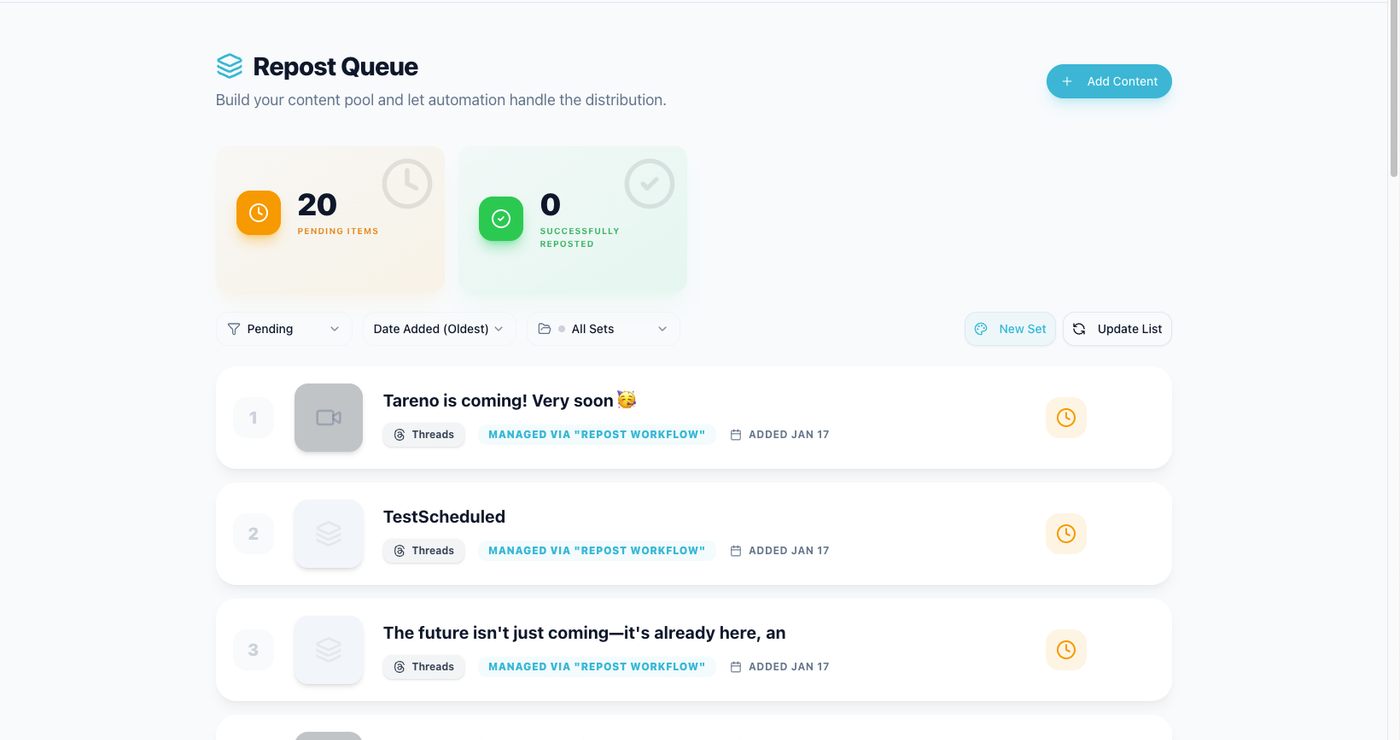
The repurposing queue makes automation useful after the first publish date.
creators who repurpose content across platforms
small teams with approval workflows
agencies that need board-based operations
teams using Make or n8n
teams that want publishing connected to repurposing
teams that need roles and activity visibility
operators who want social media to run like a system
Not ideal for
Tareno may not be the best fit if you only need the simplest possible queue scheduler and do not care about automation, boards, approvals, repurposing, roles, or integrations.
Best for simple scheduling: Buffer
Buffer is one of the simplest social media scheduling tools.
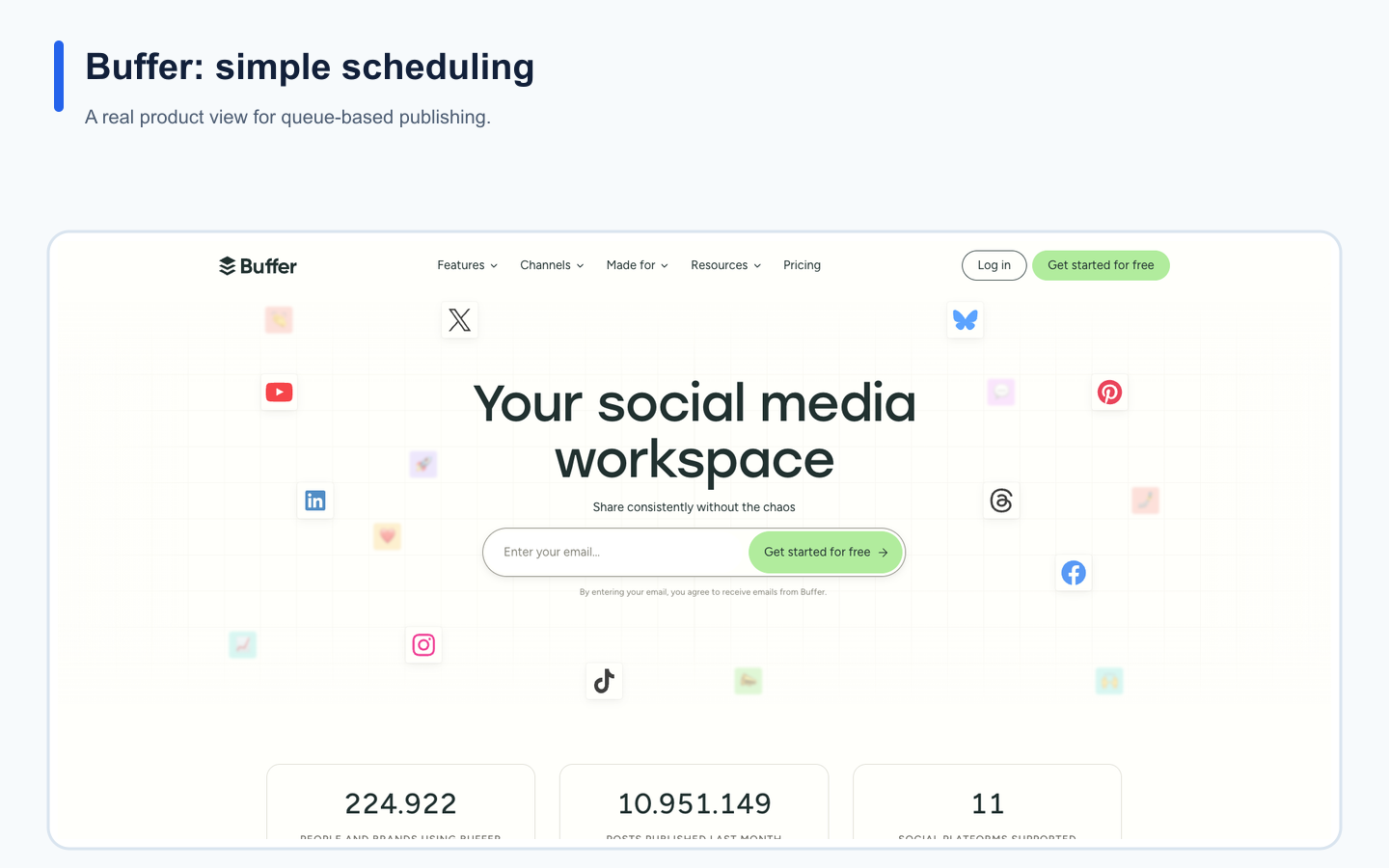
Buffer's real landing page provides product context for the use case described in this section.
Its biggest strength is low-friction publishing.
Buffer is a strong fit when the workflow is:
write post
add to queue
schedule
publish
review basic performance
That is why Buffer remains popular with creators, founders, and small teams.
Where Buffer is strong
Buffer is strong for:
simple scheduling
clean queues
per-channel pricing
low learning curve
lightweight analytics
AI assistant
first comment scheduling on paid plans
basic team approvals on Team
small teams that do not need deep workflow automation
Where Buffer is limited
Buffer is less ideal if your team needs:
repurposing queues
workflow builder
board-based production stages
Make or n8n workflows
role-based content operations
approval-triggered automations
Buffer helps you publish.
It does not fully solve the workflow around publishing.
Best for
Choose Buffer if you want simple scheduling and minimal operational complexity.
Best for visual planning: Later
Later is best for visual planning, Social Sets, creator workflows, and Link in Bio.
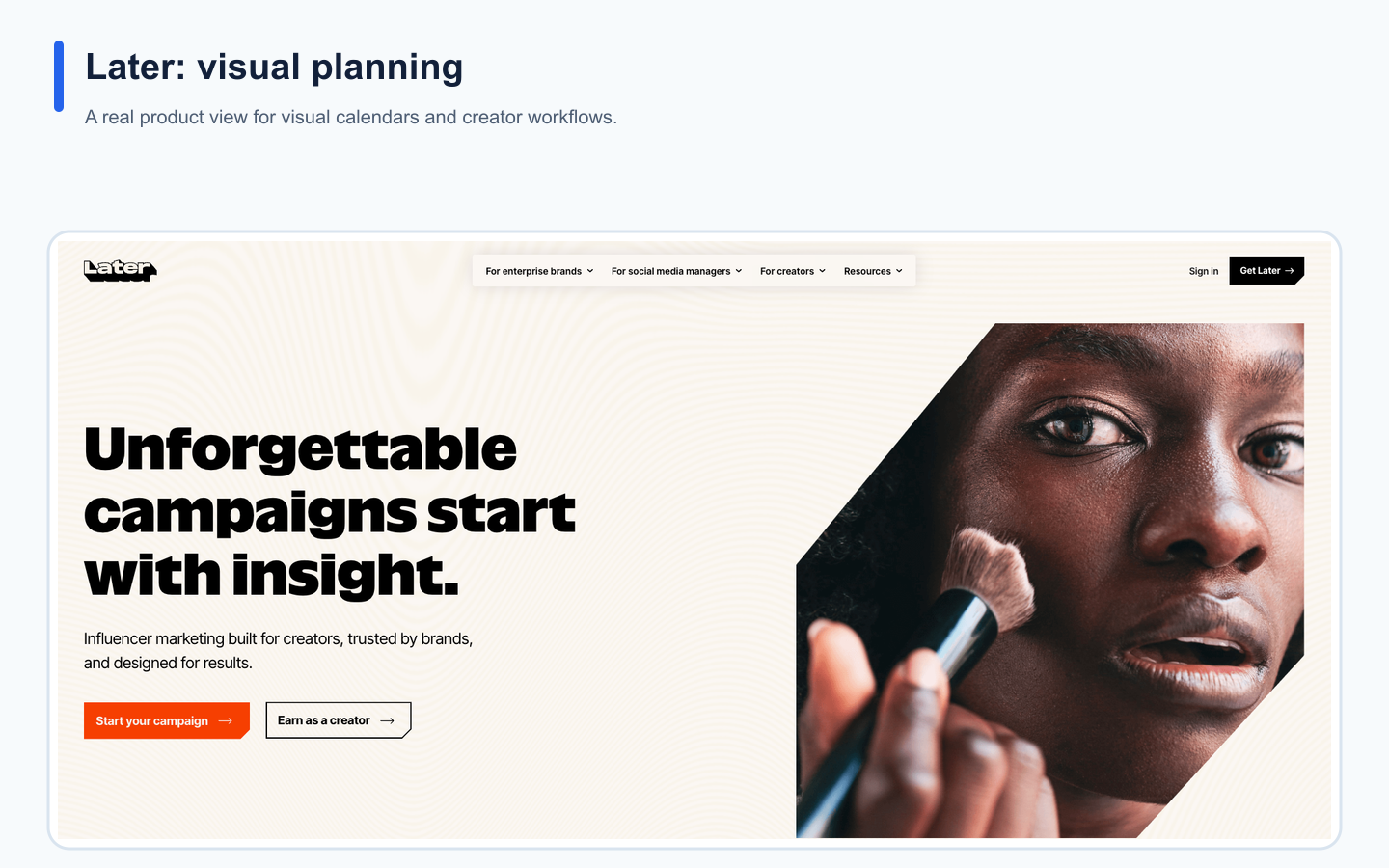
Later's real landing page provides product context for the use case described in this section.
It is especially useful for creators and visual brands that think in profile groups and visual content calendars.
Where Later is strong
Later is strong for:
visual planning
Social Sets
profile-group scheduling
Instagram and TikTok workflows
Link in Bio
creator-friendly planning
internal and external approvals on higher plans
competitive benchmarking on higher plans
Where Later is limited
Later is less ideal if your main need is:
workflow automation
repurposing queues
board-based content operations
Make or n8n workflows
approval-triggered automation
social operations beyond visual planning
Later helps you plan content visually.
It does not fully automate the workflow after planning.
Best for
Choose Later if visual planning, Social Sets, and Link in Bio are your main needs.
Best for analytics and competitor tracking: Metricool
Metricool is best for analytics-first social media management.
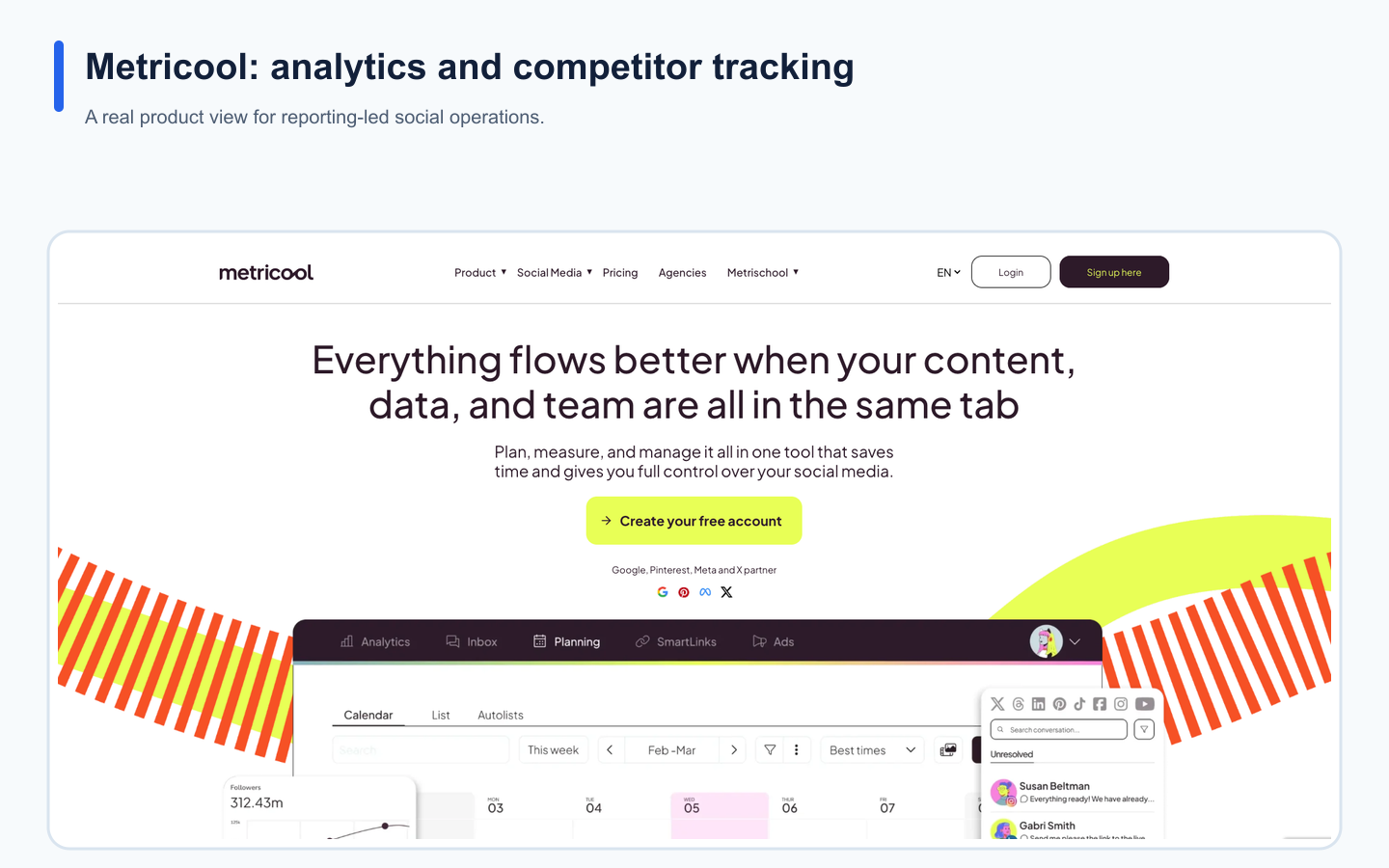
Metricool's real landing page provides product context for the use case described in this section.
It is a strong fit for creators, consultants, and agencies that need reports, competitor tracking, brand dashboards, and analytics history.
Where Metricool is strong
Metricool is strong for:
analytics
competitor profiles
brand-based management
PDF/PPT reports
unlimited analytics history on paid plans
Looker Studio on higher plans
post approval system on Advanced
API with Zapier, Make, and MCP on Advanced
Where Metricool is limited
Metricool is less ideal if your main need is:
repurposing workflows
workflow builder logic
content boards
approval-triggered automation
end-to-end social content operations
Metricool helps you understand performance.
It does not automatically turn insights into a full content workflow.
Best for
Choose Metricool if analytics and competitor tracking are the main buying reasons.
Best for approval collaboration: Planable
Planable is best for teams that need comments, suggestions, internal notes, stakeholder review, and approvals.
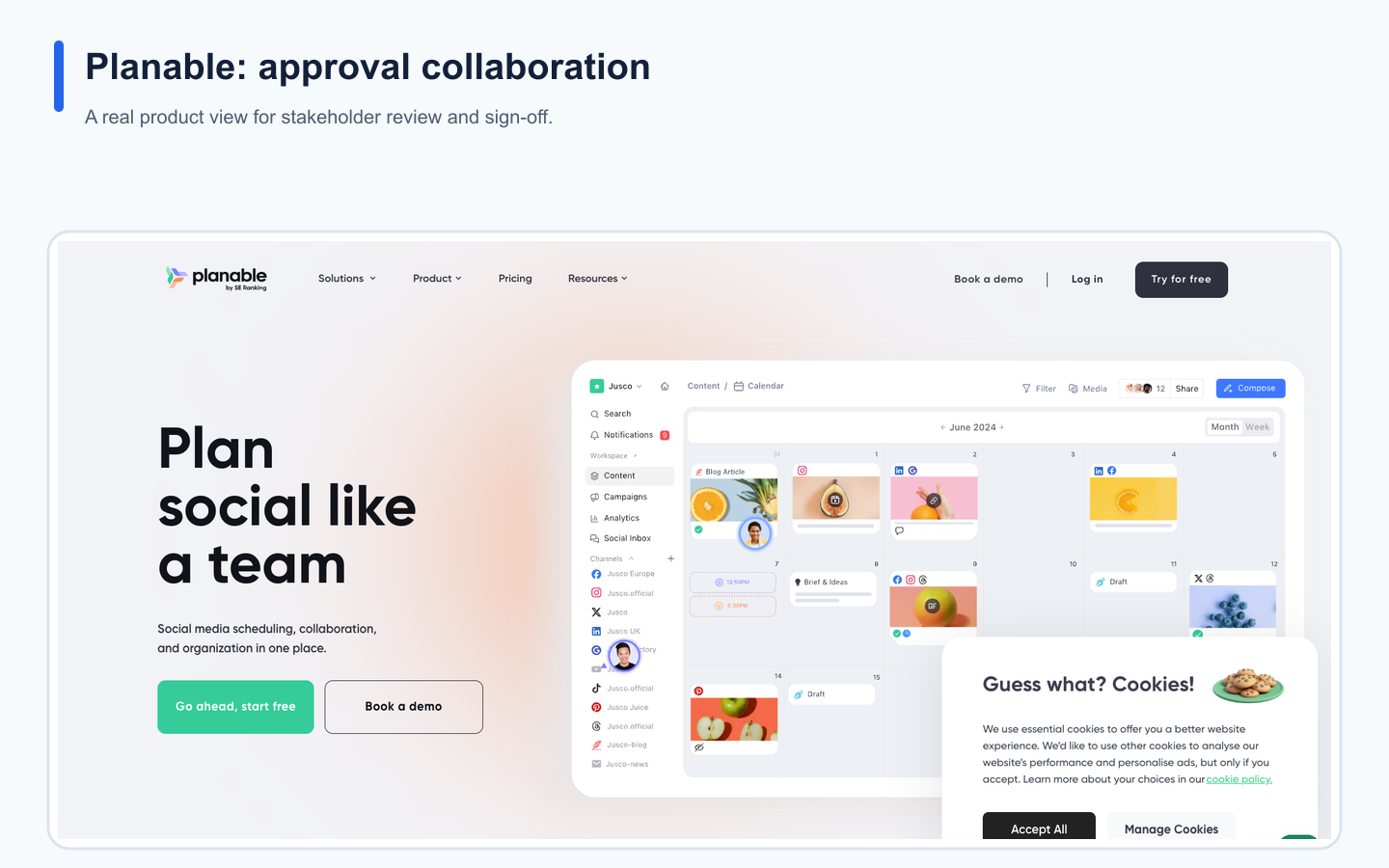
Planable's real landing page provides product context for the use case described in this section.
It is especially useful when content review is the main bottleneck.
Where Planable is strong
Planable is strong for:
client review
stakeholder comments
internal notes
approval workflows
external review
multi-level approval on Enterprise
unlimited users on paid workspaces
collaboration around social content
Where Planable is limited
Planable is less ideal if your team needs:
repurposing queues
workflow builder automation
board-based social operations beyond review
Make or n8n workflow logic
social analytics connected to execution
content reuse workflows
Planable helps content get approved.
It does not fully manage everything that happens before and after approval.
Best for
Choose Planable if approval chaos is the main problem.
Best for evergreen content categories: SocialBee
SocialBee is best for content categories and evergreen recycling.
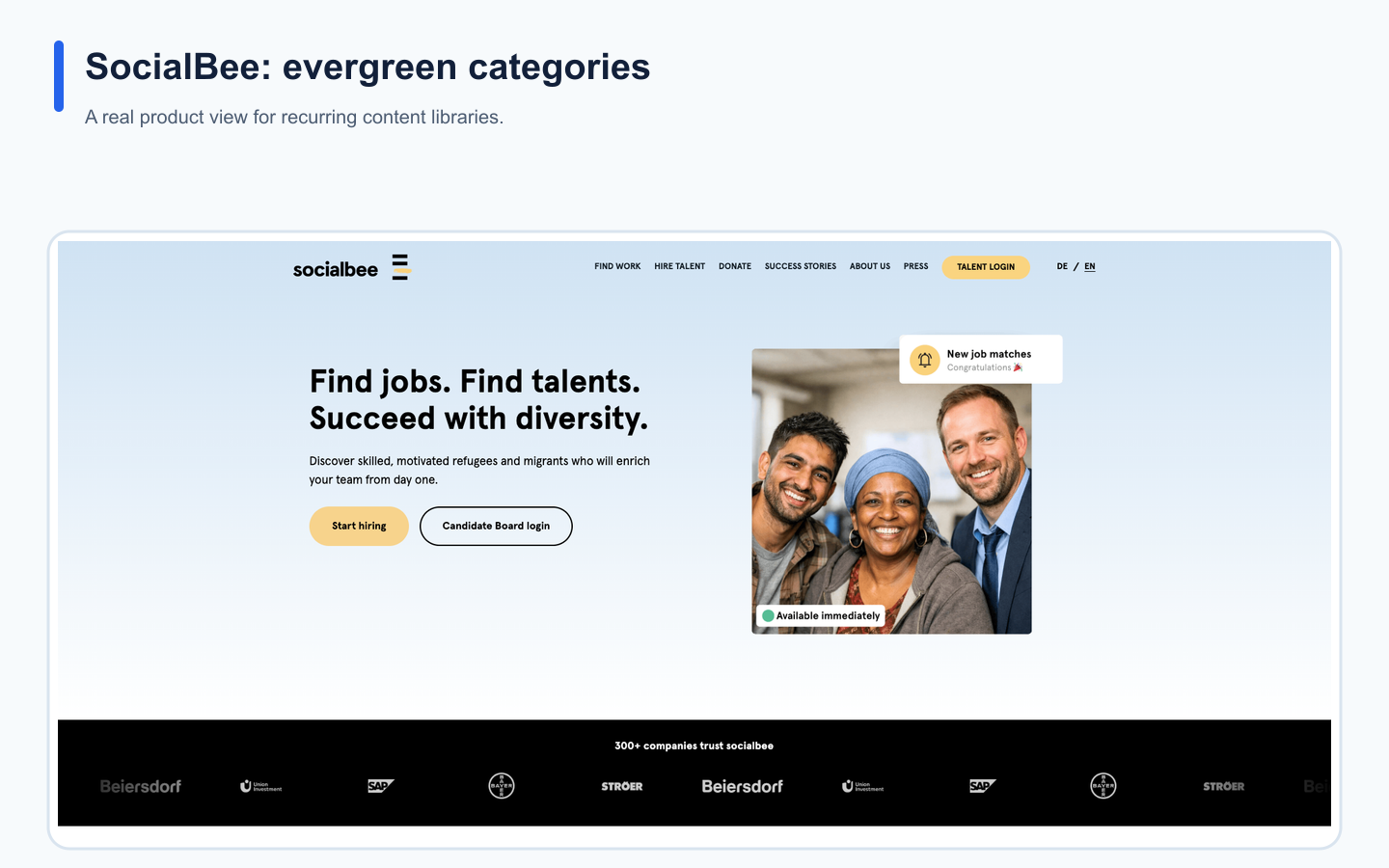
SocialBee's real landing page provides product context for the use case described in this section.
It is a strong fit if your social media strategy depends on recurring libraries, category-based posting, content sources, RSS imports, and re-queueing.
Where SocialBee is strong
SocialBee is strong for:
content categories
evergreen recycling
re-queue logic
content sources
RSS imports
recurring content libraries
post variations
category-based schedules
Where SocialBee is limited
SocialBee is less ideal if your main need is:
full workflow automation
board-based team operations
Make or n8n workflow logic
approval-triggered automation
cross-platform repurposing queues beyond evergreen categories
SocialBee helps recycle content categories.
It does not fully replace a workflow operating system.
Best for
Choose SocialBee if evergreen content libraries are the main use case.
Best for agency scheduling and client approvals: SocialPilot
SocialPilot is best for agencies that need predictable social account limits, user limits, client approvals, white-label reports, and scheduling.
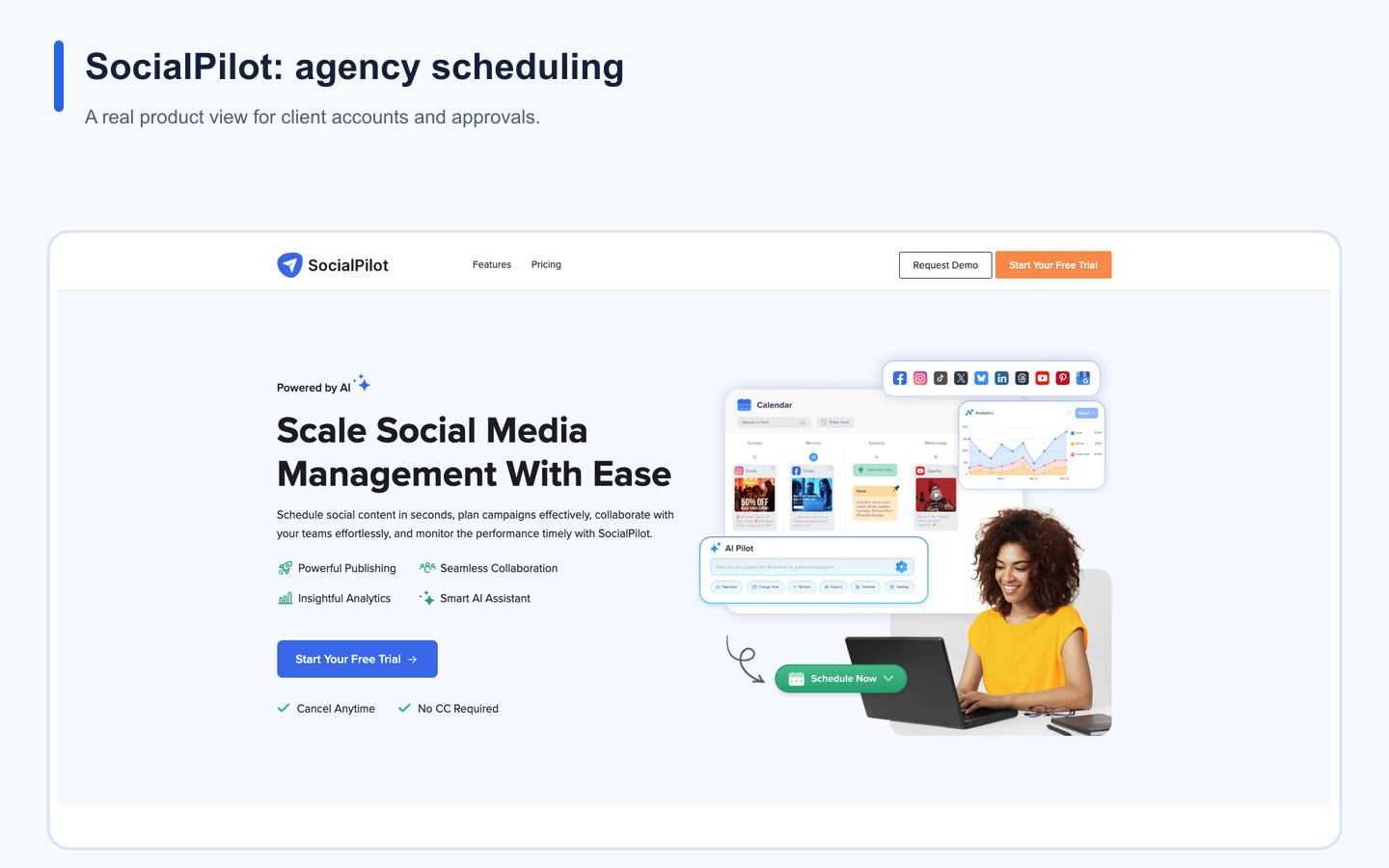
SocialPilot's real landing page provides product context for the use case described in this section.
Where SocialPilot is strong
SocialPilot is strong for:
agency scheduling
social account/user scaling
manager approval
client approval
white-label reports
advanced analytics
bulk scheduling
social inbox
predictable plan limits
Where SocialPilot is limited
SocialPilot is less ideal if the team needs:
workflow builder
repurposing queue
board-based production
Make or n8n workflows
approval-triggered automations
deeper workflow operations
SocialPilot helps agencies schedule and approve posts.
It is not primarily a workflow automation platform.
Best for
Choose SocialPilot if agency scheduling and client approval are the main needs.
Best for agency client dashboards: Sendible
Sendible is best for agencies that need client dashboards, scheduling, approvals, reports, inbox, permissions, and white-label workflows.
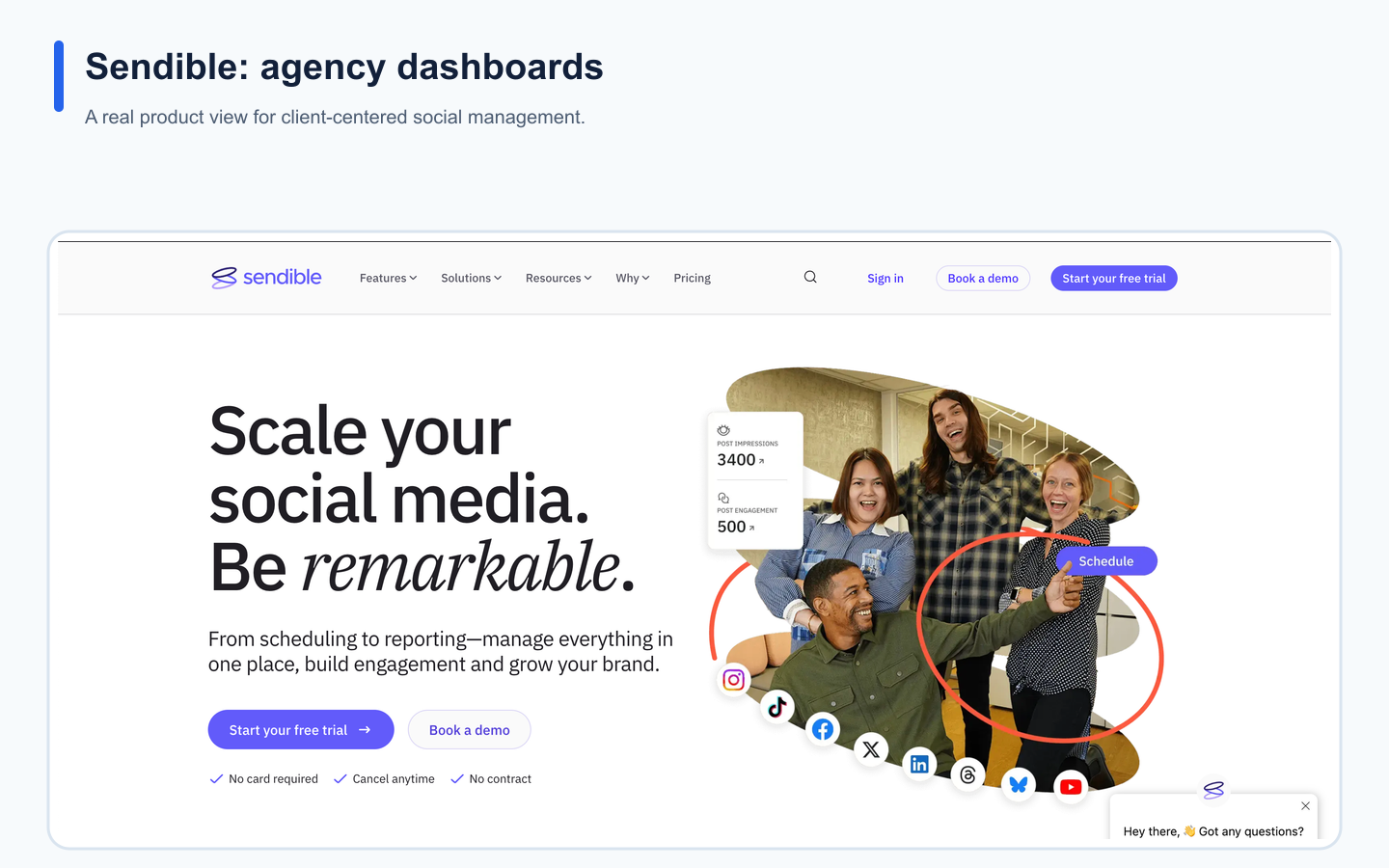
Sendible's real landing page provides product context for the use case described in this section.
Where Sendible is strong
Sendible is strong for:
client dashboards
client profile connection
approval workflows
reports
social inbox
engagement monitoring
permission groups
white-label agency workflows
Where Sendible is limited
Sendible is less ideal if your team needs:
workflow builder
repurposing queues
board-based production stages
Make or n8n automations
approval-triggered workflows
content reuse systems
Sendible helps agencies manage client accounts.
It does not fully solve workflow automation and repurposing.
Best for
Choose Sendible if client dashboards and classic agency workflows are the main need.
Best for inbox and moderation: Agorapulse
Agorapulse is best for teams that need social inbox, moderation, ad comment monitoring, assignments, labels, saved replies, and ROI reports.
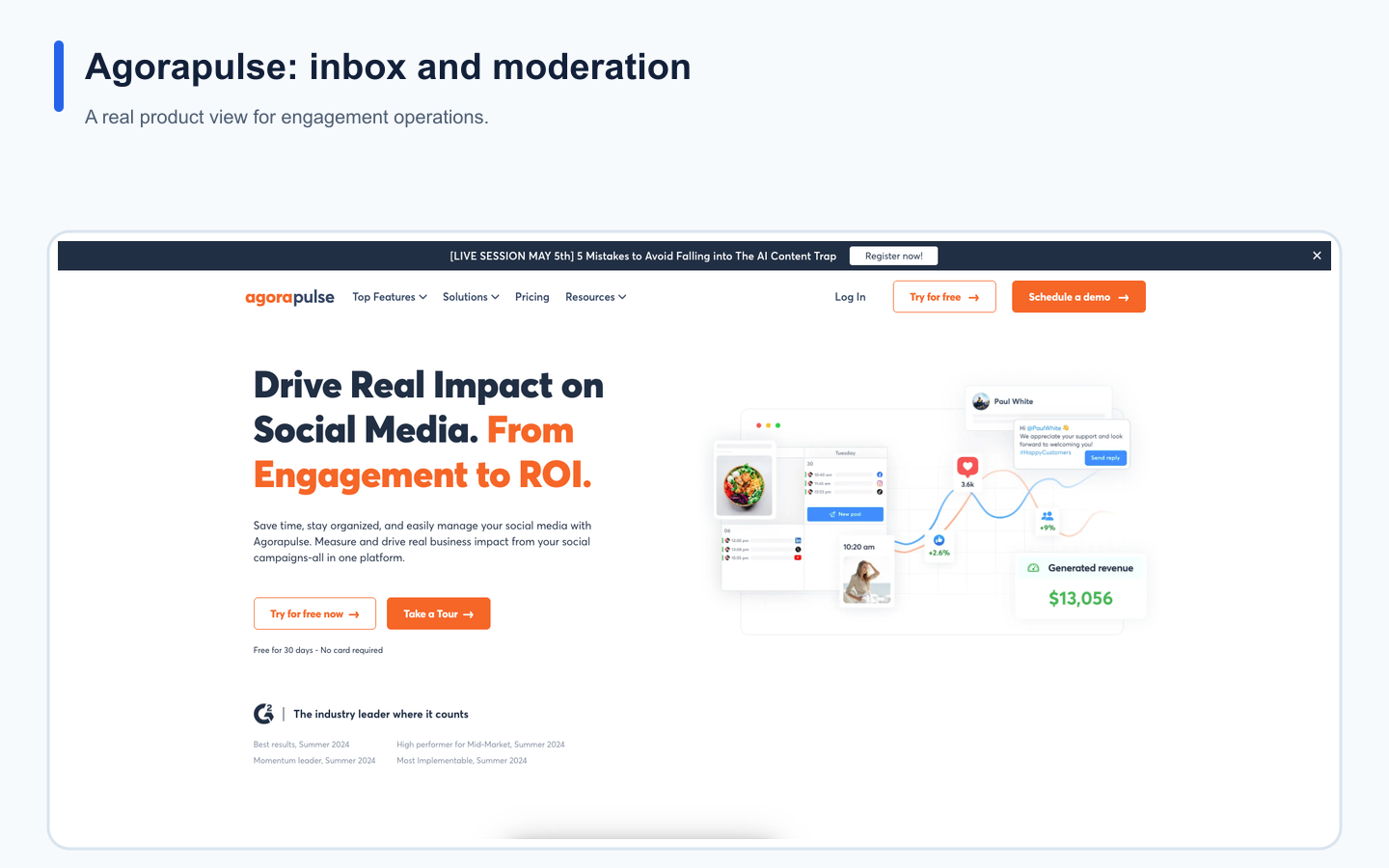
Agorapulse's real landing page provides product context for the use case described in this section.
Where Agorapulse is strong
Agorapulse is strong for:
social inbox
organic comments
ad comment monitoring
inbox assignments
post assignments
labels
saved replies
moderation rules
bulk actions
team performance reports
ads reports
ROI analysis
competitor benchmarking on higher plans
Where Agorapulse is limited
Agorapulse is less ideal if the main need is:
workflow automation
repurposing queues
board-based content operations
Make or n8n workflows
approval-to-repurpose workflows
Agorapulse helps manage engagement.
It does not fully operate the content production and repurposing workflow.
Best for
Choose Agorapulse if inbox and moderation are the main bottlenecks.
Best broad social suite: Hootsuite
Hootsuite is best for teams that need broad social media management, including publishing, inbox, AI tools, templates, reports, listening, benchmarking, and enterprise workflows.
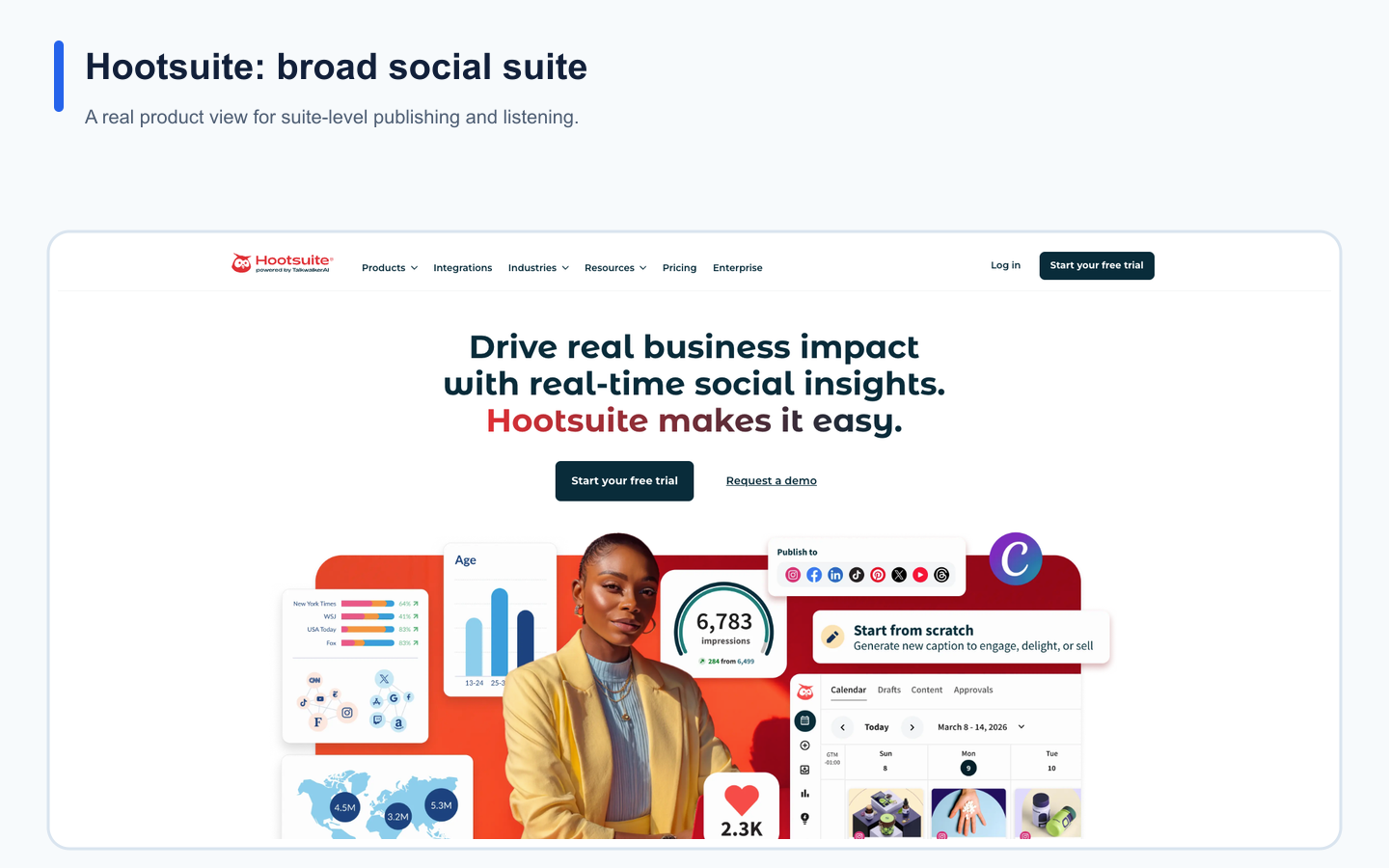
Hootsuite's real landing page provides product context for the use case described in this section.
Where Hootsuite is strong
Hootsuite is strong for:
broad social suite coverage
publishing
AI tools
templates
unified inbox
analytics
listening
competitor benchmarking
bulk scheduling
enterprise support
SSO and governance on higher plans
Where Hootsuite is limited
Hootsuite may be less ideal if your team primarily needs:
lean workflow automation
repurposing queues
board-based content operations
Make or n8n social workflows
activity visibility around content movement
workflow-first execution instead of suite-first coverage
Hootsuite is powerful, but not every team needs a broad suite.
Best for
Choose Hootsuite if broad social management and enterprise-style functionality matter most.
Best for premium social care: Sprout Social
Sprout Social is best for premium social care, Smart Inbox, customer context, reviews, helpdesk integrations, reporting, listening, and enterprise workflows.
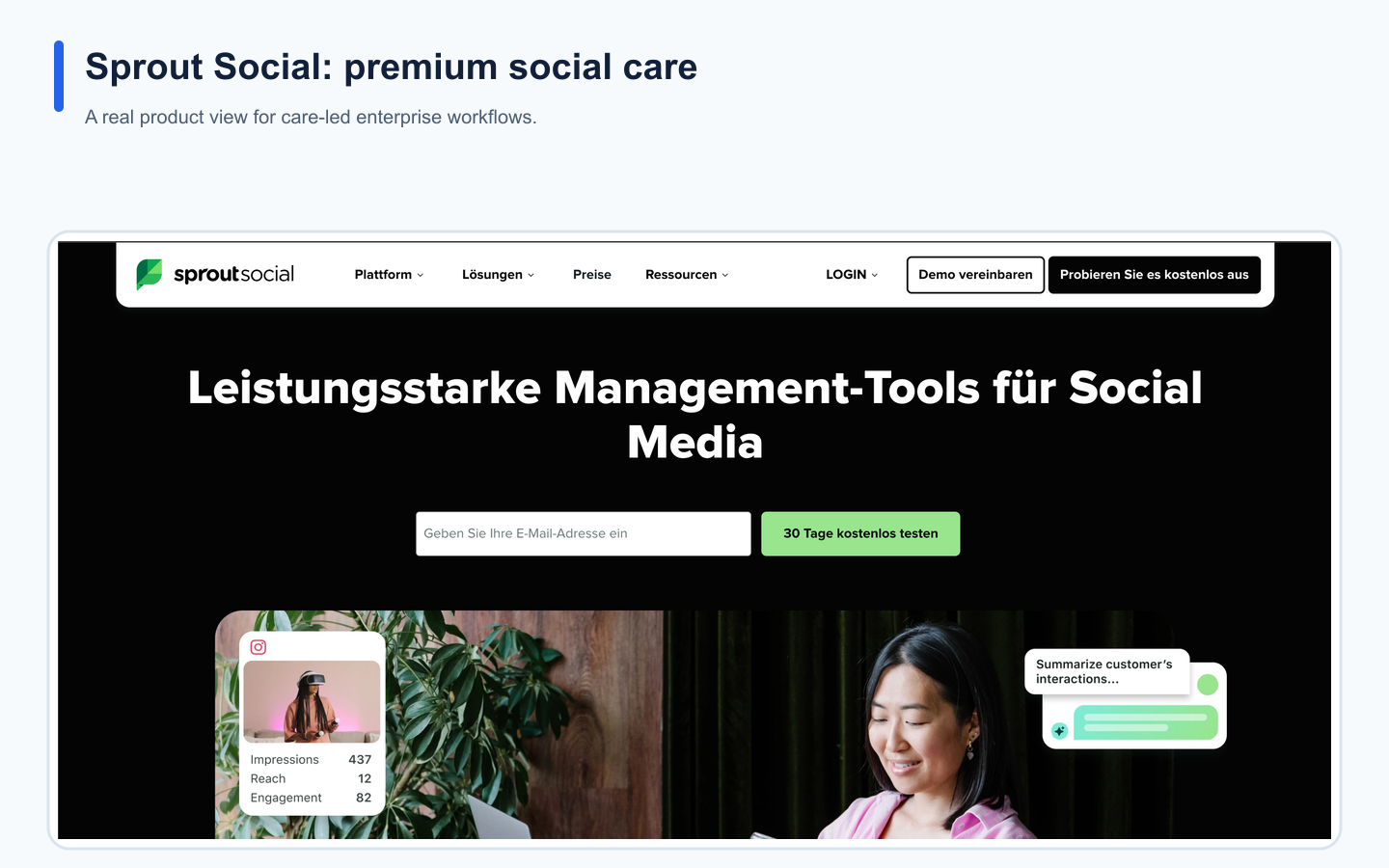
Sprout Social's real landing page provides product context for the use case described in this section.
Where Sprout Social is strong
Sprout Social is strong for:
Smart Inbox
customer care
review management
customer context
helpdesk integrations
sentiment features on higher plans
productivity reports
care reports
enterprise social operations
Where Sprout Social is limited
Sprout Social may be less ideal if your team needs:
lean workflow automation
repurposing queues
content boards
Make or n8n social operations
activity visibility around content production
workflow-first execution instead of premium care workflows
Sprout is strong for social care.
It may be more than a creator or lean team needs for content operations.
Best fit for Sprout Social
Choose Sprout Social if social media is part of customer support, brand care, and enterprise engagement.
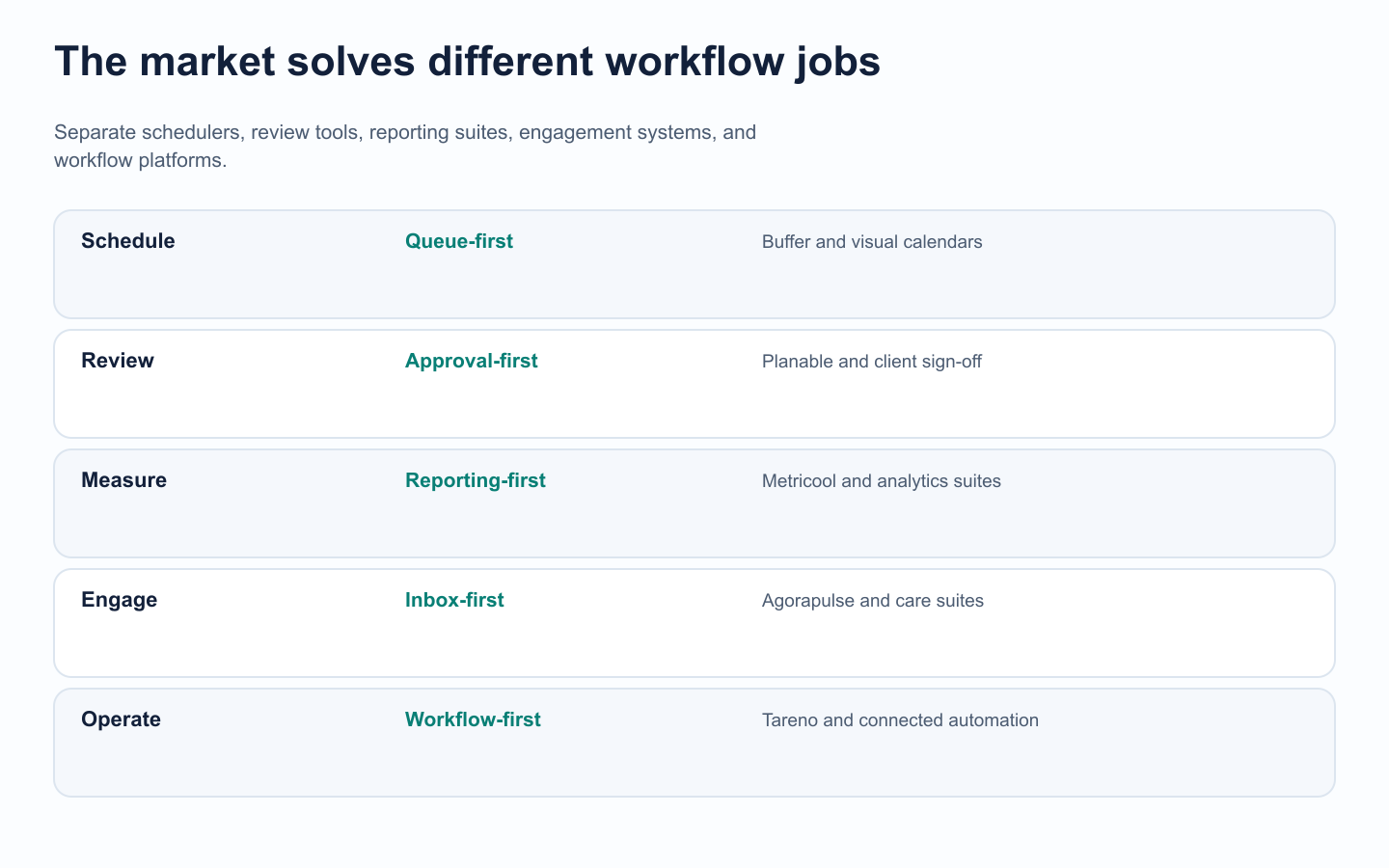
Tool comparisons become clearer when products are grouped by the job they optimize.
Comparison table: best social media automation tools
ToolBest forAutomation typeMain limitationTarenoWorkflow automation and repurposingWorkflow builder, repurposing, approvals, boards, Make, n8n, APINot needed if you only want basic schedulingBufferSimple schedulingQueue publishingLimited workflow depth MetricoolAnalytics and reportsReporting, competitors, API on AdvancedLimited repurposing workflowPlanableApprovalsReview and sign-offLimited post-approval workflow SocialPilotAgency schedulingClient approvals and bulk schedulingLess repurposing/workflow automation AgorapulseInbox/moderationModeration rules and assignmentsLess content workflow automation Sprout SocialPremium social careSmart Inbox and care workflowsOften more than content teams need
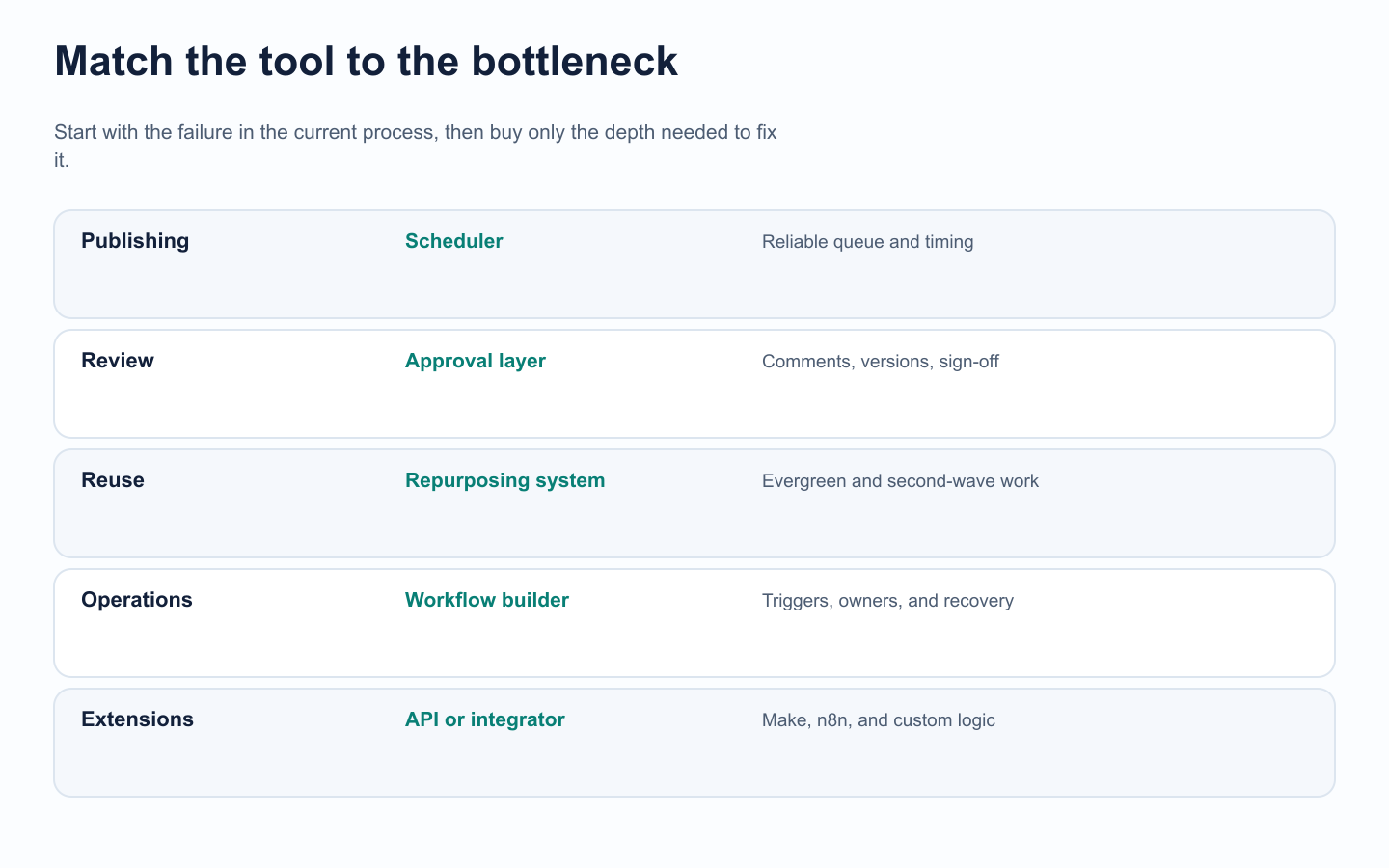
The right category follows the bottleneck: scheduling, review, reuse, operations, or extensibility.
How to choose the right tool
Ask these questions before choosing.
1. What is the actual bottleneck?
If the bottleneck is publishing, choose a scheduler.
If the bottleneck is analytics, choose an analytics tool.
If the bottleneck is approvals, choose an approval tool.
If the bottleneck is workflow execution, choose a workflow automation tool.
2. Does your team need repurposing?
If your team creates every post from scratch, you may not need repurposing yet.
If you already have content that performs well, a repurposing queue can save serious time.
3. Do approvals happen inside or outside the system?
If approvals happen in Slack, email, or comments on screenshots, you probably need a better approval workflow.
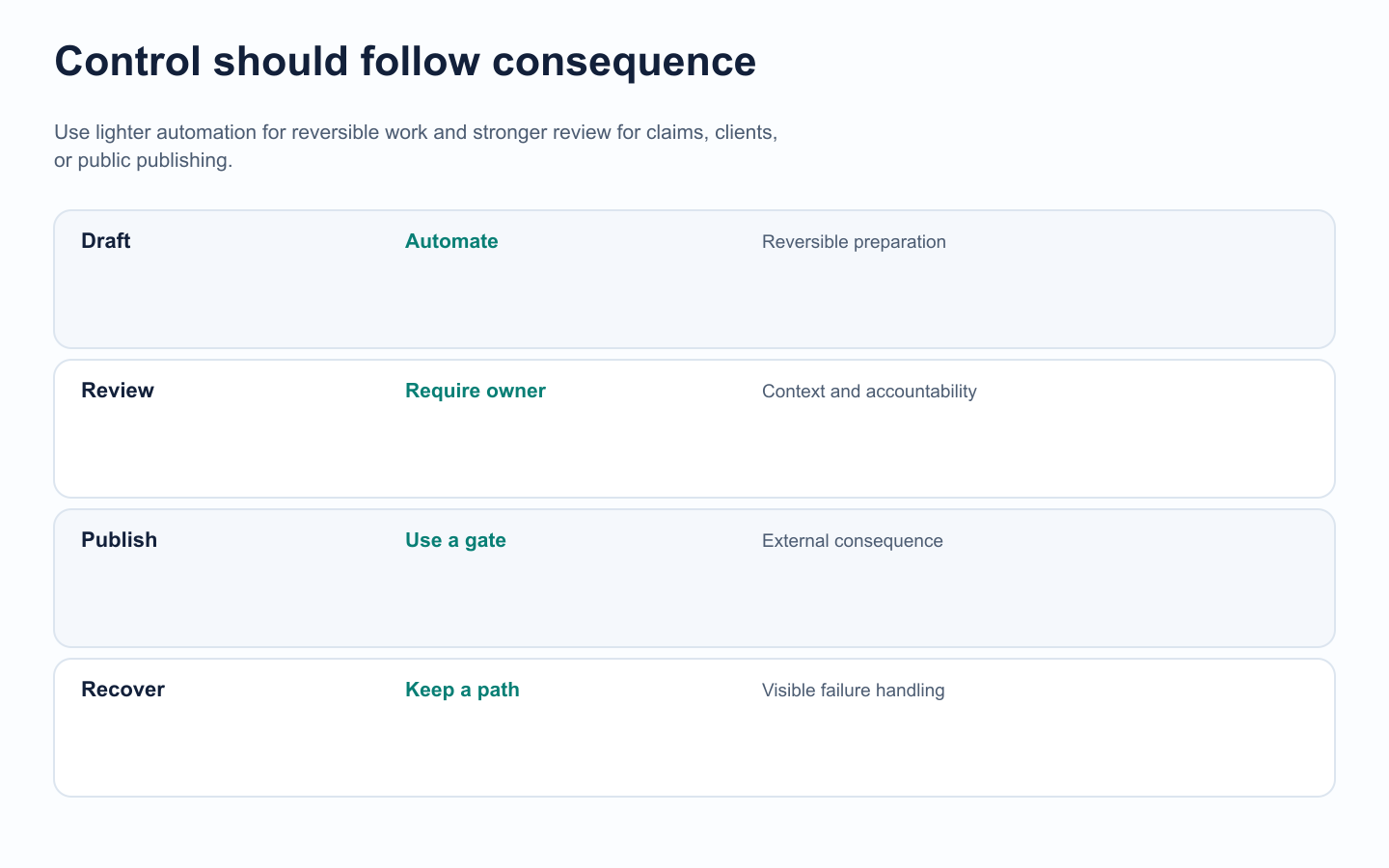
Automation depth should increase as actions become harder to reverse.
4. Do reports create actions?
If reports do not lead to content decisions, your analytics workflow is incomplete.
5. Do you use Make, n8n, or API workflows?
If yes, choose a tool that fits your automation stack.
6. Is your team growing?
If more people are joining the workflow, roles, permissions, workspaces, and activity visibility become more important.
What to automate and what to keep human
The best social media automation setup is not fully automatic.
It is partly automated and partly human-reviewed.
Automate
scheduling
status updates
review notifications
reporting exports
repurposing queue entry
delay logic
Make/n8n syncs
API workflows
repetitive content movement
Keep human
final approval
brand voice
sensitive topics
customer context
campaign strategy
creative direction
competitor interpretation
pricing claims
legal/compliance review
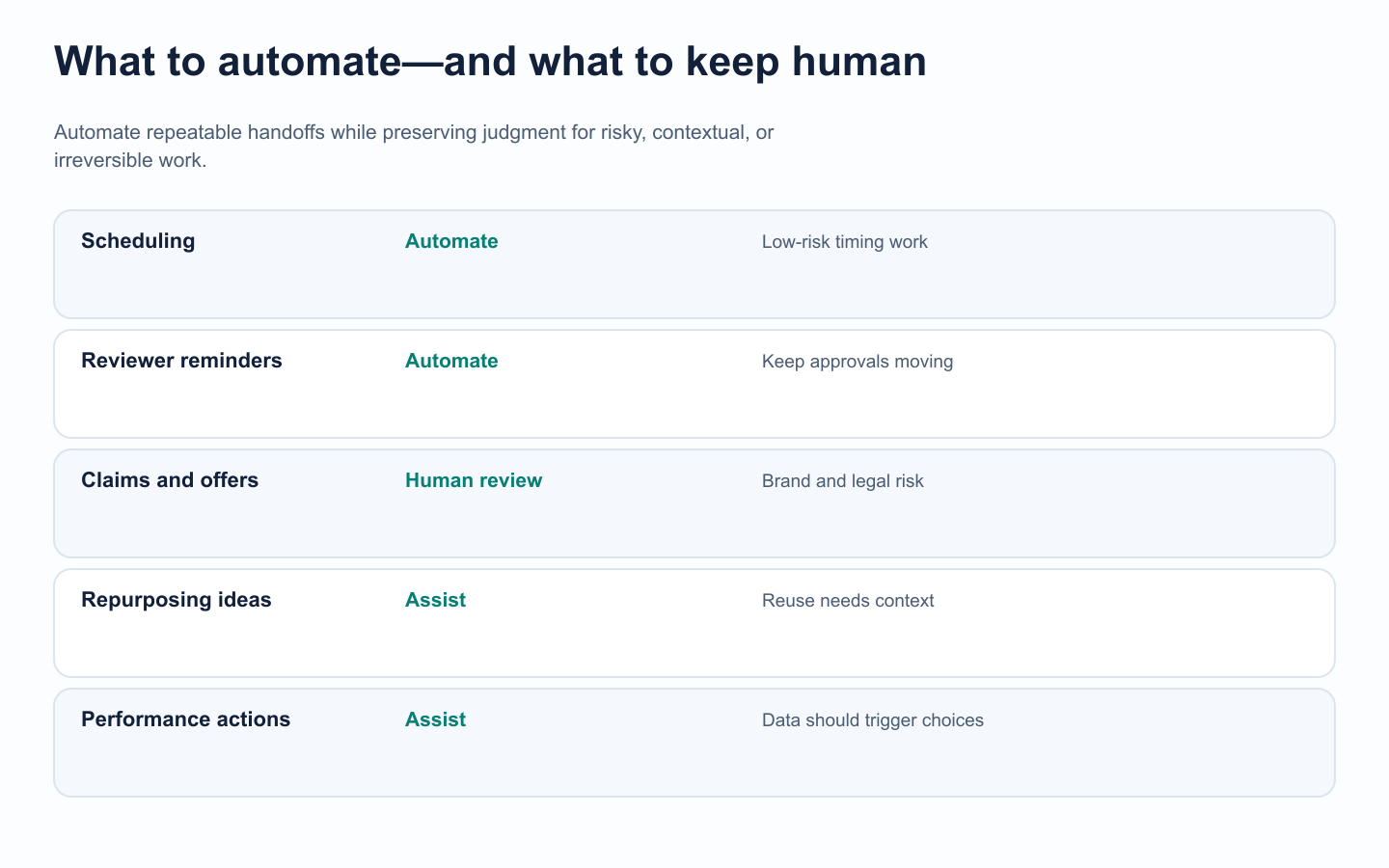
Automation should remove repeat work while leaving judgment where risk is highest.
Automation should reduce repetitive work.
It should not remove judgment.
Related Tareno resources
Continue the workflow
Post schedulingMove approved content into a controlled publishing calendar.Social media tool alternativesResearch broader options before adding another automation layer.
FAQ
What is the best social media automation tool?
The best fit depends on the bottleneck: scheduling, approvals, analytics, engagement, reuse, or workflow control.
Are social media automation tools safe?
They are safer when drafts stay reviewable, sensitive claims require approval, and failed actions have a clear recovery path.
Which tool is best for agencies?
Choose by operating model: SocialPilot for account scaling, Sendible for client dashboards, Agorapulse for inbox work, or Tareno for workflow-first operations.
Final recommendation
Choose the tool that removes the right manual work without lowering content quality.
A scheduler may be enough for publishing; a workflow platform is the better fit when review, reuse, reporting, ownership, and integrations must work together.


