AI can help social media teams move faster.
But AI alone does not create a good social media workflow.
A caption generator can give you options.
A workflow system helps you turn those options into reviewed, approved, scheduled, measured, and repurposed content.
That difference matters.
Many creators, agencies, startups, and content teams now use AI for captions, hashtags, hooks, scripts, rewrites, and content ideas.
But the real question is not:
Can this tool generate a caption?
The better question is:
Can this tool help us manage the AI content workflow safely?
A strong AI content workflow should include human editing, approval gates, platform-specific rewrites, scheduling, analytics, repurposing, and automation.
This guide compares the best social media tools for AI content workflows in 2026 by actual workflow fit.
TL;DR: best AI social media tools by workflow need
AI workflow needBest fitWhyAI captions plus workflow automationTarenoAI captions, boards, approvals, repurposing, workflow builder, Make, n8n, APISimple AI-assisted schedulingBufferLightweight AI support inside a simple schedulerAI in broad social suiteHootsuiteAI tools, publishing, inbox, analytics, listening, enterprise workflowsVisual AI planning supportLaterCreator-friendly planning and caption support around visual workflowsAI plus analytics planningMetricoolAnalytics/reporting context plus AI support where availableAI review and collaborationPlanableUseful when AI drafts need stakeholder feedback and approvalEvergreen AI content workflowsSocialBeeUseful for category-based content and AI-assisted variationsCustom AI automationMake/n8n/API workflowsUseful when teams connect AI generation to internal systems
Short version: If you only need AI captions, many tools can help. If you need AI drafts to move through review, approval, scheduling, analytics, and repurposing, Tareno is stronger.
What is an AI content workflow for social media?
A practical AI workflow starts where your team can generate, edit, and approve each variant without leaving the publishing pipeline.
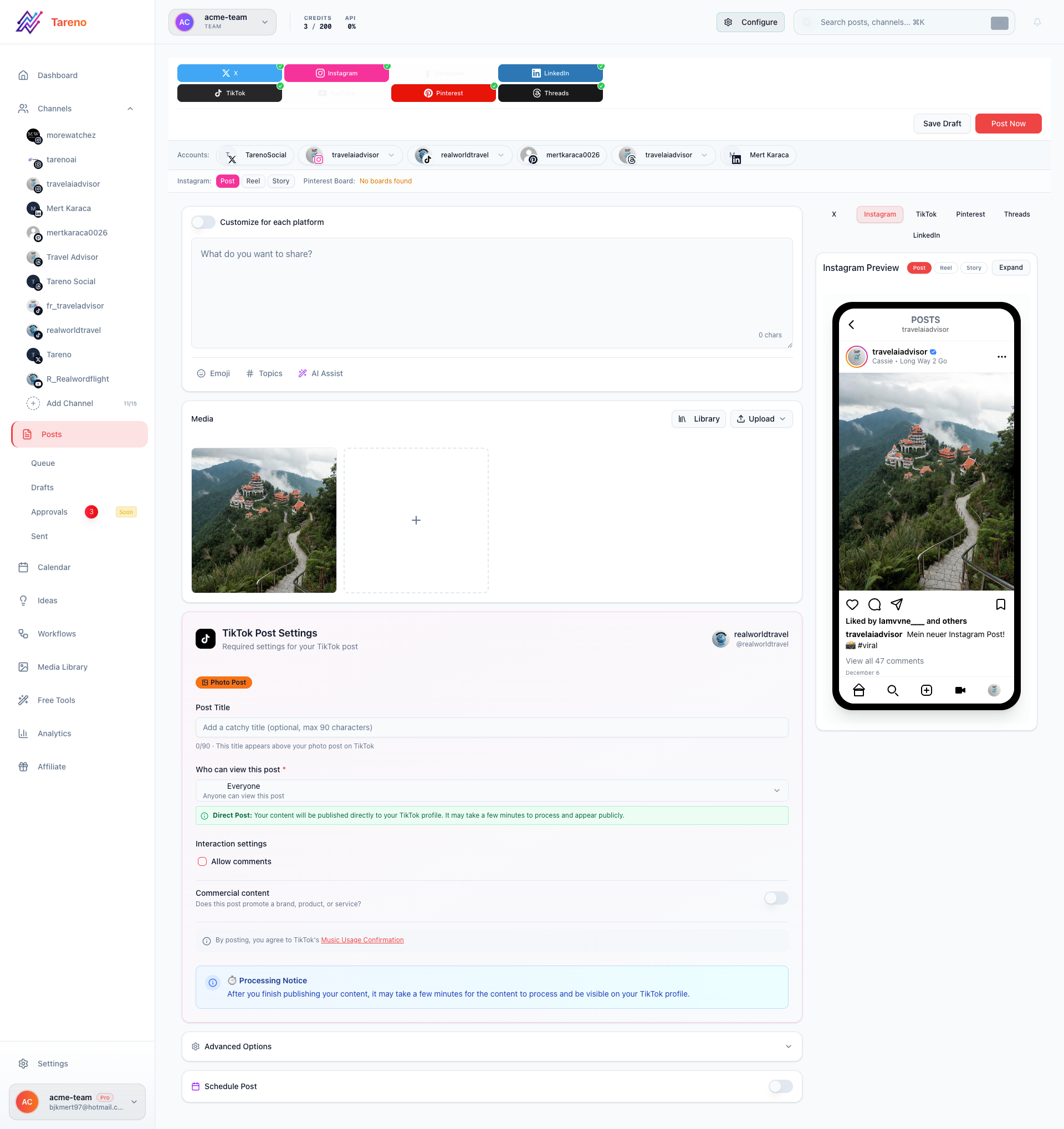
AI workflows work best when drafting and editing happen inside one structured post pipeline.
An AI content workflow is a repeatable process for using AI inside social media operations.
It can include:
idea generation
hook variations
caption drafts
hashtag suggestions
platform rewrites
video script outlines
carousel outlines
blog-to-social drafts
competitor-inspired angle drafts
AI-assisted repurposing
human editing
approval
scheduling
performance review
reuse
A basic AI workflow:
AI writes caption.
Human copies caption.
Post is scheduled.
A stronger AI workflow:
Idea enters board.
AI creates platform drafts.
Human edits for voice.
Reviewer checks claims.
Final version is approved.
Post is scheduled.
Analytics are reviewed.
Winners enter repurposing queue.
The second workflow is safer and more useful.
Why AI social media workflows fail
AI workflows fail when teams treat AI output as final.
Common problems include:
generic captions
inaccurate claims
wrong tone
repetitive hooks
platform mismatch
unapproved product claims
outdated information
weak CTAs
copy-paste cross-posting
AI content with no review
no analytics feedback
no repurposing loop
AI can speed up production, but it can also speed up mistakes.
That is why workflow matters.
The HUMAN framework
The HUMAN framework turns AI content generation from a one-click prompt into a repeatable operating system with clear safeguards.
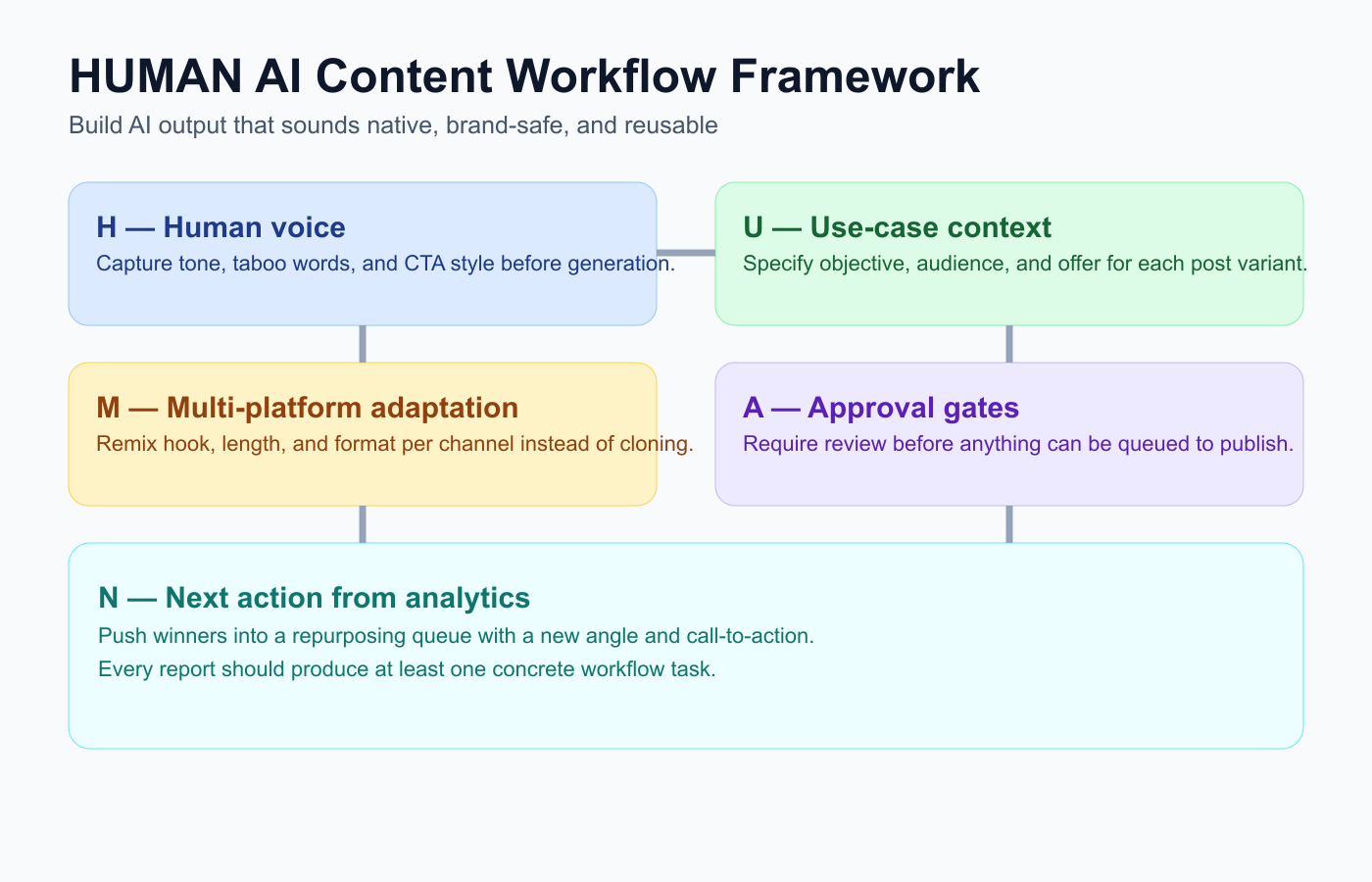
Use HUMAN to keep AI output useful: human voice, context, adaptation, approvals, and next actions.
Use the HUMAN framework for AI social media workflows.
H — Human voice
U — Use-case context
M — Multi-platform adaptation
A — Approval gates
N — Next action from analytics
This keeps AI useful without making content generic.
H — Human voice
AI drafts should not erase voice.
A creator should still sound like the creator.
A brand should still sound like the brand.
A founder should still sound like the founder.
Human editing should check:
would we actually say this?
is the hook specific?
is the example real?
is the claim accurate?
is the CTA clear?
does the caption sound generic?
does it fit the platform?
AI should create options.
Humans should choose taste.
U — Use-case context
AI works better when the workflow gives it context.
Useful context includes:
target platform
audience
content goal
brand voice
source content
campaign
product feature
approved claims
forbidden claims
CTA
internal link target
tone
desired format
A generic prompt creates generic output.
A workflow with structured context creates better drafts.
M — Multi-platform adaptation
AI is especially useful for adapting one idea across platforms.
Example source idea:
Reporting is not enough. Metrics should create decisions.
AI can create:
LinkedIn post
Threads post
TikTok script
Instagram carousel outline
Pinterest title
YouTube Short description
But humans should still edit each version.
Platform adaptation should not become lazy cross-posting.
A — Approval gates
AI-generated content needs approval.
Approval is especially important for:
product claims
pricing claims
competitor comparisons
legal-sensitive content
sponsor content
client content
customer replies
medical/financial/legal-sensitive topics
old repurposed content
feature announcements
A safe AI workflow routes drafts to review before scheduling.
Automation should not publish AI drafts directly unless the content is low-risk and the team intentionally accepts that risk.
N — Next action from analytics
AI workflows should improve over time.
After publishing, analytics should feed the next prompt and workflow.
Ask:
Which AI hook worked?
Which caption style got saves?
Which format drove clicks?
Which platform version worked best?
Which AI draft needed the most editing?
Which prompt created the strongest output?
Which post should be repurposed?
Analytics help teams use AI more intelligently.
1. Tareno — best for AI captions plus workflow automation
Tareno is a strong fit when AI content needs to move through a full workflow.
It helps teams connect AI drafting with approvals, scheduling, analytics, repurposing, and automation.
Tareno is best for
Choose Tareno if you need:
AI captions and hashtags
content boards
content calendar
approval workflows
repurposing queue
workflow builder
team workspaces
roles and permissions
activity visibility
unified analytics
competitor analysis
Make integration
n8n integration
API access
Where Tareno wins
Tareno wins when AI output needs structure.
Example:
Idea → AI caption drafts → Human edit → Product review → Approval → Schedule → Measure → Repurpose winner
This helps teams use AI without losing control.
Not ideal for
Tareno may be more than needed if you only need a one-off caption generator and no scheduling, review, analytics, or repurposing.
2. Buffer — best for simple AI-assisted scheduling
For simple scheduling-first teams, Buffer is often shortlisted before deeper workflow automation becomes necessary.
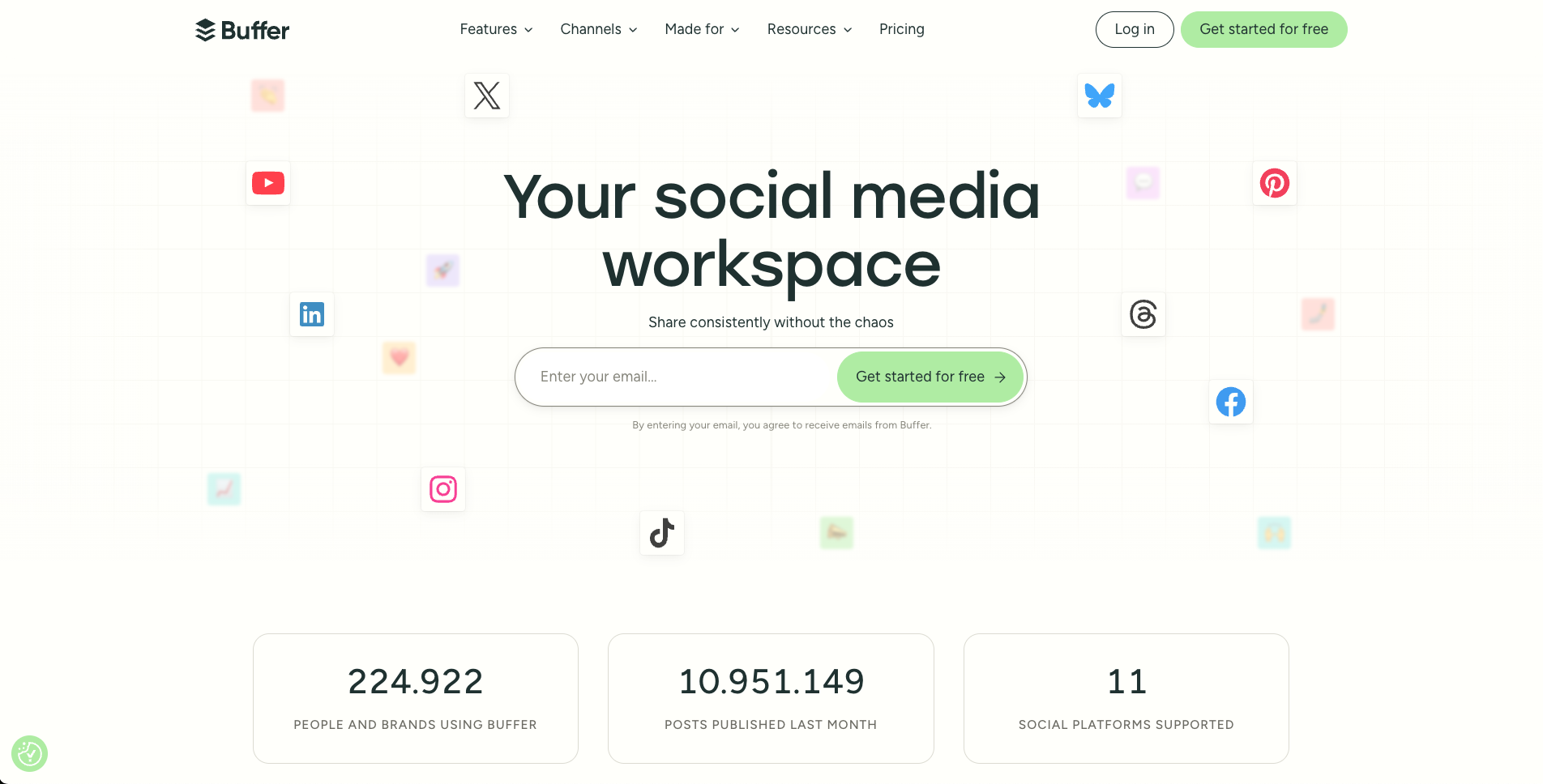
Real Buffer landing page snapshot used for side-by-side workflow positioning.
Buffer is useful when teams need simple scheduling with lightweight AI support.
Buffer is best for clean queues, simple scheduling, basic analytics, and low-friction publishing.
It can be useful for creators and small teams that want AI help without workflow complexity.
Buffer may be less ideal if AI drafts need approval workflows, repurposing queues, Make/n8n automation, activity visibility, and analytics-to-action workflows.
3. Hootsuite — best for AI in a broad social suite
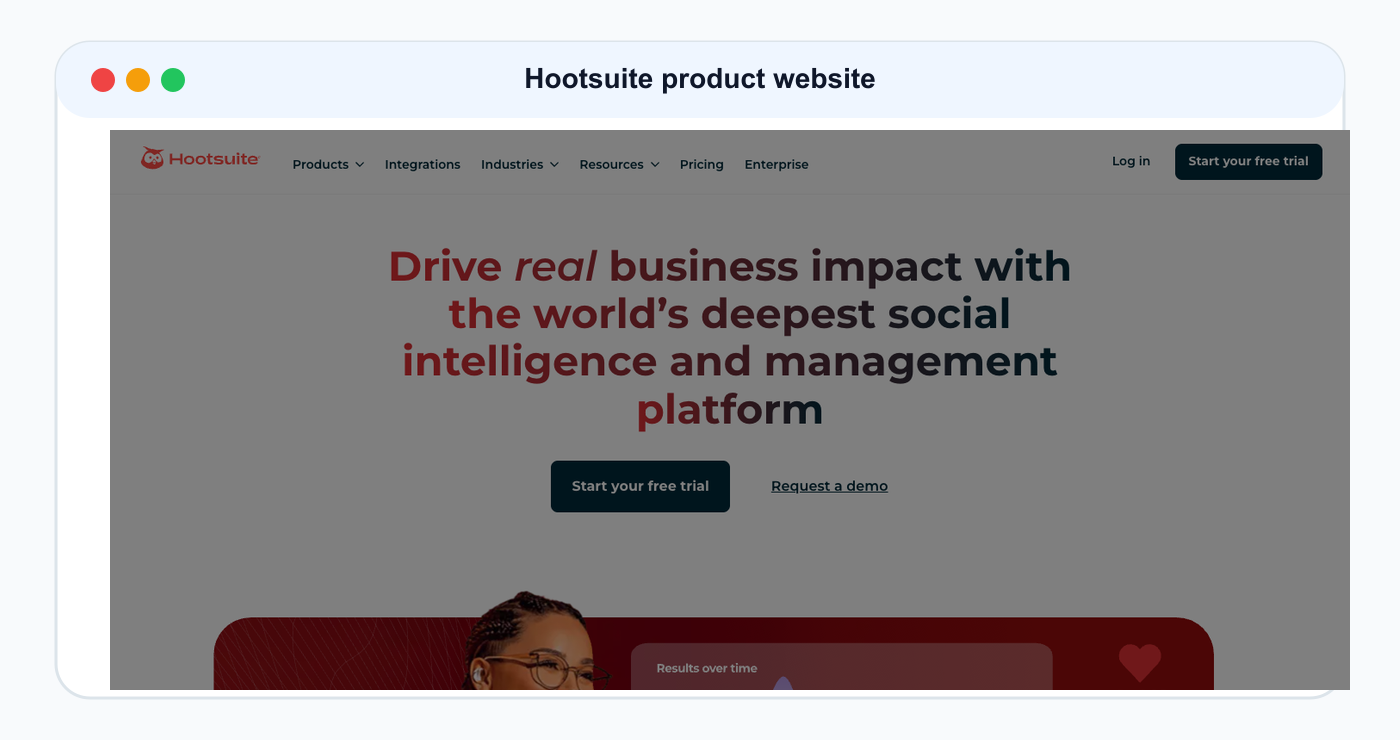
Hootsuite is included as a product/website reference for this ranked tool comparison.
Hootsuite is useful for teams that want AI features inside a broad platform.
Hootsuite is best for publishing, inbox, AI tools, analytics, listening, reporting, and enterprise workflows.
It can fit larger teams that want a mature suite.
It may be less ideal for lean teams that want workflow-first AI content operations with repurposing queues, Make/n8n workflows, and board-level visibility.
4. Later — best for visual AI planning support

Later is included as a product/website reference for this ranked tool comparison.
Later is useful for visual-first creators and brands.
Later is best for visual planning, Social Sets, creator workflows, Instagram/TikTok planning, Link in Bio, and caption support around visual content.
Later may be less ideal if AI workflows need deeper approval gates, repurposing queues, workflow builder logic, and Make/n8n automation.
5. Metricool — best for AI plus analytics context
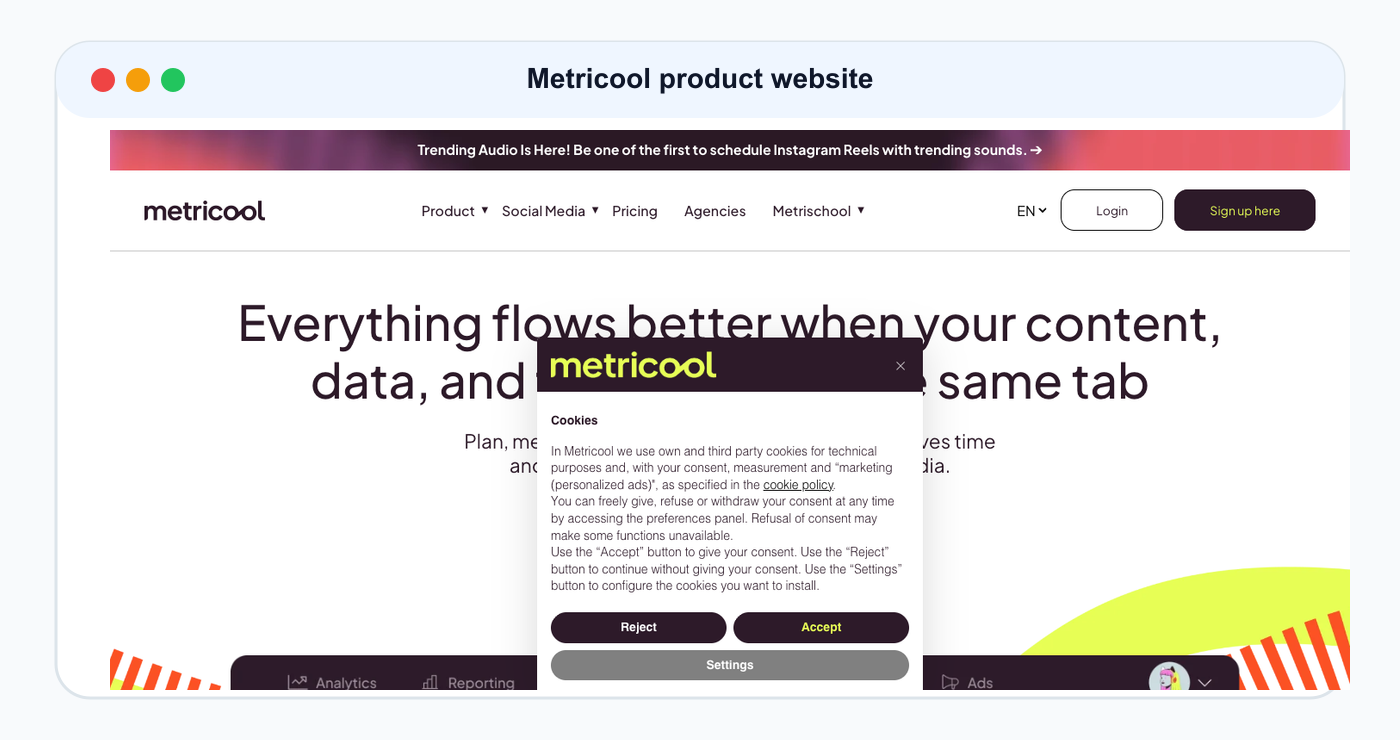
Metricool is included as a product/website reference for this ranked tool comparison.
Metricool is useful when AI content decisions need to be informed by analytics and competitor data.
Metricool is best for analytics, competitor profiles, reports, brand dashboards, and planning context.
Metricool may be less ideal if AI-generated drafts need to move through workflow stages, approvals, scheduling, repurposing, and automation inside the same system.
6. Planable — best for AI review and collaboration

Planable is included as a product/website reference for this ranked tool comparison.
Planable is useful when AI drafts need stakeholder feedback.
Planable is best for comments, internal notes, external review, stakeholder approval, and content collaboration.
It can help teams review and refine AI-generated content.
Planable may be less ideal if the team needs AI drafts to connect to repurposing queues, analytics-to-action, Make/n8n workflows, and board-based operations.
AI content workflow comparison table
ToolBest forAI workflow strengthMain limitationTarenoAI + workflow automationAI drafts connected to approvals, scheduling, analytics, repurposingMore than needed for simple AI captionsBufferSimple AI schedulingLightweight AI support and queueLimited workflow depthHootsuiteBroad AI suiteAI inside publishing/inbox/reporting suiteCan be heavyLaterVisual AI planningCreator-friendly planningLess workflow automationMetricoolAnalytics contextReporting and competitor insightLess AI workflow executionPlanableAI reviewCollaboration and approvalLess post-approval automationSocialBeeEvergreen AI contentCategory-based variationsLess workflow visibilityMake/n8n/APICustom AI workflowsFlexible automationRequires setup and ownership
AI workflow examples
Blog-to-social AI workflow
Blog is published.
AI creates LinkedIn, Threads, TikTok, and Pinterest drafts.
Human edits.
Reviewer approves.
Posts are scheduled.
Analytics identify best version.
Winner enters repurposing queue.
Founder idea to social post
Founder adds rough note.
AI creates caption options.
Founder edits for voice.
Team schedules.
Analytics identify whether message resonated.
Competitor signal to content angle
Competitor topic is saved.
AI generates differentiated angles.
Strategist selects one.
Product/brand reviewer approves.
Content is published and measured.
AI repurposing workflow
Top post is added to repurposing queue.
AI creates platform rewrites.
Human edits each version.
Approval gate checks risk.
Posts are scheduled.
What to look for in AI social media tools
Look for:
AI captions
AI hashtags
AI hook variations
platform rewrites
source-content context
human editing workflow
approval gates
scheduling
analytics
repurposing queue
roles and permissions
activity visibility
Make/n8n/API support
prompt control
pricing and AI credit limits
The best tool is the one that supports AI content safely inside your workflow.
Common AI content workflow mistakes
Mistake 1: Publishing AI output without review
This can create generic or inaccurate content.
Mistake 2: Using the same AI caption everywhere
Each platform needs a different version.
Mistake 3: No claim verification
Product, pricing, and competitor claims need review.
Mistake 4: No analytics feedback
AI workflows should improve based on performance.
Mistake 5: No repurposing system
Good AI-assisted posts should become future content.
Mistake 6: Over-automating voice
AI should support the creator or brand voice, not replace it.
Related Tareno resources
Keep building the workflow
Product Tareno Features See the planning, scheduling, approval, and workflow features behind this guide. Explore features -> Plans Tareno Pricing Match the workflow depth in this article to the right plan and trial option. View pricing -> Compare Comparison Hub Compare Tareno with common social media management tools by workflow fit. Compare tools -> Free tool Instagram Caption Generator Draft social captions before routing the strongest versions into Tareno. Try the tool ->
FAQ
What is the best social media tool for AI content workflows?
It depends on the workflow. Buffer is useful for simple AI-assisted scheduling. Hootsuite is useful for AI inside a broad suite. Tareno is strong when AI drafts need approvals, scheduling, analytics, repurposing, Make, n8n, API, roles, and activity visibility.
Should AI publish social media posts automatically?
Usually no. AI can create drafts, hooks, captions, and rewrites, but humans should approve final posts, especially when content includes product claims, pricing, competitors, sponsors, or clients.
What can AI do in social media workflows?
AI can generate captions, hashtags, hooks, platform rewrites, video scripts, carousel outlines, blog-to-social drafts, and repurposing ideas.
How do you keep AI social media content from sounding generic?
Give AI specific context, edit for human voice, use real examples, avoid vague hooks, and measure which drafts perform best.
Can AI help repurpose social media content?
Yes. AI can rewrite posts for different platforms, create new hooks, turn captions into scripts, and suggest carousel or pin formats. Human review should still check accuracy and voice.
Can AI workflows connect with Make or n8n?
Yes. Make and n8n can connect AI drafts, review stages, approval notifications, scheduling, reporting, and repurposing tasks.
Final thoughts
AI is useful, but AI is not the workflow.
The workflow is what makes AI useful safely.
A good AI social media tool should help teams generate better drafts, edit them, approve them, schedule them, measure them, and repurpose what works.
If you only need captions, a simple AI tool may be enough.
If you need AI inside a full social media workflow, choose a system that connects AI with approvals, scheduling, analytics, repurposing, Make, n8n, API, roles, and activity visibility.
Primary CTA: Explore Tareno features to see how AI captions, boards, approvals, workflow builder, analytics, repurposing queues, Make, n8n, API, roles, and activity visibility work together.
Secondary CTA: Compare Tareno with Buffer, Later, Hootsuite, Metricool, Planable, and SocialBee on the compare hub.