
Sponsored content can move quickly, but it should not be treated like a normal organic post.
A brand may need approval.
A creator may need to protect their voice.
An agency may need proof that the post was reviewed.
A sponsor may need the exact wording, product placement, disclosure, CTA, and publish date approved before anything goes live.
And the audience needs clarity when content is sponsored, paid, gifted, affiliate-based, or otherwise connected to a brand relationship.
That makes branded content disclosure a workflow issue, not only a caption detail. Teams that already use approval workflows should treat disclosure as a required review field before anything moves to scheduling. Teams that already use approval workflows should treat disclosure as a required review field before anything moves to scheduling. Teams that already use approval workflows should treat disclosure as a required review field before anything moves to scheduling.
A disclosure that is added at the last minute can create confusion.
A disclosure that is missing can create trust problems.
A disclosure that is unclear can create unnecessary risk for the creator, brand, or agency.
This guide gives you a practical workflow for managing branded content from brief to disclosure review, approval, publishing, reporting, and repurposing.
This is not legal advice. Requirements vary by country, platform, and campaign type. The workflow below is meant to help teams build a safer operating process and verify the right rules before publishing.
TL;DR
A strong branded content disclosure workflow should include:
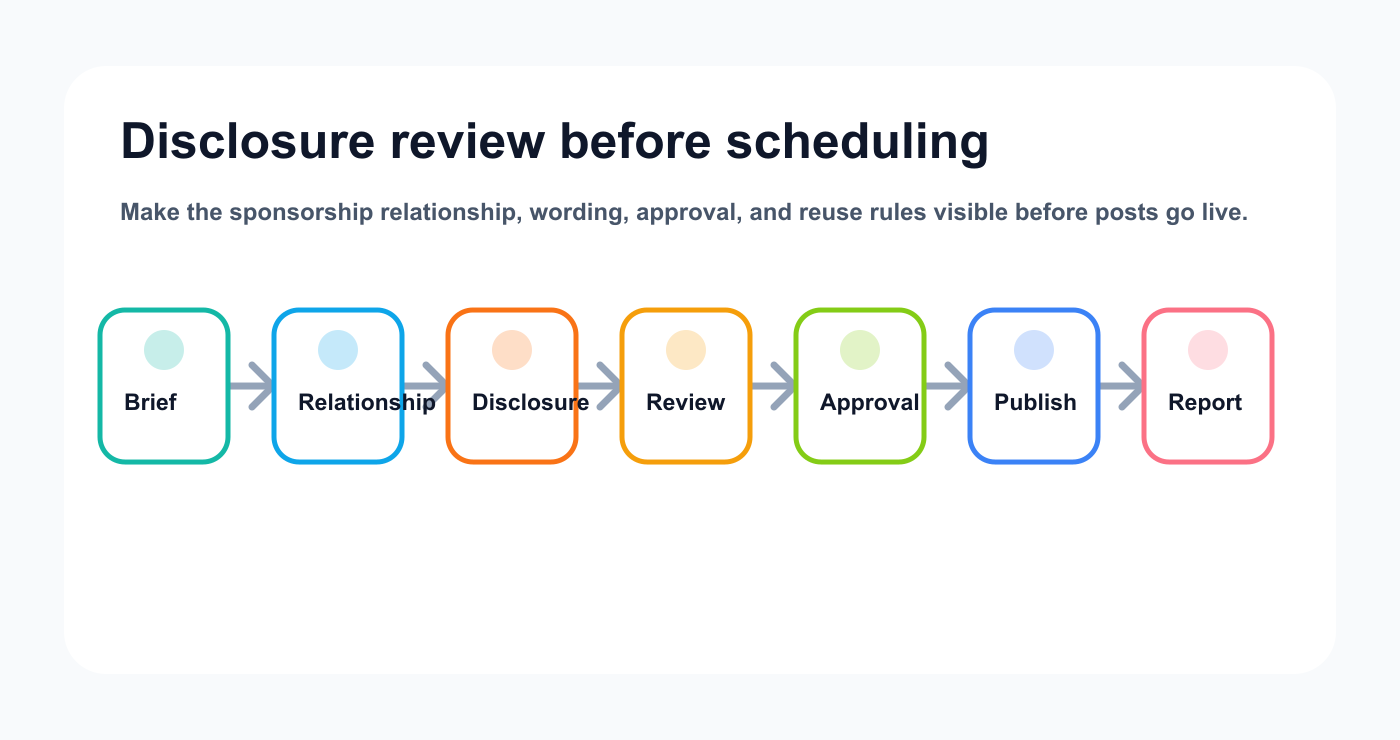
Disclosure works best when it is reviewed before scheduling, not guessed at publish time.
campaign brief
relationship type
disclosure requirement
platform-specific disclosure check
creator draft
brand or sponsor review
internal review
final approval
publishing confirmation
reporting
usage rights review
repurposing decision
The key rule:
Disclosure should be reviewed before scheduling, not guessed at the moment of publishing.
If the content is sponsored, gifted, affiliate-based, paid, brand-controlled, or connected to a material relationship, the workflow should include a disclosure review field.
Why disclosure needs a workflow
Most teams think of disclosure as text.
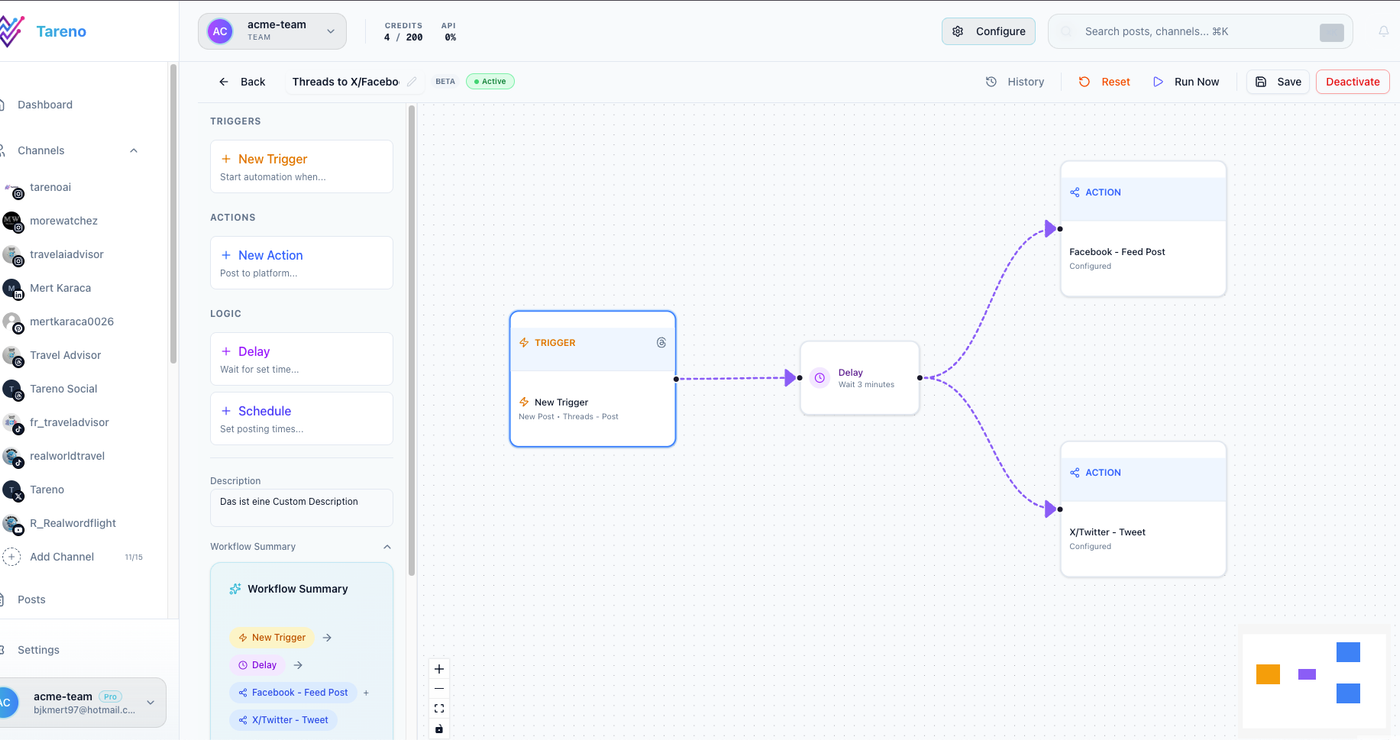
Disclosure checks need the same visibility as copy, creative, timing, and sponsor feedback.
Examples:
ad
sponsored
paid partnership
gifted
affiliate link
in partnership with
brand collaboration
But operationally, disclosure is more than text.
Disclosure affects:
campaign brief
creator instructions
captions
hashtags
platform tools
visual overlays
scripts
stories
pinned comments
review process
usage rights
repurposing
reporting
If disclosure is not in the workflow, it may be forgotten.
A creator may draft a natural caption without mentioning the brand relationship.
A brand may approve the creative but forget the disclosure.
An agency may schedule the final post without checking platform-specific branded content tools.
A repurposed version may remove the original disclosure by accident.
A workflow prevents these mistakes. It also gives agencies and creators a shared operating trail, especially when the campaign lives inside a broader social media workflow builder. It also gives agencies and creators a shared operating trail, especially when the campaign lives inside a broader social media workflow builder. It also gives agencies and creators a shared operating trail, especially when the campaign lives inside a broader social media workflow builder.
Workflow overview
Use this baseline process:
Brief received
Relationship type identified
Disclosure requirement added
Creator concept drafted
Caption/script created
Asset created
Internal review
Brand/sponsor review
Disclosure check
Final approval
Publish
Report
Repurposing and usage rights review
The workflow is designed for creator-led social media management, agency approval systems, and brand teams that need clear review evidence:
sponsored posts
creator collaborations
UGC campaigns
affiliate content
gifted product content
brand ambassador posts
agency-managed influencer content
paid social adaptations
organic branded content
creator-led product campaigns
Step 1: Identify the relationship type
The brief should clearly define the relationship.
Ask:
Is the creator being paid?
Was the product gifted?
Is there an affiliate link?
Is the brand controlling the message?
Is the post part of a contract?
Is the creator receiving commission?
Is the brand approving the final version?
Will the content be used in paid ads?
Will the brand reuse the content on its own channels?
This matters because the disclosure workflow depends on the relationship.
A normal organic post may only need creator review.
A sponsored post usually needs sponsor approval and disclosure review.
An affiliate post may need link and disclosure checks.
A paid ad adaptation may need additional rights and brand review.
Step 2: Add disclosure to the brief
Disclosure should be part of the brief from the beginning. If the campaign will move across several channels, pair the brief with post scheduling rules so the final approved wording stays attached to the publish date. If the campaign will move across several channels, pair the brief with post scheduling rules so the final approved wording stays attached to the publish date. If the campaign will move across several channels, pair the brief with post scheduling rules so the final approved wording stays attached to the publish date.
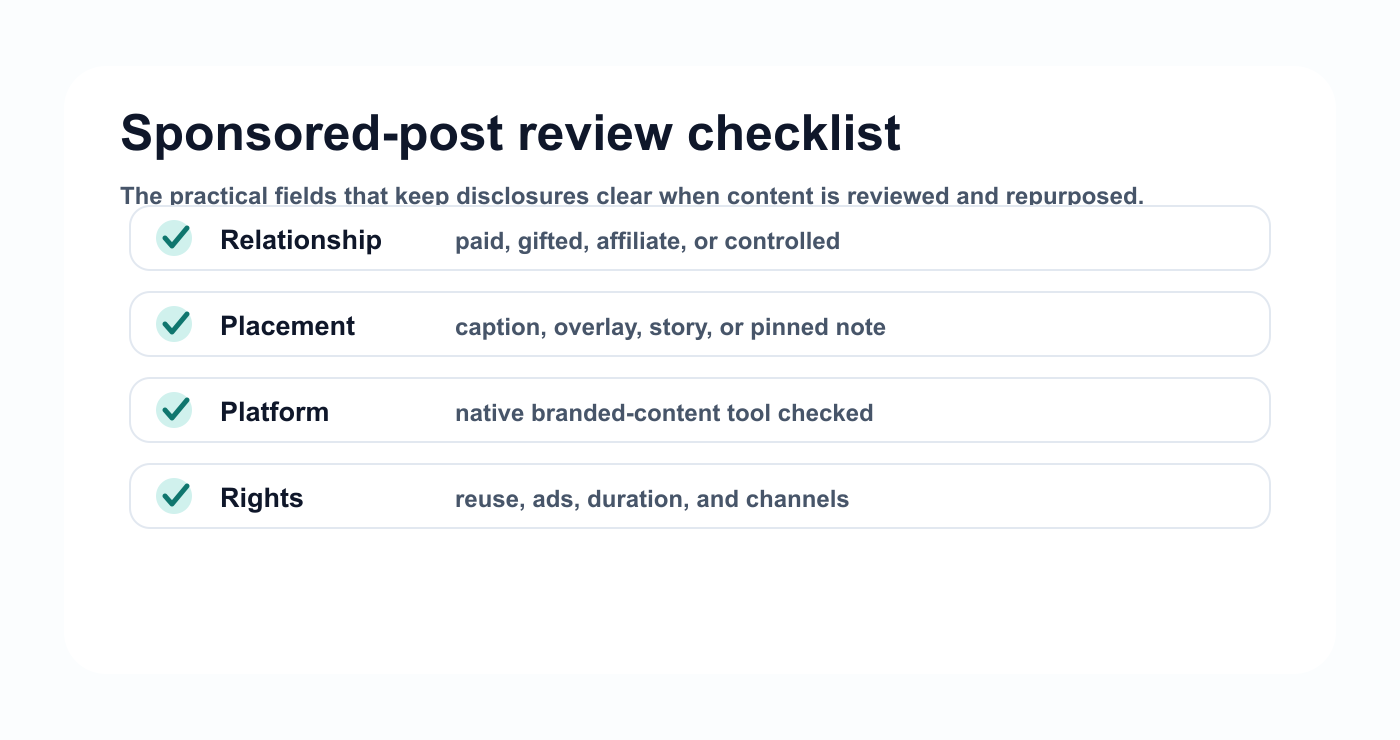
A disclosure checklist keeps the required fields visible before creative work reaches final approval.
Brief fields:
## Branded Content Brief

Brand:
Creator:
Campaign:
Relationship type:
Payment/gift/affiliate:
Platforms:
Deliverables:
Disclosure required:
Required disclosure wording:
Platform branded content tool needed:
CTA:
Link:
Claims allowed:
Claims to avoid:
Approval owner:
Final approver:
Usage rights:
Repurposing allowed:
Reporting requirements:
This gives the creator and reviewer the same context.
It also prevents the disclosure from being treated as an afterthought.
Step 3: Define platform-specific disclosure needs
Different platforms may have different tools, labels, formats, and audience expectations.
Your workflow should include a platform field.
For each platform, check:
caption disclosure
visible hashtag or label
branded content tool
paid partnership tag
affiliate link note
story frame disclosure
video verbal disclosure if needed
overlay disclosure if needed
pinned comment rules
link disclosure
sponsor-specific wording
Do not assume the same format works everywhere.
A disclosure in a long caption may not be visible enough for a short-form video.
A story may need disclosure on the frame itself.
A YouTube Short may need different handling than a LinkedIn post.
The workflow should force the question before publishing.
Step 4: Draft with disclosure in mind
The creator should draft content knowing the disclosure requirements.
This helps preserve natural voice.
If disclosure is added at the end, it can feel awkward or forced.
A better workflow is:
creator understands the relationship type
creator knows required wording
creator writes naturally around the requirement
reviewer checks clarity
sponsor approves final version
Draft fields:
hook
caption
script
asset notes
brand mention
disclosure placement
CTA
link
hashtags
platform tag
sponsor requirement
The goal is clarity without destroying the creator’s voice.
Step 5: Review claims separately from disclosure
Disclosure is not the only review.
Branded content often includes claims.
Claims may include:
product benefits
feature descriptions
price or discount
comparison language
customer results
personal experience
before/after claims
performance results
limited-time offers
Review claim accuracy separately.
A post can have a correct disclosure and still include a claim that needs review.
Use this table:
Review areaQuestionDisclosureIs the relationship clear?Claim accuracyIs the statement true and approved?CTAIs the action correct?LinkDoes it go to the right page?AssetIs the product shown correctly?Usage rightsCan this be reused?Platform fitDoes the post match the format?
This separates compliance clarity from content quality.
Step 6: Add brand or sponsor approval
Sponsored content should usually be approved by the brand or sponsor before publishing.
Approval should be tied to the exact version.
Final approval should include:
platform
final caption
final asset
disclosure wording
CTA
link
publish date
product placement
usage rights
approving person
approval timestamp
If the creator changes the caption, asset, CTA, or disclosure after approval, the workflow should define whether re-approval is needed.
A safe rule:
Material changes after sponsor approval require re-approval.
Material changes include claim changes, asset replacement, disclosure removal, CTA changes, link changes, or new product positioning.
Step 7: Use a pre-publish disclosure checklist
Before scheduling, run a final check.
## Branded Content Disclosure Checklist

- [ ] Relationship type documented
- [ ] Disclosure requirement confirmed
- [ ] Platform-specific tool checked
- [ ] Caption disclosure visible
- [ ] Script or overlay disclosure checked if needed
- [ ] Affiliate or gifted relationship noted if relevant
- [ ] Sponsor wording followed
- [ ] Claims reviewed
- [ ] CTA and link checked
- [ ] Final asset approved
- [ ] Final sponsor approval recorded
- [ ] Usage rights recorded
- [ ] Repurposing rules recorded
This checklist should be part of the workflow, not a separate document nobody opens.
Step 8: Publish and save proof
After publishing, save:
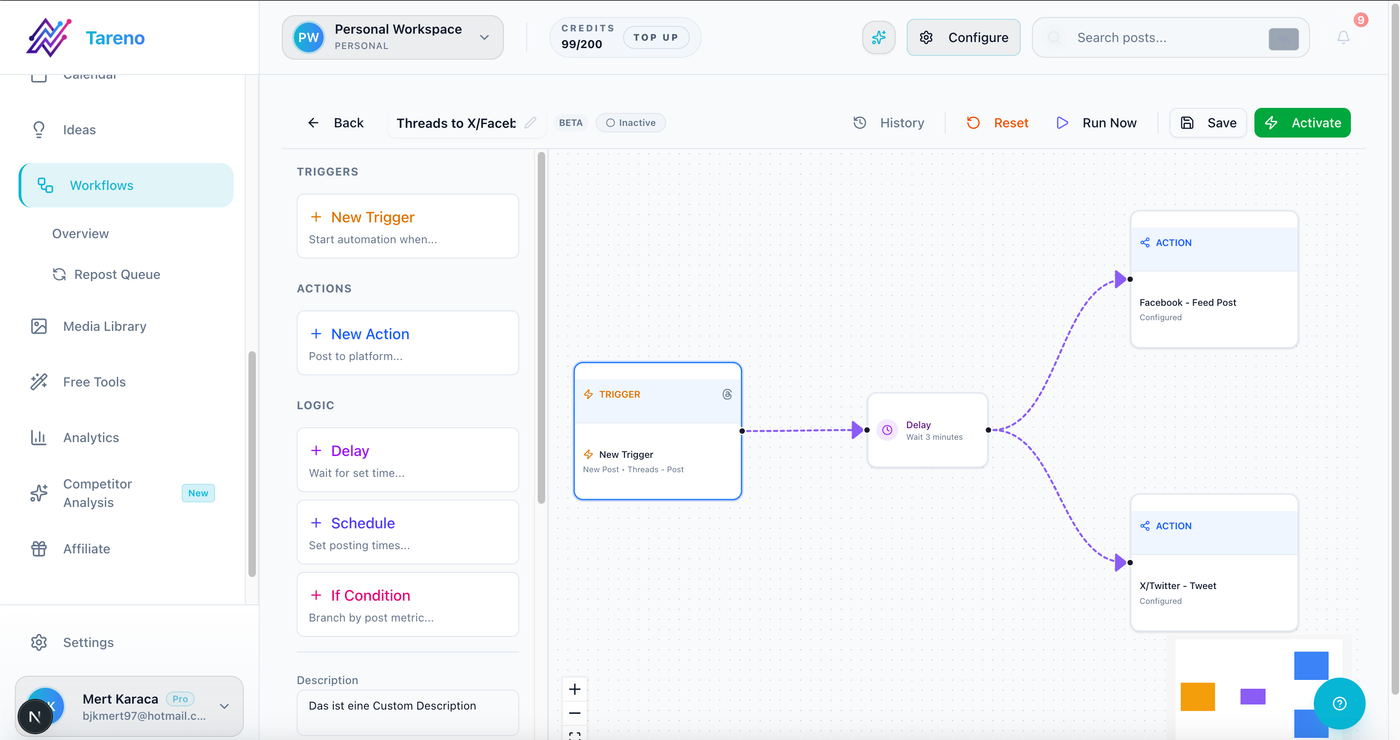
Final approval is easier to audit when the content stage, owner, and next action are visible.
live URL
screenshot
platform
publish time
caption version
disclosure version
asset version
campaign label
approving person
reporting date
This is useful for reporting and recordkeeping.
If the post is later repurposed, the team can see what was originally approved.
Step 9: Report beyond views
Branded content reporting should include more than views.
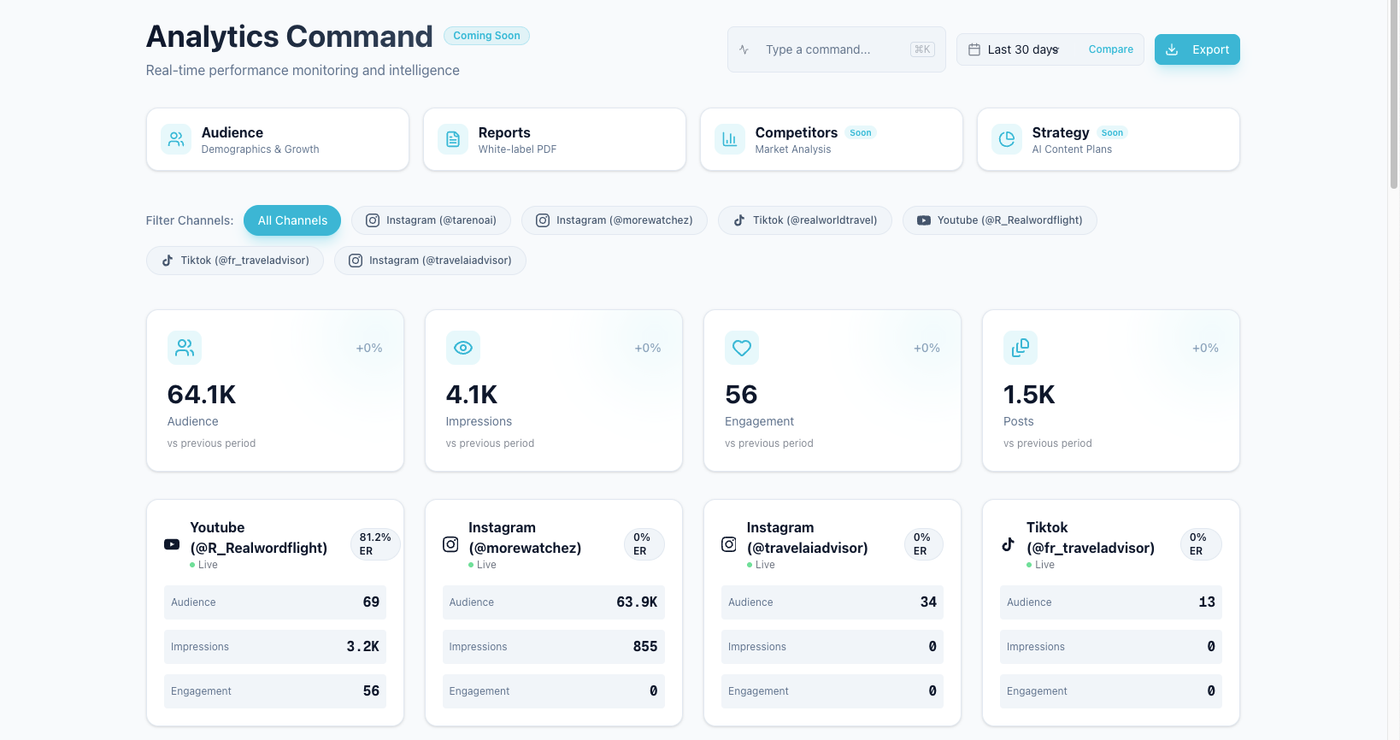
Reporting should keep performance and obligations visible after publish.
Track:
reach
impressions
views
watch time
completion rate
saves
shares
comments
clicks
conversions if tracked
sentiment
audience questions
brand feedback
disclosure or comment issues
recommended next action
A good branded content report should answer:
did the content meet the campaign goal?
did the audience understand the message?
did the CTA work?
should the brand reuse the asset?
should the creator make a follow-up?
should this become paid creative?
should the topic become evergreen content?
Reporting should create decisions.
Step 10: Review usage rights before repurposing
Branded content often has usage restrictions.
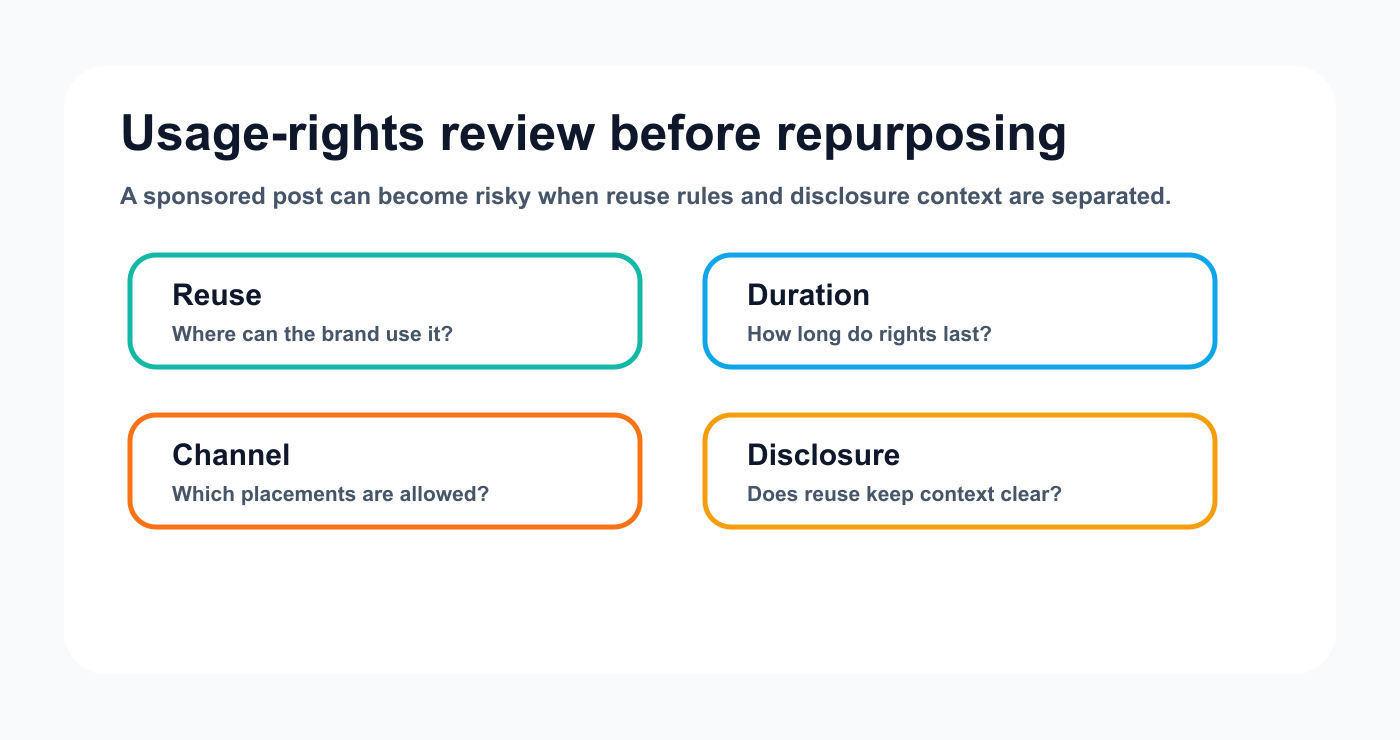
Usage rights should be checked before a sponsored post is adapted into another format.
Before reusing content, check:
can the brand reuse the content?
can the creator reuse it?
can it be used in paid ads?
how long can it be used?
can the content be edited?
can captions be changed?
can the asset be clipped?
does the creator need to approve reuse?
does the sponsor need to approve reuse?
does the disclosure need to be updated?
A high-performing sponsored post may become:
organic repost
ad creative
landing page asset
email asset
TikTok version
Instagram Reel
YouTube Short
Pinterest pin
case study
social proof post
But only if usage rights allow it.
Repurposing without a rights check can create problems.
Branded content approval matrix
Use this matrix.
Content typeReviewerFinal approverDisclosure checkRe-approval needed?Organic brand mentionCreator/managerCreatorMaybeIf claim changesSponsored postManager/agencyBrand/sponsorYesYesGifted product postCreator/managerCreator/brand if requiredYesIf disclosure or claim changesAffiliate postCreator/managerCreator/brand if requiredYesIf link or claim changesPaid ad adaptationBrand/agencyBrandYesYesRepurposed sponsored contentManager/brandDepends on rightsYesUsually
This matrix helps teams route content correctly.
How Tareno fits branded content workflows
Tareno is useful when branded content needs structured review and visibility.
Relevant Tareno components include:
creator/client workspaces
content boards
approval workflows
content calendar
roles and permissions
activity visibility
analytics
white-label reports
repurposing queue
workflow builder
AI captions and hashtags
Make integration
n8n integration
API access
The workflow becomes:
brief -> disclosure check -> draft -> sponsor review -> approval -> schedule -> report -> repurpose
This reduces scattered feedback and makes approval status visible.
Common mistakes
Mistake 1: Disclosure added too late
Disclosure should be part of the brief.
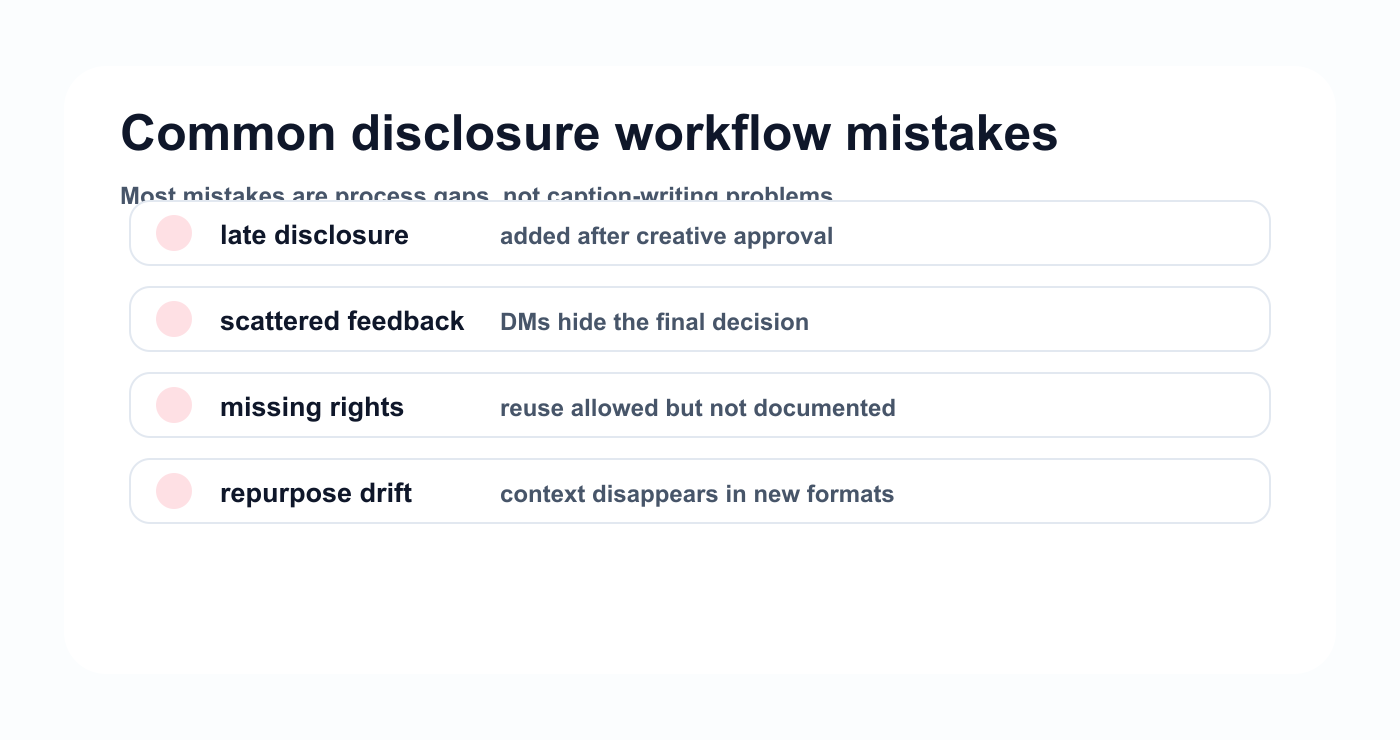
Most branded content mistakes are process gaps that can be caught before publishing.
Mistake 2: Approval only covers the idea
Sponsor approval should apply to the final version.
Mistake 3: Claims and disclosure are mixed together
Review both separately.
Mistake 4: No usage rights field
Repurposing depends on rights.
Mistake 5: Feedback scattered in DMs
Feedback should stay attached to the content item.
Mistake 6: Repurposed versions skip disclosure review
New platform versions may need new disclosure checks.
FAQ
What is a branded content disclosure workflow?
It is a process for managing sponsored or brand-connected content from brief to disclosure review, brand approval, publishing, reporting, and repurposing.
When should a post include disclosure?
If there is payment, sponsorship, gifting, affiliate commission, brand control, or another material relationship, the team should check disclosure requirements for the relevant market and platform.
Should disclosure be reviewed before publishing?
Yes. Disclosure should be part of the brief, review, and approval process before scheduling.
Does sponsored content need brand approval?
Usually yes. The brand or sponsor should approve the exact version if the campaign requires sign-off.
Can sponsored content be repurposed?
Yes, if usage rights allow it. Repurposed versions may need new approval and disclosure checks.
Can AI help with branded content?
AI can help draft captions and platform versions, but human review should verify disclosure, claims, voice, sponsor requirements, and usage rights.
Related Tareno resources
Keep the workflow moving
Feature Approval Workflows Keep disclosure checks attached to review state. Solution Workflow Builder Map brief, review, approval, and reuse steps. Workflow Repurposing Workflow Preserve context when sponsored content is reused. Docs Make Integrations Connect approved campaign stages to external tools.
Final thoughts
Branded content needs clarity.
The creator needs context.
The brand needs approval.
The audience needs disclosure.
The agency needs proof of what was reviewed.
A workflow makes that possible.
Build disclosure into the brief.
Review claims separately.
Approve the final version.
Save proof after publishing.
Check usage rights before repurposing.
That is how sponsored content stays clear, organized, and ready.
Primary CTA: Explore Tareno features to see how creator workspaces, approvals, activity visibility, analytics, repurposing queues, and workflow automation support branded content operations.


