

ChatGPT social media automation becomes useful when the conversation can inspect real account context, create platform-native drafts, request approval, prepare schedules, and turn performance into the next content decision.
ChatGPT contributes interpretation, planning, and adaptation. Tareno owns connected accounts, workflow state, approvals, publishing, analytics, and repurposing. The result is a conversational operating loop—not a chatbot that publishes whatever it writes.
TL;DR
A practical ChatGPT and Tareno workflow looks like this:
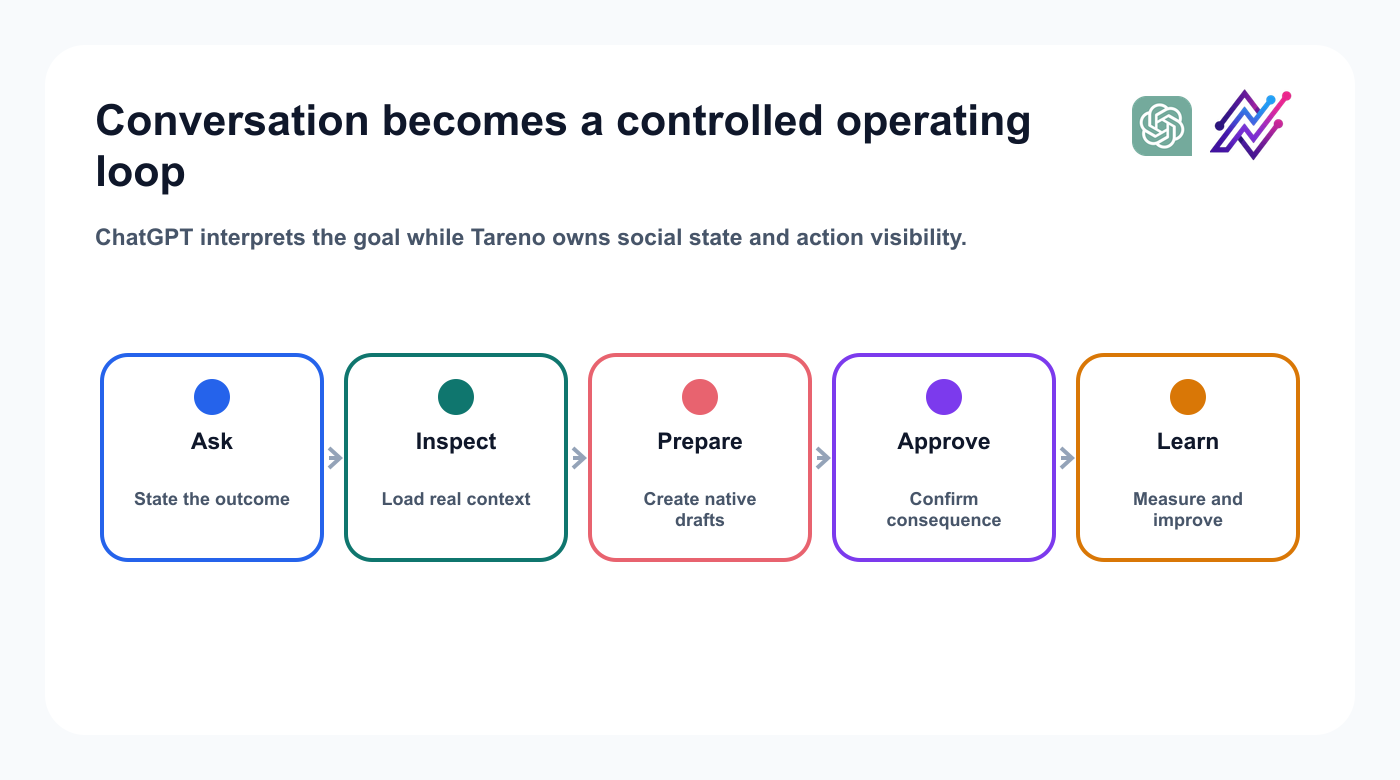
The useful loop combines flexible reasoning with explicit social workflow state.
Install or connect the Tareno integration in ChatGPT.
Authenticate the underlying Tareno app.
Let ChatGPT discover the available tools.
Start with account inspection and analytics.
Add draft creation.
Add platform-specific adaptations.
Prepare scheduling actions.
Review consequential actions in Tareno or the supported confirmation flow.
Publish through the normal Tareno queue.
Return to ChatGPT for analysis and repurposing.
The key rule is:
Use ChatGPT for flexible reasoning, but keep public publishing behind a visible approval boundary.
This creates more automation without treating social accounts like an unrestricted chatbot extension.
What changes when ChatGPT can use tools?
A normal ChatGPT conversation produces text.
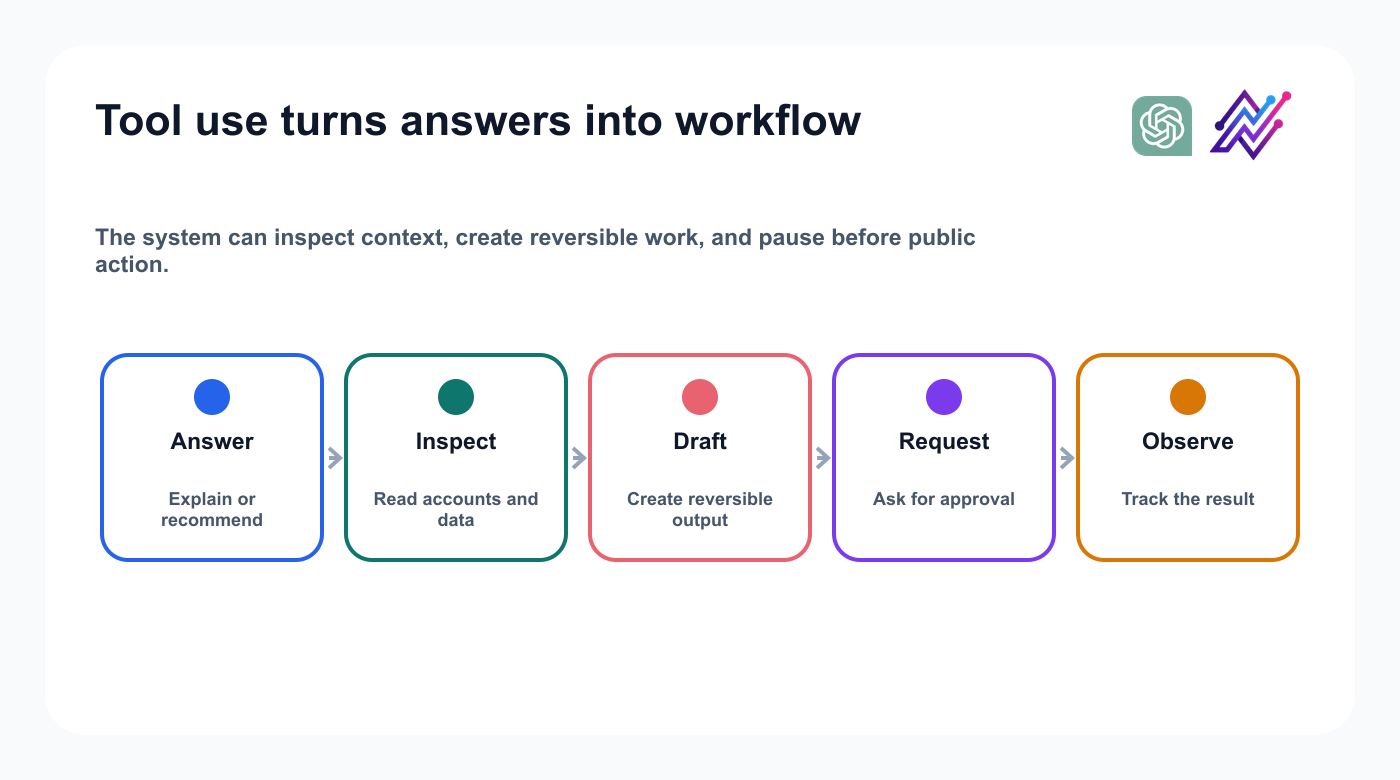
Structured tools let the conversation continue into an accountable operating workflow.
Account inspection and draft creation can remain reversible. Scheduling, publishing, deletion, and account changes should be explicit actions.
Apps, plugins, and MCP
The connection may be called an app, plugin, or MCP integration depending on the current ChatGPT surface. Verify the live listing name, authentication, permissions, admin controls, supported regions, and action confirmation before publication.
Why Tareno should not be positioned as “ChatGPT writes captions”
Caption generation is one step. A complete workflow also needs accounts, drafts, approvals, scheduling, analytics, and repurposing.
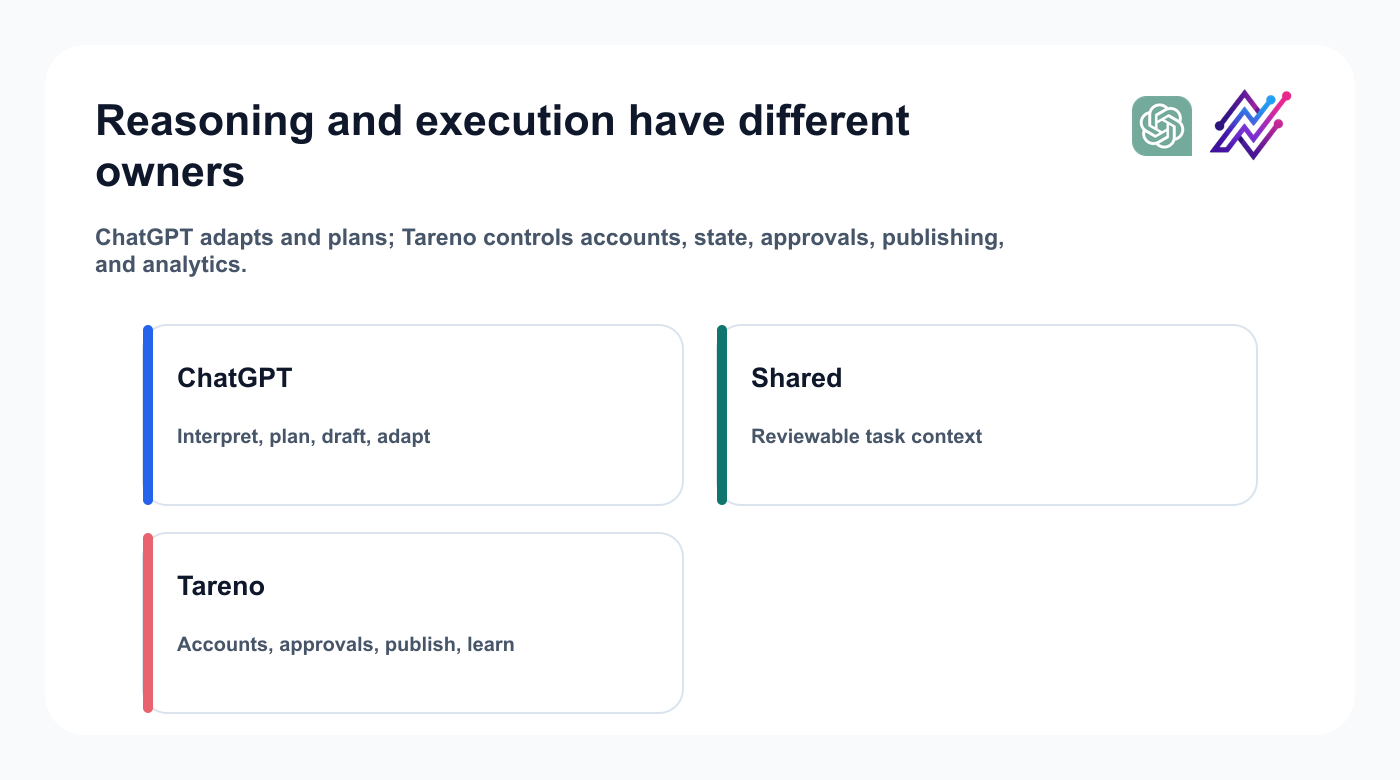
The complete workflow is larger than caption generation.
ChatGPT can decide how to help; Tareno keeps the target, draft state, approval, publication, and result visible.
Connect Tareno to ChatGPT
Authenticate the intended workspace, review permissions, and begin with read-only tools for accounts, requirements, drafts, actions, and analytics. Add draft creation next; keep publishing, deletion, and account changes behind confirmation until the full workflow is tested.
Start with a capability audit
Your first prompt should not publish anything.
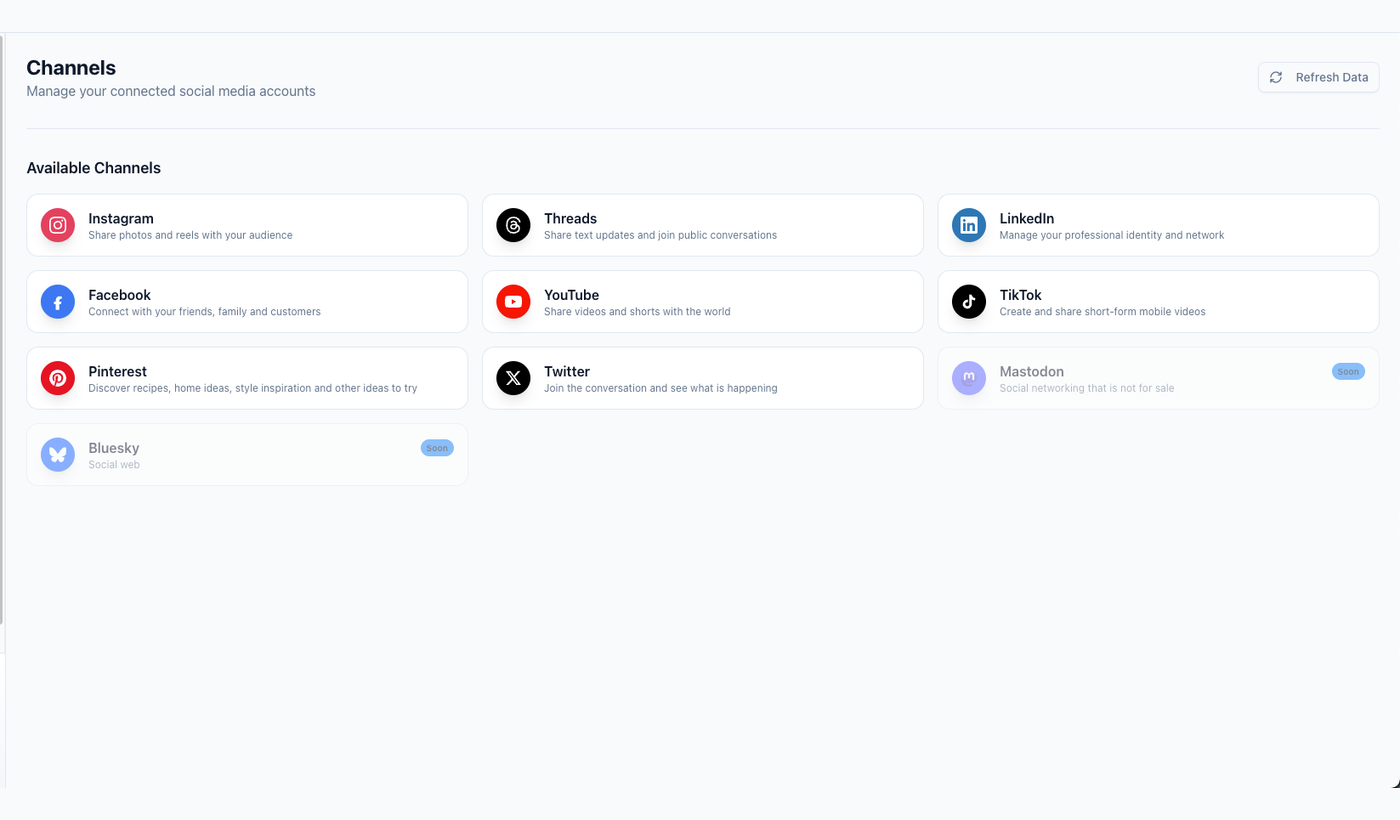
Begin by confirming the intended workspace, accounts, and available read actions.
Use:
List the Tareno capabilities available in this conversation. Group them into accounts, drafts, media, publishing, analytics, approvals, and repurposing. Do not execute any action.
This verifies that the tools are available.
Then ask:
List my connected Tareno workspaces and social accounts. Flag anything disconnected, incomplete, or duplicated. Do not make changes.
The first value is visibility.
You can understand the current setup before automating it.
Workflow 1: create platform-native drafts
Prompt:
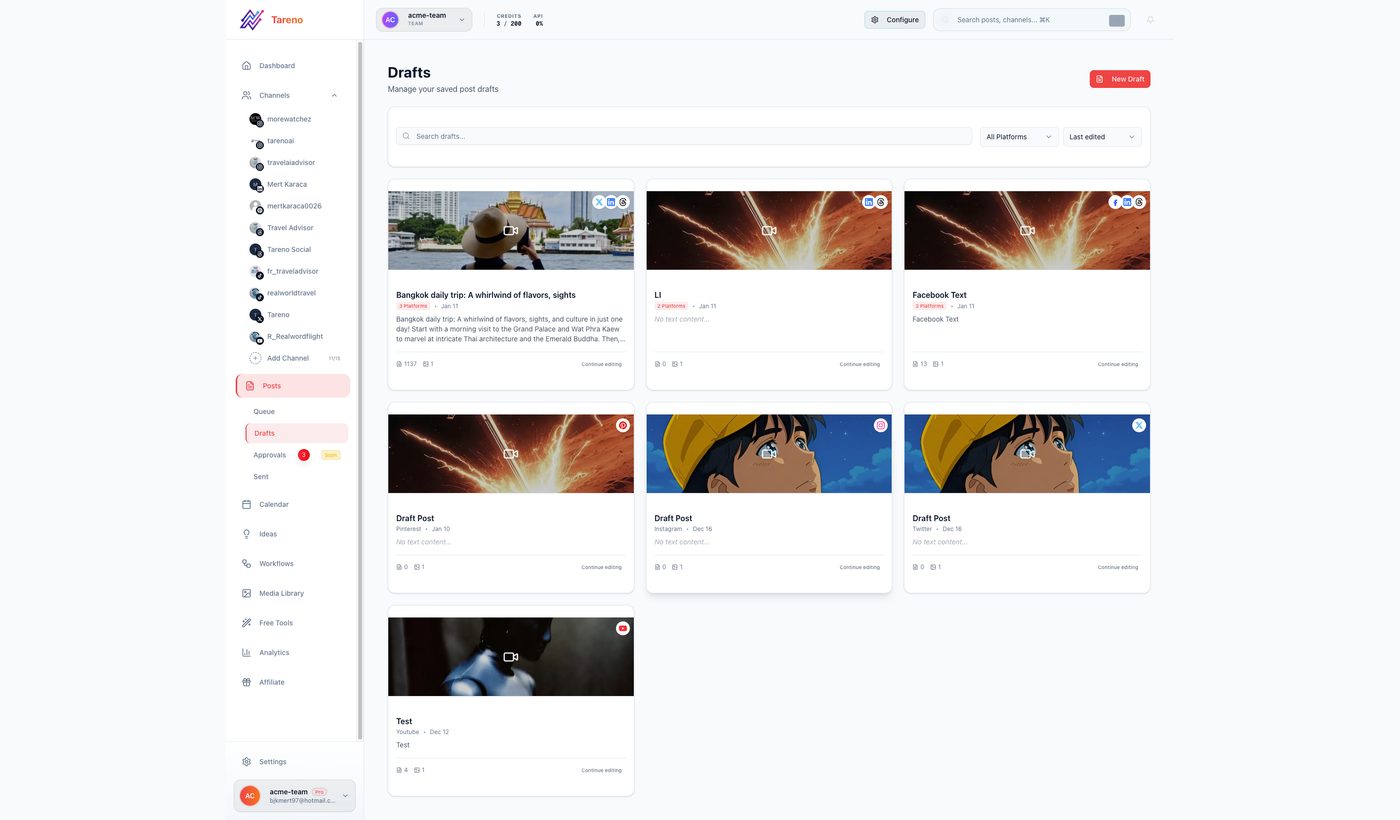
Draft-first creation gives editors a visible checkpoint before scheduling.
Create native drafts from this core idea for LinkedIn, Threads, Bluesky, Mastodon, X, and Facebook. Do not mechanically shorten the same caption. Adapt the hook, structure, context, and CTA for each network. Save drafts only.
This prompt is stronger than:
Write six captions.
It specifies:
shared source idea
separate platform execution
no copy-paste
draft-only boundary
Expected platform differences
PlatformAdaptationLinkedInProfessional context and business lessonThreadsConversational, opinionated, reply-friendlyBlueskyConcise, self-contained, low-hypeMastodonContext-rich and community-awareXFast hook and concise payoffFacebookAccessible context and broader framing
Tareno can preserve the variants inside one campaign.
Workflow 2: approval-first scheduling
After reviewing the drafts:
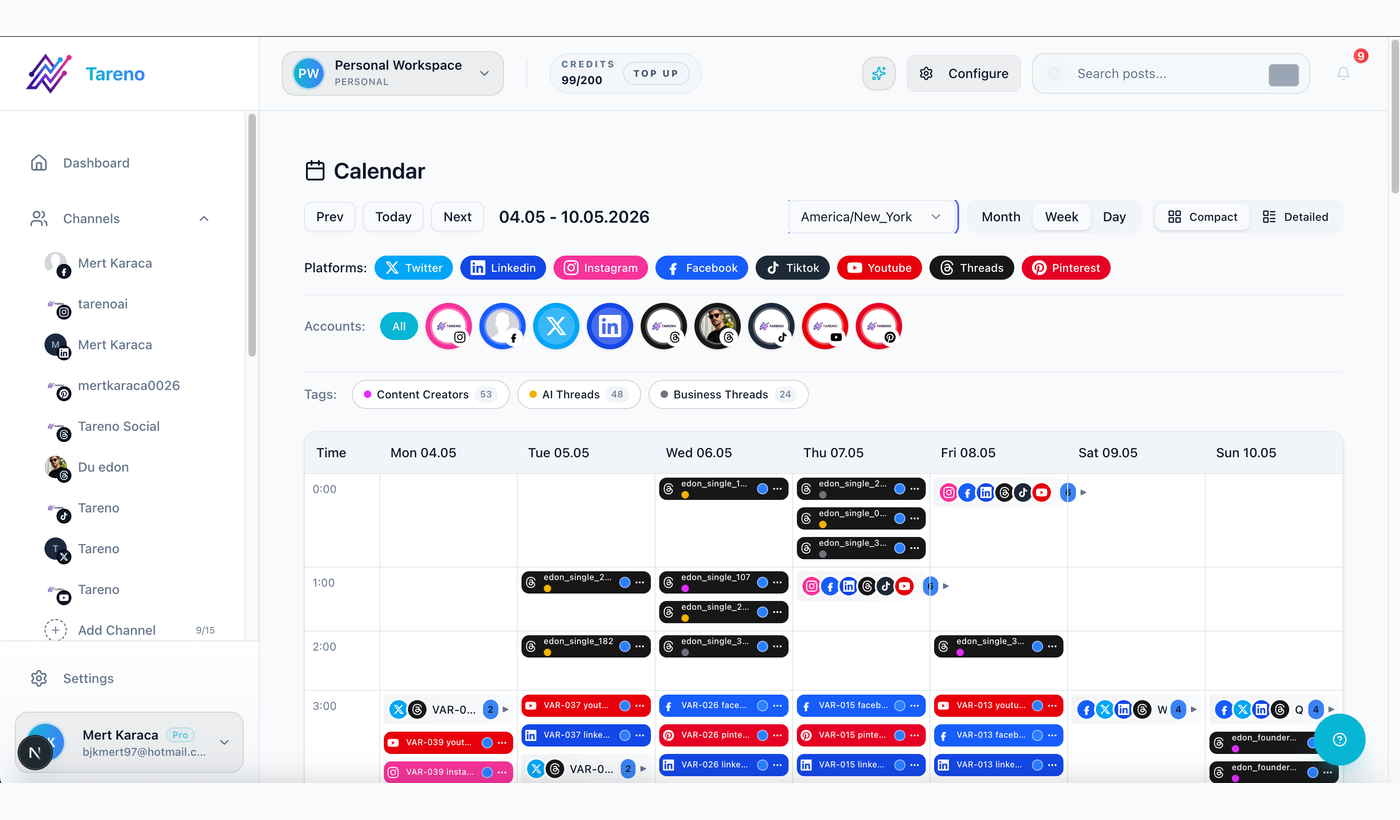
The calendar makes timing, channel mix, and final approval state inspectable.
Prepare the approved LinkedIn, Bluesky, and Mastodon drafts for Tuesday, Wednesday, and Thursday at 10:00 AM Europe/Berlin. Show the final account, caption, media, date, time, and timezone before requesting approval. Do not publish immediately.
The final review should make these fields visible:
workspace
account
platform
caption
asset
CTA
date
time
timezone
approver
action type
This is the point where flexibility turns into consequence.
That is why confirmation matters.
Workflow 3: analytics-led planning
Prompt:
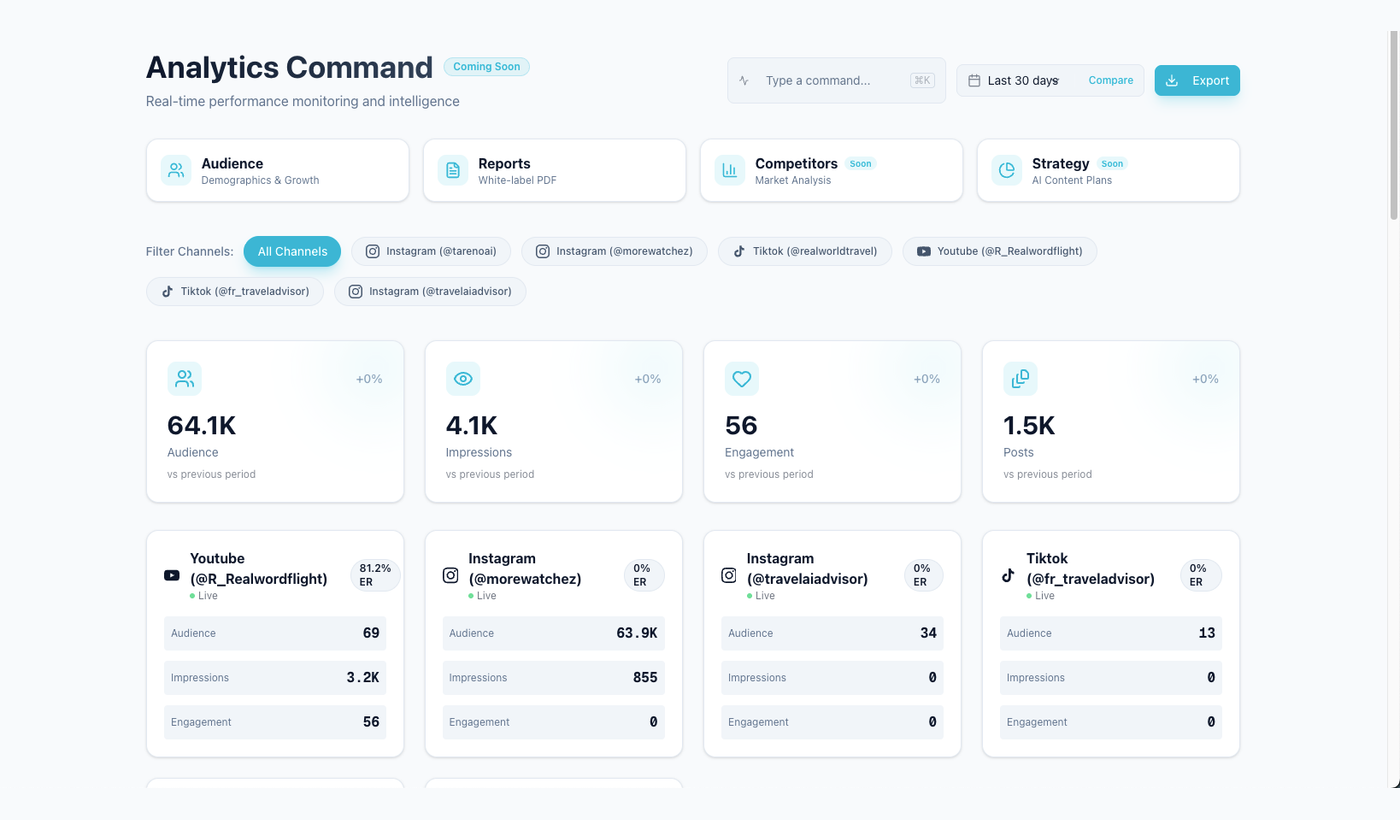
Performance data should shape the plan before new drafts are created.
Review the last 30 days across my connected accounts. Identify the strongest topic, strongest format, strongest CTA, and weakest recurring pattern. Support every conclusion with the available metrics.
Then:
Build a five-post plan for next week. Include one proven topic, one repurposed winner, one educational post, one opinion post, and one experiment. Do not create drafts until I approve the plan.
This separates strategy from production.
After approval:
Create the drafts and route posts containing product, pricing, competitor, or performance claims to review.
This combines data with governance.
Workflow 4: repurpose winning content
Prompt:
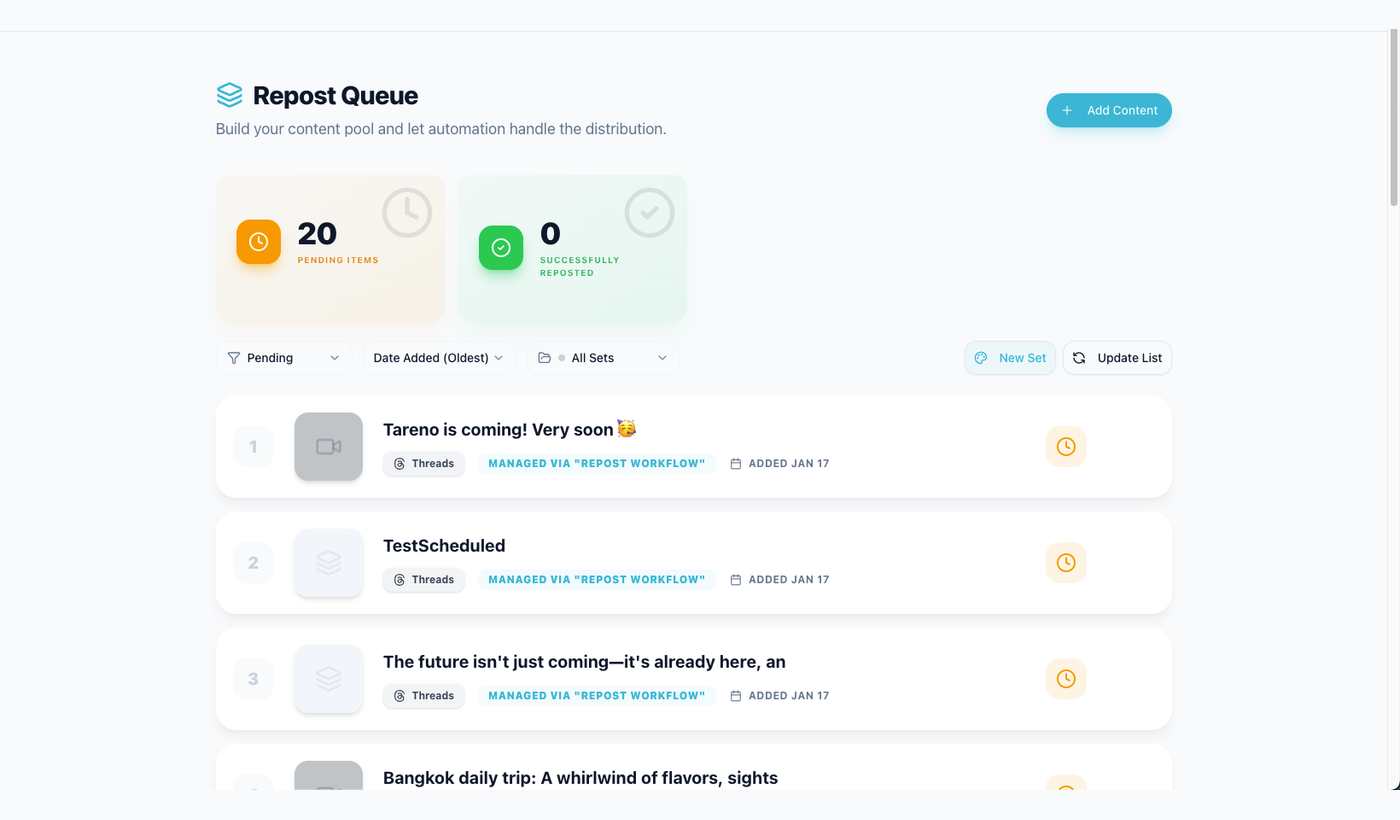
Keep the source post and performance signal attached to every repurposing idea.
Find my strongest posts from the last month using meaningful signals such as saves, shares, replies, clicks, watch time, or conversions. Explain why each likely worked and propose two new formats per post.
Then:
Save the best three repurposing ideas as drafts. Include the source post and performance signal in the internal notes.
Possible transformations:
LinkedIn post → carousel
video → Bluesky thread
FAQ → short-form video
high-save carousel → Pinterest pins
customer question → Mastodon educational post
product tutorial → YouTube Short
This closes the loop between analytics and future output.
Workflow 5: multilingual campaigns
Tareno supports workflows across:
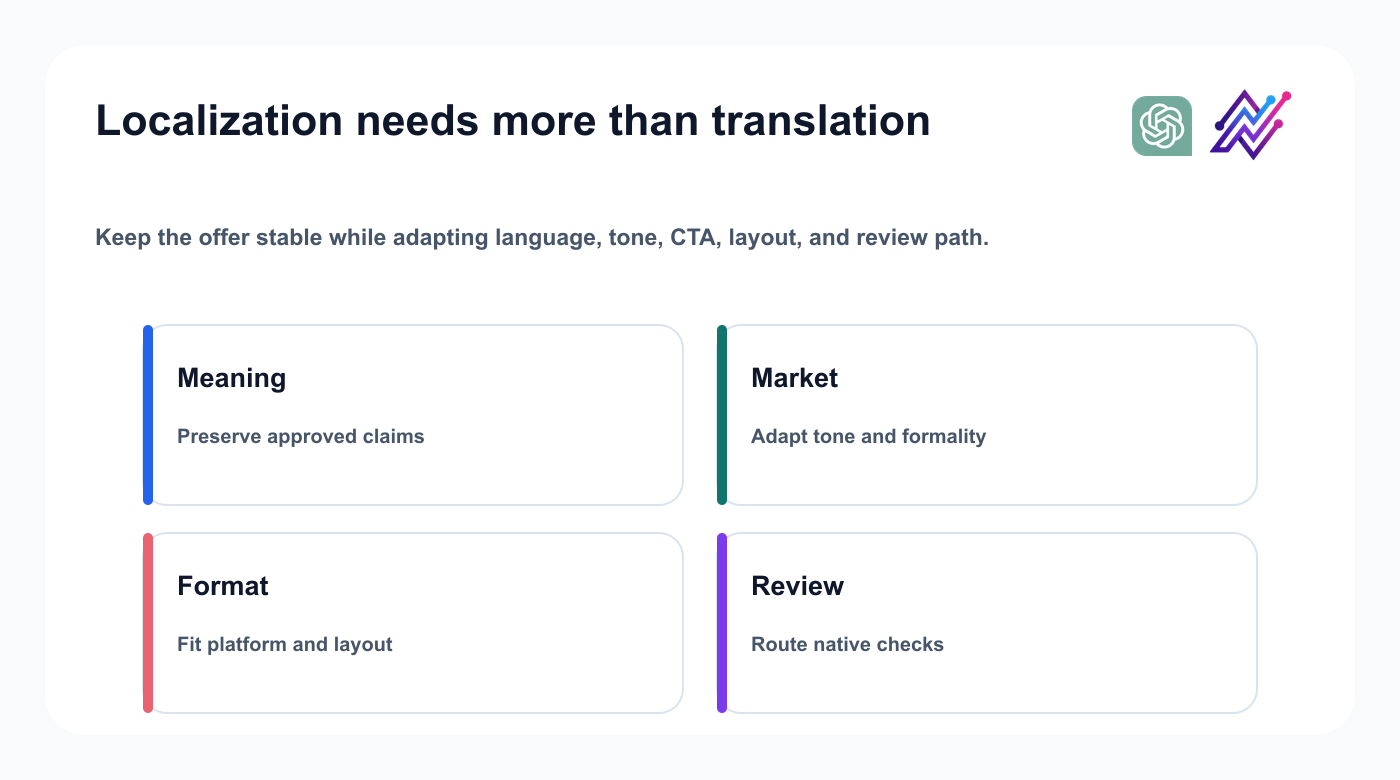
Localization preserves the campaign intent while adapting how it works in each market.
English
German
French
Spanish
Portuguese
Russian
Italian
Japanese
Arabic
Prompt:
Localize this approved campaign into English, German, French, Spanish, Portuguese, Russian, Italian, Japanese, and Arabic. Preserve the offer and product claims. Adapt tone, formality, sentence structure, and CTA by market. Save drafts only. Flag Japanese and Arabic for native review.
The important word is localize.
Do not ask only for translation.
The workflow should consider:
market
formality
terminology
product names
CTA
sentence length
visual design
right-to-left layout
platform context
native review
Tareno can keep every language version connected to the same campaign.
Workflow 6: Bluesky and Mastodon expansion
Select proven ideas from other channels, create separate network-native versions, explain each adaptation, and save drafts only.
Workflow 7: YouTube URL to viral-script research
Prompt:
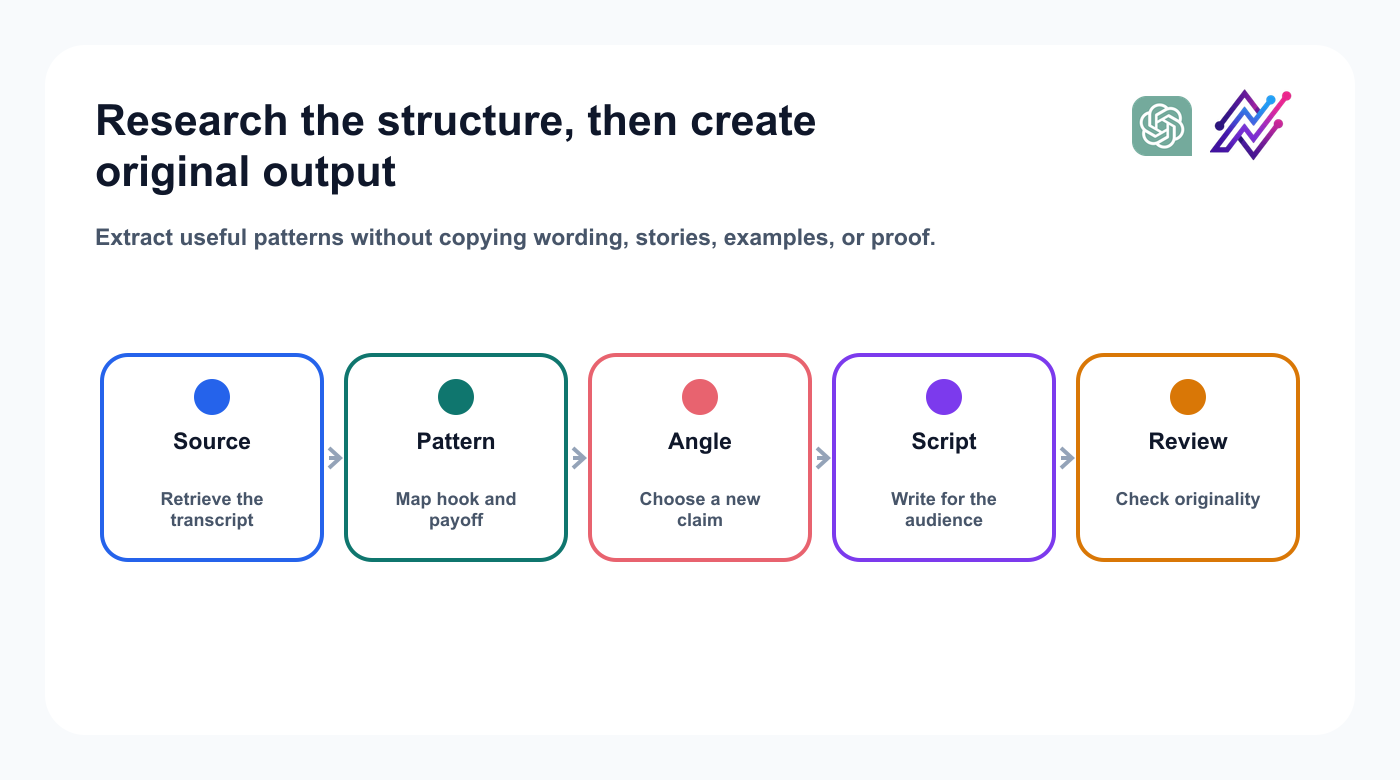
A responsible workflow studies structure while creating new claims, proof, and language.
Study the source structure, then create original wording, proof, examples, and a platform-native CTA.
Workflow 8: launch a product feature
Use approved release notes to create a channel-specific launch package without adding claims, then route key assets to product review.
Workflow 9: agency client review
Group pending content by client, risk, approver, and deadline; draft follow-up notes without approving on the client’s behalf.
Workflow 10: weekly social media operator
Prioritize pending approvals, drafts, analytics, and unused repurposing items. Approve the plan before creating the batch.
Useful advanced prompts
Use focused requests for content gaps, calendar audits, claim reviews, postmortems, audience questions, and localization checks.
Approval architecture
A practical policy:
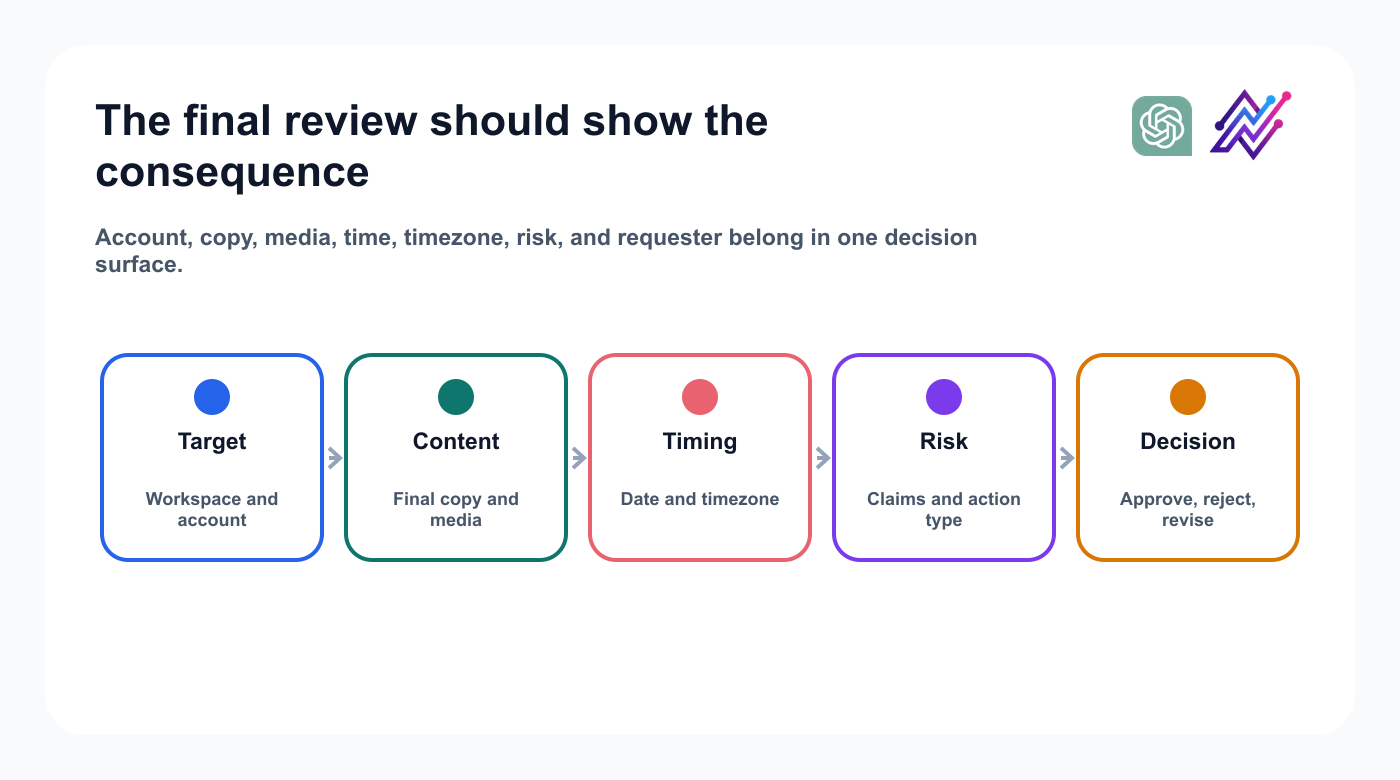
Visible consequence is the boundary between flexible assistance and public action.
Reads can run directly; drafts remain reversible; schedules, publication, deletion, account changes, and sensitive claims require review.
Why important actions should remain visible
Confirmation should show the target account, final copy, media, timing, risk, and requester because a wrong public action cannot be edited as quietly as a draft.
ChatGPT vs Codex
Use ChatGPT for marketer-led planning and analysis. Use Codex when repository context, release notes, or developer-operated workflows matter.
ChatGPT vs persistent agent runtimes
OpenClaw and Hermes Agent suit persistent or self-hosted orchestration; ChatGPT provides a familiar hosted conversation. Tareno can remain the controlled social layer beneath either.
ChatGPT vs n8n, Make, and Zapier
Use ChatGPT when the workflow requires interpretation.
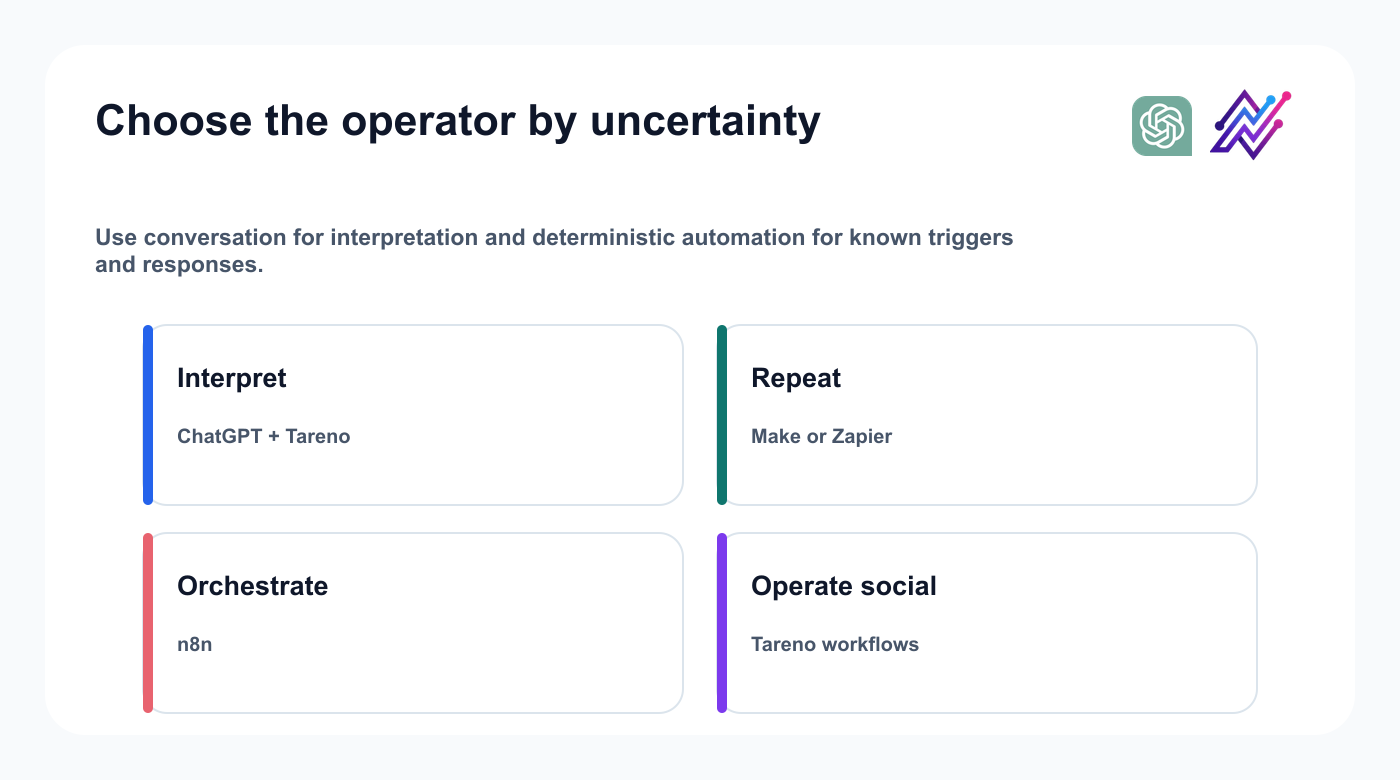
The best operator depends on whether the task requires judgment or repetition.
Use deterministic automation when the trigger and response are known.
RequestBetter starting point“Analyze last month and choose next week’s topics”ChatGPT + Tareno“New RSS item creates a draft”n8n, Make, or Zapier“Adapt this post for five networks”ChatGPT + Tareno“Approved Airtable row schedules a post”Make or Zapier“Run a complex self-hosted data workflow”n8n“Repeat a native social sequence”Tareno Workflow Builder
A mature system can combine them; teams still evaluating the surrounding stack can browse social media tool alternatives.; teams still evaluating the surrounding stack can browse social media tool alternatives..
Security checklist
Connect only the required workspace, review permissions, keep public and destructive actions behind confirmation, separate client workspaces, avoid secrets in prompts, revoke unused access, and test with drafts first.
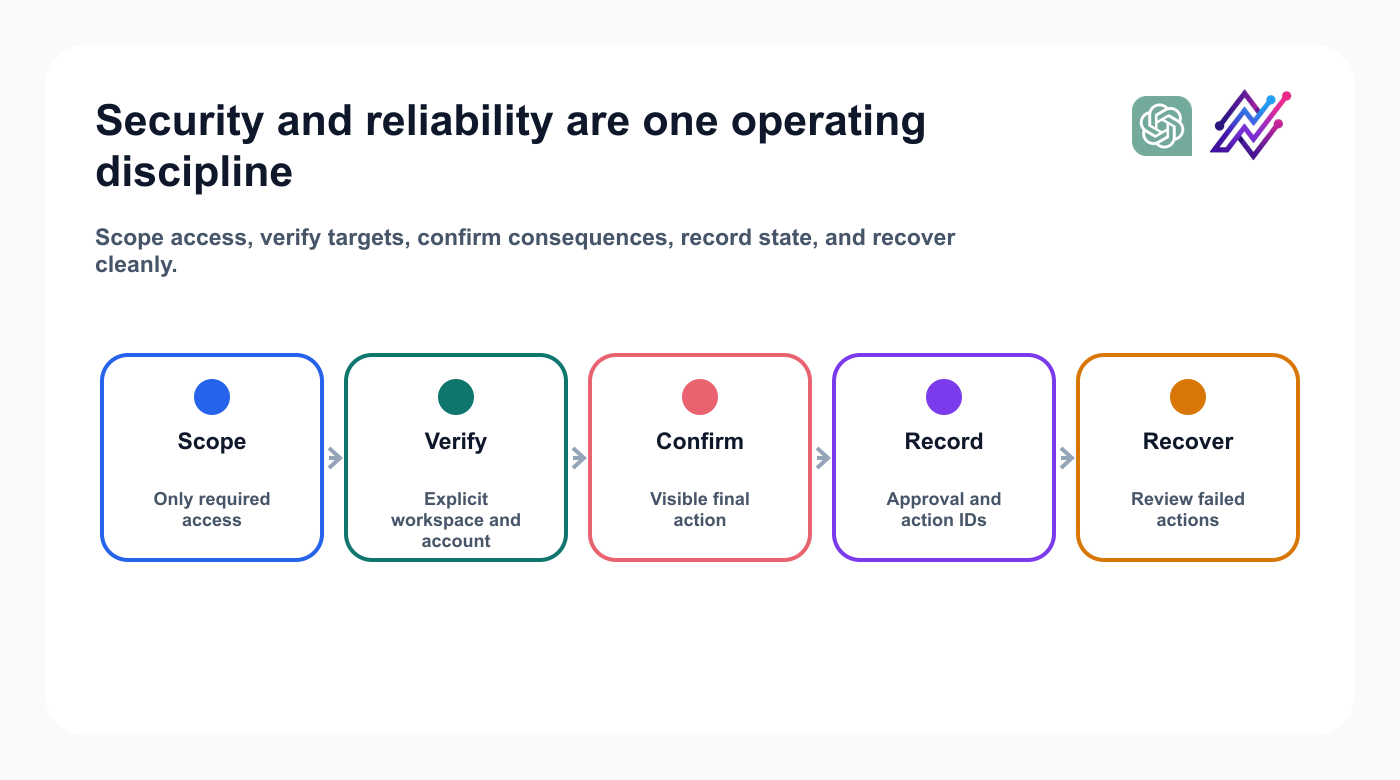
Reliable automation makes identity, approval, state, and recovery explicit.
Administrators should verify current app controls and privacy terms before enabling the integration broadly.
Reliability checklist
Make the target workspace, account, platform rules, final copy, media, date, timezone, approval state, and action ID explicit. Review failed actions and prevent duplicate requests.
Common mistakes
Avoid treating ChatGPT as only a caption generator, enabling publishing first, using vague account selection, copying one caption everywhere, translating literally, relying on prompt-only safety, or skipping the analytics loop.
Copy-and-paste prompt pattern
Use this structure: “In [workspace], inspect [evidence], prepare [specific output] for [accounts], save drafts only, show [decision fields], and stop before [consequential action].” It is clearer and safer than a long list of isolated commands.
How Tareno should be positioned in ChatGPT
The weak message:
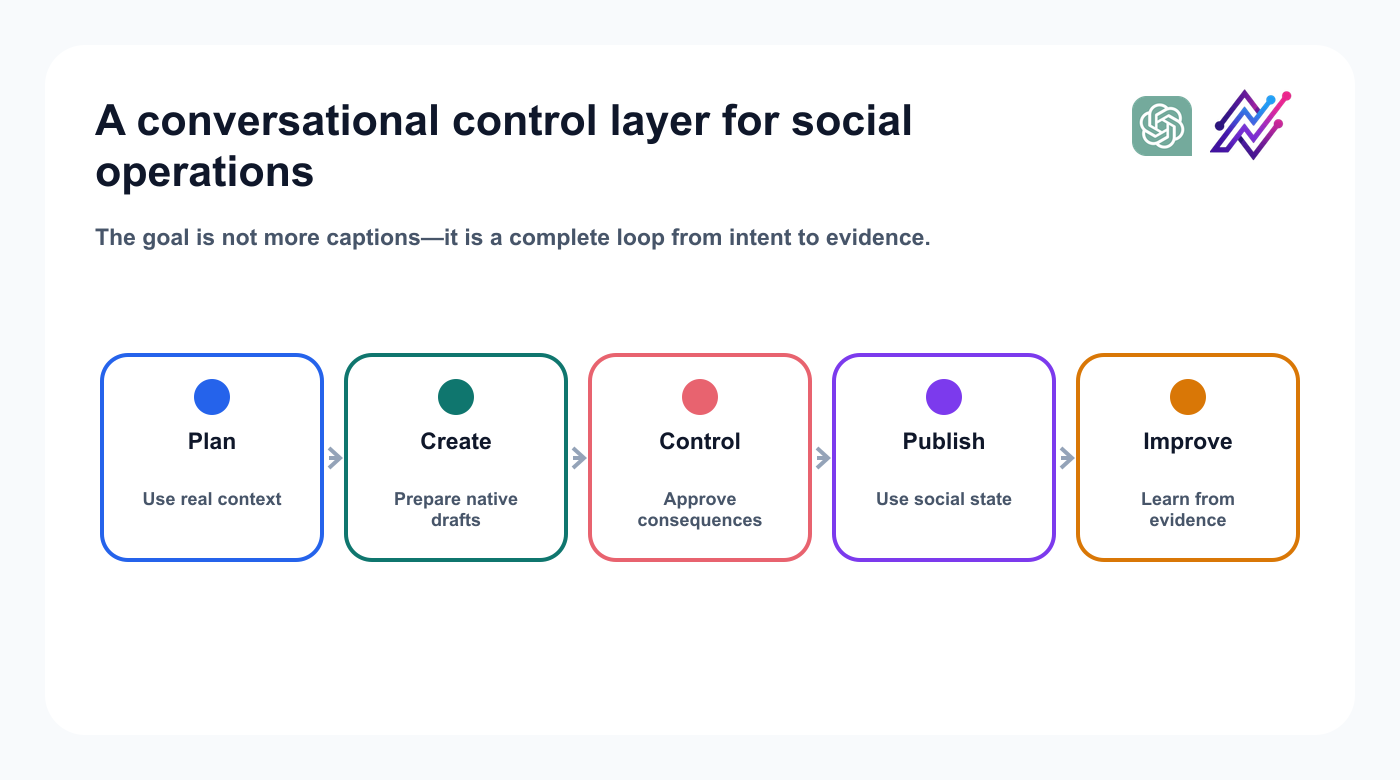
The product story connects conversation, control, publishing, and learning.
That operating loop is the category story: conversation for judgment, Tareno for controlled execution.
Related Tareno resources
Continue building the workflow
Approval workflowsReview consequential actions before they run.Explore resource →Post schedulingMove approved drafts into a visible calendar.Explore resource →Analytics reportsTurn performance into the next content decision.Explore resource →Repurposing workflowCreate new formats from proven ideas.Explore resource →
FAQ
Can ChatGPT manage social media through Tareno?
With a supported Tareno connection, it can inspect context, prepare drafts, request schedules, and analyze results.
Can ChatGPT publish posts automatically?
Consequential actions may be supported, but approval-first publishing is the safer default.
Final thoughts
ChatGPT understands the goal, Tareno exposes controlled tools, the user approves consequences, and performance informs the next campaign. Start with a read-only audit.


