
A publishing mistake is usually not caused by one careless person.
It is usually caused by a missing quality control step.
The wrong link, old screenshot, unapproved caption, missing disclosure, weak CTA, incorrect claim, wrong timezone, or broken asset often slips through because nobody owned the final check.
Content quality control is the workflow layer that catches mistakes before posts go live, especially when the final check connects to approval workflows instead of a loose comment thread.
It is not meant to slow the team down.
It is meant to protect the team from preventable errors.
A good quality control process makes the final check visible, repeatable, and connected to the content workflow.
This guide gives social media managers, agencies, creators, SaaS teams, and content teams a practical checklist for reviewing posts before scheduling and publishing.
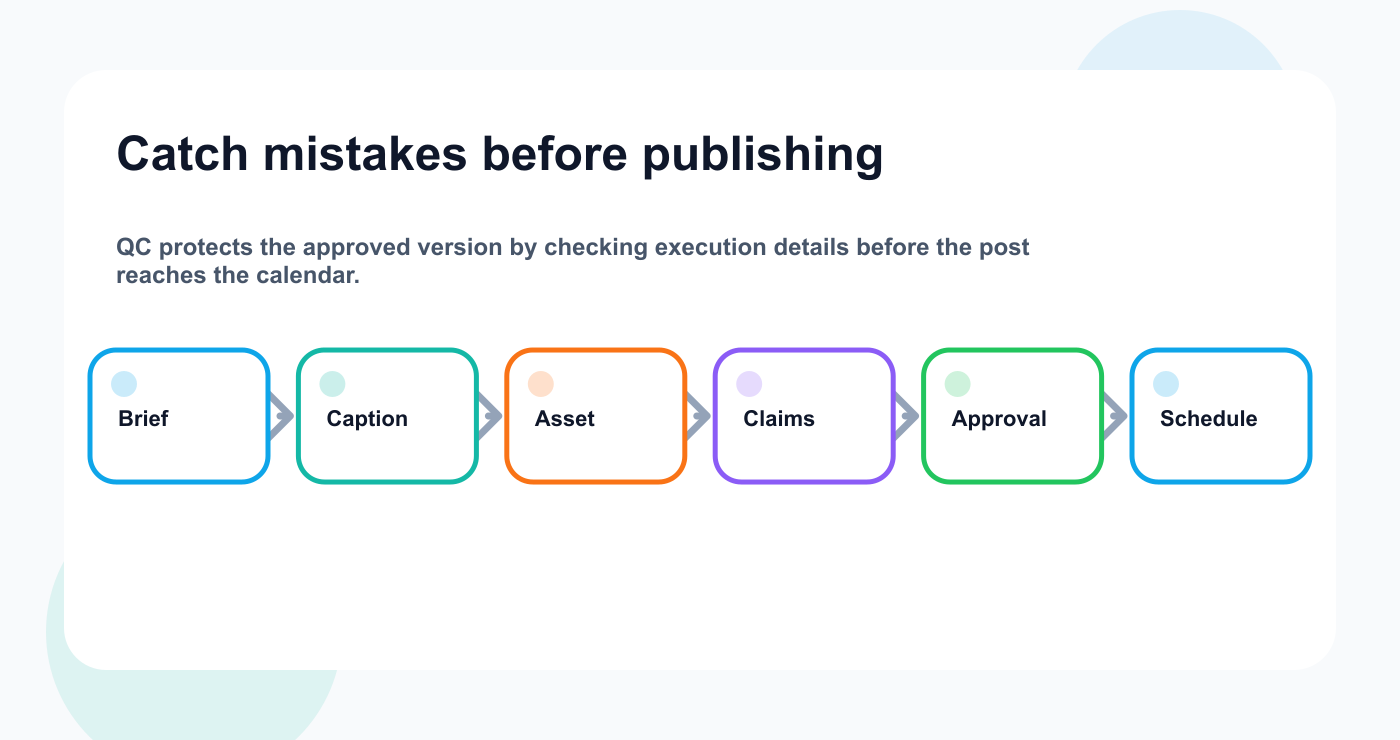
The QC pass protects the final version before it reaches the publishing calendar.
TL;DR
A strong content quality control checklist should review:
goal
audience
platform version
caption
asset
CTA
link
claims
disclosure
approval status
scheduling details
reporting setup
repurposing notes
The key rule:
Quality control should catch execution mistakes before publishing, not reopen strategy at the final step.
Strategy should be handled during brief and review.
Quality control should confirm that the approved content is ready to go live.
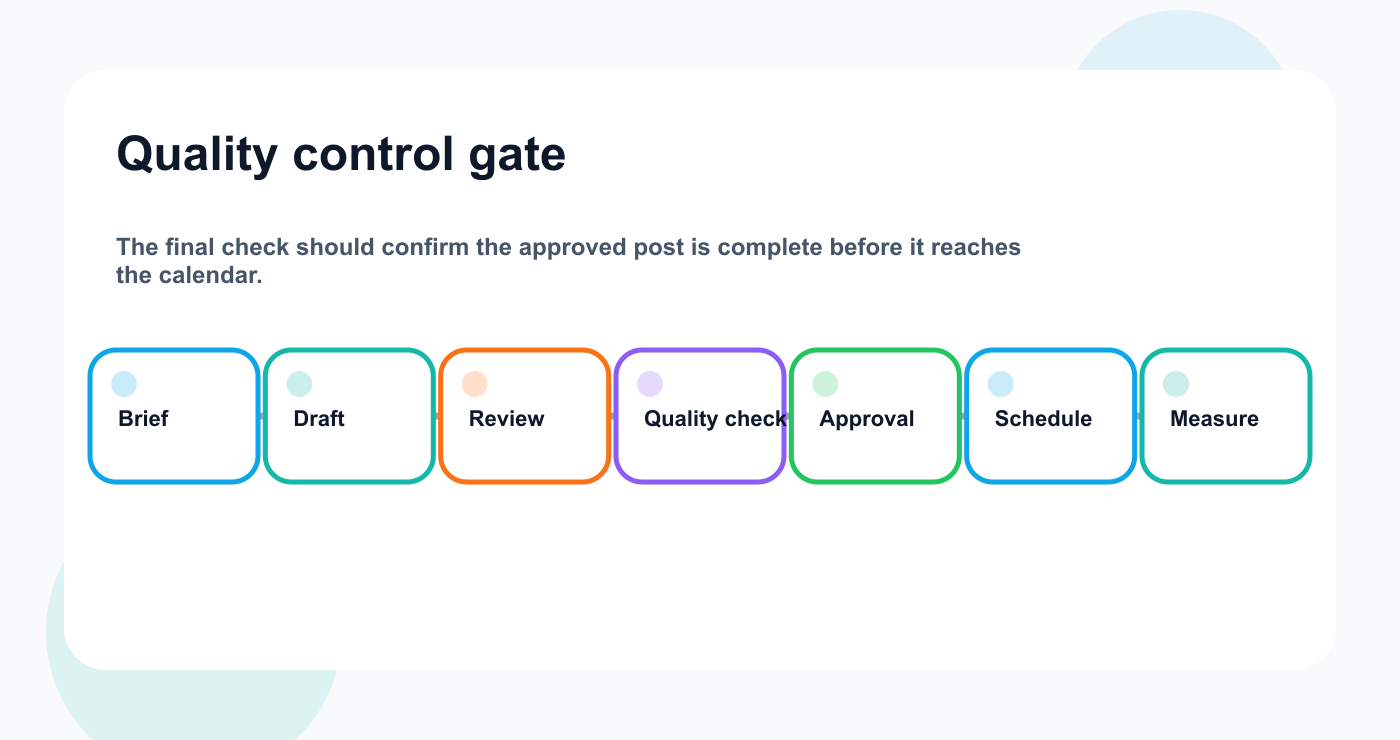
Quality control is the gate between approved content and scheduled content.
Why quality control matters
Content teams move fast.
That speed creates risk.
Common mistakes include:
wrong link
wrong asset
outdated screenshot
missing CTA
typo in caption
wrong platform tag
missing disclosure
unapproved pricing claim
incorrect product description
wrong publish time
wrong timezone
duplicate post
old version scheduled
missing campaign label
no measurement date
repurposed content reused without review
Most of these mistakes are preventable.
They happen when quality control is informal.
A team member says “looks good,” but nobody checks the exact list of publishing requirements.
A checklist turns “looks good” into a real process.
Quality control vs review vs approval
Quality control is not the same as review or approval.
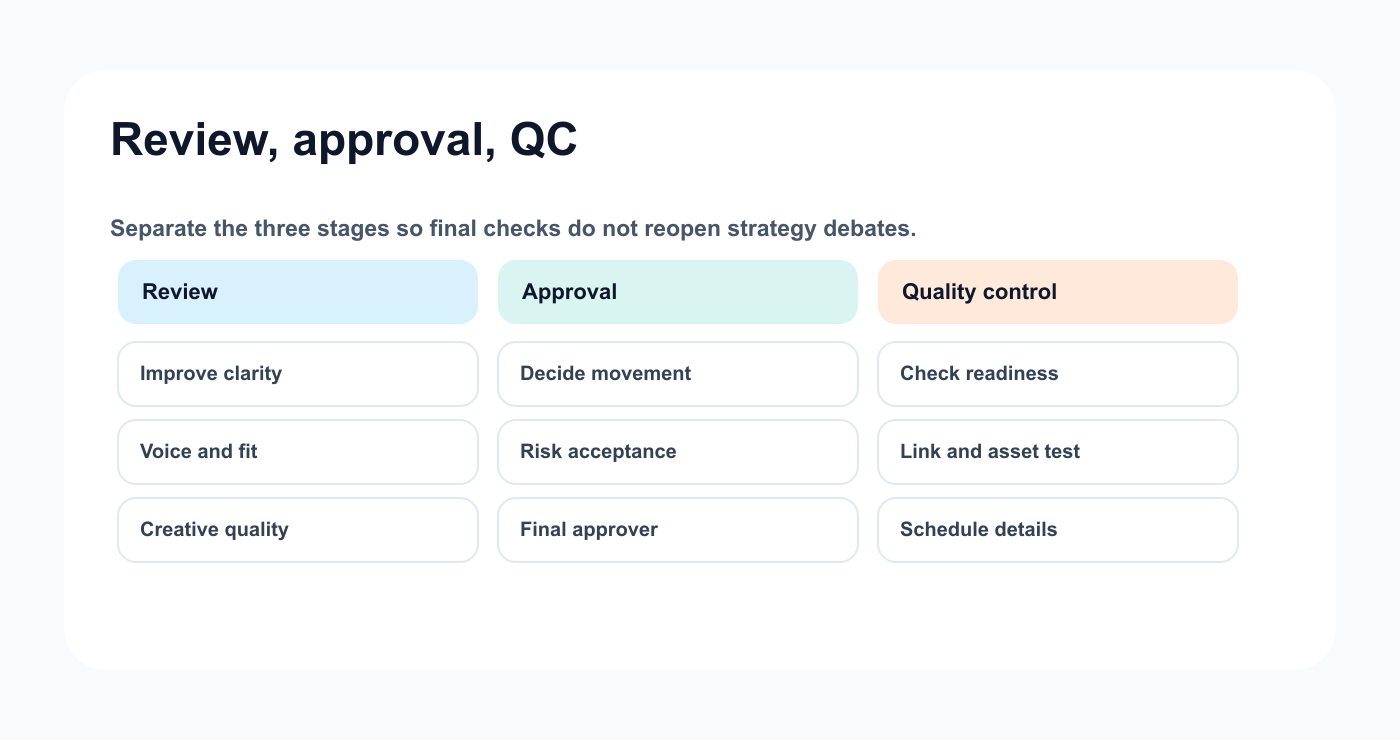
Review, approval, and quality control protect different parts of the workflow.
Review
Review improves the content.
It checks strategy, voice, clarity, platform fit, and creative quality.
Approval
Approval decides whether content can move forward.
It is especially important for client content, sponsor content, pricing claims, product claims, competitor references, legal-sensitive topics, and AI-generated claims.
Quality control
Quality control confirms the approved version is ready to publish and ready for post scheduling.
It checks execution details.
Examples:
Is the final asset attached?
Does the link work?
Is the correct version scheduled?
Is the disclosure visible?
Is the timezone correct?
Is the approval state complete?
These three stages should not be mixed.
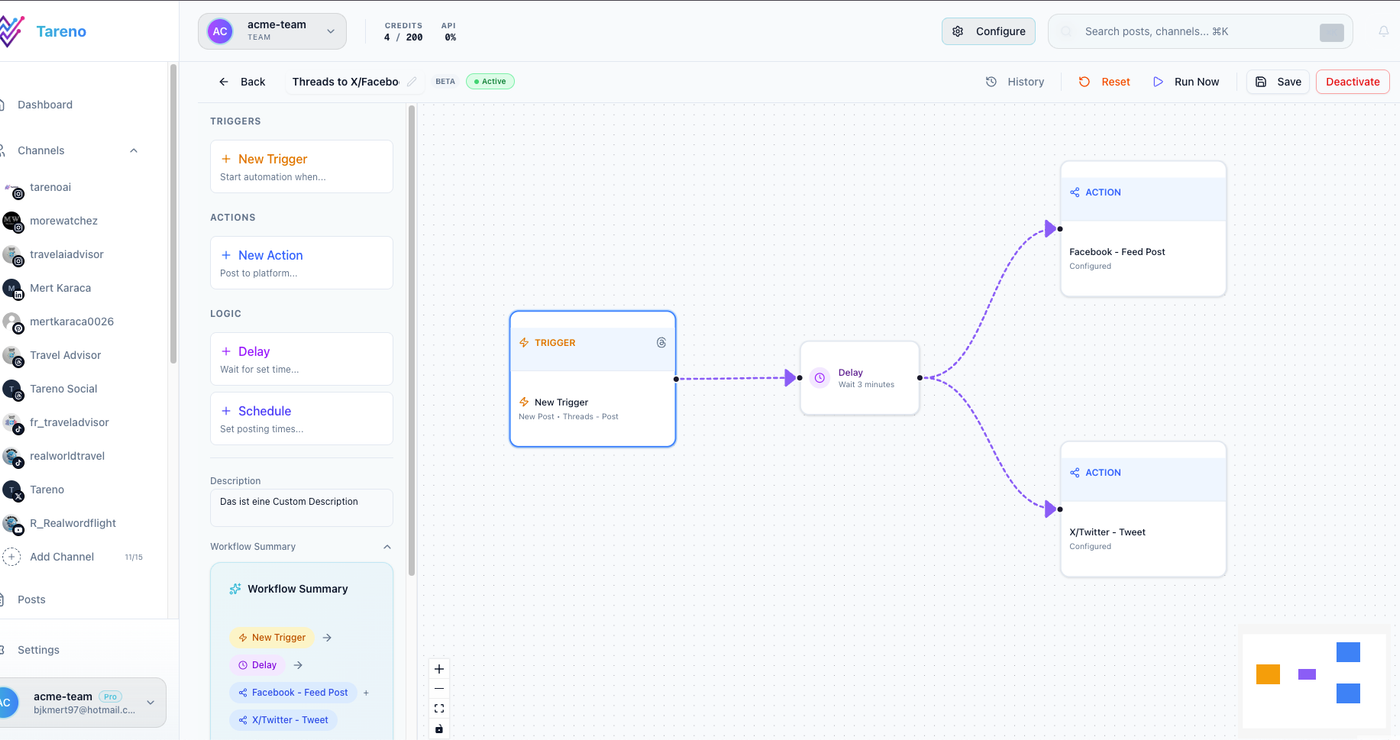
A visible workflow makes the final quality gate easier to assign and audit.
If strategy debates happen during quality control, the workflow is too late.
The QC framework
Use the QC framework:
Q — Quality of the final version
C — Control before publishing
That means checking both content quality and publishing readiness.
A final post should pass two questions:
Is this the right content?
Is this content ready to go live?
Both matter.
The pre-publish QC checklist
Run these checks after review has shaped the content and before the approved version moves into scheduling.
Step 1: Check the brief
Before checking the post, check the brief.
The brief should define:
goal
audience
platform
format
CTA
asset requirement
claim restrictions
approval requirement
measurement goal
repurposing potential
If the brief is unclear, quality control becomes guesswork.
Quality control should compare the final post against the brief.
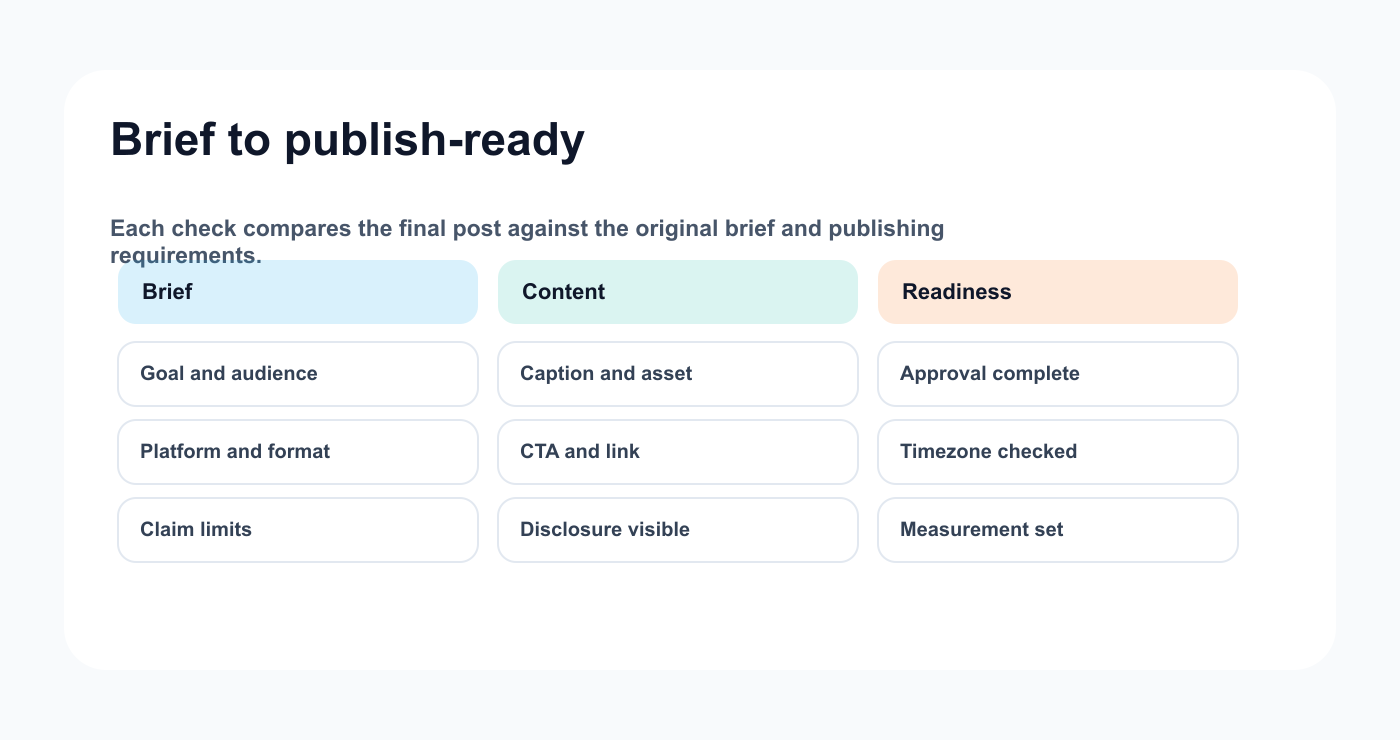
The brief gives the QC pass a concrete source of truth.
Example:
If the brief says the post should drive signups, but the caption has no CTA, that is a quality issue.
If the brief says no pricing claims, but the caption mentions a discount, that is a quality issue.
Step 2: Check platform fit
Each platform has different expectations.
Check:
is the caption adapted for the platform?
does the hook fit the format?
is the asset size appropriate?
does the CTA make sense?
are hashtags needed?
are tags or mentions correct?
does the post rely on a feature available on that platform?
does the format match the audience?
A caption that works on LinkedIn may feel wrong on TikTok.
A Pinterest pin may need a clearer title.
A Threads post may need a shorter, more conversational angle.
Quality control should catch copy-paste mistakes.
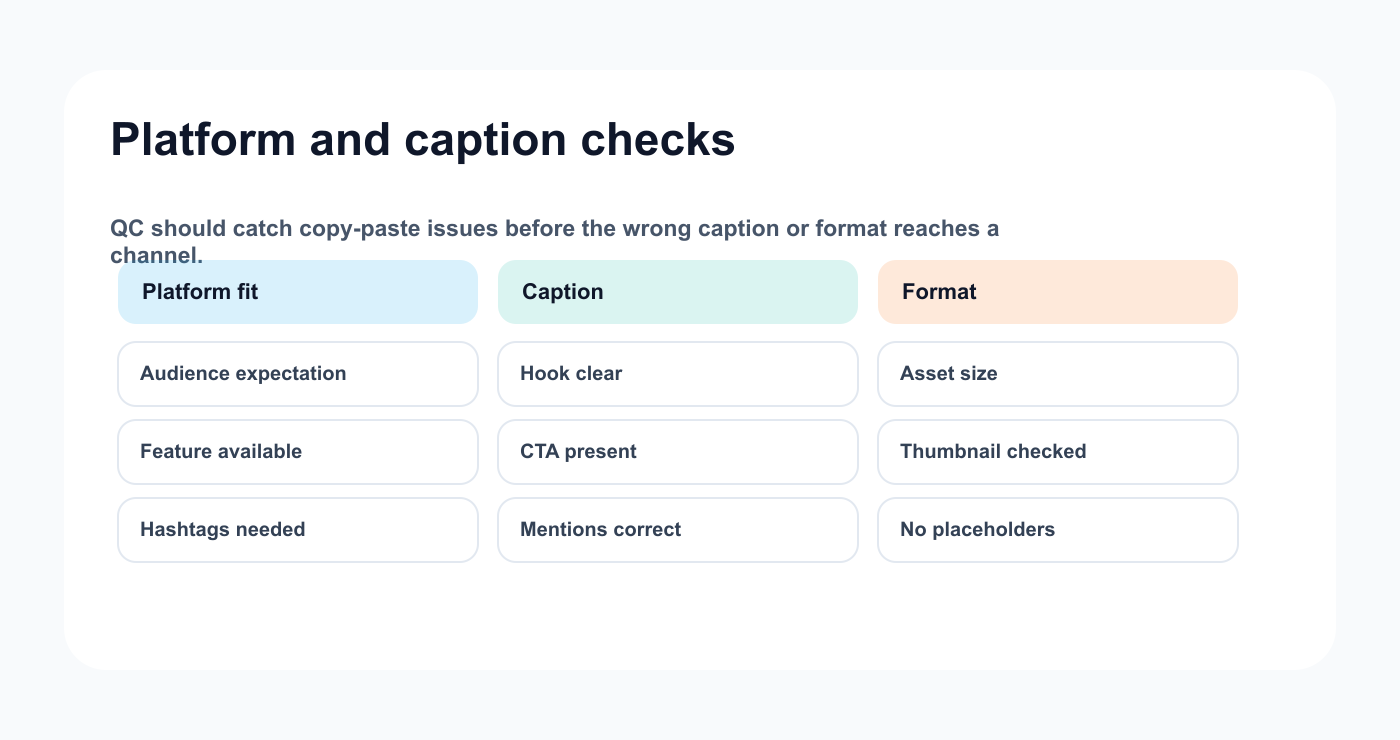
Platform fit and caption checks catch the most common copy-paste mistakes.
Step 3: Check the caption
Caption checklist:
## Caption QC

- [ ] Hook is clear
- [ ] Main idea is understandable
- [ ] CTA is included if needed
- [ ] Tone matches brand
- [ ] No obvious spelling errors
- [ ] No accidental placeholders
- [ ] No internal notes left in the copy
- [ ] Hashtags are relevant
- [ ] Mentions are correct
- [ ] Disclosure is present if needed
- [ ] Platform version is correct
Common caption mistakes:
“insert link here”
wrong brand mention
old campaign name
duplicated hashtag
too many hashtags
missing disclosure
vague CTA
copied LinkedIn caption used on TikTok
The caption should be checked in final form.
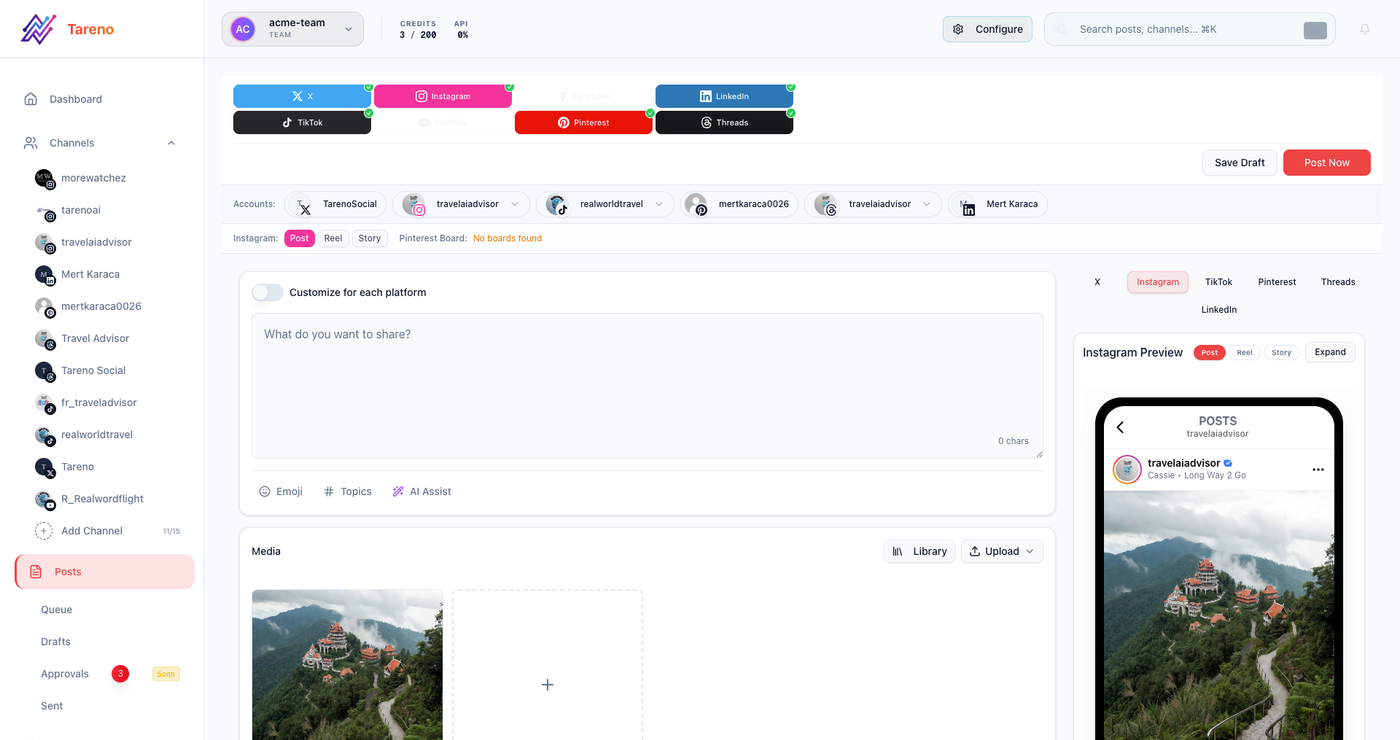
Final QC should inspect the exact caption, asset, CTA, and platform version.
Step 4: Check the asset
Asset checklist:
## Asset QC

- [ ] Correct asset attached
- [ ] Correct version attached
- [ ] Correct dimensions
- [ ] Thumbnail checked
- [ ] Text is readable
- [ ] No old logo
- [ ] No outdated UI
- [ ] No internal notes visible
- [ ] No spelling errors in image/video
- [ ] Audio is acceptable if video
- [ ] Captions/subtitles checked if video
- [ ] Usage rights confirmed if needed
Assets often create mistakes because teams review the caption but not the visual.
A post is not ready if the asset is wrong.
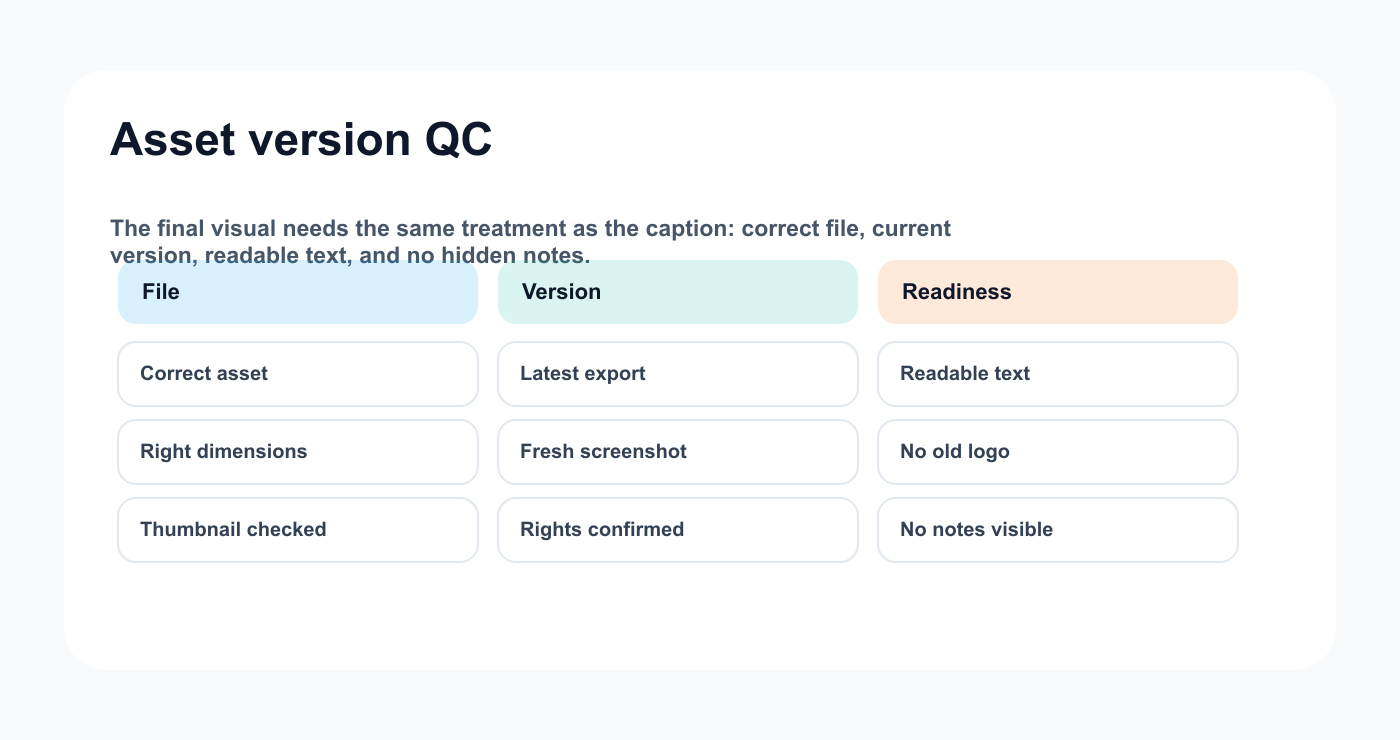
Asset QC catches visual mistakes before the post reaches scheduling.
Step 5: Check claims
Claims need extra care.
Claim types:
product claims
pricing claims
competitor claims
customer result claims
performance claims
security claims
legal-sensitive claims
sponsor claims
AI-generated claims
Claim checklist:
## Claim QC

- [ ] Claim is still accurate
- [ ] Source or owner confirmed
- [ ] Pricing is current if mentioned
- [ ] Product feature exists as described
- [ ] Competitor reference is fair
- [ ] Customer result is approved
- [ ] Screenshot matches current product
- [ ] AI-generated claim reviewed by human
Do not let AI-generated claims move straight to scheduling.
AI can draft quickly, but it can be wrong.
Human review protects trust.
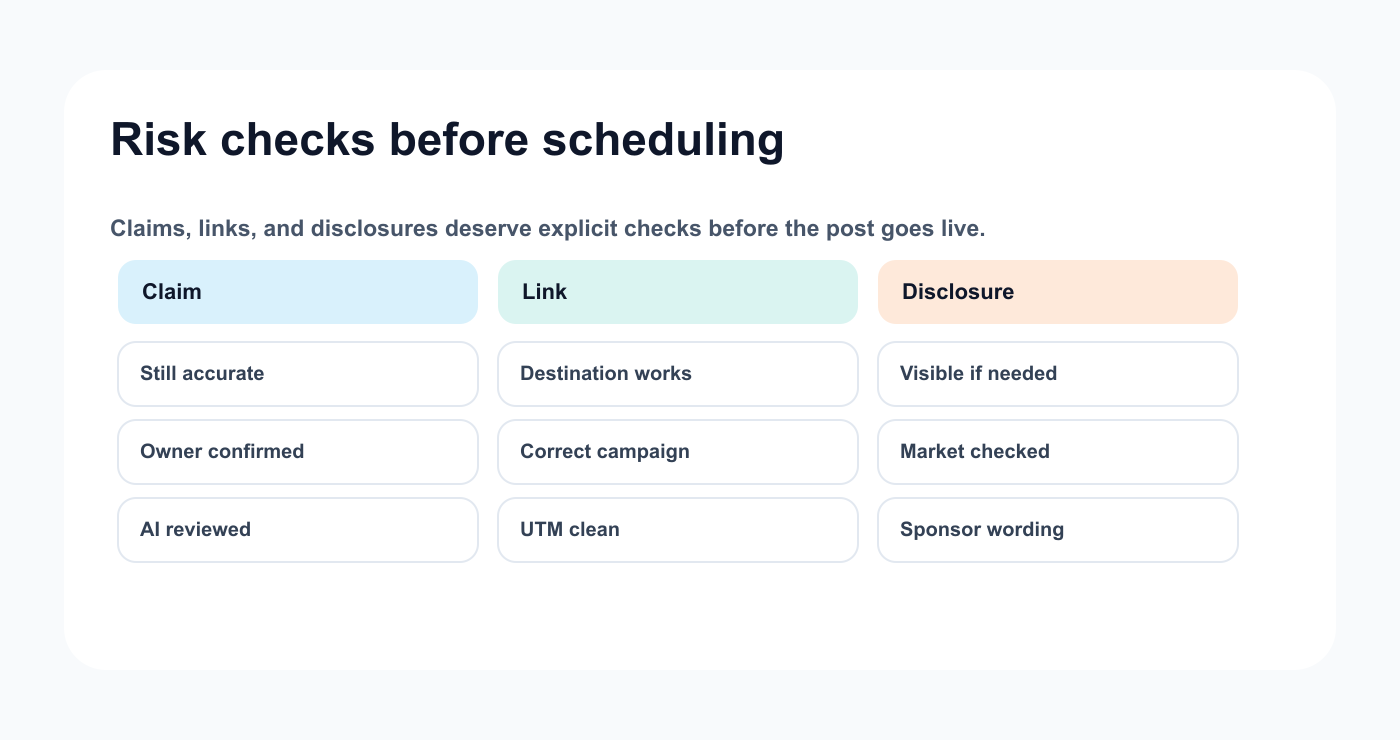
Claims, links, and disclosures are the mistakes most teams want to catch before publishing.
Step 6: Check CTA and link
CTA and link mistakes are common.
CTA checklist:
CTA matches campaign
CTA matches platform
link works
link goes to correct page
UTM is correct if used
link is not old
link is not internal-only
landing page matches the promise
CTA is not misleading
short link works if used
A strong post can fail if the CTA is wrong.
Quality control should include a real click test.
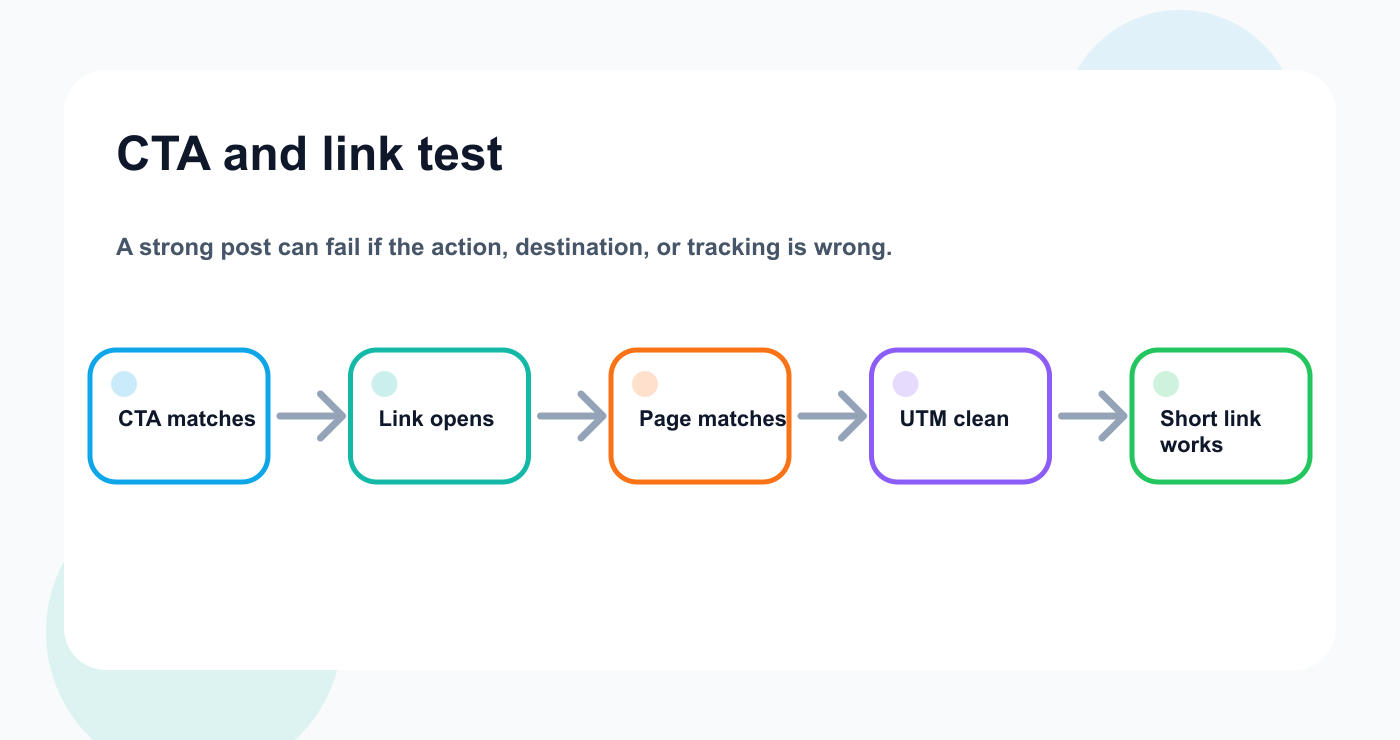
A real click test keeps a strong post from failing at the destination.
Step 7: Check disclosure
Disclosure is needed for some content types.
Examples:
sponsored post
paid partnership
gifted product
affiliate link
brand collaboration
creator campaign
paid ad adaptation
Disclosure checklist:
relationship type documented
disclosure included
disclosure visible
platform tool checked if needed
sponsor wording followed
disclosure not hidden at the end
repurposed version reviewed again
This is not legal advice. Teams should verify requirements by market and platform.
Operationally, the safest approach is to include disclosure review in the workflow whenever a brand relationship exists.
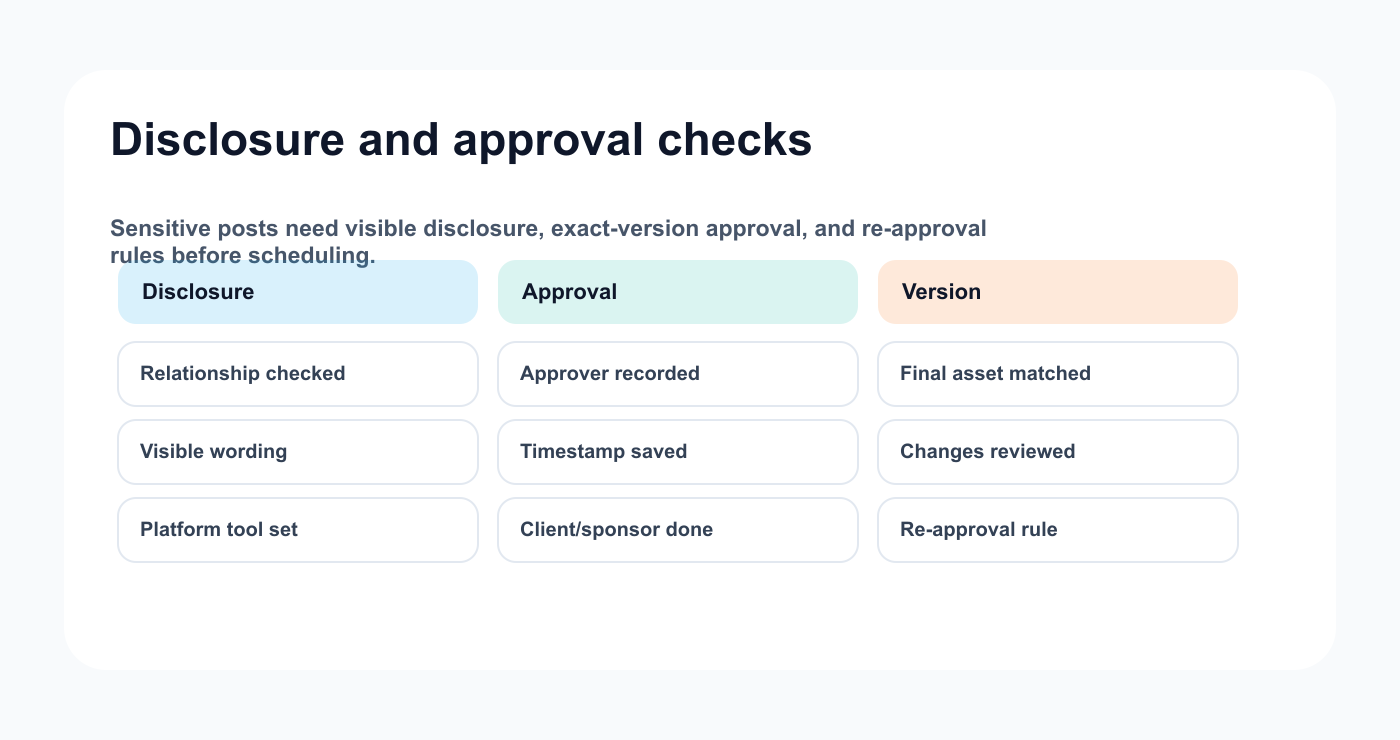
Disclosure and approval checks keep sensitive posts from reaching the calendar too early.
Step 8: Check approval status
Approval should be complete before final scheduling.
Approval checklist:
reviewer completed review
final approver recorded
approved version matches scheduled version
changes after approval reviewed
client approval recorded if needed
sponsor approval recorded if needed
product/legal review recorded if needed
approval timestamp saved
re-approval rule checked
A common mistake is scheduling a version that is slightly different from the approved version.
Quality control should catch that.
Step 9: Check scheduling details
Scheduling checklist:
## Scheduling QC

- [ ] Correct platform
- [ ] Correct profile
- [ ] Correct date
- [ ] Correct time
- [ ] Correct timezone
- [ ] Final caption
- [ ] Final asset
- [ ] Link checked
- [ ] Approval confirmed
- [ ] Campaign label added
- [ ] Owner assigned
- [ ] Measurement date set
Timezones are especially important for agencies, remote teams, and international campaigns.
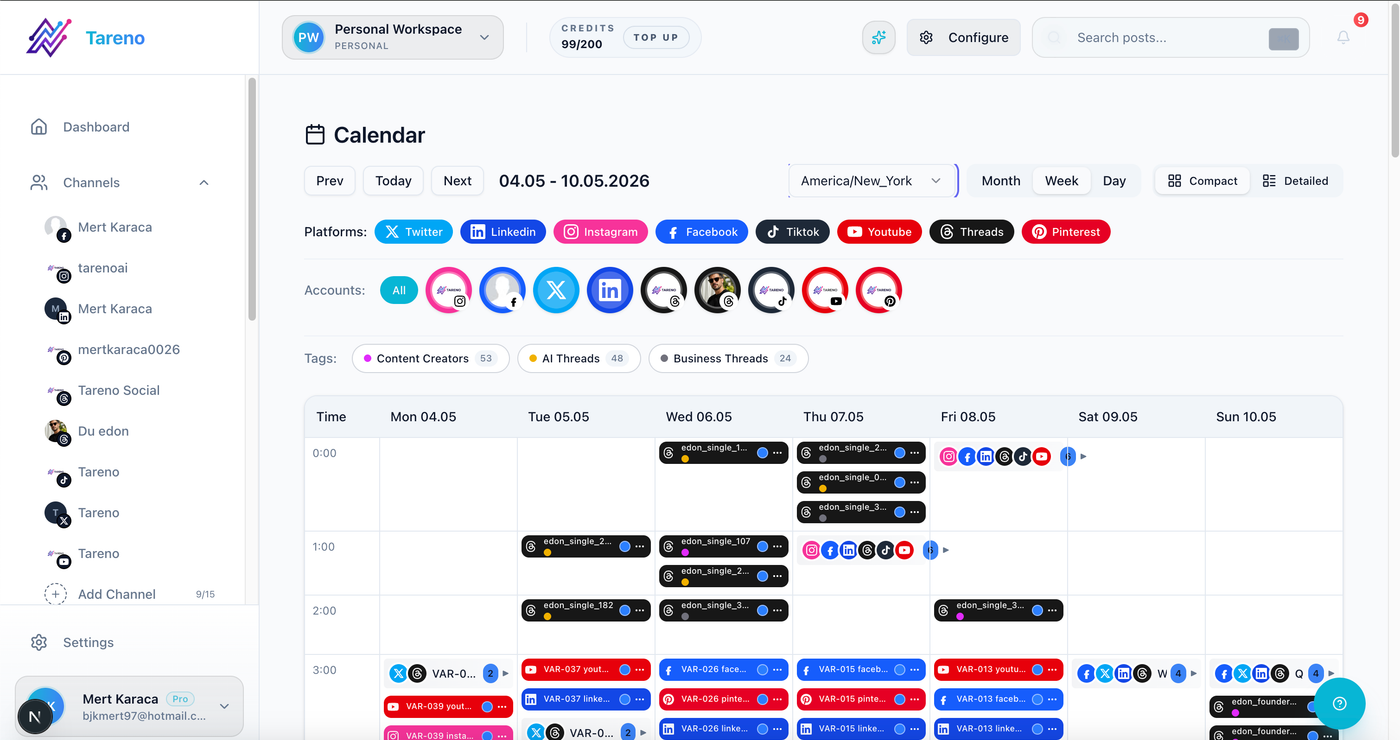
Scheduling QC confirms the right post is going live in the right place at the right time.
Step 10: Check reporting setup
Before publishing, decide how the post will be measured. Connected analytics reports make that follow-up easier to keep.
Reporting fields:
goal
primary metric
measurement date
campaign label
owner
expected signal
repurposing rule
A post should not publish and disappear.
It should enter the analysis stage later.
This makes reporting easier.
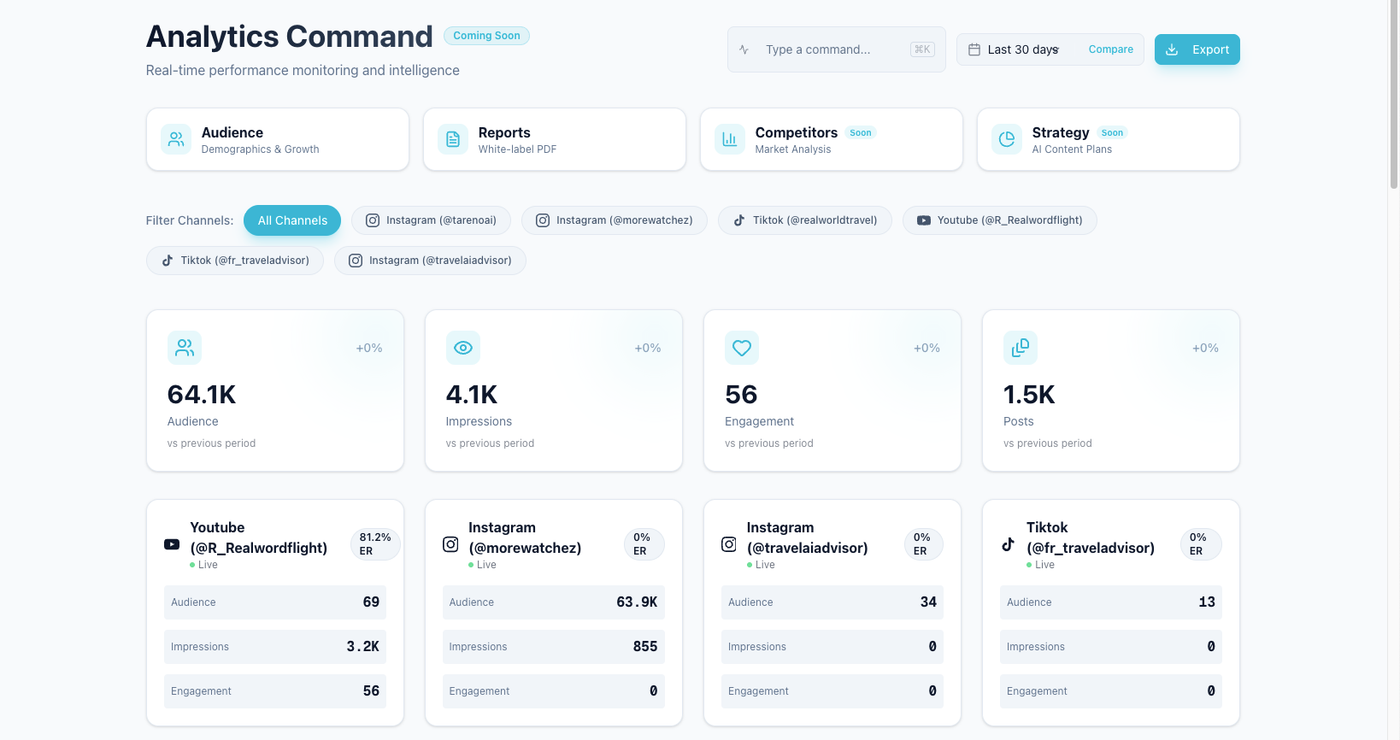
A measurement date keeps quality control connected to post-publish learning.
Quality control by content type
Evergreen educational post
Focus on clarity, platform fit, CTA, and repurposing potential.
Product post
Focus on feature accuracy, screenshot freshness, CTA, and approval.
Sponsored post
Focus on disclosure, sponsor approval, usage rights, CTA, and asset version.
Client post
Focus on client approval, brand voice, asset, and final version.
AI-generated post
Focus on accuracy, originality, voice, claims, and human review.
Repurposed post
Focus on freshness, platform adaptation, approval, and old claims.
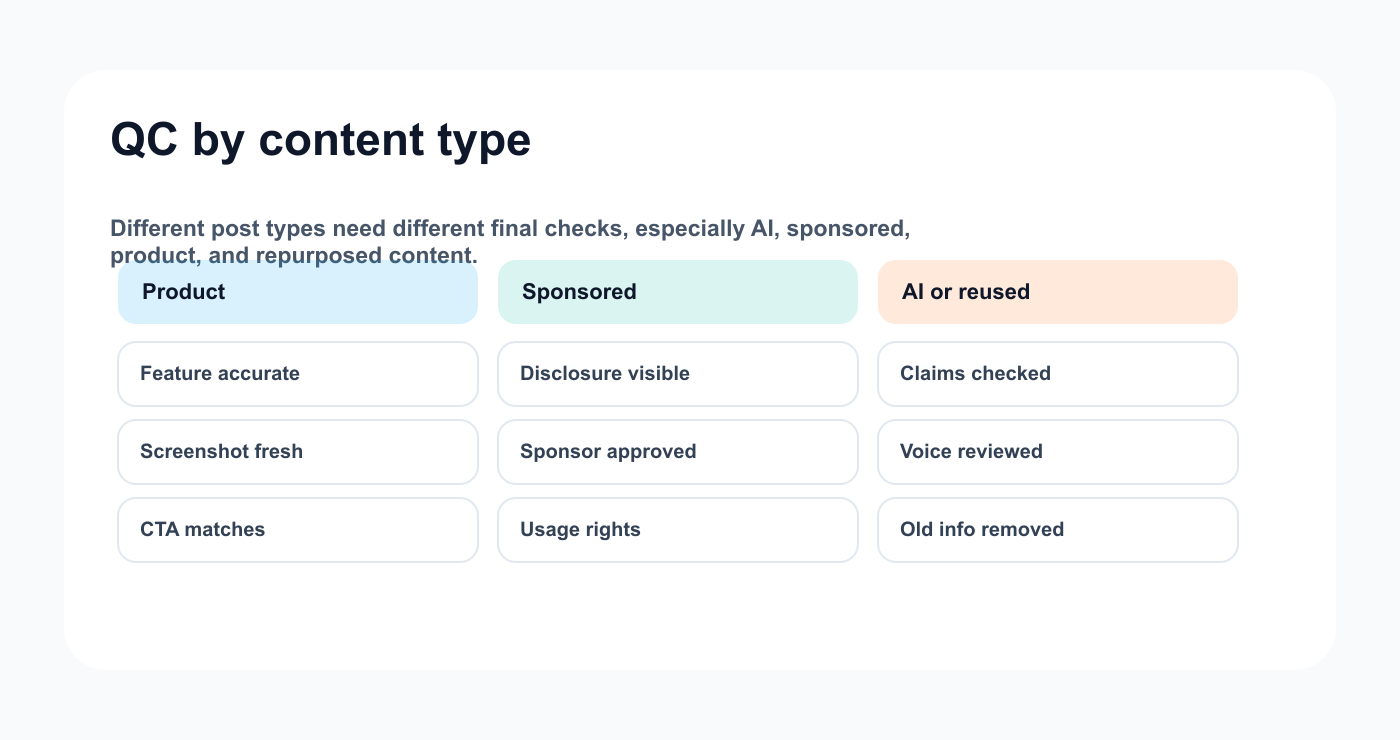
The checklist changes slightly depending on content risk and source.
How Tareno fits content quality control
Tareno is useful when quality control needs to be part of the workflow.
Relevant Tareno components include:
content boards
content calendar
approval workflows
roles and permissions
activity visibility
analytics
repurposing queue
workflow builder
AI captions and hashtags
team/client workspaces
Make integration
n8n integration
API access
The workflow becomes:
brief -> draft -> review -> quality check -> approval -> schedule -> publish -> analyze -> repurpose
Quality control is strongest when it is visible, assigned, and connected to approval status.
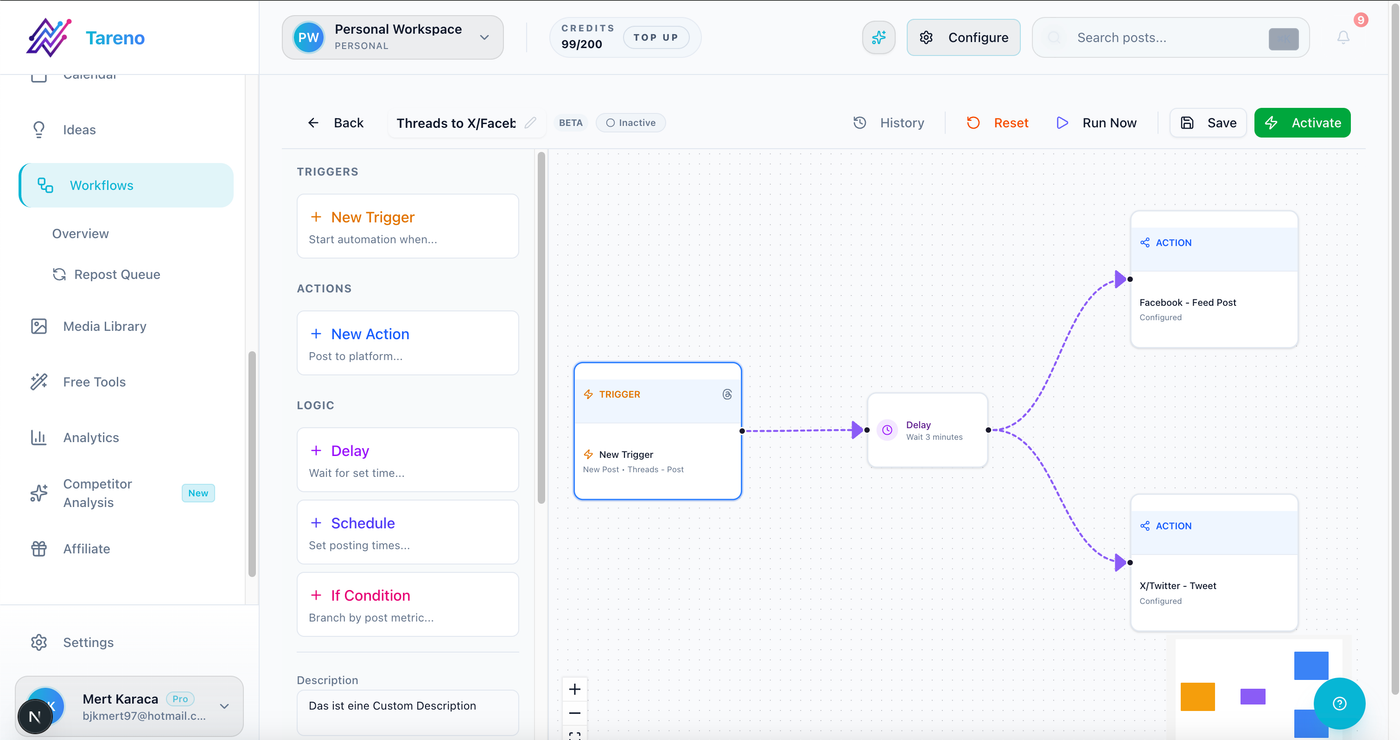
Automation helps assign QC handoffs without replacing human judgment.
Copy/paste master checklist
## Content Quality Control Checklist

Brief:
- [ ] Goal checked
- [ ] Audience checked
- [ ] Platform checked
- [ ] CTA checked

Caption:
- [ ] Hook clear
- [ ] No placeholders
- [ ] Tone matches brand
- [ ] Mentions correct
- [ ] Hashtags checked

Asset:
- [ ] Correct file
- [ ] Correct version
- [ ] Text readable
- [ ] No outdated screenshots
- [ ] Usage rights checked

Claims:
- [ ] Product claims reviewed
- [ ] Pricing current
- [ ] Competitor references checked
- [ ] AI claims reviewed

Disclosure:
- [ ] Sponsored/gifted/affiliate relationship checked
- [ ] Disclosure visible if needed

Approval:
- [ ] Final approver recorded
- [ ] Approved version matches scheduled version

Scheduling:
- [ ] Date/time/timezone correct
- [ ] Link works
- [ ] Campaign label added
- [ ] Measurement date set
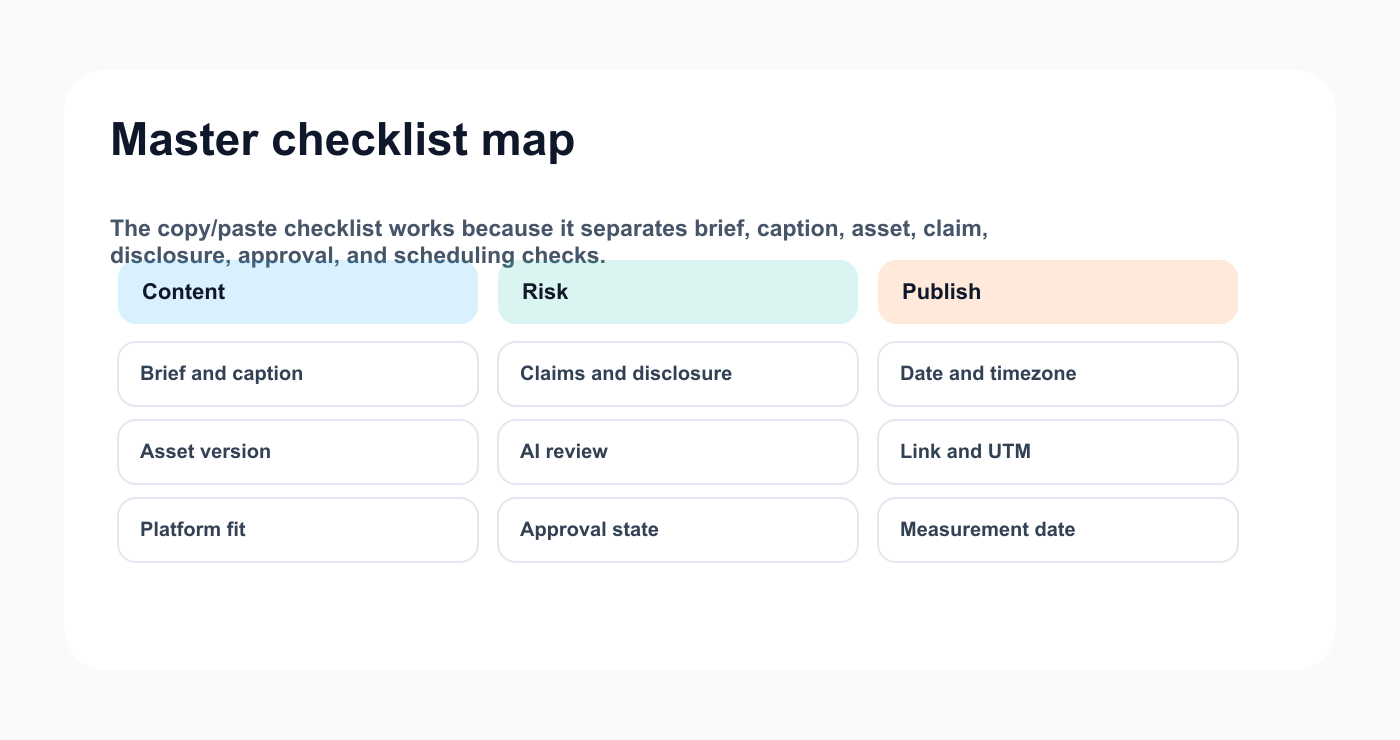
The master checklist is easier to follow when the checks are grouped by job.
Common mistakes
Mistake 1: Quality control happens too late
QC should happen before final scheduling, not after publishing.
Mistake 2: Caption checked but asset ignored
Both need review.
Mistake 3: Approval and QC are treated as the same thing
Approval controls movement. QC checks readiness.
Mistake 4: AI drafts skip claim review
AI output needs human review.
Mistake 5: No link test
A broken CTA can ruin a good post.
Mistake 6: No measurement date
Published content should return to analysis.
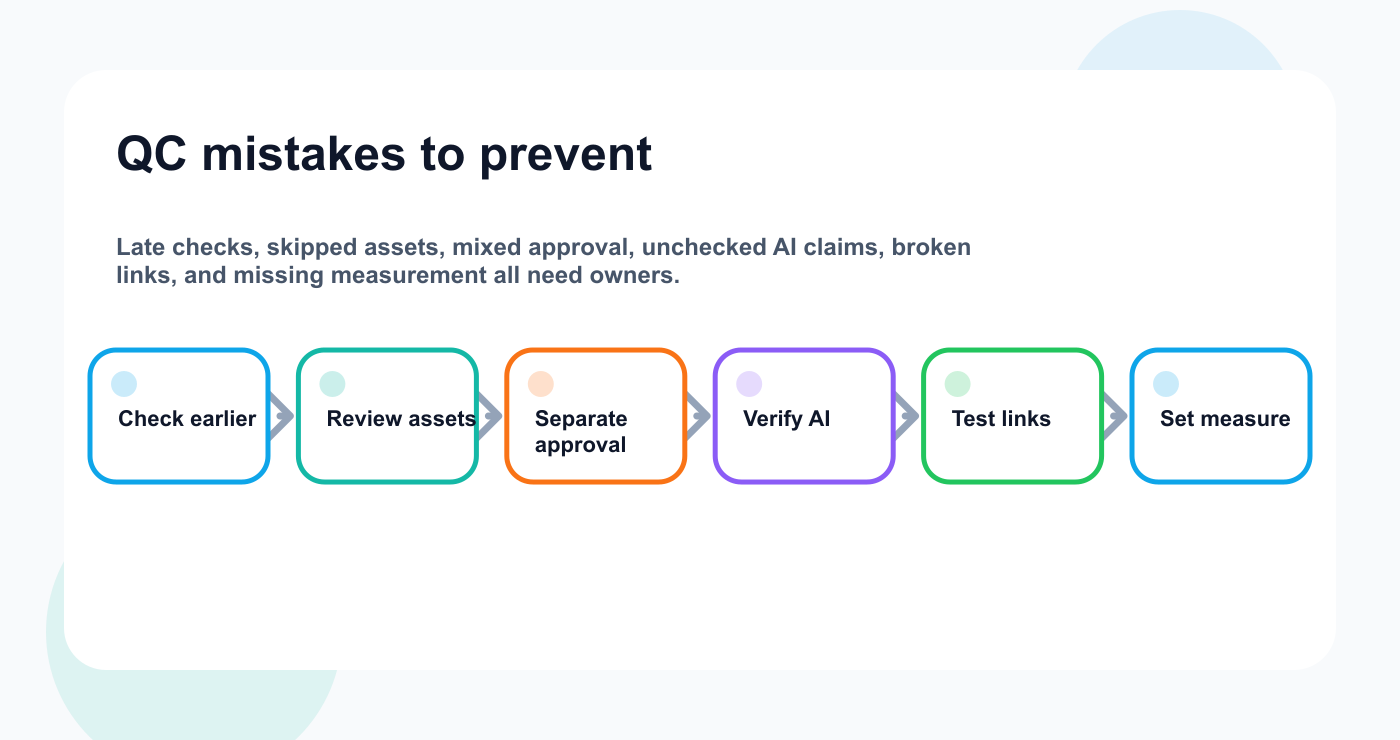
Common QC mistakes become preventable when each one maps to a specific check.
Related Tareno resources
Keep the workflow moving
Workflow Approval Workflow Keep final checks attached to the approved version. Open workflow -> Workflow Repurposing Workflow Re-check reused posts before they return to the calendar. Build reuse -> Tool Instagram Caption Generator Draft captions that still go through human QC. Open tool -> Alternative Buffer Alternative Compare queue-first publishing with workflow-first checks. Compare ->
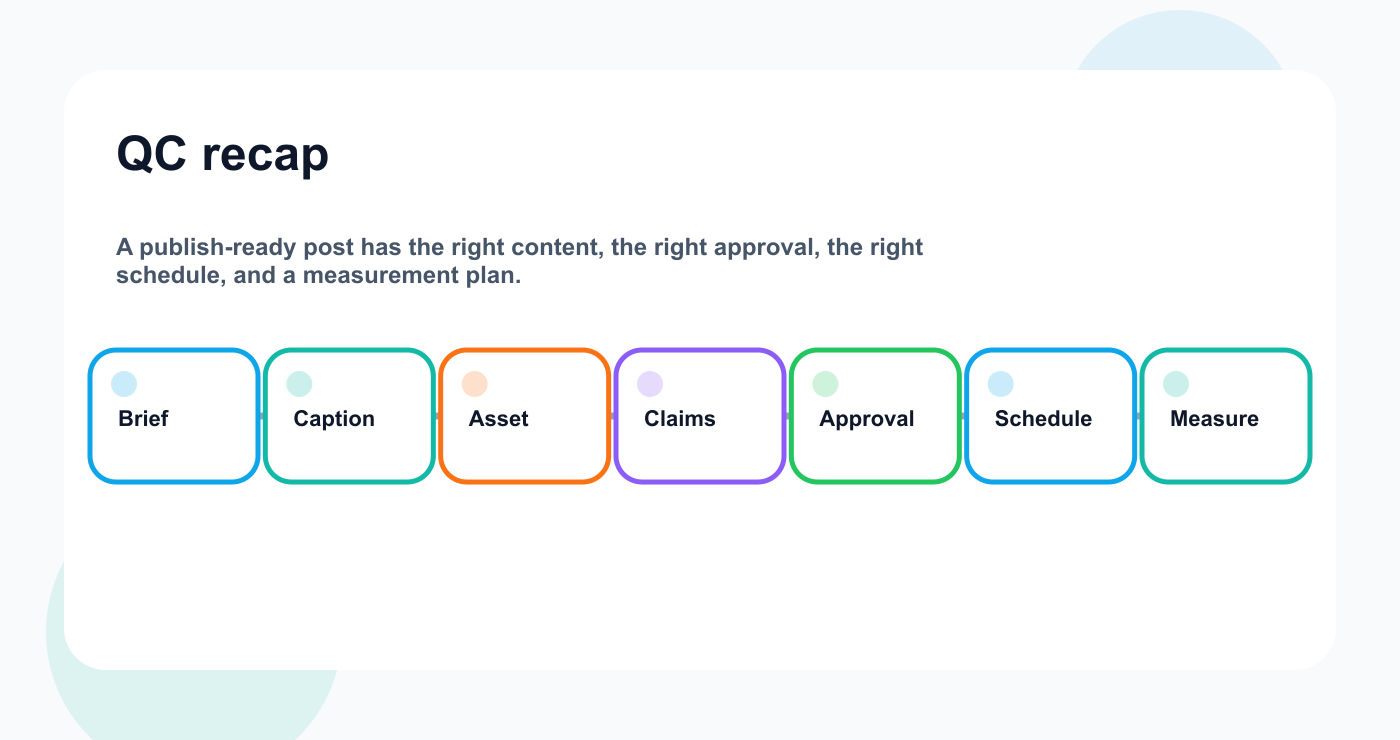
The recurring QC questions all point back to the same pre-publish gate.
FAQ
What is content quality control?
Content quality control is the final review process that checks whether a post is accurate, complete, approved, correctly formatted, and ready to publish.
What should be checked before publishing?
Check caption, asset, CTA, link, claims, disclosure, approval status, platform, date, time, timezone, and measurement setup.
Is quality control the same as approval?
No. Approval decides whether content can move forward. Quality control checks whether the final version is ready to publish.
Should AI-generated content go through quality control?
Yes. AI-generated content should be checked for accuracy, voice, claims, CTA, and platform fit.
Should repurposed content be checked again?
Yes. Repurposed content may include outdated claims, old screenshots, expired offers, or platform-specific issues.
Can quality control be automated?
Parts can be automated, such as reminders, required fields, measurement tasks, and approval handoffs through a workflow builder. Human review is still important for accuracy and judgment.
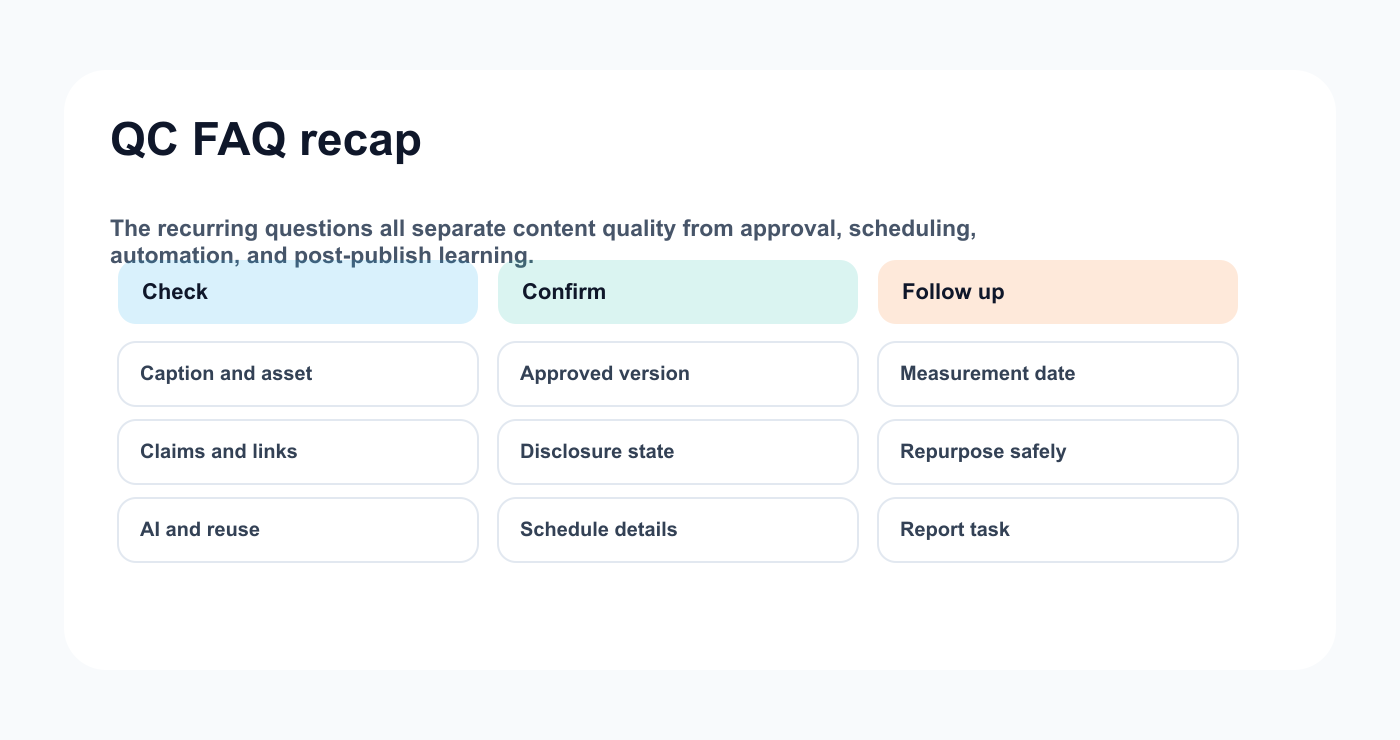
The FAQ recap keeps the final checks grouped by job.
Final thoughts
Quality control is not bureaucracy.
It is protection.
It protects the team from avoidable mistakes.
It protects the brand from wrong claims.
It protects the calendar from unready posts.
It protects reports by making measurement intentional.
Use the checklist before publishing.
Make QC visible.
Assign ownership.
Connect it to approval and scheduling.
That is how teams catch mistakes before posts go live.
Explore Tareno features when you want boards, approvals, calendar, activity visibility, AI captions, and workflow automation connected to content quality control.


