
Most content teams do not need more random output. They need a multi-platform caption workflow that turns one idea into the right version for each channel without copy-pasting the same text everywhere.
A strong workflow does not remove creativity. It protects it by giving every caption a goal, platform fit, reviewer, approval rule, publish date, and measurement loop.
This guide gives you a practical 2026 system for multi-platform caption adaptation, including intake rules, owner responsibilities, platform-specific drafting, approval gates, scheduling checks, reporting actions, repurposing logic, and safe automation ideas.
Without a clear workflow, content operations become reactive.
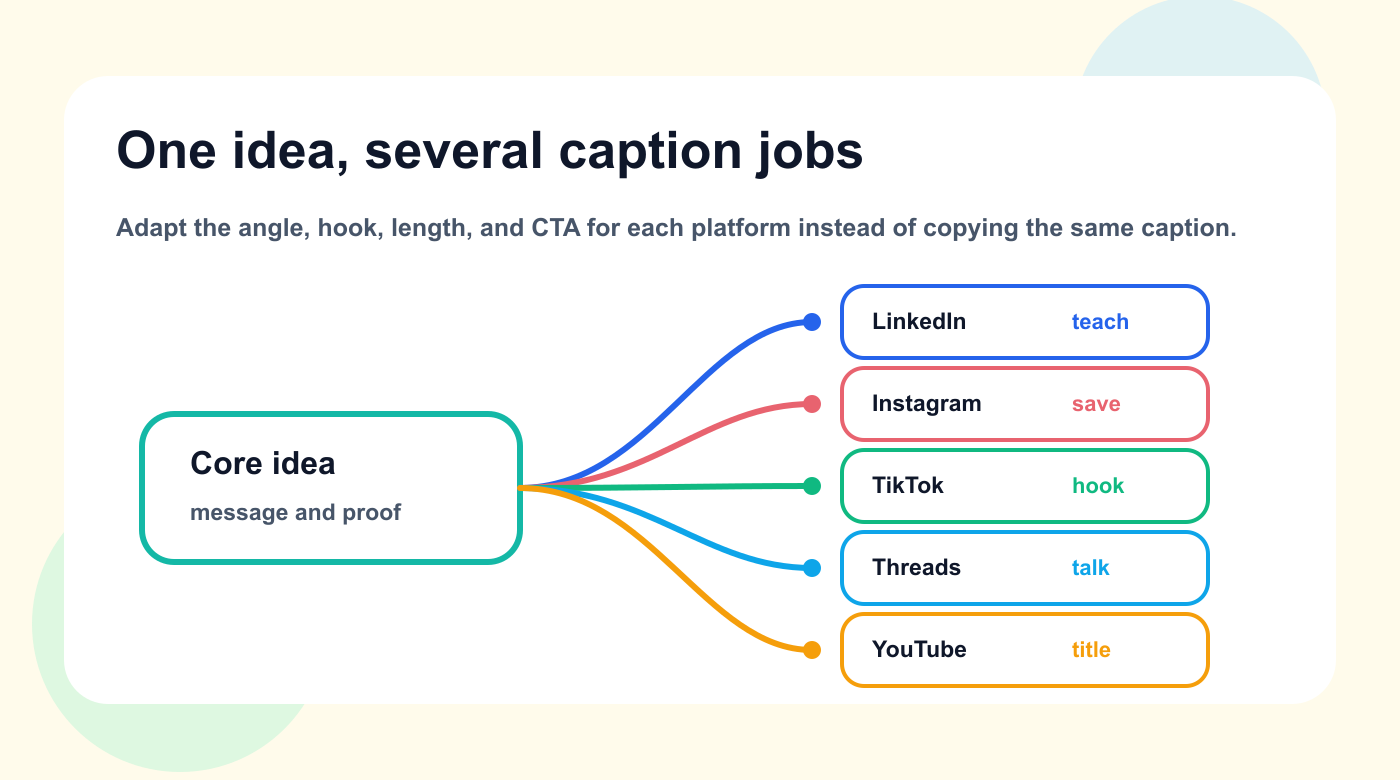
The strongest workflow adapts the role of each caption instead of copying one version everywhere.
TL;DR
A strong workflow for multi-platform caption adaptation should include:
clear intake
one owner per item
simple statuses
review rules based on risk
approval gates for sensitive content
scheduling connected to readiness
reporting connected to tasks
repurposing based on signals
automation for handoffs
a monthly workflow review
The key rule:
The workflow should make the next action obvious.
If people need to ask where something stands, the system is not clear enough.
A reliable caption workflow works like an operating model: the idea, owner, platform job, review path, schedule, and signal all stay connected.
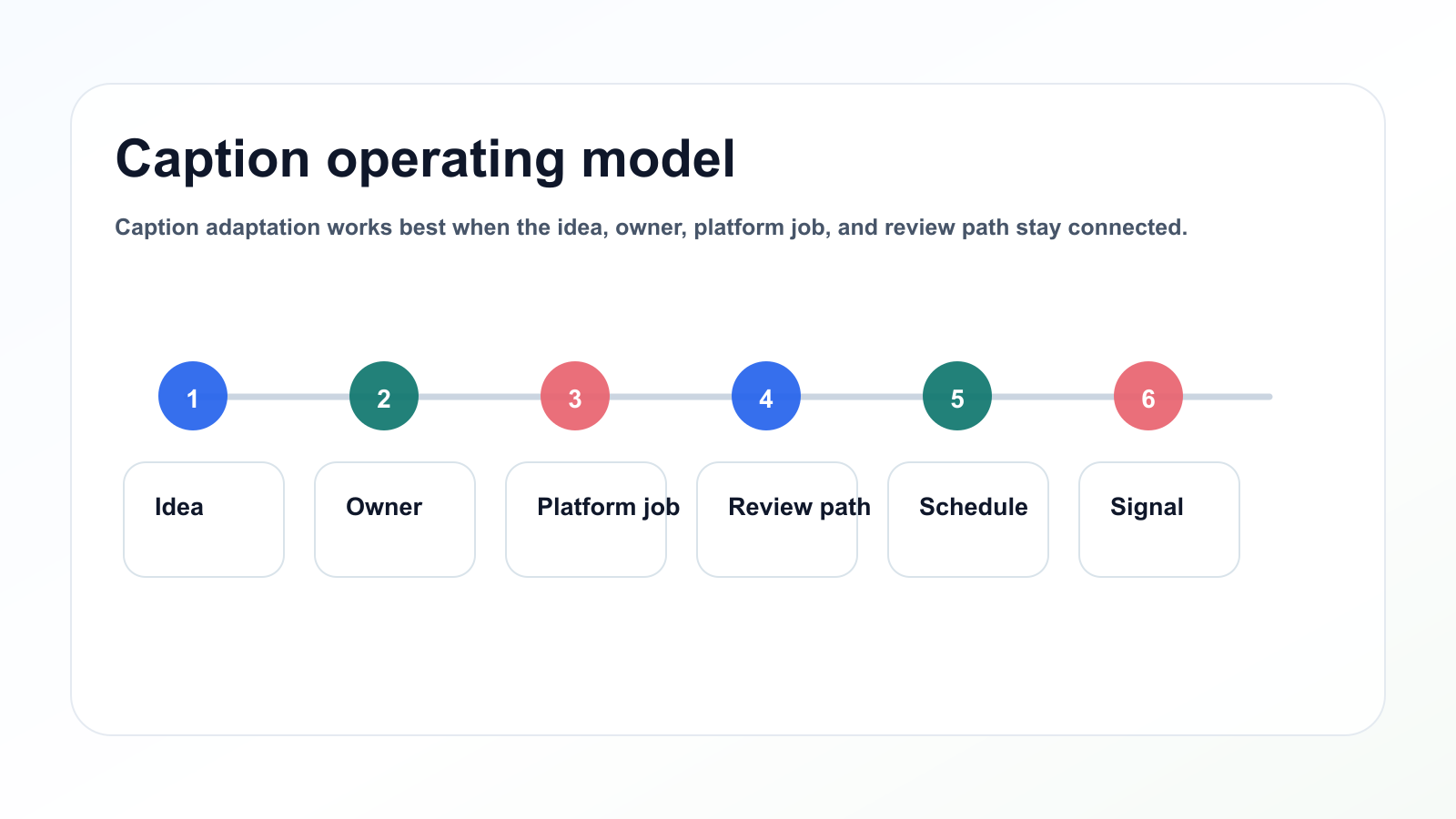
Caption adaptation works best when the idea, owner, platform job, and review path stay connected.
Why this workflow matters
Ideas are saved in too many places. Drafts move through private messages. Stakeholders approve unclear versions. Designers work from incomplete notes. Reports summarize performance but do not change future planning.
This creates hidden costs.
The team spends time chasing updates instead of creating better content.
A strong workflow reduces that cost.
It gives every content item:
a goal
an audience
an owner
a status
a reviewer
an approval rule
a platform version
a publish date
a measurement date
a repurposing decision
That does not make content slower.
It makes content easier to move.
Before the full workflow table, anchor the process in one simple bridge: each stage should have a clear purpose and a concrete output.
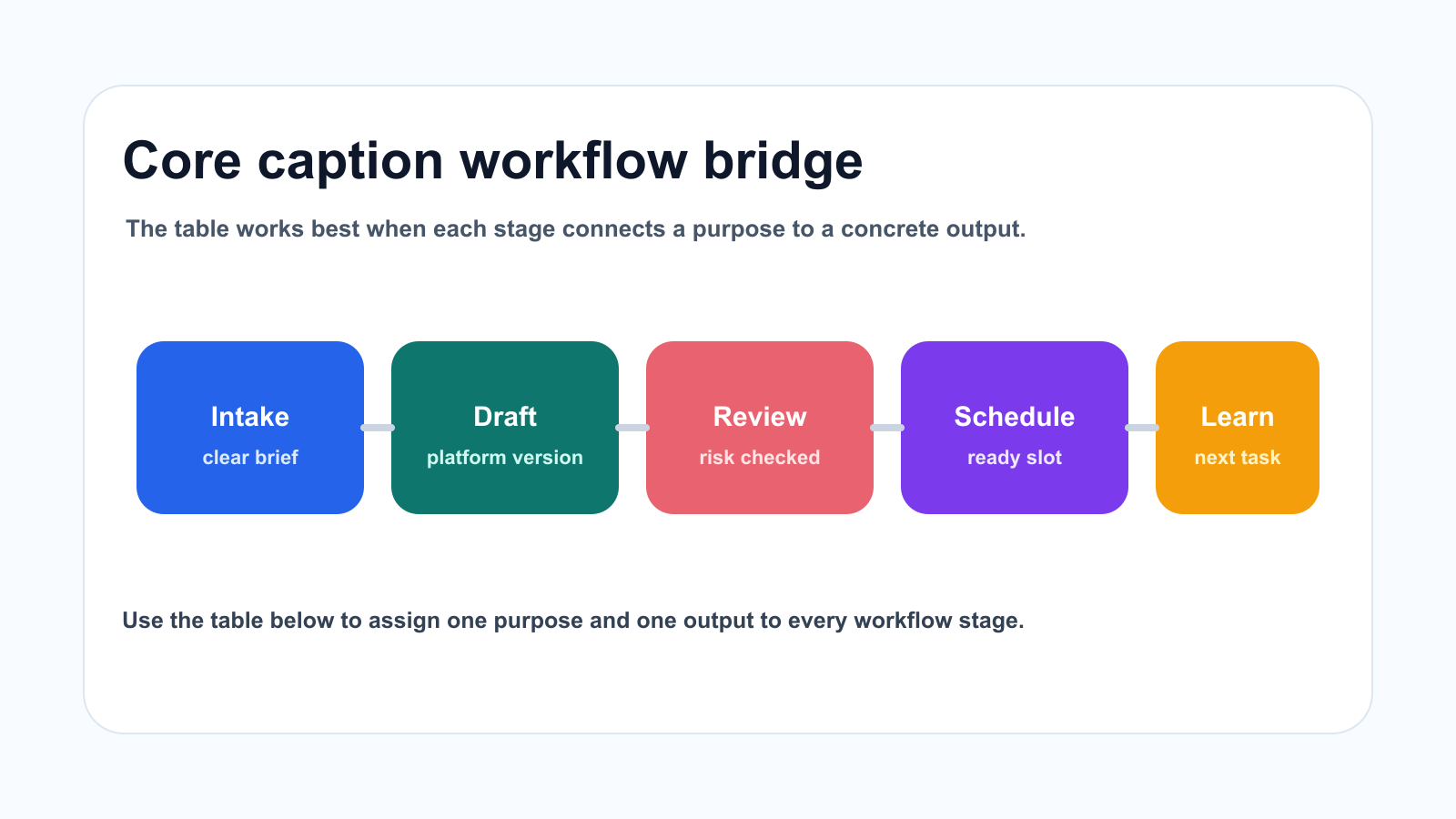
Each caption workflow stage should connect a purpose to a concrete output.
The core workflow
Use this baseline workflow.
StagePurposeOutputIntakeCapture the request or ideaClear briefSelectionDecide if it should move forwardSelected itemDraftCreate copy or scriptFirst versionAssetCreate or attach mediaReady assetReviewImprove qualityFeedback or approvalApprovalControl riskFinal approvalSchedulePrepare publishingCalendar itemPublishConfirm outputLive URLAnalyzeRead the signalInsightRepurposeCreate leverageNew content task
This workflow is simple enough for small teams and structured enough for agencies or SaaS teams.
Build the caption workflow
Step 1: Create a useful intake
The intake step should prevent confusion before work starts.
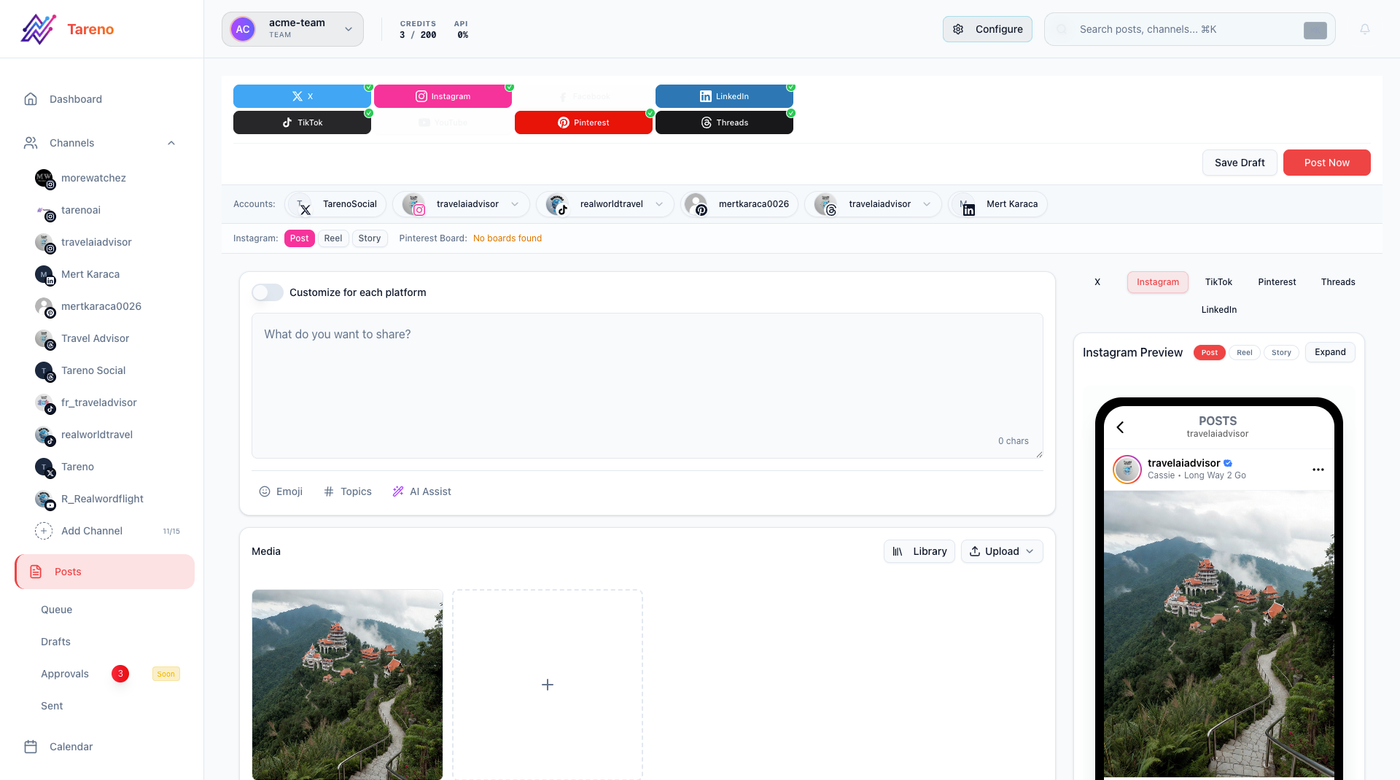
A useful intake gives every caption version goal, asset, CTA, owner, and review context.
For multi-platform caption adaptation, every intake item should include:
title
source
goal
target audience
platform
format
owner
deadline
CTA
asset requirement
approval requirement
measurement goal
repurposing potential
Bad intake:
Make something about this.
Better intake:
Create a LinkedIn post for social media managers explaining why reports should create content tasks. Use a practical tone, link to the reporting workflow article, and route to the marketing lead before scheduling.
The better the intake, the fewer revisions later.
Step 2: Assign one owner
Every item needs one owner.
The owner does not need to write, design, review, approve, schedule, and report everything alone.
The owner is responsible for movement.
Owner responsibilities:
clarify missing context
move the item to the right status
request assets
request review
follow up on approval
confirm scheduling
add measurement date
move winners to repurposing queue
Without ownership, even good ideas get stuck.
After ownership is clear, statuses should show movement without turning the workflow into admin work.
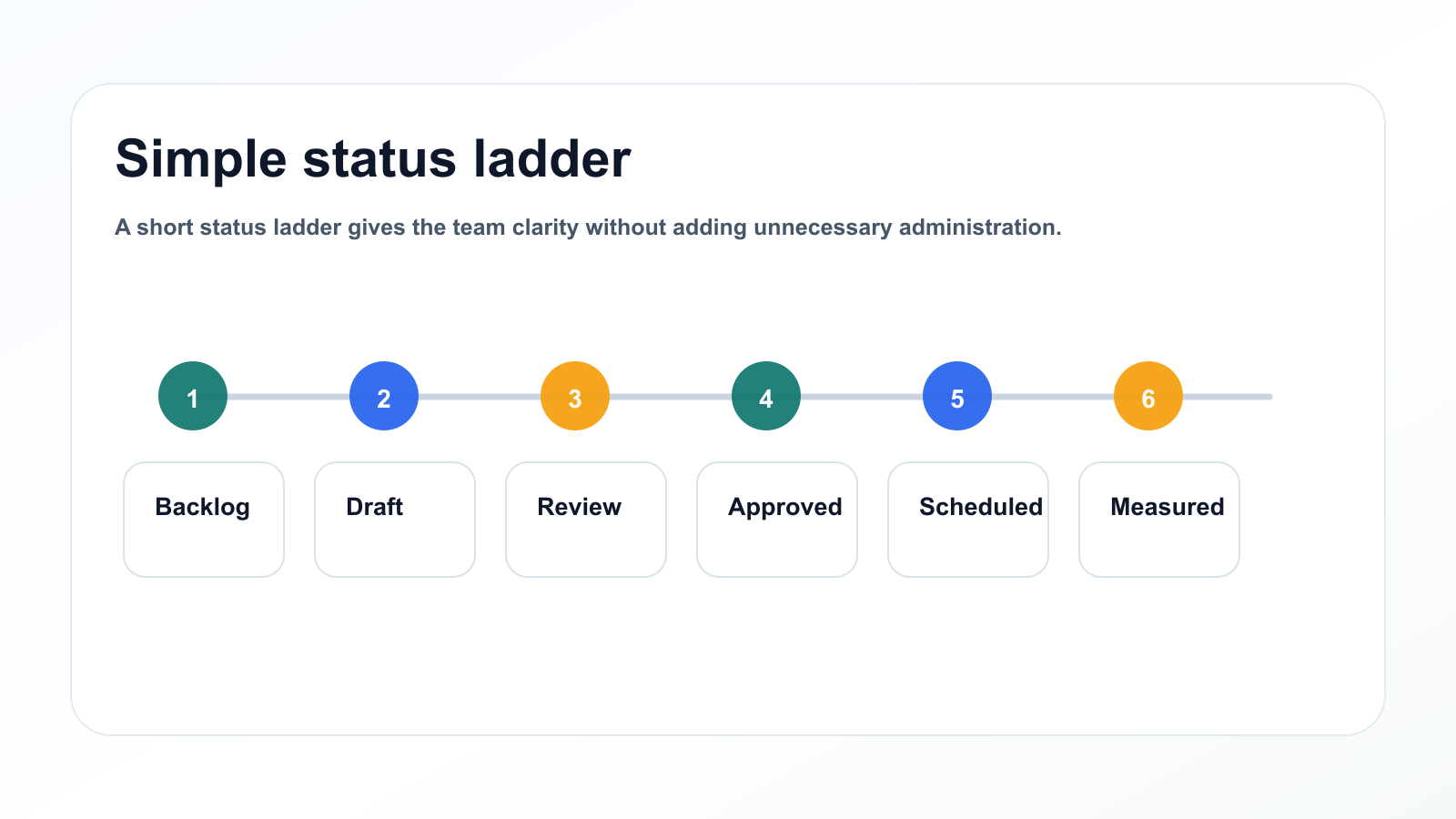
A short status ladder gives the team clarity without adding unnecessary administration.
Step 3: Use simple statuses
Use statuses that the whole team understands.
Recommended statuses:
Idea
Selected
Draft
Asset Needed
Review
Changes Requested
Approved
Scheduled
Published
Analyze
Repurpose
Archive
Do not overbuild.
Too many statuses create admin work.
The goal is clarity, not complexity.
Step 4: Define approval by risk
Not every item needs the same approval path.
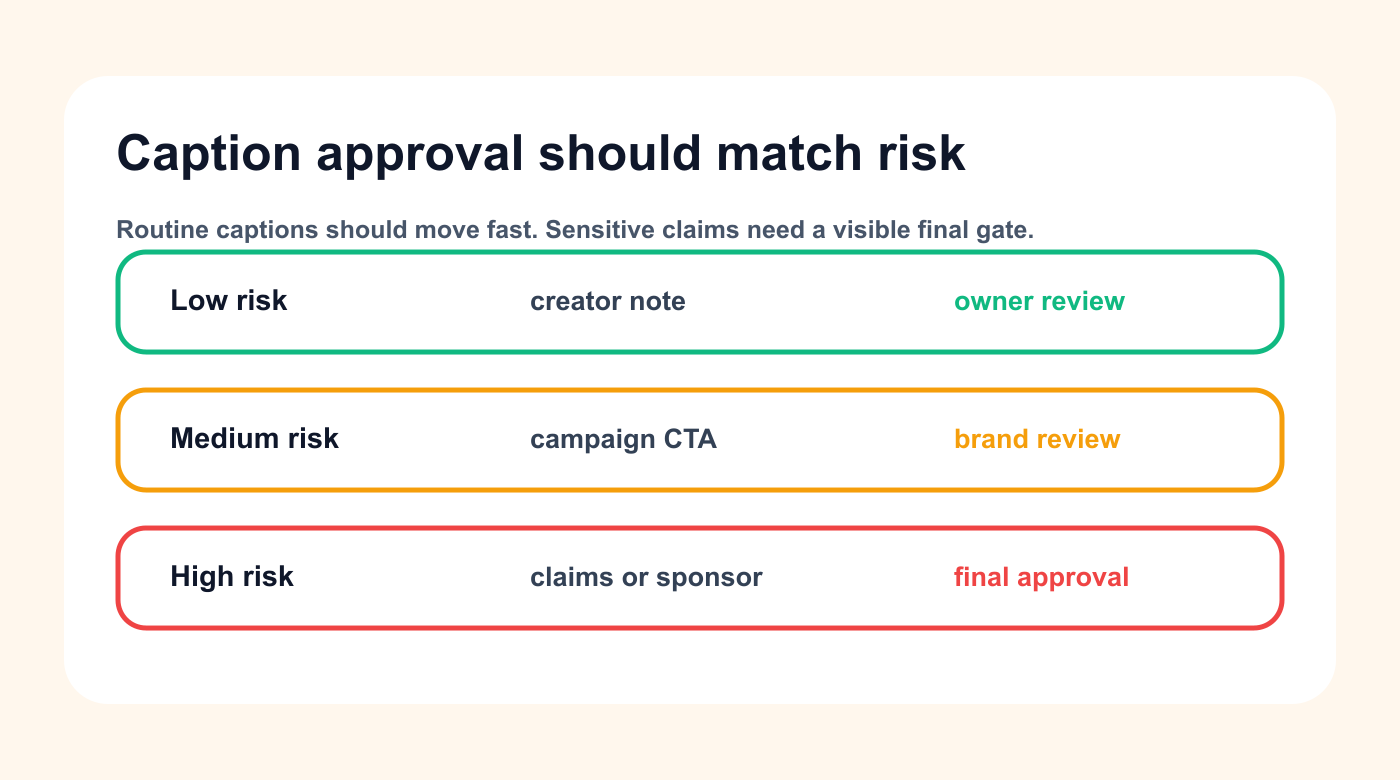
Approval lanes keep everyday captions fast while protecting sensitive claims and sponsored posts.
Use risk levels.
Low risk
Examples:
evergreen tips
simple educational posts
community questions
low-stakes creator updates
Review rule:
owner review
Medium risk
Examples:
product education
campaign posts
customer examples
repurposed content
Review rule:
internal review
High risk
Examples:
pricing claims
competitor comparisons
sponsor content
client content
legal-sensitive topics
AI-generated claims
old screenshots
launch promises
Review rule:
final approval gate before scheduling
This keeps low-risk work moving while protecting sensitive content.
Step 5: Connect approval to scheduling
Scheduling should not mean “we hope this is ready.”
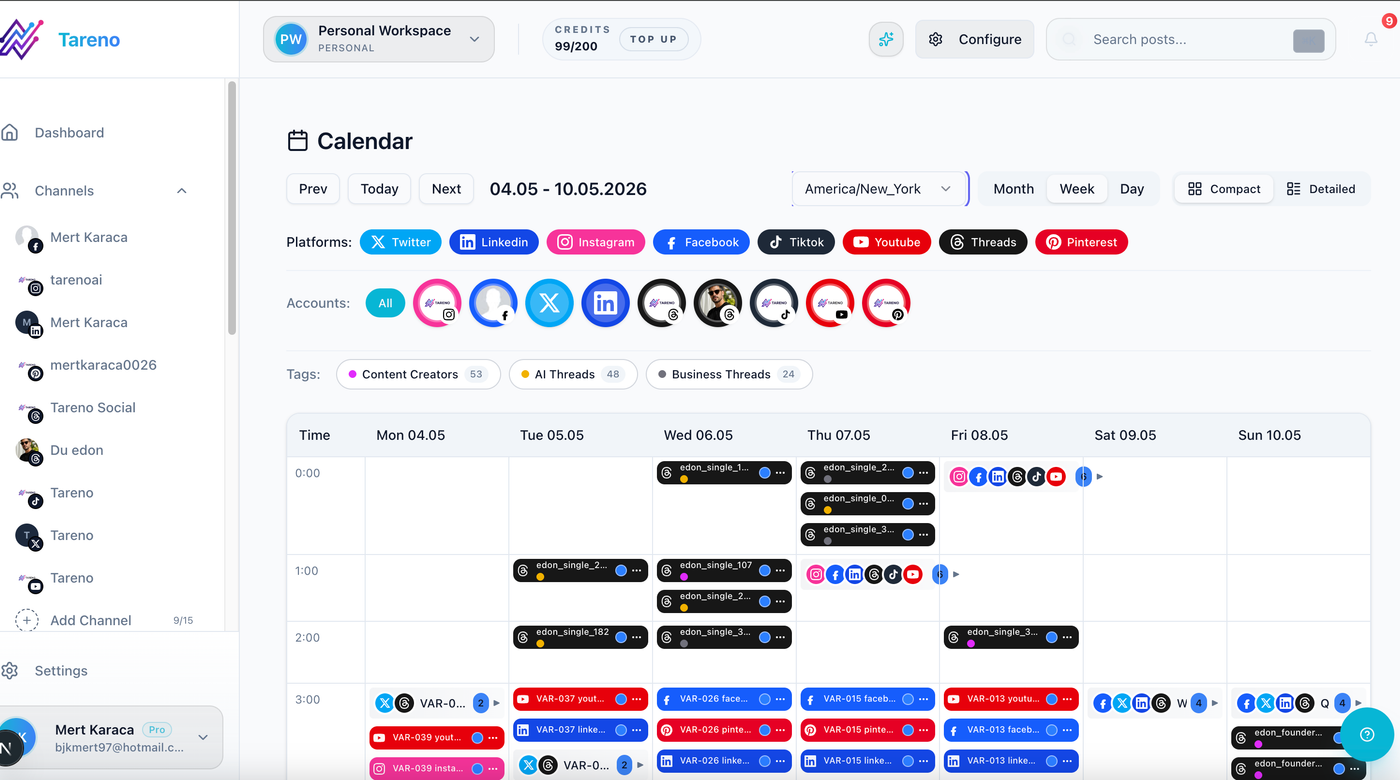
Scheduling is cleaner when every caption version shows readiness before it reaches the calendar.
Scheduling should mean the final version is approved and complete.
Before scheduling, check:
final caption
final asset
platform
format
CTA
link
approval state
timezone
campaign label
owner
measurement date
If the post is still waiting for approval, it can be planned but should not be treated as final scheduled content.
This distinction prevents wrong-version publishing.
Step 6: Make reporting operational
Reporting should create action.
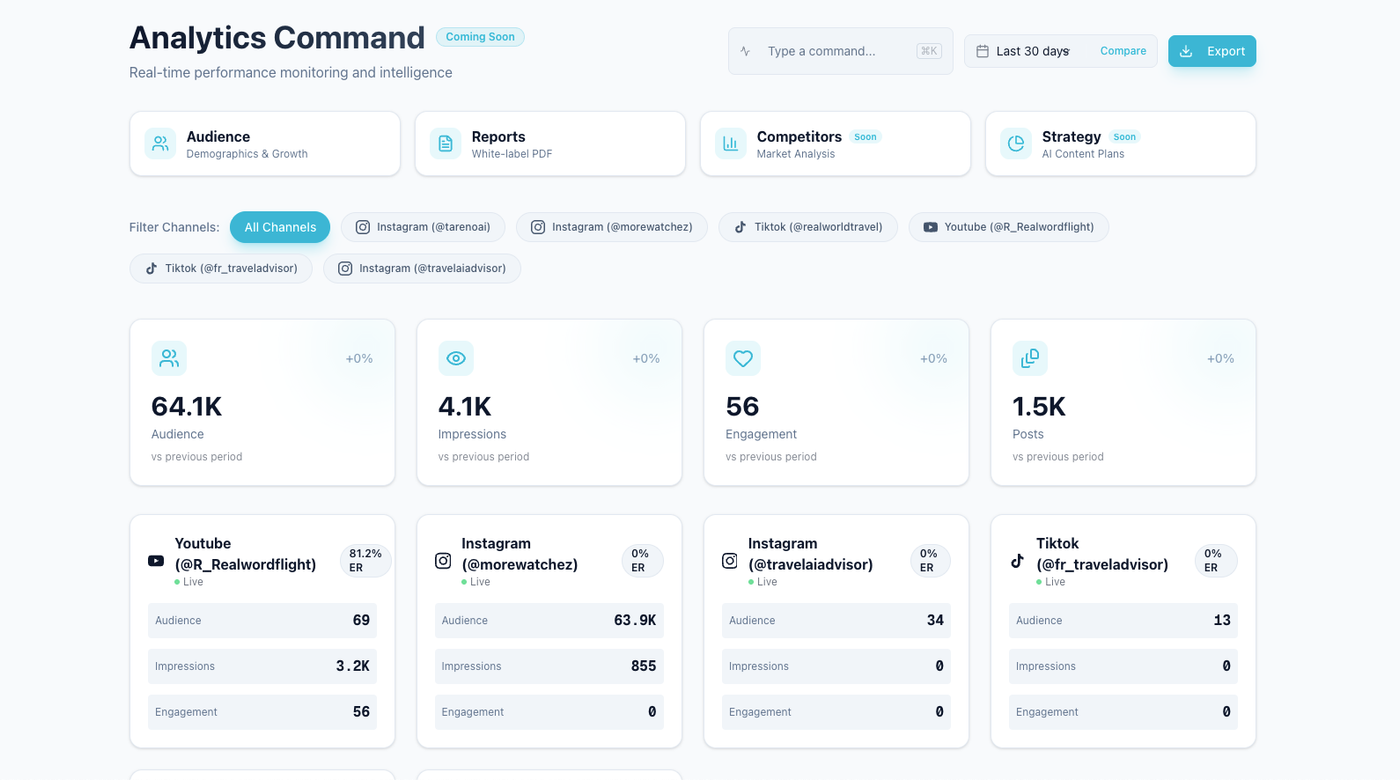
Reporting should tell the team which caption angle should be repeated, changed, or repurposed.
After content publishes, ask:
what signal did this create?
what should we repeat?
what should we improve?
what should we repurpose?
what should we stop?
who owns the next action?
Useful signals include:
saves
shares
comments
clicks
watch time
completion rate
profile visits
conversions
approval delays
publishing failures
The report should not only describe what happened.
It should change the next calendar.
Step 7: Create repurposing rules
A strong workflow turns winners into future assets.
Repurposing candidates include:
high-save posts
high-share posts
high-click posts
high-comment posts
high-watch-time videos
recurring customer questions
strong campaign angles
evergreen tutorials
content that created conversions
Repurposing queue fields:
source post
performance signal
target platform
new format
owner
approval needed
due date
publish target
second-wave measurement
This keeps content from being used only once.
Keep the AI boundary visible: automation can draft and route work, but claims, voice, approvals, and final publishing still need clear human checks.
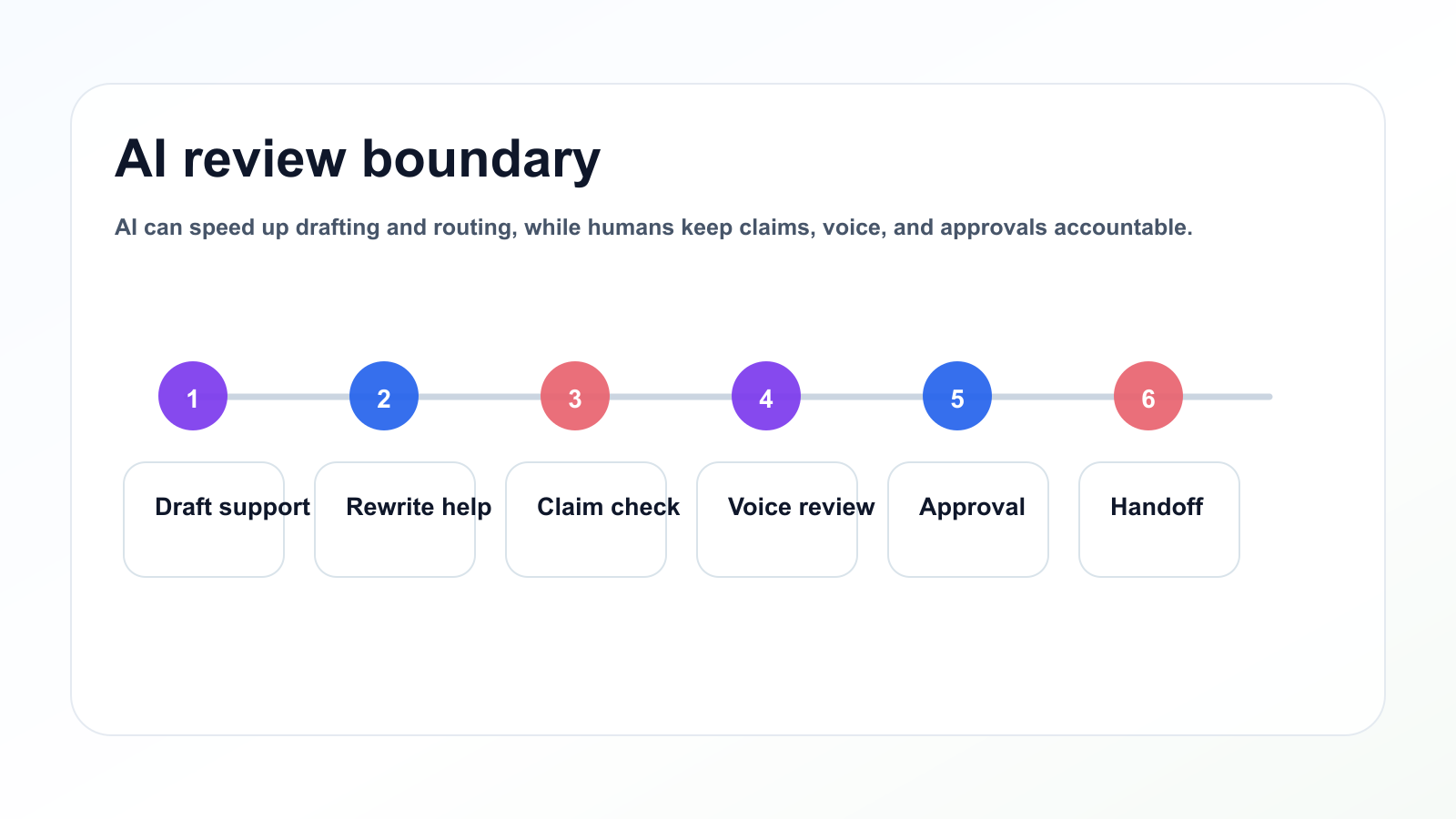
AI can speed up drafting and routing, while humans keep claims, voice, and approvals accountable.
Step 8: Use AI safely
AI can help with multi-platform caption adaptation.
Use AI for:
hook variations
caption drafts
script outlines
platform rewrites
hashtag ideas
report summaries
repurposing suggestions
brief expansion
content idea clustering
But AI output should not bypass review.
Human review should check:
accuracy
brand voice
claims
CTA
platform fit
repetition
client or sponsor requirements
AI should accelerate drafting.
It should not replace approval.
Step 9: Automate handoffs
Automation is useful after the workflow is clear.
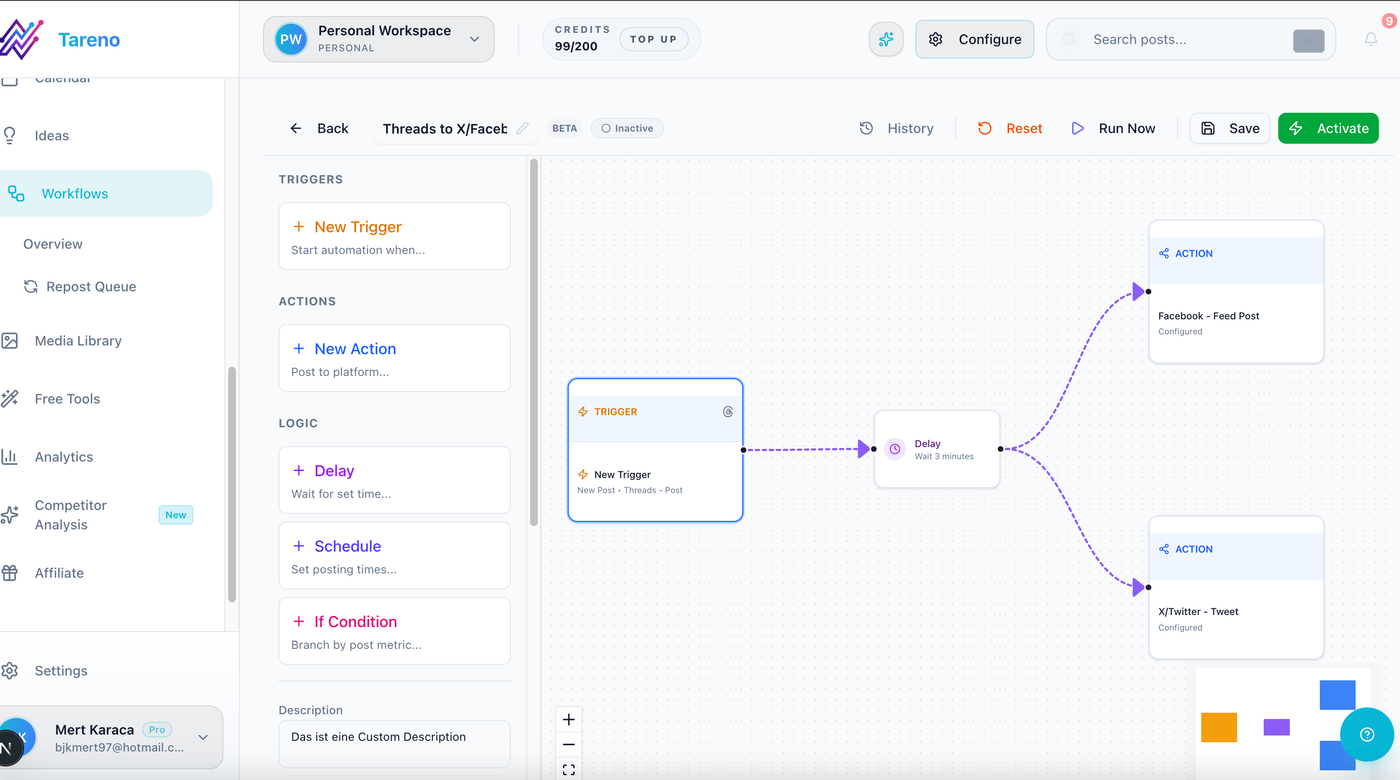
Automation helps after the caption statuses, review rules, and handoffs are stable.
Safe automations:
new intake -> create board item
draft ready -> notify reviewer
changes requested -> notify owner
approved -> notify scheduler
published -> create measurement task
high performer -> create repurposing task
report completed -> create next action tasks
Make, n8n, and API workflows are useful when content operations connect to trackers, dashboards, CRMs, or internal tools.
Automate movement.
Do not automate judgment for high-risk content.
Templates and workflow checks
Template: workflow card
The workflow card should keep platform, owner, risk, review, and measurement details in one place.
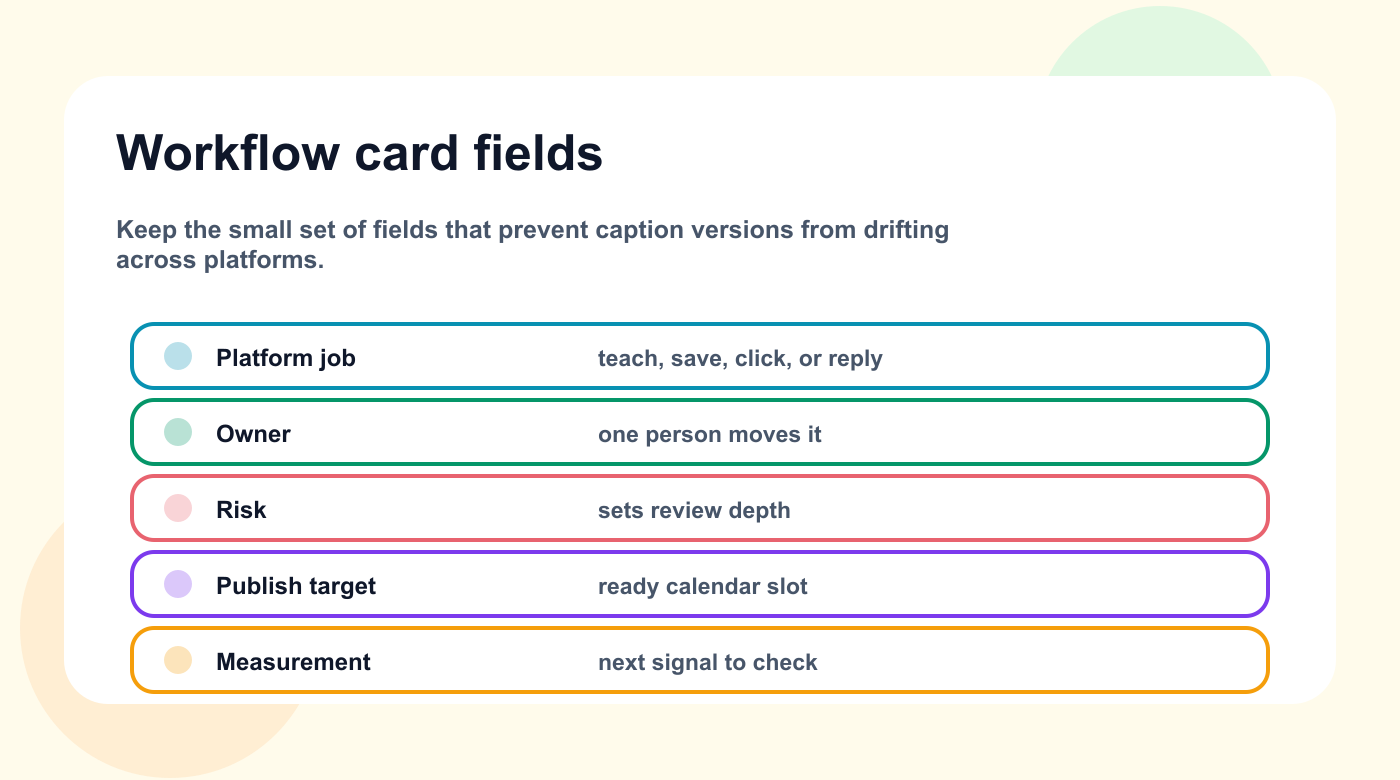
A workflow card keeps every caption version tied to the platform job and review rule.
Use this card for each item.
Title:
Source:
Goal:
Audience:
Platform:
Format:
Owner:
Status:
CTA:
Asset:
Risk level:
Reviewer:
Final approver:
Publish date:
Measurement date:
Repurposing potential:
Notes:
This template works for social posts, campaign assets, creator deliverables, client posts, and repurposed content.
Template: review checklist
## Review Checklist

- [ ] Goal is clear
- [ ] Audience fit is clear
- [ ] Platform version makes sense
- [ ] Hook is specific
- [ ] CTA is correct
- [ ] Asset is attached
- [ ] Claims are accurate
- [ ] Tone matches brand
- [ ] Approval requirement is clear
- [ ] Measurement date is set
Review should improve quality and reduce risk.
Template: reporting action
## Reporting Action

Signal:
Source content:
Interpretation:
Recommended action:
Owner:
Target platform:
New format:
Approval needed:
Due date:
Publish target:
Measurement plan:
This turns analytics into workflow.
Monthly workflow health score
Score the workflow monthly.
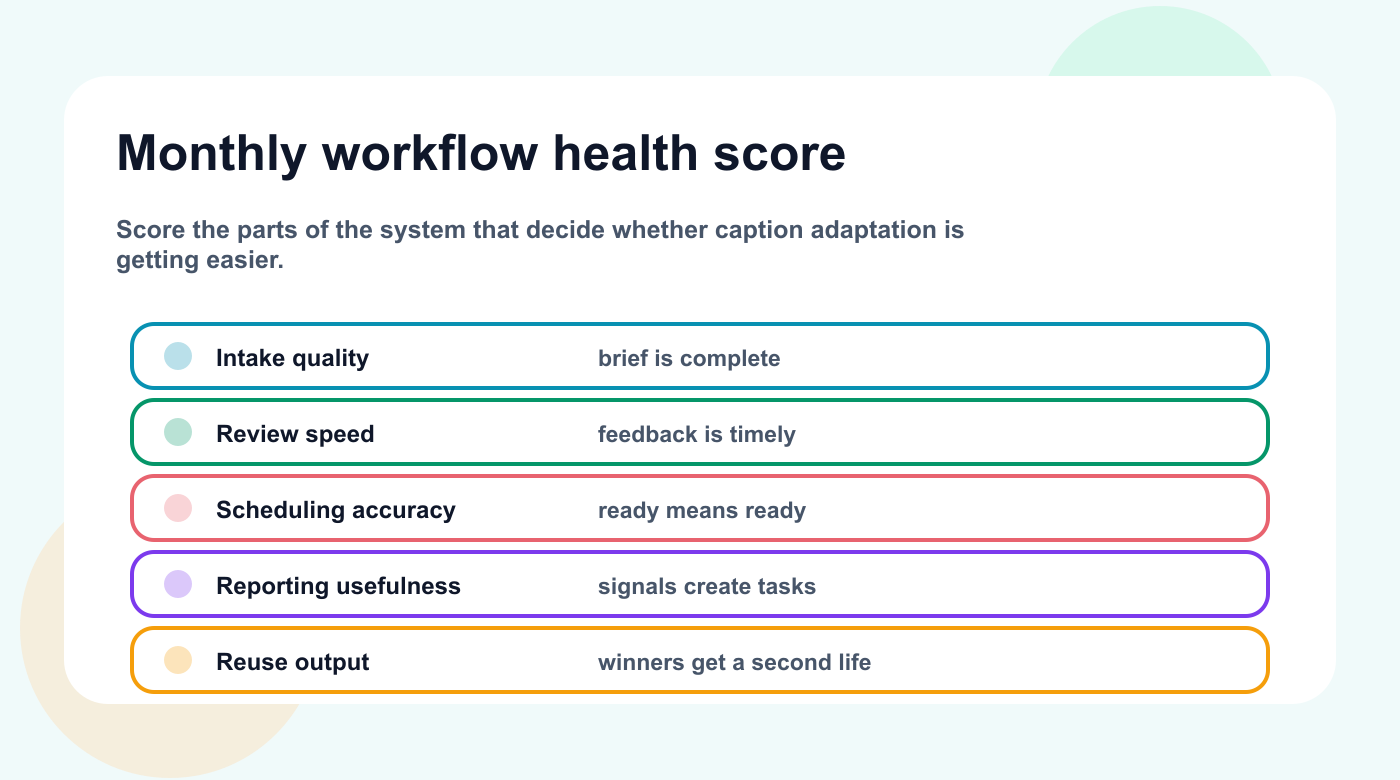
A monthly health score shows which part of the caption workflow needs repair before volume increases.
AreaScore 1–5Intake qualityOwnership clarityReview speedApproval clarityScheduling accuracyReporting usefulnessRepurposing outputAutomation reliability
If one area scores low two months in a row, fix the workflow before increasing content volume.
How Tareno fits this workflow
Tareno is useful when multi-platform caption adaptation needs to connect planning, approval, scheduling, reporting, repurposing, and automation.
Relevant Tareno components include:
content boards
content calendar
approval workflows
analytics
competitor analysis
repurposing queue
roles and permissions
activity visibility
Make integration
n8n integration
API access
The workflow becomes:
intake -> draft -> review -> approval -> schedule -> publish -> analyze -> repurpose
This is stronger than managing work across disconnected chats, documents, calendars, and spreadsheets.
Common mistakes
Use this mistake map before caption versions move from draft to review and scheduling.
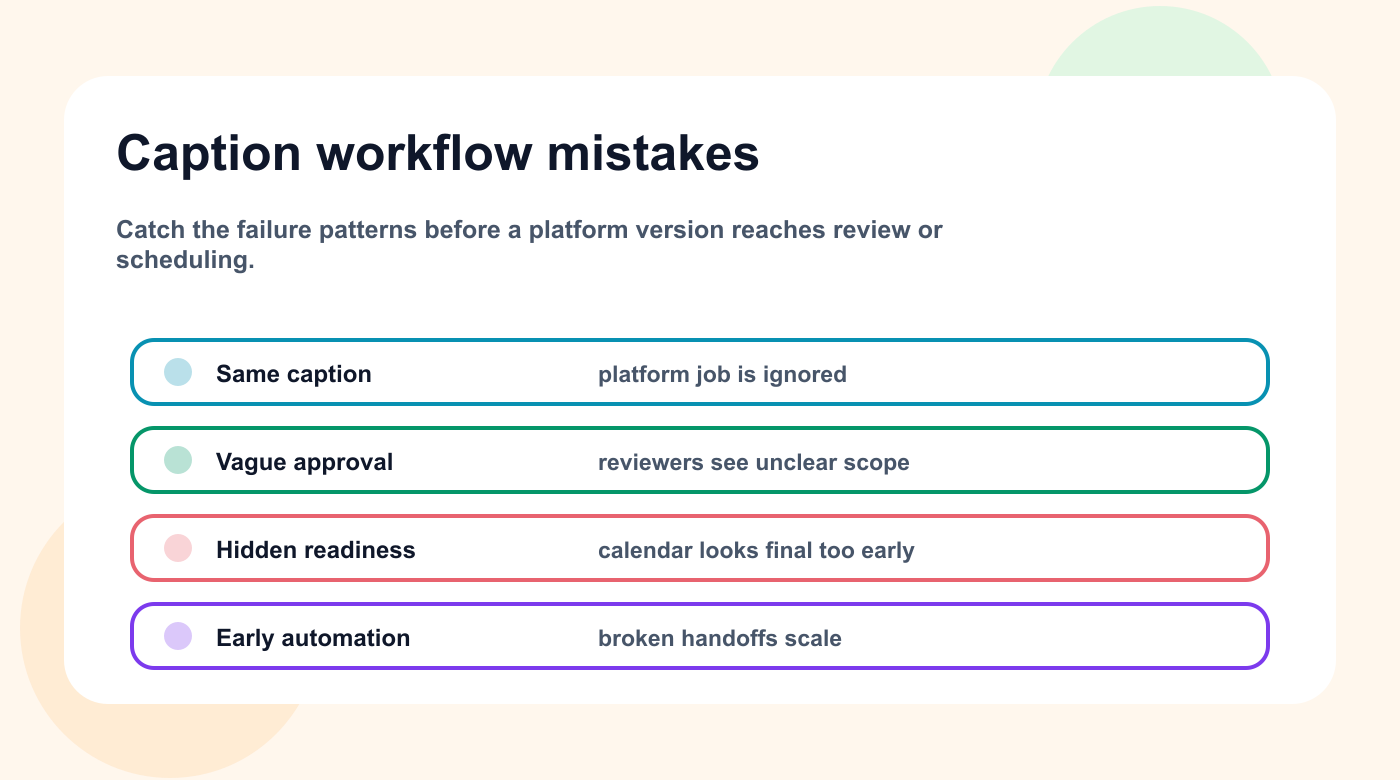
Caption workflows usually break when platform fit, approval, readiness, or automation order is unclear.
Mistake 1: No clear intake
Weak requests create weak drafts.
Mistake 2: No owner
Every item needs one responsible person.
Mistake 3: Approval is vague
Approval should apply to the exact version being published.
Mistake 4: Calendar hides readiness
A publish date does not mean the content is ready.
Mistake 5: Reports create no work
Reports should produce tasks.
Mistake 6: Repurposing is manual
Winners should enter a structured queue.
Mistake 7: Automation comes too early
Automate after the workflow is stable.
Use the mistake list as a repair map: each recurring workflow failure should point to the smallest next rule, field, or automation that prevents it.
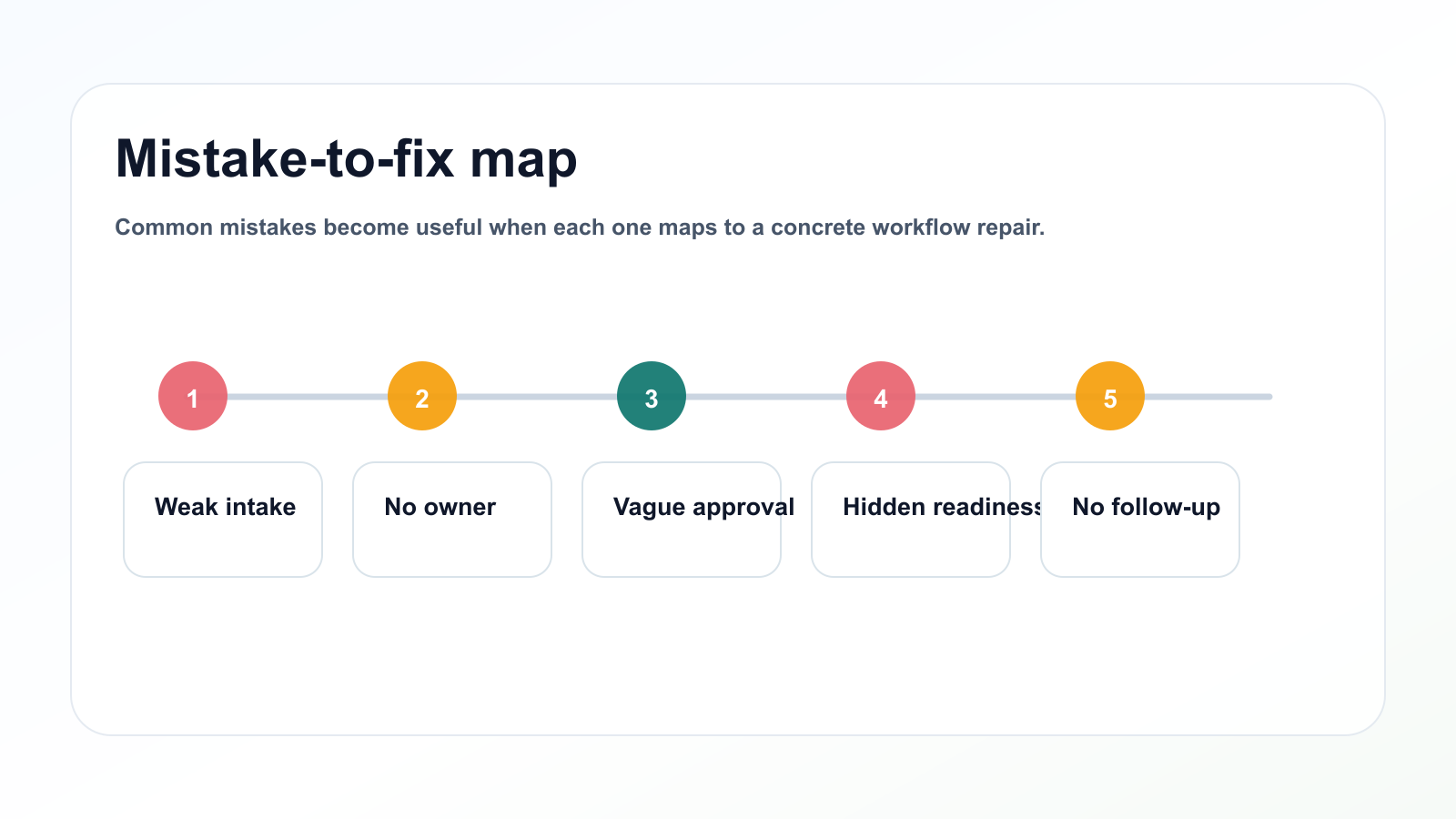
Common mistakes become useful when each one maps to a concrete workflow repair.
Related Tareno resources
Build platform-ready captions
Feature Multi-Platform Publishing Adapt one content idea into versions that fit each connected platform. Explore publishing -> Feature Approval Workflows Review risky claims, campaign copy, and client content before scheduling. See approvals -> Feature Post Scheduling Schedule only the caption versions that are final, reviewed, and ready. Open calendar -> Tool Instagram Caption Generator Draft the first caption version before adapting it across other channels. Try the tool ->
Before a caption workflow becomes policy, run one final readiness check: every platform version should show the job it does, the reviewer it needs, and the signal that will decide whether it should be reused.
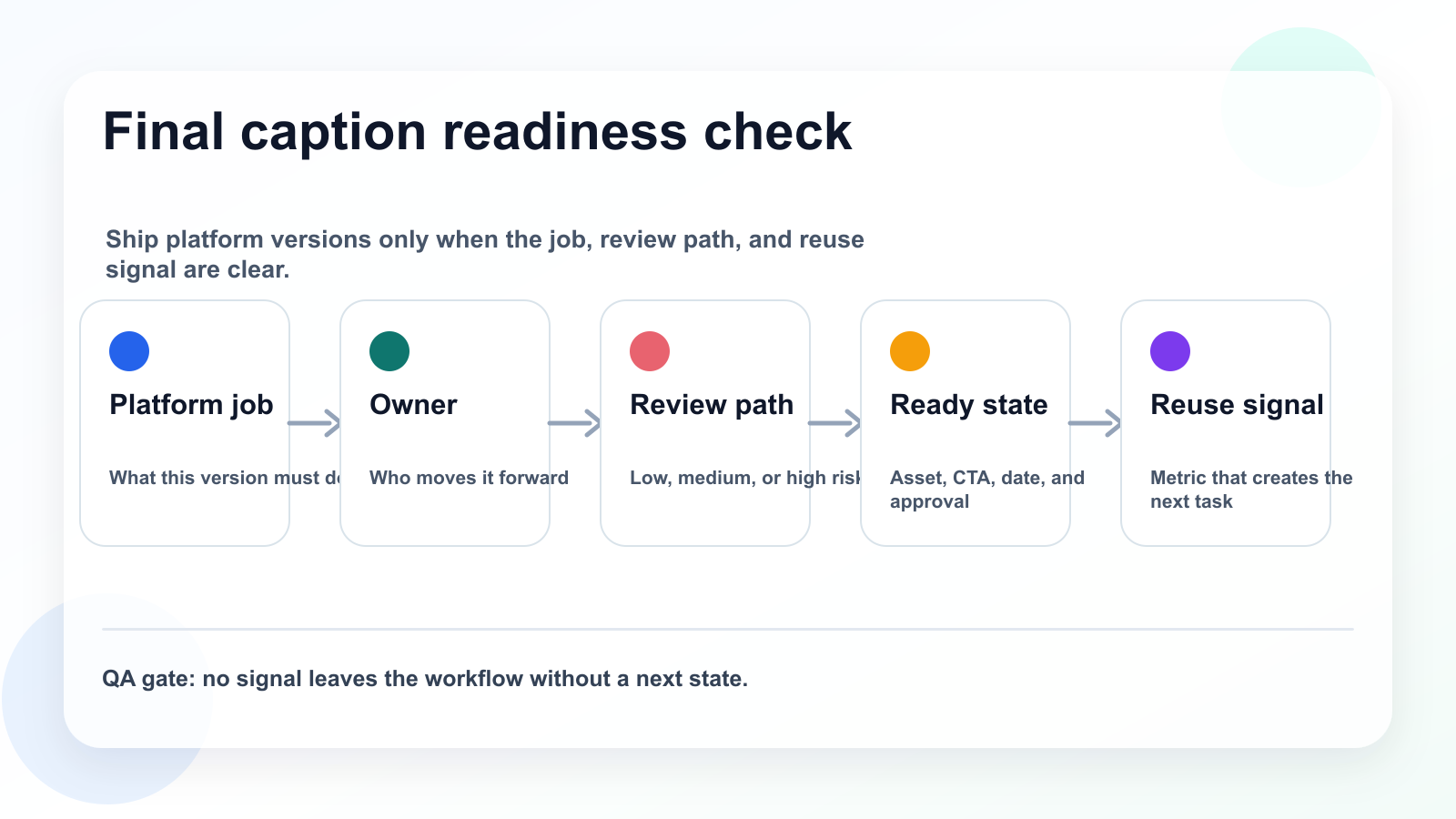
A final readiness check keeps each caption version tied to platform fit, review, and reuse signals.
FAQ
What is this workflow used for?
It is used to move content from request or idea to approved, scheduled, measured, and reusable output.
Who should own workflow items?
Each item should have one owner who is responsible for movement, even if other people write, design, review, or approve it.
Does every item need approval?
No. Approval should match risk. Low-risk content can move faster, while high-risk content needs a final approval gate.
How should reporting connect to workflow?
Reporting should create tasks, repurposing items, workflow improvements, or next-calendar decisions.
Can AI help with this workflow?
Yes. AI can help draft, summarize, rewrite, and suggest repurposing ideas. Human review should check accuracy, voice, and claims.
What should be automated first?
Automate handoffs: review notifications, approval updates, measurement tasks, and repurposing tasks.
The FAQ answers point back to one operating principle: each caption version needs a clear owner, review path, readiness state, and reuse signal.
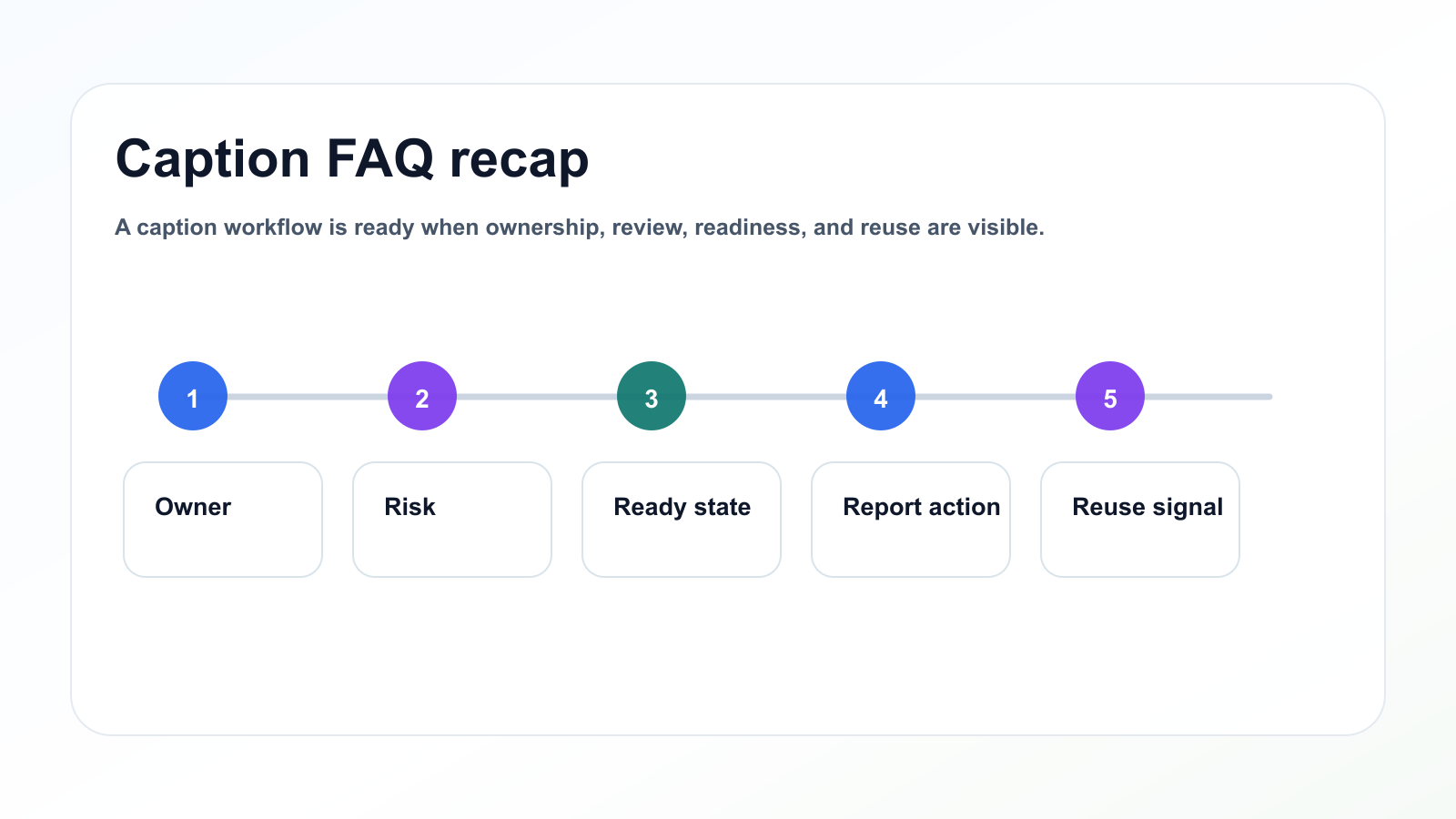
A caption workflow is ready when ownership, review, readiness, and reuse are visible.
Final thoughts
Multi-platform caption adaptation becomes easier when the workflow is clear.
Start with intake.
Assign one owner.
Use simple statuses.
Review based on risk.
Schedule only what is ready.
Turn reports into tasks.
Repurpose winners.
Automate handoffs.
That is how teams build a repeatable content operating system.
Primary CTA: Explore Tareno features to see how AI captions, platform versions, approvals, scheduling, and repurposing support multi-platform publishing.


