
Most social media reports end too early. They show reach, impressions, engagement, clicks, follower growth, and top posts. Then the team moves on.
The problem is not the data. The problem is that the report does not create work: repeat this, improve that, repurpose this winner, stop this format, test this angle, assign this owner, and move the decision into next week's calendar.
This guide shows how to turn social media analytics into content tasks, repurposing queue items, approval work, and next week's publishing calendar without turning reporting into another meeting.
The simplest way to fix presentation-only reporting is to make each report move through a decision loop before the team closes the review.
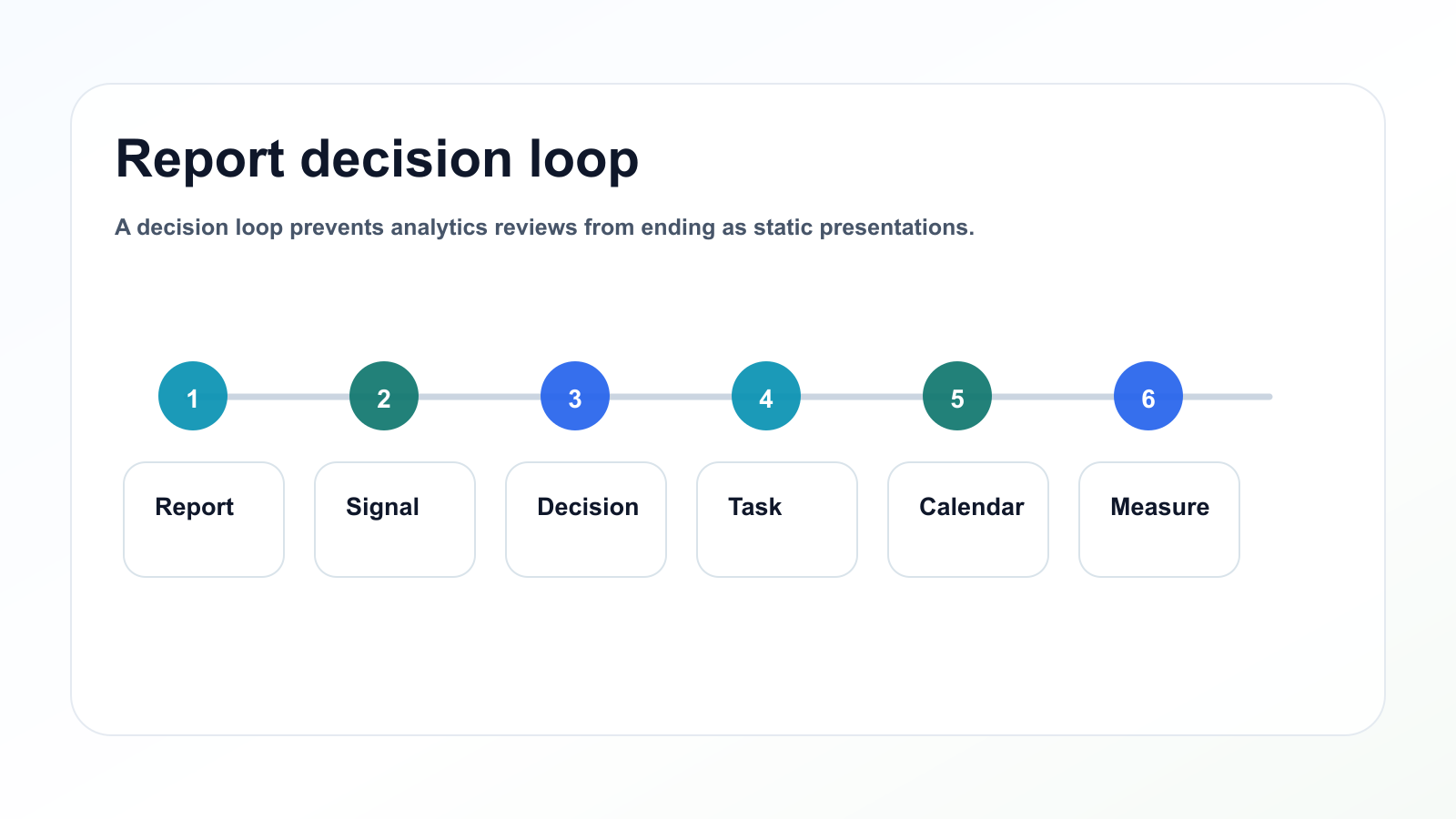
A decision loop prevents analytics reviews from ending as static presentations.
TL;DR
Use this reporting workflow:
Pull performance data.
Identify signals.
Interpret what the signal means.
Choose a content action.
Assign an owner.
Add due date.
Move action into the content board.
Schedule approved outputs.
Measure the next version.
The key rule:
Every report should create at least one decision.
If it creates no decision, it probably has too many metrics and not enough interpretation.
Why reports fail to improve content
Reports often fail because they are designed for presentation, not action.
Common problems:
too many metrics
no baseline
no interpretation
no owner
no due date
no repurposing section
no approval step
no calendar connection
no follow-up measurement
A report may look professional and still be operationally useless.
The best reports are not always the prettiest.
They are the ones that change what the team does next.
The ACTION framework
Use the ACTION framework when the team needs a consistent path from raw metrics to calendar-ready work. It keeps interpretation, ownership, approval, scheduling, and measurement together.
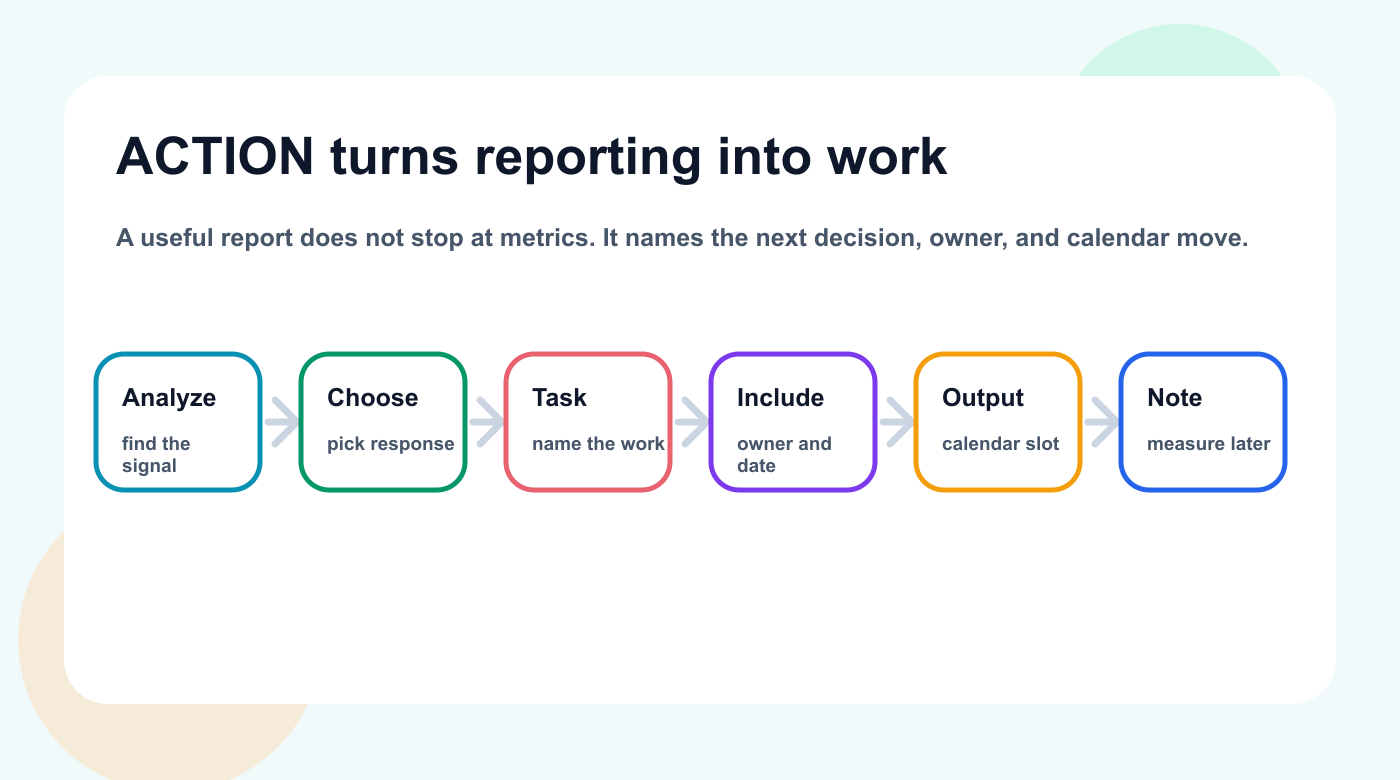
ACTION turns reporting into a sequence of owner, task, calendar, and measurement decisions.
A — Analyze the signal
C — Choose the content response
T — Turn it into a task
I — Include owner and deadline
O — Output to calendar
N — Note the result later
This makes reporting operational.
Build the analytics-to-task workflow
Step 1: Start with the content goal
Do not review all metrics equally.
Start with the goal.
GoalMetrics to prioritizeAwarenessReach, impressions, video views, follower growthEngagementSaves, shares, comments, replies, watch timeTrafficClicks, CTR, landing page visitsConversionSignups, trials, demo requests, purchasesEducationSaves, comments, completion rateCommunityReplies, comments, DMs, sentimentRepurposingOutlier posts, evergreen topics, high saves/shares
The goal defines which signal matters.
A post with low reach but high clicks may be valuable if the goal is traffic.
Step 2: Identify the signal
A signal is a metric pattern that deserves a decision.
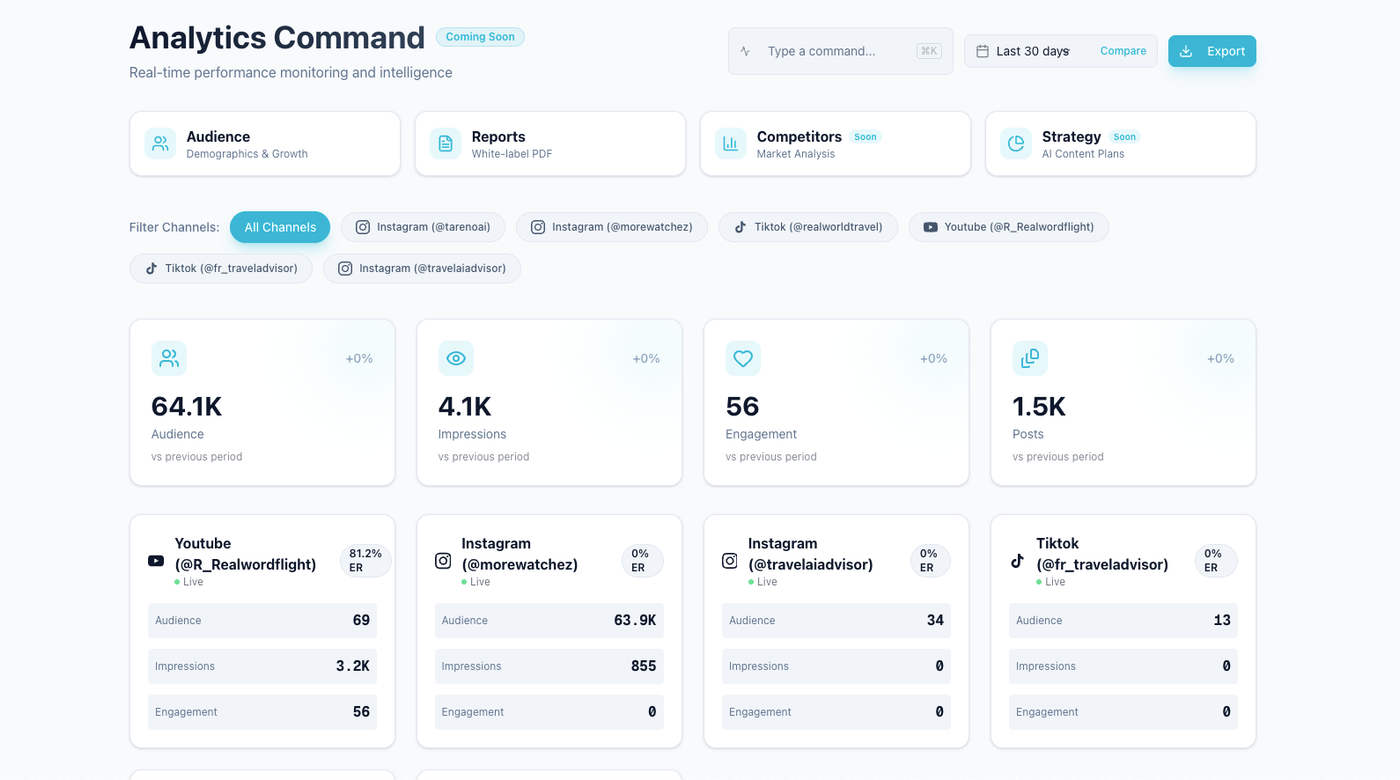
Analytics becomes useful when the team looks for signals that deserve a decision.
Examples:
saves are above baseline
shares are unusually high
comments reveal repeated questions
watch time is strong
clicks are higher than usual
profile visits increased
a topic beat the average
one platform outperformed others
one format underperformed
approvals delayed publishing volume
Signals are not just “top posts.”
They are clues.
Step 3: Interpret the signal
After identifying a signal, write what it means.
Examples:
SignalPossible interpretationHigh savesContent is useful or reference-worthyHigh sharesContent is identity-driven or practicalHigh commentsTopic creates questions or debateHigh clicksCTA/topic match is strongStrong watch timeHook and pacing workedLow reach, high savesNiche but valuable topicHigh reach, low clicksHook works, CTA may notDelayed postsworkflow bottleneck, not content issue
Interpretation is where strategy happens.
Without it, the team only sees numbers.
Step 4: Choose the content response
Each signal should lead to a response.
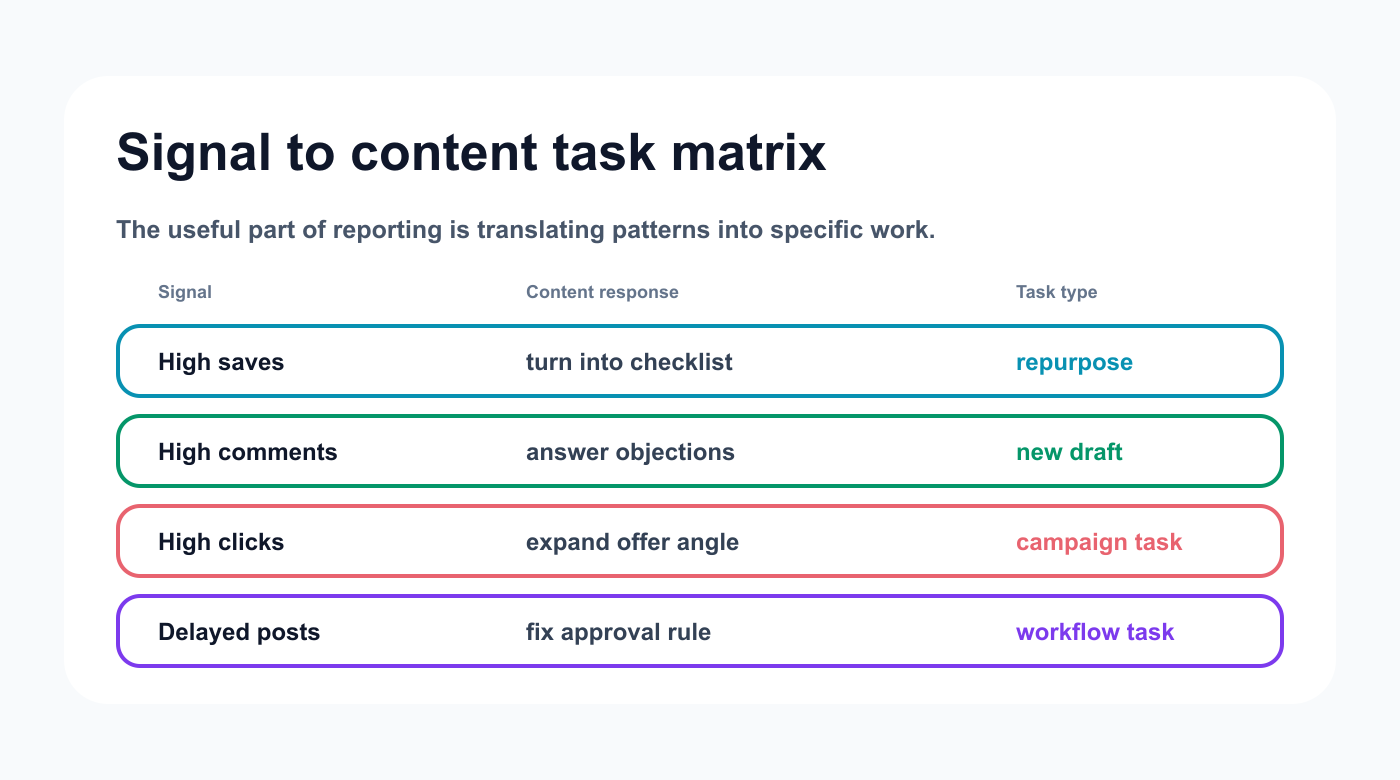
A signal-to-task matrix keeps reports from becoming a list of disconnected metrics.
SignalContent responseHigh savesTurn into checklist, carousel, pin, or guideHigh sharesCreate follow-up opinion or frameworkHigh commentsCreate FAQ or objection-handling postHigh clicksExpand into blog, landing page, or comparison postStrong watch timeReuse hook structureWeak CTARewrite CTA and test againPlatform outlierAdapt topic for other platformsApproval delayAdjust workflow or reviewer deadline
This is how analytics becomes content planning.
Before a response becomes a task, write the bridge explicitly: what changed, what the team will do, and where the next version will appear.
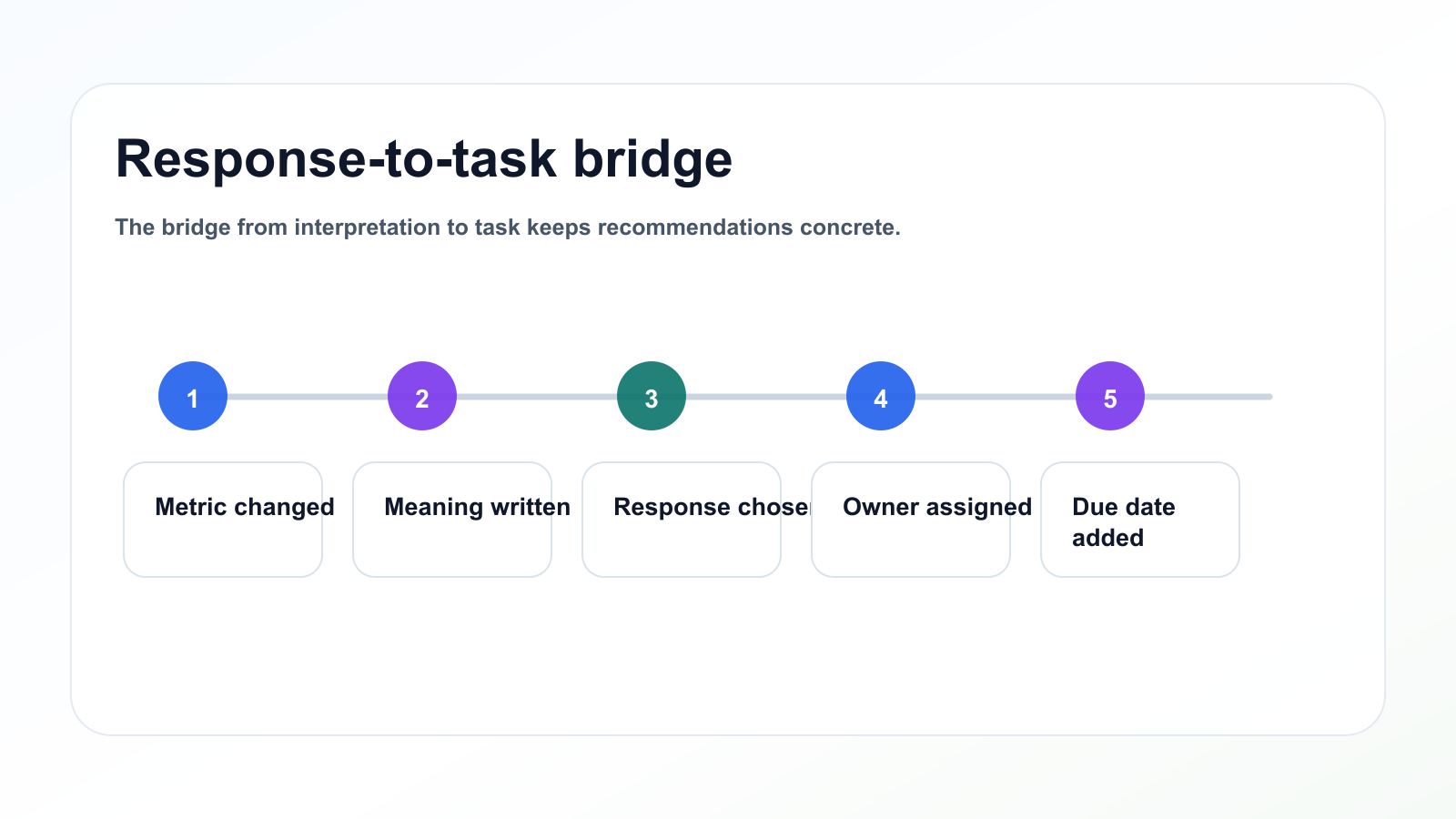
The bridge from interpretation to task keeps recommendations concrete.
Step 5: Turn the response into a task
A task should be specific.
Bad task:
Repurpose top post.
Better task:
Turn the LinkedIn post “Calendar is not workflow” into a 6-slide Instagram carousel by Friday. Keep the core message, add a checklist CTA, and send to marketing lead for approval.
Task fields:
action
source insight
owner
platform
format
due date
approval needed
target publish date
measurement date
This makes the report executable.
Step 6: Add approval requirements
Reports can create new content, and new content may need approval.
Approval is needed when the task involves:
product claims
pricing
competitor comparisons
client content
sponsor content
old repurposed content
legal-sensitive topics
AI-generated drafts
new CTA language
old screenshots
Report tasks should include an approval field.
This prevents analytics-to-action from bypassing review.
Step 7: Move tasks into the calendar
A report action is not real until it enters the workflow.
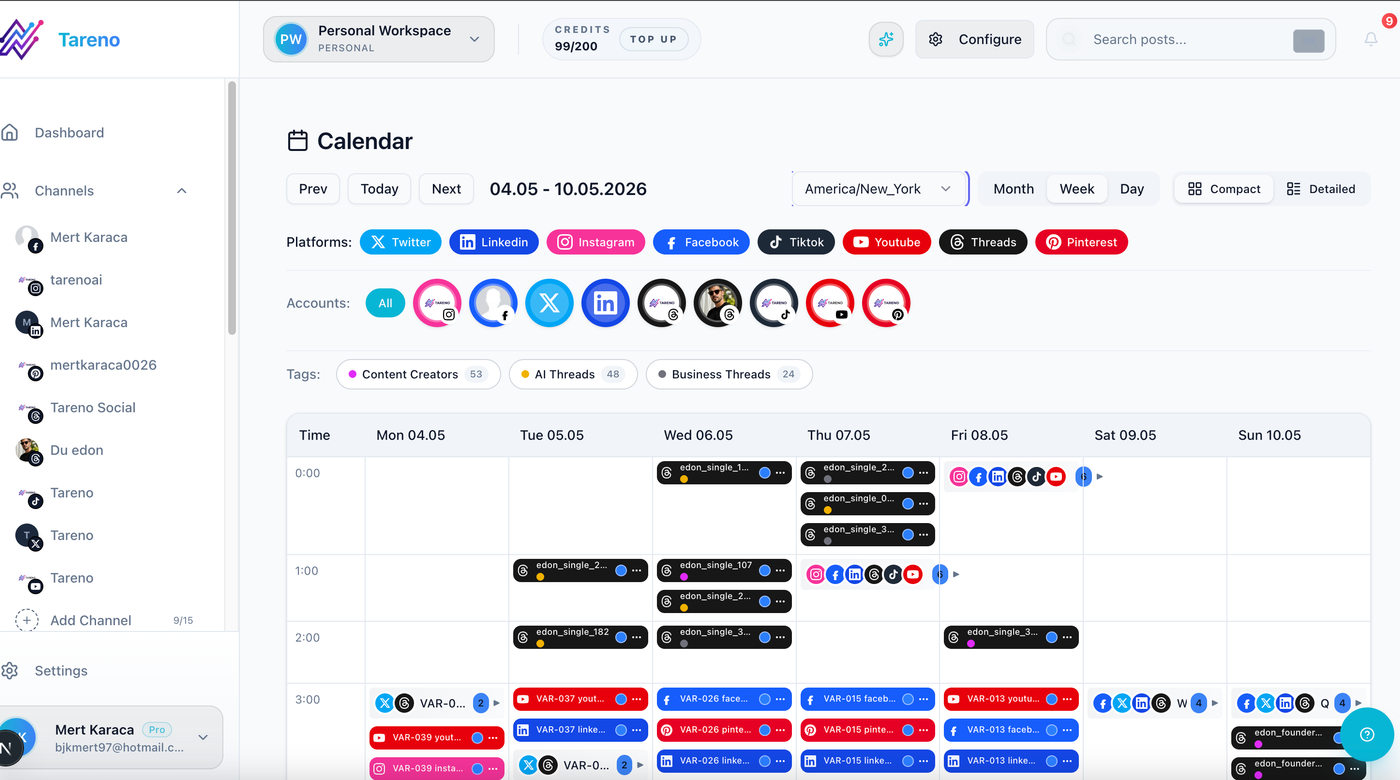
The report action is not real until it has an owner, due date, and calendar destination.
Move tasks into:
content board
editorial calendar
repurposing queue
campaign board
approval workflow
automation queue
Each task should have a status.
Recommended statuses:
Backlog
Draft
Review
Approved
Scheduled
Published
Analyze
This keeps report actions from disappearing.
Step 8: Measure the output
After the task becomes content, measure it again.
Track:
source report
source post
action taken
new platform
new format
result
next decision
This creates a learning loop.
Example:
Original LinkedIn post had high comments. Repurposed into Instagram carousel. Carousel produced high saves but low clicks. Next action: turn carousel into Pinterest checklist with stronger CTA.
This is how content strategy improves.
Once report tasks enter the calendar, the rhythm matters: weekly reviews keep work moving, while monthly reviews repair the reporting system itself.
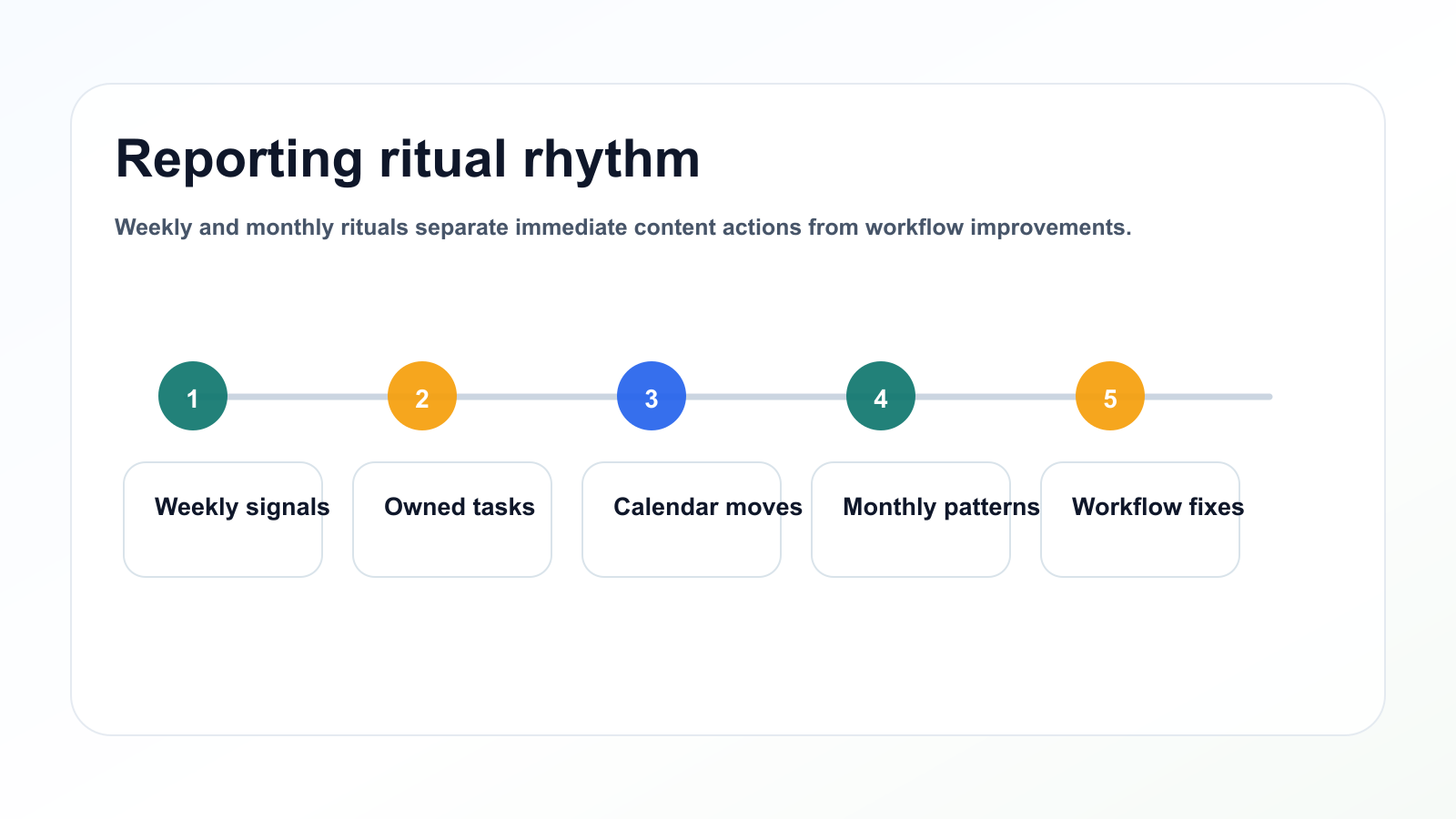
Weekly and monthly rituals separate immediate content actions from workflow improvements.
Operating rituals
Weekly reporting-to-task ritual
Use a weekly ritual.
Agenda:
Review top posts.
Review weak posts.
Identify 3 signals.
Choose 3 actions.
Assign owners.
Add approval needs.
Move tasks to board.
Schedule measurement dates.
Keep it focused.
The goal is not to analyze everything.
The goal is to create the next set of useful content tasks.
Monthly reporting-to-task ritual
Monthly reports should go deeper.
Include:
platform performance
format performance
campaign performance
top topics
weak topics
approval bottlenecks
repurposing candidates
next month calendar recommendations
Monthly report outputs:
3 repurposing tasks
2 improvement tasks
1 test task
1 workflow improvement
1 content pillar decision
This makes reporting operational.
How Tareno fits analytics-to-task workflows
Tareno is useful when reports need to create action.
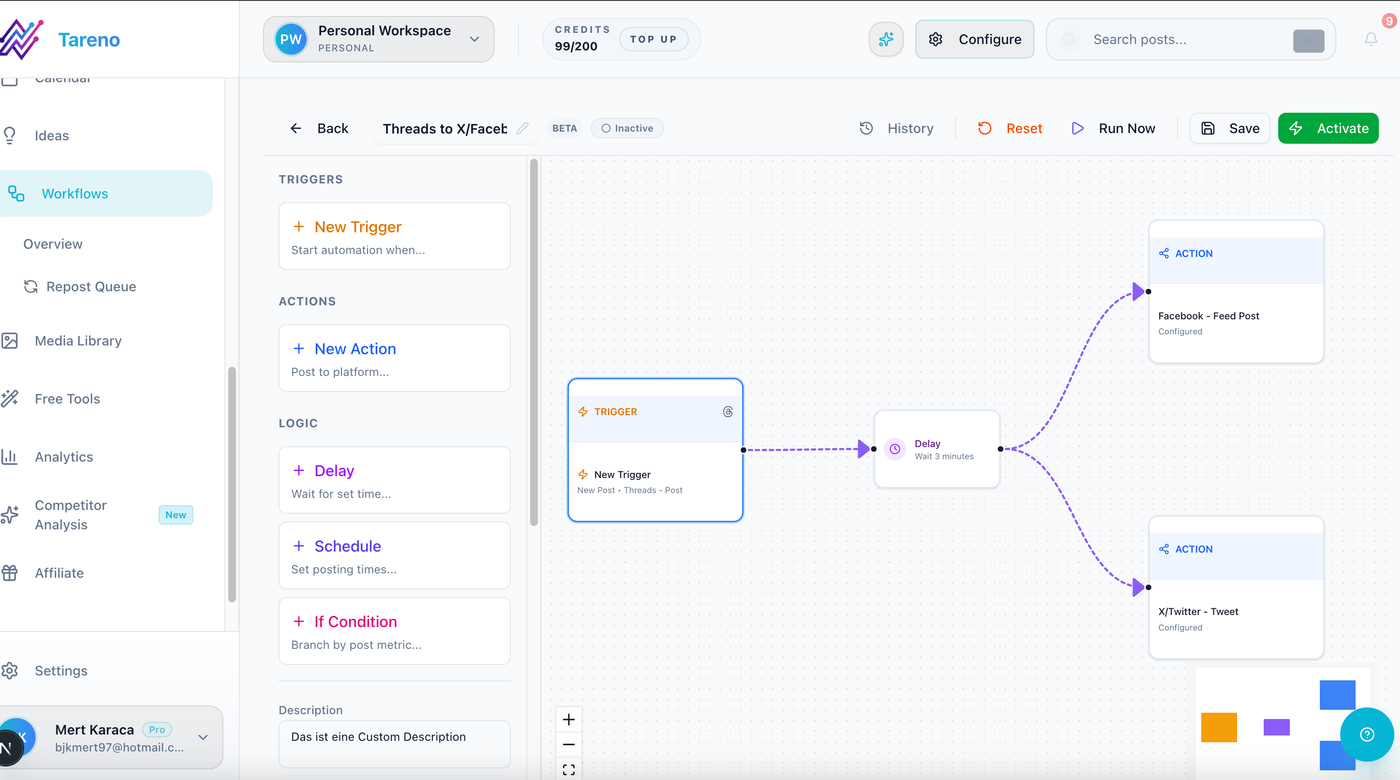
Workflow automation should move report decisions only after the decision rules are clear.
Relevant Tareno components include:
analytics
competitor analysis
content boards
approval workflows
repurposing queue
content calendar
workflow builder
team workspaces
roles and permissions
activity visibility
AI captions and hashtags
Make integration
n8n integration
API access
The workflow becomes:
report -> signal -> task -> approval -> schedule -> publish -> measure again
This is stronger than reporting alone.
Use the same fields every time so report-generated tasks are easy to compare, approve, schedule, and measure later.
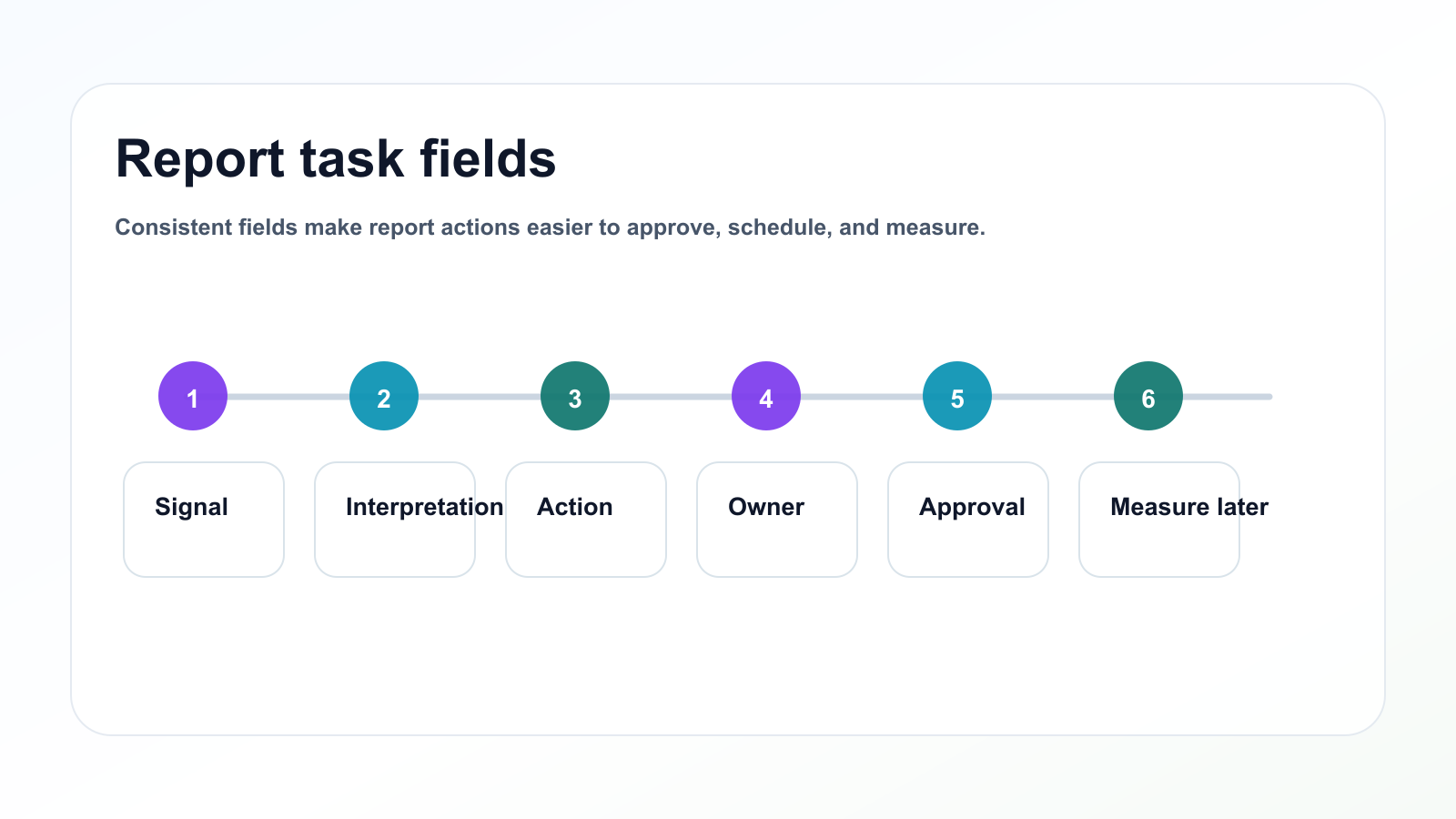
Consistent fields make report actions easier to approve, schedule, and measure.
Templates and examples
Copy/paste reporting action template
## Report Action Template

Signal:
Source post:
Platform:
Metric:
Interpretation:
Recommended action:
Owner:
Target platform:
Target format:
Approval needed:
Due date:
Publish target:
Measurement date:
Next review:
Use this for every important report insight.
Example reporting actions
High-save post
Signal:
Instagram carousel had high saves.

Interpretation:
Audience wants a checklist.

Action:
Turn the carousel into a Pinterest pin and LinkedIn checklist post.

Owner:
Content lead

Approval:
Light review

Measurement:
30-day Pinterest clicks and 7-day LinkedIn saves.
Approval delay
Signal:
Three posts missed publish dates because approvals were late.

Interpretation:
Workflow issue, not content issue.

Action:
Create approval deadline rule and backup evergreen post queue.

Owner:
Social lead

Approval:
Team lead

Measurement:
Approval delay count next month.
Common mistakes
Use this mistake map as a final check before a report becomes next week's calendar.
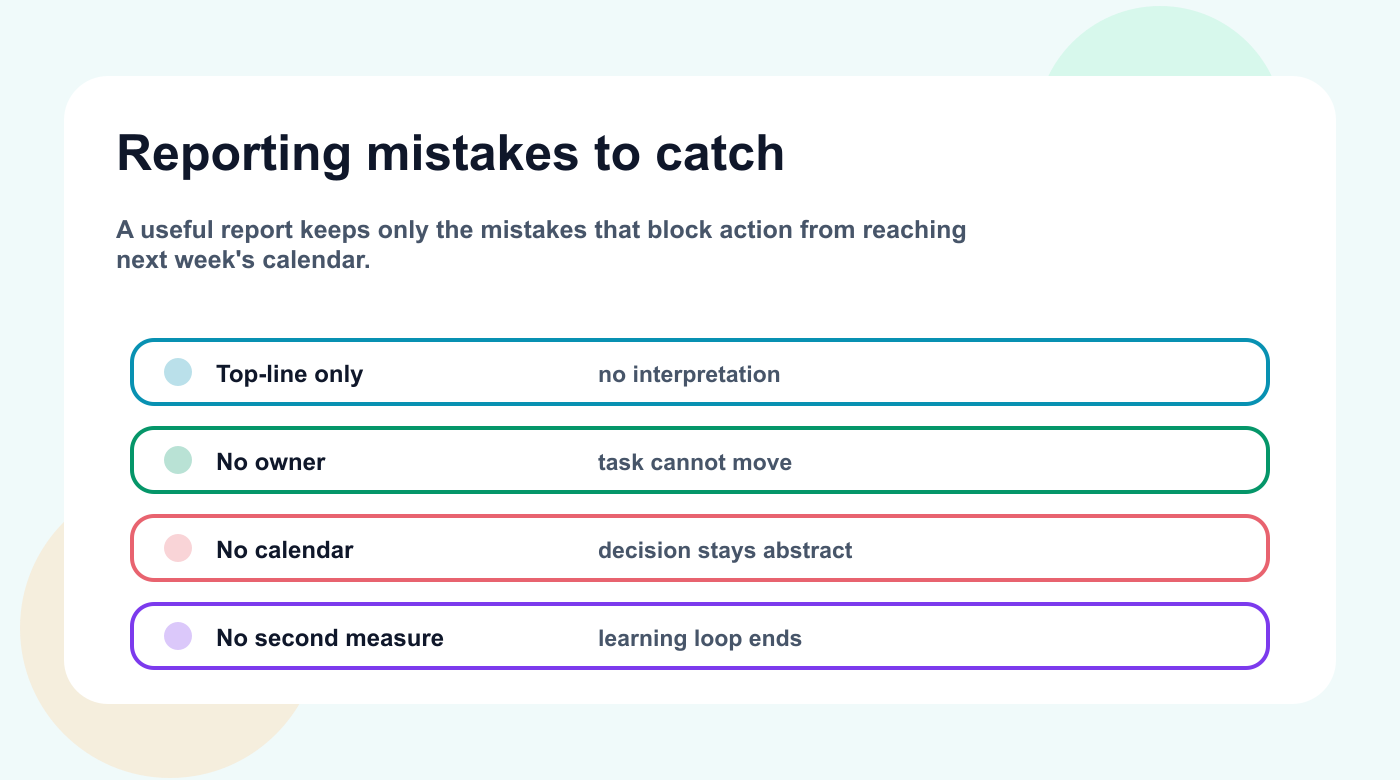
The common failure pattern is a report that names metrics but does not create the next action.
Mistake 1: Reporting only top-line metrics
Top-line metrics are not enough. You need interpretation.
Mistake 2: No owner
Every next action needs an owner.
Mistake 3: No calendar connection
Report tasks should move into the content board or calendar.
Mistake 4: No approval step
Report-generated tasks can still be risky.
Mistake 5: No second measurement
Measure the content created from the report.
Mistake 6: Too many recommendations
A report with 25 recommendations usually creates no action. Choose the few that matter.
Before the report is closed, use one final handoff check: every signal should have a decision, every decision should have an owner, and every owner should know where the task lives next.
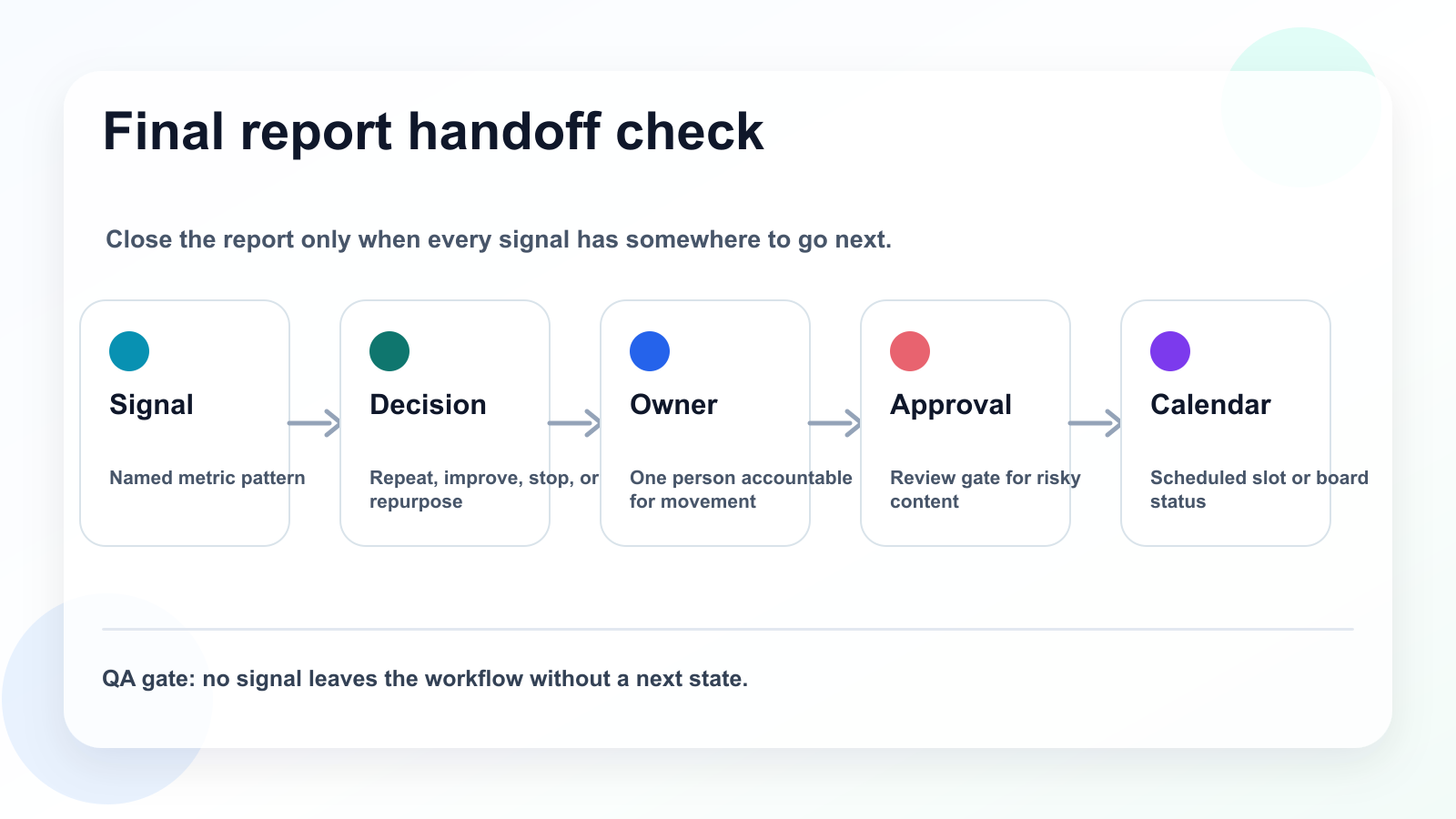
A final handoff check keeps reporting decisions attached to owners, approvals, and calendar slots.
Related Tareno resources
Turn reporting into next actions
Feature Analytics & Reports Connect performance signals to the decisions that shape the next content cycle. Explore reports -> Feature Post Scheduling Move approved report actions into a calendar with owner and readiness context. Open scheduling -> Workflow Repurposing Workflow Turn high-signal posts into reusable platform-specific follow-up tasks. View workflow -> Compare Metricool Alternative Compare reporting-heavy tools with a workflow-first content system. Compare options ->
After choosing the closest related workflow, use the FAQ as a final implementation check so the reporting process turns into a concrete next action.
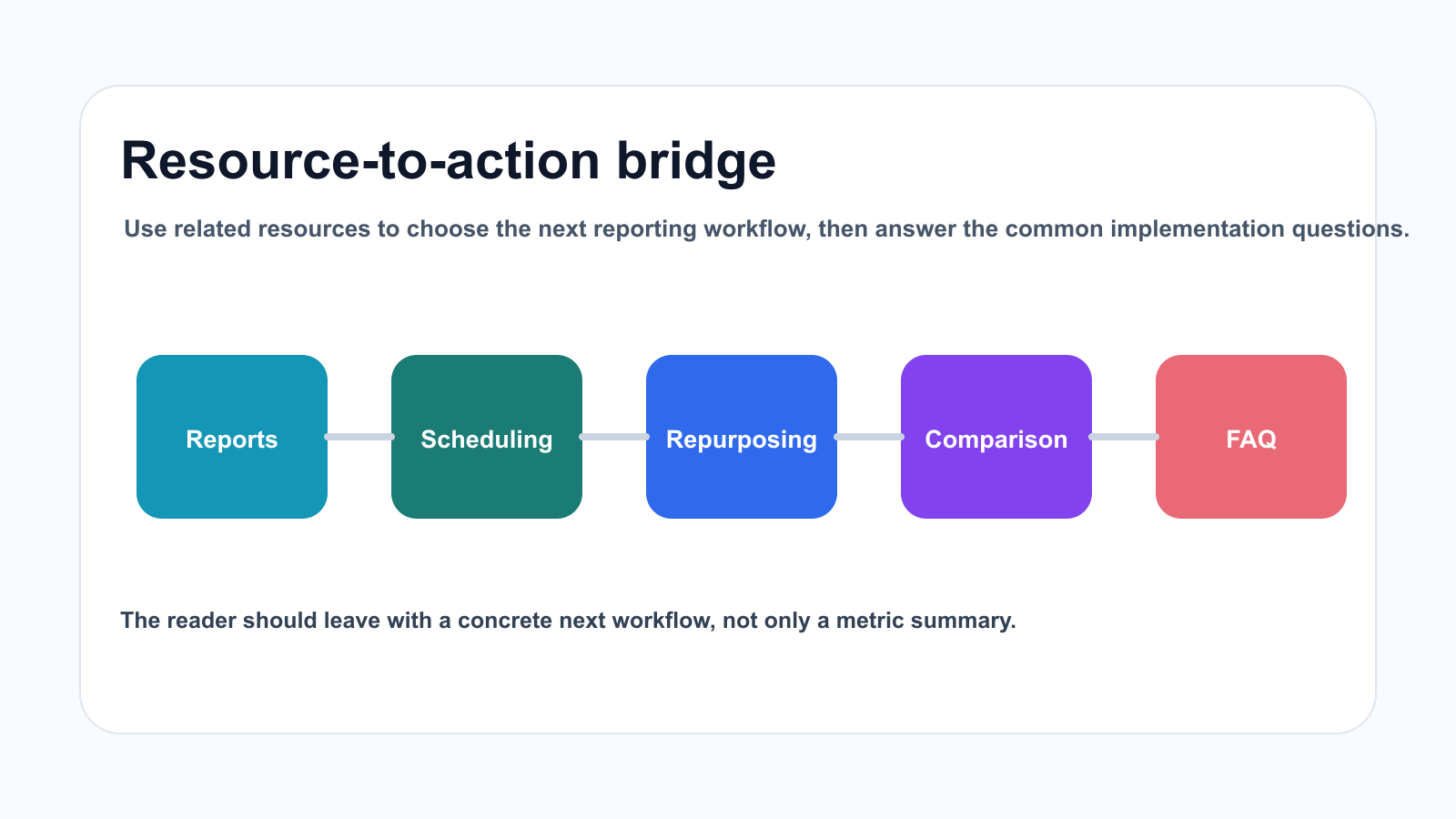
Related resources should lead directly into the reporting questions a team must answer next.
FAQ
How do you turn social media analytics into content tasks?
Identify a performance signal, interpret what it means, choose a content response, assign an owner, add approval needs, move the task into the content board, and measure the new output.
What should a social media report include?
It should include key metrics, interpretation, top posts, weak posts, repurposing candidates, workflow bottlenecks, next actions, owners, and due dates.
Why should reports include next actions?
Because reports should improve future content. Without next actions, reporting becomes documentation instead of strategy.
The recurring answer is the same: a useful report names the next move clearly enough that the team can act without another status meeting.
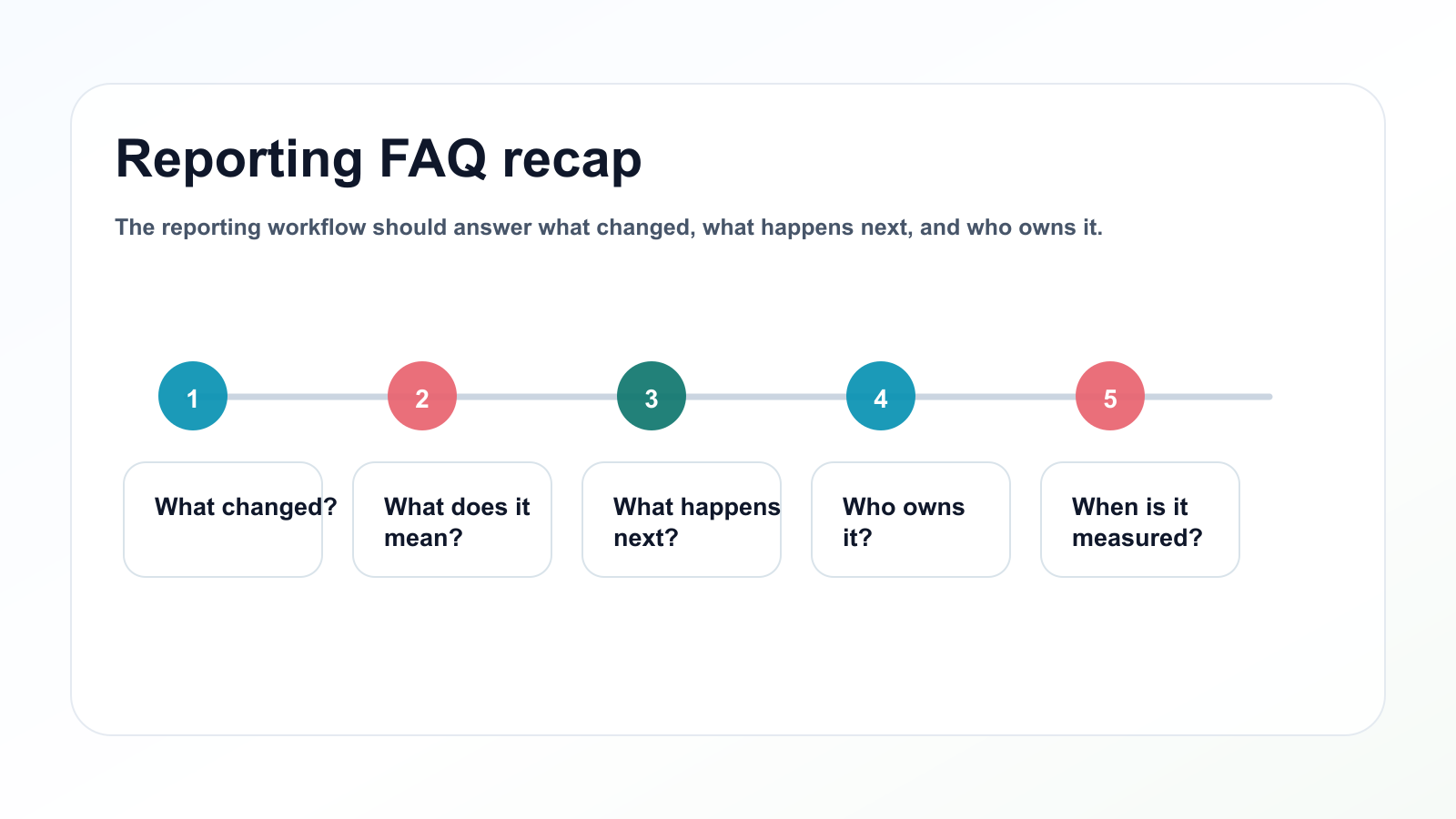
The reporting workflow should answer what changed, what happens next, and who owns it.
Can repurposing tasks come from reports?
Yes. High-save, high-share, high-click, high-comment, and high-watch-time content are strong candidates for repurposing.
Should report-generated tasks need approval?
Sometimes. If a task includes claims, pricing, competitors, client content, sponsors, or old content, it should include review.
Can reporting workflows be automated?
Yes. Make, n8n, API workflows, and social media tools can help create measurement tasks, repurposing tasks, and reporting reminders.
Final thoughts
A report should not be the end of the workflow.
It should be the beginning of the next content cycle.
Metrics create signals.
Signals create decisions.
Decisions create tasks.
Tasks create next week’s calendar.
That is how reporting becomes useful.
Primary CTA: Explore Tareno features to see how analytics, boards, approvals, repurposing queues, workflow builder, Make, n8n, API, roles, and activity visibility turn reports into content actions.\n


