Social media automation used to mean connecting one trigger to one action.
A new article is published. A workflow creates a post. The post is scheduled.
That model is still useful, but it is limited. It works best when the same input should always produce the same output.
AI agents introduce a different model.
Instead of following one fixed path, an agent can interpret a goal, inspect the available tools, decide which steps are necessary, prepare the work, and ask for approval when the action becomes consequential.
That is where the Model Context Protocol, or MCP, becomes relevant.
An MCP server gives AI applications a structured way to discover and use external tools. For social media, that can include tools for:
listing connected accounts
reading platform requirements
creating drafts
uploading media
preparing scheduled posts
checking approval status
reading analytics
creating repurposing tasks
The agent handles reasoning. The MCP server exposes the capabilities. The social media platform handles account access, validation, approvals, publishing, and analytics.
This guide explains how social media automation with MCP works, what an MCP server should expose, how to design approval-first workflows, and when MCP is more useful than Zapier, n8n, Make, a direct API integration, or a native social media workflow builder.
TL;DR
A practical MCP social media workflow looks like this:
Connect an AI client to a social media MCP server.
Authenticate with a scoped credential.
Let the client discover the available tools.
Begin with read-only actions.
Add draft creation.
Add platform-specific content adaptation.
Prepare scheduling actions.
Require human approval before publishing.
Read analytics after publication.
Turn strong results into repurposing tasks.
The key principle is:
Use the agent for flexible reasoning and the social media platform for controlled execution.
MCP is not a scheduler by itself. It is the interface that allows an AI agent to use scheduling, analytics, approval, and publishing capabilities safely.
What is MCP?
The Model Context Protocol is a standard for connecting AI applications to external systems.
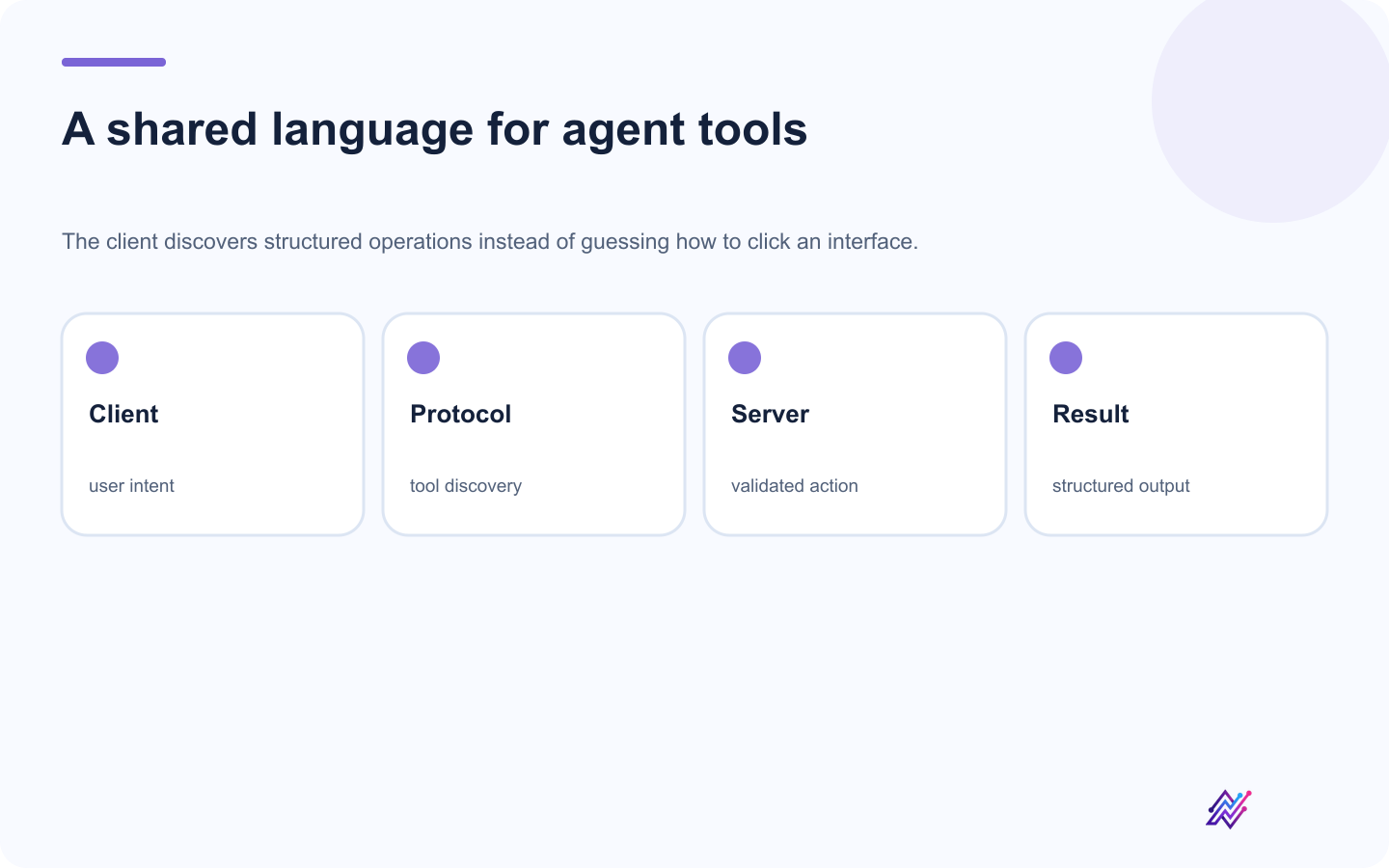
MCP gives compatible AI clients a consistent way to discover and call external tools.
An MCP server can expose tools, resources, prompts, and structured capabilities.
For social media automation, tools are usually the most important part.
A tool can describe:
its name
what it does
when it should be used
which inputs are required
what result it returns
whether it creates an external effect
A simplified draft tool contract looks like this; use tools/list and the complete MCP reference for the live JSON Schema:
{
  "name": "create_social_draft",
  "description": "Create a draft for a connected social account without scheduling or publishing it.",
  "inputs": {
    "workspaceId": "string",
    "accountId": "string",
    "platform": "string",
    "caption": "string",
    "mediaUrls": "array"
  }
}
The AI agent can discover this tool and decide to use it when a user asks for a draft.
That is more reliable than asking the model to open a browser and imitate clicks.
What MCP is not
MCP is not a social network, scheduler, calendar, approval system, analytics database, or AI model.
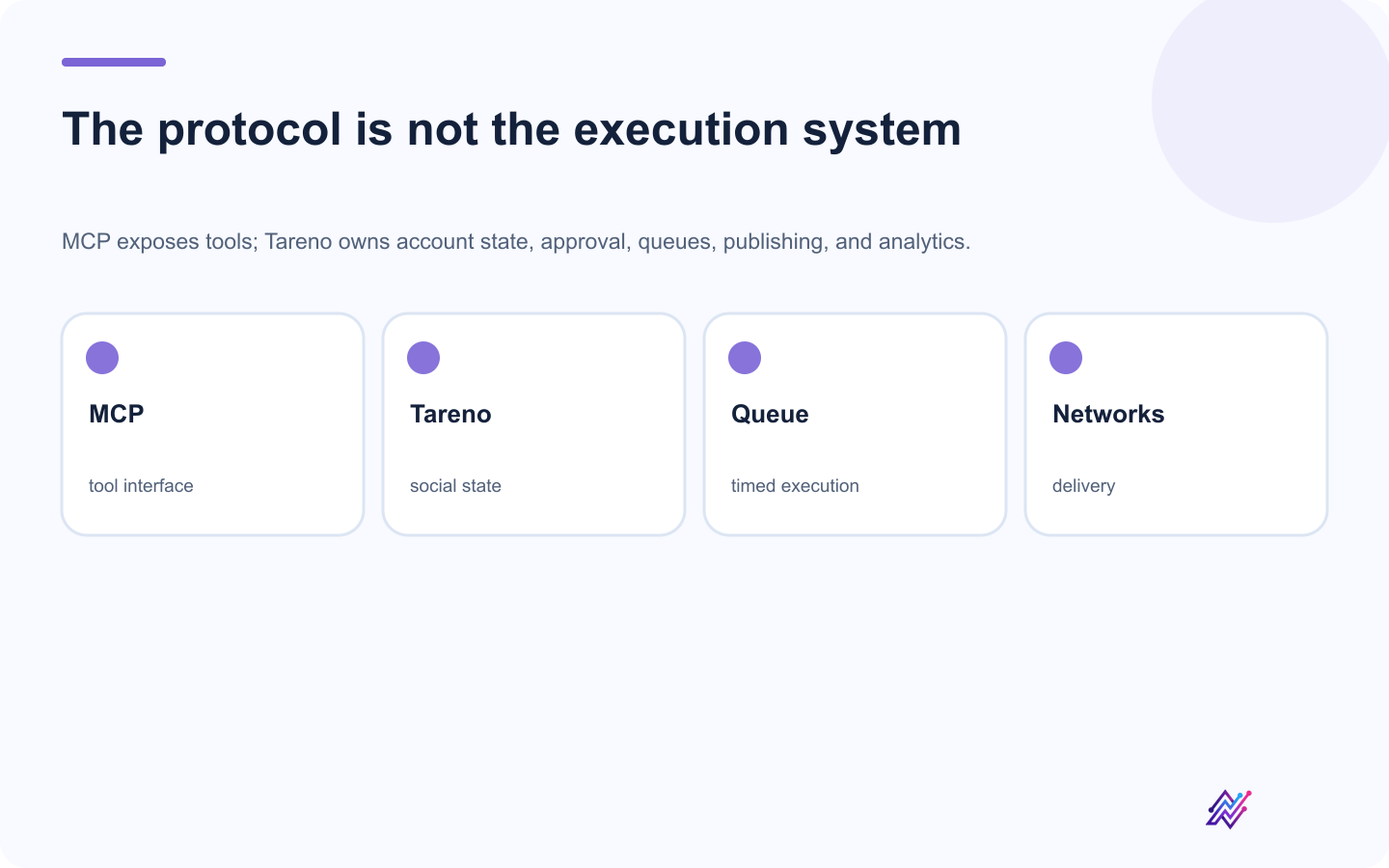
Keeping protocol and execution separate prevents the agent interface from becoming hidden infrastructure.
It is the connection layer.
The actual social media platform still needs to manage:
account authentication
permissions
platform fields
media validation
scheduling
publishing
approval state
retries
analytics
audit history
That is the role Tareno can play.
The social media MCP architecture
A clean architecture looks like this:
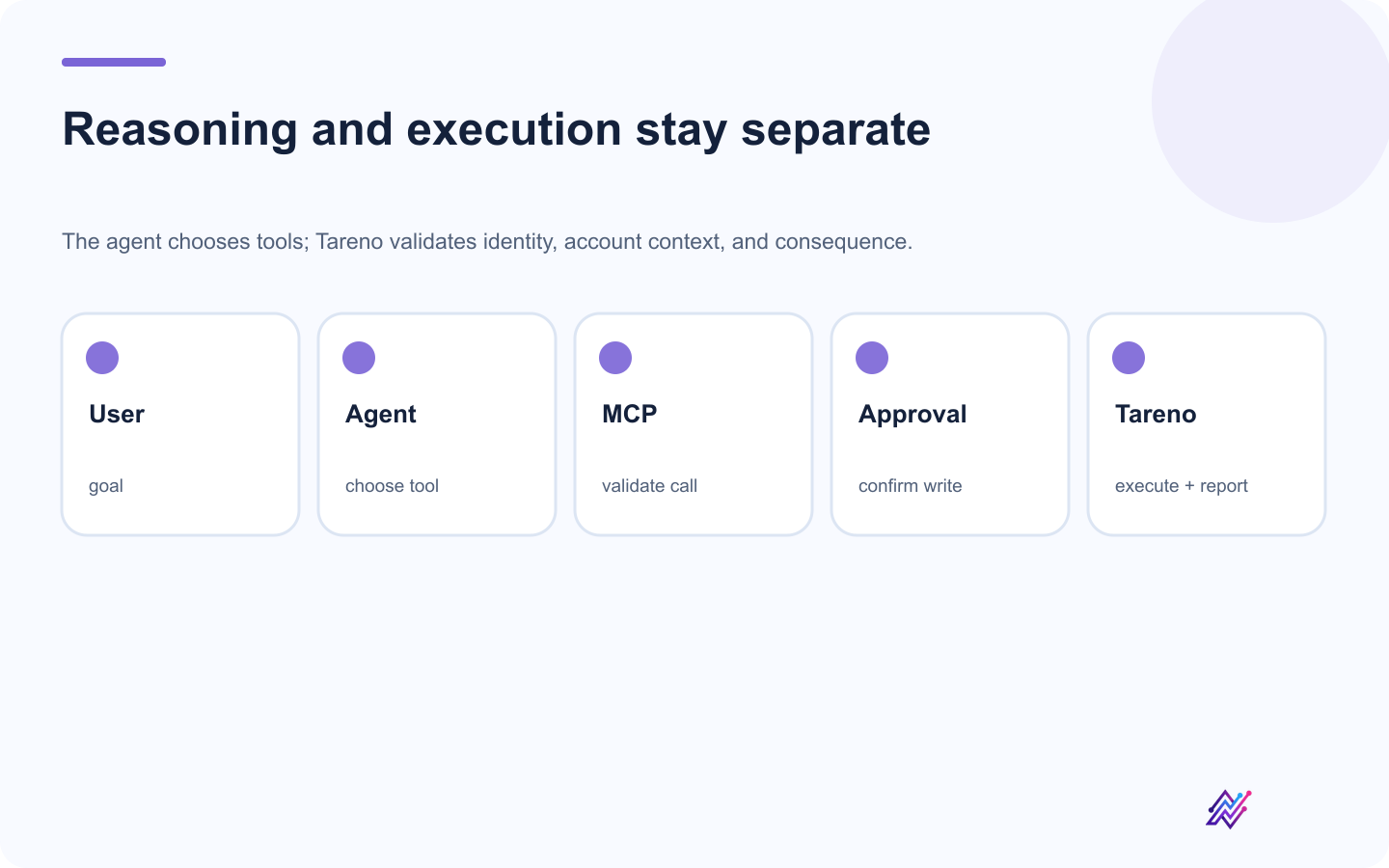
Clear boundaries let an agent remain flexible without receiving unchecked publishing authority.
User
  ↓
AI client or agent
  ↓
MCP client
  ↓
Social media MCP server
  ↓
Authentication and scope validation
  ↓
Workspace and account checks
  ↓
Draft or pending action
  ↓
Human approval
  ↓
Publishing queue
  ↓
Social platform APIs
  ↓
Analytics and reporting
Each layer has a different responsibility.
User
Defines the goal.
AI agent
Interprets the request and chooses tools.
MCP server
Exposes structured operations.
Social media platform
Controls account access, validation, approvals, publishing, and data.
Human approver
Confirms consequential actions.
This separation is what makes the workflow practical.
Why structured tools are better than browser clicks
Browser automation can work for simple tasks. It is fragile for ongoing social media operations.
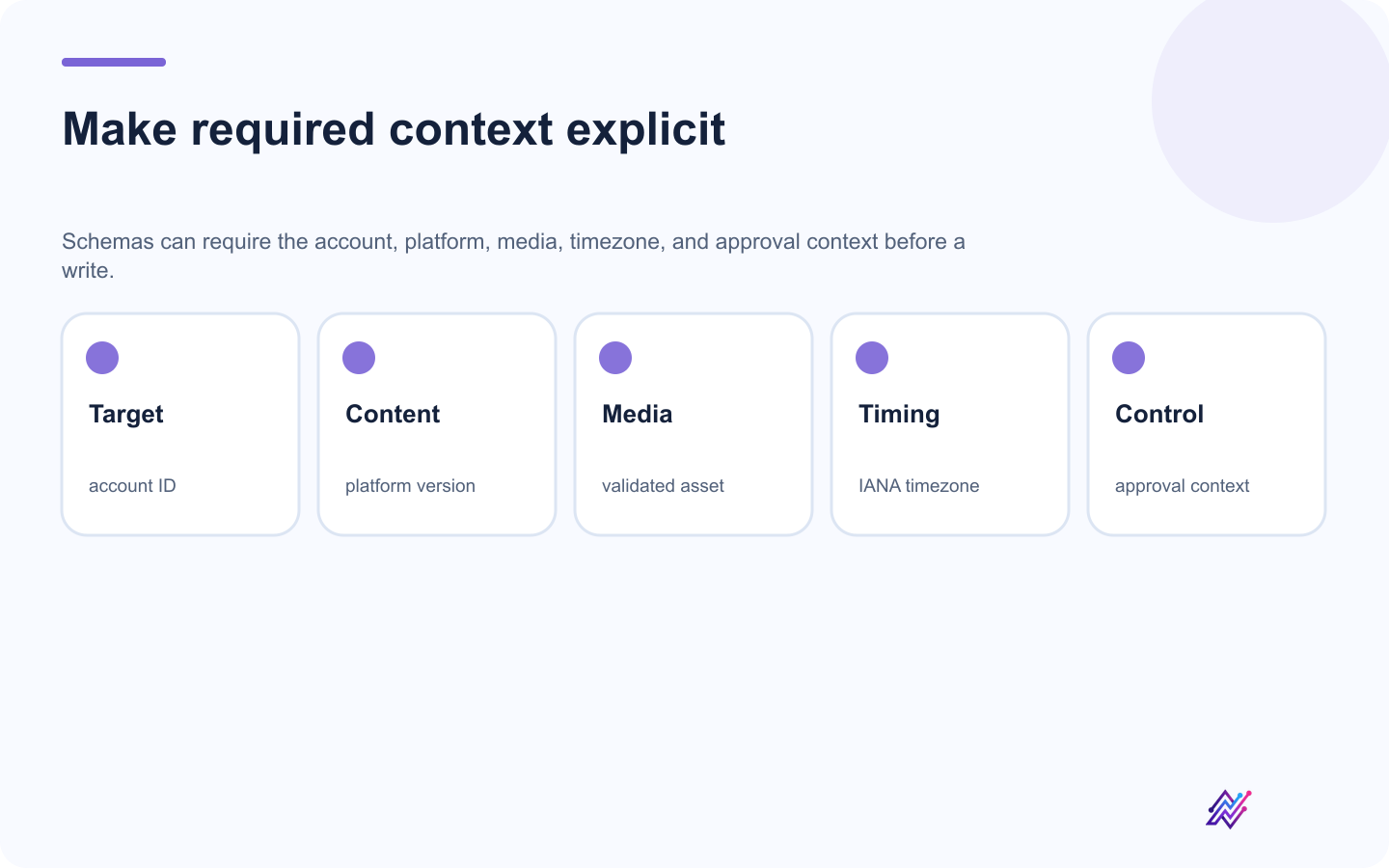
Structured tools make important publishing context visible and validate it before action.
Problems include:
interface changes
wrong account selection
expired sessions
hidden fields
inconsistent page loading
unclear action state
poor auditability
hard-to-validate inputs
accidental immediate publishing
A structured MCP tool can require:
account ID
platform
caption
media
timezone
scheduled time
approval context
The server can validate those inputs before creating the action.
That is a stronger foundation.
What a social media MCP server should expose
A useful MCP server should cover the full operating loop.
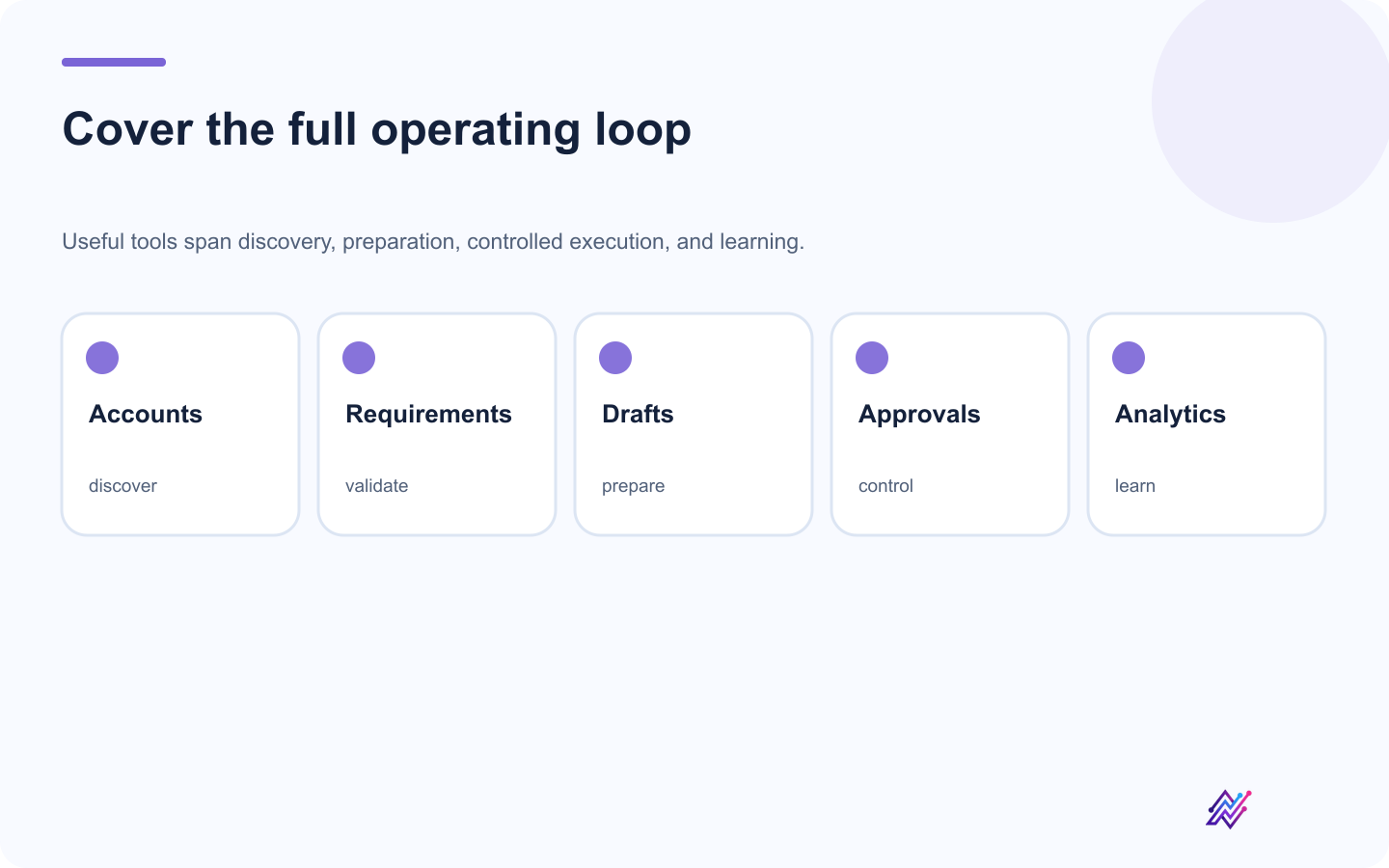
A production MCP surface should support the workflow around publishing, not only the final write.
Account tools
Examples:
list workspaces
list connected accounts
inspect account status
get account capabilities
identify disconnected accounts
Platform tools
Examples:
get platform requirements
get supported post types
validate media requirements
load account-specific fields
Draft tools
Examples:
create draft
update draft
list drafts
attach media
add internal notes
Publishing tools
Examples:
prepare schedule
schedule post
request immediate publishing
edit scheduled post
delete scheduled content
Approval tools
Examples:
create pending action
get action status
list pending actions
reject action
inspect approved version
Analytics tools
Examples:
get post analytics
compare platforms
retrieve top posts
retrieve campaign performance
identify performance signals
Repurposing tools
Examples:
create repurposing task
add to evergreen queue
create platform variant
connect source post to a new draft
Tareno's MCP positioning is strongest when it covers more than posting.
Read actions vs write actions
Not every tool should be treated equally.
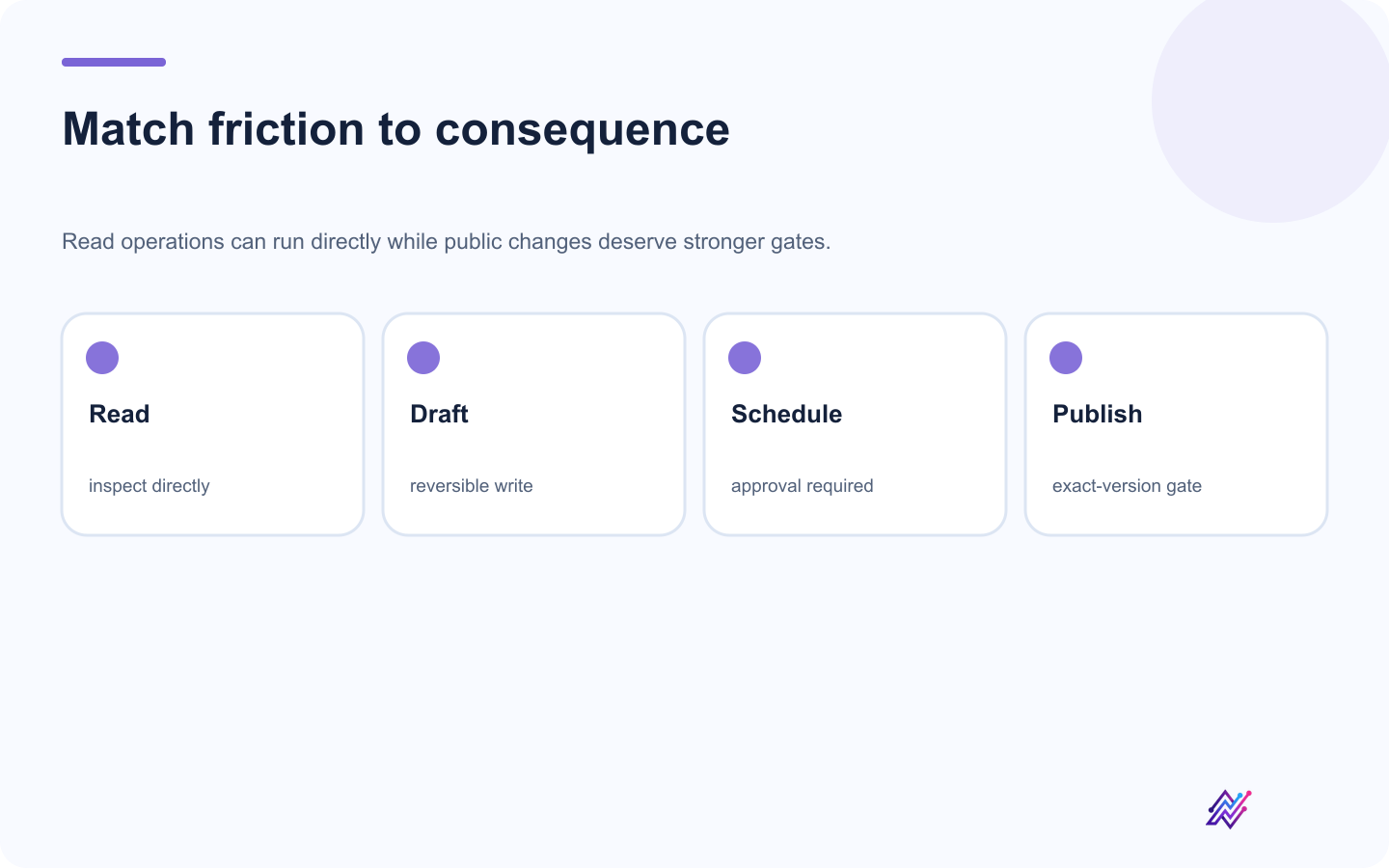
Risk-based controls preserve speed without treating every tool call as equally safe.
Read actions
Examples:
list accounts
read analytics
get requirements
list pending actions
These can often run directly.
Low-risk write actions
Examples:
create draft
add internal note
create strategy item
These may run directly or notify the user.
Consequential write actions
Examples:
schedule post
publish immediately
edit scheduled content
delete content
These should normally require approval.
A practical policy:
ActionDefault behaviorRead analyticsDirectList accountsDirectCreate draftDirectUpload approved mediaDirect with validationPrepare scheduleApprovalPublish nowApprovalEdit scheduled postApprovalDelete contentApproval
The approval boundary should exist in the system, not only in the prompt.
Why approval-first matters
AI agents can misunderstand context.
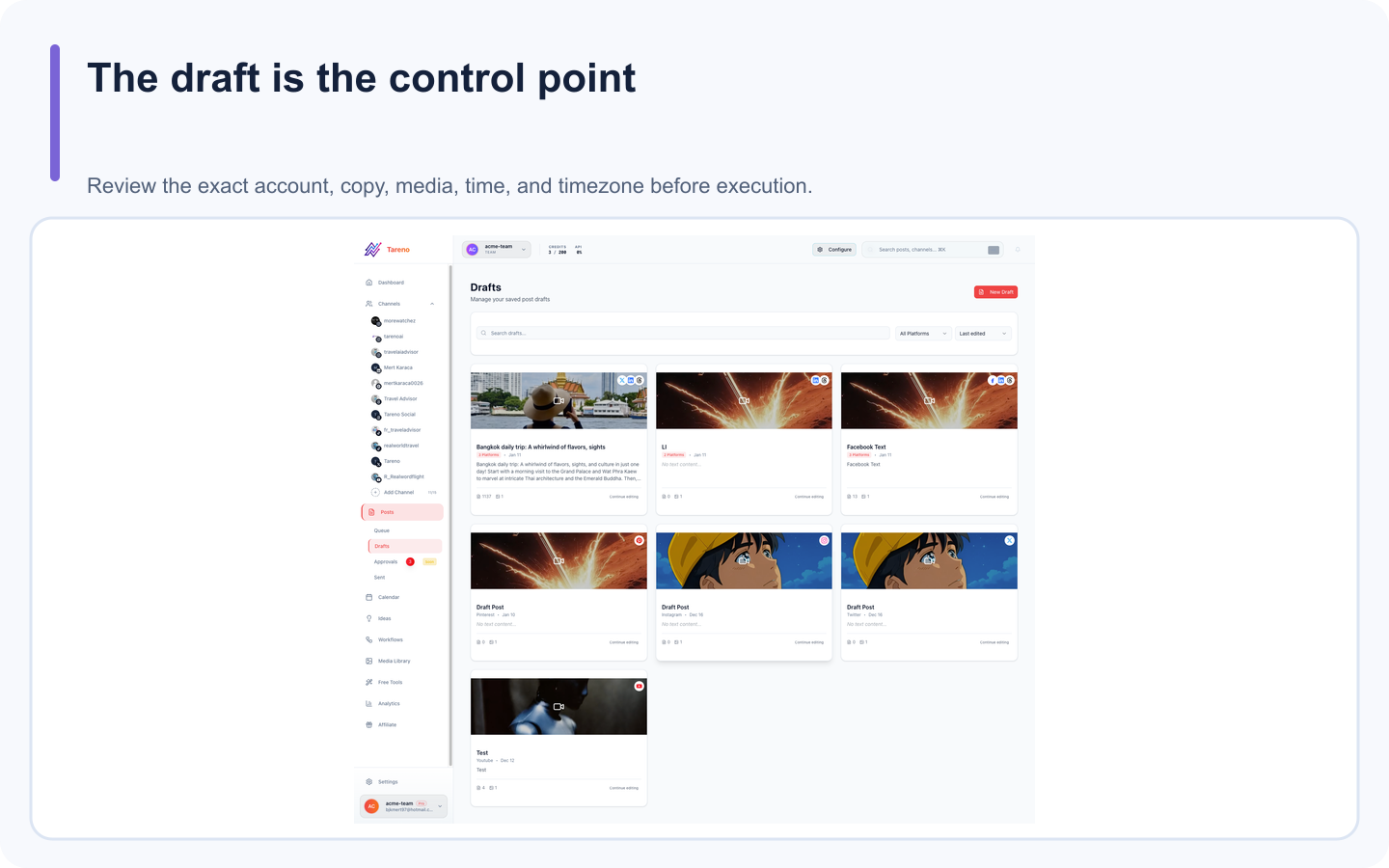
Approval-first automation keeps the agent productive while the user retains public control.
They can:
choose the wrong account
select the wrong workspace
use outdated copy
schedule in the wrong timezone
include unsupported claims
attach the wrong asset
interpret a draft as final
publish to a client account instead of an internal account
A human approval step allows the user to confirm:
account
workspace
platform
caption
media
date
time
timezone
CTA
risk level
This is not unnecessary friction. It is the control point that makes the rest of the automation acceptable.
Example 1: account audit
Prompt:
List all connected Tareno accounts by workspace and platform. Flag disconnected accounts, duplicates, and missing platform requirements. Do not make changes.
Possible result:
WorkspacePlatformAccountStatusBlockerMainLinkedInCompany PageConnectedNoneMainBlueskyBrand AccountConnectedNoneClient AMastodonClient ProfileNeeds attentionToken expired
This is a valuable read-only workflow.
Example 2: platform-native drafts
Prompt:
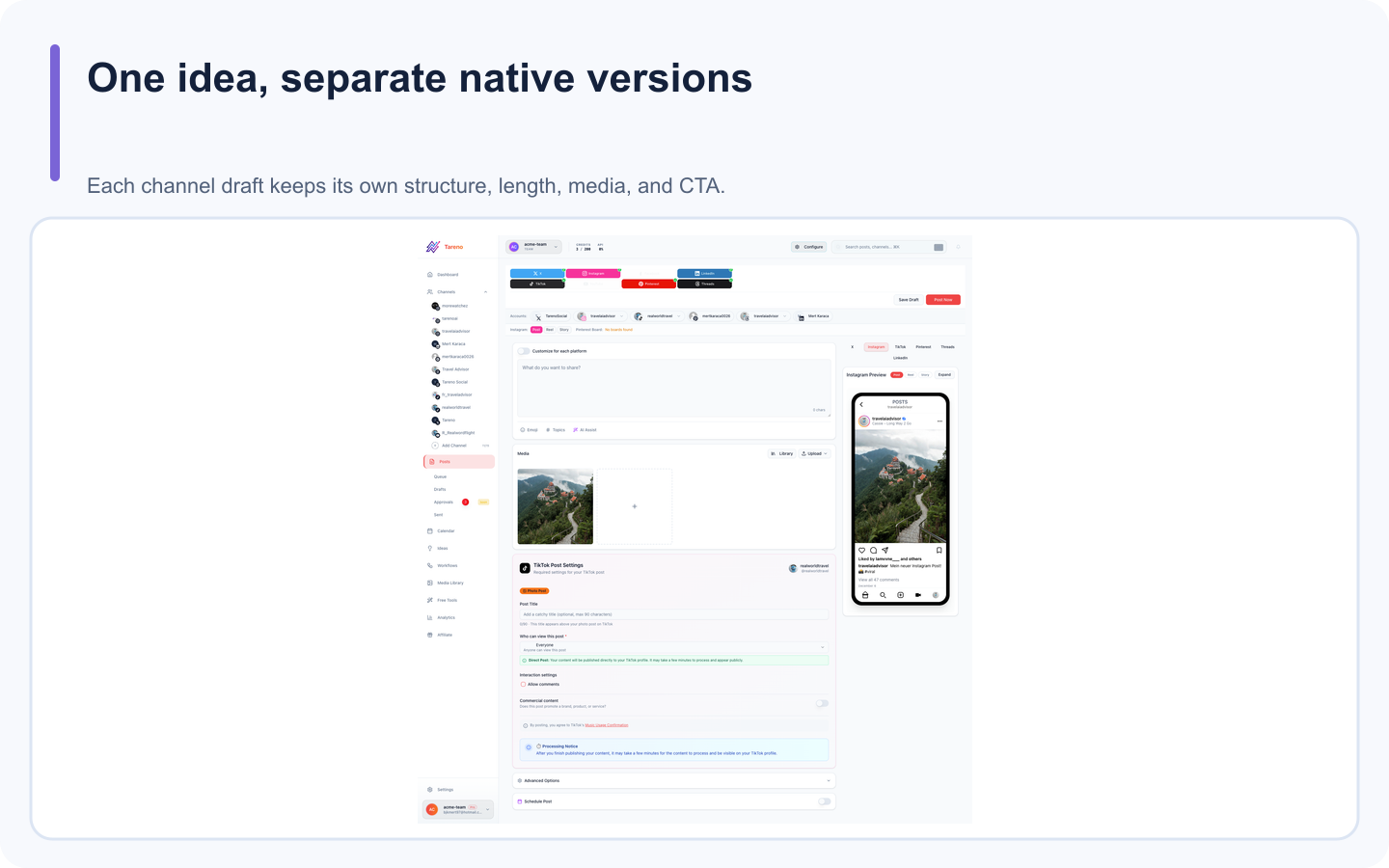
Platform-native drafts avoid flattening every network into the same copied caption.
Create native drafts for LinkedIn, Bluesky, Mastodon, Threads, and X from this core idea. Adapt tone, structure, length, and CTA for each platform. Save drafts only.
The agent can call the draft tool several times.
Tareno stores separate platform versions.
The user can review each one.
Example 3: approval-first scheduling
Prompt:
Prepare the approved LinkedIn, Bluesky, and Mastodon drafts for next week at 10:00 AM Europe/Berlin. Show the final plan before requesting approval.
The agent should verify:
correct accounts
final captions
media
dates
timezones
approval status
Tareno creates pending actions.
The user approves them in the dashboard.
Example 4: analytics-led planning
Prompt:
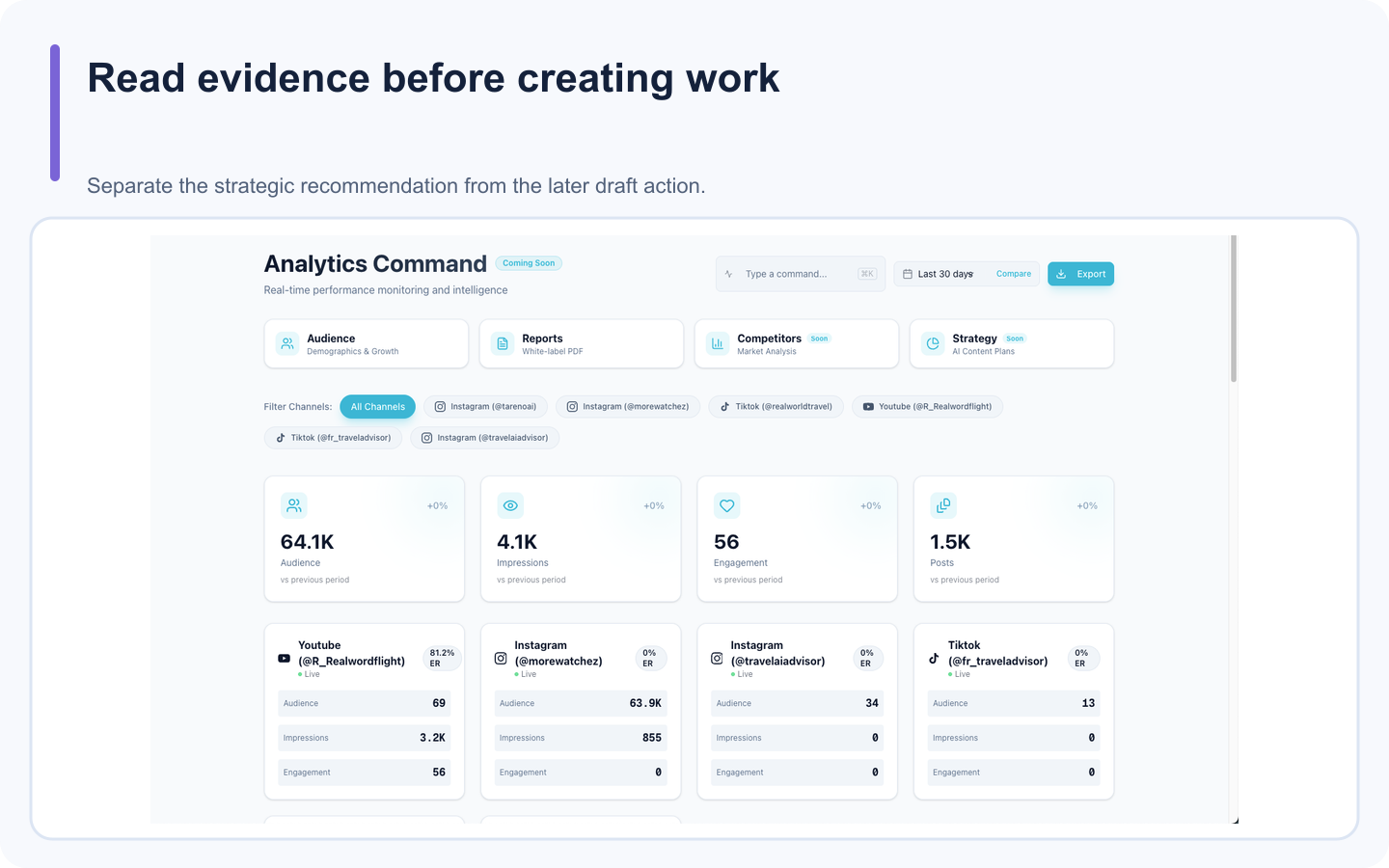
Analytics-led planning lets the agent explain a recommendation before it creates new drafts.
Review the last 30 days. Identify the strongest topic, strongest format, weakest CTA, and one underused content pillar. Support each conclusion with available analytics.
Then:
Create a five-post plan for next week. Do not create drafts until I approve the plan.
This separates strategy from execution.
Example 5: repurposing
Prompt:
Find my three strongest posts by saves, shares, clicks, comments, watch time, or conversions. Explain why each likely worked. Create two repurposing ideas per post.
Then:
Save the best three as drafts and link them to the source posts.
This creates a feedback loop.
Example 6: multilingual campaign
Prompt:
Localize this campaign into English, German, French, Spanish, Portuguese, Russian, Italian, Japanese, and Arabic. Keep the product claim and CTA intent consistent. Adapt tone and formality. Save drafts only and flag Japanese and Arabic for native review.
Tareno can keep every language version connected to the same campaign.
Example 7: Bluesky and Mastodon expansion
Prompt:
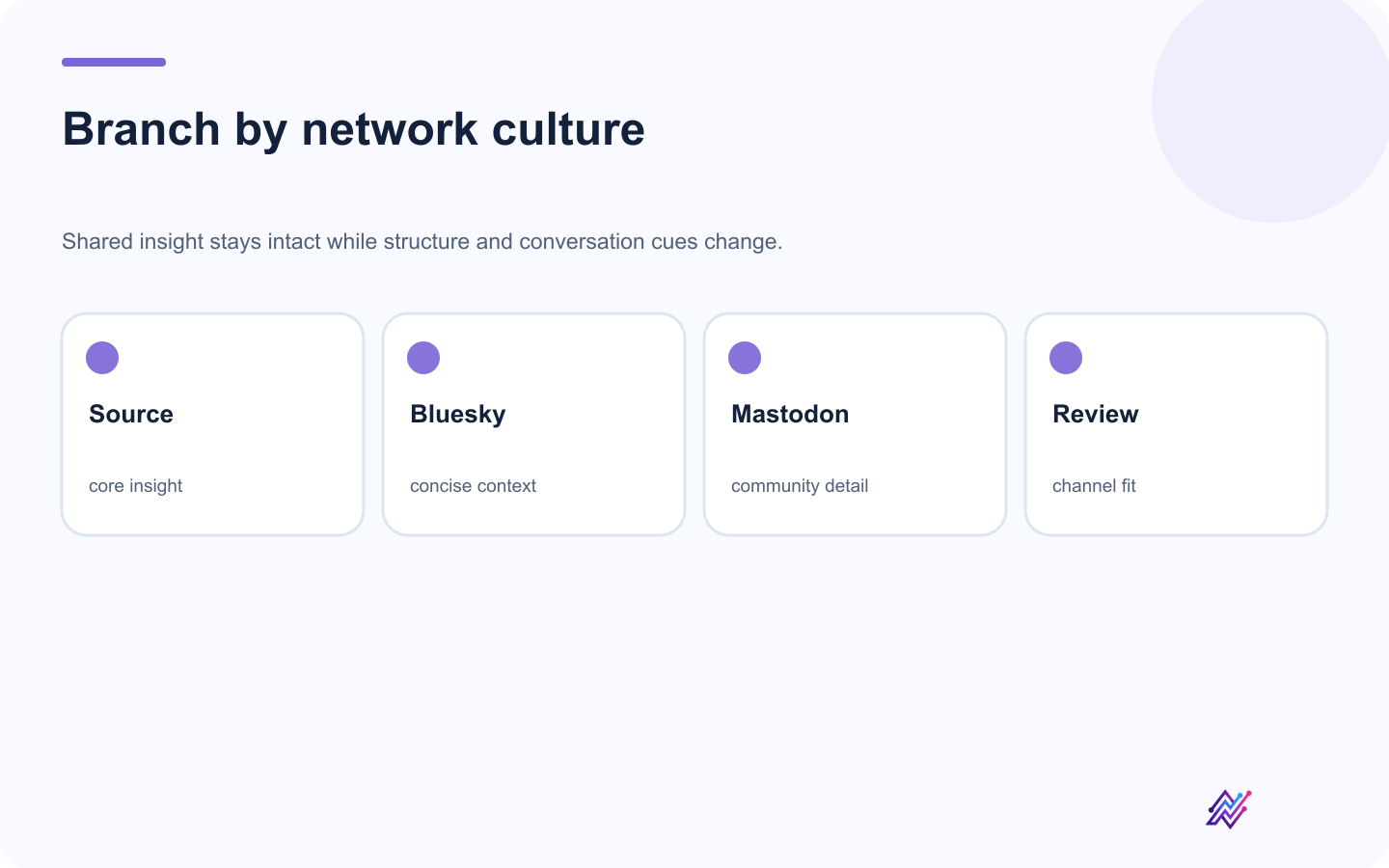
Separate branches produce native drafts instead of copied cross-posts.
Review my recent LinkedIn posts and identify three ideas that fit Bluesky and Mastodon. Create separate native versions for each network. Explain how the tone and structure changed.
This helps teams expand without copy-pasting.
Example 8: pending action review
Prompt:
List all pending, failed, expired, rejected, and successful Tareno actions from the last seven days. Group them by workspace and explain what needs attention.
This is useful for agencies and teams.
Example 9: Get Viral Now workflow
Prompt:
Analyze this YouTube URL, identify the hook and structure, create an original short-form script for our audience, and save it as a draft. Do not copy the source wording.
Then:
Create a Bluesky thread and LinkedIn post from the approved script.
This connects research to production.
Example 10: weekly social media operator
Prompt:
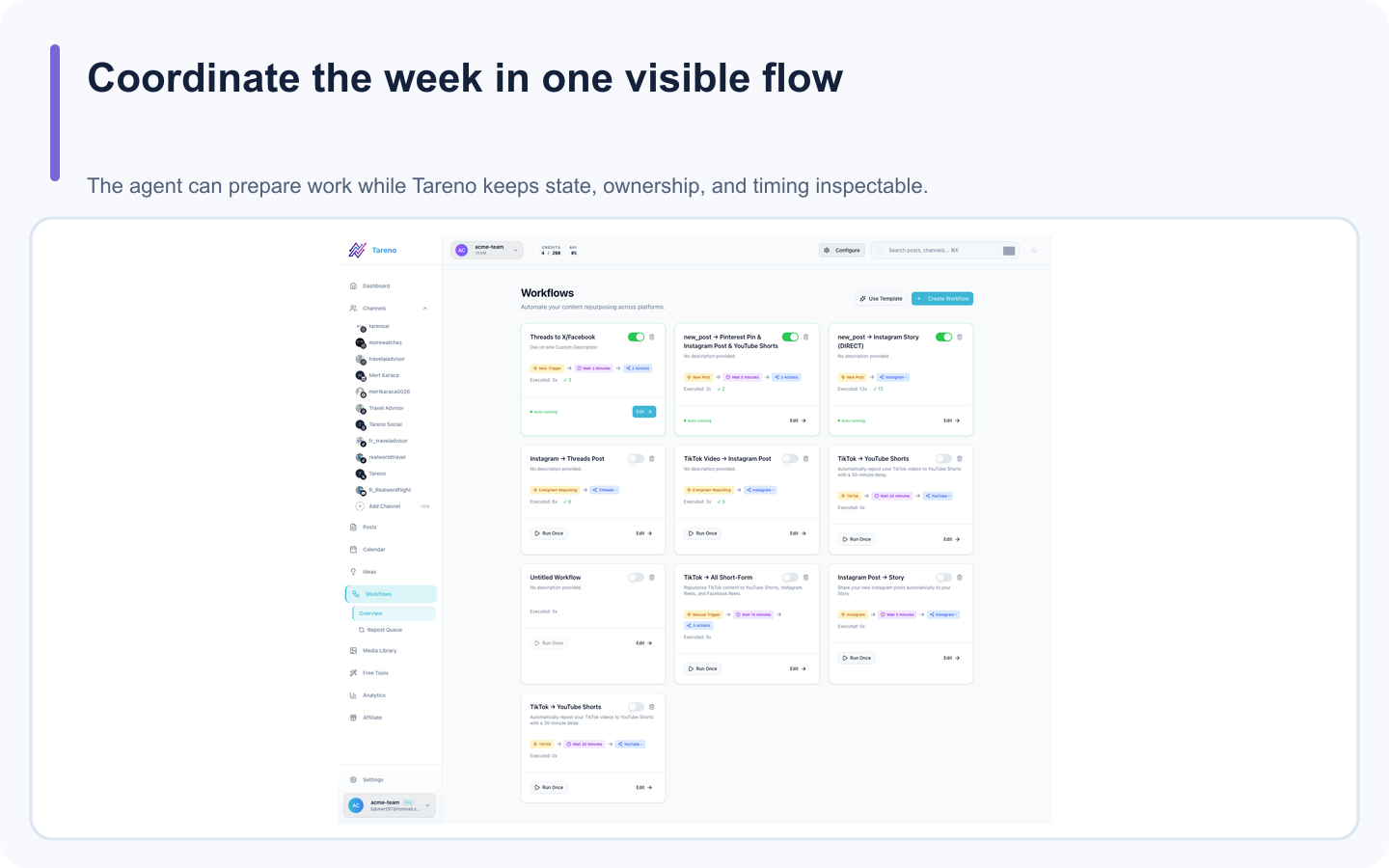
A weekly operator is useful when every prepared action remains visible and recoverable.
Review analytics, pending approvals, unscheduled drafts, and unused repurposing items. Propose next week's plan and explain the priority order.
This is a strong agent use case because the exact steps vary every week.
MCP with Codex
Codex is useful when social media work connects to software development.
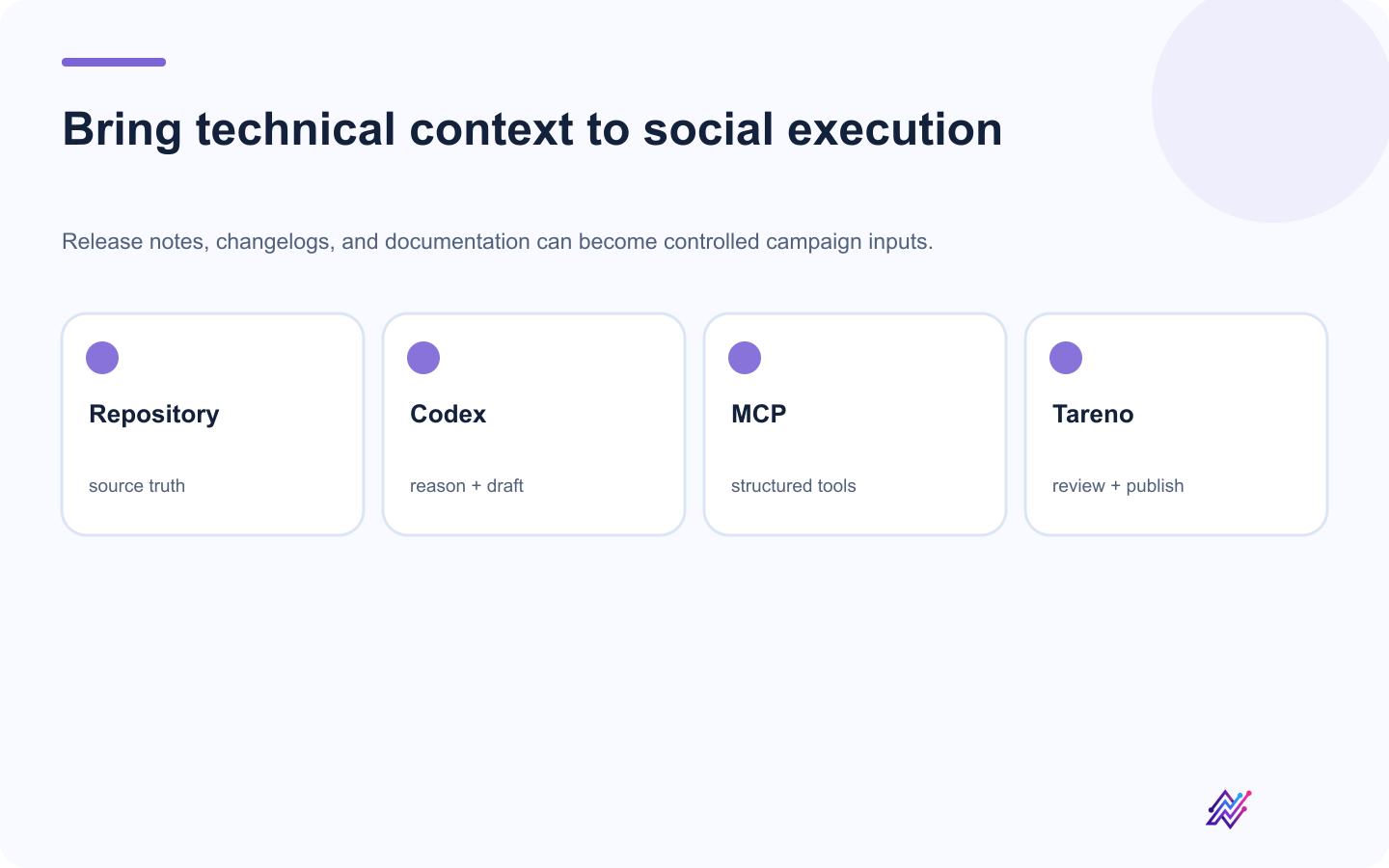
Codex contributes technical context while Tareno provides the controlled social execution layer.
Examples:
release notes to campaign drafts
changelog to product posts
repository documentation to tutorials
code examples to developer content
launch workflow tied to feature completion
Tareno provides the social tools.
Codex provides technical context and reasoning.
MCP with OpenClaw
OpenClaw is useful for persistent personal or operational agent workflows.
Examples:
weekly content audit
account monitoring
content planning
draft creation
approval review
repurposing
Tareno remains the social execution layer.
MCP with Hermes Agent
Hermes Agent is useful for open and configurable agent workflows.
Examples:
analytics-led planning
multilingual drafting
tool filtering
custom agent behavior
workspace audits
Again, the same Tareno MCP server can support the integration.
MCP vs Zapier
Use MCP when:
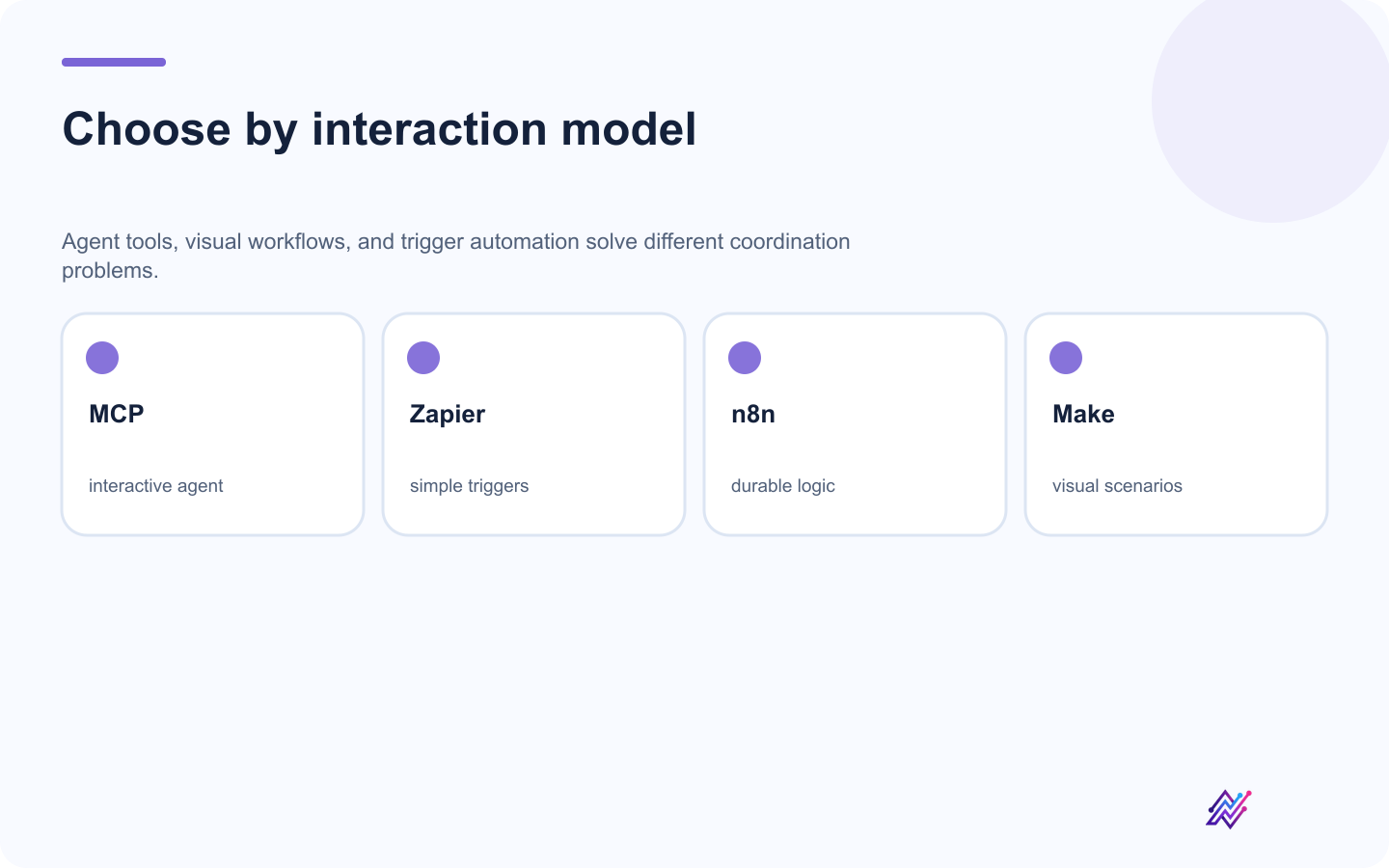
Choose the surface your team can understand, test, and recover.
the user gives a natural-language goal
steps vary
reasoning matters
the workflow is interactive
the agent should choose tools
Use Zapier when:
the trigger and action are known
the workflow is simple
background automation is enough
setup speed matters
Example:
"Analyze my last month and choose what to post next" → MCP
"New form submission creates a draft" → Zapier
MCP vs n8n
Use MCP when:
the workflow is conversational
interpretation is required
tools are chosen dynamically
the user remains in the loop
Use n8n when:
the workflow is deterministic
self-hosting matters
custom code is needed
retries and branching are complex
multiple databases or APIs are involved
A combined architecture is possible:
Agent request
  ↓
MCP or webhook
  ↓
n8n validation
  ↓
Tareno action
MCP vs Make
Use MCP for flexible reasoning.
Use Make for visual scenarios.
Example:
"Choose the best platform and format based on analytics" → MCP
"When a blog post is published, create four drafts" → Make
Make can also sit between an agent and Tareno where deterministic routing is needed.
MCP vs direct API integration
Use MCP when you want AI agents to discover and call tools.
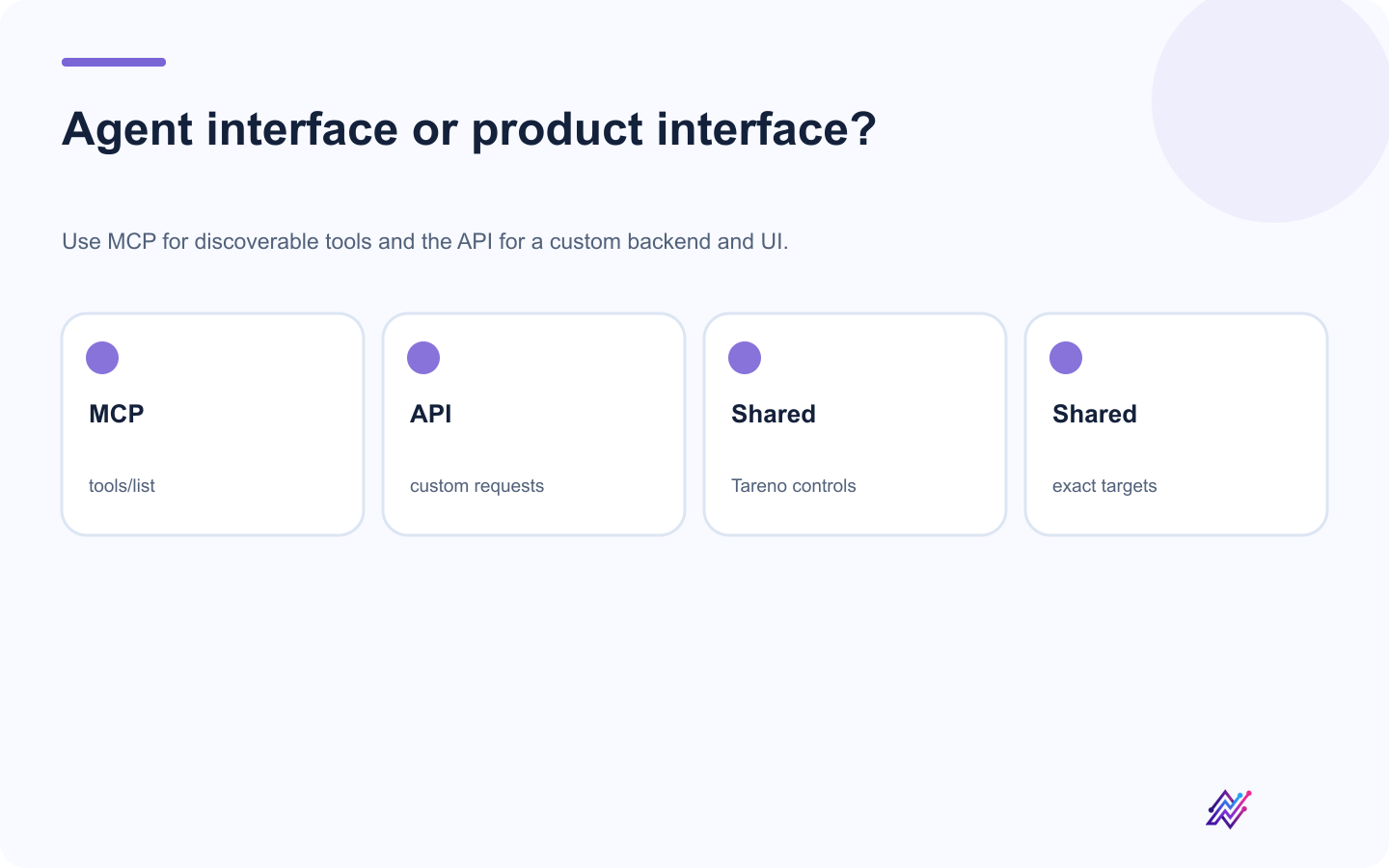
The interface changes, but account validation and approval boundaries remain essential.
Use the API when:
building a custom product
embedding Tareno into an application
writing backend code
controlling requests directly
designing a custom UI
The MCP server may use the same underlying Tareno capabilities.
The interface is different.
MCP vs Tareno Workflow Builder
Use Tareno Workflow Builder when the logic is native and recurring.
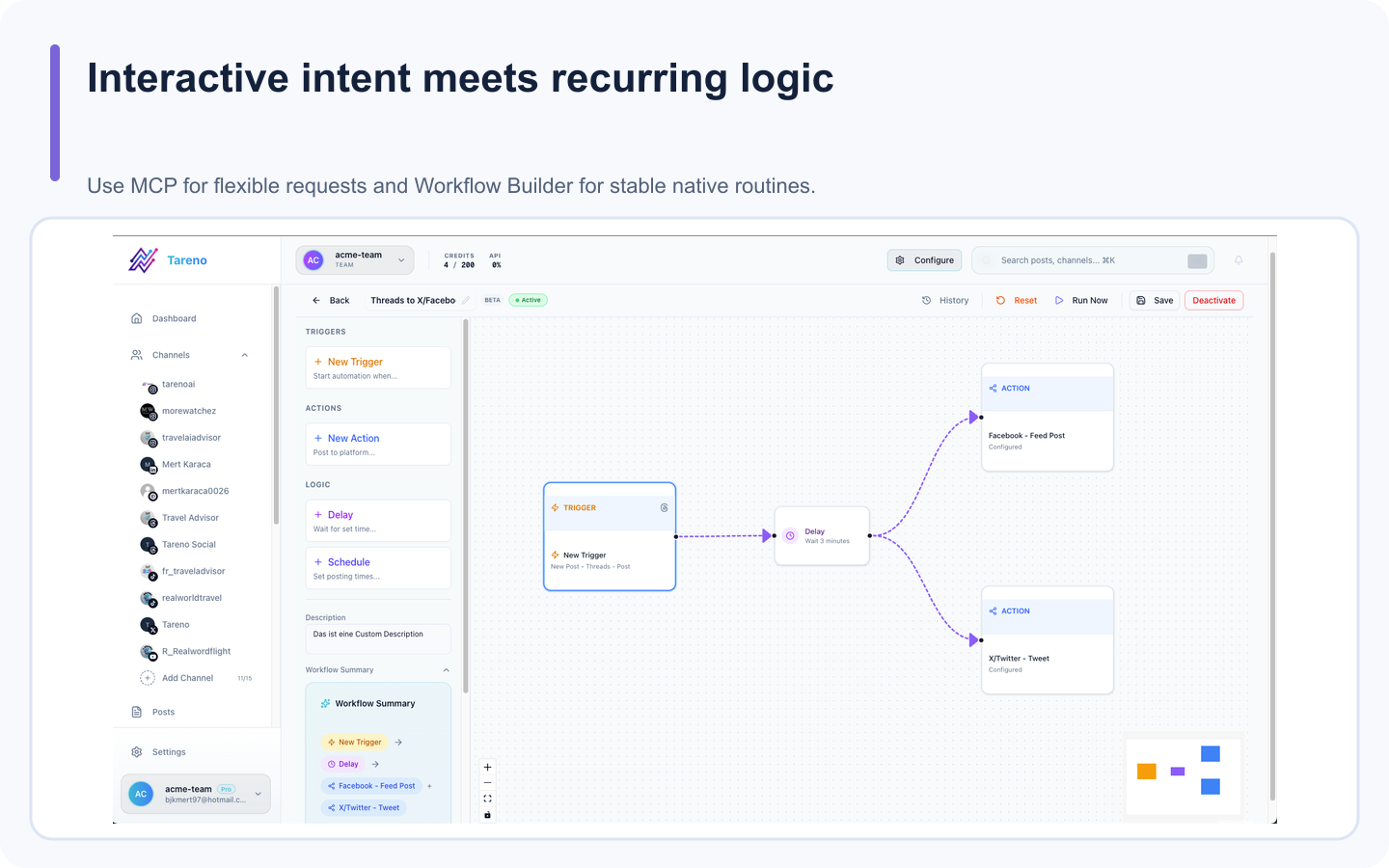
Workflow Builder is the better home for repeatable native logic that should run without a new conversation.
Examples:
approved post → publish to another network
published post → create analytics task
old winner → add to evergreen queue
delayed cross-posting
conditional platform distribution
Use MCP when the user wants flexible, interactive control.
The two systems can work together.
Tool design principles
A good social media MCP server should follow several principles.
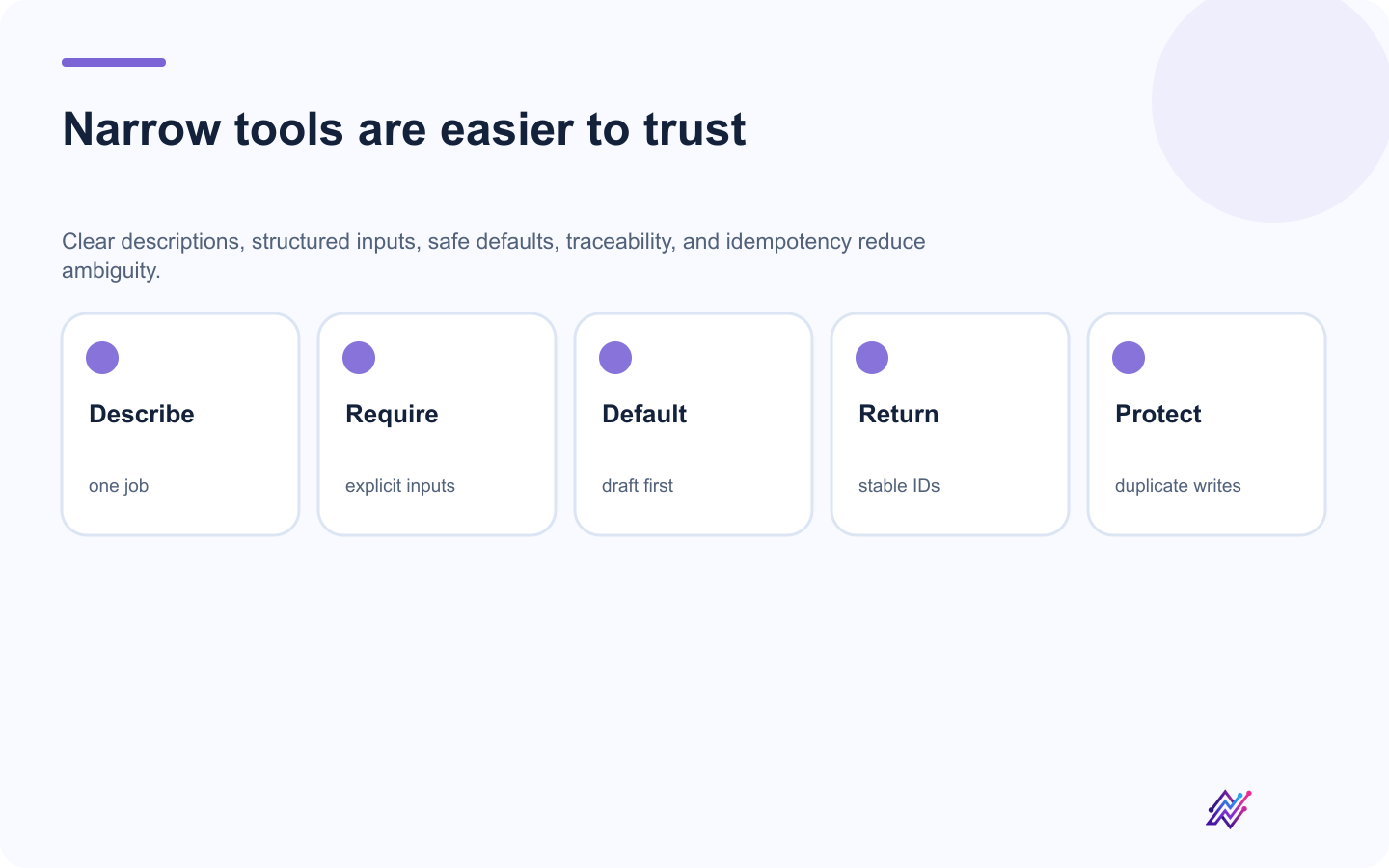
A narrow tool contract is easier for both the agent and the operator to reason about.
Clear descriptions
The agent should understand what each tool does.
Narrow actions
Avoid one giant "manage everything" tool.
Structured inputs
Require explicit account IDs, platform, content, and timing.
Safe defaults
Draft creation should be easier than immediate publishing.
Approval boundaries
Consequential actions should be reviewable.
Useful errors
Return clear errors for missing fields, unsupported media, disconnected accounts, and approval state.
Traceability
Return action IDs, draft IDs, and post IDs.
Idempotency
Prevent duplicate execution where possible.
Authentication and scopes
Use a dedicated credential.
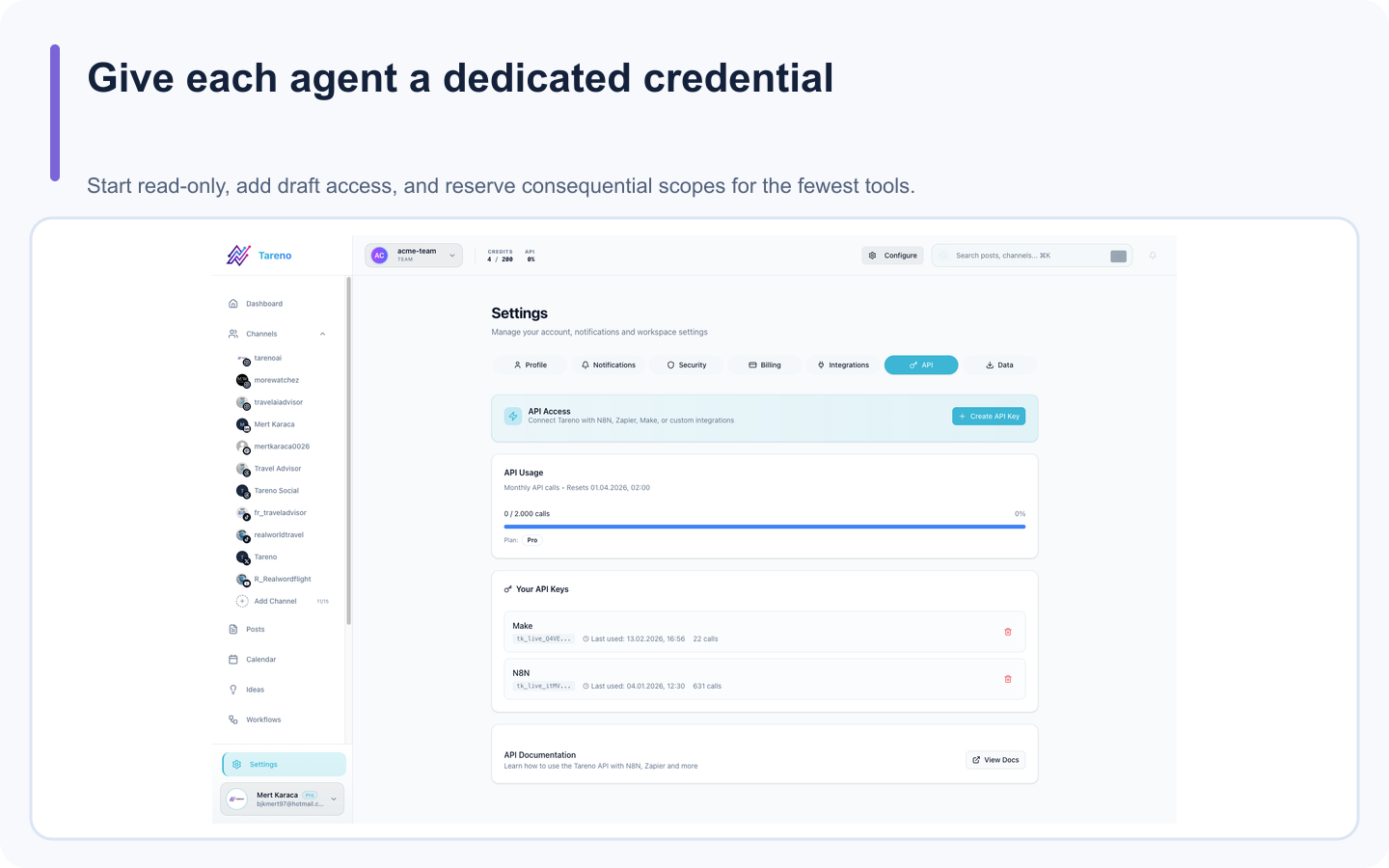
Dedicated credentials make access review and revocation straightforward.
Recommended controls:
minimum scopes
separate staging and production
separate agency-client credentials
expiration or rotation
revocation
audit owner
no credentials inside prompts
Possible scope groups:
accounts:read
analytics:read
drafts:write
media:write
publishing:request
actions:read
delete:request
The exact scope names should be verified.
The principle is least privilege.
Tool filtering
Many MCP clients support some form of tool filtering or server selection.
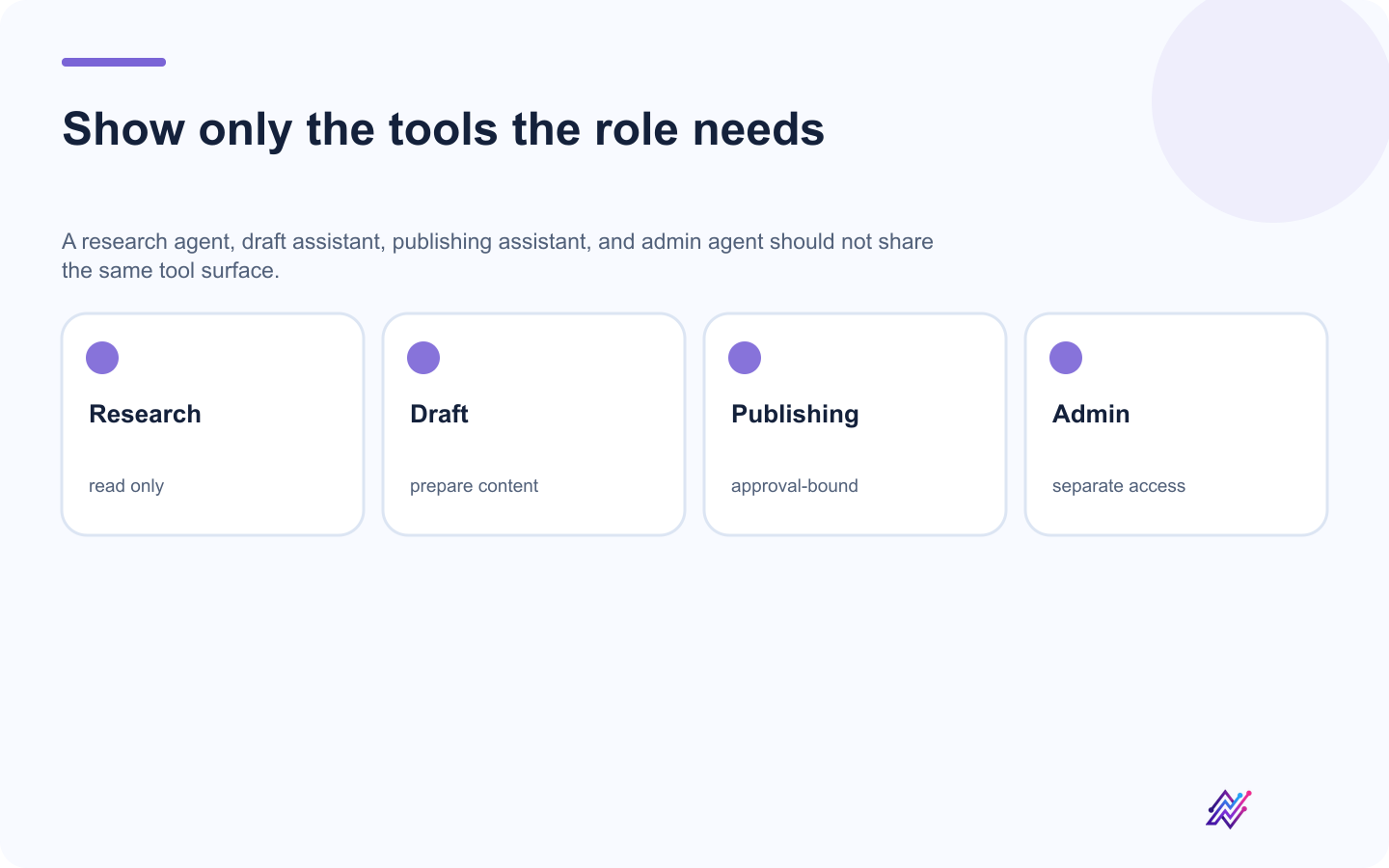
Tool filtering reduces accidental authority and makes the agent's choices easier to inspect.
Use it.
Research-only agent
Allow:
accounts
analytics
requirements
strategy
Draft assistant
Allow:
read tools
draft creation
media import
Publishing assistant
Allow:
read
drafts
schedule preparation
action status
Admin agent
Avoid unless necessary.
Do not expose deletion and account-management tools by default.
Security checklist
- [ ] Use a dedicated Tareno credential
- [ ] Store it outside normal prompts
- [ ] Use minimum scopes
- [ ] Begin with read-only tools
- [ ] Add drafts before scheduling
- [ ] Filter visible tools
- [ ] Keep publishing behind approval
- [ ] Keep deletion behind approval
- [ ] Use explicit workspace and account IDs
- [ ] Review pending actions
- [ ] Prevent duplicate requests
- [ ] Revoke unused credentials
- [ ] Test in staging
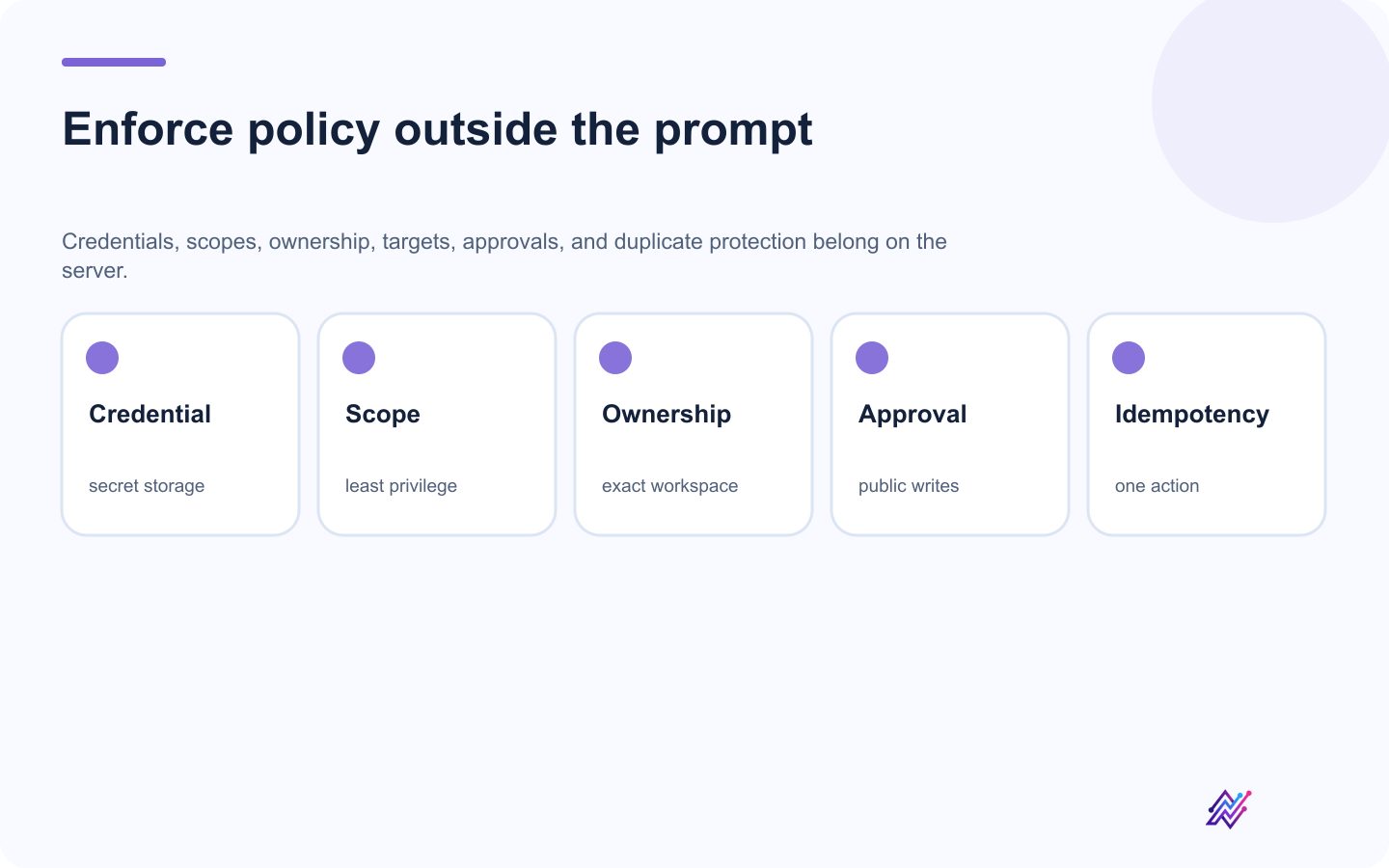
Prompts can express intent; server-side controls must enforce authority.
Reliability checklist
- [ ] Validate platform requirements
- [ ] Validate media
- [ ] Validate timezone
- [ ] Confirm account ownership
- [ ] Store action IDs
- [ ] Handle expired approvals
- [ ] Handle disconnected accounts
- [ ] Return clear errors
- [ ] Use idempotency
- [ ] Log external effects
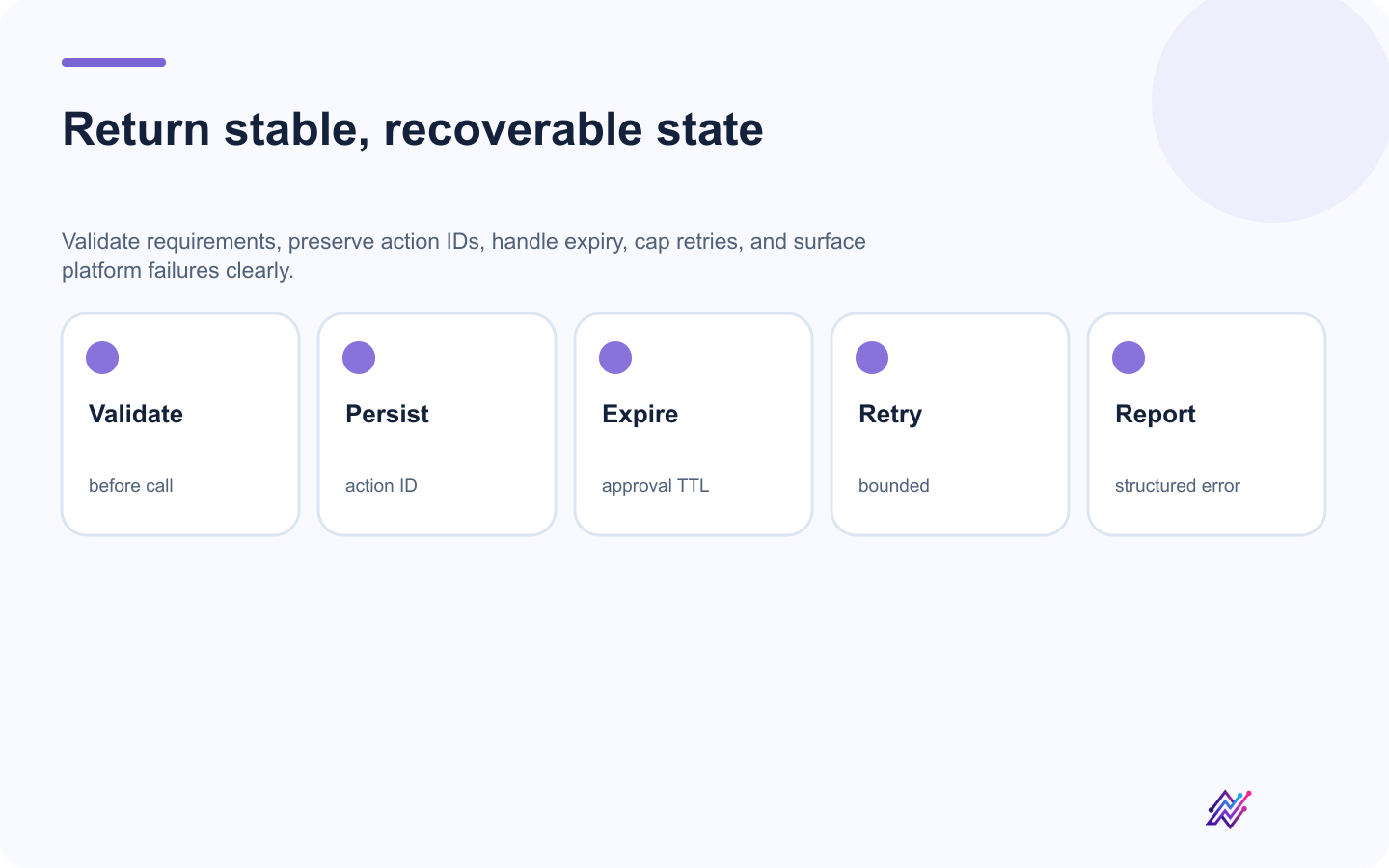
Stable IDs and explicit states let the client recover without guessing what happened.
AI flexibility should not remove engineering discipline.
Common mistakes
Mistake 1: Treating MCP as a scheduler
MCP is the tool interface.
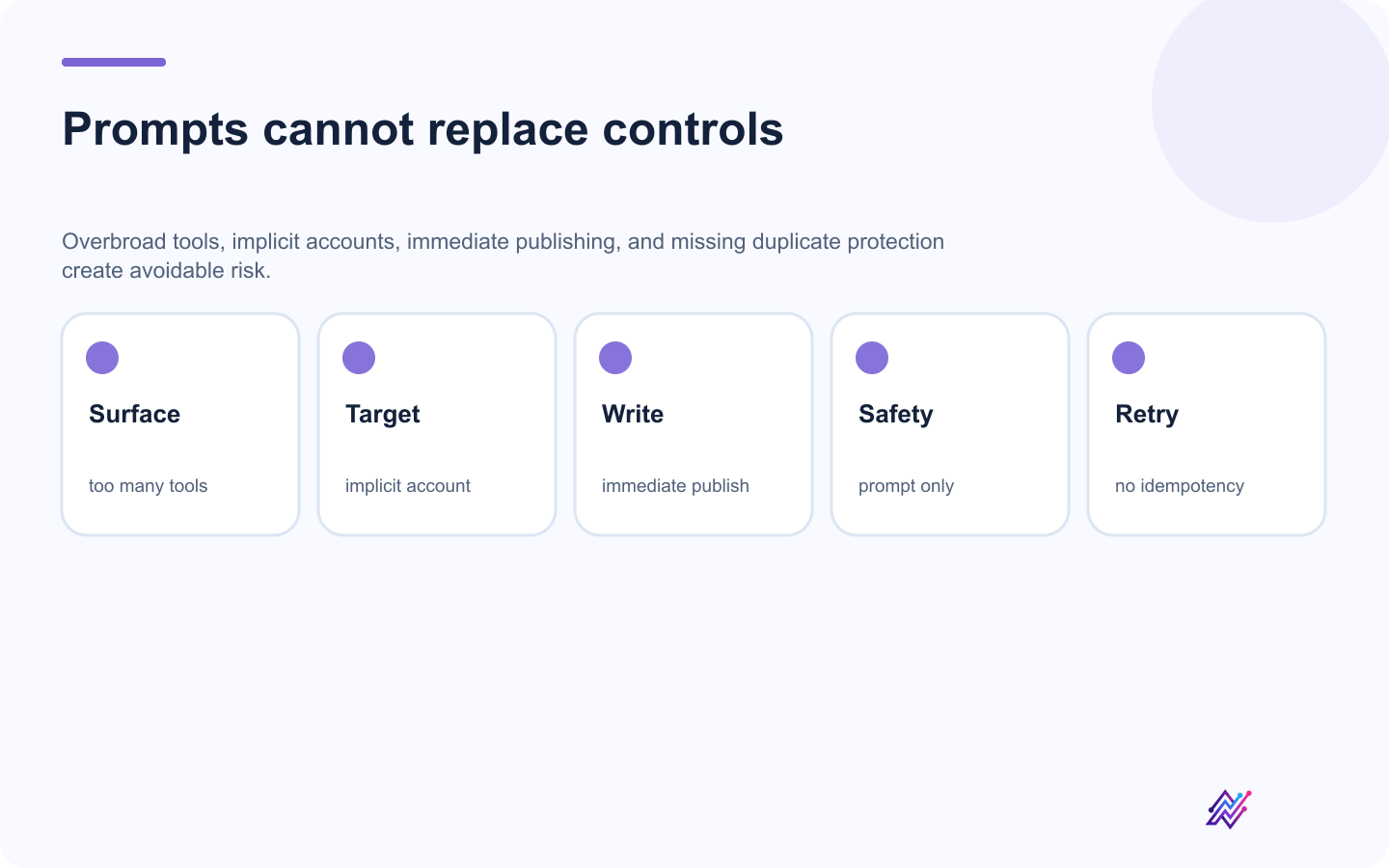
Server-enforced scope, target, approval, and idempotency rules are stronger than prompt reminders.
Mistake 2: Exposing every tool
Use the smallest useful surface.
Mistake 3: Immediate publishing first
Begin with reads and drafts.
Mistake 4: No explicit account selection
Use workspace and account IDs.
Mistake 5: Relying on prompts for safety
Use system-level approval rules.
Mistake 6: No analytics loop
Automation should learn from results.
Mistake 7: No duplicate protection
Track action IDs and source IDs.
Mistake 8: Generic platform versions
Use platform-native adaptation.
Twenty prompts for a social media MCP server
"List all connected accounts."
"Flag disconnected or duplicate accounts."
"Show the publishing requirements for Bluesky and Mastodon."
"Create platform-native drafts from this idea."
"Save drafts only."
"Prepare next week's schedule."
"Do not publish without approval."
"Show all pending actions."
"Explain failed actions."
"Compare the last 30 days by platform."
"Find my strongest topic."
"Identify my weakest CTA."
"Create repurposing ideas from top posts."
"Add winners to an evergreen queue."
"Create multilingual drafts."
"Flag versions that need native review."
"Analyze this YouTube URL."
"Create an original short-form script."
"Audit next week's calendar."
"Create a campaign postmortem."
How Tareno should position its MCP server
The weak positioning is:
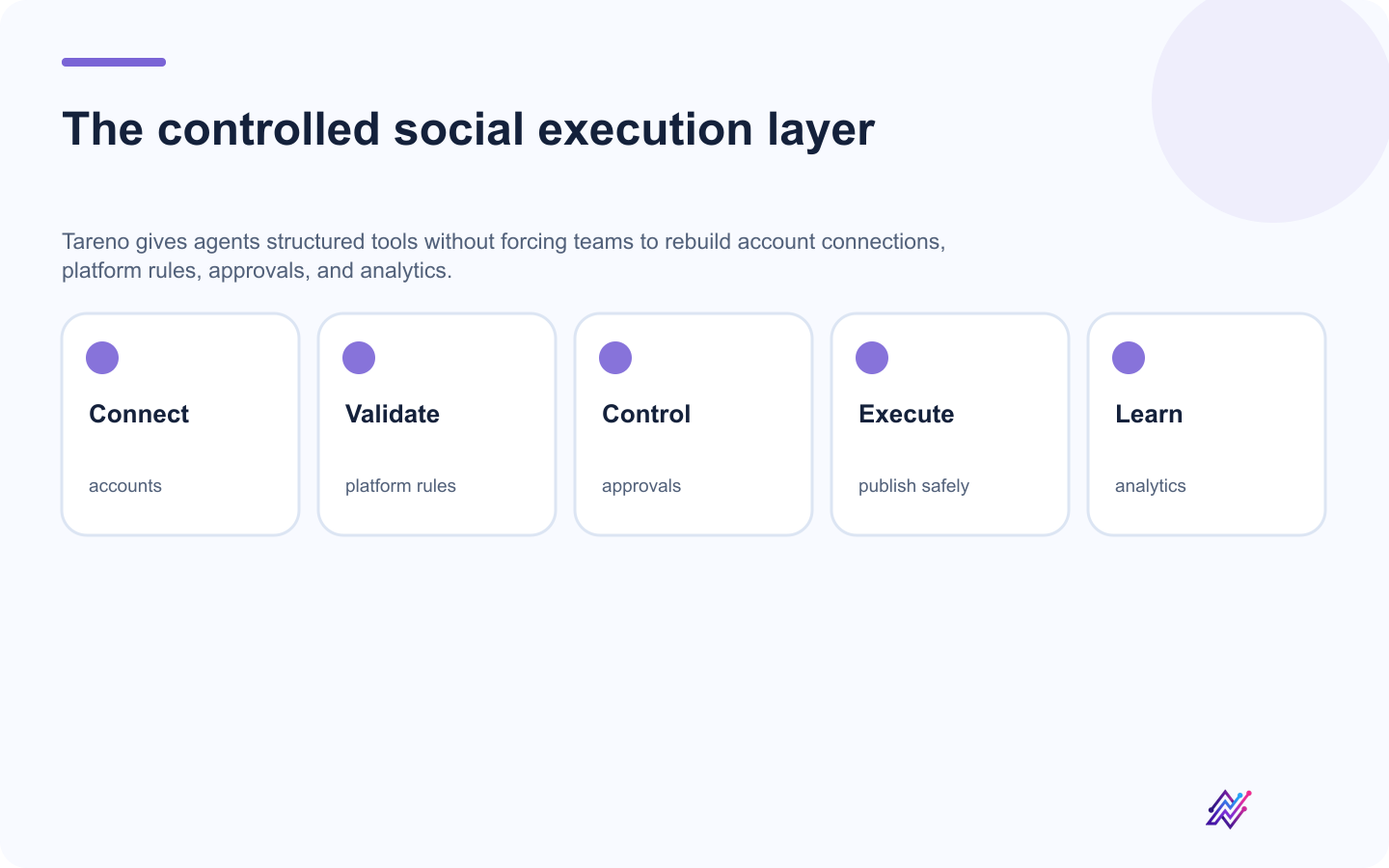
The durable value is the social operating layer behind the agent, not the protocol alone.
Connect AI to your social scheduler.
The stronger positioning is:
Give AI agents a controlled social media operating layer.
Tareno adds:
connected accounts
platform validation
drafts
media
approvals
scheduling
analytics
reports
repurposing
workflow automation
activity visibility
The agent adds:
natural-language control
flexible reasoning
multi-step planning
interpretation
tool selection
conversational operation
Together, they create approval-first agentic social media management.
Related Tareno resources
MCP setup guideConnect Codex and other compatible clients to Tareno.Complete MCP referenceInspect current tools, schemas, scopes, approvals, and errors.Workflow BuilderAutomate recurring native social logic inside Tareno.Repurposing queueTurn strong published work into reviewable next drafts.
FAQ
What is a social media MCP server?
It is an MCP server that exposes structured social media tools to AI clients or agents.
Can an MCP server publish posts?
It can expose publishing tools, but consequential actions should normally remain behind approval.
Is MCP the same as an API?
No. An API is designed for software-to-software requests. MCP is designed to let AI clients discover and use structured tools. An MCP server may use an API underneath.
Is MCP better than Zapier?
Not universally. MCP is better for flexible, interactive agent tasks. Zapier is often better for simple deterministic app-to-app automation.
Is MCP better than n8n?
They solve different problems. MCP supports agentic tool use. n8n supports deterministic workflow orchestration.
Can MCP work with Bluesky and Mastodon?
Yes, if the connected social media platform exposes the required tools and the accounts are connected.
Can MCP support multilingual content?
Yes. An agent can prepare multilingual drafts and send them to the social media platform for review and scheduling.
Should an AI agent have deletion access?
Only when there is a clear operational need, strong approval controls, and a limited scope.
Can agencies use MCP?
Yes. Agencies should use separate workspaces, scoped credentials, explicit client selection, and approval rules.
Why use Tareno as the execution layer?
Tareno can combine account access, platform requirements, drafts, approvals, scheduling, analytics, and repurposing in one system.
Final thoughts
MCP changes the interface to social media automation.
Instead of building a separate rigid workflow for every possible request, you can give an AI agent a structured set of tools.
The agent can understand the goal.
The MCP server can expose the capabilities.
Tareno can validate the action.
The user can approve the consequence.
The platform can publish and measure the result.
That creates a better model:
Flexible reasoning.
Structured tools.
Controlled execution.
Human approval.
Measurable feedback.
That is the real opportunity behind social media automation with MCP.
Primary CTA: Connect an MCP-compatible agent to Tareno and begin with a read-only account audit.
Secondary CTA: Add draft creation and approval-first scheduling after the connection is stable.