Hermes Agent can turn an open-ended social media goal into a sequence of tool calls. Tareno gives those calls a structured operating layer: account context, platform requirements, drafts, approvals, publishing state, analytics, and repurposing. Connected through MCP, the pair can reason flexibly without treating every public action as automatically authorized.
TL;DR
A safe and useful Hermes–Tareno workflow looks like this:
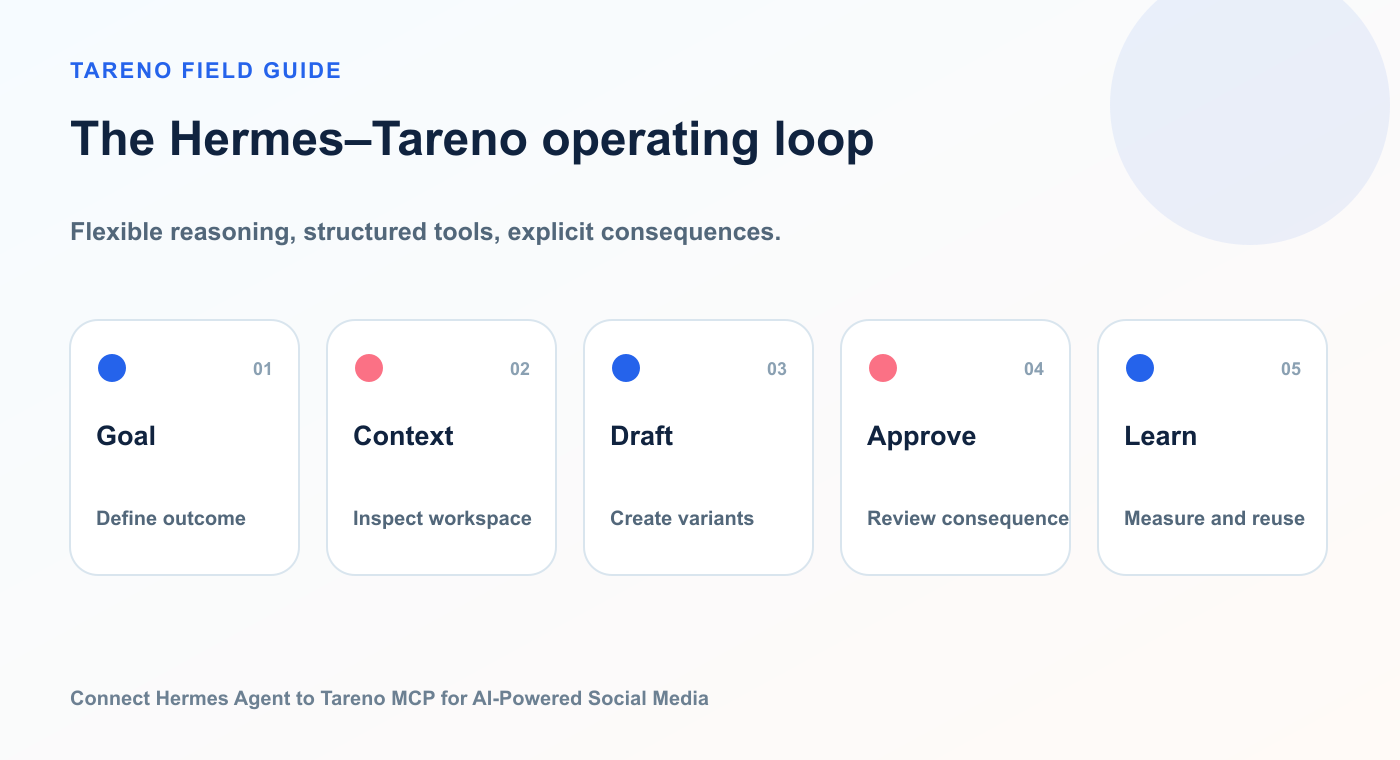
Hermes decides how to help; Tareno keeps social state and consequential actions reviewable.
Install Hermes Agent with MCP support.
Create a scoped Tareno API credential.
Add the Tareno remote MCP server to Hermes.
Test the connection.
Inspect the discovered tools.
Filter tools to the minimum useful set.
Begin with account inspection and analytics.
Add draft creation.
Add approval-first scheduling.
Keep deletion and immediate publishing tightly controlled.
Use analytics to create future repurposing tasks.
The key principle is:
Hermes should decide how to help, while Tareno controls what changes externally.
This keeps the agent flexible without turning your social accounts into an unrestricted tool surface.
What Hermes Agent contributes
Hermes Agent acts as the reasoning environment.
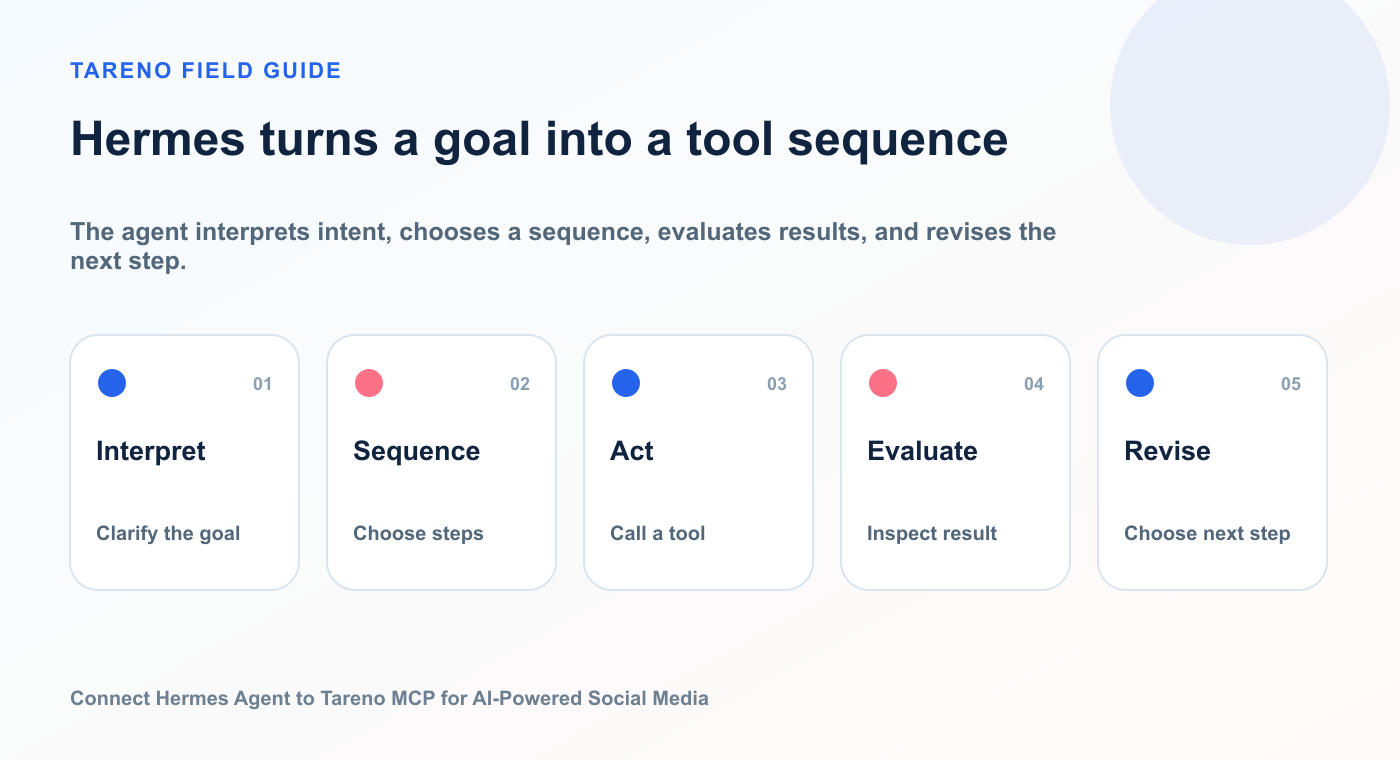
The agent interprets intent, chooses a sequence, evaluates results, and revises the next step.
Its MCP support allows it to connect to local stdio servers and remote HTTP servers, discover tools automatically, register those tools, and use them during normal conversations.
That means the user does not need to manually call a tool by name every time.
The agent can choose a Tareno capability when the prompt requires it.
For example:
Compare the performance of my recent posts and create a new content plan.
Hermes can break that into steps:
inspect connected workspaces
list accounts
request analytics
compare signals
identify content gaps
create a plan
prepare drafts
request approval-sensitive actions only when needed
This is where an agent differs from a fixed automation.
A fixed automation knows the steps in advance.
Hermes can decide the steps based on the goal.
What Tareno contributes
Tareno contributes the domain-specific social media layer.
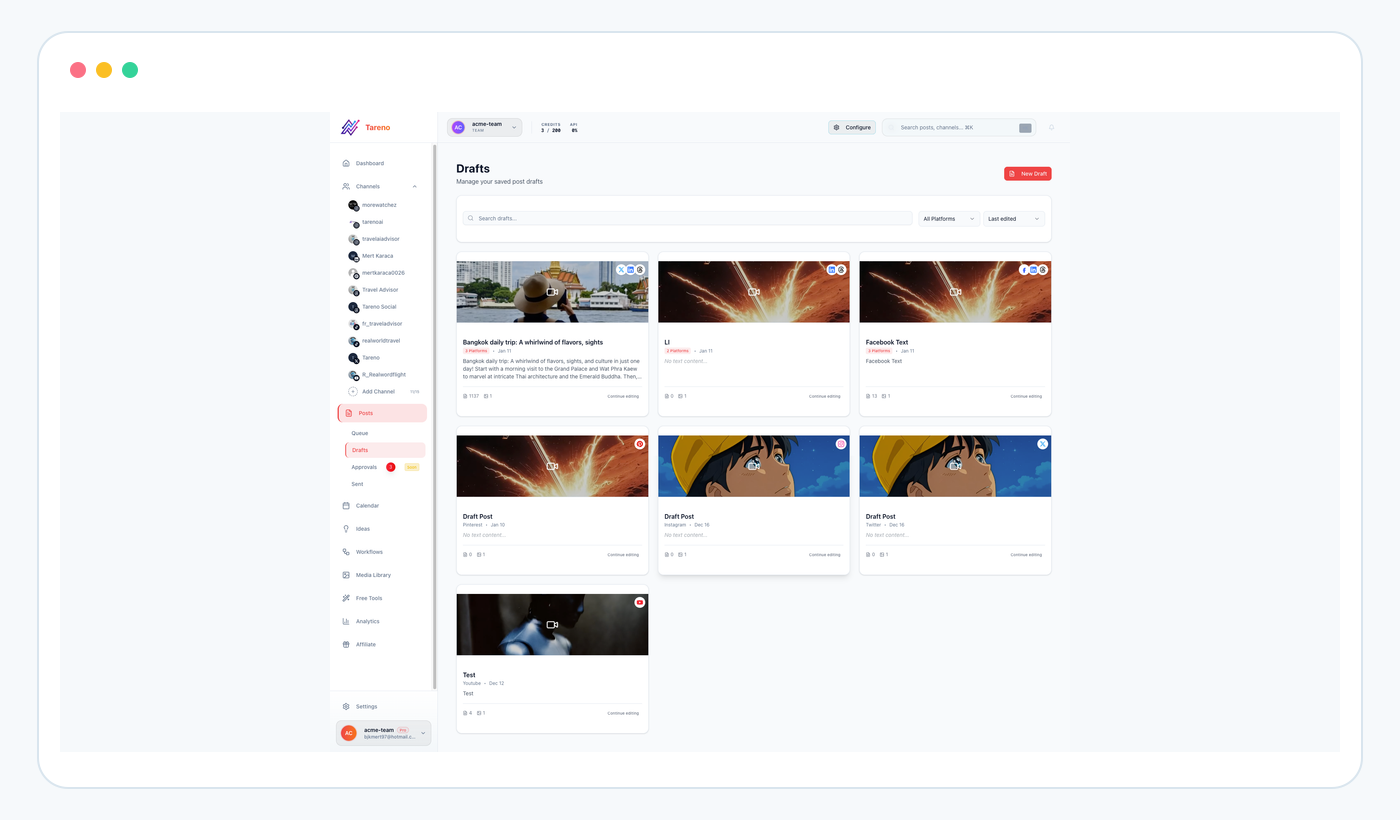
Tareno stores agent-prepared content as visible, editable work before publishing.
Relevant capabilities include:
workspaces
connected accounts
platform requirements
content drafts
media handling
scheduling
approval workflows
activity visibility
content calendar
analytics
reporting
competitor analysis
repurposing queue
workflow builder
Make integration
n8n integration
Zapier integration
API and MCP access
This matters because Hermes should not need direct access to every social network credential.
The agent calls Tareno.
Tareno manages the platform connections.
The architecture becomes:
User
  ↓
Hermes Agent
  ↓
Tareno remote MCP server
  ↓
Authentication, scopes, ownership, and platform checks
  ↓
Draft or pending action
  ↓
Human approval in Tareno
  ↓
Publishing queue
  ↓
Connected social networks
Why use MCP instead of a custom Hermes tool?
Hermes supports native tools, but MCP is often the cleaner option when a tool already exists as an MCP server.
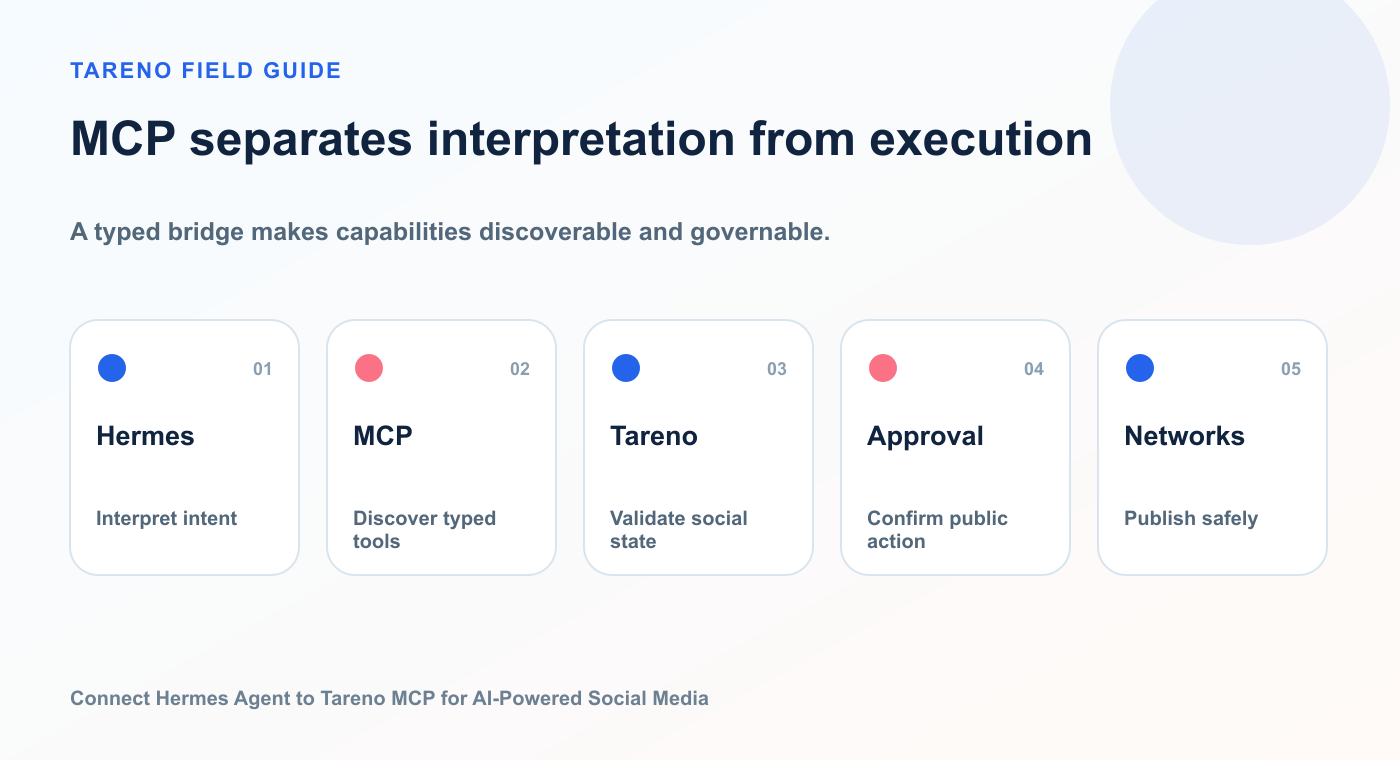
The protocol layer keeps tool discovery structured while Tareno owns domain validation and state.
The advantages include:
no separate Hermes-specific integration to maintain
automatic tool discovery
remote HTTP support
per-server filtering
shared compatibility with other MCP clients
a clear boundary between the agent and the external system
easier reuse across OpenClaw, Codex, ChatGPT-compatible MCP clients, and other agent environments
A custom native tool can still make sense for a very narrow integration.
But Tareno is not one narrow action.
It includes multiple social media capabilities.
MCP is well suited to a broader tool surface.
Prerequisites
Prepare the following:
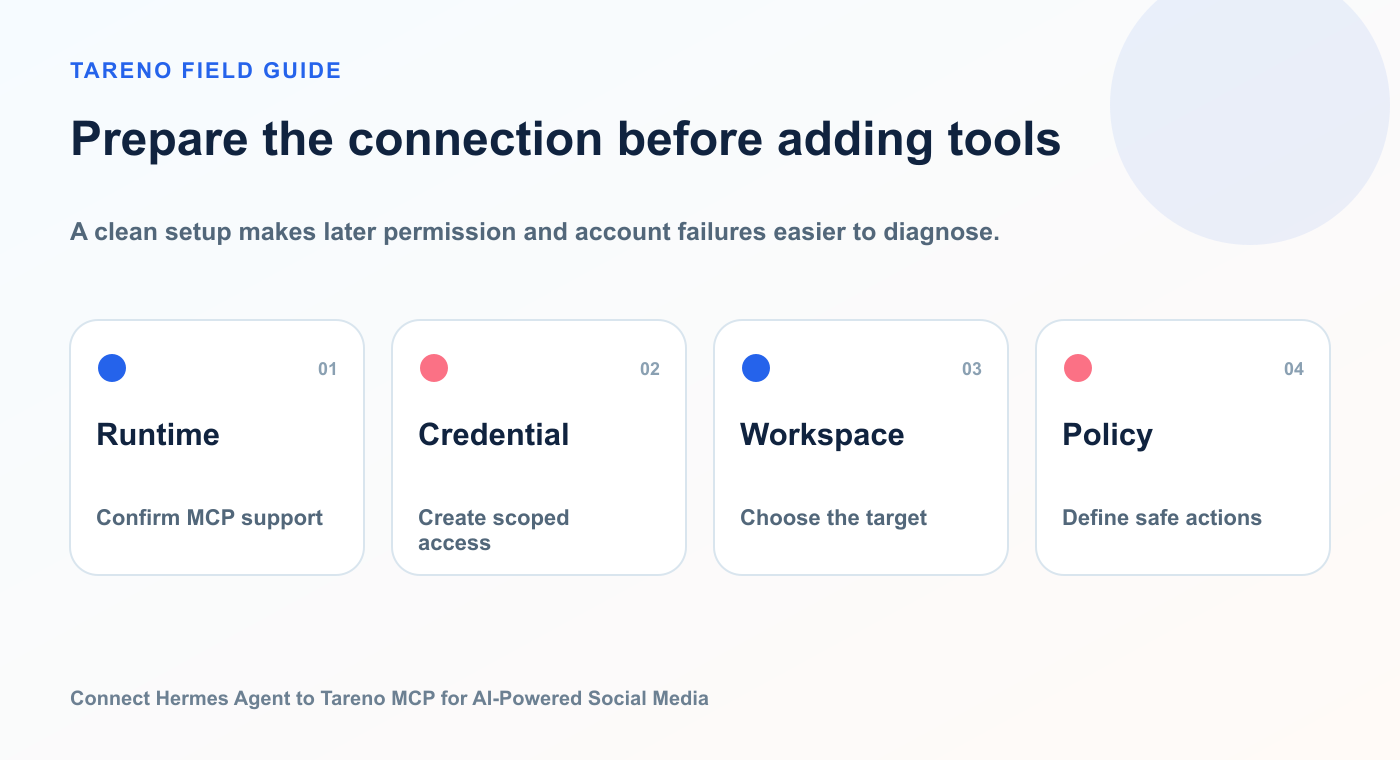
A clean setup makes later permission and account failures easier to diagnose.
Hermes Agent installed
MCP support enabled
a Tareno workspace
connected social accounts
a Tareno API credential
minimum required scopes
a secure credential storage method
a clear approval policy
a test workflow
Hermes documentation indicates MCP support is included with a standard all-features installation. If it is missing, the MCP extra can be installed separately.
A representative installation path is:
cd ~/.hermes/hermes-agent
uv pip install -e ".[mcp]"
Then verify Hermes is available:
hermes --help
And inspect MCP commands:
hermes mcp --help
Before publication, verify the current installation path and CLI output.
Add the Tareno remote MCP server
Hermes can add a custom MCP server through its CLI.
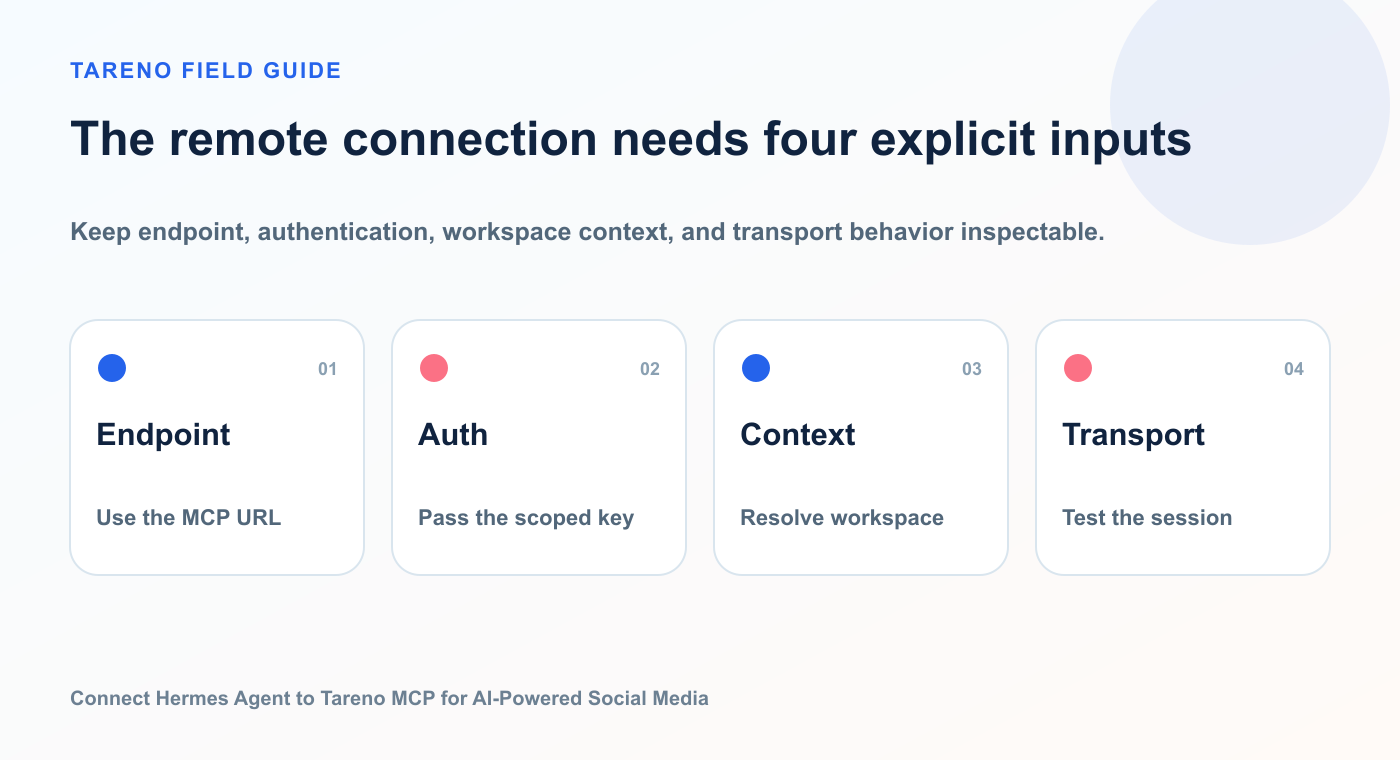
Keep endpoint, authentication, workspace context, and transport behavior inspectable.
A representative command looks like this:
hermes mcp add tareno \
  --url https://tareno.co/api/mcp \
  --auth header
The authentication flow may request the required header or write a server entry into the Hermes configuration.
A representative configuration shape is:
mcp_servers:
  tareno:
    url: "https://tareno.co/api/mcp"
    headers:
      Authorization: "Bearer YOUR_TARENO_API_KEY"
    timeout: 120
    connect_timeout: 30
Do not commit a literal API key to a public repository.
Use the secure configuration method supported by the final Hermes and Tareno setup.
After adding the server, list configured MCP servers:
hermes mcp list
Test the connection:
hermes mcp test tareno
If the current Hermes release uses probe, status, or another diagnostic command instead, update the article before publication.
How Hermes discovers Tareno tools
Hermes connects to the MCP server and discovers the tool definitions.
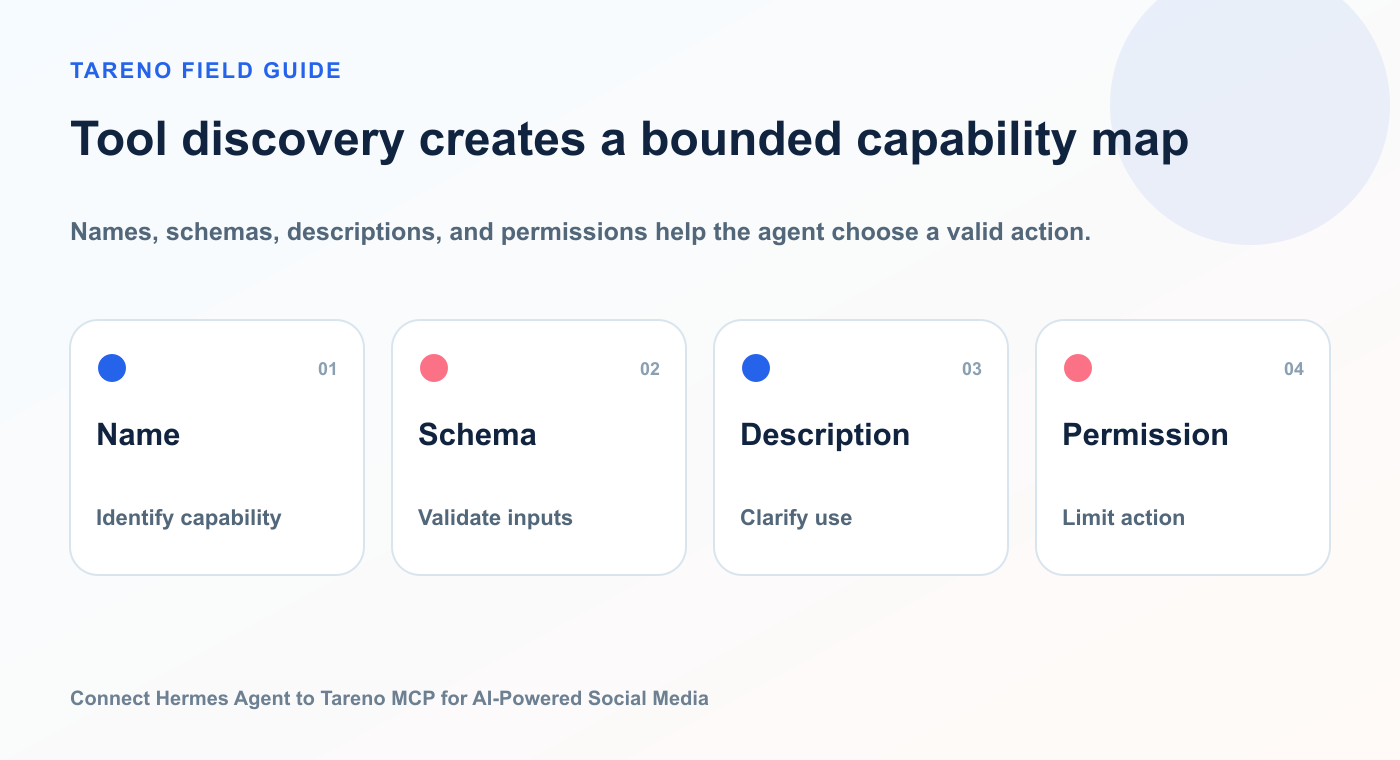
Names, schemas, descriptions, and permissions help the agent choose a valid action.
It then registers them in its own tool registry.
Hermes may prefix tool names to avoid collisions.
In normal use, the user does not need to type the prefixed name.
The model sees the tool description and decides when to use it.
This makes the quality of the tool descriptions important.
A good Tareno MCP tool should clearly explain:
what it does
when to use it
required parameters
whether it creates an external effect
whether approval is required
what the result means
what errors may occur
For example, the difference between these descriptions is significant.
Weak:
Schedule a post.
Better:
Prepare or request scheduling for an approved social post on a connected Tareno account. Use only after verifying the target account, platform requirements, content, media, timezone, and approval status.
The better description helps the agent choose the right action and arguments.
Filter the visible tool set
Hermes supports per-server filtering.
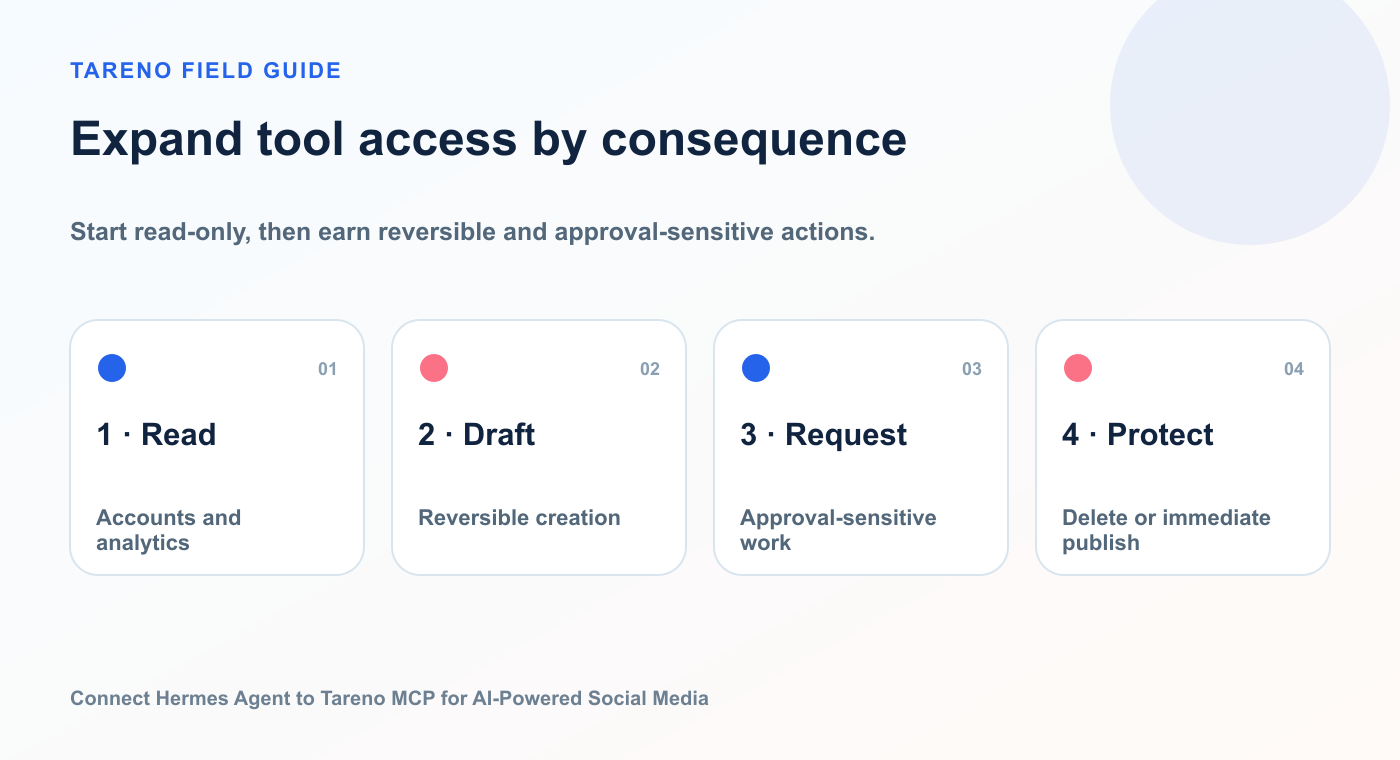
Tool filtering is easier to audit when capabilities expand in explicit stages.
This is one of the most important controls.
Do not expose every tool automatically if the workflow only needs analytics and drafts.
A staged rollout could look like this.
Phase 1: Read-only
Expose:
workspaces
accounts
platform requirements
analytics
action status
Phase 2: Low-risk creation
Add:
draft creation
strategy notes
media inspection
repurposing suggestions
Phase 3: Approval-sensitive actions
Add:
schedule preparation
scheduled-post edits
publishing requests
Phase 4: Destructive actions
Only add deletion if there is a strong operational reason.
Use Hermes configuration or MCP filtering commands to enable the minimum useful tools.
The exact command depends on the final Hermes version.
A practical principle from Hermes’s own MCP guidance is:
Connect the right thing with the smallest useful surface.
That principle is especially important for social media.
Test the integration safely
Begin with non-destructive prompts.
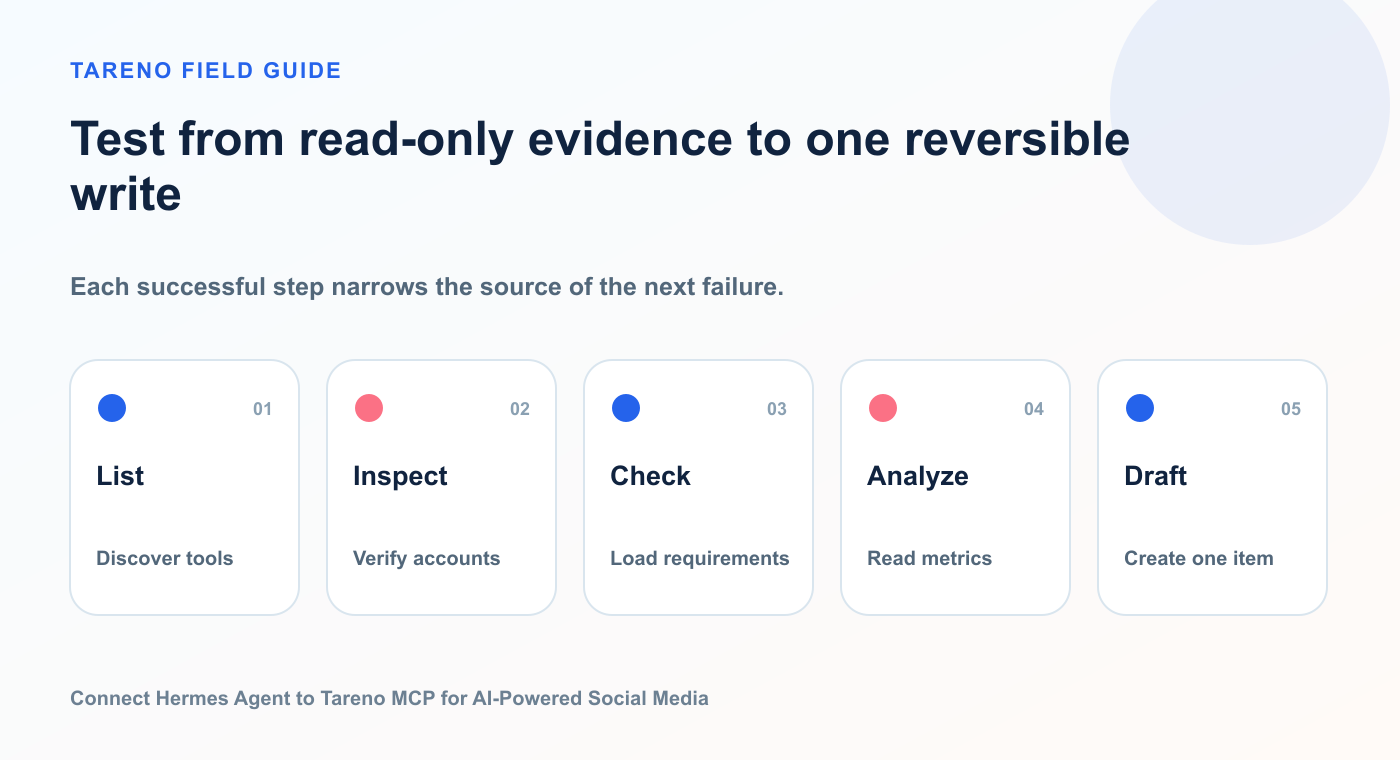
Each successful step narrows the source of the next failure.
Test 1: List tools
List all Tareno MCP tools you can access. Group them into read-only, draft, publishing, analytics, and approval-sensitive actions. Do not execute any tool.
Test 2: Inspect accounts
List my Tareno workspaces and connected social accounts. Do not change anything.
Test 3: Check requirements
Show the requirements for publishing to my LinkedIn, Bluesky, Mastodon, and Instagram accounts.
Test 4: Read analytics
Summarize the strongest content signal from the last seven days. Do not create or schedule content.
Test 5: Create one draft
Create one Bluesky draft based on the strongest topic. Save it as a draft only.
These tests validate the connection before the agent receives broader permissions.
Workflow 1: Account and workspace audit
Prompt:
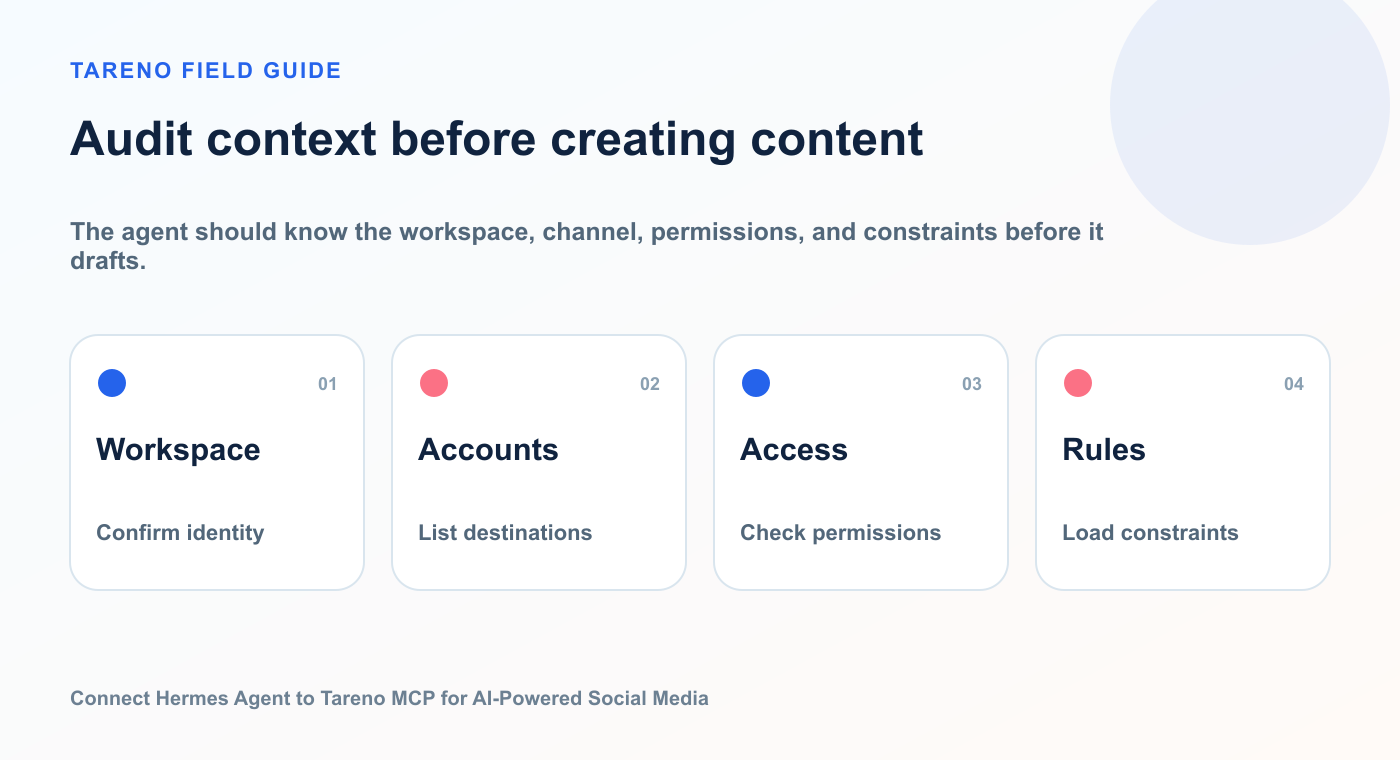
The agent should know the workspace, channel, permissions, and constraints before it drafts.
Audit my Tareno setup. List all workspaces and connected accounts, group them by platform, flag disconnected accounts, identify duplicate connections, and show any platform requirements that could block publishing. Do not make changes.
This is useful for:
agencies onboarding a client
creators expanding to new platforms
teams adding Bluesky or Mastodon
checking old account connections
preparing a multilingual campaign
The output should be a structured audit rather than a vague summary.
Recommended columns:
WorkspacePlatformAccountStatusBlockerNext action
This is a strong first use case because it creates value without external changes.
Workflow 2: Create native multi-platform drafts
Prompt:
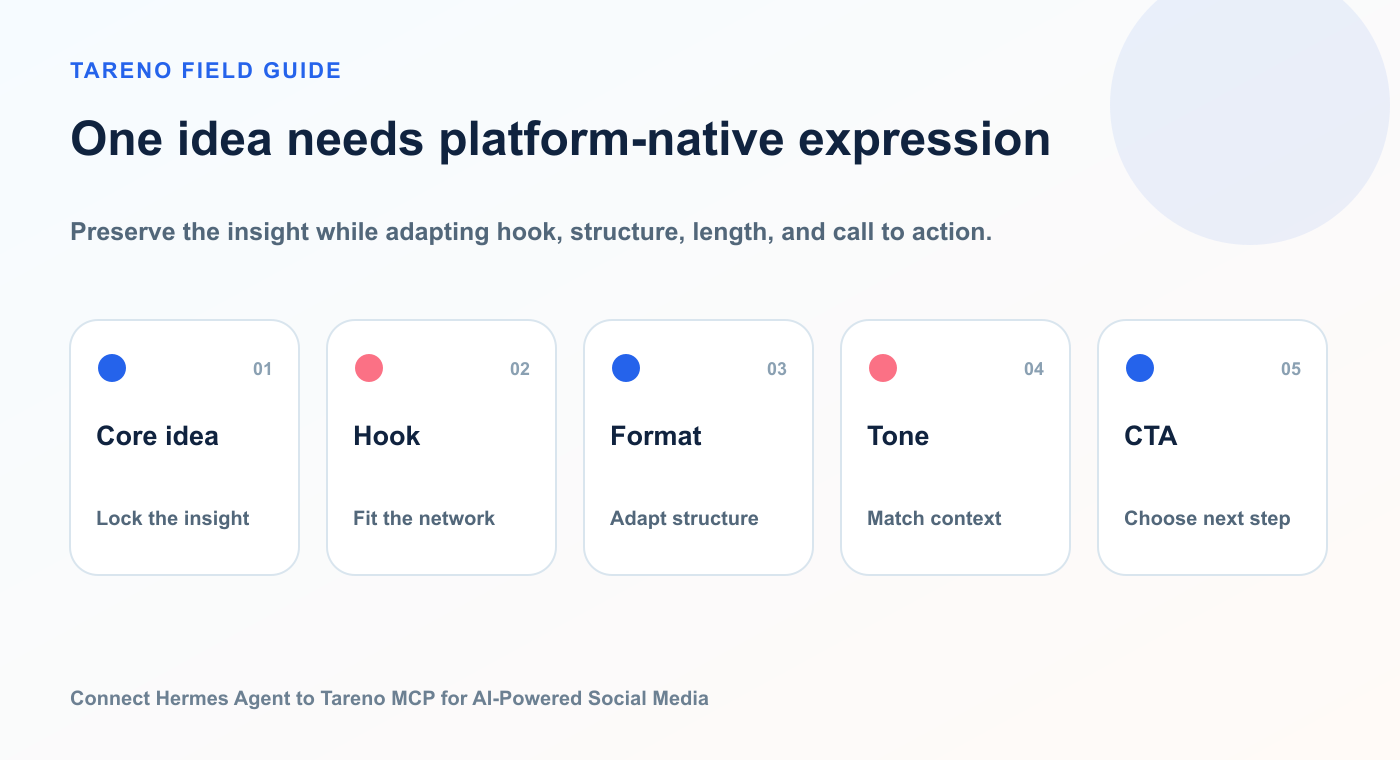
Preserve the insight while adapting hook, structure, length, and call to action.
Use this core idea to create native drafts for LinkedIn, Threads, Bluesky, Mastodon, X, and Facebook. Adapt the hook, structure, tone, and CTA for each platform. Do not copy-paste or mechanically shorten the same caption. Save drafts only.
Hermes should preserve the core idea while adapting execution.
professional framing
more context
clearer lesson
restrained CTA
Threads
conversational tone
personal or opinionated opening
shorter rhythm
reply-friendly ending
Bluesky
concise and self-contained
less corporate language
optional thread structure
direct idea
Mastodon
community-aware tone
more context where useful
appropriate content warning where relevant
no assumption that every instance behaves identically
X
fast hook
concise payoff
thread only if needed
direct CTA
accessible language
clear value
context for broader audiences
engagement prompt where appropriate
Tareno can store the versions as separate platform-specific drafts inside one campaign workflow.
Workflow 3: Approval-first scheduling
Prompt:
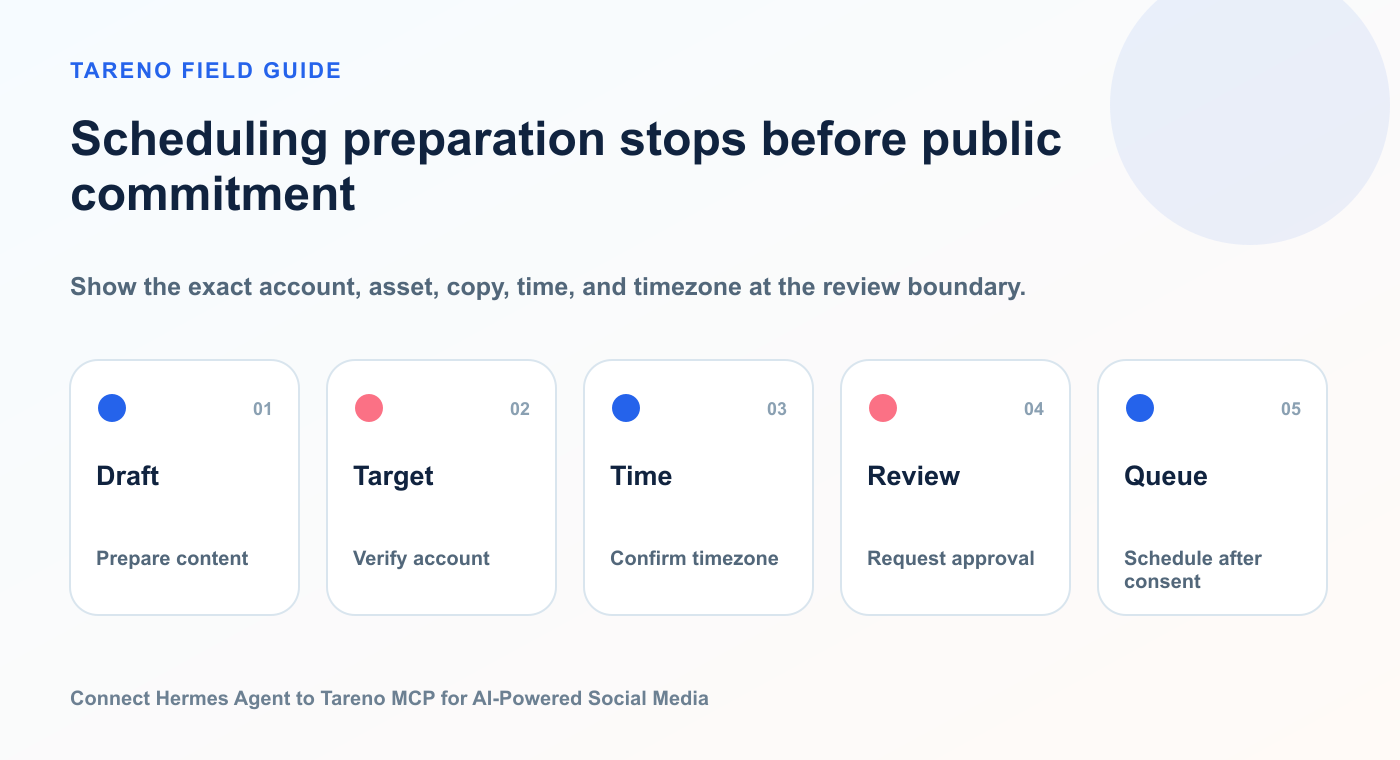
Show the exact account, asset, copy, time, and timezone at the review boundary.
Prepare the approved LinkedIn, Bluesky, and Mastodon drafts for next Tuesday, Wednesday, and Thursday at 10:00 AM Europe/Berlin. Show the account, caption, asset, date, time, and timezone for each item. Do not publish immediately.
A good agent should confirm:
correct workspace
correct account
correct platform
final caption
final asset
date
time
timezone
approval requirement
Tareno should turn the consequential action into a pending, reviewable request.
The user then approves or rejects it.
This keeps the agent useful without granting silent publishing authority.
Workflow 4: Analytics-led content planning
Prompt:
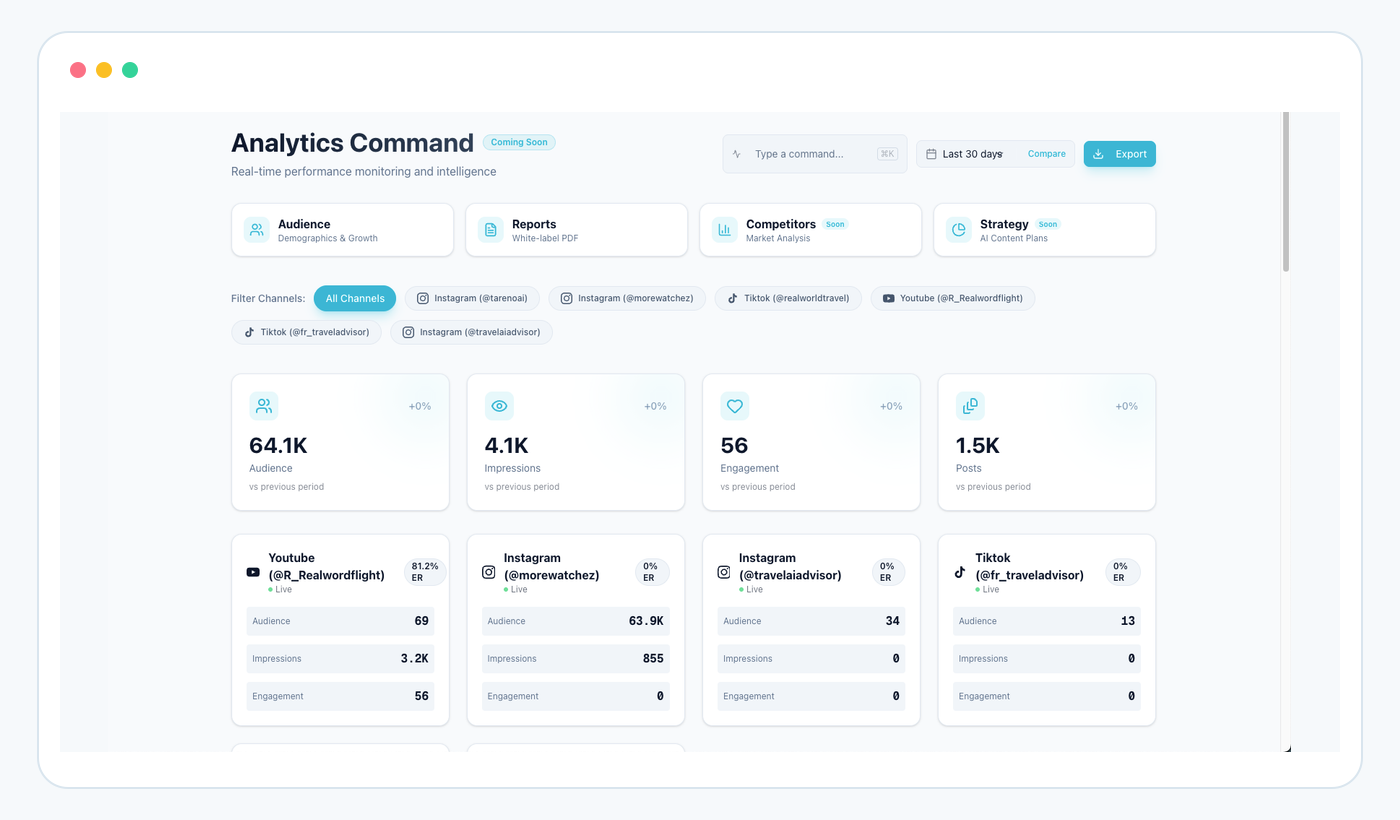
Analytics gives Hermes evidence for the next draft or repurposing decision instead of a blank prompt.
Review the last 30 days of performance across my connected accounts. Identify the strongest topic, strongest format, strongest CTA, and one underused content pillar. Support each conclusion with the available data.
Then:
Create a five-post plan for next week based on those findings. Include one proven topic, one repurposed winner, one educational post, one opinion post, and one experiment. Do not create drafts until I approve the plan.
This separates strategy approval from content approval.
After the plan is approved:
Create the five drafts and route any post containing a product claim to review.
This is a strong example of Hermes reasoning across several Tareno tools.
Workflow 5: Repurpose the best-performing post
Prompt:
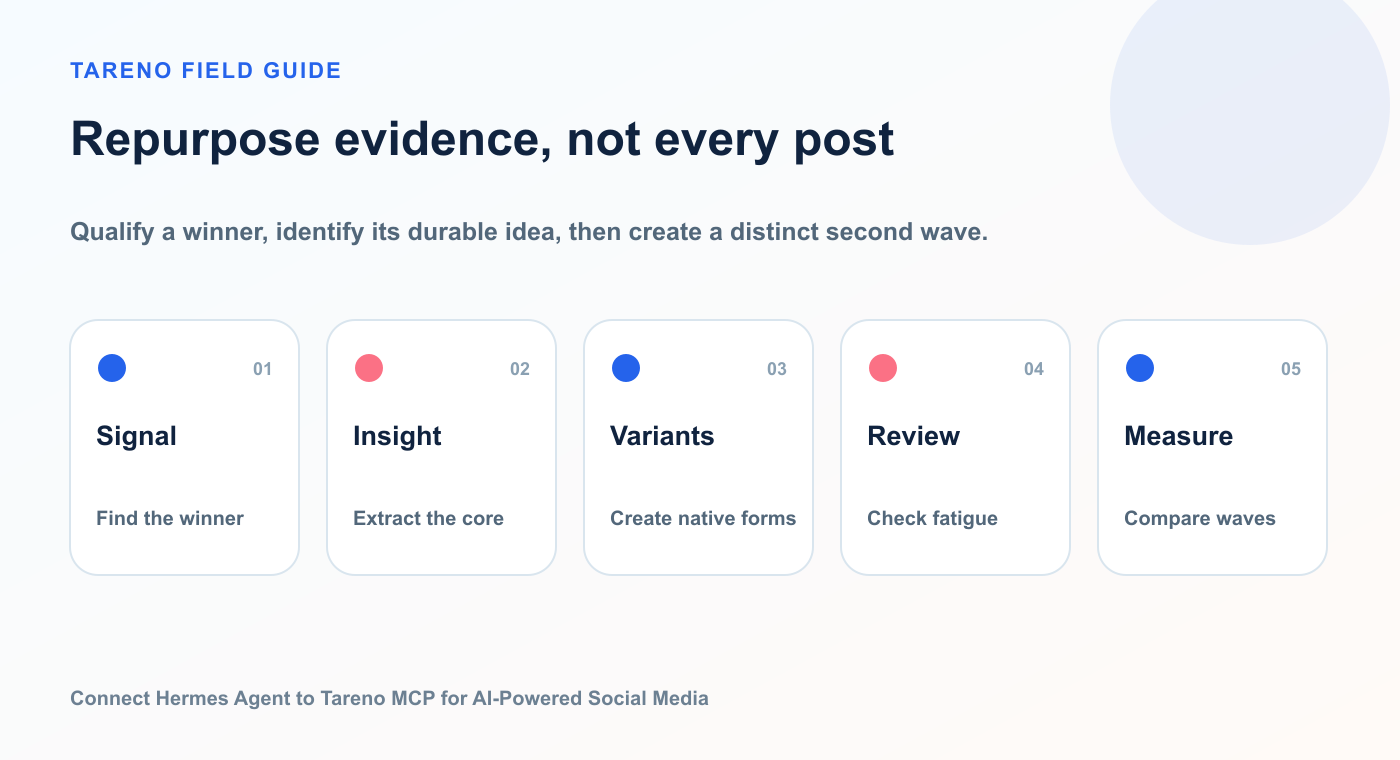
Qualify a winner, identify its durable idea, then create a distinct second wave.
Find the strongest post from the last month using meaningful signals such as saves, shares, comments, clicks, watch time, or conversions. Explain why it likely worked. Then propose five repurposing formats.
Possible formats:
LinkedIn text post
Instagram carousel
TikTok script
YouTube Short script
Bluesky thread
Mastodon post
Pinterest pin
FAQ article
email section
Continue:
Save the best three options as drafts and include the source post and performance signal in the internal notes.
This creates traceability between analytics and future content.
Workflow 6: Multilingual campaign creation
Tareno supports English, German, French, Spanish, Portuguese, Russian, Italian, Japanese, and Arabic workflows.
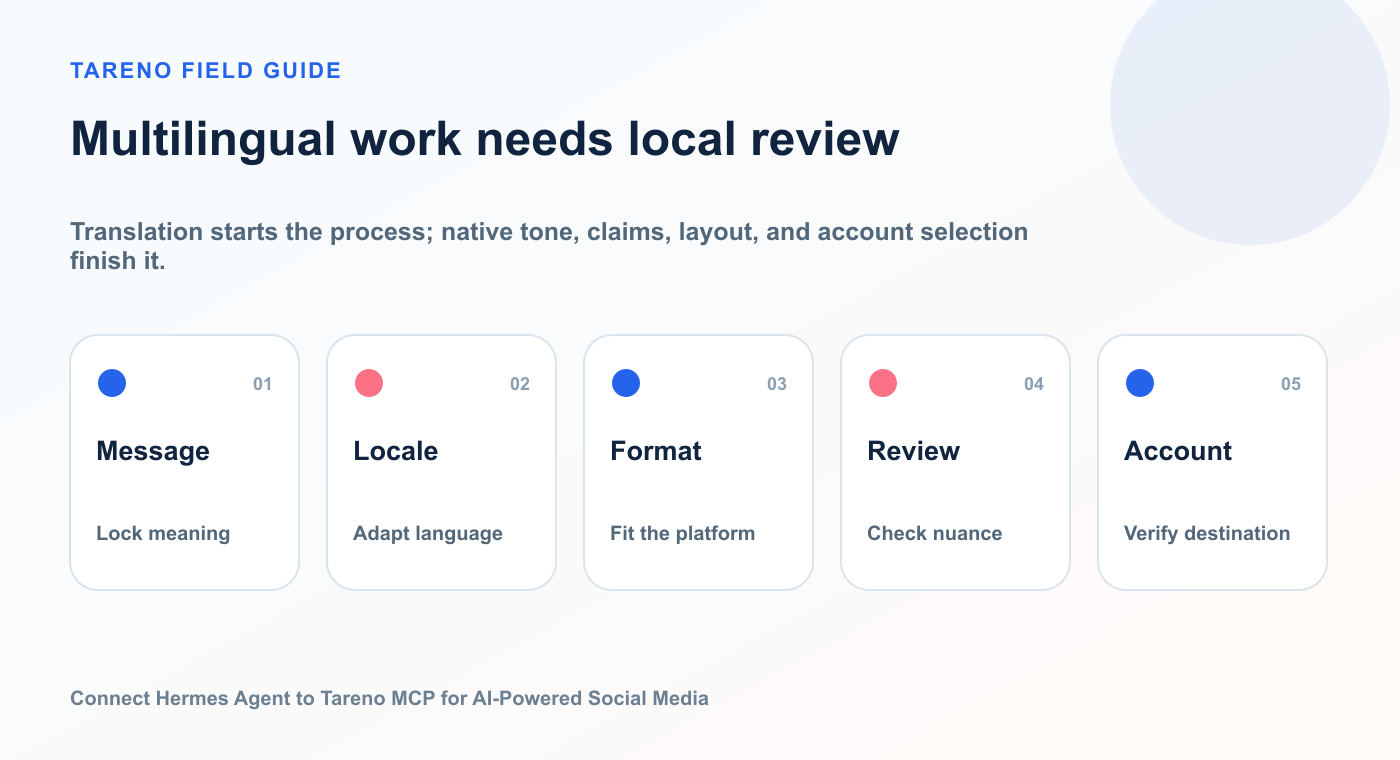
Translation starts the process; native tone, claims, layout, and account selection finish it.
Prompt:
Localize this campaign into English, German, French, Spanish, Portuguese, Russian, Italian, Japanese, and Arabic. Keep the offer and CTA intent consistent. Adapt formality, sentence structure, idioms, and examples for each language. Flag anything that needs native review. Save drafts only.
This is localization, not literal translation.
The workflow should check:
market
tone
formality
CTA
idioms
punctuation
text direction
visual layout
line length
product terminology
cultural assumptions
For Arabic:
right-to-left layout
punctuation
visual alignment
typography
mixed-language product names
For Japanese:
formality
line breaks
punctuation
CTA style
over-literal phrasing
AI can create the first version.
Human review should remain part of important campaigns.
Workflow 7: Content research to draft queue
Prompt:
Review my recent analytics, competitor topics, unused content ideas, and audience questions. Identify ten potential posts. Score each one for audience relevance, business relevance, evergreen value, and platform flexibility.
Then:
Move the top five ideas into the draft queue. Assign a recommended platform and format. Do not schedule anything.
This uses Hermes as a research and prioritization layer.
Tareno becomes the queue and production layer.
Workflow 8: Weekly approval review
Prompt:
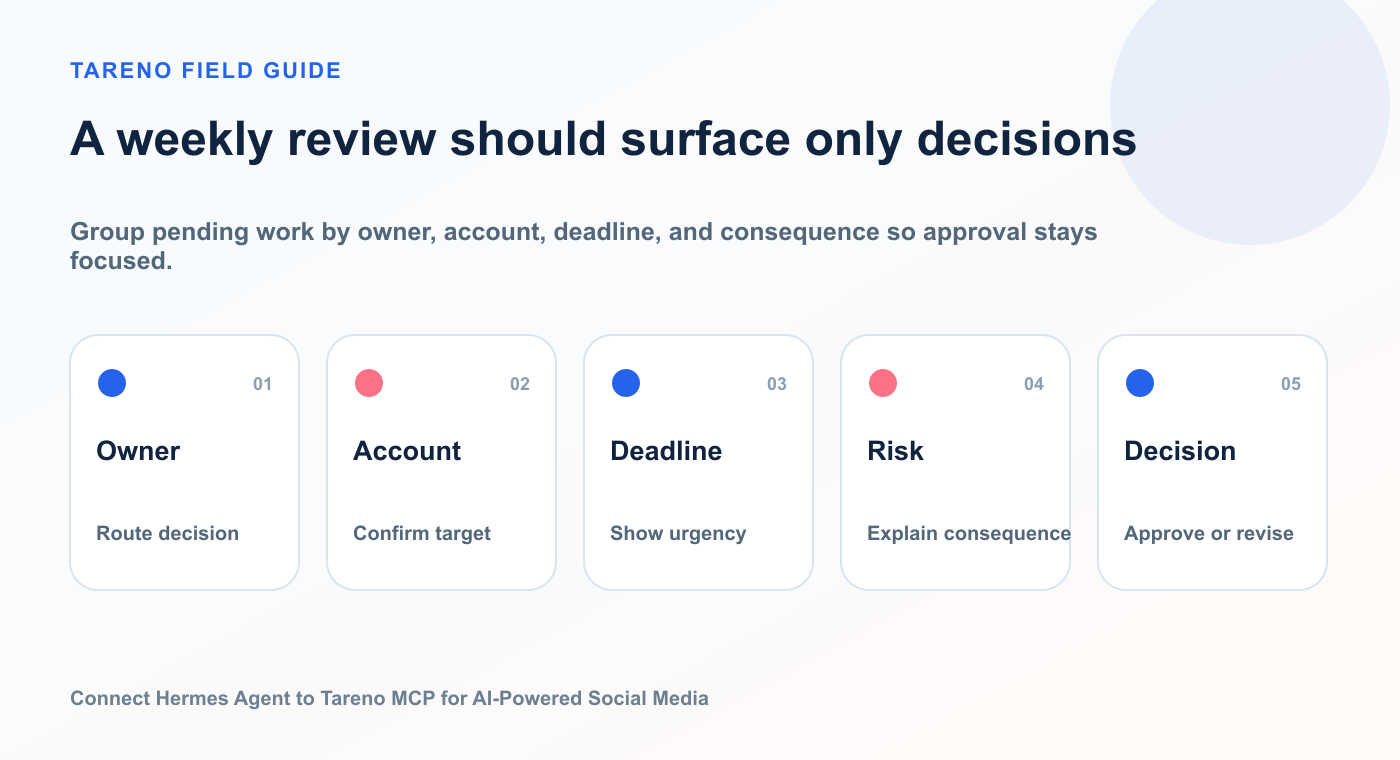
Group pending work by owner, account, deadline, and consequence so approval stays focused.
List all Tareno actions and posts waiting for approval. Group them by workspace, client, risk level, and deadline. Flag anything that will block next week’s calendar.
For agencies, the output could look like:
ClientItemRiskApproverDeadlineCalendar impact
Then ask:
Draft a concise follow-up message for each approver, but do not send anything.
This helps account managers reduce manual chasing.
Workflow 9: Bluesky and Mastodon expansion
Prompt:
Review my recent LinkedIn and Threads content. Find three ideas that would fit Bluesky and Mastodon. Create platform-native drafts, not copies. Explain how you adapted each version.
This is useful because teams often add new networks but continue using old copy-paste behavior.
A better workflow treats Bluesky and Mastodon as distinct distribution environments.
Tareno helps operationalize this by adding the accounts to the same calendar, approval, and analytics loop.
Workflow 10: Campaign postmortem
Prompt:
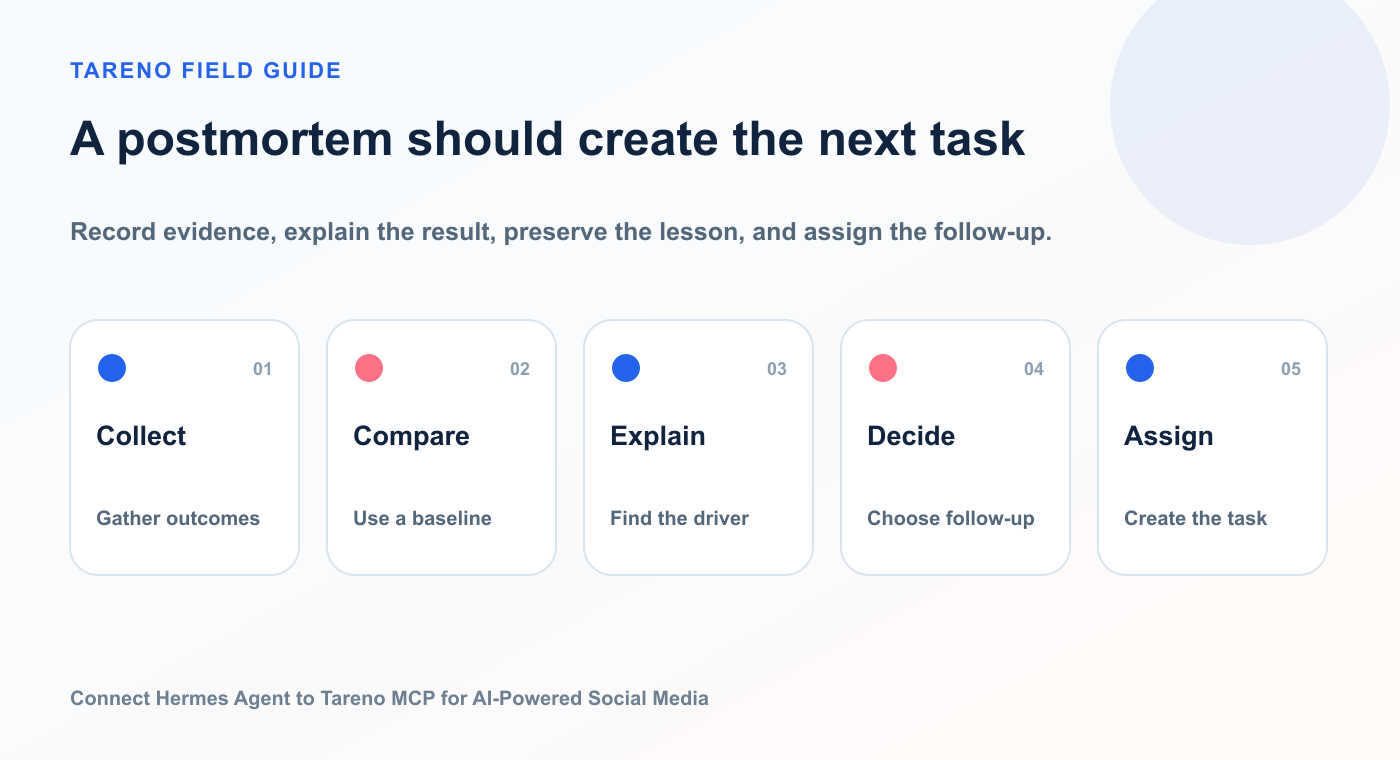
Record evidence, explain the result, preserve the lesson, and assign the follow-up.
Review the completed campaign. Compare planned posts with published posts, identify approval delays, summarize performance, find repurposing candidates, and create three workflow improvements for the next campaign.
The agent should analyze both content and operations.
A weak campaign report only says what performed.
A stronger postmortem asks:
what was planned?
what shipped?
what was delayed?
what performed?
what should be reused?
what workflow should change?
Tareno’s boards, approvals, calendar, activity visibility, and analytics can support this broader review.
Approval policy for Hermes and Tareno
Use a clear policy.
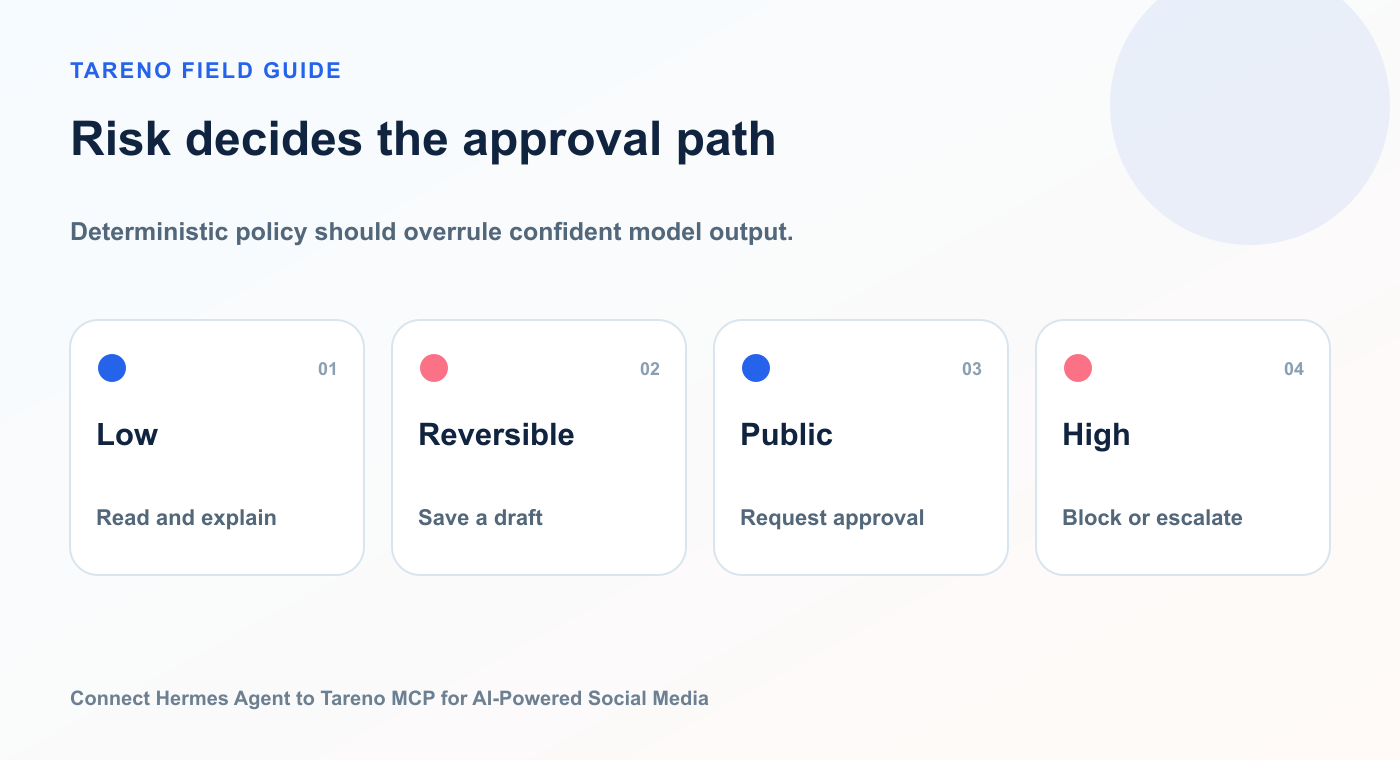
A model can recommend an action; policy determines whether it may proceed, must wait, or stays blocked.
ActionRecommended defaultList workspacesDirectList accountsDirectRead analyticsDirectRead platform requirementsDirectCreate draftDirect or notifyUpload approved mediaDirect with validationPrepare scheduleApprovalPublish immediatelyApprovalEdit scheduled contentApprovalDelete contentApprovalChange account connectionApproval
For agencies, add client approval.
For sponsored content, add brand approval.
For product claims, add product review.
For regulated topics, add specialist review.
The approval policy should live in Tareno’s workflow, not only in the prompt.
Prompts can be ignored, misunderstood, or changed.
System-level controls are stronger.
Hermes tool filtering strategy
A useful filter plan:
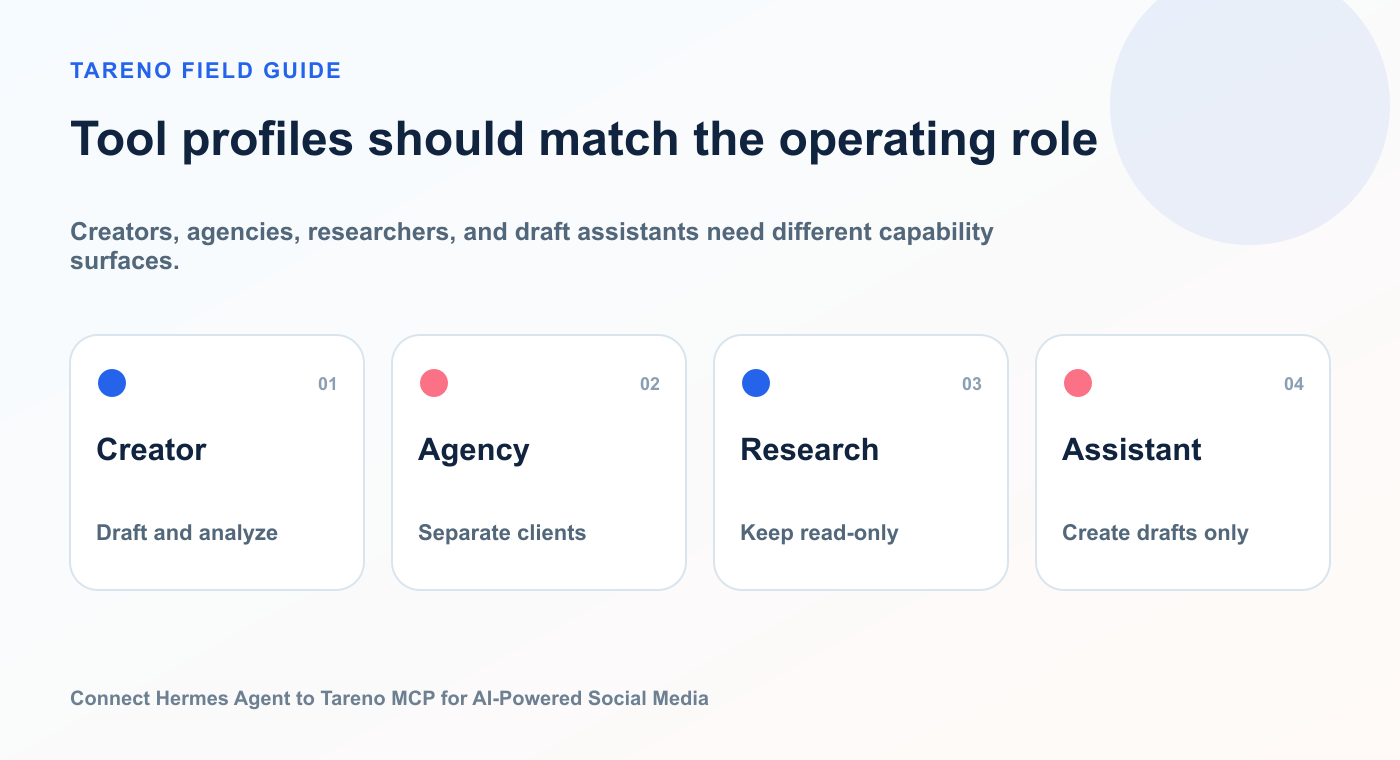
Creators, agencies, researchers, and draft assistants need different capability surfaces.
Creator setup
Allow:
accounts
requirements
analytics
drafts
scheduling preparation
action status
Exclude:
deletion
account management
workspace-wide destructive actions
Agency setup
Allow:
workspace inspection
account inspection
draft creation
analytics
reports
approval status
schedule preparation
Require:
explicit workspace
explicit client
approval before external changes
Research-only setup
Allow:
analytics
strategy
competitor analysis
account inspection
Exclude all writes.
Draft assistant setup
Allow:
read context
create drafts
import approved media
Exclude:
scheduling
publishing
deletion
This makes the same Tareno MCP server useful for different risk profiles.
Hermes vs OpenClaw vs Codex
Use Hermes when:
you want an open and configurable agent runtime
you want local and remote MCP support
you want tool discovery and filtering
you want a conversational agent for operational tasks
you want to customize the wider agent environment
Use OpenClaw when:
you want a persistent personal agent environment
you want broad tool orchestration
you want OpenClaw-specific channels, skills, and operations
you want a self-hosted assistant workflow
Use Codex when:
the workflow is tied to software development
the agent needs repository context
you want plugin discovery in Codex
product changes and social campaigns should be coordinated
developers are the main operators
The Tareno MCP server can remain the shared social execution layer.
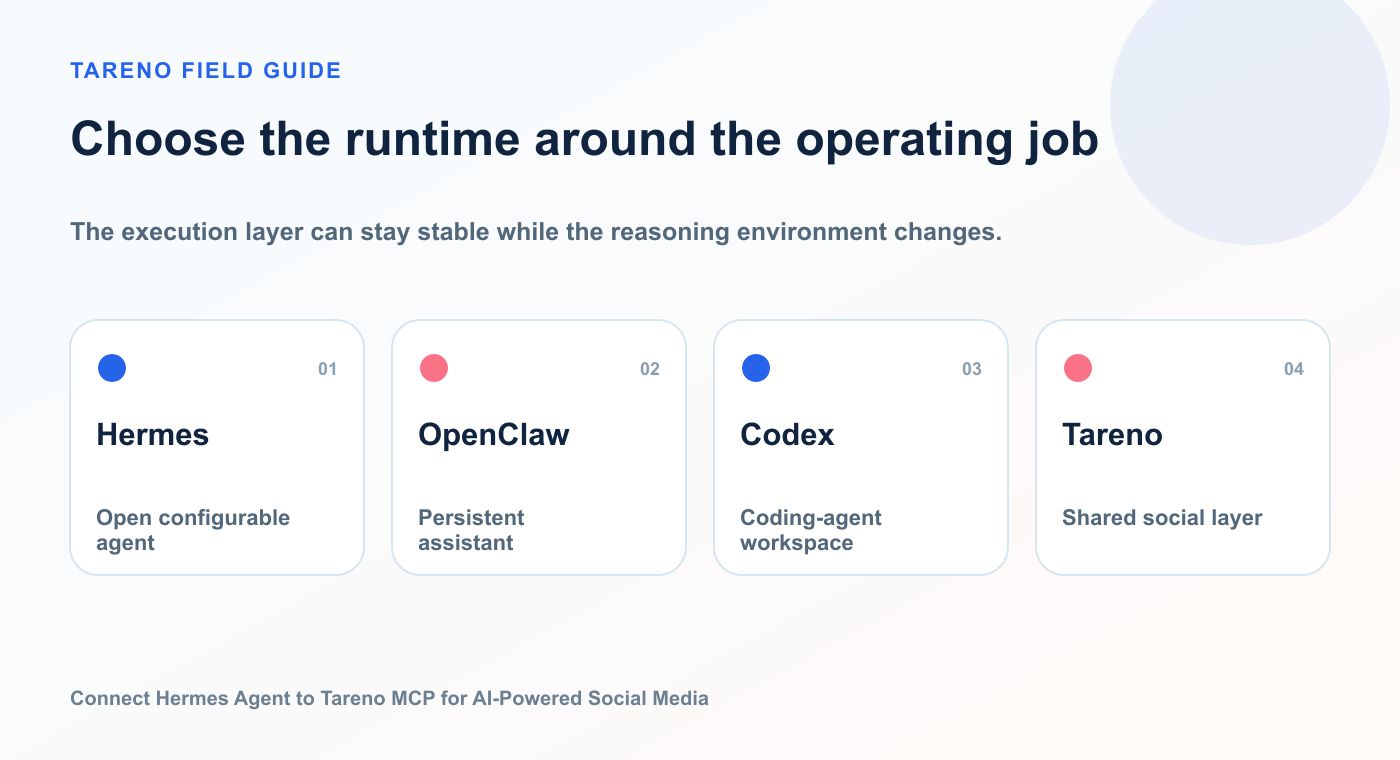
The execution layer can stay stable while the reasoning environment changes.
This is the strategic benefit of supporting MCP.
Hermes vs n8n, Make, Zapier, and Tareno workflows
Hermes is strongest when the task requires reasoning.
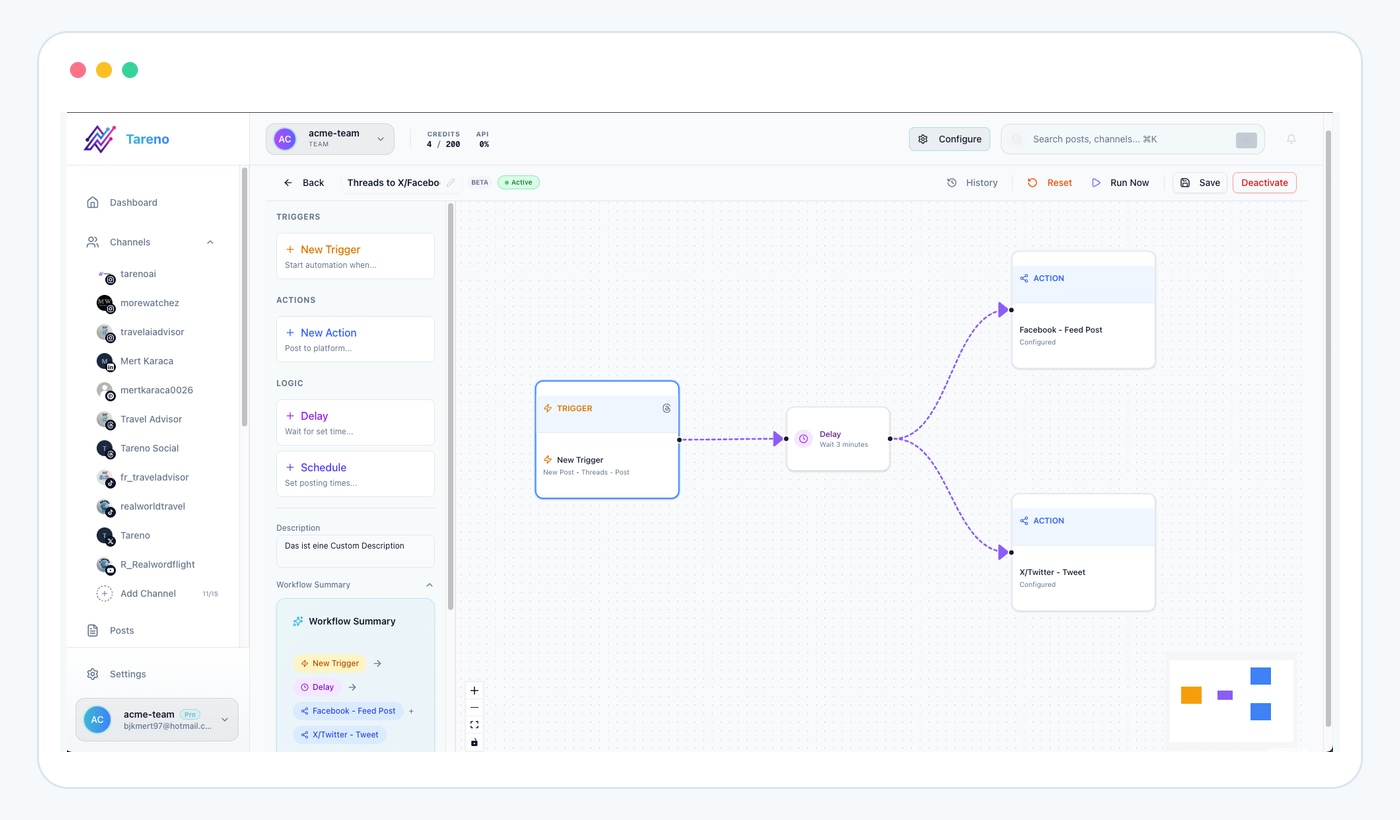
Hermes fits uncertain interpretation; a workflow builder fits repeatable triggers, rules, and actions.
Examples:
decide which content to reuse
interpret performance
choose platforms
adapt tone
build a campaign plan
explain a content gap
Use deterministic automation when the workflow should always behave the same way.
Examples:
new RSS item → create draft
new YouTube video → start repurposing
approved item → schedule
published post → create measurement task
new CRM event → prepare campaign content
Decision table:
NeedBest starting pointFlexible interactive reasoningHermes + Tareno MCPSelf-hosted deterministic logicn8n + TarenoVisual multi-app scenariosMake + TarenoSimple app triggerZapier + TarenoNative recurring social logicTareno Workflow BuilderCustom product integrationTareno API
These systems can work together.
Security checklist
Before using Hermes with Tareno:
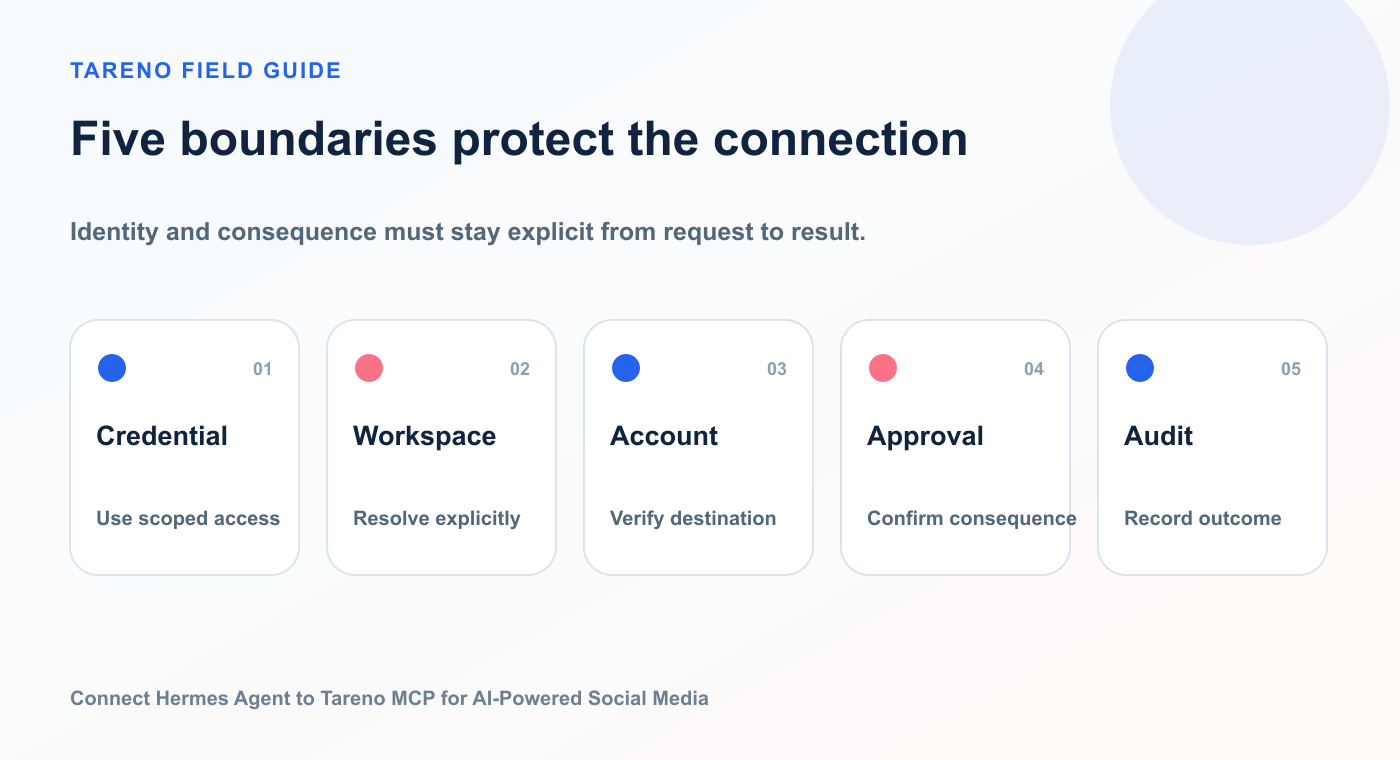
The safest integration validates who is acting, where, on which account, with what consequence, and with what record.
- [ ] Create a dedicated Tareno credential
- [ ] Use the minimum required scopes
- [ ] Store secrets outside normal prompts
- [ ] Do not commit bearer tokens
- [ ] Filter the visible Tareno tools
- [ ] Begin with read-only actions
- [ ] Test draft creation
- [ ] Keep scheduling behind approval
- [ ] Keep deletion behind approval
- [ ] Use explicit workspace and account names
- [ ] Review pending actions regularly
- [ ] Revoke unused credentials
- [ ] Review third-party tools before enabling them
Hermes’s MCP documentation emphasizes controlling which tools are loaded.
That is not only a performance optimization.
It is a security practice.
A smaller tool surface reduces accidental calls and makes the agent easier to supervise.
Troubleshooting
Hermes does not load MCP support
Check:
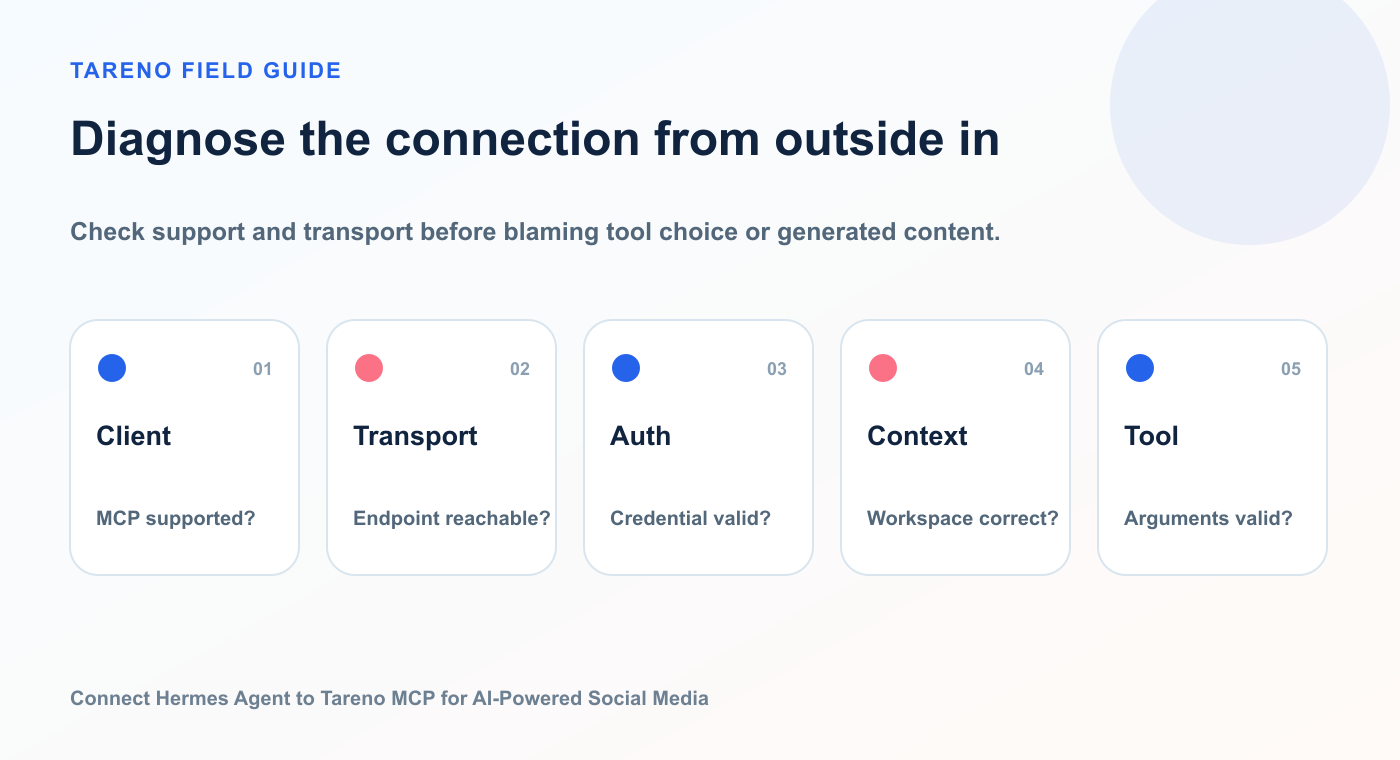
Check support and transport before blaming tool choice or generated content.
MCP extra installed
correct virtual environment
mcppackage availableconfiguration file path
Hermes restarted after config change
Hermes cannot connect to Tareno
Check:
endpoint
network access
TLS
authentication header
credential validity
timeouts
Tareno scope
Run the current connection test command.
Hermes sees tools but does not use them
Possible causes:
prompt is vague
tool descriptions are unclear
tools are filtered out
another built-in tool appears more relevant
the agent lacks required context
the requested action requires approval
Use a direct test:
Use the Tareno account-inspection tool to list my connected accounts. Do not use browser tools.
Wrong workspace or account
Specify both:
Use workspace “Agency Client A” and the LinkedIn account “Client A Company Page.” Do not use other accounts.
Generic drafts
Provide:
audience
positioning
product context
brand voice
examples
banned phrases
CTA
platform goal
source material
Scheduling request remains pending
Check Tareno’s action status.
It may be:
pending approval
executing
succeeded
failed
rejected
expired
Twenty prompts for Hermes and Tareno
Each prompt works best when it names the operating context, expected output, constraints, and approval boundary.
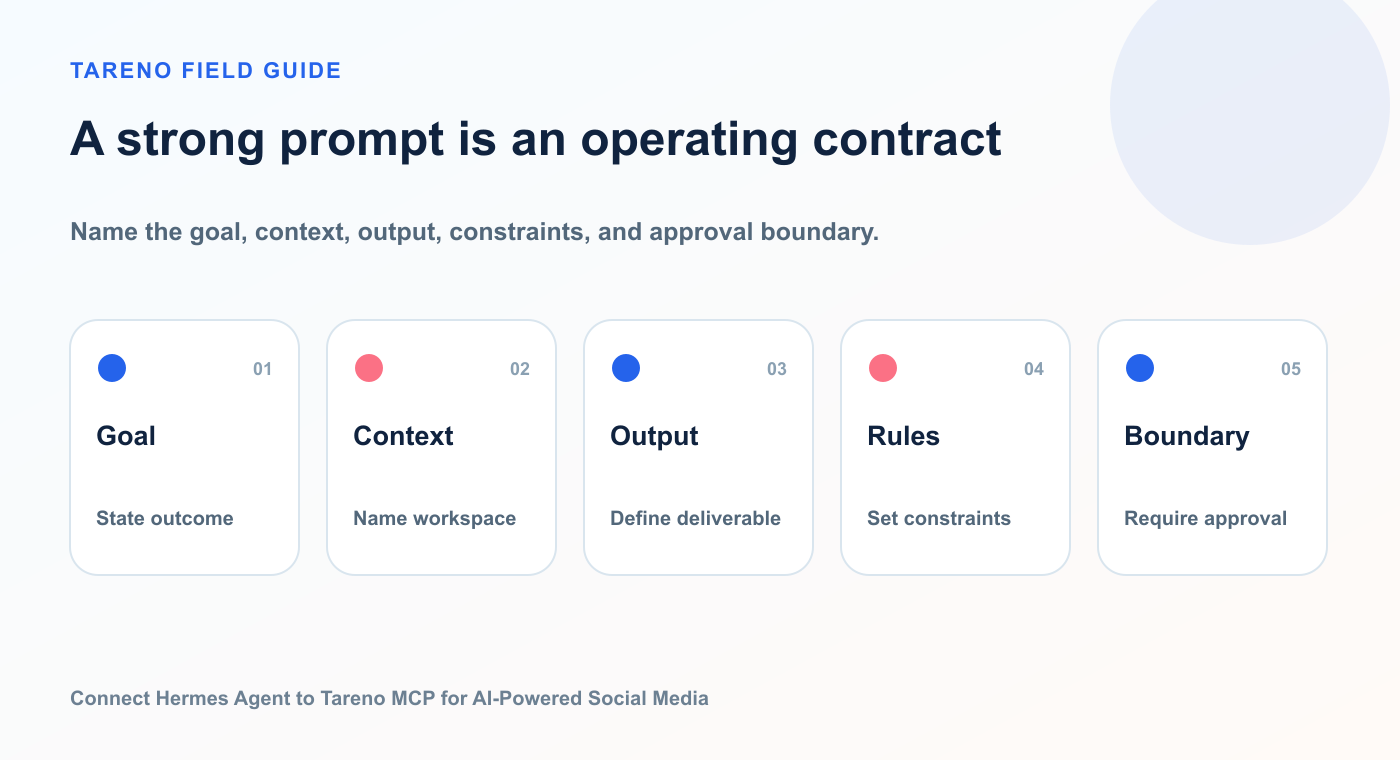
Name the goal, context, output, constraints, and approval boundary.
Setup and inspection
“List the Tareno tools available to you.”
“List my workspaces and connected accounts.”
“Flag disconnected accounts and missing requirements.”
“Show all pending Tareno actions.”
Strategy
“Identify my strongest content topic from the last month.”
“Find one underused content pillar.”
“Compare performance by platform and format.”
“Build next week’s content plan from the data.”
Drafting
“Create native drafts for LinkedIn, Bluesky, Mastodon, and Threads.”
“Rewrite this post without unsupported claims.”
“Turn this customer question into three educational posts.”
“Create a short-form video script from this insight.”
Repurposing
“Find posts with high saves and create checklist formats.”
“Turn my best LinkedIn post into a carousel.”
“Create a Bluesky thread from this blog section.”
“Build an evergreen queue from my top posts.”
Approval and operations
“Show what is blocking next week’s calendar.”
“Prepare approved drafts for scheduling, but do not publish.”
“Compare approved and scheduled versions.”
“Create a campaign postmortem with workflow improvements.”
How Tareno should be positioned for Hermes users
The weak message is:
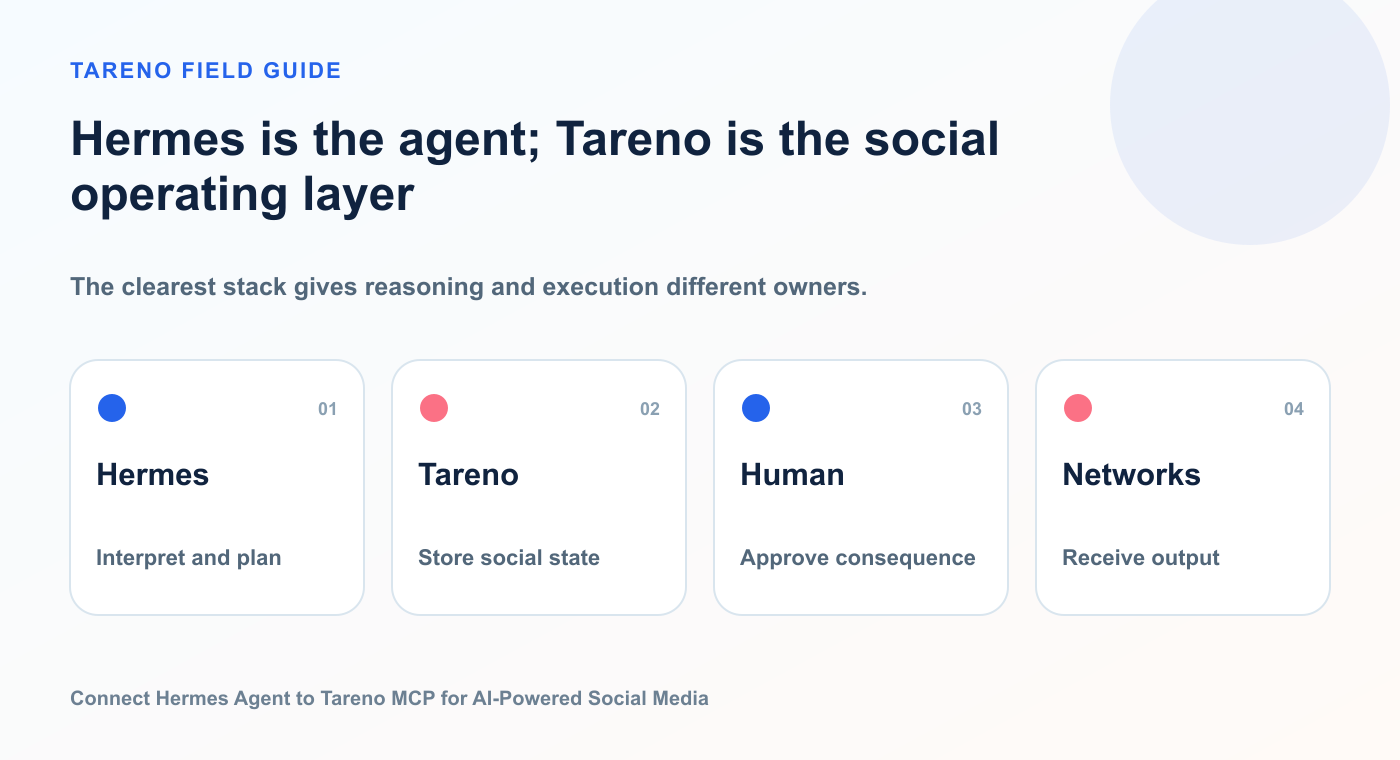
The clearest stack gives reasoning and execution different owners.
Hermes can connect to a social scheduler.
The stronger message is:
Hermes can use Tareno as a controlled social media operating layer.
Tareno gives the agent:
structured access
connected accounts
platform awareness
drafts
media
approvals
scheduling
analytics
reports
repurposing
workflow automation
activity visibility
Hermes gives Tareno users:
natural-language control
flexible reasoning
multi-step planning
tool orchestration
interactive analysis
reusable agent workflows
Together, they create an approval-first AI social media system.
Keep building the workflow
Approval workflowsKeep public actions behind an explicit decision point.Analytics reportsTurn performance evidence into the next task.Repurposing queueGive proven content a controlled second wave.Agency workflowsSeparate clients, roles, accounts, and approvals.
FAQ
Can Hermes Agent control Tareno through MCP?
Yes. Hermes supports external MCP servers and can discover their tools. Tareno provides the social media capabilities through its remote MCP server.
Can Hermes publish immediately?
It may be technically possible depending on exposed tools and scopes, but consequential publishing should remain behind Tareno approval.
Does Hermes need direct social platform passwords?
No. Hermes works through Tareno, which manages the connected social accounts.
Can I filter Tareno tools in Hermes?
Yes. Hermes supports per-server filtering so you can expose only the tools needed for a workflow.
Can Hermes analyze social media performance?
Yes, when the relevant analytics tools are exposed by Tareno and the connected accounts provide the necessary data.
Can Hermes create multilingual posts?
Yes. It can prepare localized drafts across Tareno-supported languages. Human review is recommended for important campaigns.
Is Hermes better than OpenClaw?
Neither is universally better. Hermes is an open, configurable agent runtime with strong MCP support. OpenClaw offers a broader persistent assistant environment. Tareno can work as the same MCP execution layer for both.
Should I use Hermes or n8n?
Use Hermes for flexible reasoning and interactive planning. Use n8n for deterministic background workflows.
Can agencies use Hermes with Tareno?
Yes. Agencies should use separate workspaces, explicit account selection, scoped credentials, tool filtering, and client approval gates.
Final thoughts
Hermes Agent can make social media workflows conversational and flexible.
Tareno can make those workflows structured and controlled.
Hermes interprets the goal.
Tareno exposes the social tools.
The agent prepares the work.
The user approves the consequence.
Tareno publishes, measures, and stores the result.
Then Hermes can use the signal to prepare the next campaign or repurposing task.
That is a practical model for AI-powered social media management:
More automation, more intelligence, and still a clear human decision point.