
MCP, Zapier, n8n, and Make are often grouped under automation, but they solve different coordination problems. MCP lets an agent discover typed capabilities from a natural-language goal; the other three execute explicit event-driven workflows with different tradeoffs in app reach, technical control, and visual mapping. The practical choice depends on how predictable the task is and how much consequence a failed action carries.
TL;DR
Use this decision rule:
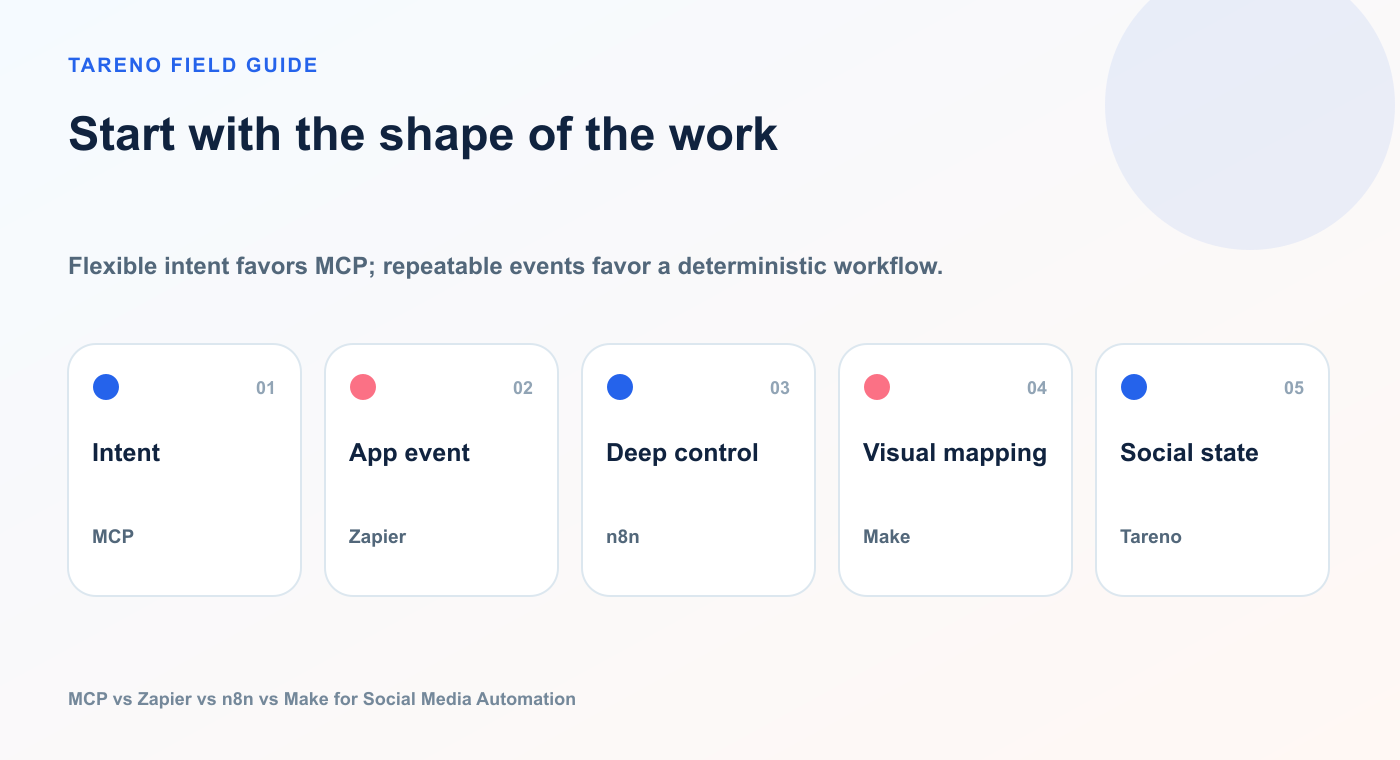
Flexible intent favors MCP; repeatable events favor a deterministic workflow.
NeedBest starting pointAsk an AI agent to perform an ad hoc social taskMCPConnect a simple trigger to a social action quicklyZapierBuild a flexible, technical, or self-hosted automationn8nBuild a visual multi-step scenario across appsMakeManage accounts, drafts, approvals, scheduling, analytics, and repurposingTareno
The most important distinction is:
MCP is agent-driven. Zapier, n8n, and Make are primarily workflow-driven.
An MCP client decides which tool to call based on a natural-language request.
A traditional automation workflow follows a path you designed in advance.
There is overlap, especially because Zapier, n8n, and Make now include AI-agent and MCP capabilities. But the basic distinction still helps you choose the right architecture.
The one-sentence explanation of each option
MCP
MCP lets an AI application discover and call external tools through a standardized interface.
The tools differ in orchestration style; Tareno remains the social execution layer.
Zapier
Zapier connects apps through triggers and actions, making common business automations accessible without building the infrastructure yourself.
n8n
n8n lets you build highly configurable workflows and AI-agent systems with nodes, expressions, code, APIs, credentials, branching, and optional self-hosting.
Make
Make lets you visually design scenarios that move and transform data across applications using modules, routers, filters, iterators, webhooks, and AI-agent tools.
Tareno
Tareno provides the social media operating layer: connected accounts, platform-aware publishing, drafts, scheduling, approvals, analytics, media, repurposing, and workflows.
MCP is not a Zapier replacement
A common mistake is to describe MCP as “the new Zapier.”
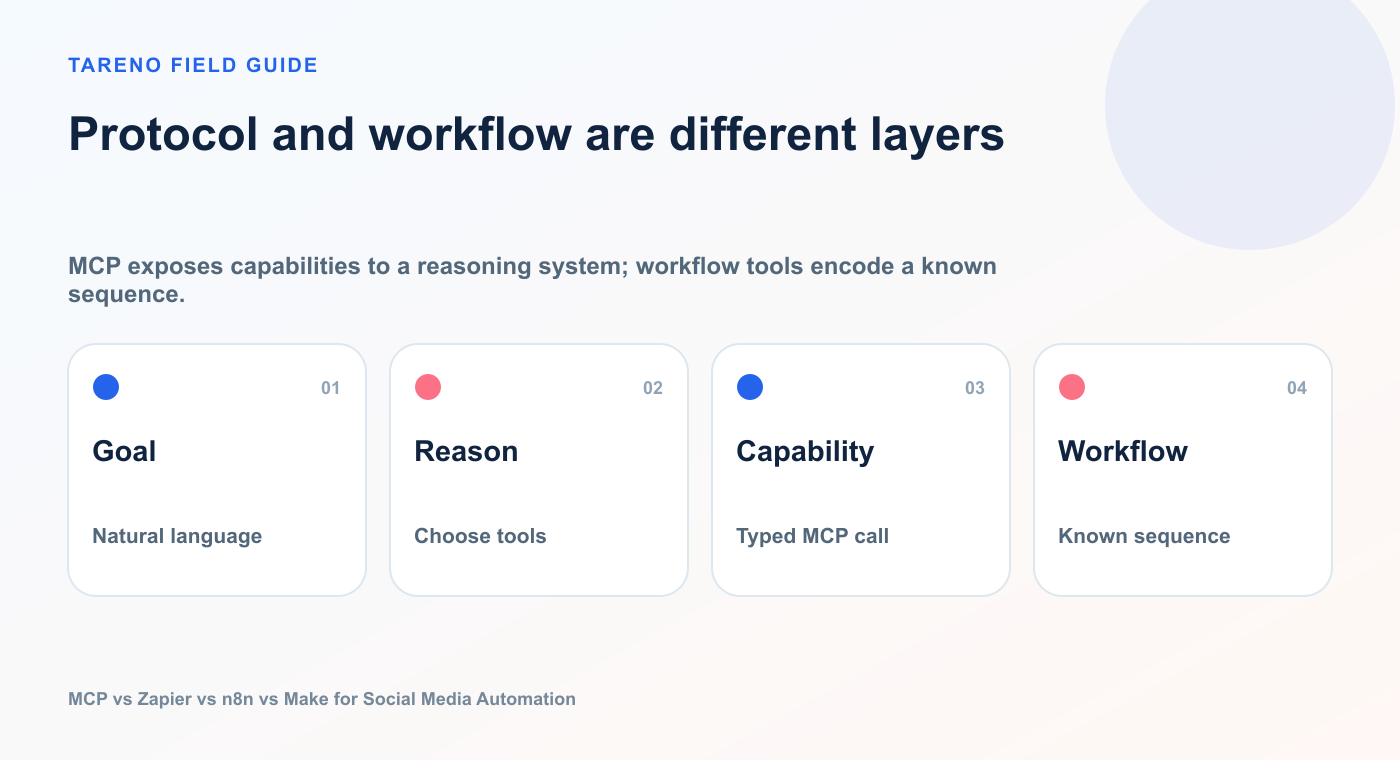
MCP exposes capabilities to a reasoning system; workflow tools encode a known sequence.
That is too simplistic.
MCP does not define a complete automation platform.
It defines how an AI client can discover and call tools exposed by an MCP server.
That can include tools for:
reading data
creating drafts
calling APIs
scheduling posts
searching databases
triggering workflows
updating records
performing calculations
But MCP does not automatically give you:
a visual scenario builder
a persistent trigger engine
retry configuration
scheduled workflow execution
branching history
data stores
webhook management
long-running background orchestration
Those features come from the connected system or the agent environment.
MCP is best understood as an agent-tool interface.
Zapier, n8n, and Make are broader automation environments.
That difference explains why the systems often work better together than against each other.
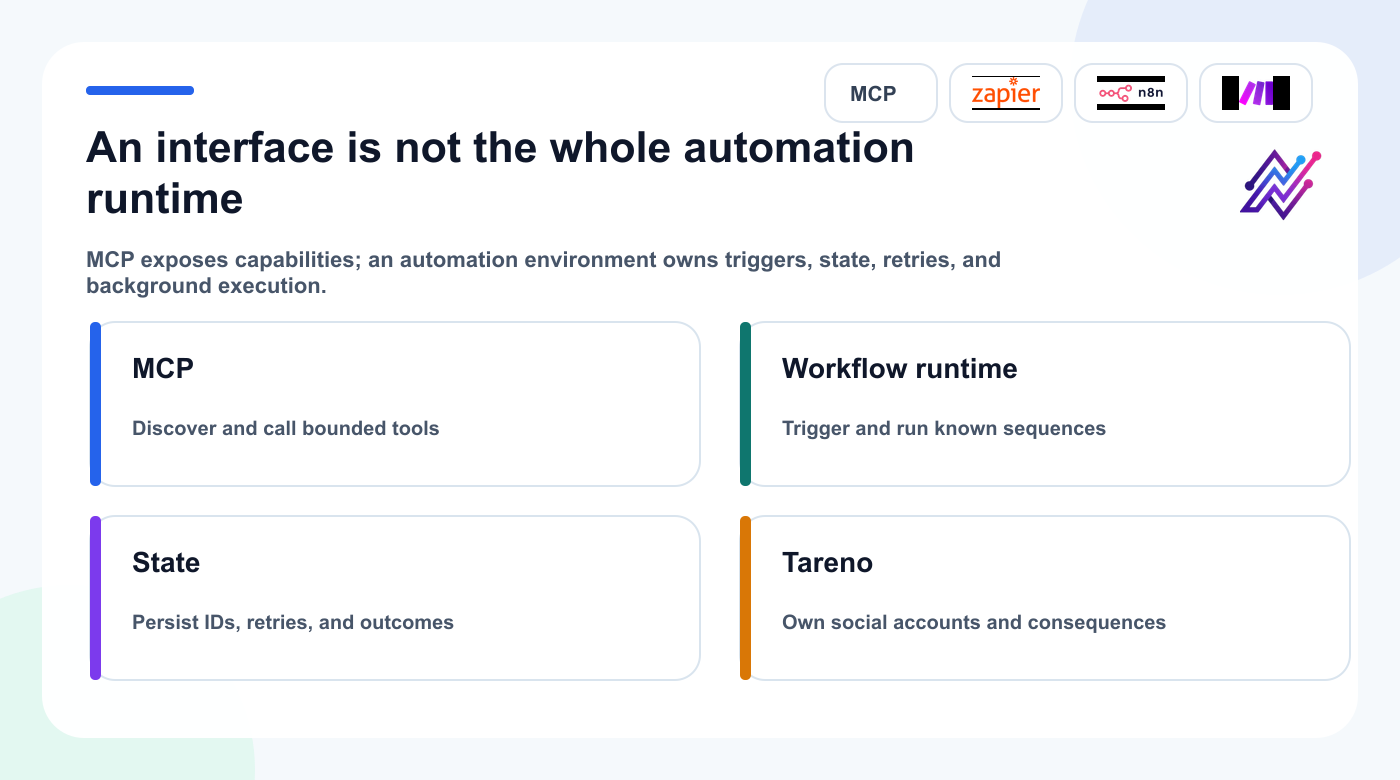
MCP and workflow platforms solve different layers, so a production system can use both.
The core comparison
CapabilityMCPZapiern8nMakeNatural-language tool selectionCore strengthAvailable through agent products and MCPAvailable through AI Agent and MCP nodesAvailable through AI Agents and MCP toolsVisual workflow builderNoYesYesYesBackground triggersDepends on hostCore strengthCore strengthCore strengthComplex branchingDepends on hostModerateStrongStrongCustom codeDepends on client/serverLimited to platform optionsStrongModerateSelf-hostingDepends on MCP componentsNoYesNoBroad app ecosystemDepends on serverVery broadBroad plus APIs/community nodesBroad plus custom apps/APIHuman approvalDepends on implementationPossible through workflow designNative human-in-the-loop patterns and custom logicPossible through scenario design and agent controlsBest for ad hoc agent requestsExcellentModerateStrongStrongBest for deterministic recurring flowsWeak aloneStrongExcellentExcellentSocial publishing controlRequires connected social toolRequires social app/actionRequires social node/APIRequires social module/API
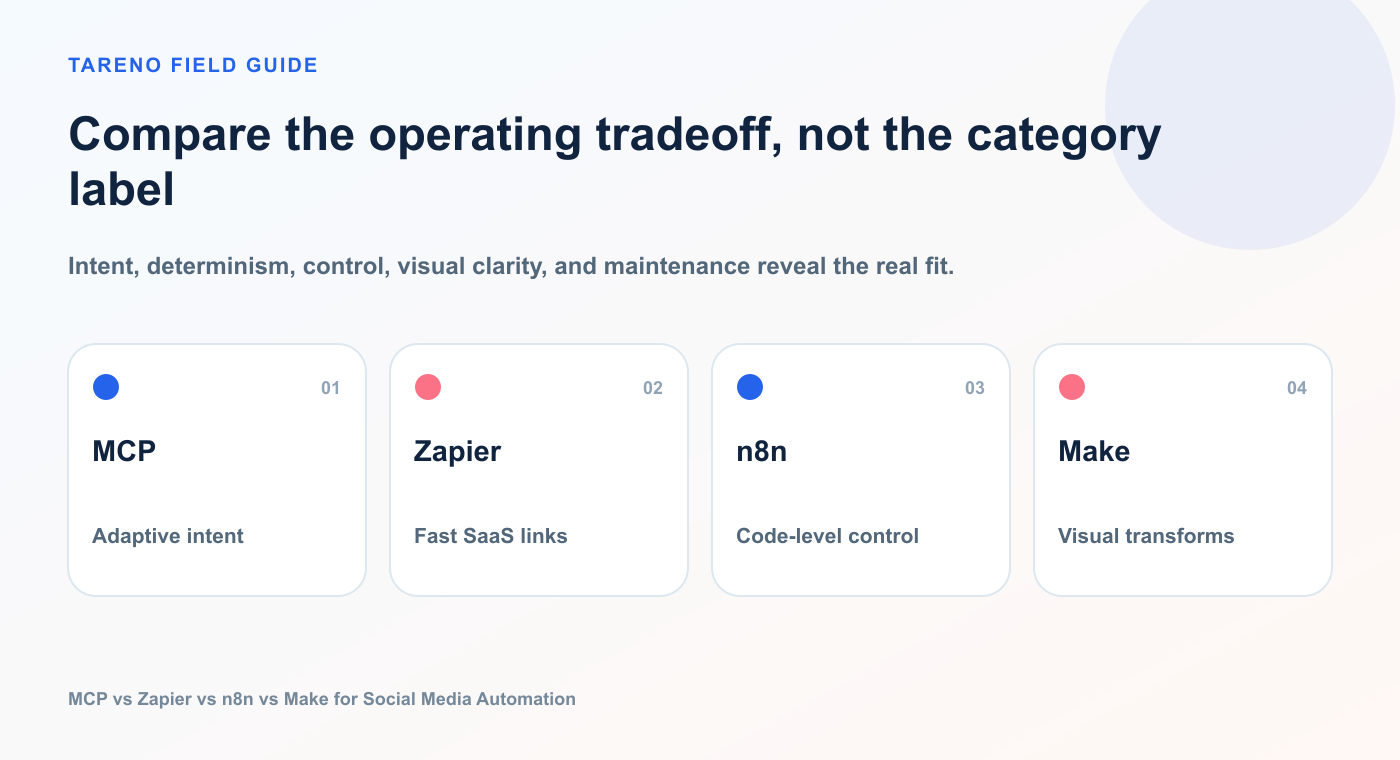
Intent, determinism, control, visual clarity, and maintenance reveal the real fit.
The table shows why “best” depends on the job.
When MCP is the best choice
MCP is strongest when the user starts with a goal rather than a predefined event.
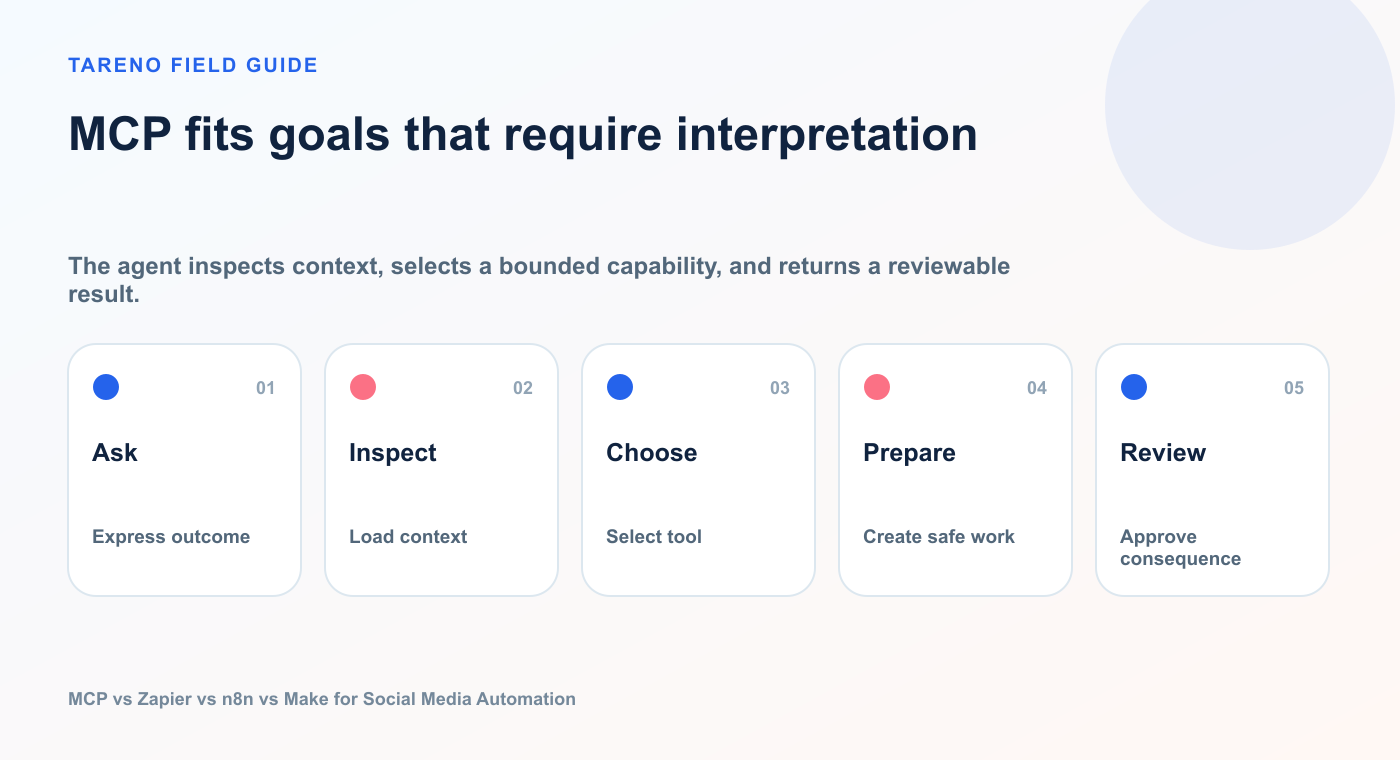
The agent inspects context, selects a bounded capability, and returns a reviewable result.
Examples:
“Show me my best posts and create variants.”
“Prepare a campaign for Bluesky, Mastodon, LinkedIn, and Instagram.”
“Check which accounts are connected before scheduling.”
“Analyze the last month and suggest what to post next.”
“Create drafts in nine languages, but do not publish.”
“List pending approvals and explain what each one will change.”
The agent can decide which tools are necessary.
A single request might require:
listing accounts
reading analytics
retrieving post details
generating content
creating drafts
preparing a schedule
checking action status
You do not need to pre-build every path.
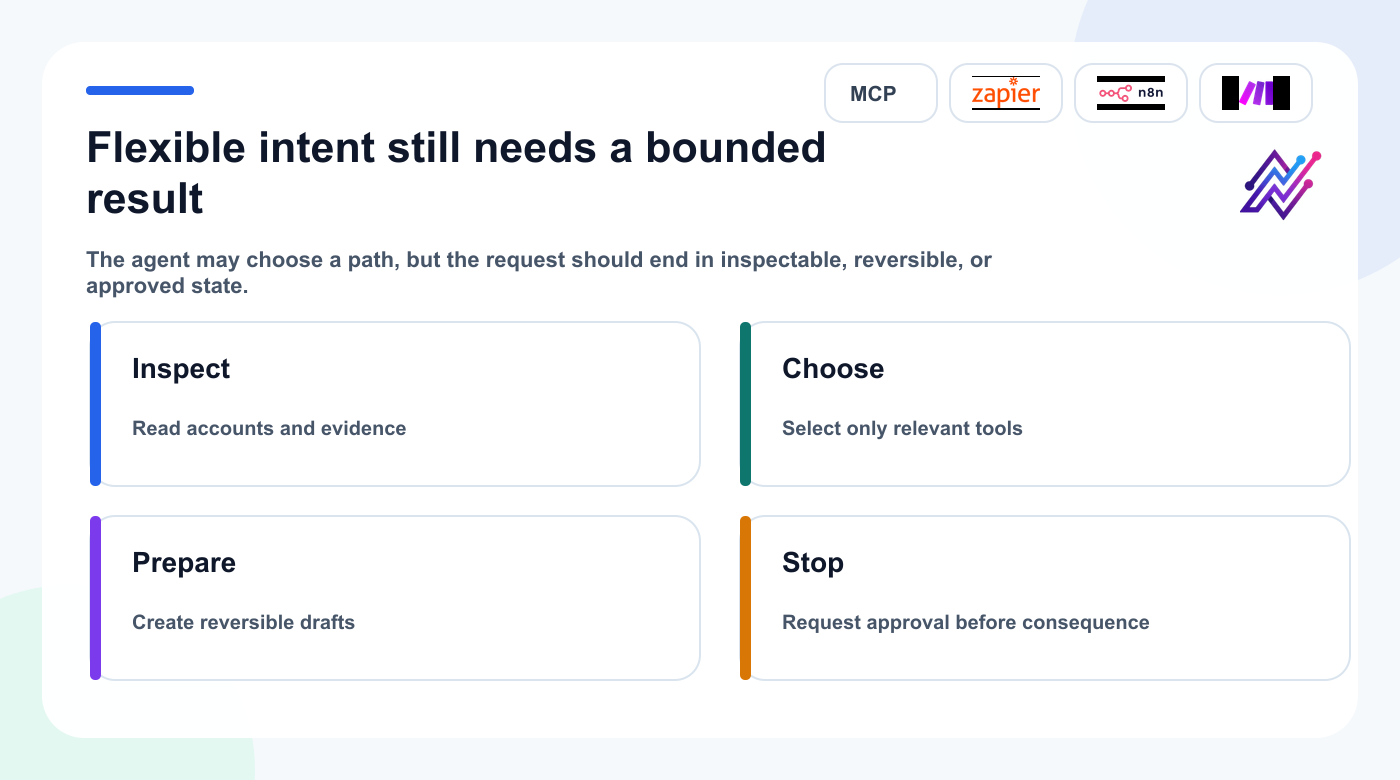
Agent flexibility is useful when tool selection stays bounded and public action remains controlled.
MCP advantage: flexible intent
The user can change the request without rebuilding a scenario.
Example:
Use the same analysis, but create only Bluesky and Japanese LinkedIn drafts this time.
The agent adjusts the plan.
MCP limitation: less deterministic by default
An agent may choose a different tool path depending on context, instructions, model behavior, and available tools.
That is useful for flexible work.
It is less ideal when the workflow must execute exactly the same way every time.
When Zapier is the best choice
Zapier is strongest when the trigger and action are easy to describe.
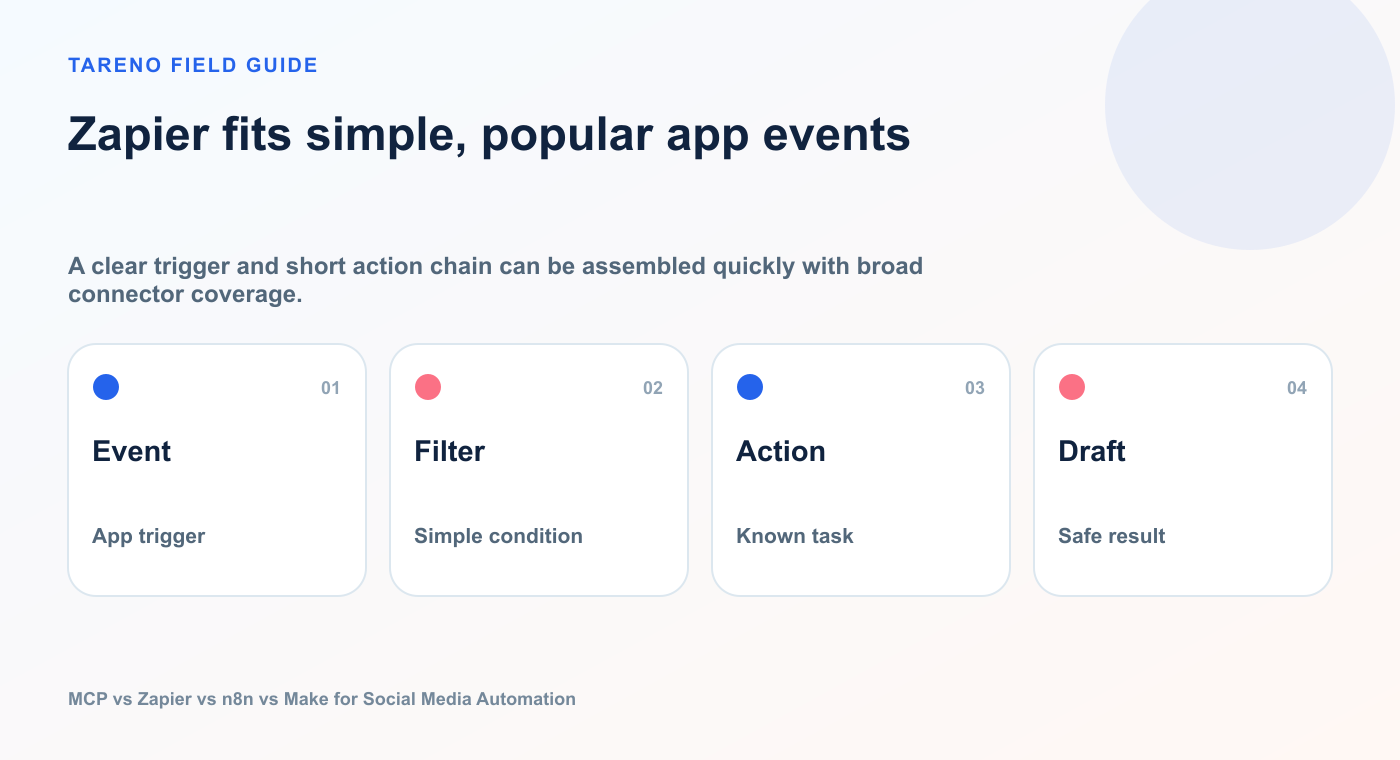
A clear trigger and short action chain can be assembled quickly with broad connector coverage.
Examples:
New blog post → create a social draft
New Airtable record → schedule a post
New Shopify product → prepare a launch post
Approved content → notify Slack
New lead magnet → add campaign task
Published post → create reporting reminder
The appeal is speed.
A non-technical user can often connect two or three apps without managing servers or writing code.
Zapier advantage: app reach
Zapier’s value is the breadth of its integration ecosystem and the familiarity of its trigger-action model.
For social media teams, Zapier is useful when content data begins somewhere else:
CRM
project management tool
spreadsheet
ecommerce platform
form
email
content database
The Zap can move that data into Tareno.
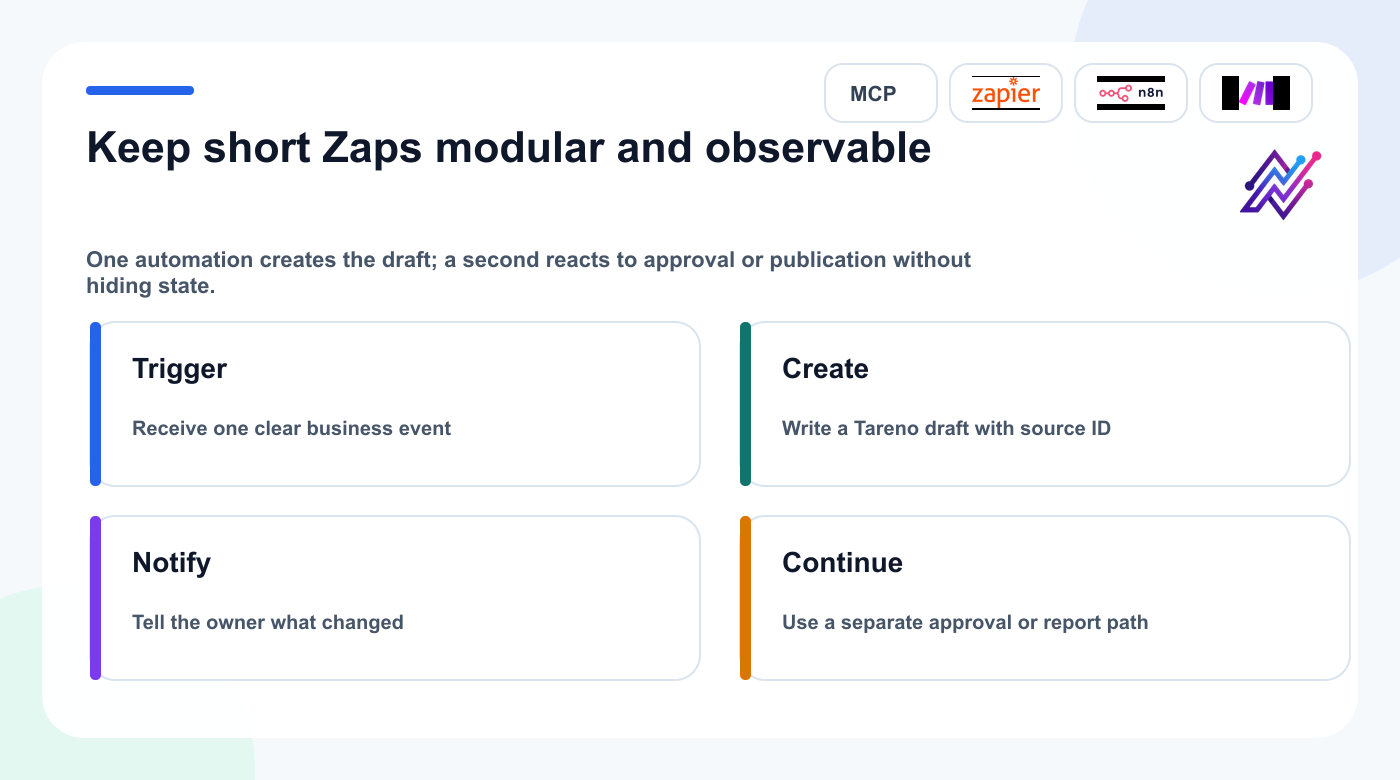
Short, separate Zaps are easier to test and recover than one opaque chain with every responsibility.
Zapier limitation: complex logic can become awkward
Simple Zaps are easy.
Large automations with many branches, transformations, loops, retries, approval paths, and state can become harder to understand and maintain.
Zapier is not incapable of complexity, but it is usually strongest when the workflow remains relatively clear and modular.
Example Tareno Zap
Trigger: New approved content record in Airtable
Action: Create Tareno draft
Action: Notify account manager in Slack
A second Zap could handle the next step:
Trigger: Tareno post approved
Action: Update Airtable status
Action: Create reporting task
This keeps each automation understandable.
When n8n is the best choice
n8n is strongest when you need flexibility, technical control, complex logic, or self-hosting.
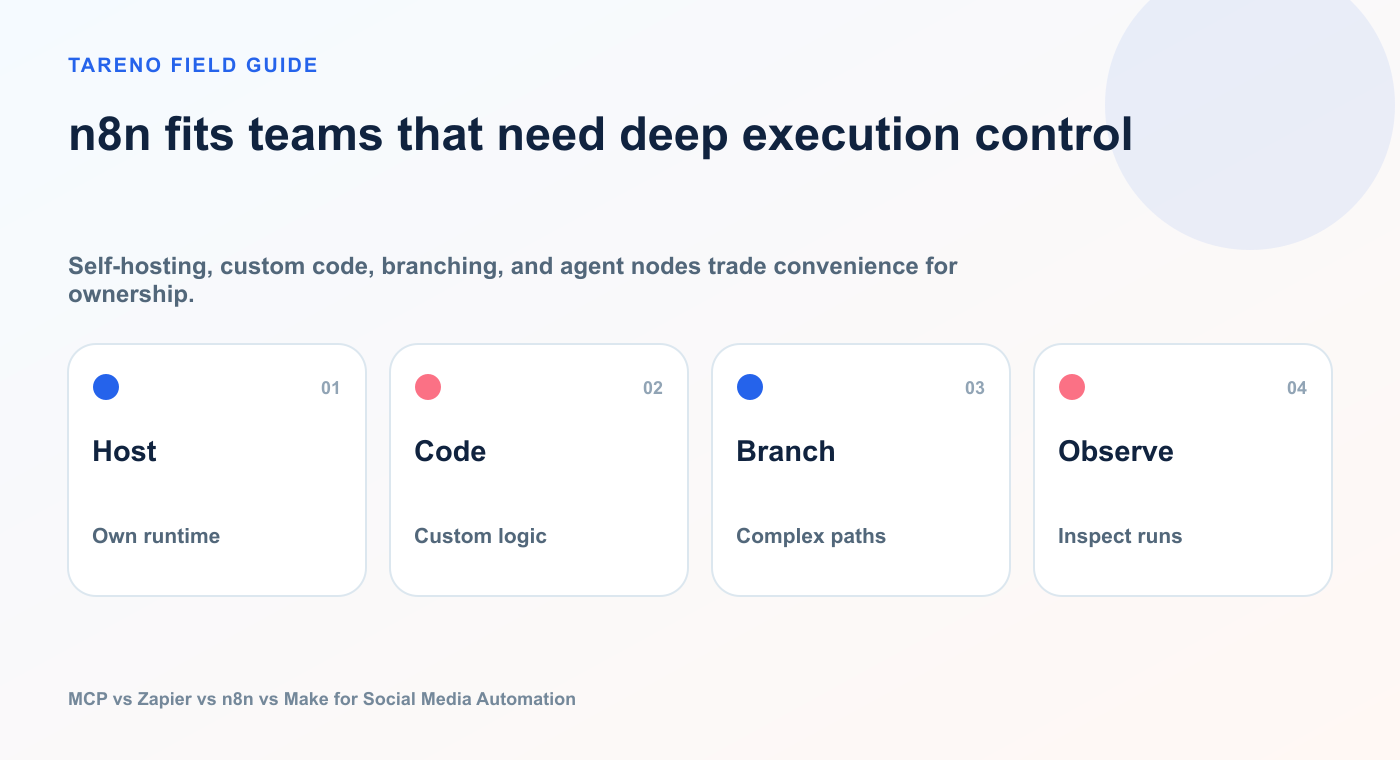
Self-hosting, custom code, branching, and agent nodes trade convenience for ownership.
A typical n8n social media workflow might include:
RSS trigger
database lookup
AI classification
brand-rule retrieval
script generation
image creation
Tareno media upload
draft creation
human approval
scheduling
logging
analytics follow-up
n8n is particularly attractive for technical founders and automation teams because it supports:
nodes
expressions
APIs
JavaScript or code steps
webhooks
loops
branching
error workflows
credentials
databases
AI agents
MCP client tools
MCP server triggers
n8n advantage: control
You can design exactly how data moves.
You can define what happens when a field is missing, a model returns invalid data, a platform rejects media, or an approval times out.
n8n advantage: hybrid agent workflows
n8n can host deterministic logic and still let an AI agent make selected decisions.
For example:
Scheduled trigger
  ↓
Fetch recent analytics
  ↓
AI Agent chooses three repurposing candidates
  ↓
Human approval
  ↓
Tareno creates drafts
  ↓
Slack summary
The agent handles judgment.
The workflow handles structure.
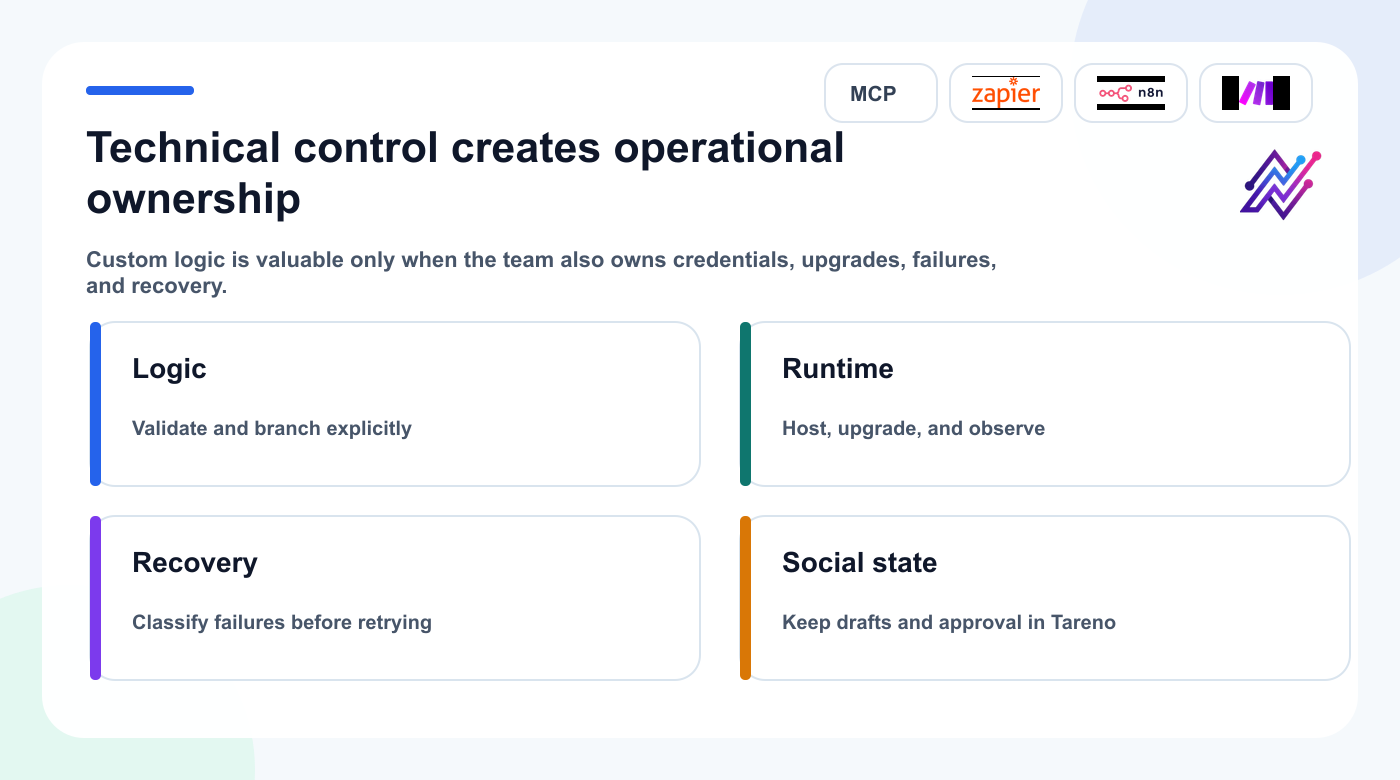
n8n offers deep control, and the operating team must own the runtime that makes that control reliable.
n8n limitation: more setup and maintenance
With flexibility comes responsibility.
A technical team may need to manage:
hosting
upgrades
credentials
node compatibility
execution history
errors
data retention
concurrency
security
For a simple two-app automation, n8n may be more than you need.
When Make is the best choice
Make is strongest when you want visual control over a multi-step data workflow.
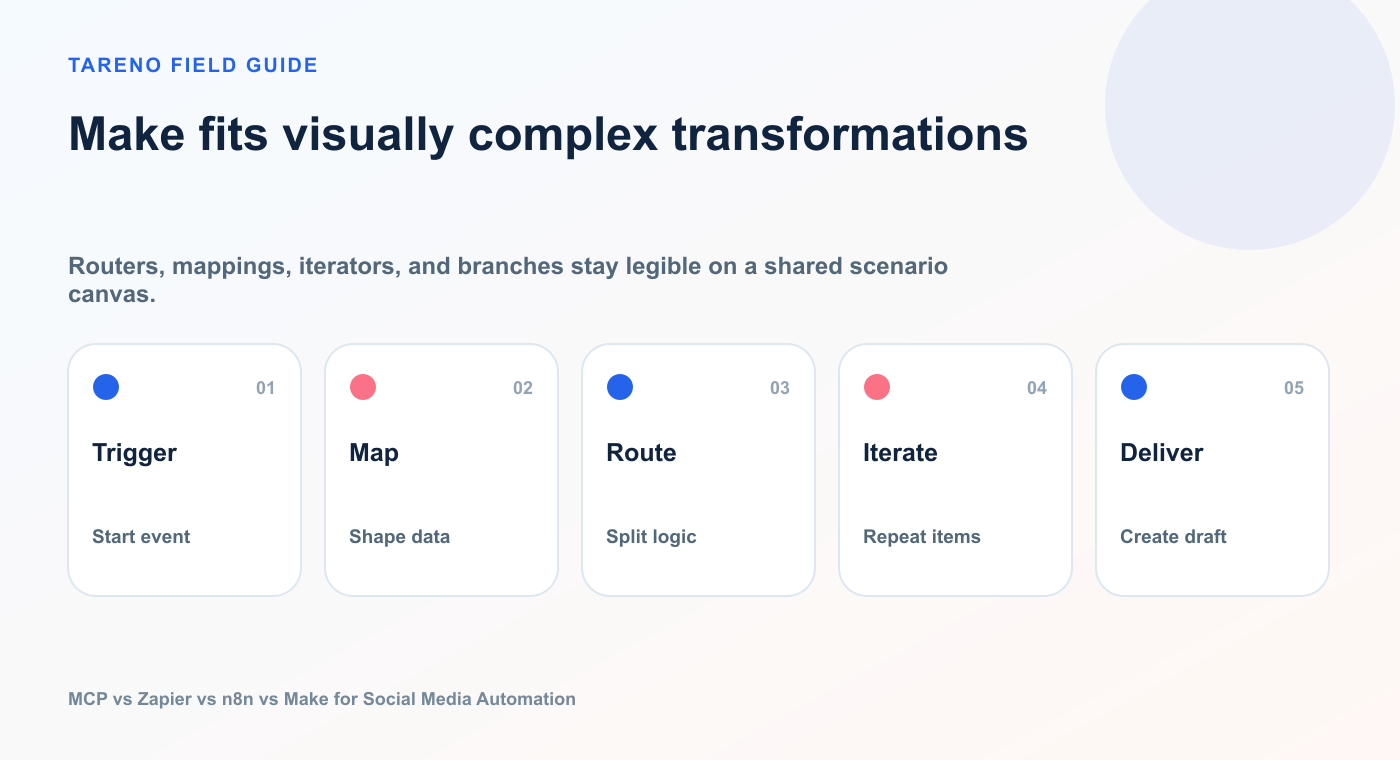
Routers, mappings, iterators, and branches stay legible on a shared scenario canvas.
Its scenario builder makes it easy to see:
where data enters
how it is transformed
which filters apply
where branches split
which modules run
how bundles move
where errors occur
This is useful for content operations because social workflows often combine multiple sources.
Example:
Google Sheets: Watch Rows
  ↓
OpenAI: Generate platform variants
  ↓
Router
  ├─ LinkedIn branch
  ├─ Bluesky branch
  └─ Mastodon branch
  ↓
Tareno: Schedule Post
  ↓
Slack: Send confirmation
Make advantage: visual transformations
Make is especially strong when the workflow requires mapping and transforming data between apps.
Examples:
split one brief into platform variants
iterate through connected accounts
route by campaign type
format dates and timezones
attach multiple media URLs
create fallback branches
send success or failure notifications
Make advantage: native Tareno app
Tareno’s approved Make app provides ready modules for account listing, publishing, scheduling, deletion, and generic API calls.
That means users can work with Tareno modules directly instead of building every request through a raw HTTP module.
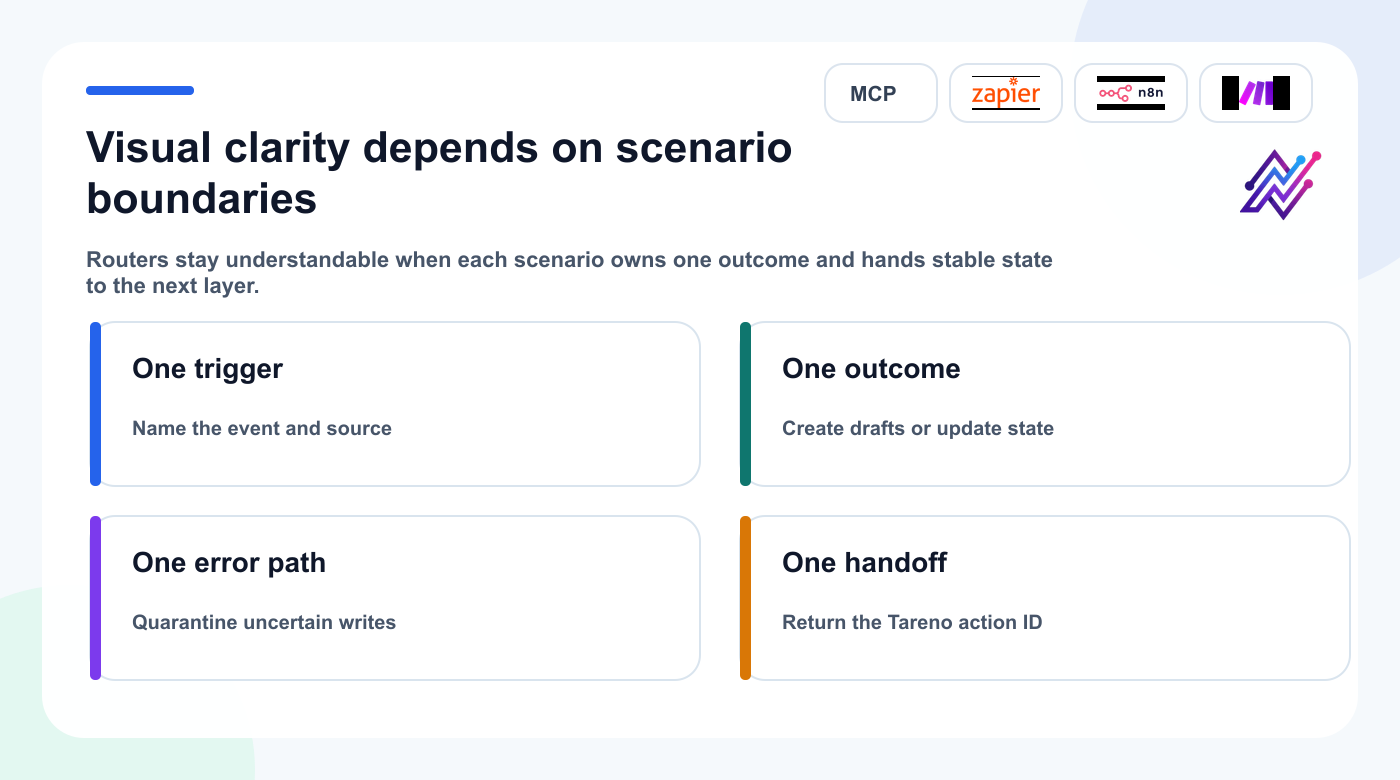
A visual canvas stays maintainable when each scenario has one responsibility and one traceable handoff.
Make limitation: large scenarios can become visually dense
A visual workflow is easy to understand when it has ten modules.
A scenario with many routers, iterators, aggregators, error handlers, and nested branches can become difficult to maintain.
The solution is to keep scenarios modular and give each one a clear responsibility.
How AI agents change Zapier, n8n, and Make
The platforms are converging.
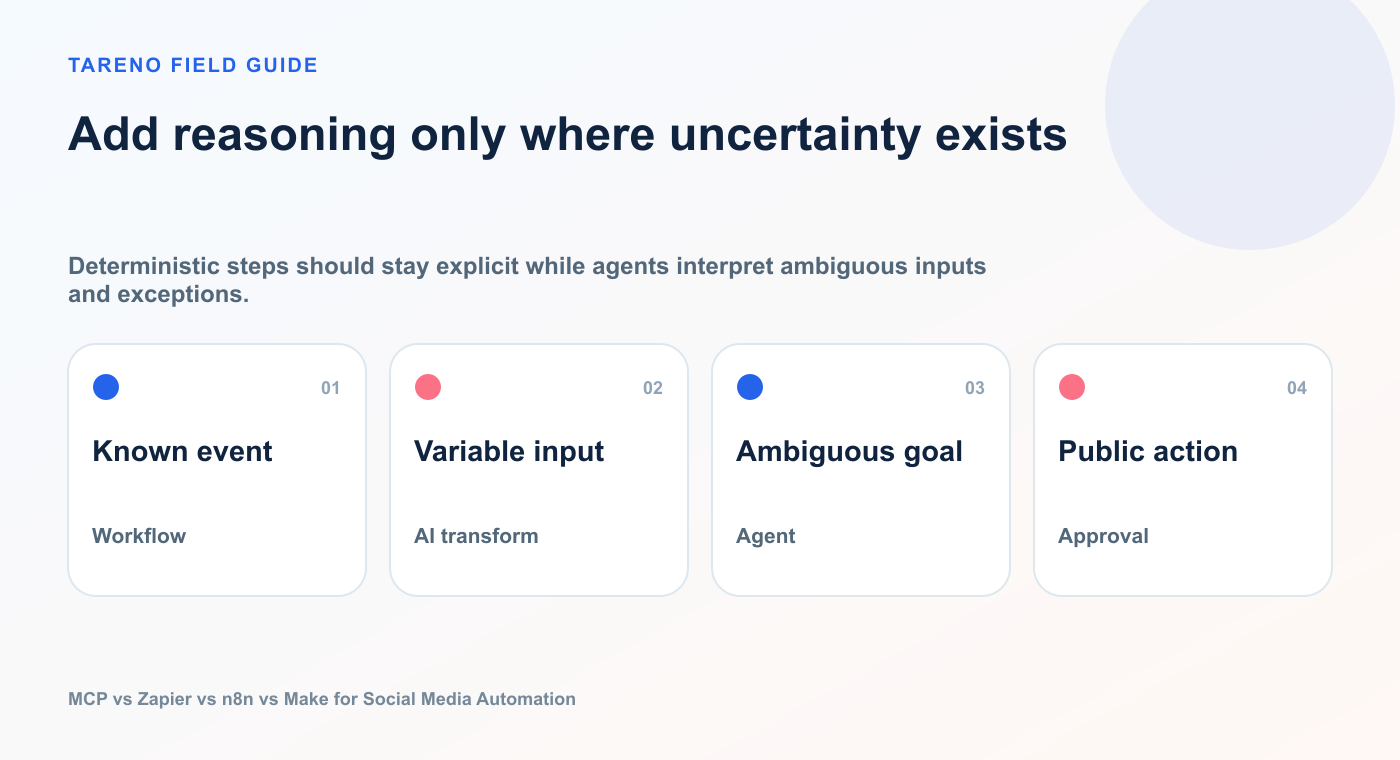
Deterministic steps should stay explicit while agents interpret ambiguous inputs and exceptions.
Zapier offers MCP and agent products.
n8n includes AI Agent tooling, MCP clients, and MCP server capabilities.
Make includes AI Agents, module tools, scenario tools, MCP tools, and MCP toolboxes.
This means the old comparison—“AI agent versus automation platform”—is becoming less useful.
The better comparison is now:
Where does the reasoning happen, where does the deterministic workflow happen, and where is the external action approved?
A system can use multiple layers.
Example:
Codex receives the user goal
  ↓
Codex calls Tareno MCP for analytics
  ↓
Codex proposes campaign tasks
  ↓
Make handles asset and CRM handoffs
  ↓
Tareno creates drafts and approval requests
  ↓
Tareno publishes after approval
  ↓
n8n performs long-running analytics enrichment
This is not overengineering if each layer has a clear role.
It becomes overengineering when the same decision is duplicated across four systems.
The Tareno role in every architecture
MCP, Zapier, n8n, and Make still need a reliable social media execution layer.
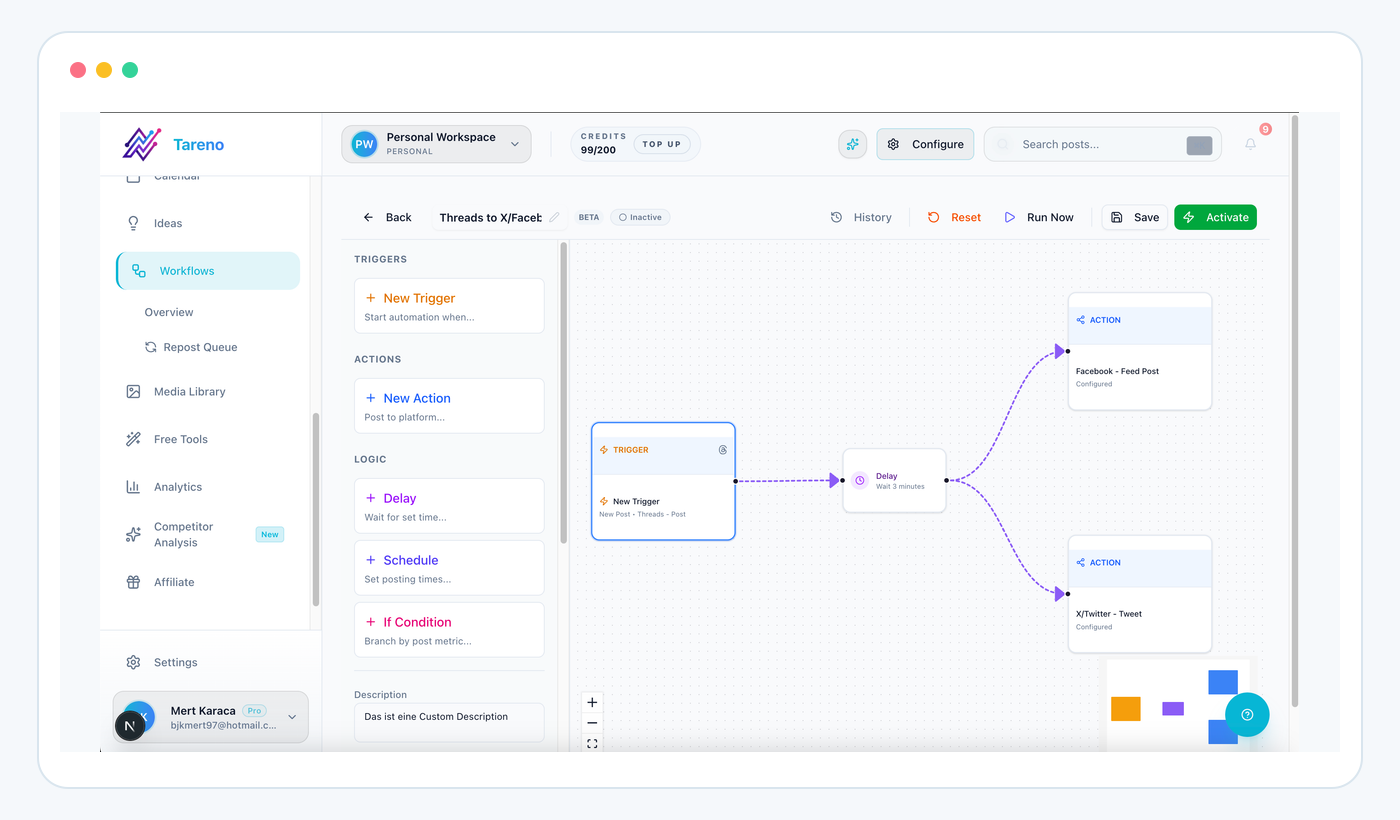
Whichever orchestration tool starts the work, Tareno keeps social state and consequences visible.
That is where Tareno fits.
Tareno provides:
connected social accounts
platform-specific requirements
drafts
media handling
multi-platform publishing
scheduling
approval workflows
content calendar
analytics
repurposing queue
workflow builder
roles and permissions
action status
This means you can change the automation layer without rebuilding every social platform connection.
MCP + Tareno
Best for interactive agent control.
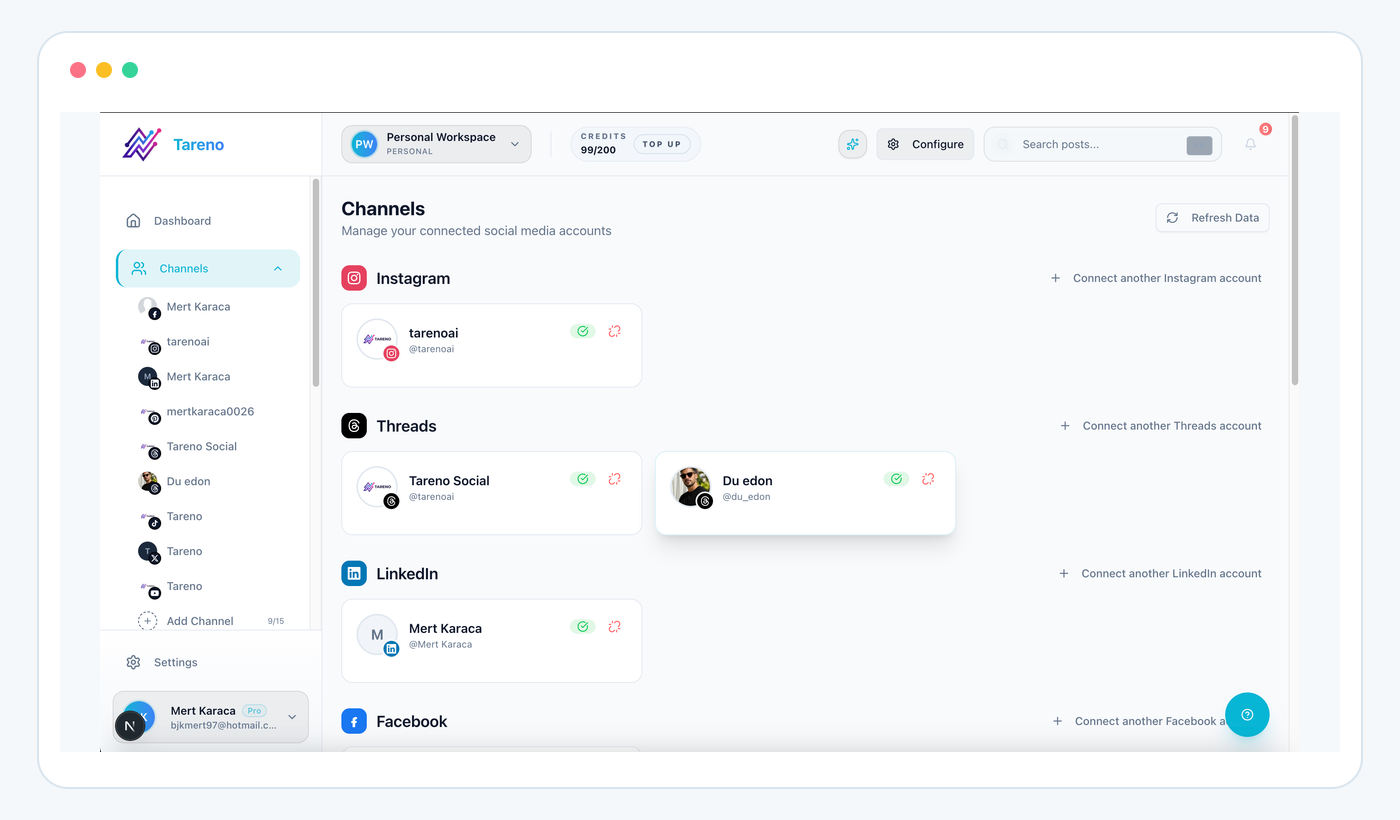
Typed capabilities still need an explicit workspace and destination account.
User prompt
  ↓
Codex, OpenClaw, Hermes Agent, or another MCP client
  ↓
Tareno MCP
  ↓
Approval
  ↓
Publish
Zapier + Tareno
Best for straightforward trigger-action automations.
CRM, form, spreadsheet, or ecommerce trigger
  ↓
Zapier
  ↓
Tareno draft or scheduled action
  ↓
Approval or publishing workflow
n8n + Tareno
Best for technical, custom, or self-hosted workflows.
Trigger
  ↓
Custom logic, AI, APIs, database, human review
  ↓
Tareno node or API
  ↓
Approval and publishing
Make + Tareno
Best for visual scenario design and multi-app data transformation.
Webhook or app trigger
  ↓
Make scenario and routers
  ↓
Tareno module
  ↓
Approval and publishing
Which option is safest for AI social media automation?
Safety depends less on the platform name and more on the control design.
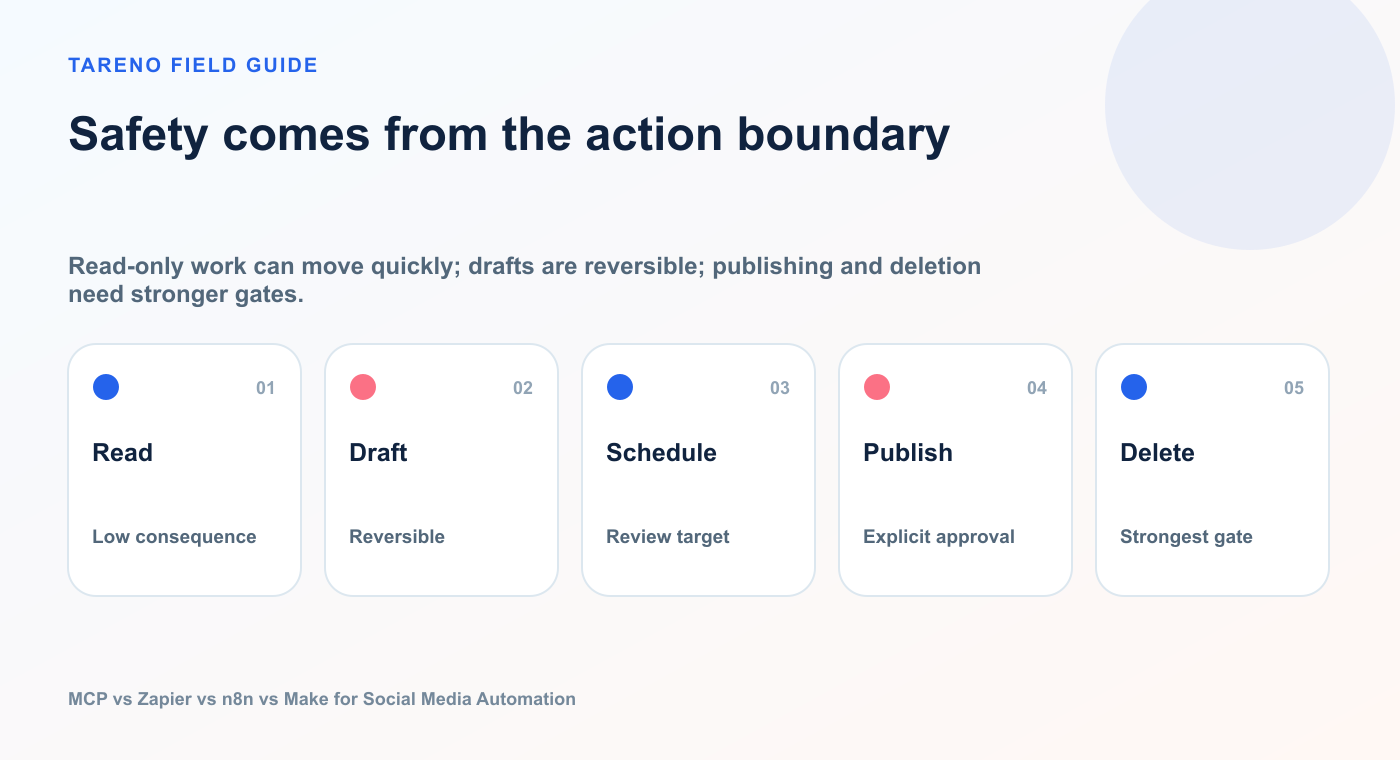
Read-only work can move quickly; drafts are reversible; publishing and deletion need stronger gates.
A safe system should include:
scoped credentials
clear account selection
structured inputs
platform validation
approval for consequential actions
action logs
failure states
retry rules
separation between drafts and publishing
revocable keys
MCP specifications encourage human oversight for tool calls, but the actual user experience depends on the client and server implementation.
Zapier, n8n, and Make can all include approval steps, but you must design them.
Tareno adds an important social-specific boundary: external publishing actions can be routed into an approval state before they enter the publishing queue.
That is particularly valuable when the upstream system contains an AI agent.
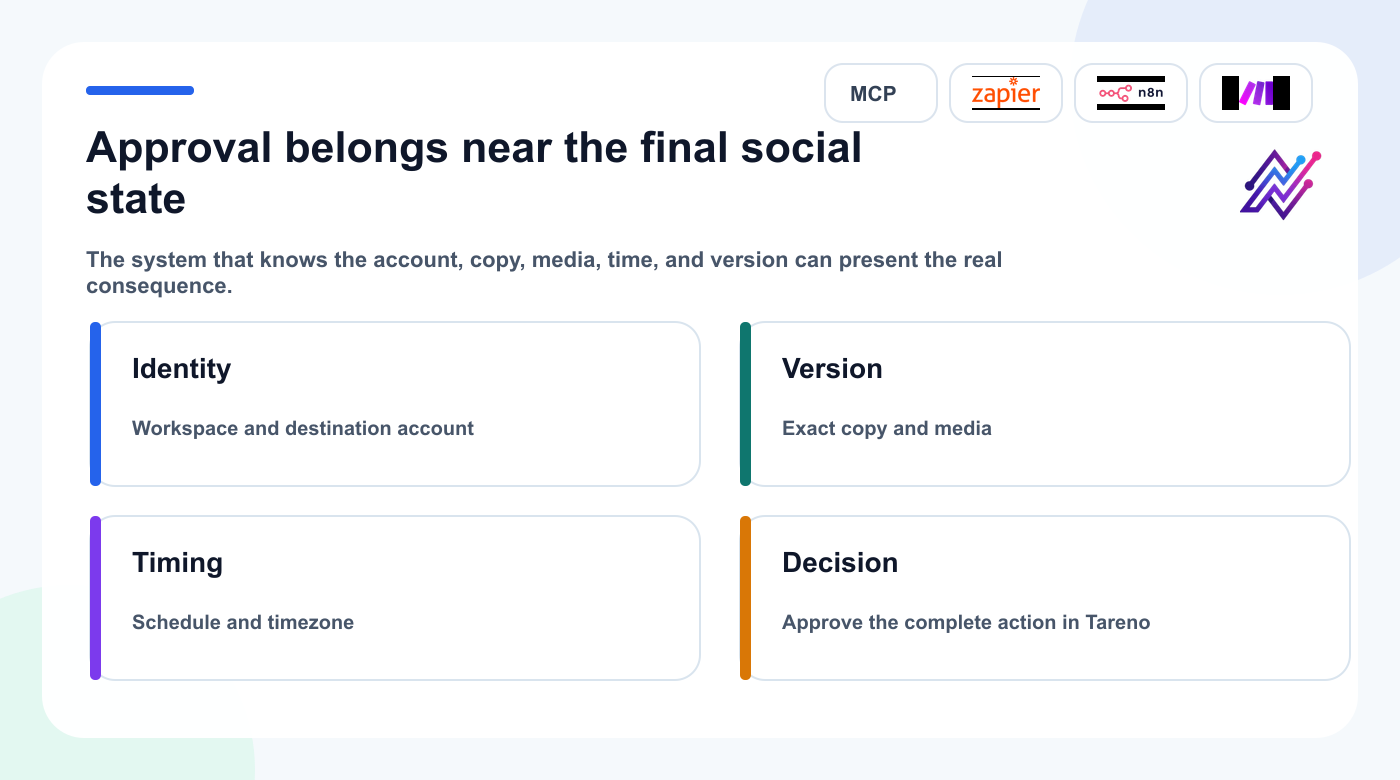
Approval is meaningful when it shows the exact social action rather than an upstream proxy.
Recommended risk policy
ActionAutomation policyRead analyticsAutomaticList accountsAutomaticCreate draftAutomatic or light reviewUpload mediaAutomatic with validationSchedule postApproval requiredPublish immediatelyApproval requiredEdit scheduled postApproval requiredDelete postApproval required
This policy works regardless of whether the request came from MCP, Zapier, n8n, Make, or a custom API client.
Seven practical architectures
Architecture 1: Codex as the social media copilot
Use when the founder or marketer wants conversational control.
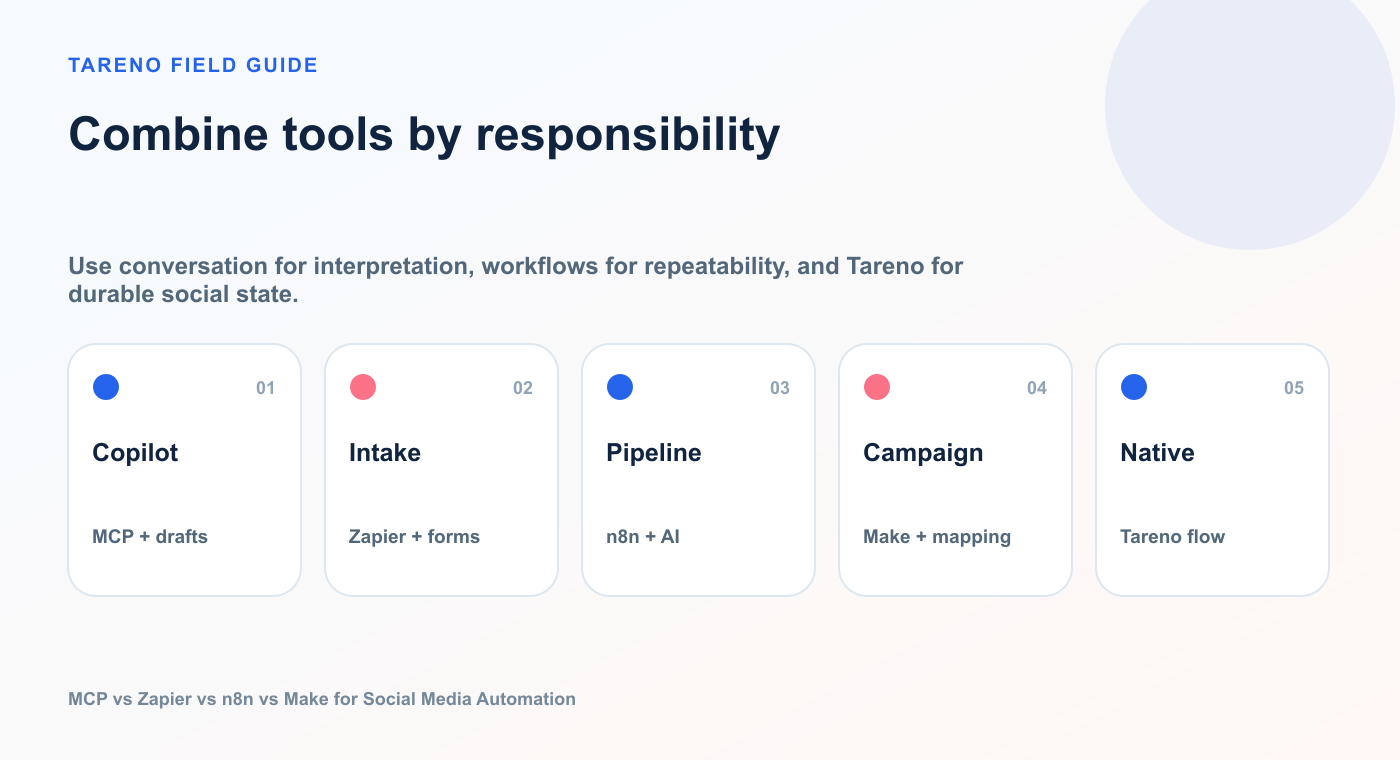
Use conversation for interpretation, workflows for repeatability, and Tareno for durable social state.
Codex + Tareno MCP
Tasks:
inspect accounts
analyze content
create drafts
prepare schedules
check approvals
Architecture 2: Zapier for content intake
Use when content requests begin in common SaaS apps.
Typeform → Zapier → Tareno Draft
Tasks:
collect campaign request
map fields
create draft
notify owner
Architecture 3: n8n for an AI repurposing pipeline
Use when you need deeper logic and custom AI steps.
Tareno Analytics → n8n Agent → Approval → Tareno Drafts
Tasks:
retrieve top posts
generate variants
request approval
create drafts
Architecture 4: Make for ecommerce publishing
Use when products, inventory, or campaign data come from multiple apps.
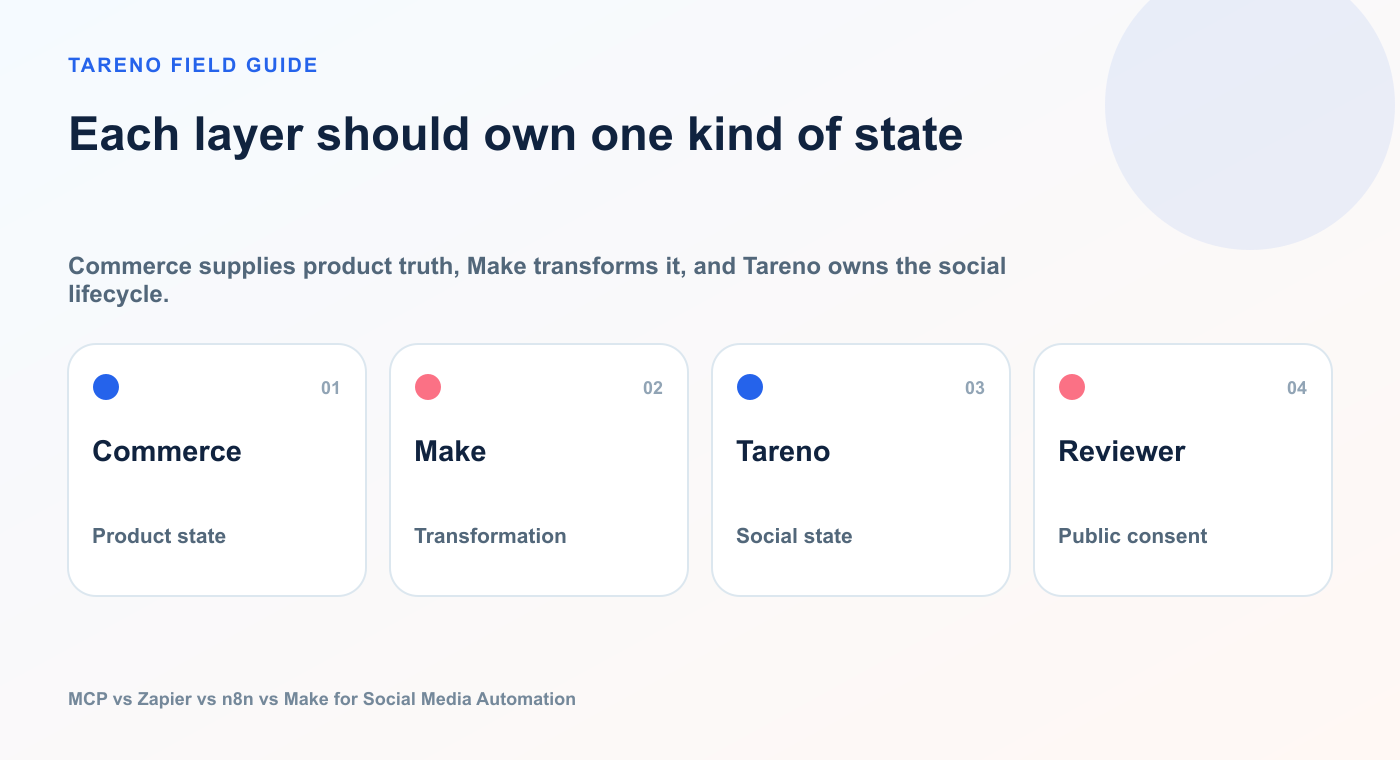
Commerce supplies product truth, Make transforms it, and Tareno owns the social lifecycle.
Shopify → Make → Formatter → Tareno → Slack
Tasks:
detect product
format caption
choose account
schedule post
confirm result
Architecture 5: MCP plus deterministic workflow
Use when the agent should start a reliable process.
User prompt → MCP tool → n8n workflow → Tareno approval
The agent chooses the workflow.
n8n executes the fixed process.
Tareno controls publishing.
Architecture 6: Make AI Agent plus Tareno MCP
Use when Make is the main orchestration environment but Tareno tools should be agent-callable.
Make AI Agent → Tareno MCP tools → Tareno approval
The agent can select the needed Tareno tool while Make manages surrounding scenarios and app data.
Architecture 7: Native Tareno workflow plus external notification
Use when the social workflow should remain inside Tareno.
Tareno Workflow Builder → Approval → Publish → Zapier/Make notification
This reduces external complexity.
A decision framework
Ask these seven questions.
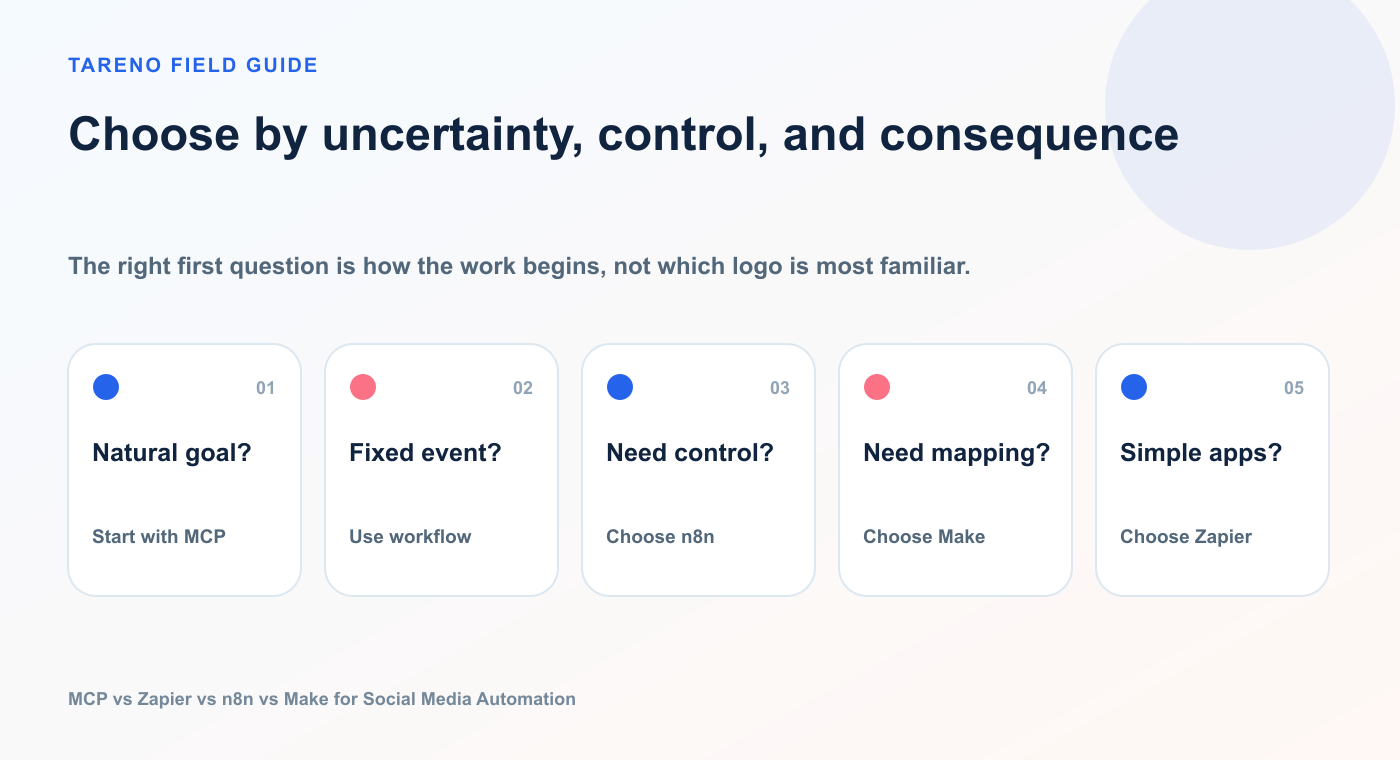
The right first question is how the work begins, not which logo is most familiar.
1. Does a person start with a natural-language goal?
Choose MCP.
2. Does an app event always trigger the same action?
Choose Zapier, n8n, or Make.
3. Do you need self-hosting or deep technical control?
Choose n8n.
4. Do you want the clearest visual data-mapping experience?
Choose Make.
5. Is the workflow simple and based on popular SaaS apps?
Choose Zapier.
6. Is the workflow social-specific and already supported natively?
Use Tareno Workflow Builder first.
7. Does the action publish externally?
Keep approval in Tareno.
Common mistakes
Mistake 1: Using an agent for a deterministic task
If the same input should always produce the same output, a normal workflow is often better.
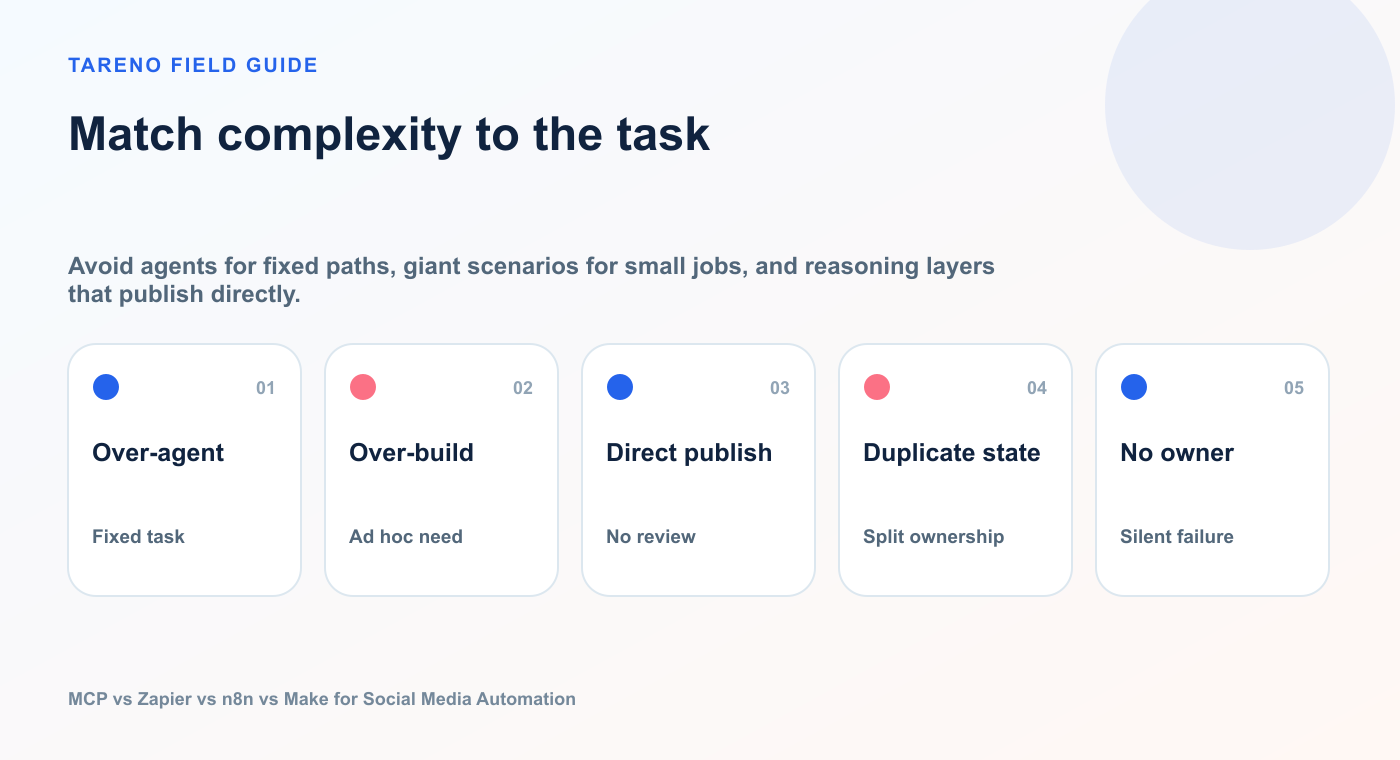
Avoid agents for fixed paths, giant scenarios for small jobs, and reasoning layers that publish directly.
Mistake 2: Building a complex workflow for an ad hoc question
If the user wants to ask different questions every day, MCP is more flexible.
Mistake 3: Publishing directly from the reasoning layer
Keep an approval boundary between the agent and the external post.
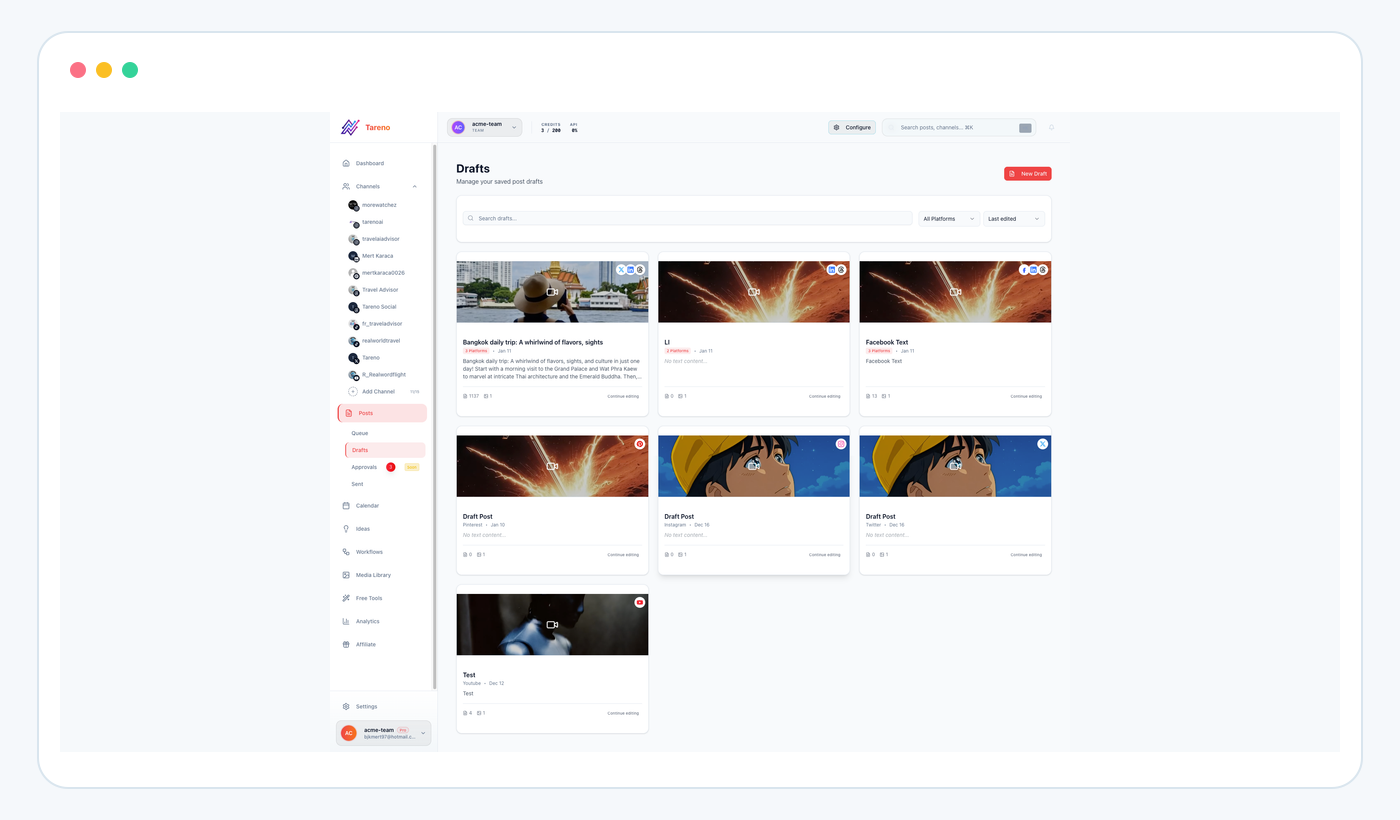
A draft boundary keeps agent output editable and reviewable before it becomes public.
Mistake 4: Duplicating social account logic
Use Tareno as the common publishing layer instead of reconnecting every platform in every tool.
Mistake 5: One giant scenario
Split large Zapier, n8n, or Make workflows into smaller responsibilities.
Mistake 6: Giving agents too many tools
Expose only the tools needed for the job. Too many tools can increase confusion, token usage, and risk.
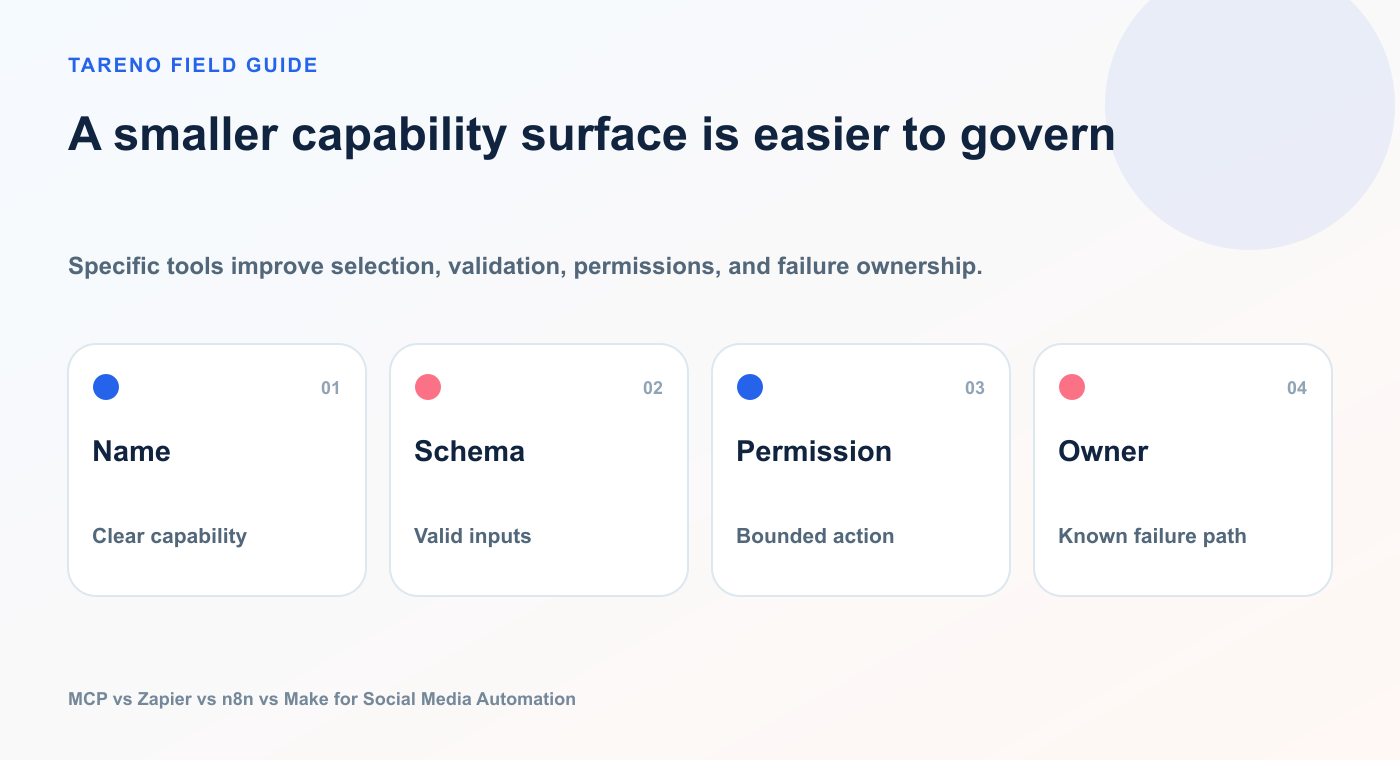
Specific tools improve selection, validation, permissions, and failure ownership.
Mistake 7: No error owner
Every workflow needs someone responsible for failed actions, expired approvals, disconnected accounts, and invalid media.
Example prompts and workflow requests
MCP prompt
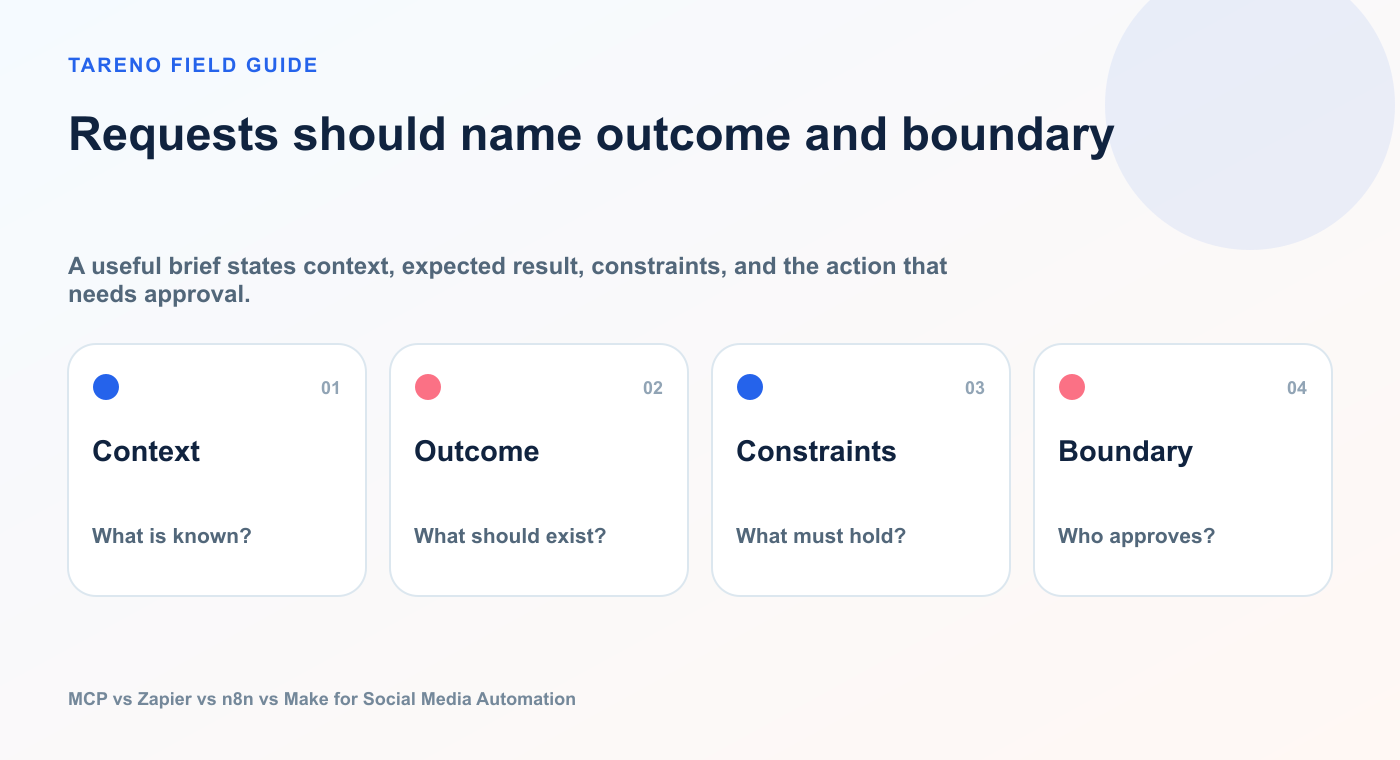
Review last month’s analytics, identify the three strongest content themes, create platform-native drafts for LinkedIn, Bluesky, and Mastodon, and save them in Tareno. Do not schedule anything.
A useful brief states context, expected result, constraints, and the action that needs approval.
Zapier request
When a content request is approved in Airtable, create a Tareno draft and notify the assigned owner in Slack.
n8n workflow request
Every Monday, retrieve the last seven days of post performance, score posts by saves, clicks, and evergreen value, send the top five to an AI Agent, request human approval, and create Tareno drafts from the approved ideas.
Make scenario request
When a new product is published in Shopify, create three platform variants, route them by channel, schedule them through Tareno, and send a confirmation to Slack.
These requests may produce similar outputs, but the architecture is different.
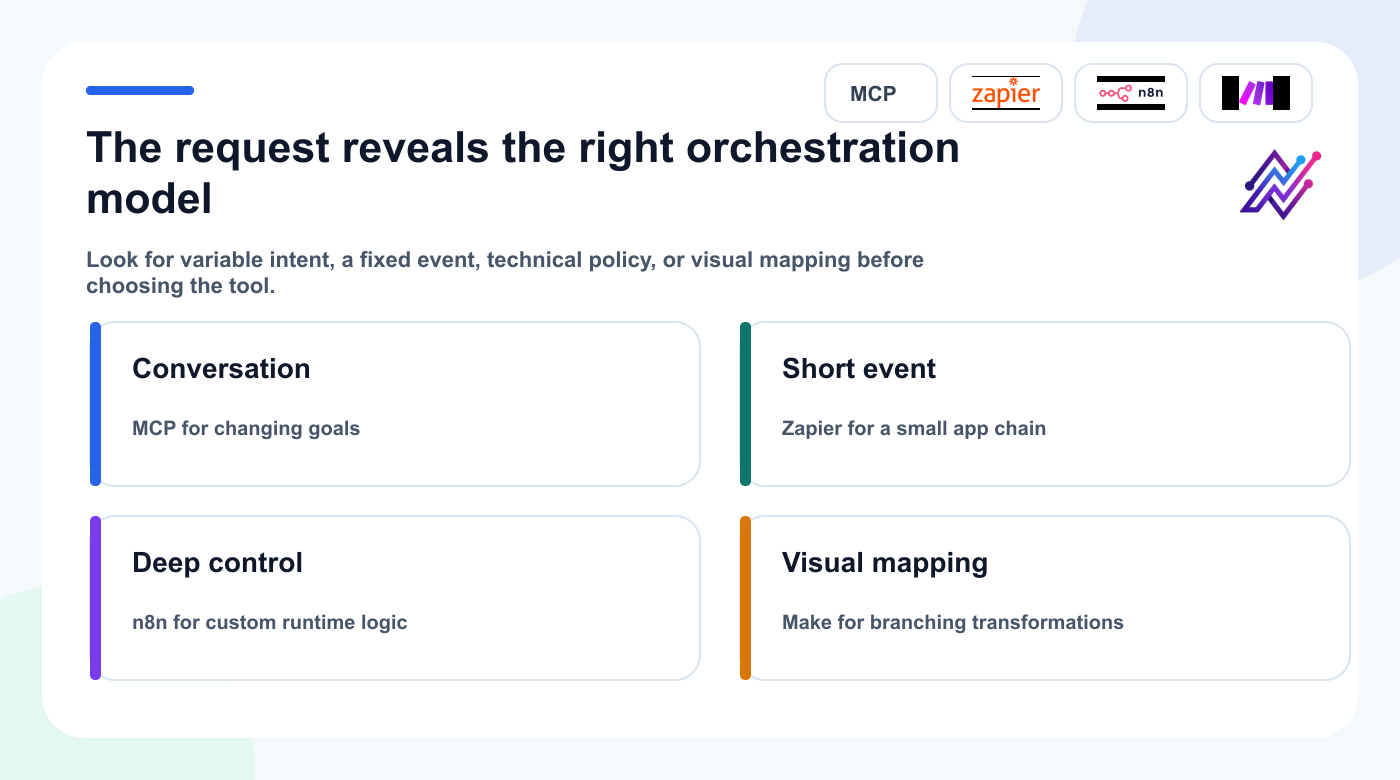
Similar social outputs can require very different orchestration depending on how the work begins.
Continue with the right Tareno resource
Workflow builderUse deterministic social workflows when the path is already known.Approval workflow softwareKeep public actions behind clear human review boundaries.Analytics reportsConnect execution choices to measurable outcomes.Social media tool alternativesExplore broader platform and workflow comparisons.
FAQ
Is MCP better than Zapier?
MCP is better for interactive, agent-driven tasks. Zapier is usually better for simple, recurring app-to-app automations. They can also work together.
Is MCP better than n8n?
MCP and n8n solve different layers. MCP lets agents call tools. n8n builds and runs workflows. n8n can also act as an MCP client or server.
Is Make easier than n8n?
Make is often easier for visual scenario building and data mapping. n8n generally offers more technical flexibility, code control, and self-hosting options.
Should I use Zapier or Make for social media automation?
Use Zapier for straightforward triggers and actions. Use Make when you need more visual transformations, routers, iterators, or multi-step scenario logic.
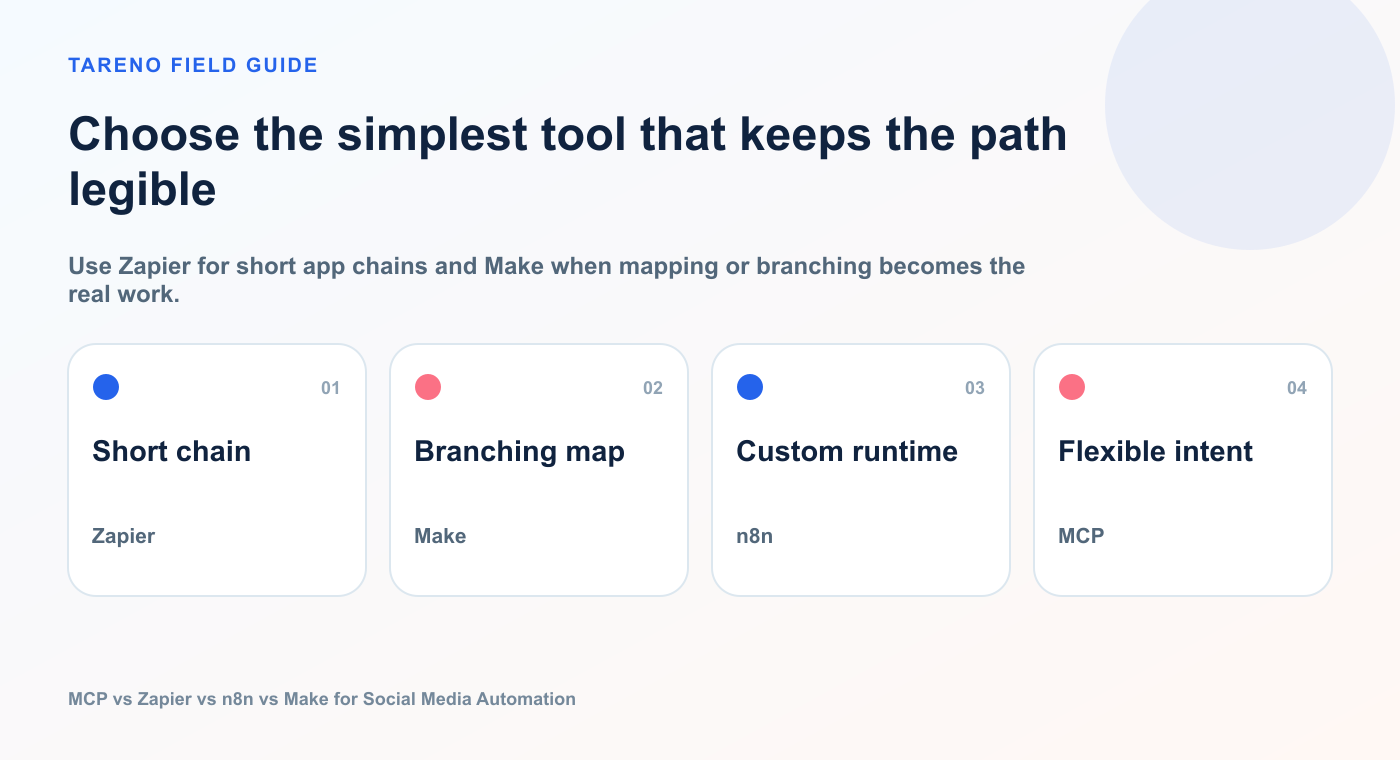
Use Zapier for short app chains and Make when mapping or branching becomes the real work.
Can all four work with Tareno?
Yes. Tareno can be controlled through MCP, a native n8n node, an approved Make app, a Zapier integration, or the public API.
Which option is best for AI agents?
MCP is the most direct tool interface for an AI client. n8n and Make are strong when agent reasoning must be combined with structured workflows. Zapier is strong when the agent needs access to a broad SaaS ecosystem.
Where should approval happen?
Approval for external social publishing should happen in the system that understands the final accounts, captions, media, times, and publishing state. In this architecture, that system is Tareno.
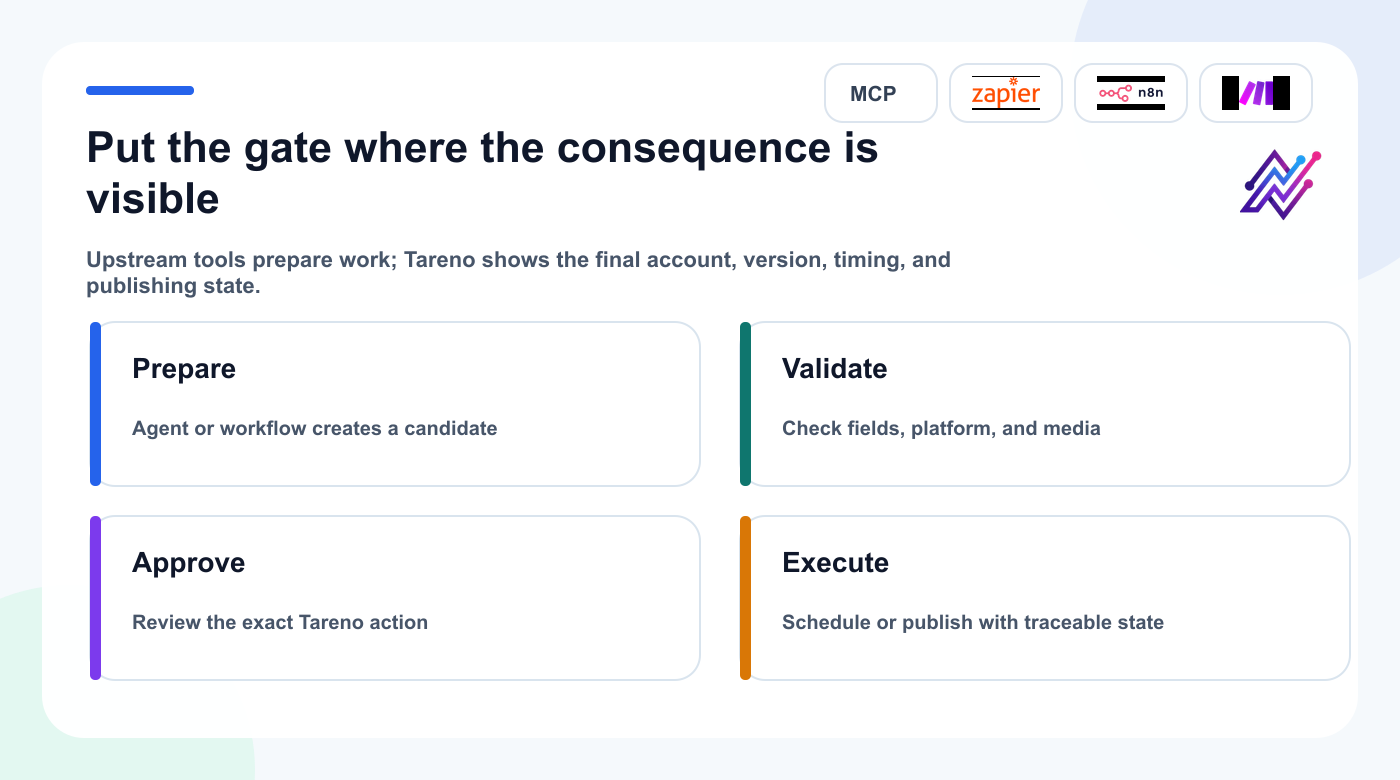
The safest approval point is the layer that can display the complete action and its public consequence.
Can I automate Bluesky and Mastodon too?
Yes. When the channels are connected in Tareno, the upstream workflow can prepare platform-specific content and route it through the same approval and scheduling layer.
What is the simplest starting setup?
Start with Tareno plus one automation layer. Use MCP for conversational control, Zapier for simple app triggers, Make for visual scenarios, or n8n for deeper custom workflows.
Final recommendation
Do not choose one platform because it is currently receiving the most attention.
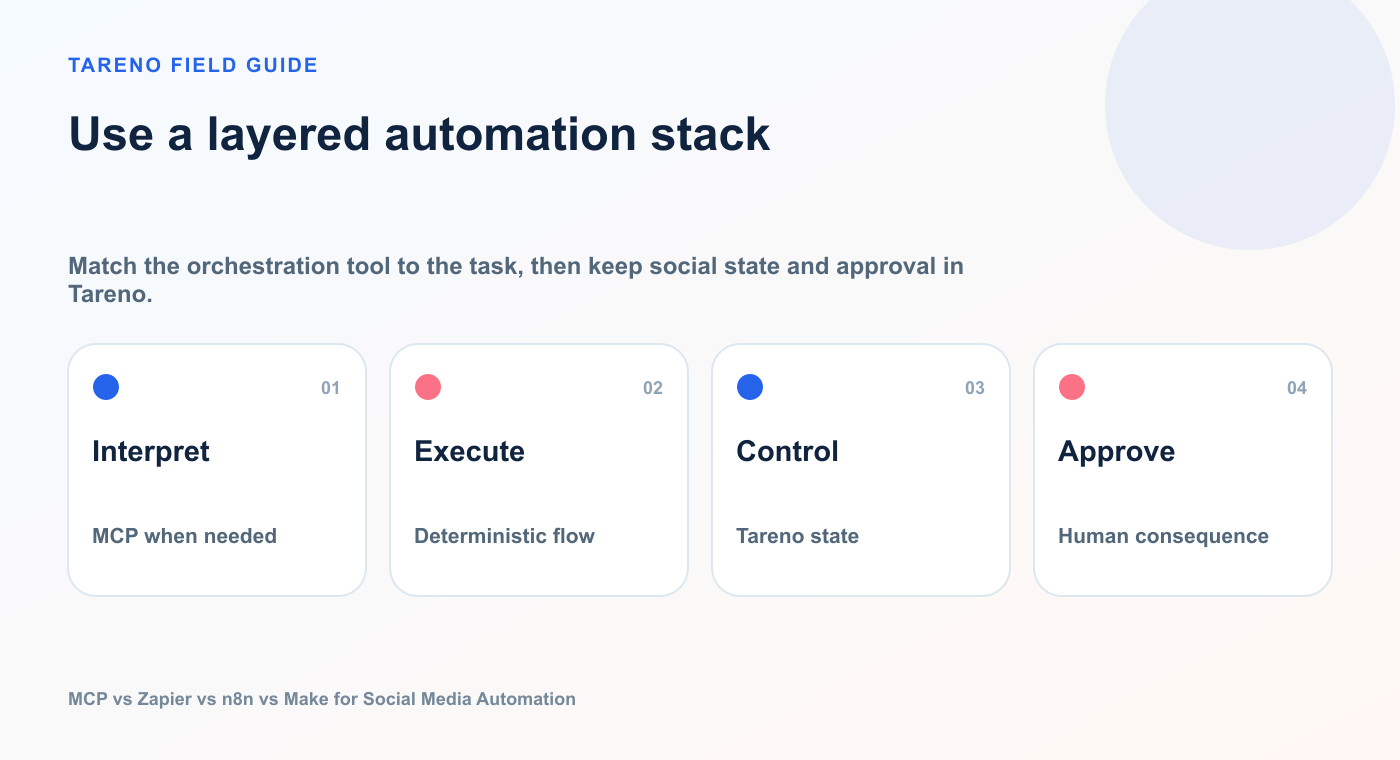
Match the orchestration tool to the task, then keep social state and approval in Tareno.
Choose based on the job.
Use MCP when the request begins as natural language and the agent must decide which tools to call.
Use Zapier when a common app event should trigger a simple action.
Use n8n when you need technical depth, custom logic, self-hosting, or sophisticated agent workflows.
Use Make when you want visual multi-step scenarios, strong data mapping, and app orchestration.
Use Tareno as the social media control layer underneath them.
That gives you one place for connected accounts, platform requirements, drafts, approvals, scheduling, analytics, and repurposing—even if the automation request comes from a different system.
The strongest architecture is not the one with the most tools.
It is the one where every layer has a clear responsibility.
Primary CTA: Connect Tareno to the automation layer that matches your workflow.
Secondary CTA: Start with approval-first drafts before enabling scheduled or immediate publishing.


